
Editorial Photograph of a Man with a Vintage Porsche
An extremely detailed, structured prompt for generating an editorial photograph featuring a man in a camel overcoat next to a vintage silver Porsche Targa, specifying composition, color profile, high-contrast natural…
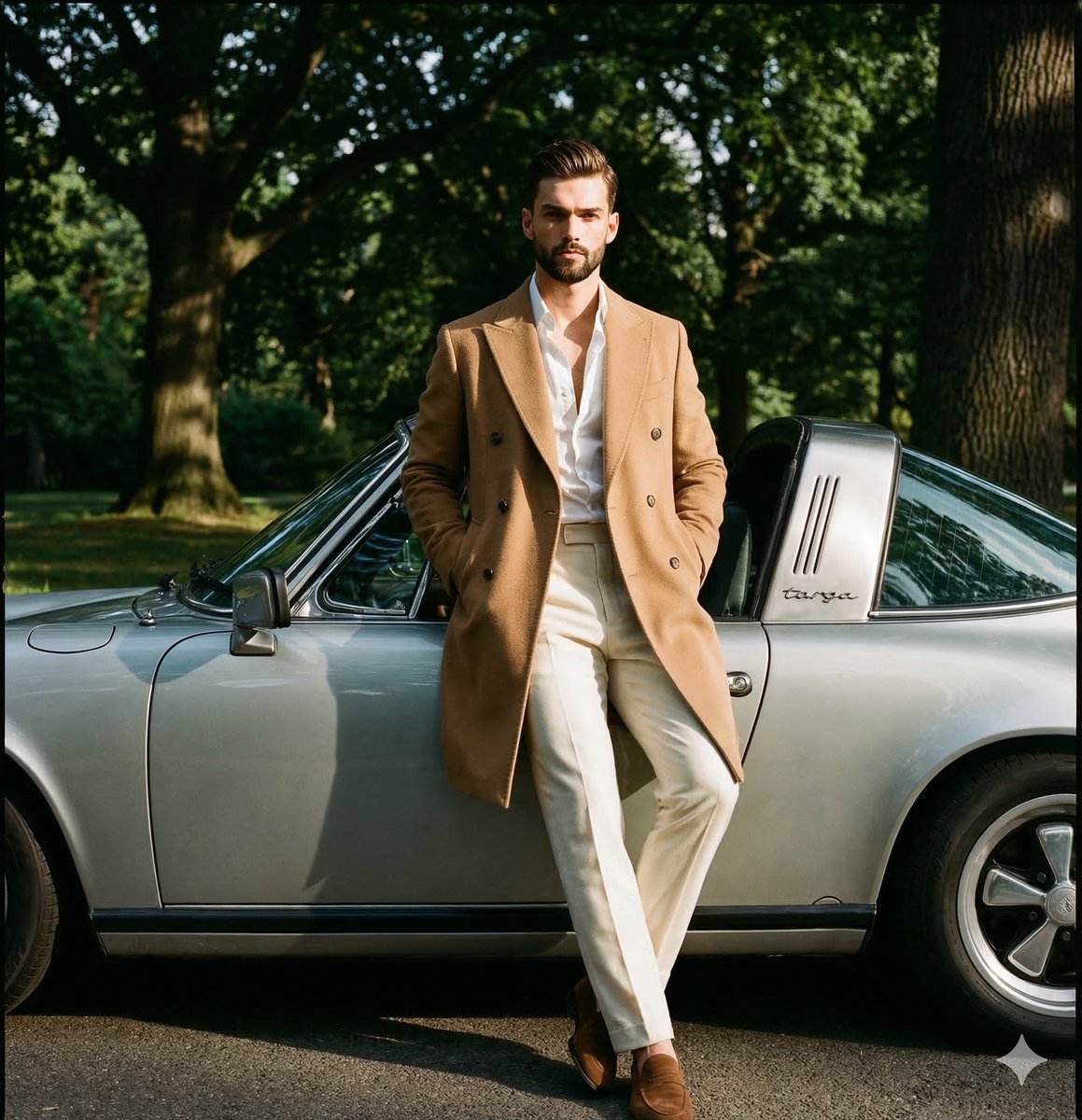
- Prompt included
- Model and format preset
- Free template
The prompt behind this image
Copy the exact prompt behind Editorial Photograph of a Man with a Vintage Porsche, or open it in the studio and make it yours.
{ "metadata": { "image_type": "photograph", "primary_purpose": "editorial" }, "composition": { "rule_applied": "rule of thirds", "aspect_ratio": "4:5", "layout": "multi-element", "focal_points": [ "The man's face and upper torso", "The vintage silver Porsche Targa" ], "visual_hierarchy": "Eye starts at the man's sharply focused face, moves down his light-colored outfit, then sweeps right along the silver curves of the classic car, finally resting on the background foliage.", "balance": "asymmetric" }, "color_profile": { "dominant_colors": [ { "color": "Camel", "hex": "#C19A6B", "percentage": "20", "role": "primary subject" }, { "color": "Forest Green", "hex": "#2E4A22", "percentage": "45", "role": "background" }, { "color": "Silver/Grey", "hex": "#A8A9AD", "percentage": "25", "role": "secondary subject" }, { "color": "Cream/Off-White", "hex": "#F5F5DC", "percentage": "10", "role": "accent" } ], "color_palette": "analogous with neutral contrast", "temperature": "warm", "saturation": "moderate", "contrast": "high contrast" }, "lighting": { "type": "natural sunlight", "source_count": "single source", "direction": "45-degree side", "directionality": "highly directional", "quality": "hard light", "intensity": "bright", "contrast_ratio": "high contrast (dramatic shadows)", "mood": "sophisticated", "shadows": { "type": "harsh defined edges", "density": "deep black", "placement": "cast by the man onto the car, and under the car onto the ground", "length": "medium" }, "highlights": { "treatment": "blown out on the direct sun patches on the coat, specular on the car", "placement": "right side of the camel coat, chrome side mirror, right side of the face" }, "ambient_fill": "present", "light_temperature": "warm (golden)" }, "technical_specs": { "medium": "digital photography", "style": "realistic", "texture": "sharp", "sharpness": "tack sharp", "grain": "film grain", "depth_of_field": "medium", "perspective": "straight on" }, "artistic_elements": { "genre": "editorial", "influences": [ "Classic menswear photography", "Automotive lifestyle editorial" ], "mood": "sophisticated", "atmosphere": "Wealthy, relaxed weekend in the countryside, combining classic tailoring with vintage automotive appreciation.", "visual_style": "clean" }, "typography": { "present": true, "fonts": [ { "type": "script", "weight": "regular", "characteristics": "vintage" } ], "placement": "integrated on the car's roll bar (reading 'targa')", "integration": "subtle" }, "subject_analysis": { "primary_subject": "A Caucasian male in his late 30s to 40s wearing a camel double-breasted overcoat, unbuttoned white dress shirt, and cream trousers with brown suede loafers. Hair analysis: Medium length, approximately 3-4 inches on top, swept back with a natural wave. Classic gentleman's cut with tapered sides. Texture is natural wi
How to use Editorial Photograph of a Man with a Vintage Porsche in 3 steps
- 1
Open
The prompt is already in the box next to the preview, with the template's model and format selected.
- 2…a portrait of your subject in softgolden-hour light, 85mm…
Personalize
Edit the subject and creative details for your destination.
- 3Generate
Generate
Press Generate — your image is created in PicX Studio, so you can compare it with the original and refine one variable at a time.
More like this
Templates with the same subject, style or setup. Open one to see its prompt.

Found Photograph: Us, 1970
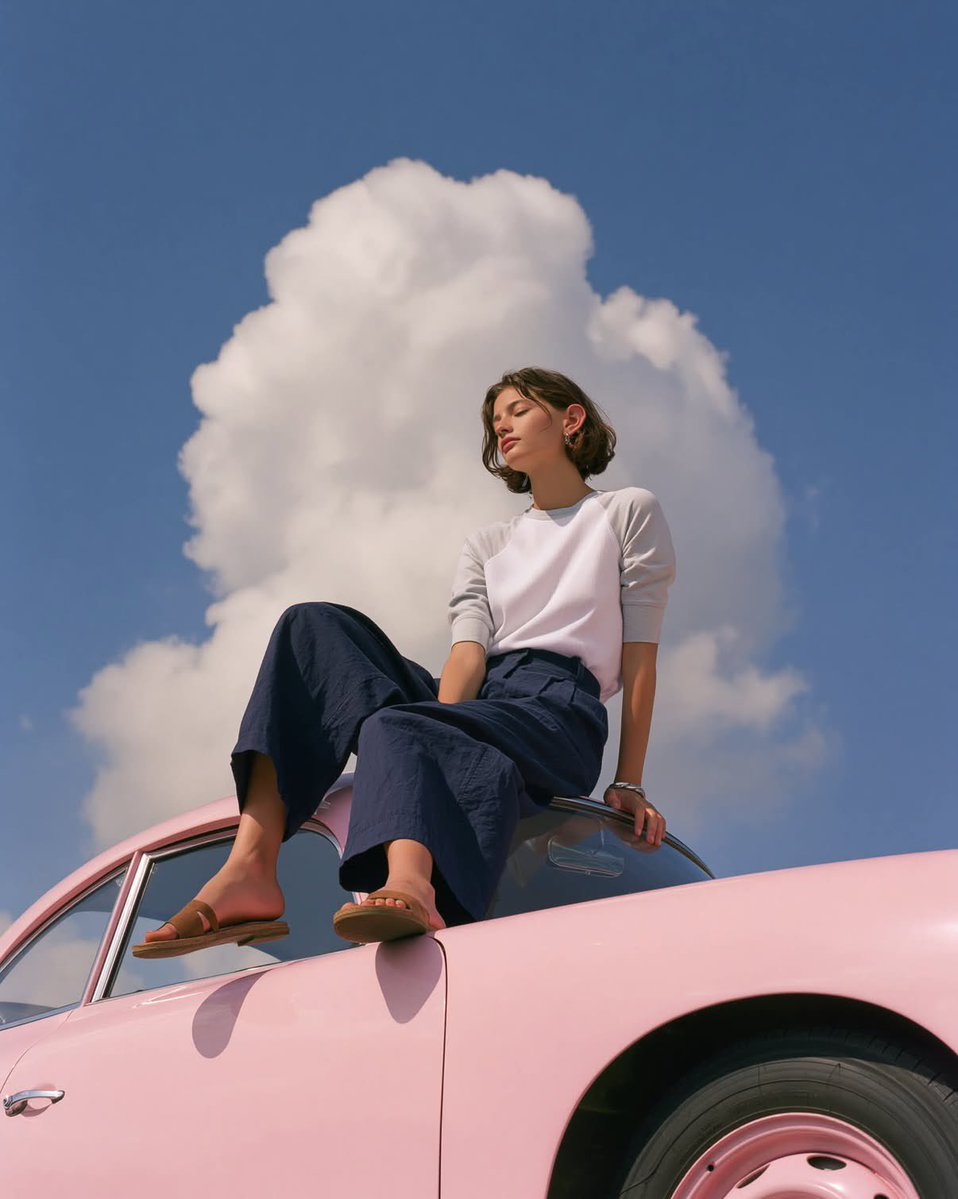
Vintage Porsche Fashion Editorial
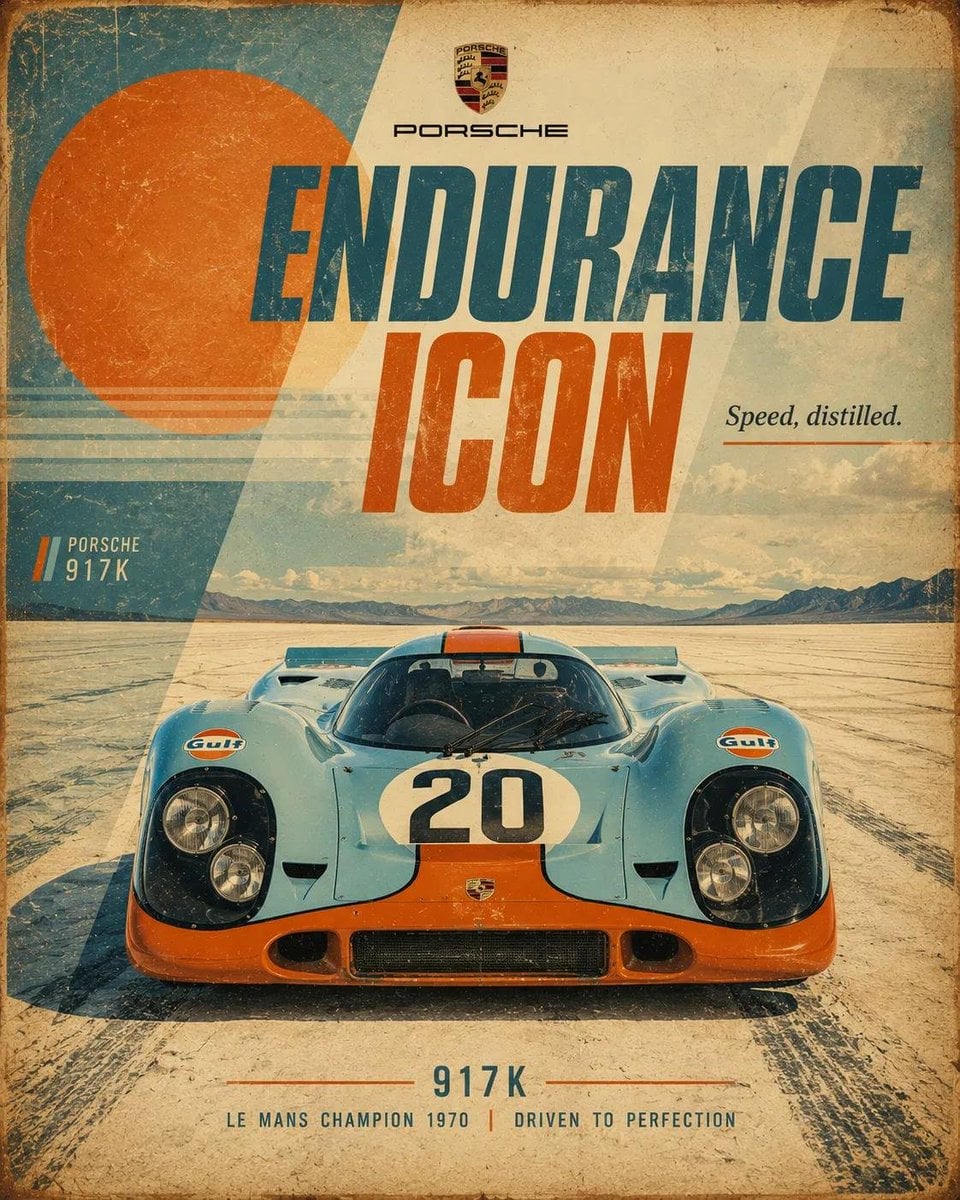
Arcademania Ticket Counter
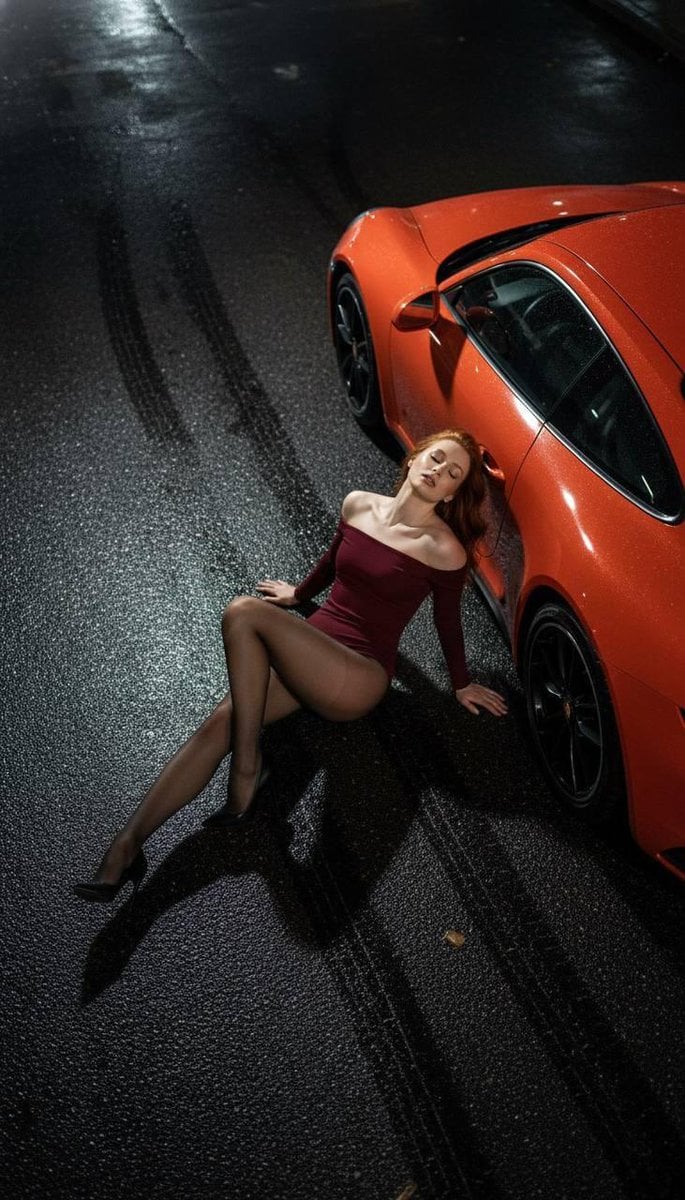
High Fashion Editorial: Woman Lying on Asphalt by Porsche

Sunday Afternoon, 1988

Two Tickets, One Night

If We Met in 1985

One Dance Before Midnight

Before We said Goodbye

Our Song was on a Cassette

Meet Me When It Rains

The Date After College
Make it yours
Editorial Photograph of a Man with a Vintage Porsche works as-is. These are the safest ways to change it without losing the look.
Change one field
Copy a single group, rewrite it, and generate again so you can see what that field is doing.
Keep the frame, change the subject
Hold the composition and light of Editorial Photograph of a Man with a Vintage Porsche, then swap wardrobe, props or the person for a new take.
| If the result… | Why | Fix |
|---|---|---|
| The result drifts from the preview | Too many fields changed at once. | Reuse Editorial Photograph of a Man with a Vintage Porsche as-is first, then change one group — subject, light, or setting. |
| The model over-stylizes the scene | The prose prompt leaves finish and camera underspecified. | Add one camera or lighting sentence and stay on Nano Banana 2. |
More Nano Banana 2 templates
Other prompts made for Nano Banana 2.

Photorealistic Leaf Shaped Like a Dragon

K-Pop Idol Portrait Grid for Rapid Selection

Poetic Rain Forest Portrait During Golden Hour

Urban Street Portrait with Cartoon Inner Self Duo

Candid Nighttime Photo with Cat Prompt

High-Concept 3D Diorama Generation Prompt

Cinematic Futuristic Studio Portrait Template

Skincare Editorial Photography Collage Prompt

Hyper-Realistic Commercial Product Photography (Splash Effect)

Hyper-Realistic Nightclub Portrait Prompt
More image prompts
Fresh picks from across the catalog.
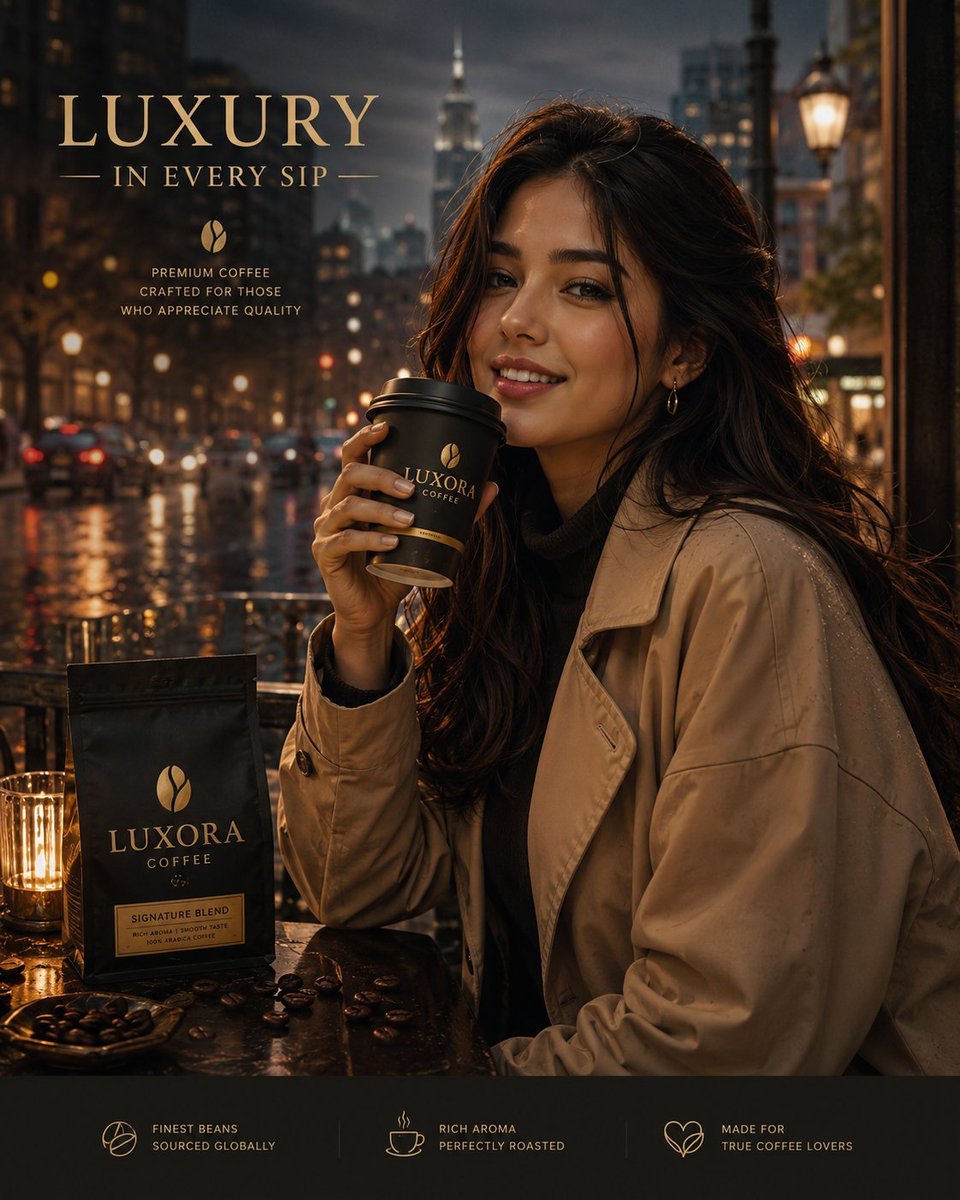
Luxury Coffee Advertisement Portrait
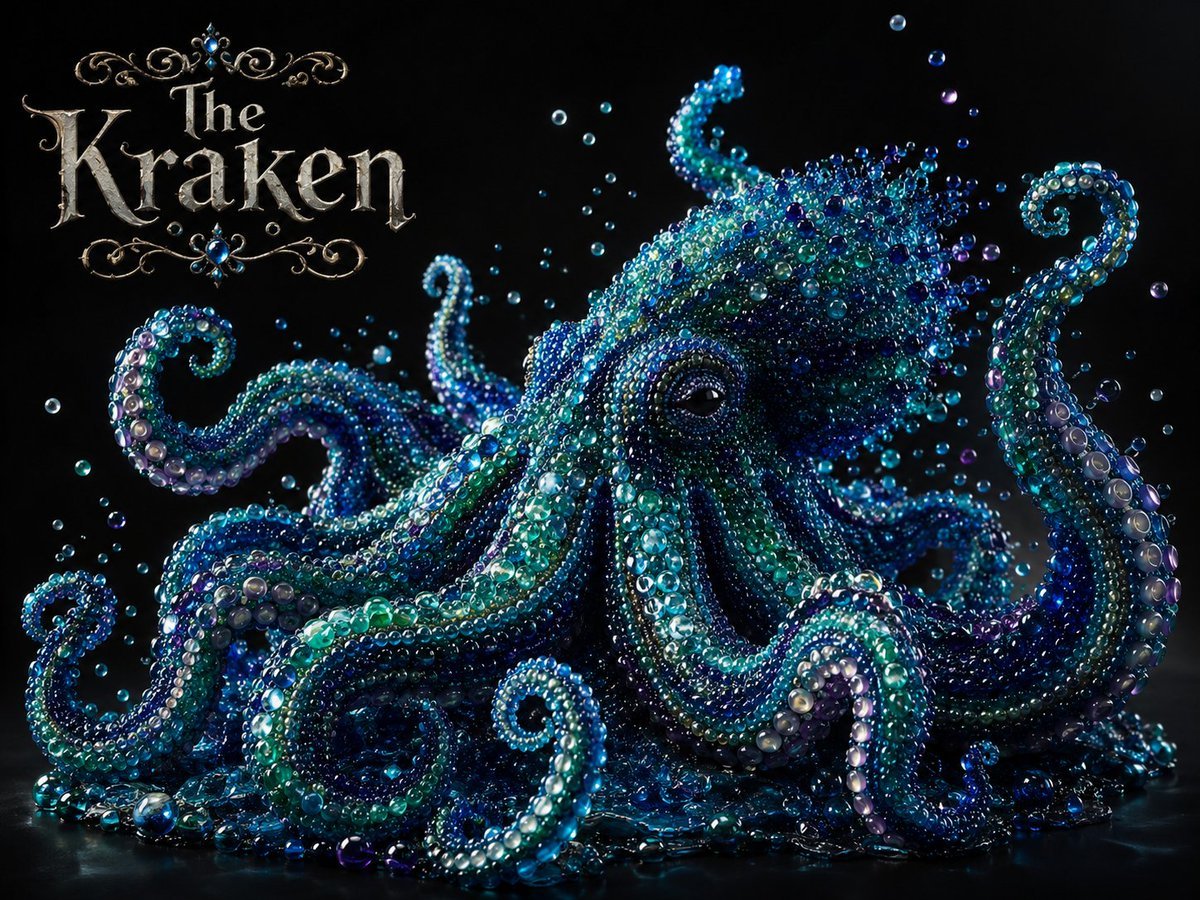
Pearlescent Glass Sculpture
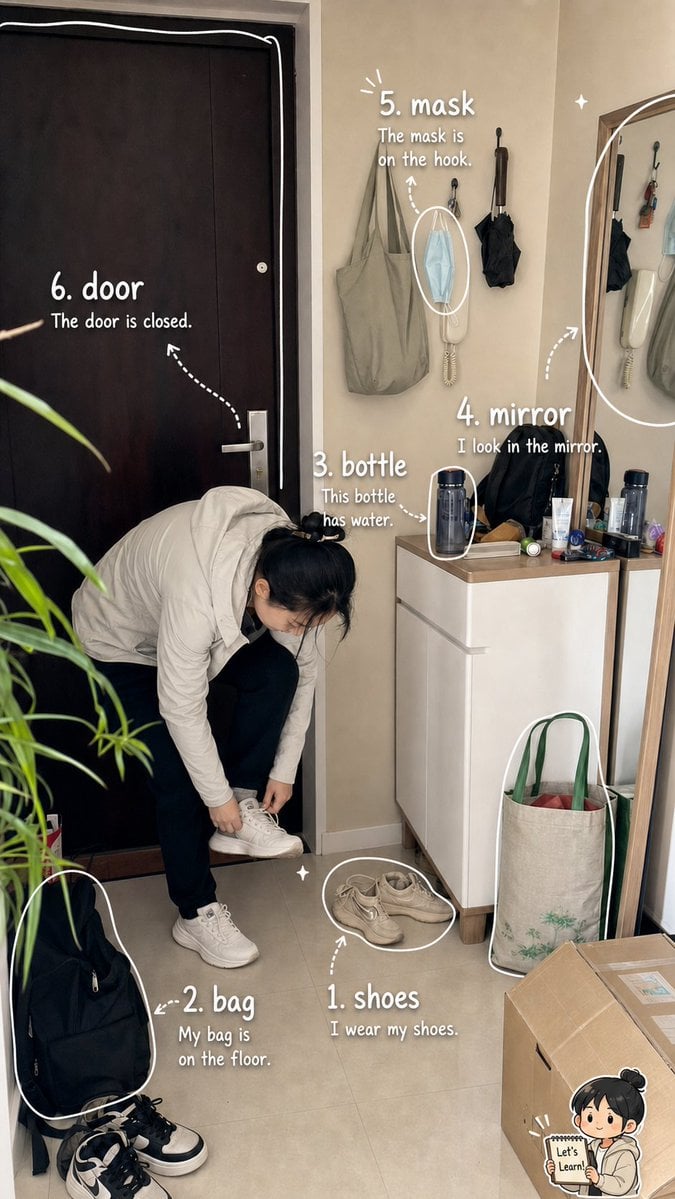
Photo Vocabulary Journal Overlay
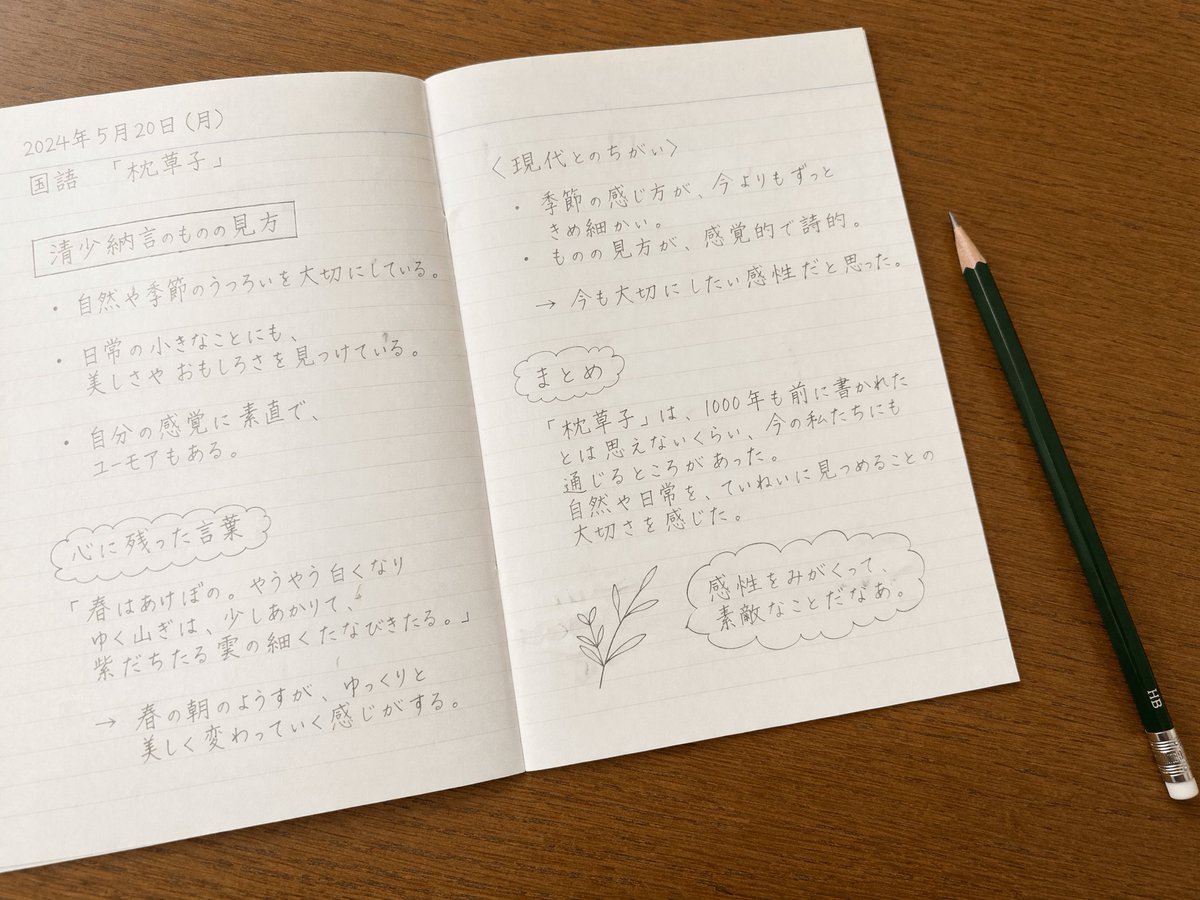
Handwritten Japanese Study Notes
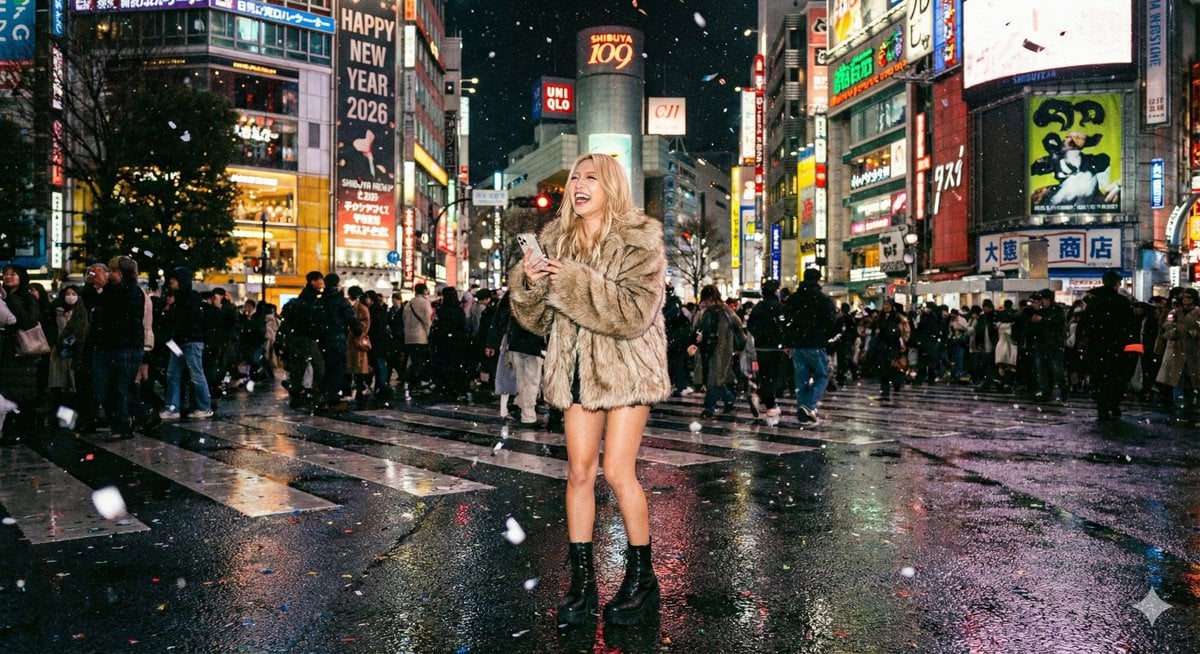
Shibuya New Year's Eve Beauty
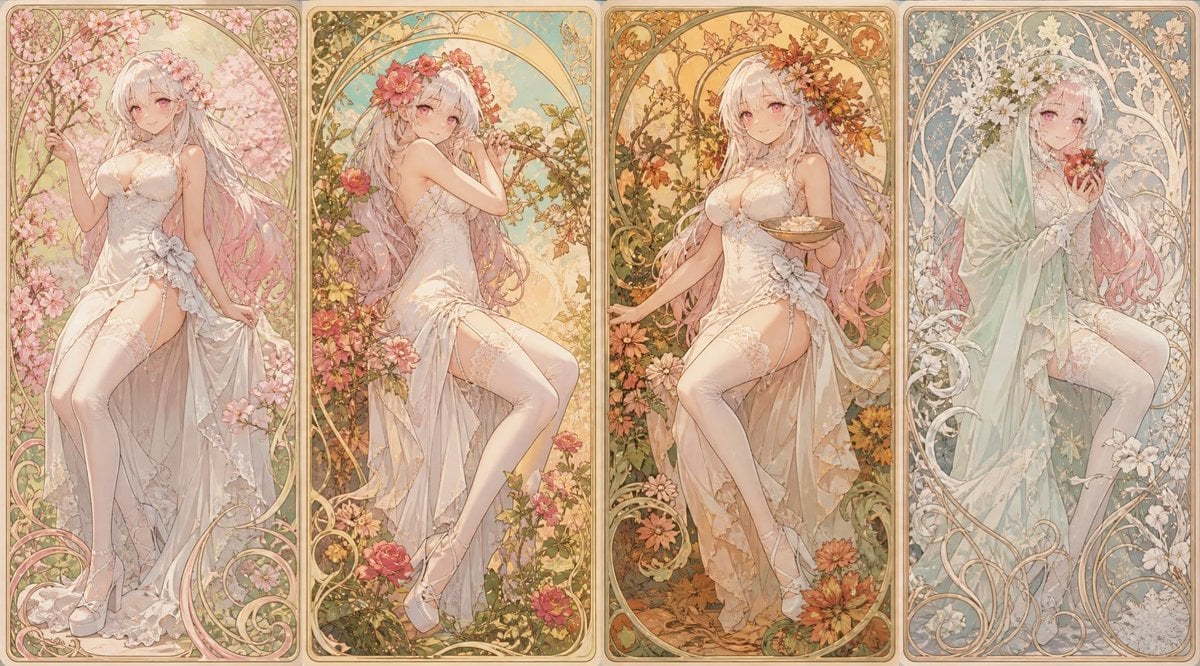
Mucha Style Seasonal Art Nouveau
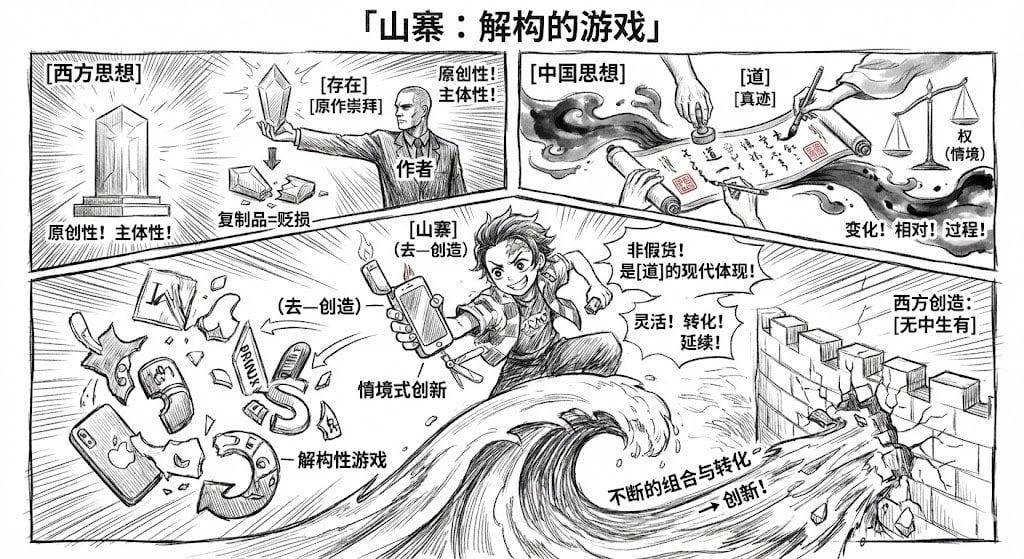
Manga-style Chinese comic storyboard generator
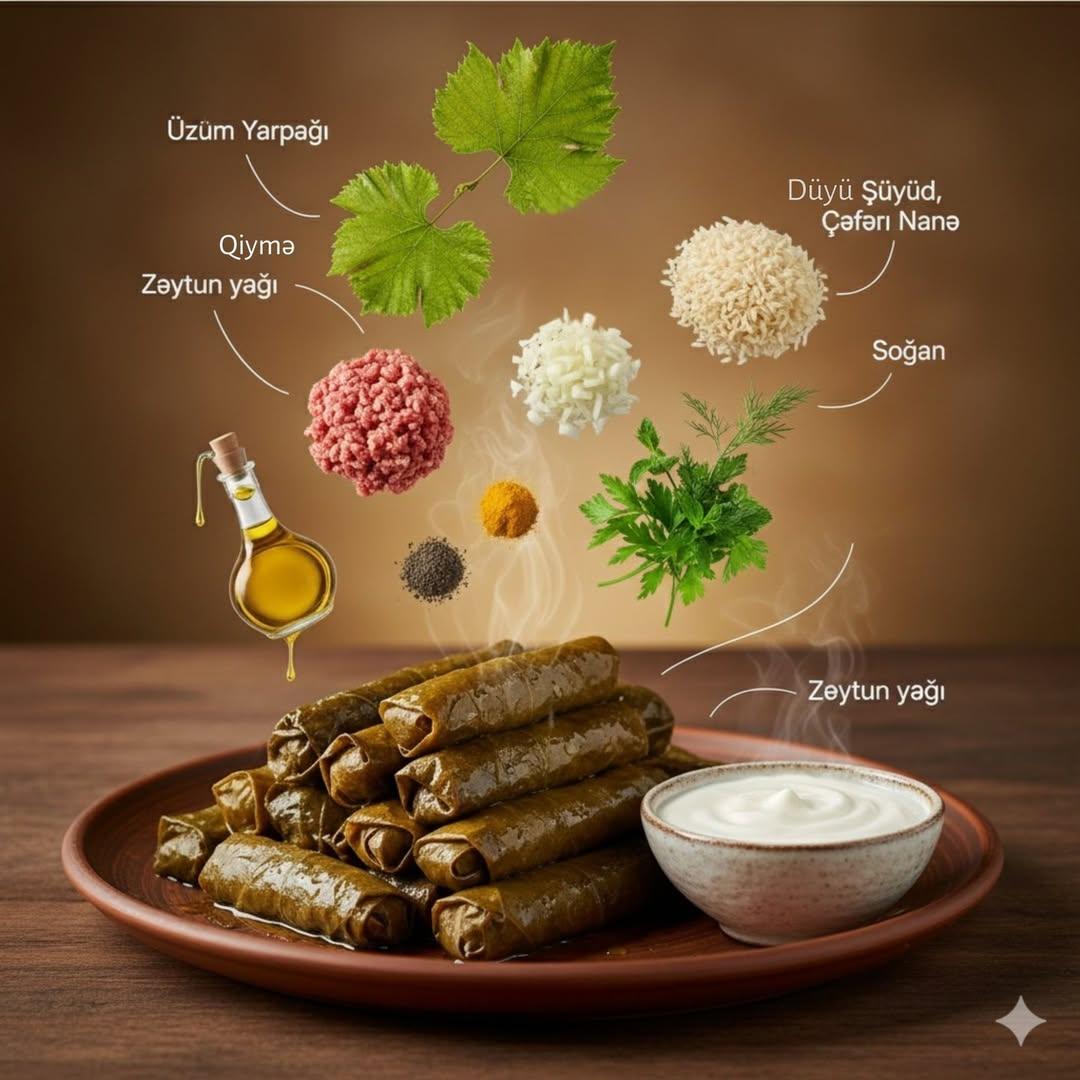
Cinematic Food Infographic with Floating Ingredients
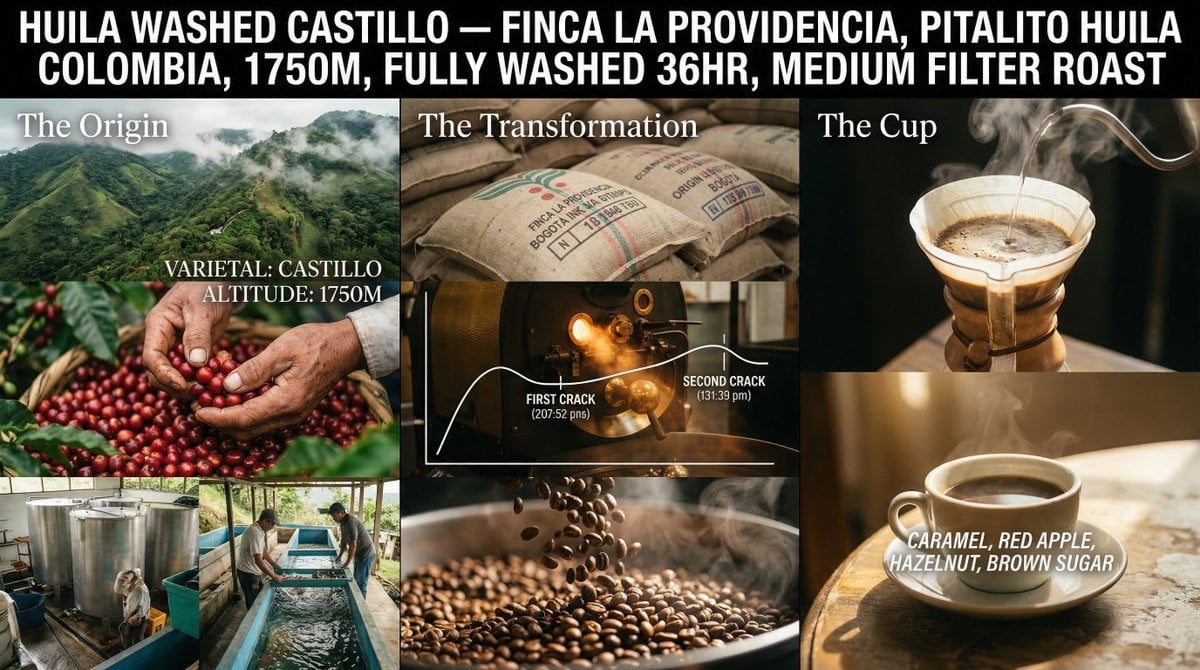
Coffee's Journey Board prompt for Nano Banana 2
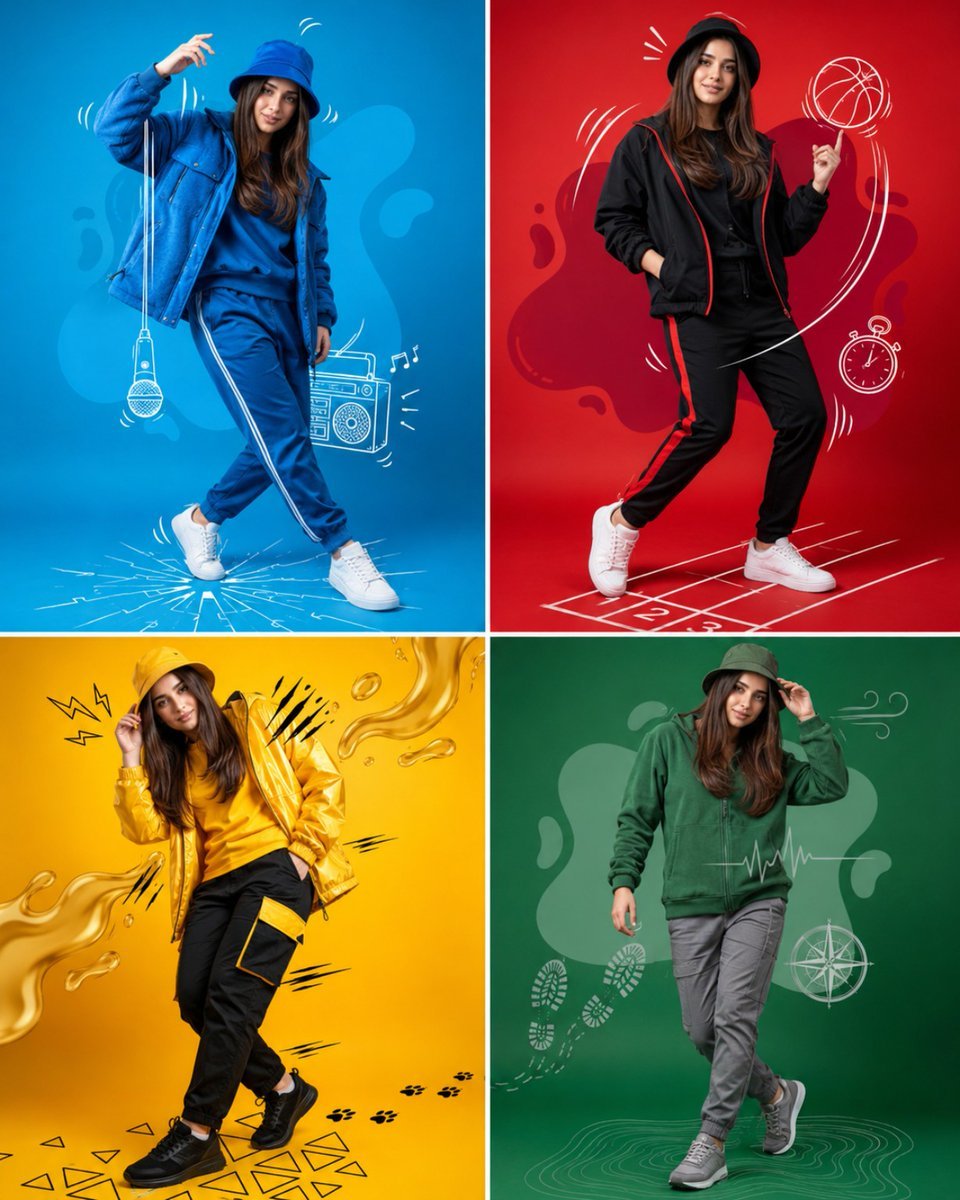
Fashion Color Theme Advertising Grid
Browse template categories
Editorial Photograph of a Man with a Vintage Porsche questions
How do I use the Editorial Photograph of a Man with a Vintage Porsche template?
Add your photo if the template asks for one, edit the prompt if you like — the template's model and format are already selected — and press Generate. Your version opens in PicX Studio.
Can I customize the Editorial Photograph of a Man with a Vintage Porsche template?
Yes. You can change the subject, setting, lighting, mood, format, and available model controls before creating your image.
Is the Editorial Photograph of a Man with a Vintage Porsche template free?
Opening and editing this template is free. Generating uses credits, shown on the Generate button when you are signed in.
Which AI model should I use?
Start with Nano Banana 2, which is the model associated with this template. You can compare another compatible model for a different finish.
Looking for something else? Browse all templates.

Your photo, any look
Thousands of ready templates for every top image and video model, from one credit balance.