
Anime Girl Under Meteor Starry Sky
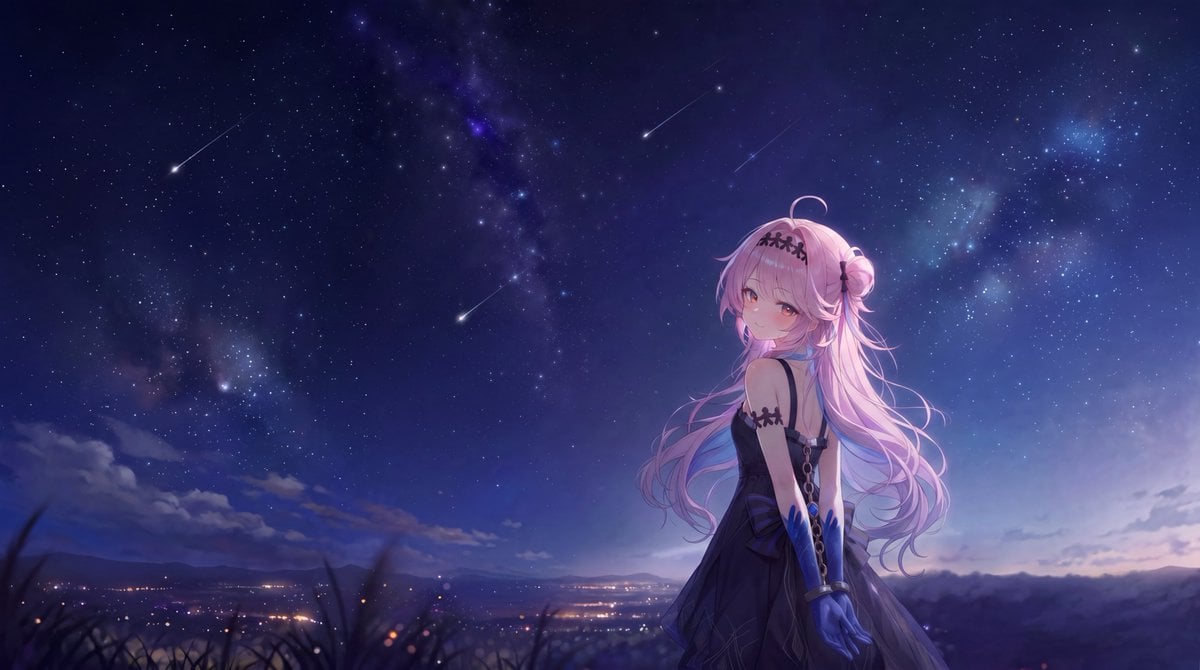
A cinematic anime illustration prompt for creating a pink-haired gothic girl beneath a vivid Milky Way sky with four shooting stars.
- Prompt included
- Model and format preset
- Free template
The prompt behind this image
Copy the exact prompt behind Anime Girl Under Meteor Starry Sky, or open it in the studio and make it yours.
Create a wide cinematic anime nightscape in a 16:9 aspect ratio. A single young anime girl stands in the right third of the frame on a dark grassy hillside, shown from about mid-thigh up with her back partly turned and her face looking over her shoulder toward the viewer. She has very long flowing {argument name="hair color" default="pastel pink"} hair, soft amber-pink eyes, a small shy smile, a curled ahoge strand, and a side bun tied near the back. She wears a dark gothic sleeveless dress in deep navy-black with thin straps, chain details down the back, black lace-like bands on her upper arms and hair, and long glossy {argument name="glove color" default="royal blue"} opera gloves. The scene is illuminated by cool moonlight and faint violet rim light, giving her hair a luminous translucent glow. Behind her is an expansive starry sky over distant mountain silhouettes and a valley with tiny warm city lights. The sky should be the main subject: deep indigo-to-blue gradient, dense scattered stars, visible Milky Way-like nebula clouds in purple and cyan, and exactly 4 visible shooting stars: one bright diagonal meteor on the upper left, one bright diagonal meteor near the upper center, one faint diagonal meteor near the upper right-center, and one bright diagonal meteor left of the character near mid-sky. Foreground includes out-of-focus dark grass silhouettes along the bottom edge, with atmospheric depth and a subtle bokeh effect from the distant lights. Use highly polished anime illustration style blended with astrophotography-inspired realism, soft glow, delicate linework, rich contrast, dreamy romantic mood, and no text, watermark, borders, or extra characters. Customize the setting as {argument name="location mood" default="quiet mountain overlook above a distant valley"} and the overall color palette as {argument name="night sky palette" default="deep indigo, violet, cyan, and pale lavender"}.
How to use Anime Girl Under Meteor Starry Sky in 3 steps
- 1Upload ImagePNG, JPG or paste
Add your photo
Upload the photo the template builds on. The prompt, model and format are already set.
- 2…a portrait of your subject in softgolden-hour light, 85mm…
Personalize
Edit the subject and creative details for your destination.
- 3Generate
Generate
Press Generate — your image is created in PicX Studio, so you can compare it with the original and refine one variable at a time.
More like this
Templates with the same subject, style or setup. Open one to see its prompt.
Tanabata Girl Under Starry Sky

Cel 2D Underwater Reef

Pixar Anime Sky Race
Man Under Starry Sky Cinematic Prompt
Anime Girls in Starry Flooded Canal
Anime Blonde Under Blue Sky
Anime Starry Night Sky with Custom Neon Text

Teen Girl Alpine Lake Mountain View
Futuristic Starry Skyscraper Wallpaper

Cel 2D Finale Fireworks

Cel 2D Garden Maze

Cel 2D Rooftop Concert
Make it yours
Anime Girl Under Meteor Starry Sky works as-is. These are the safest ways to change it without losing the look.
Change one field
Copy a single group, rewrite it, and generate again so you can see what that field is doing.
Keep the frame, change the subject
Hold the composition and light of Anime Girl Under Meteor Starry Sky, then swap wardrobe, props or the person for a new take.
| If the result… | Why | Fix |
|---|---|---|
| The result drifts from the preview | Too many fields changed at once. | Reuse Anime Girl Under Meteor Starry Sky as-is first, then change one group — subject, light, or setting. |
| The model over-stylizes the scene | The prose prompt leaves finish and camera underspecified. | Add one camera or lighting sentence and stay on GPT Image 2. |
More GPT Image 2 templates
Other prompts made for GPT Image 2.

Six VTuber Japanese Logo Sheet

Realistic Portrait of Woman and Deer

The Vista Modular Condo Poster

AI Model Routing Comparison Infographic

2.5D Anime Art Board

Isometric Productivity Desk Scene

New York Double Exposure Poster

Four-Panel AI Landscape Comparison

Japanese Tatami Lifestyle Magazine Cover

NESCAFÉ Coffee Map Poster
More image prompts
Fresh picks from across the catalog.
Sunset Rose Field Portrait Transformation

The Ultimate Nano Banana Pro Master Prom
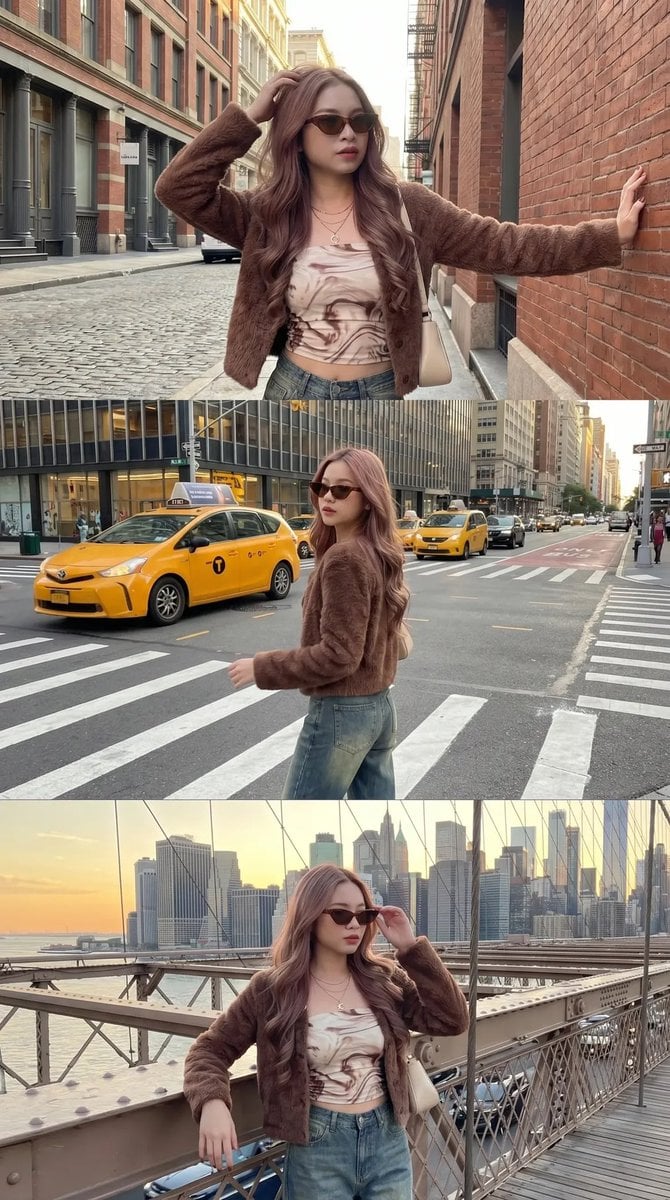
Urban Fashion Street Photography
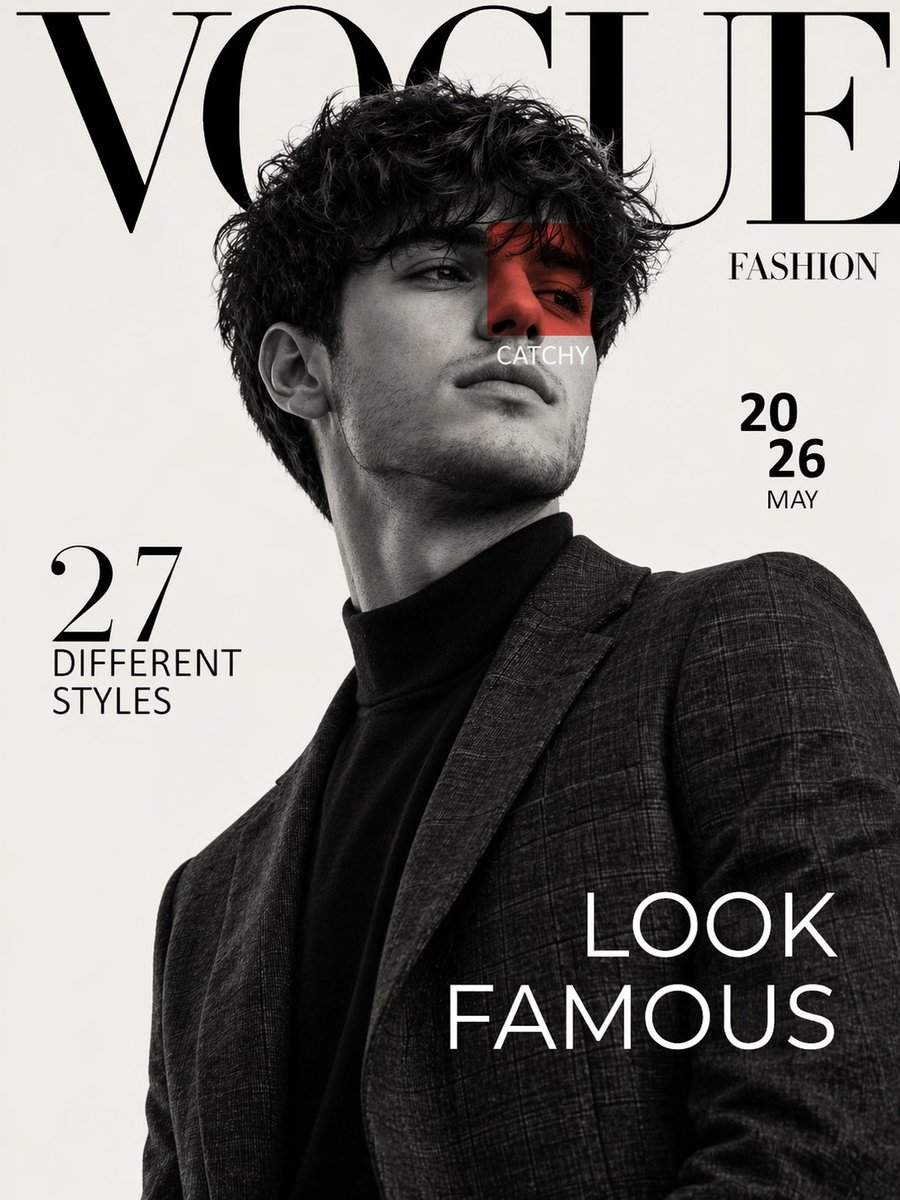
Luxury Fashion Magazine Cover Prompt
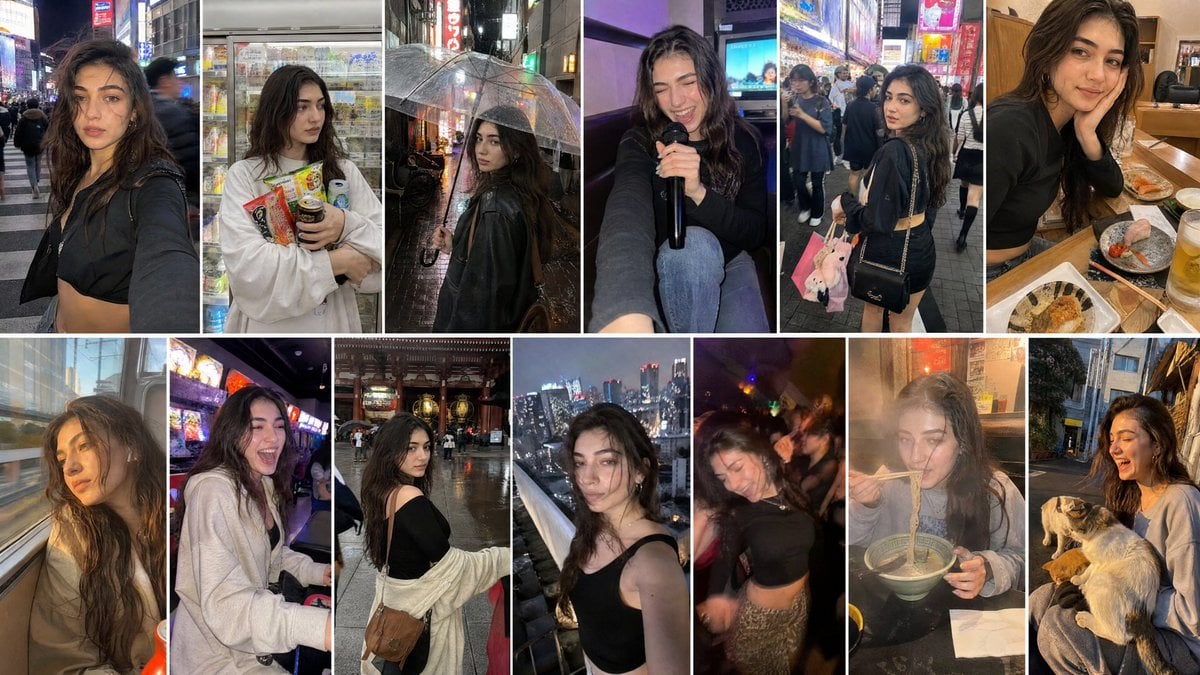
Created with GPT Image 2 + Seedance 2 on @yapper_s
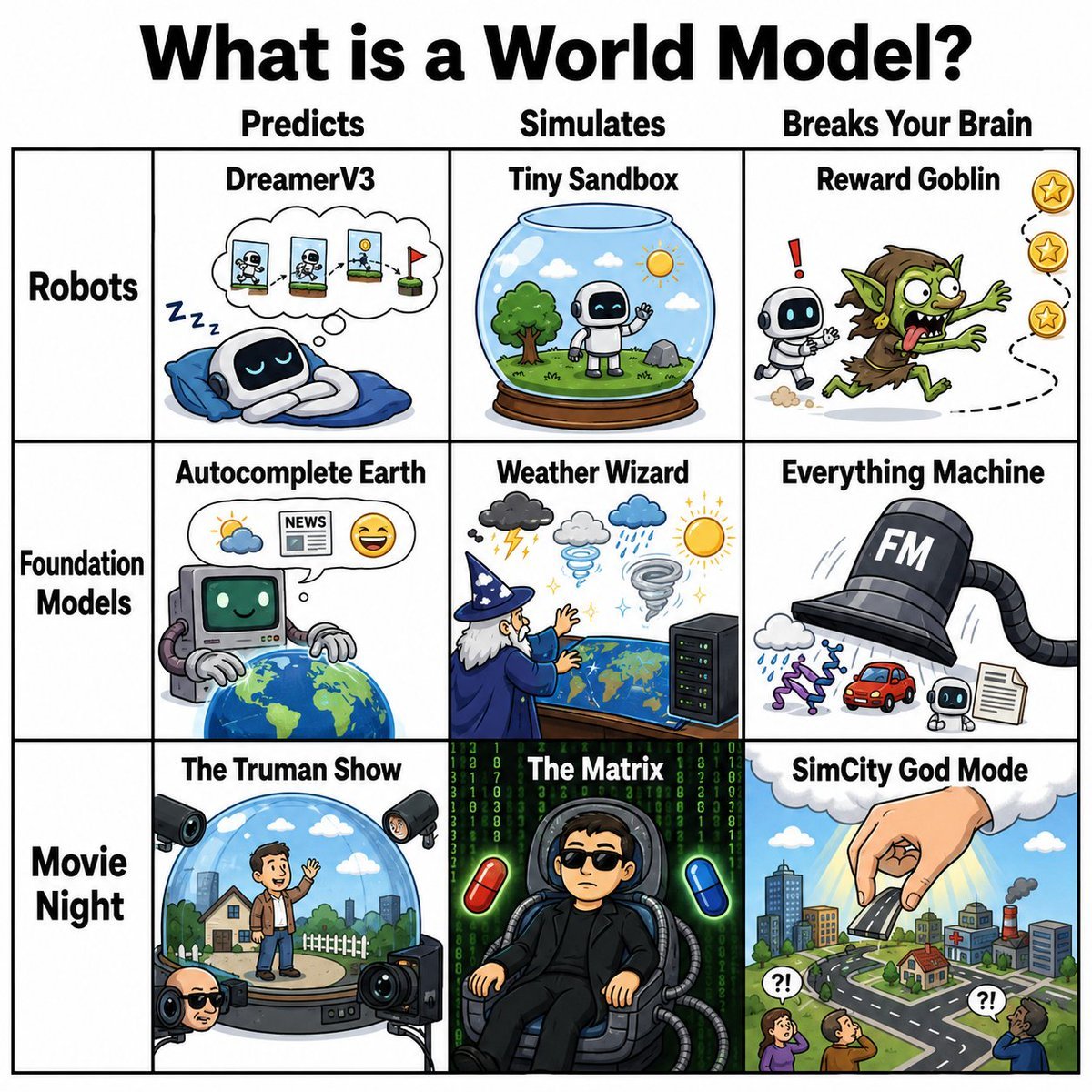
World Model Meme Grid
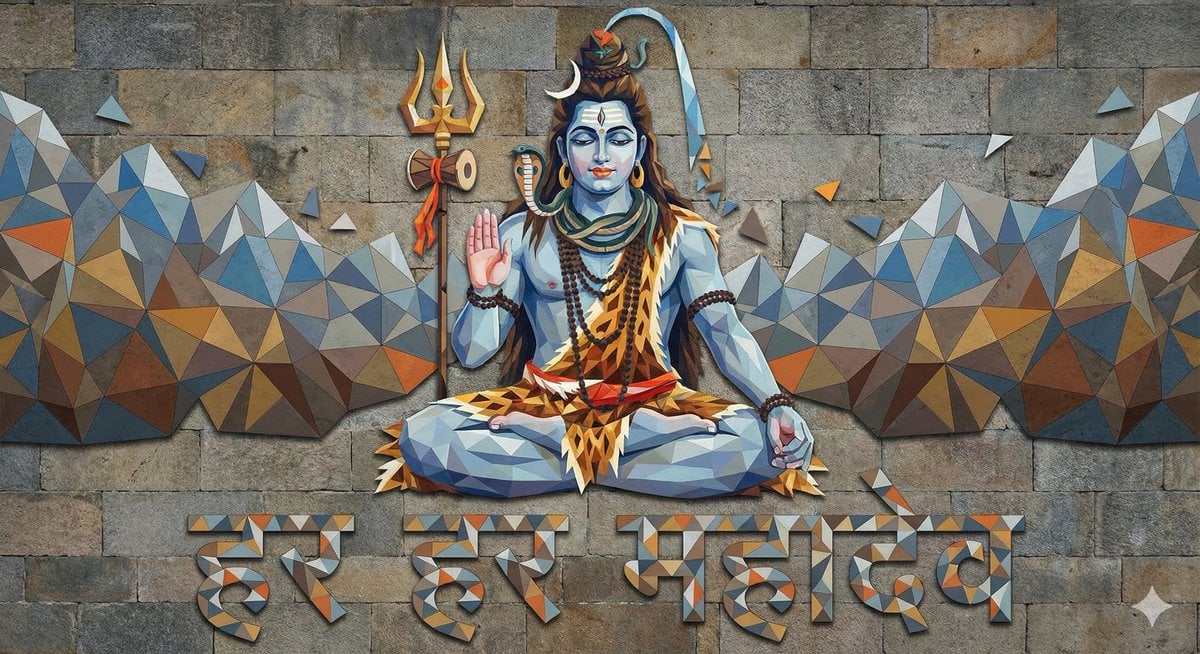
Mahadev Triangle Art Prompt
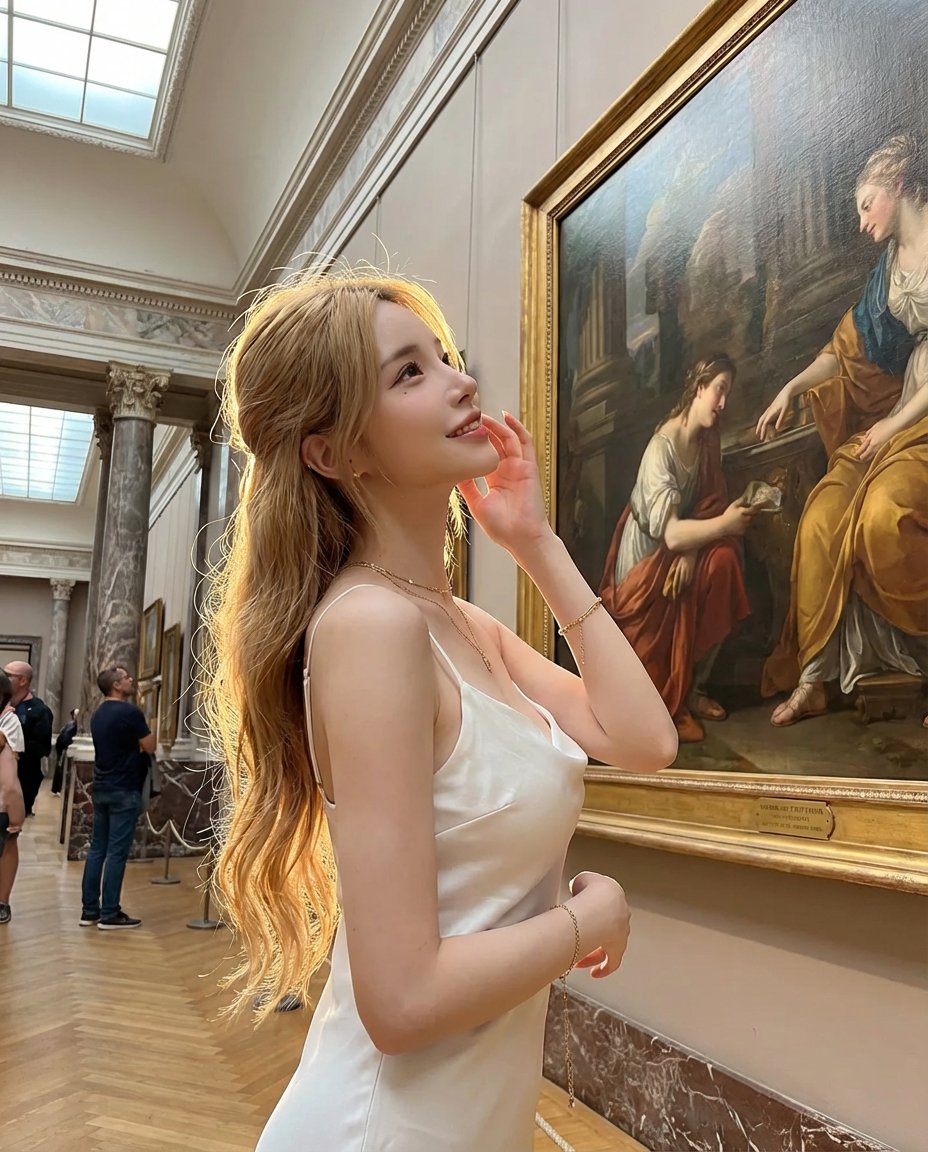
Golden Hour Art Museum Portrait Prompt
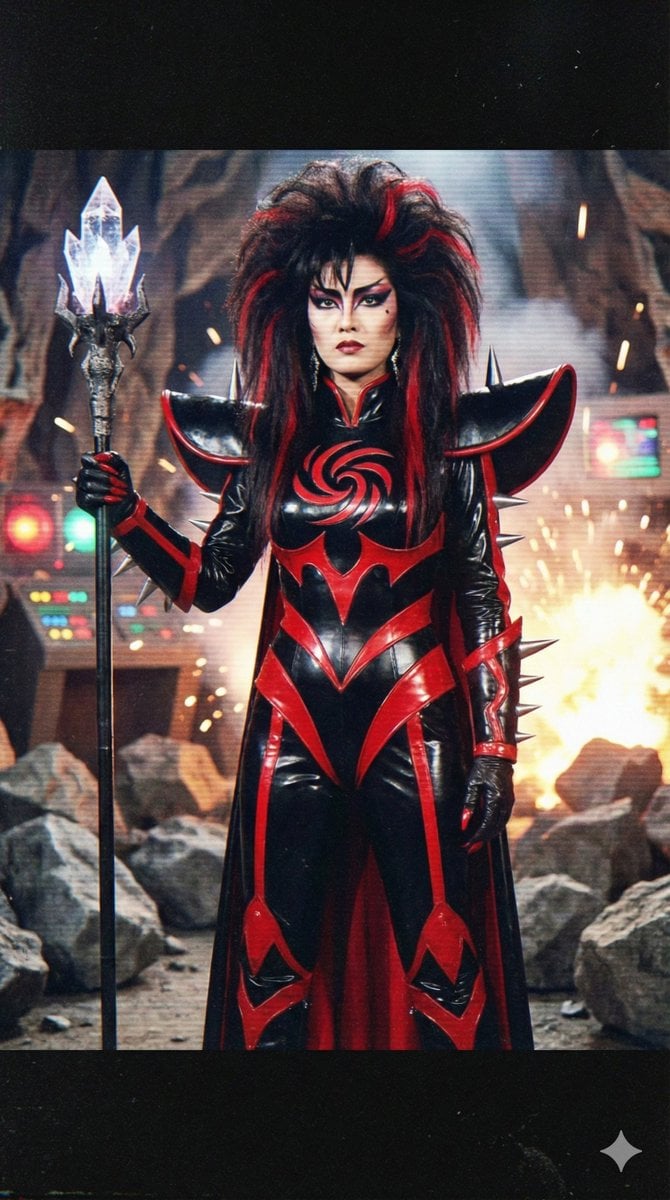
Prompt for 80s TV Style Villainess Character Design
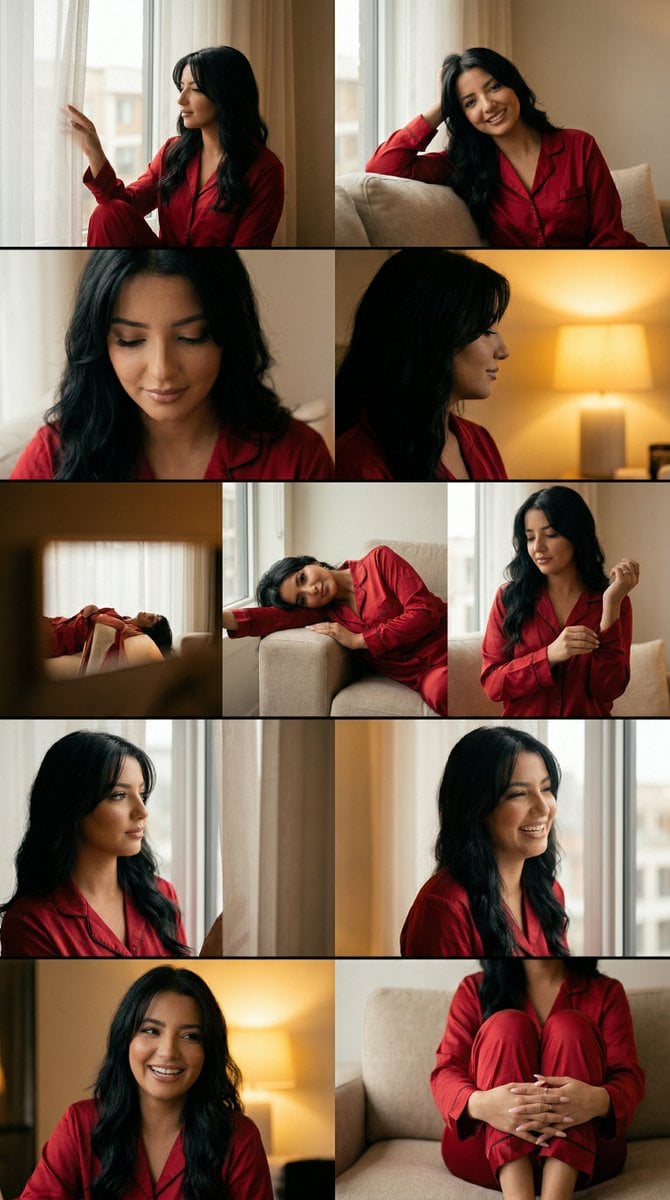
Cinematic Home Editorial Grid Prompt
Browse template categories
Anime Girl Under Meteor Starry Sky questions
How do I use the Anime Girl Under Meteor Starry Sky template?
Add your photo if the template asks for one, edit the prompt if you like — the template's model and format are already selected — and press Generate. Your version opens in PicX Studio.
Can I customize the Anime Girl Under Meteor Starry Sky template?
Yes. You can change the subject, setting, lighting, mood, format, and available model controls before creating your image.
Is the Anime Girl Under Meteor Starry Sky template free?
Opening and editing this template is free. Generating uses credits, shown on the Generate button when you are signed in.
Which AI model should I use?
Start with GPT Image 2, which is the model associated with this template. You can compare another compatible model for a different finish.
Looking for something else? Browse all templates.

Your photo, any look
Thousands of ready templates for every top image and video model, from one credit balance.