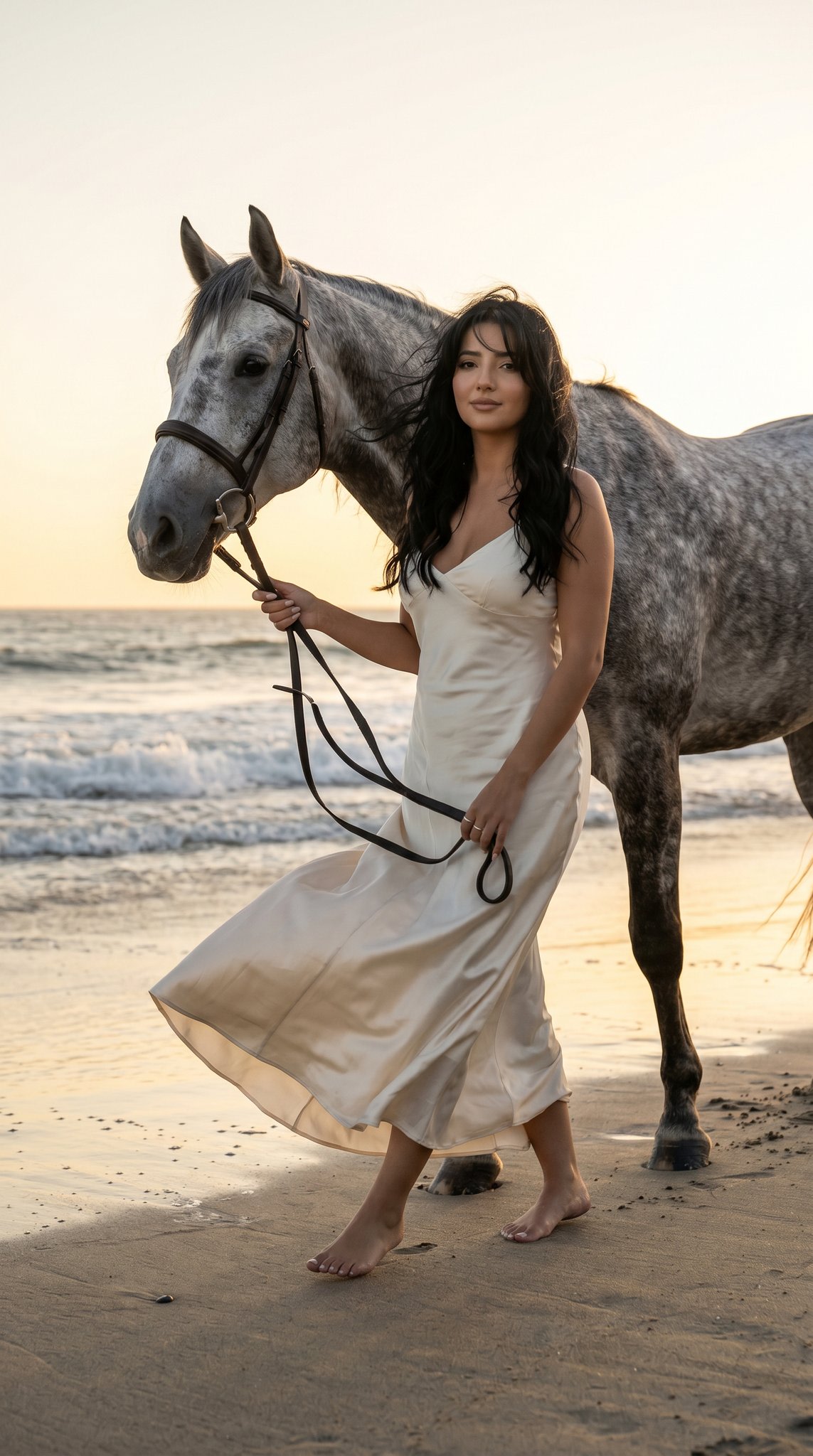
How do I use the Abstract Audio Visualization Portrait template?
Choose the primary action to open PicX Studio with the available template settings. Review the model and format, personalize the creative direction, and generate when ready.
A sophisticated studio portrait prompt that combines realistic photography with vector illustrations representing sound waves. (free to use) — Free AI image template on PicX Studio.
A full-body studio portrait combining realistic photography with minimal vector illustration. The subject stands upright, calm and centered, against a {argument name="background color" default="flat dark purple background"}. The image visualizes sound as abstract form. Studio lighting is soft and even, slightly from the left, neutral color temperature. Deep focus, sharp clarity. The subject’s face must perfectly match the attached reference image only for identity. Clothing is modern and simple, not copied from reference. {argument name="waveforms color" default="White and neon-accent"} vector waveforms emerge from the chest and head area, wrapping around the body in smooth curves. Small hand-drawn dots and frequency lines float outward, as if audio is radiating into space. Clean separation between photographic subject and illustrated layers. Editorial album-cover aesthetic.
Use Abstract Audio Visualization Portrait to plan an AI image around nano-banana-2 generation. Match the preview's composition first, then personalize the subject, setting, and mood for your own project.
Use the primary action to load the template settings in PicX Studio.
Adjust the subject and creative details for your destination.
Create the image, compare the result with the preview, and refine one variable at a time.
A continuous mix — similar concepts first, woven with same-model prompts and fresh picks from the catalog.
Choose the primary action to open PicX Studio with the available template settings. Review the model and format, personalize the creative direction, and generate when ready.
Yes. You can change the subject, setting, lighting, mood, format, and available model controls before creating your image.
This template is free to open and customize. Generation usage is shown in PicX Studio before you create.
Start with nano-banana-2, which is the model associated with this template. You can compare another compatible model for a different finish.
A continuous mix — similar concepts first, woven with same-model prompts and fresh picks from the catalog.
Follow a topic to a crawlable collection of related PicX Studio templates.
32,032 public templates available. Verified via the PicX Studio public templates API; refreshed hourly.