
Live-Action Anime Movie Poster
Generates epic, low-angle cinematic posters that transform anime characters into realistic live-action film styles with high visual tension.
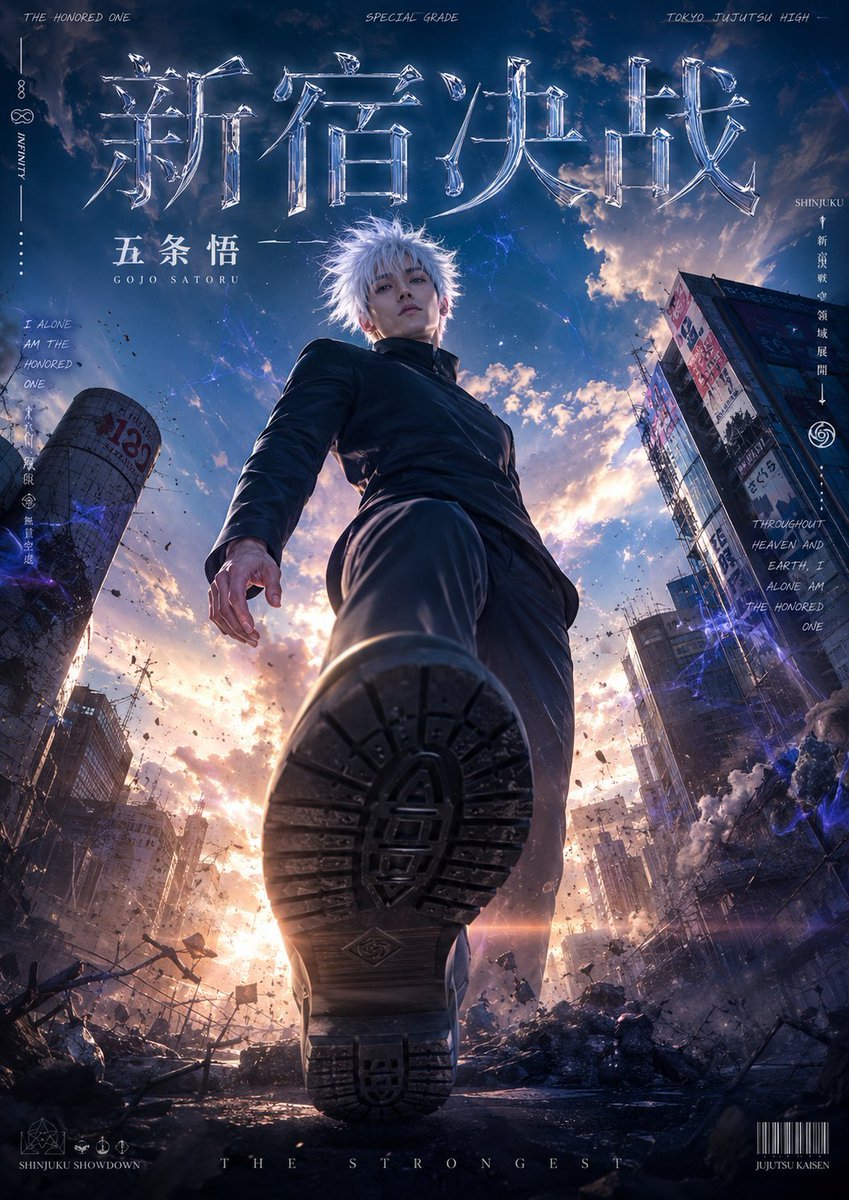
- Prompt included
- Model and format preset
- Free template
The prompt behind this image
Copy the exact prompt behind Live-Action Anime Movie Poster, or open it in the studio and make it yours.
"Ultra-Cinematic Anime Live-Action Adaptation Giant Forced-Perspective Poster" Main character: [{argument name="character" default="Gojo Satoru"}] Story theme: [{argument name="storyline" default="the Battle of Shinjuku"}] The image uses: An extremely low-angle, upward-looking viewpoint, an ultra-wide-angle lens, strong near-large-far-small perspective, the character's feet extremely close to the camera, creating a huge sense of pressure and spatial impact. The character is posed as: "striding forward toward the camera" in the action composition. The front foot planted just in front of the camera, the texture of the shoe sole clearly visible, creating strong visual tension. Character requirements: A live-action film texture, extremely high-level good looks, a live-action adaptation of the anime character, realistic skin detail, crisp, clearly defined hair strands, fabric with realistic texture, with film-grade lighting and an airy atmosphere. The character's clothing should automatically match their identity and the setting's world. Image atmosphere: The style of a Japanese anime film poster, lighting and shadow like a Makoto Shinkai film, a sense of camera movement like a Spielberg film, high-dynamic-range lighting, cinematic depth of field, aerial perspective, sunlight breaking through the clouds, with a youthful and epic feel. Background world: Based on the character's storyline, automatically generate the corresponding world setting: For example: A ninja village, a futuristic city, a wasteland city, a temple, a sky castle, a magic academy, a steampunk city, a cyber city, an ancient battlefield, an otherworldly kingdom, mountains and forests, a seaside city, a giant mechanical city. The background must have: An immense sense of space, realistic architectural layering, a distant city view, cinematic-grade sky and clouds. Text layout: Add a giant cinematic title text at the top, in a font that is: a transparent glass texture, a liquid-style font, a metallic font, a futuristic font, an anime-movie title font. Around the poster, add: Japanese-style handwritten English, the character's title, faction information, world-setting tags, mysterious symbols, small pieces of lore text. Overall layout reference: an anime film poster, a game character's key visual, a Netflix live-action poster, a Japanese light-novel cover. Image colors: Highly saturated cinematic colors, sky blue, cloud white, golden sunlight, the character's main color automatically matching their design. Detail requirements: Film-grade sharpness, 8K, ultra-fine detail, realistic skin, realistic shoe-sole texture, flowing hair, dynamic fabric, airborne particles, sunlit rim light, lens flare, depth-of-field blur, an extreme sense of perspective. Prohibited: Low quality, chibi style, a cartoonish feel, flat illustration, a cluttered multi-person composition, an ordinary standing pose, a low-detail background, feet cropped out of frame, incorrect perspective, deformed limbs, blurry image quality.
How to use Live-Action Anime Movie Poster in 3 steps
- 1
Open
The prompt is already in the box next to the preview, with the template's model and format selected.
- 2…a portrait of your subject in softgolden-hour light, 85mm…
Personalize
Edit the subject and creative details for your destination.
- 3Generate
Generate
Press Generate — your image is created in PicX Studio, so you can compare it with the original and refine one variable at a time.
More like this
Templates with the same subject, style or setup. Open one to see its prompt.

Captain Tsubasa Anime World Cup Poster
Seedance - Anime Fighting Game Finisher
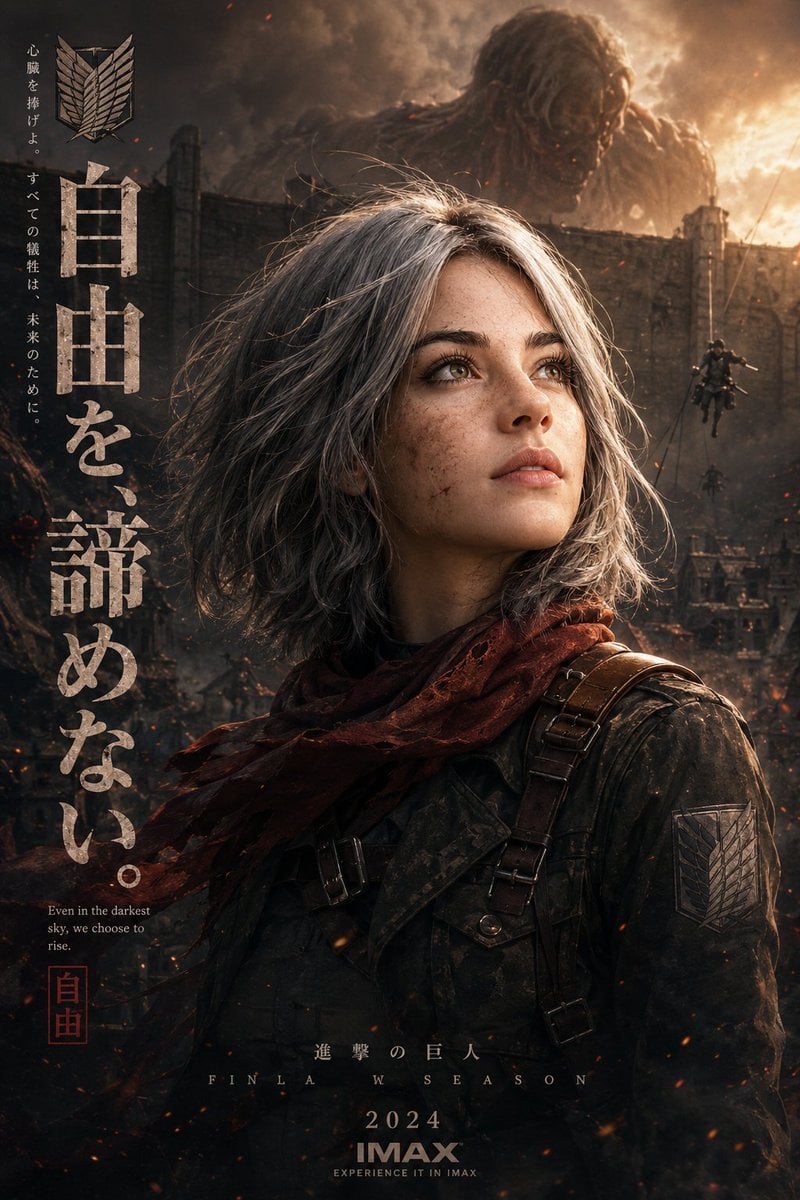
Epic Anime Movie Poster from Photo
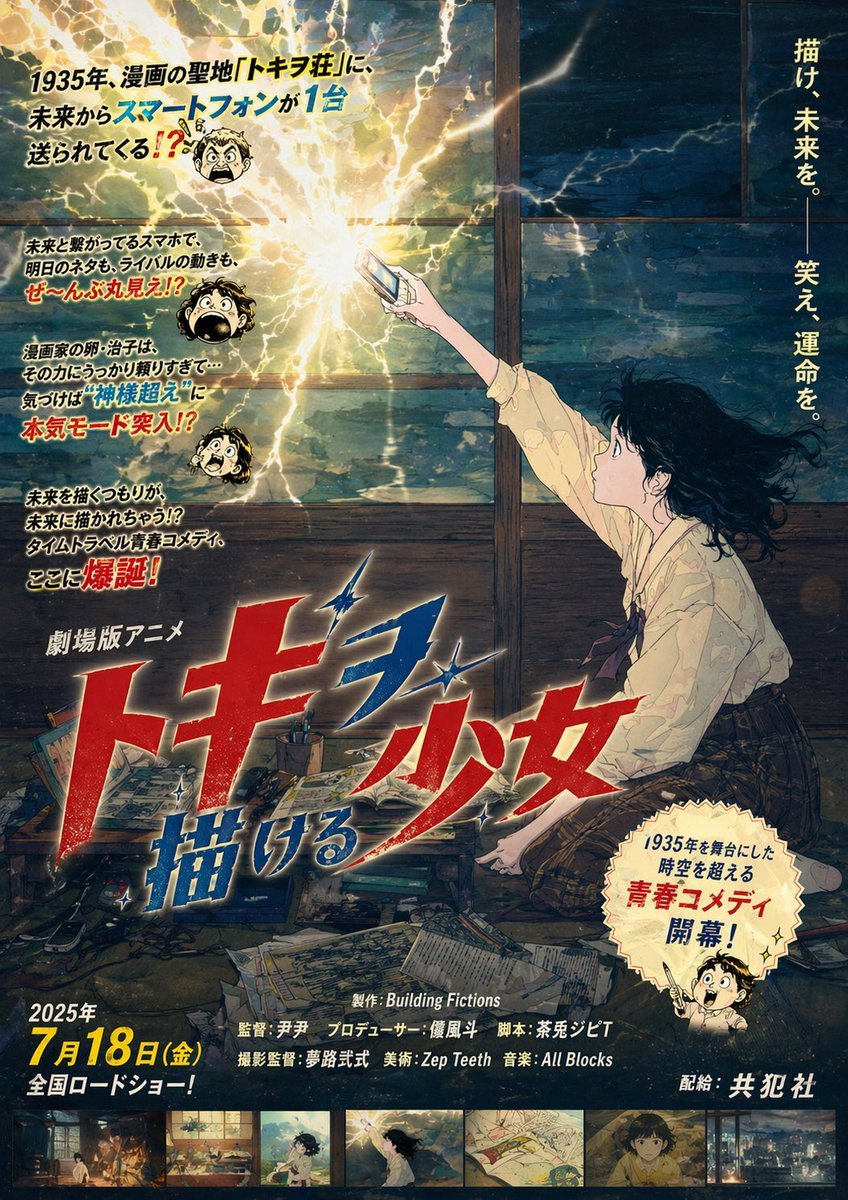
Retro Fake Anime Movie Poster
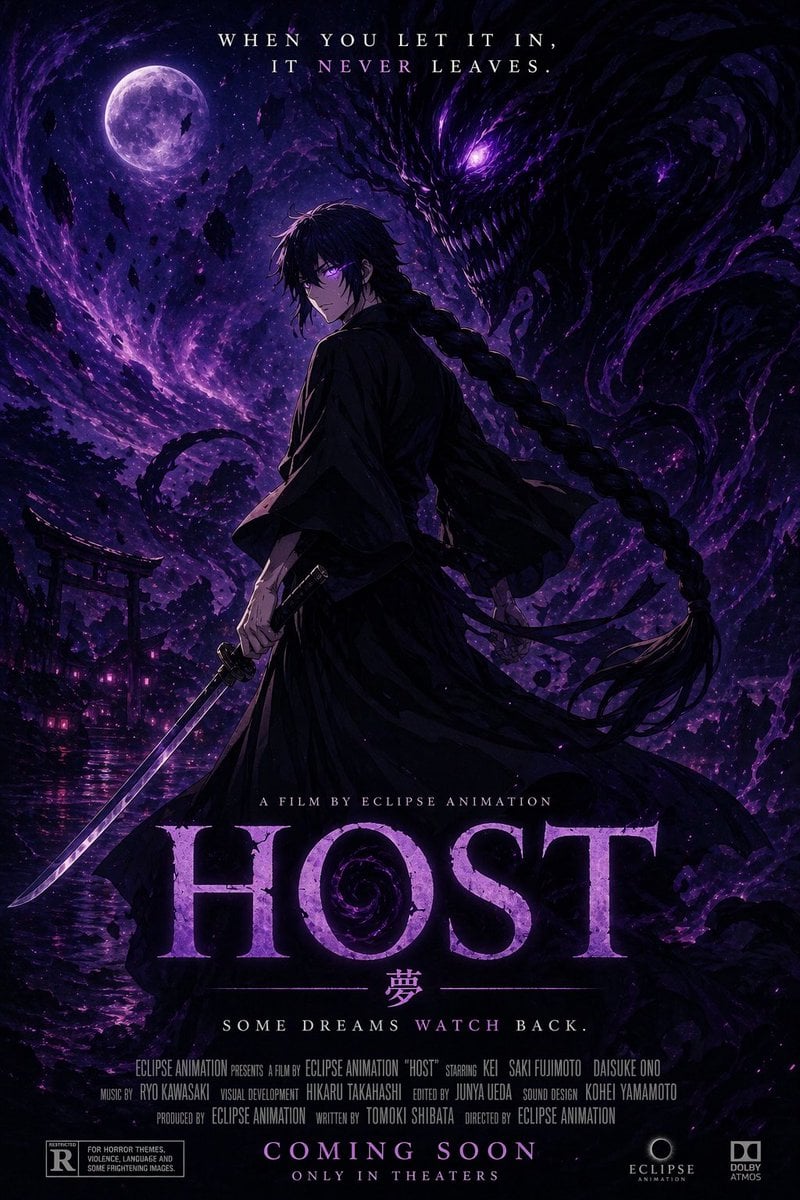
Horror Anime Movie Poster
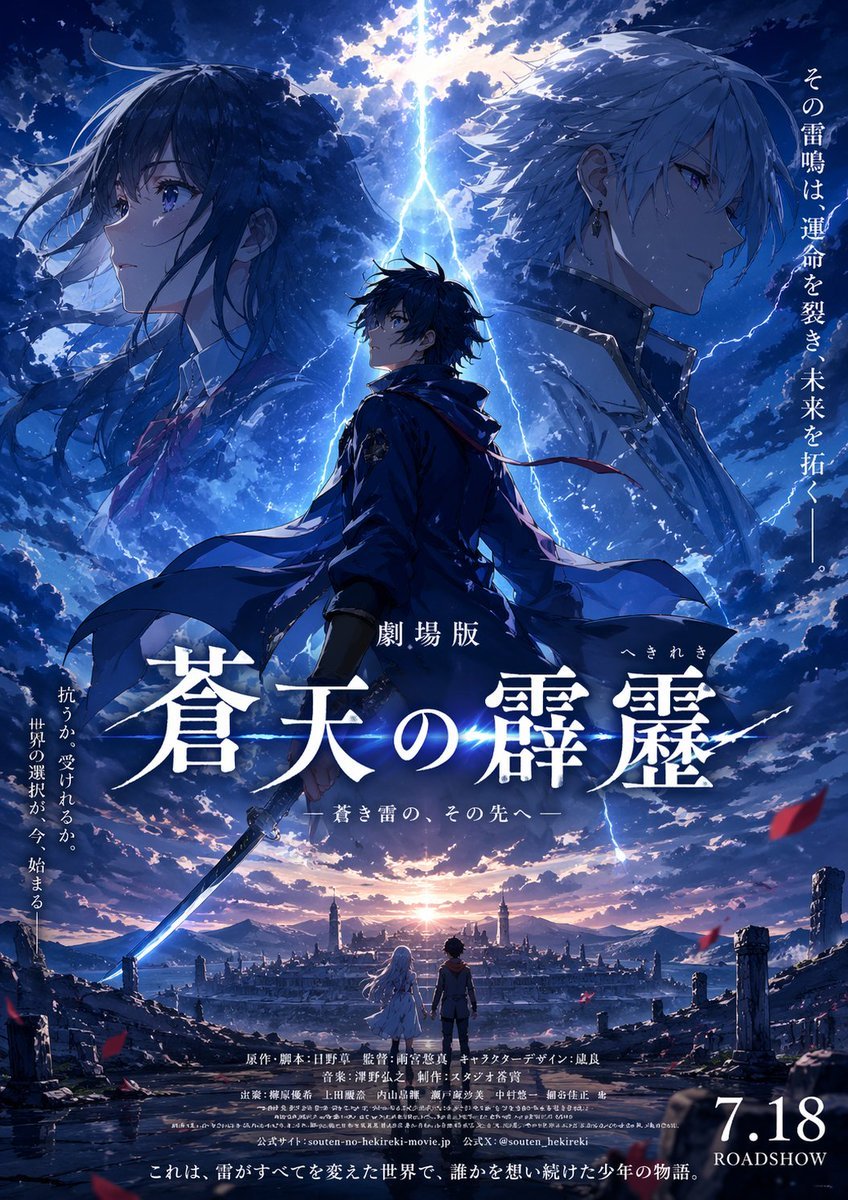
Fictional Anime Movie Poster
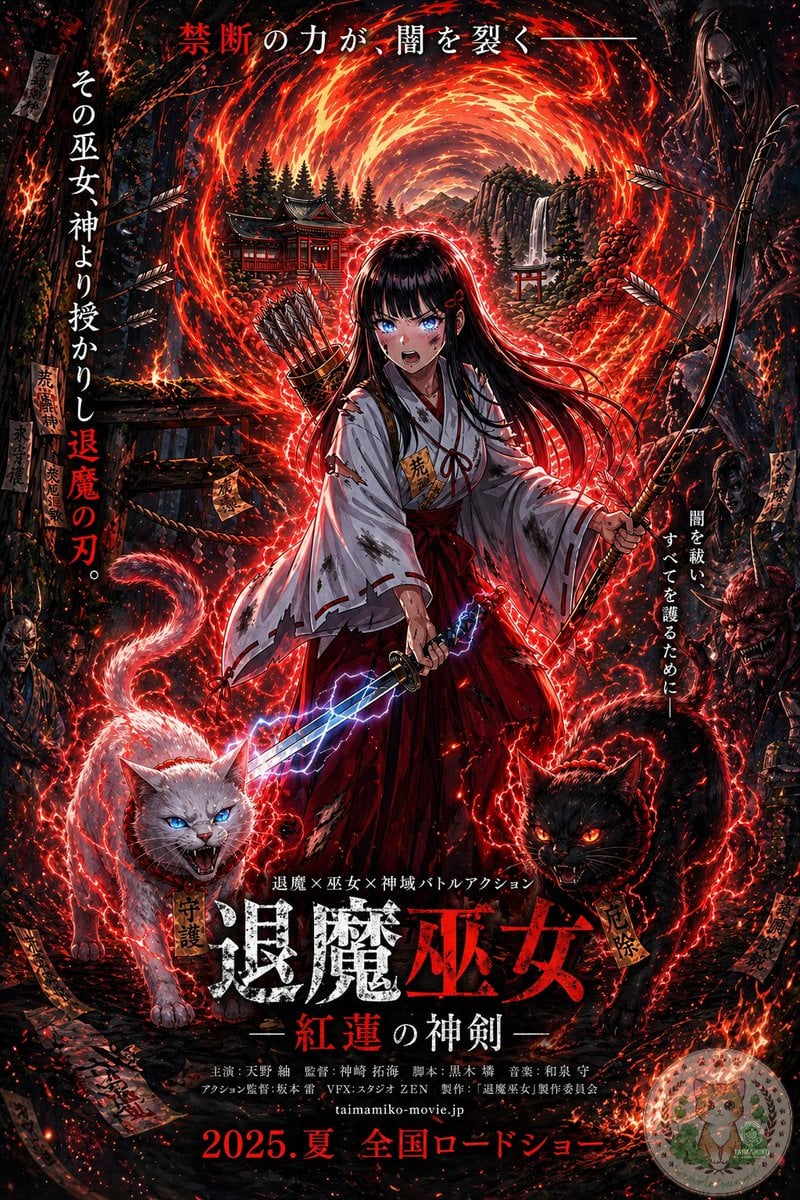
Anime Shrine Maiden Movie Poster
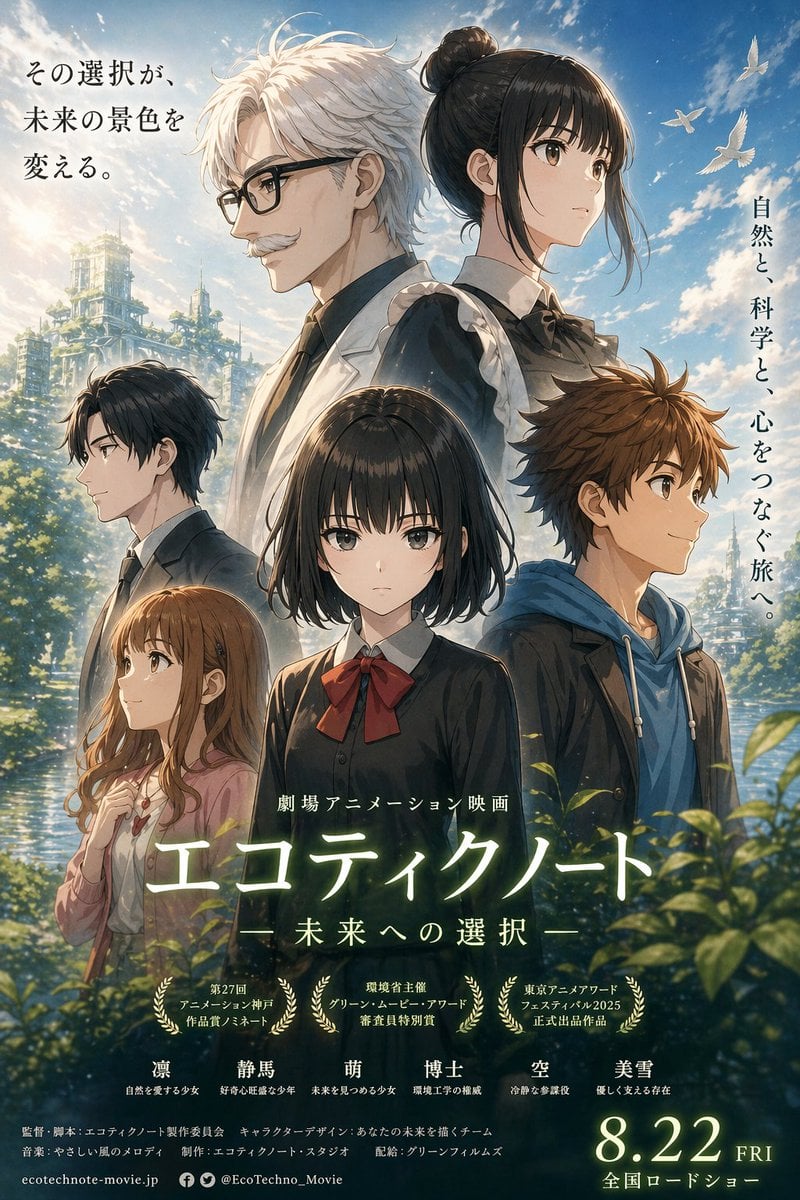
Anime Ensemble Movie Poster
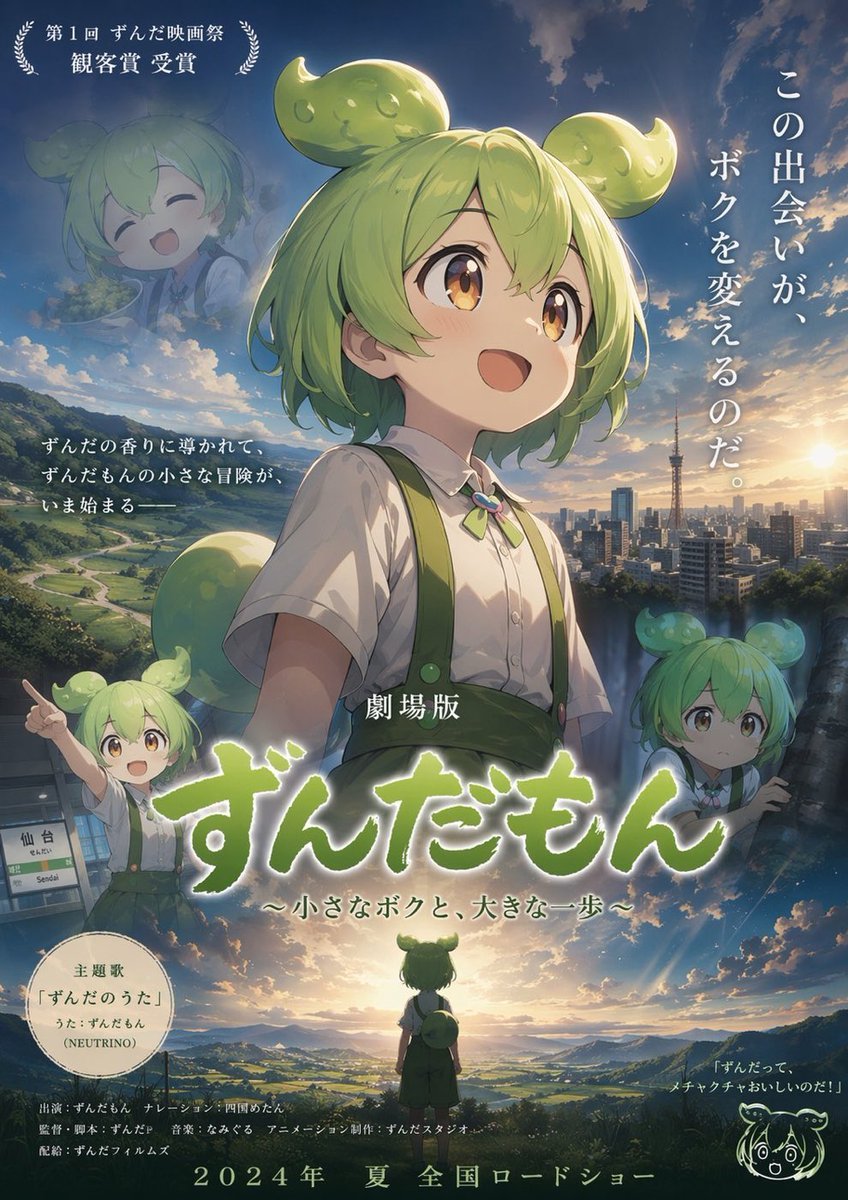
Anime Movie Poster Layout
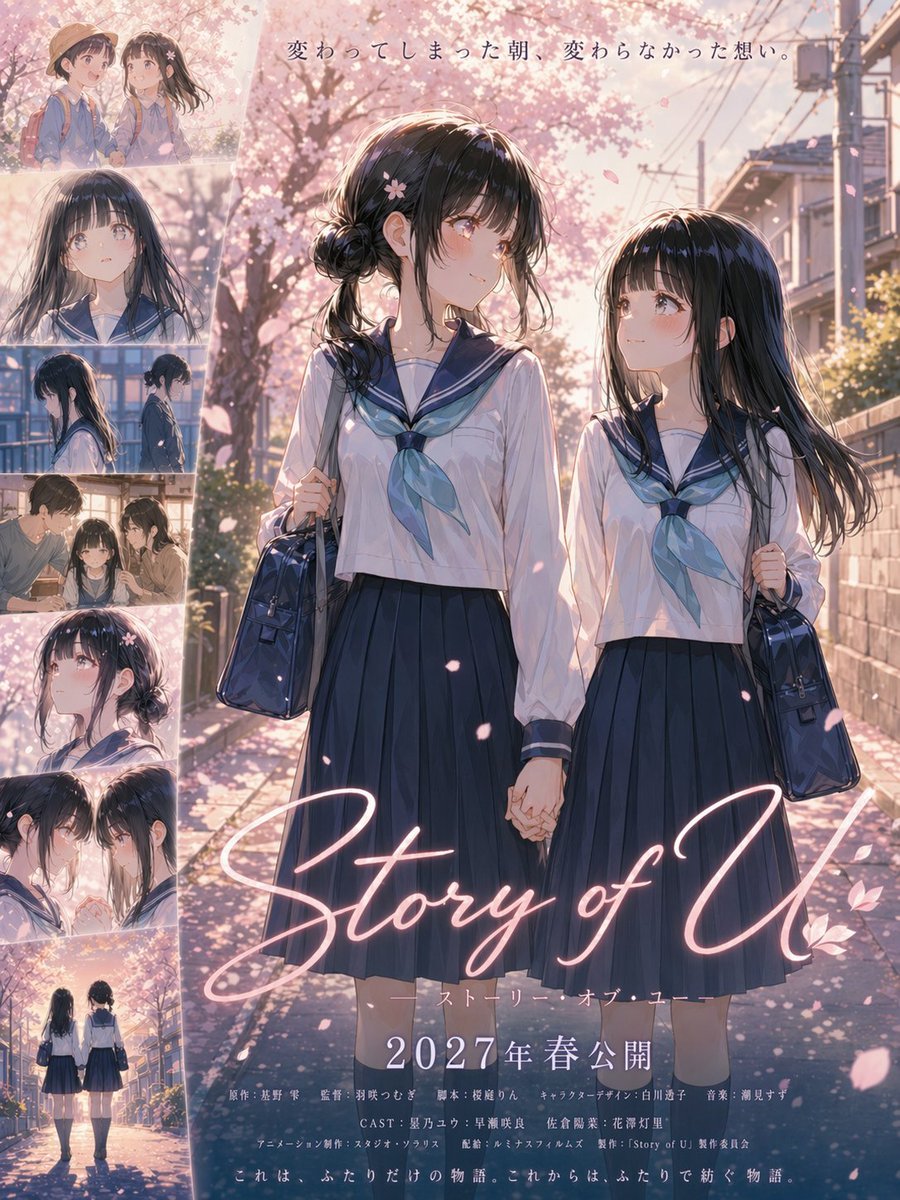
Anime Sakura Movie Poster
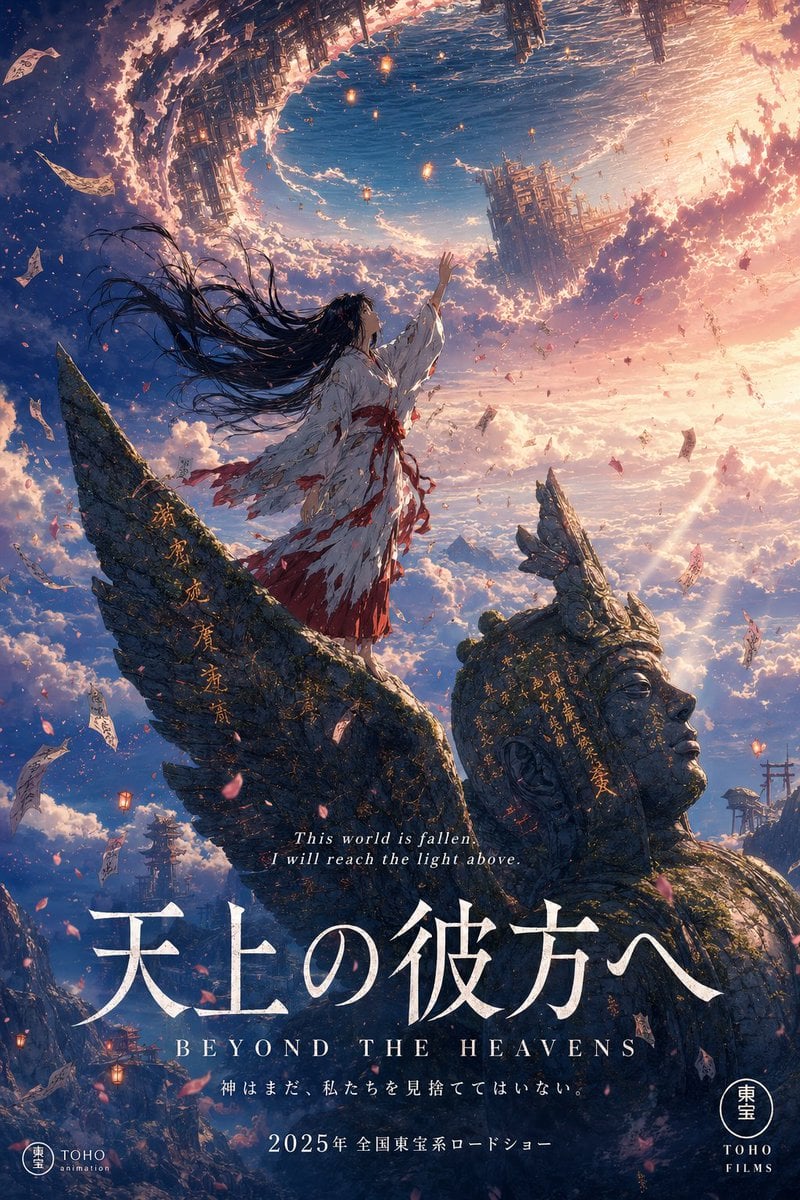
Anime Theatrical Movie Poster

Gpt2 Youtube Thumbnail Wuxia Movie Character Posters
Make it yours
Live-Action Anime Movie Poster works as-is. These are the safest ways to change it without losing the look.
Change one field
Copy a single group, rewrite it, and generate again so you can see what that field is doing.
Keep the frame, change the subject
Hold the composition and light of Live-Action Anime Movie Poster, then swap wardrobe, props or the person for a new take.
| If the result… | Why | Fix |
|---|---|---|
| The result drifts from the preview | Too many fields changed at once. | Reuse Live-Action Anime Movie Poster as-is first, then change one group — subject, light, or setting. |
| The model over-stylizes the scene | The prose prompt leaves finish and camera underspecified. | Add one camera or lighting sentence and stay on GPT Image 2. |
More GPT Image 2 templates
Other prompts made for GPT Image 2.

Six VTuber Japanese Logo Sheet

Realistic Portrait of Woman and Deer

The Vista Modular Condo Poster

AI Model Routing Comparison Infographic

2.5D Anime Art Board

Isometric Productivity Desk Scene

New York Double Exposure Poster

Four-Panel AI Landscape Comparison

Japanese Tatami Lifestyle Magazine Cover

NESCAFÉ Coffee Map Poster
More image prompts
Fresh picks from across the catalog.
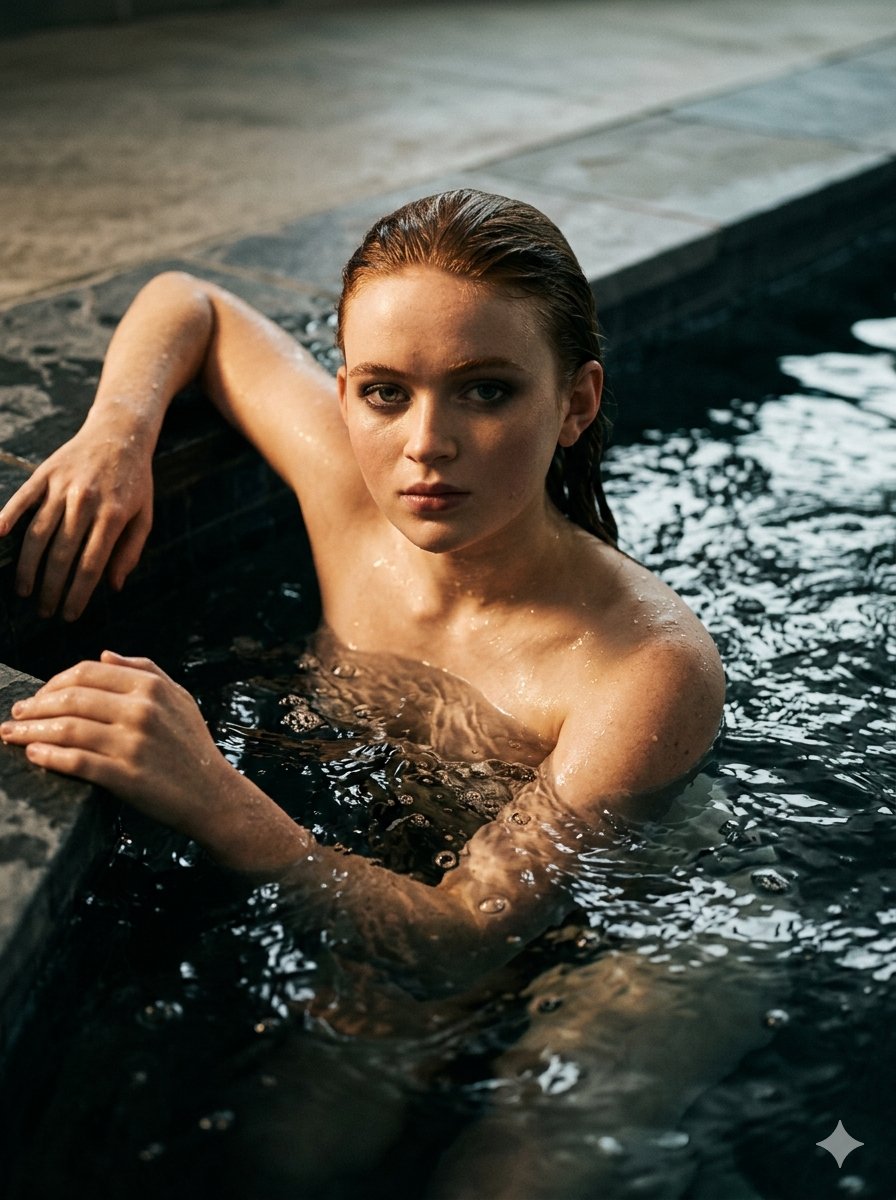
Submerged Intimate Portrait
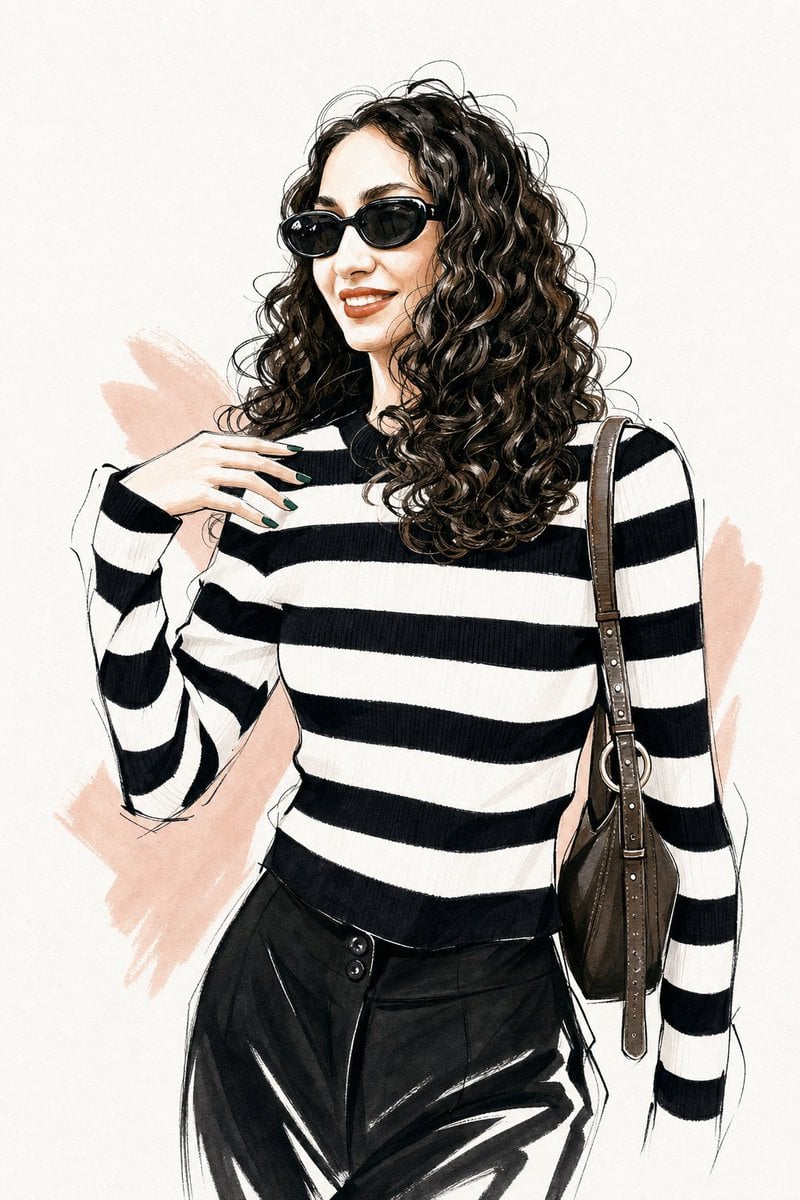
Vogue Style Fashion Illustration

Epic Outdoor Footwear Ad
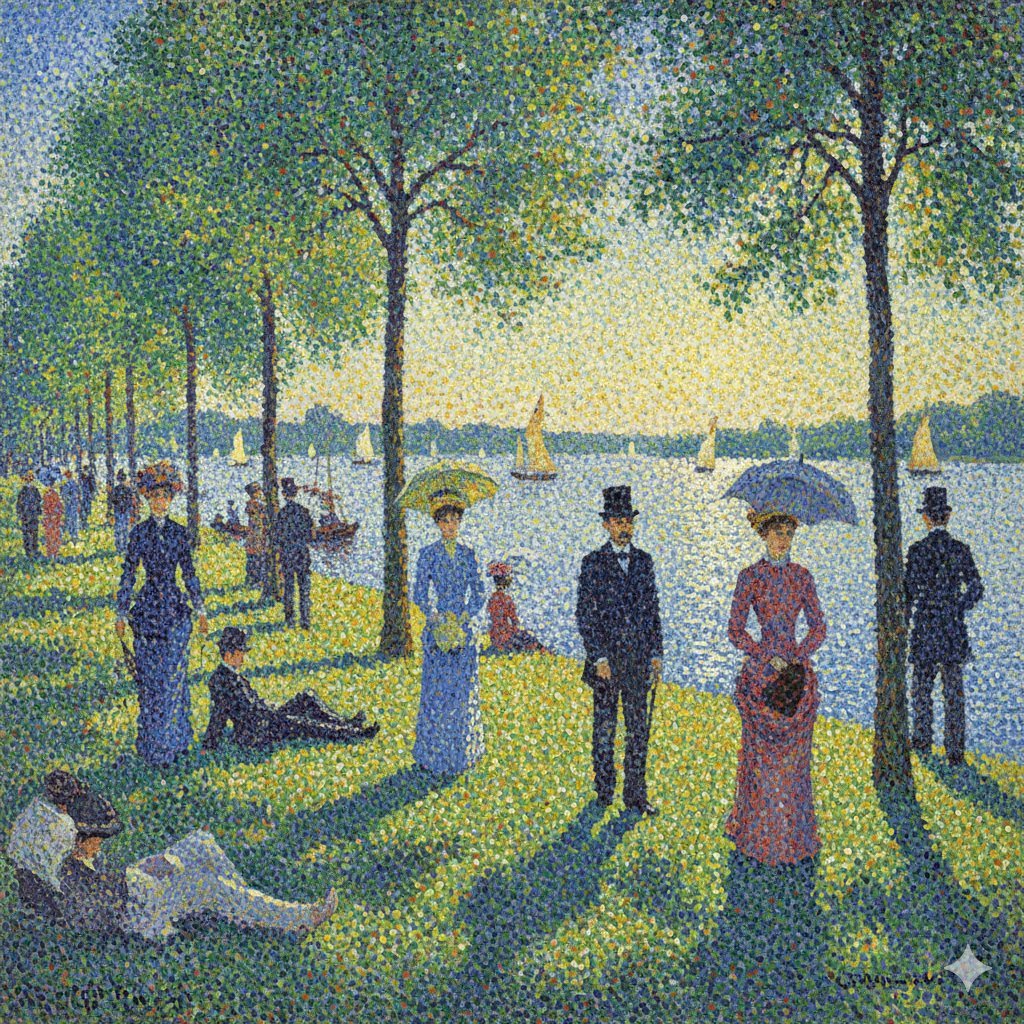
Seurat-style Pointillism Image Generation

Cinematic Tennis Sports Poster
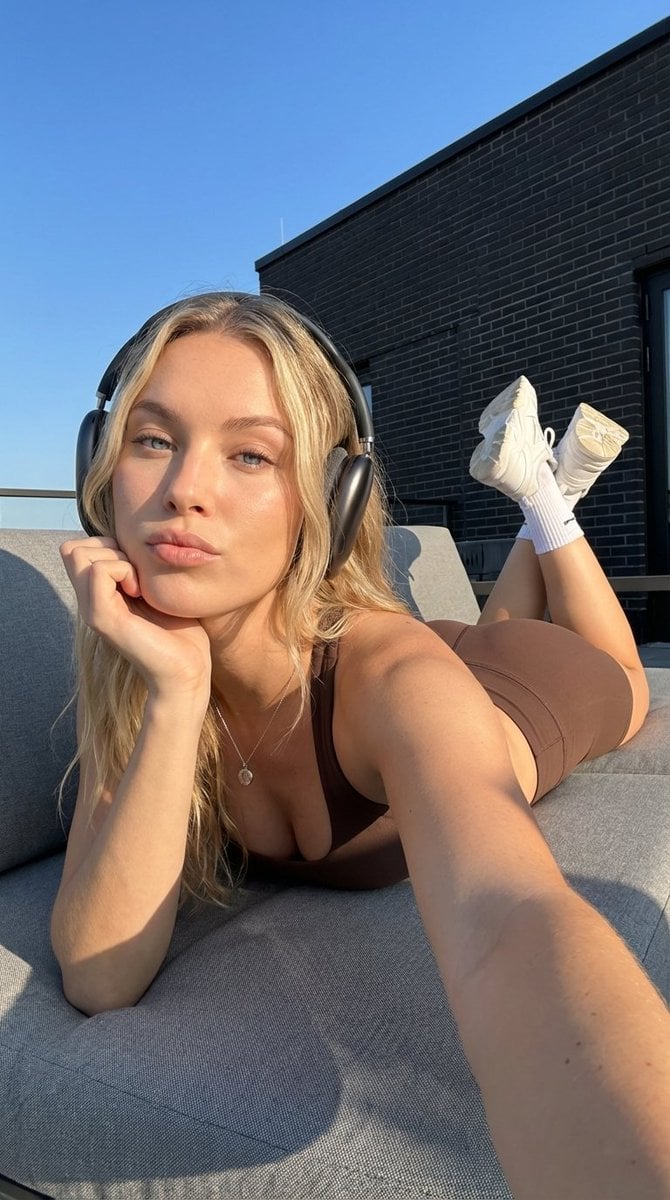
Rooftop Athletic Lifestyle Portrait Prompt
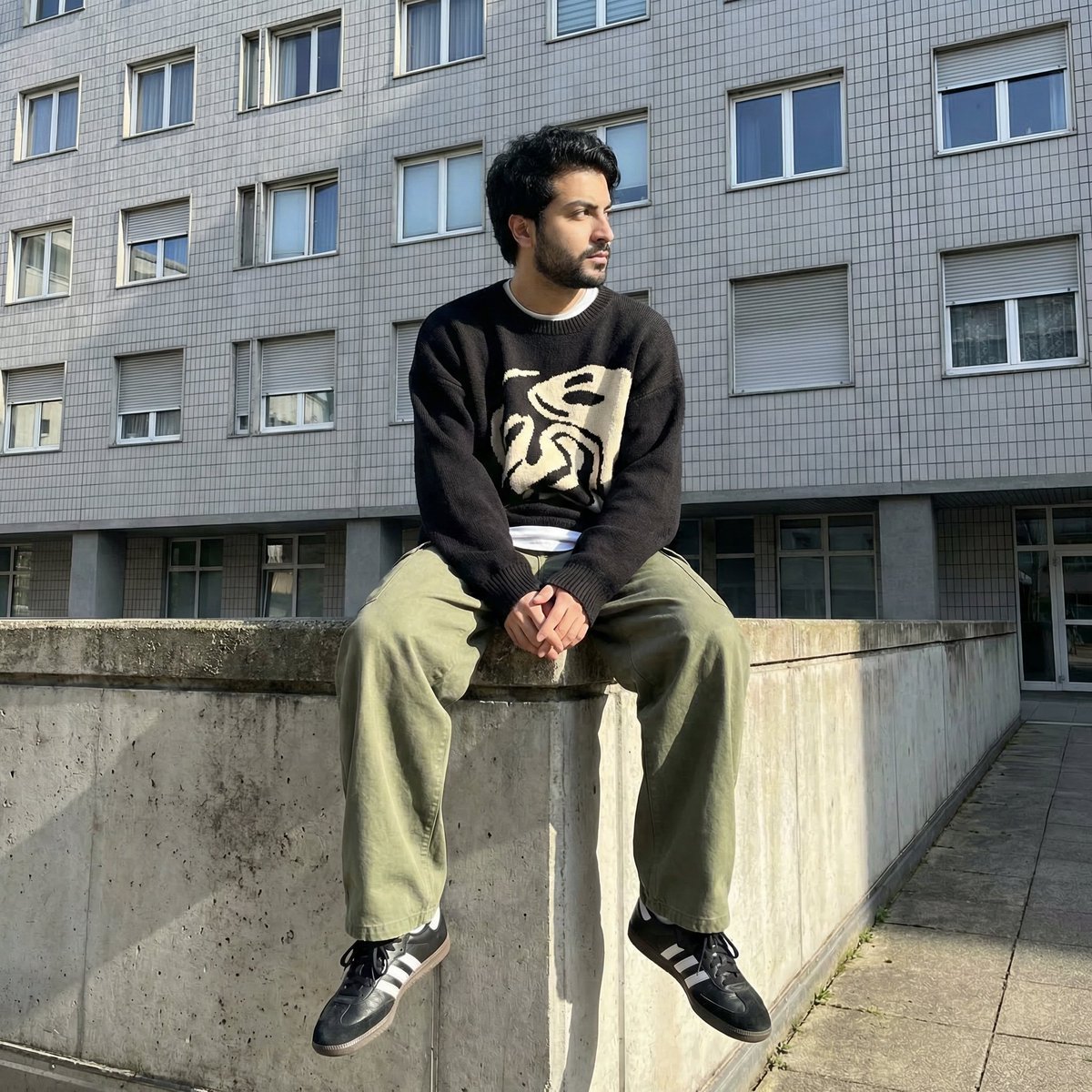
Photorealistic Urban Portrait from Reference Image
Existential Exhaustion Photorealistic Portrait
Korean Reality Dating Show Participant Portrait
Futuristic Rescue Suit Monitoring HUD
Browse template categories
Live-Action Anime Movie Poster questions
How do I use the Live-Action Anime Movie Poster template?
Add your photo if the template asks for one, edit the prompt if you like — the template's model and format are already selected — and press Generate. Your version opens in PicX Studio.
Can I customize the Live-Action Anime Movie Poster template?
Yes. You can change the subject, setting, lighting, mood, format, and available model controls before creating your image.
Is the Live-Action Anime Movie Poster template free?
Opening and editing this template is free. Generating uses credits, shown on the Generate button when you are signed in.
Which AI model should I use?
Start with GPT Image 2, which is the model associated with this template. You can compare another compatible model for a different finish.
Looking for something else? Browse all templates.

Your photo, any look
Thousands of ready templates for every top image and video model, from one credit balance.