
Mixed Media Abstract Portrait Illustration
An elaborate prompt for generating high-detail contemporary portraits using a mix of traditional and digital art textures.
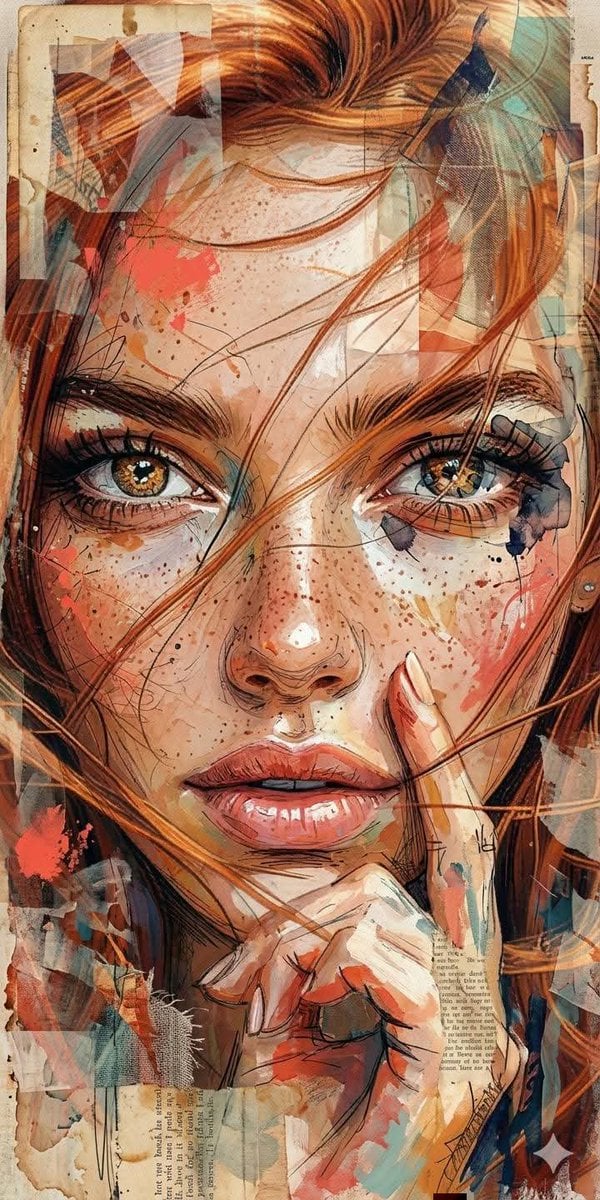
- Prompt included
- Model and format preset
- Premium template
The prompt behind this image
Copy the exact prompt behind Mixed Media Abstract Portrait Illustration, or open it in the studio and make it yours.
Ultra-detailed contemporary {argument name="art style" default="mixed-media portrait illustration style"}, expressive painterly brushwork blended with abstract gestural marks, layered collage aesthetic combining paint splashes, ink scribbles, fragmented shapes, and semi-transparent overlays, {argument name="background" default="textured vintage paper background with subtle stains and worn edges"}, dynamic fusion of figurative realism and chaotic abstraction, vibrant {argument name="color palette" default="warm color palette with coral red, burnt orange, peach, cream, and muted teal accents"}, expressive linework and spontaneous splatter effects, layered acrylic and ink textures, modern editorial art style, fine art portrait combined with experimental abstract expressionism, high-detail painterly strokes, organic texture blending with digital collage elements, contemporary gallery-style illustration, raw artistic energy with controlled composition.
How to use Mixed Media Abstract Portrait Illustration in 3 steps
- 1
Open
The prompt is already in the box next to the preview, with the template's model and format selected.
- 2…a portrait of your subject in softgolden-hour light, 85mm…
Personalize
Edit the subject and creative details for your destination.
- 3Generate
Generate
Press Generate — your image is created in PicX Studio, so you can compare it with the original and refine one variable at a time.
More like this
Templates with the same subject, style or setup. Open one to see its prompt.
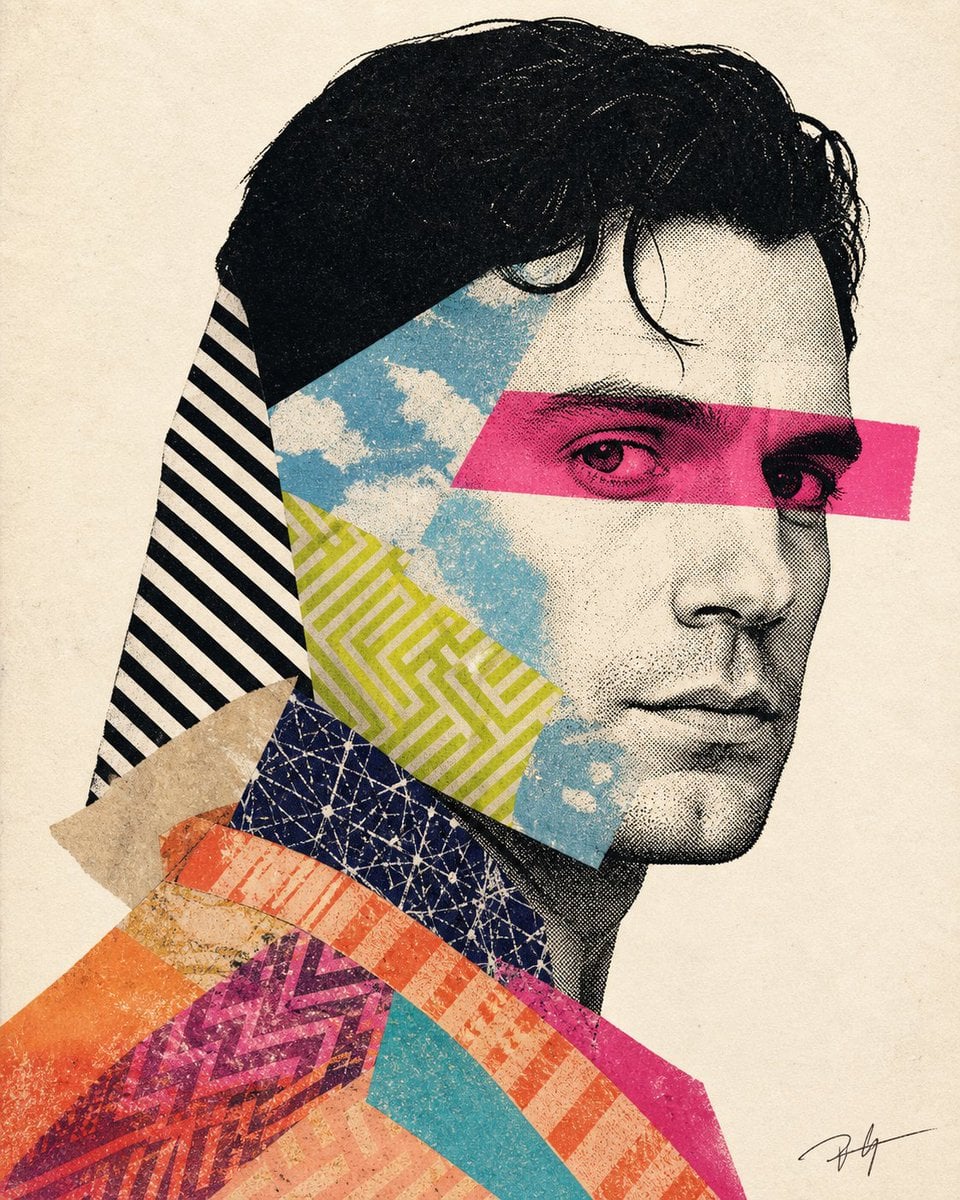
Mixed-media collage portrait illustration
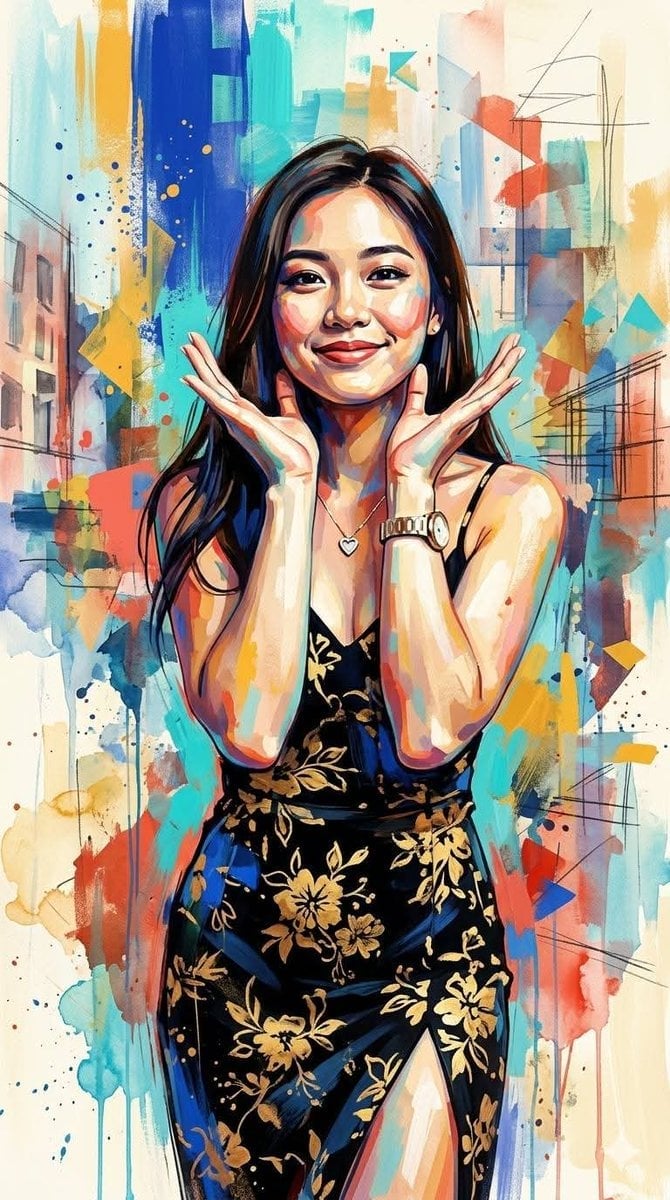
Contemporary Mixed-Media Abstract Portrait
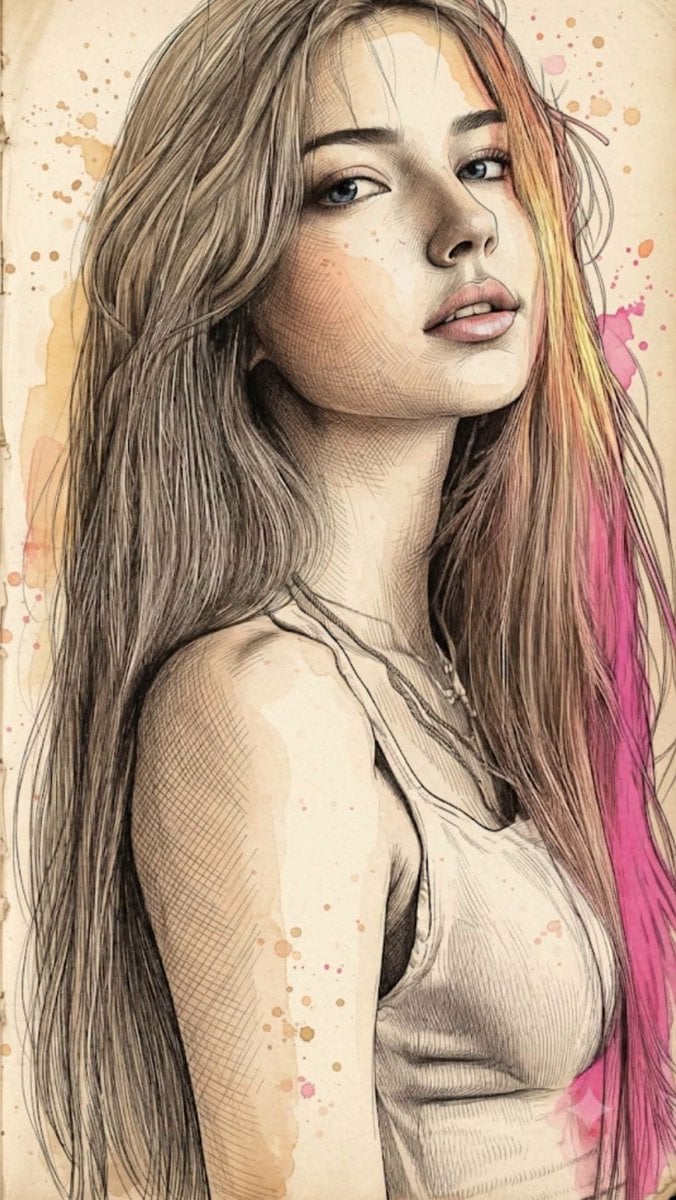
Fine Art Mixed-Media Portrait Illustration
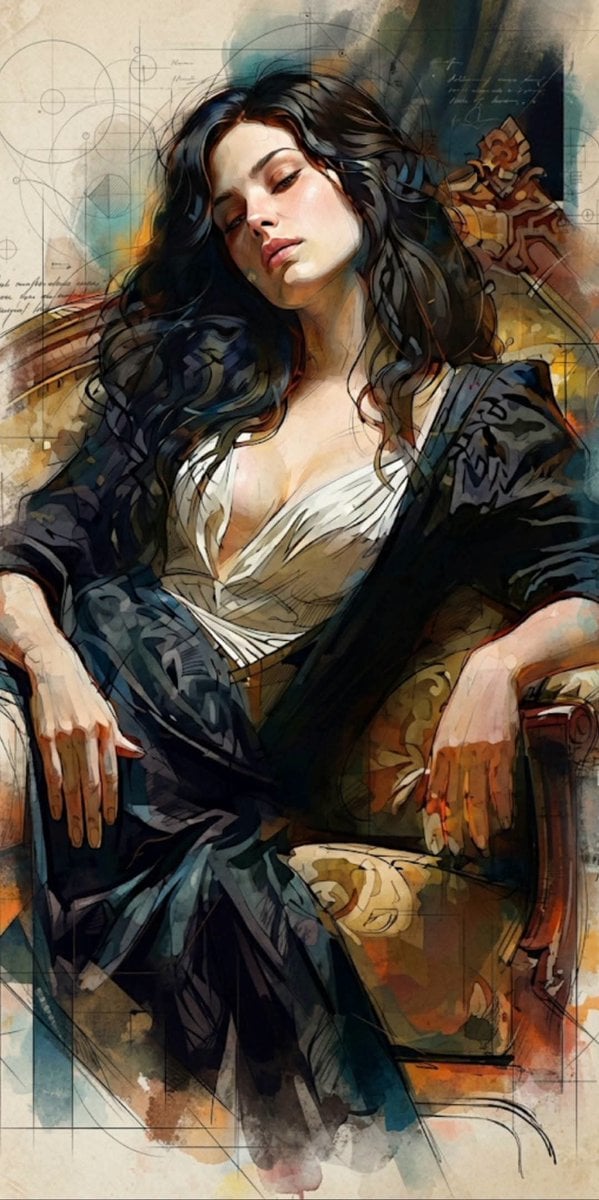
Mixed Media Cinematic Portrait Illustration
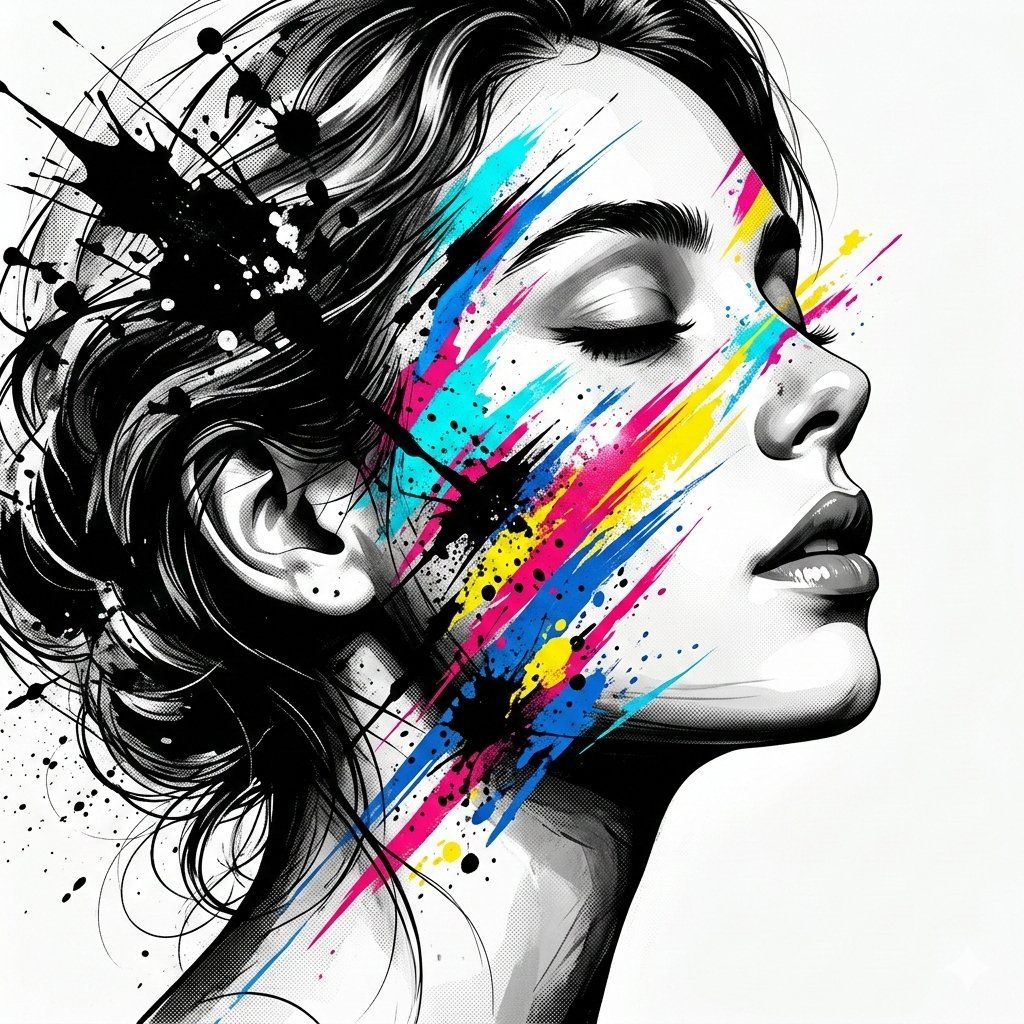
High-Contrast Abstract Mixed Media Portrait Prompt
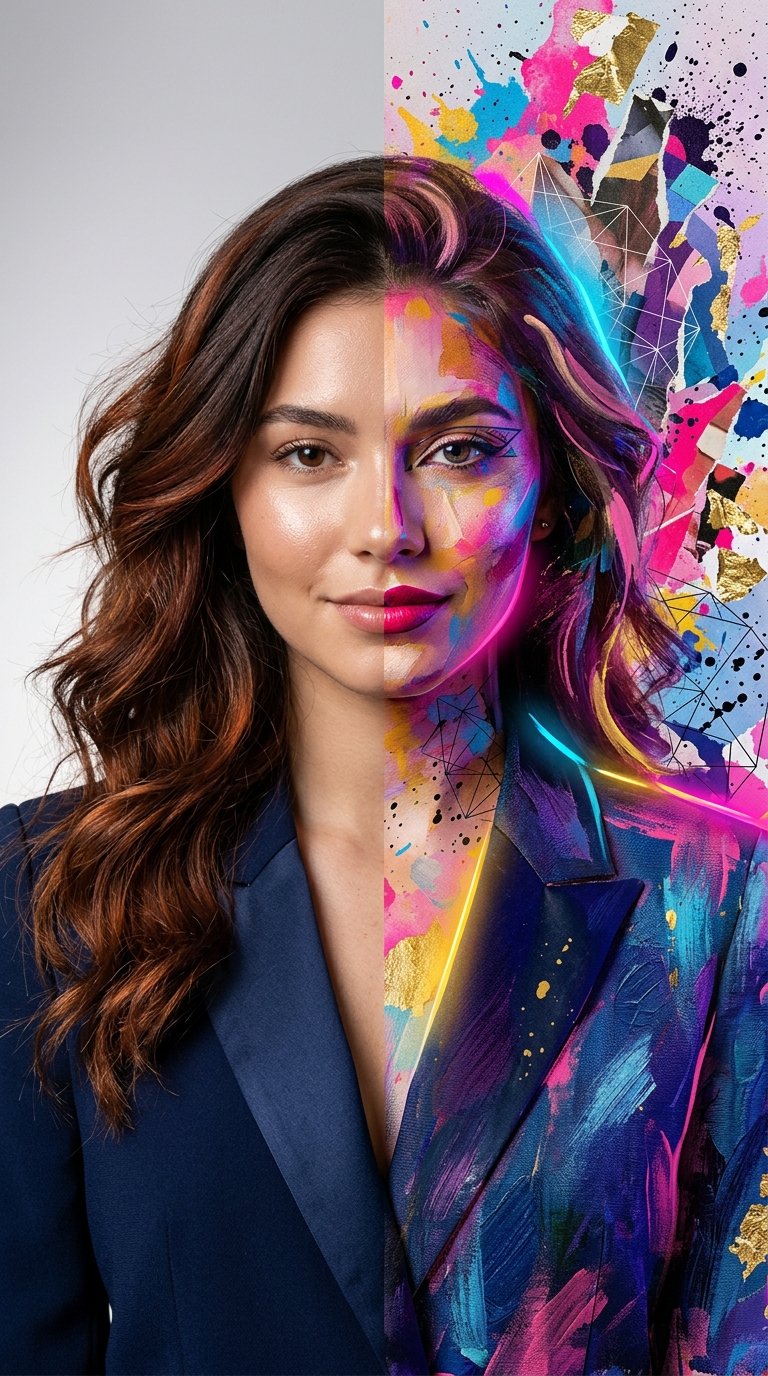
Split Portrait - Mixed Media

Underwater Macro Face Portrait

Noir Punk Street Portrait

High Contrast Cinematic Face Portrait

Monochrome Studio Portrait with Colored Lens

Ultra-Realistic Yacht Sunset Portrait
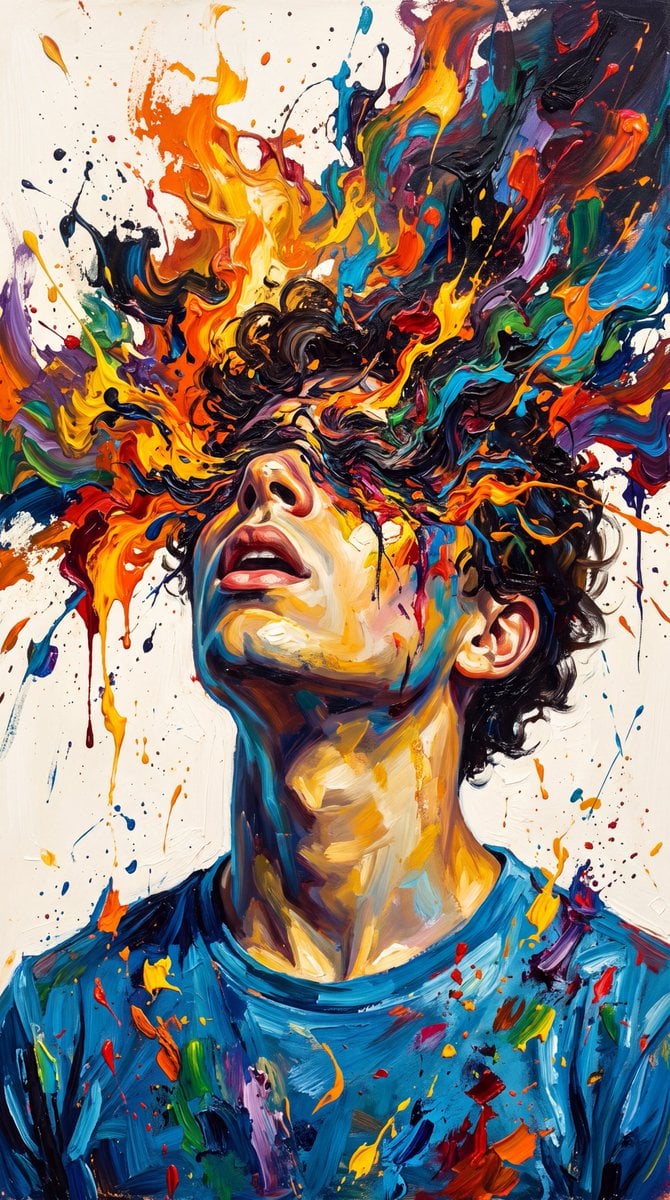
Abstract Expressionist Paint Eruption
Make it yours
Mixed Media Abstract Portrait Illustration works as-is. These are the safest ways to change it without losing the look.
Change one field
Copy a single group, rewrite it, and generate again so you can see what that field is doing.
Keep the frame, change the subject
Hold the composition and light of Mixed Media Abstract Portrait Illustration, then swap wardrobe, props or the person for a new take.
| If the result… | Why | Fix |
|---|---|---|
| The result drifts from the preview | Too many fields changed at once. | Reuse Mixed Media Abstract Portrait Illustration as-is first, then change one group — subject, light, or setting. |
| The model over-stylizes the scene | The prose prompt leaves finish and camera underspecified. | Add one camera or lighting sentence and stay on Gemini 3 Pro Image Preview. |
More Gemini 3 Pro Image Preview templates
Other prompts made for Gemini 3 Pro Image Preview.

Creative Character in Pink Office

Avant-Garde Asian Fashion Model

Water-level Bridge Modification

Mushroom Still Life Composition

Whimsical Anthropomorphic Friendly Insect

Cinematic Urban Night Billboard Portrait

Pop Art Summer Fruit Fashion Illustration

Ultra-Realistic iPhone Selfie with Motion Blur

Cinematic Mirror Reflection Portrait

Elegant Men's Twilight Editorial
More image prompts
Fresh picks from across the catalog.
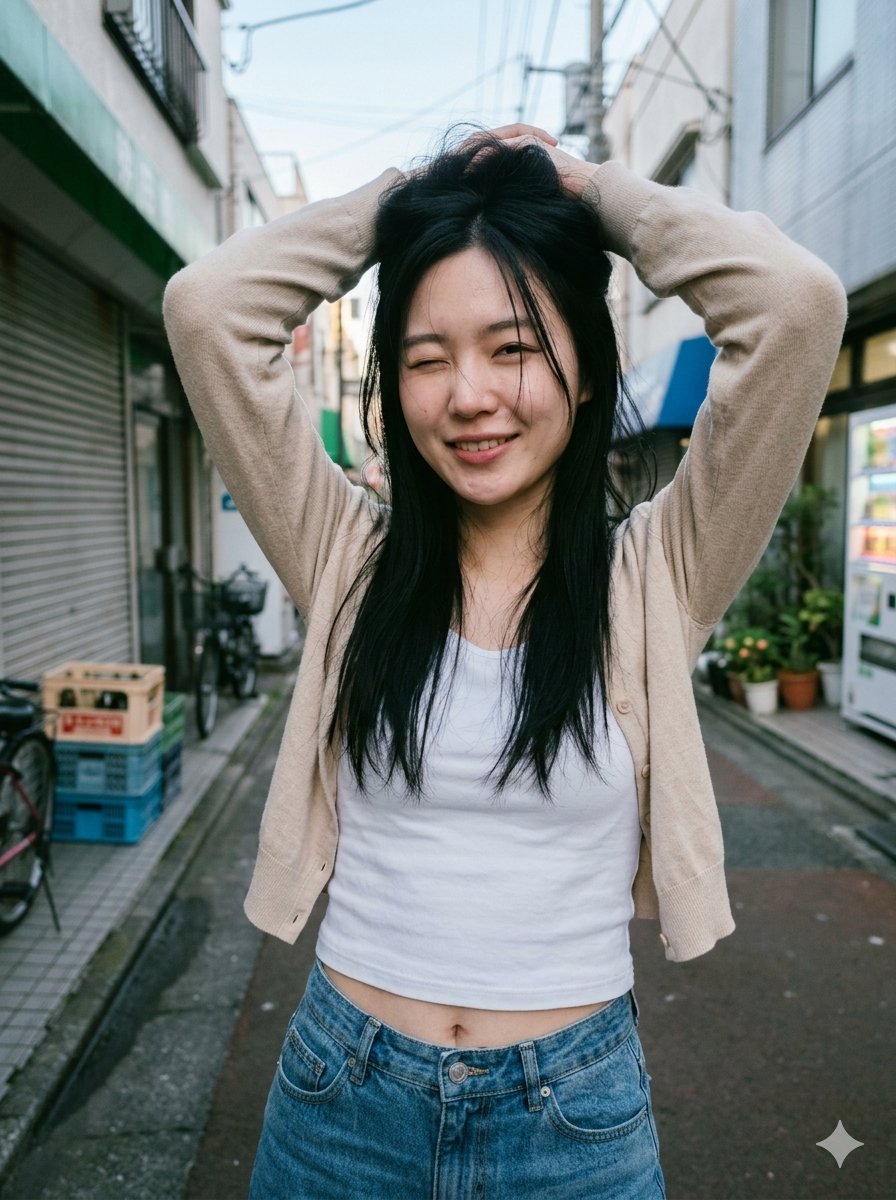
Blurred Face Japanese Alley Portrait
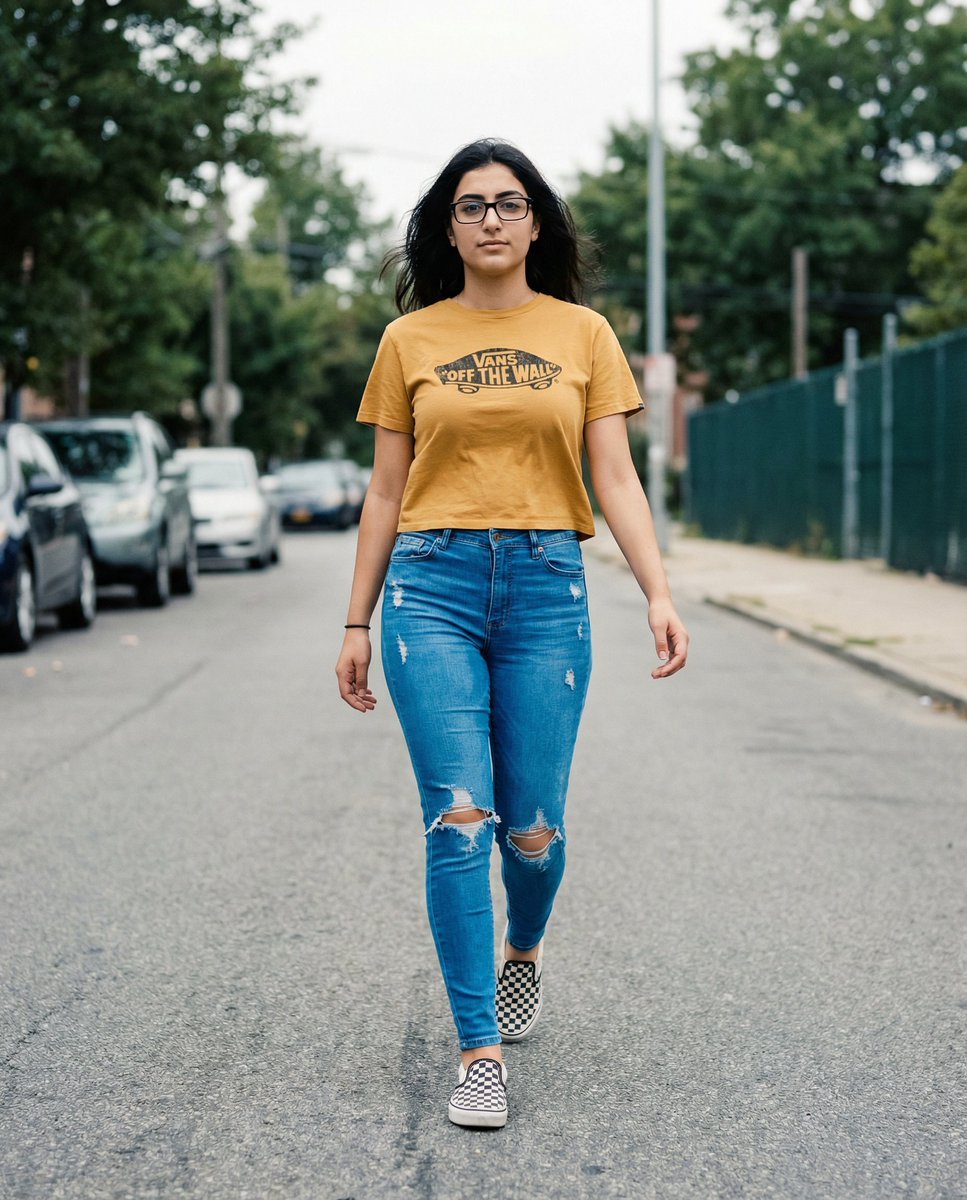
Vans Logo Street Fashion Portrait Replication
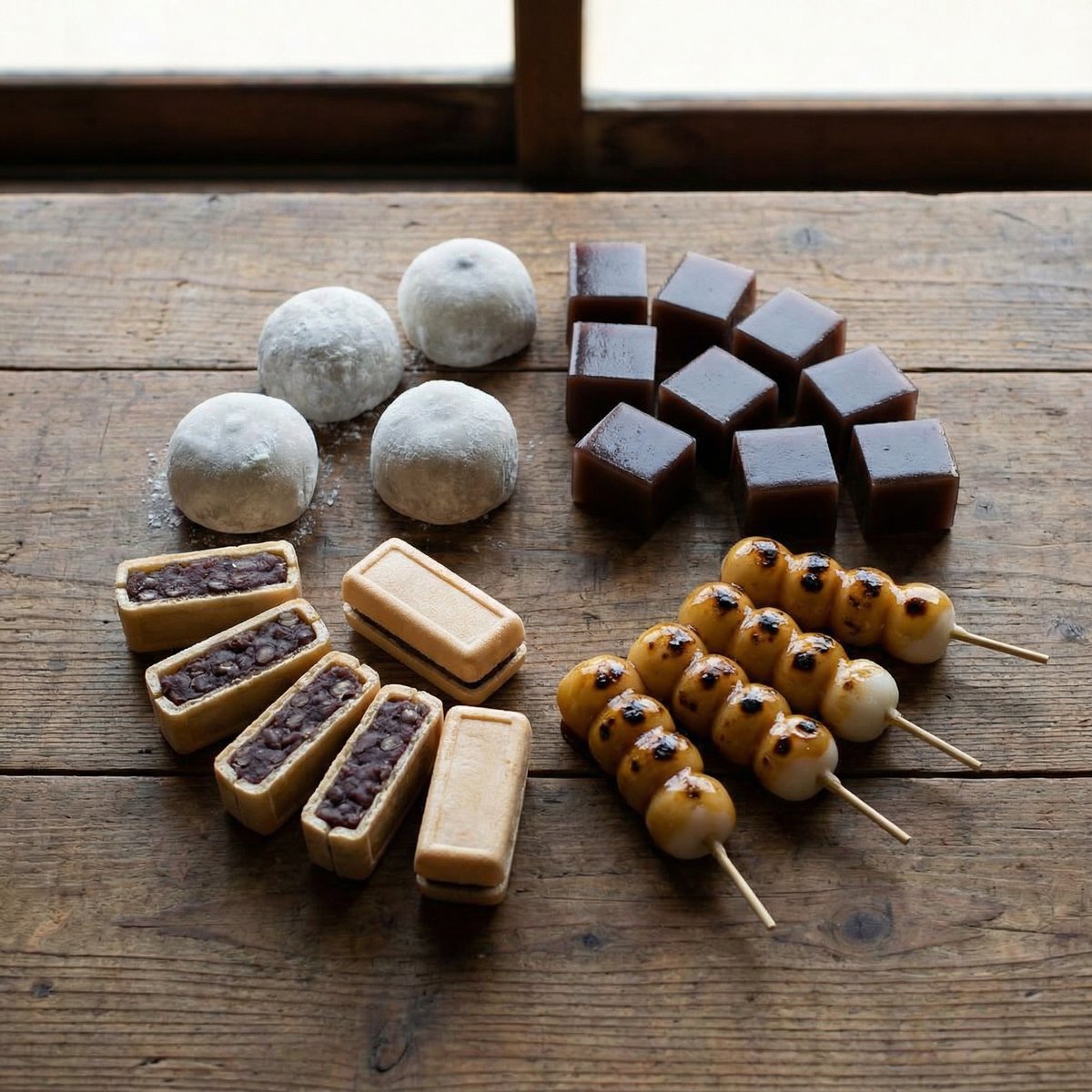
Perfectly Aligned Japanese Wagashi Sweets
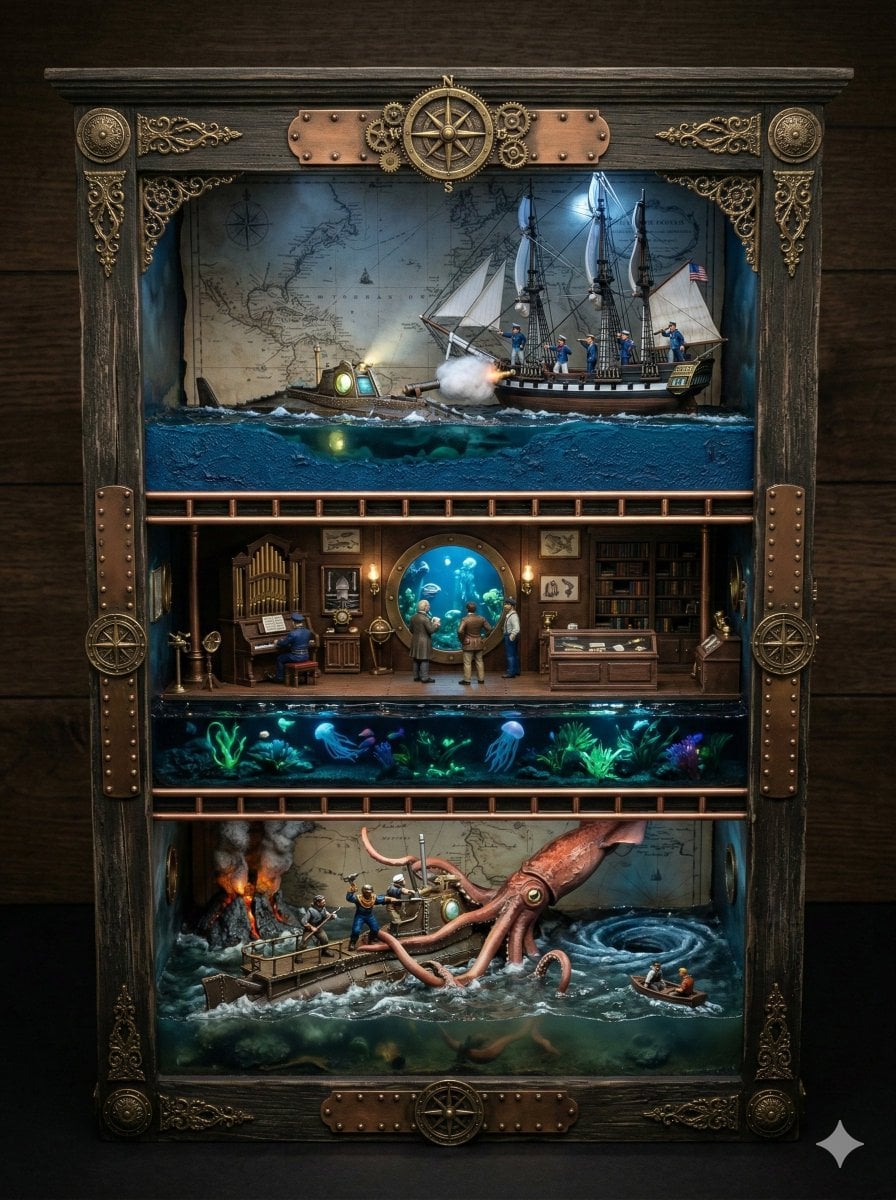
Ornate Box Diorama Prompt for Twenty Thousand Leagues Under the Sea
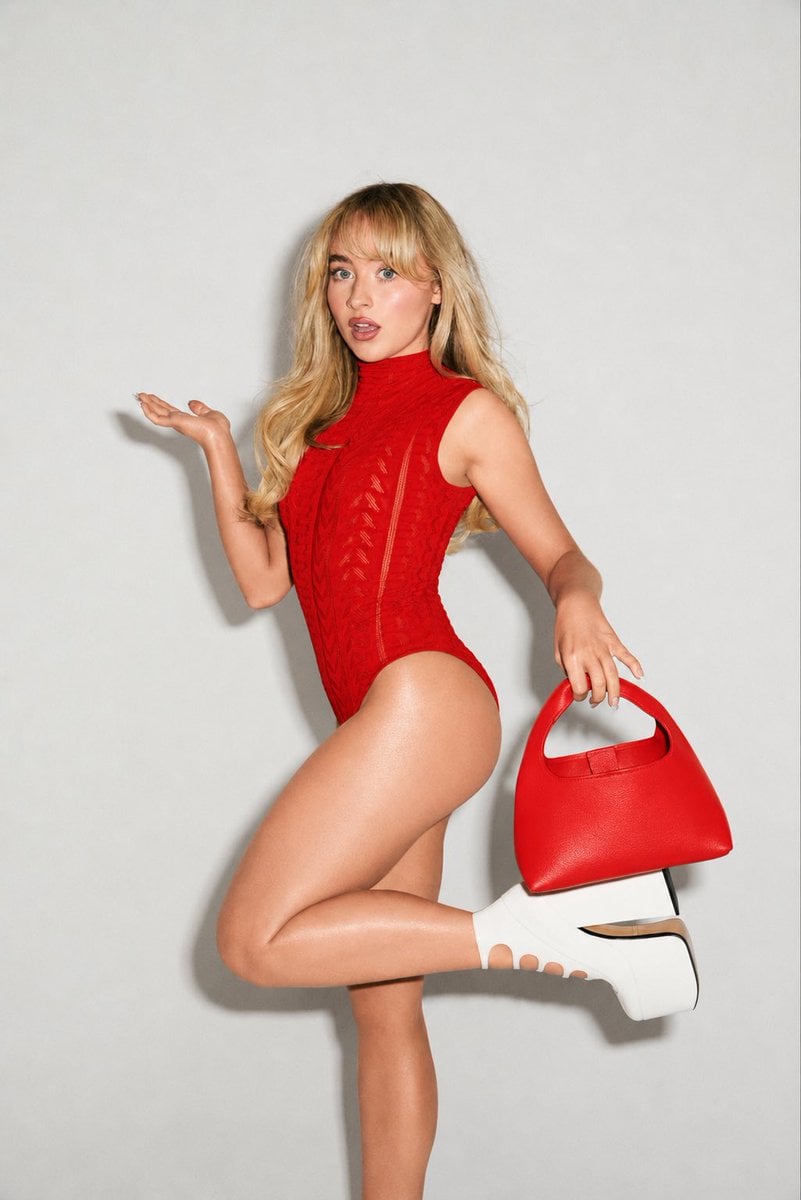
High-Fashion Editorial Portrait Edit
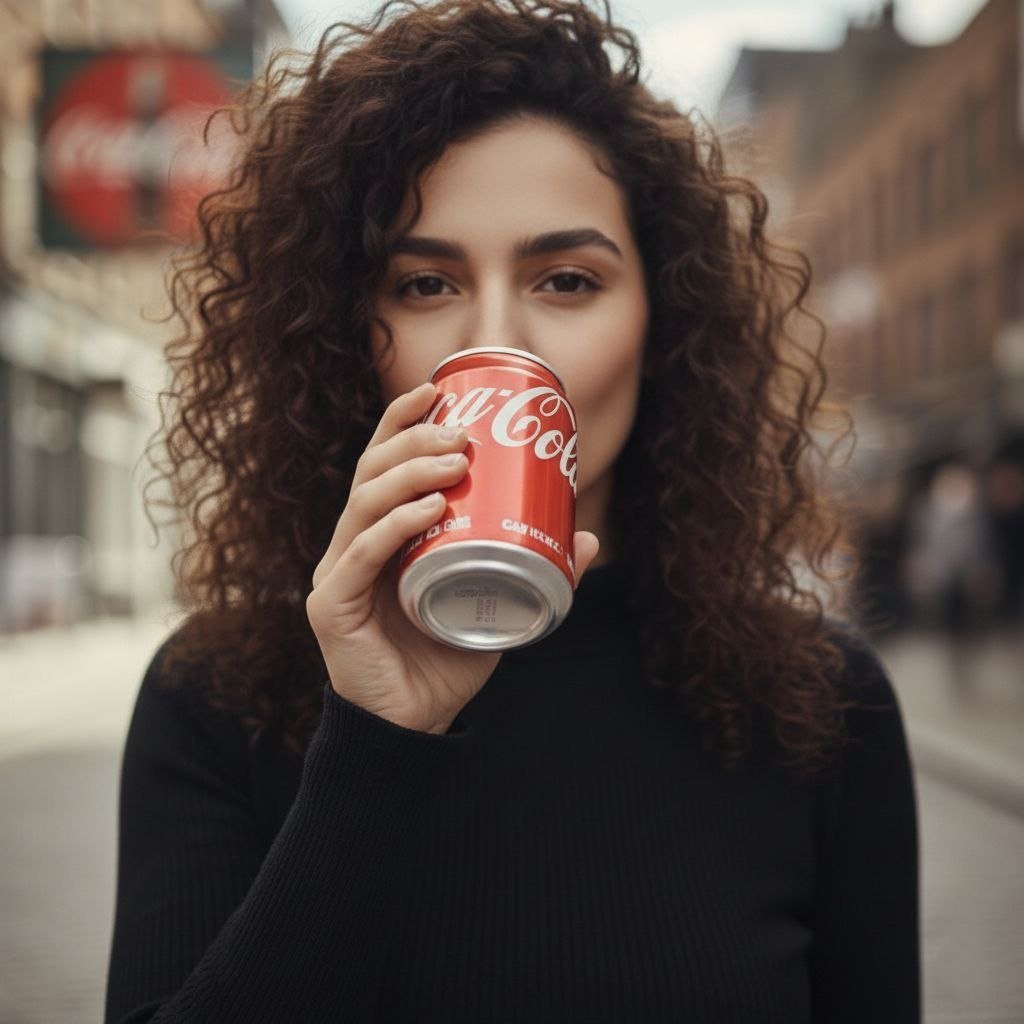
Cinematic UGC Ad Generation for Beverages

Silver Wolf Gaming Character Art
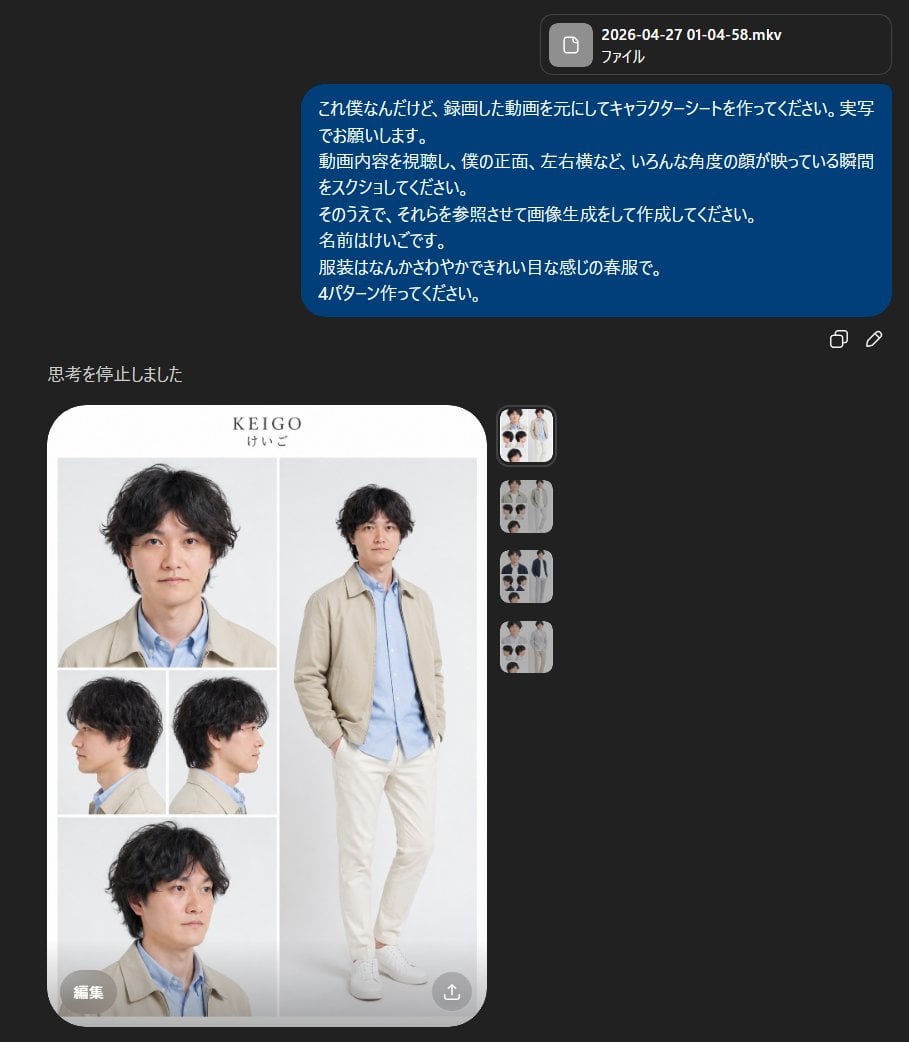
Realistic Male Character Sheet
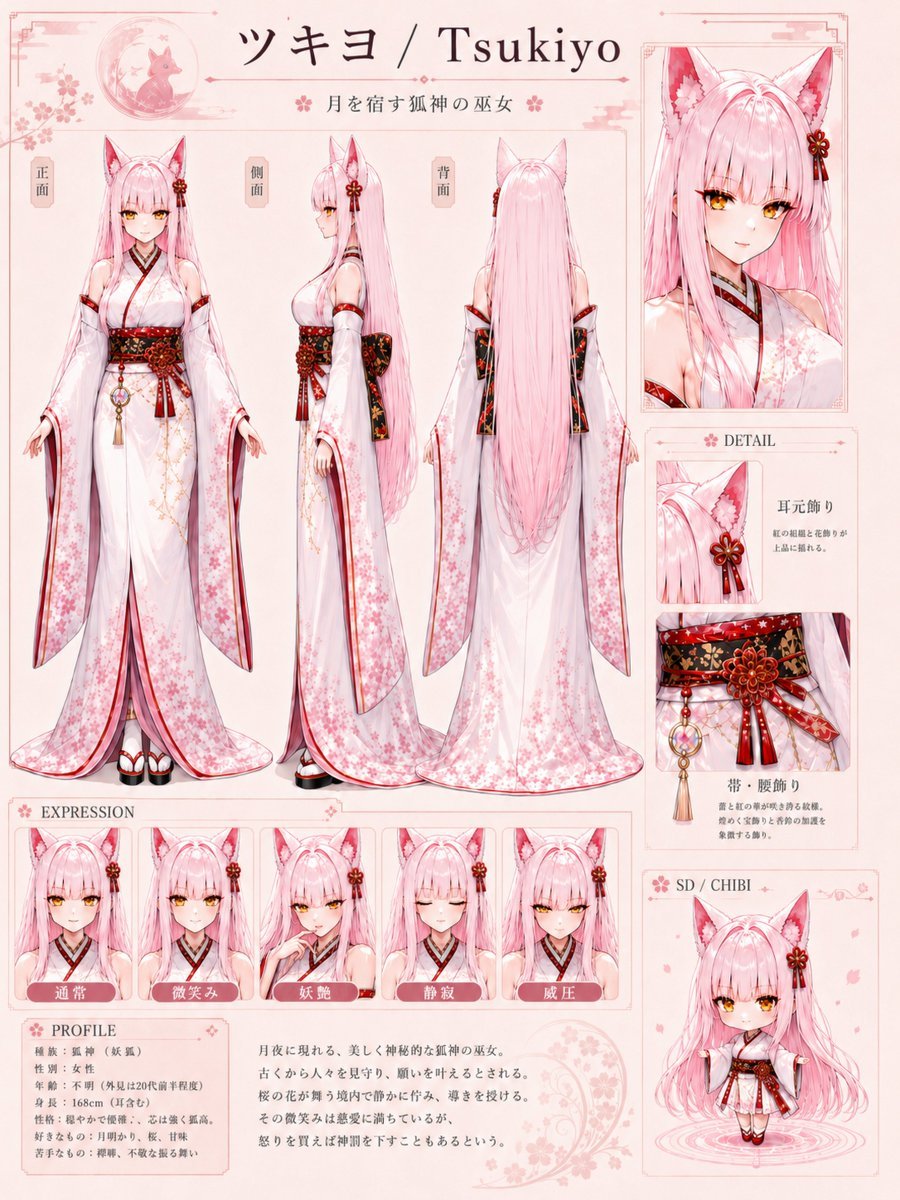
Tsukiyo Fox Shrine Maiden Reference Sheet
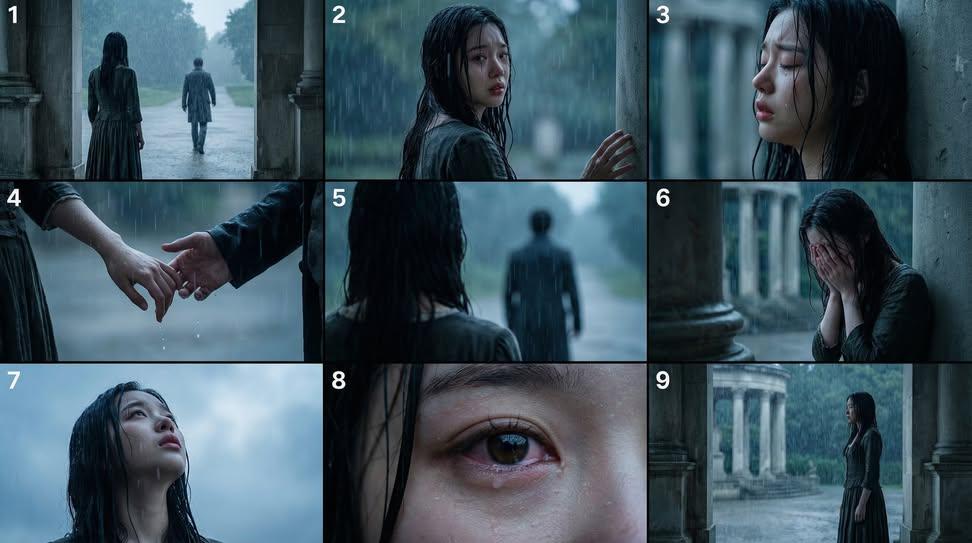
Cinematic Storyboard Generation Prompt
Browse template categories
Mixed Media Abstract Portrait Illustration questions
How do I use the Mixed Media Abstract Portrait Illustration template?
Add your photo if the template asks for one, edit the prompt if you like — the template's model and format are already selected — and press Generate. Your version opens in PicX Studio.
Can I customize the Mixed Media Abstract Portrait Illustration template?
Yes. You can change the subject, setting, lighting, mood, format, and available model controls before creating your image.
Is the Mixed Media Abstract Portrait Illustration template free?
Opening and editing this template is free. Generating uses credits, shown on the Generate button when you are signed in.
Which AI model should I use?
Start with Gemini 3 Pro Image Preview, which is the model associated with this template. You can compare another compatible model for a different finish.
Looking for something else? Browse all templates.

Your photo, any look
Thousands of ready templates for every top image and video model, from one credit balance.