
Scientific Discovery Visualization: Kinetic Sculpture Lab Notebook
A complex, multi-phase prompt designed to generate a 2x2 grid of 'Working Lab Notebook Contraptions' that visualize scientific discoveries (e.g., Theory of Relativity).
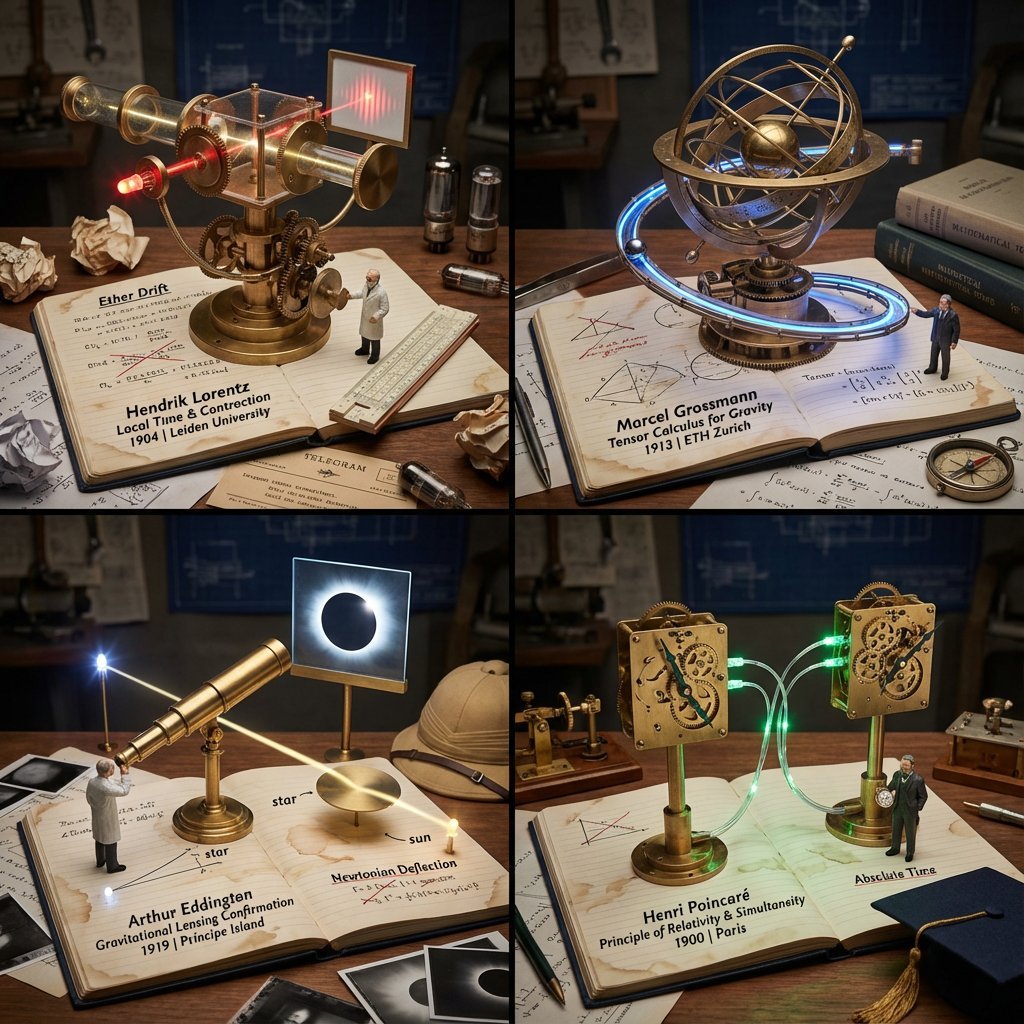
- Prompt included
- Model and format preset
- Free template
The prompt behind this image
Copy the exact prompt behind Scientific Discovery Visualization: Kinetic Sculpture Lab Notebook, or open it in the studio and make it yours.
<instructions> Role: Science Historian & Kinetic Sculpture Engineer Input: [{argument name="scientific discovery" default="Scientific Discovery, e.g., DNA Structure, Theory of Relativity"}] Phase 1: Analysis 1. Identify the "eureka moment" and the failed attempts before it 2. Select 4 lesser-known scientists/discoveries that used similar methodology 3. Extract the physical apparatus used in the discovery (microscope, prism, blackboard equation) Phase 2: Execution Goal: 2x2 Grid of "Working Lab Notebook Contraptions" Rules per Panel: - The Base: An open, coffee-stained lab notebook with handwritten equations/sketches - The Machine: A functional brass and glass apparatus rises FROM the notebook pages (steampunk aesthetic) - The Process: The machine actively demonstrates the discovery (gears turning, liquid flowing, light refracting) - The Scientist: Tiny figurine in period lab coat taking notes with a fountain pen - The Failure: Crossed-out attempts and crumpled paper nearby - The Eureka: A single glowing element (LED) representing the breakthrough moment - The Label: Fountain pen handwriting: "Scientist Name | Discovery | Year | Lab Location" - The Props: Era-accurate items (telegram, slide rule, Bunsen burner, petri dishes) Output: 2x2 Grid, Industrial Scientific Photography, dramatic side lighting </instructions>
How to use Scientific Discovery Visualization: Kinetic Sculpture Lab Notebook in 3 steps
- 1
Open
The prompt is already in the box next to the preview, with the template's model and format selected.
- 2…a portrait of your subject in softgolden-hour light, 85mm…
Personalize
Edit the subject and creative details for your destination.
- 3Generate
Generate
Press Generate — your image is created in PicX Studio, so you can compare it with the original and refine one variable at a time.
More like this
Templates with the same subject, style or setup. Open one to see its prompt.
Woodpunk Kinetic Sculpture Automaton

Motion Graphics Finale Fireworks

Motion Graphics Garden Maze

Motion Graphics Castle Gate

Motion Graphics Kitchen Chaos

Motion Graphics Carnival Ride

Motion Graphics Rainy Bus Stop

Motion Graphics Space Dock
Motion Graphics Cafe Morning
Motion Graphics Mountain Summit
Motion Graphics Underwater Reef
Motion Graphics Street Festival
Make it yours
Scientific Discovery Visualization: Kinetic Sculpture Lab Notebook works as-is. These are the safest ways to change it without losing the look.
Change one field
Copy a single group, rewrite it, and generate again so you can see what that field is doing.
Keep the frame, change the subject
Hold the composition and light of Scientific Discovery Visualization: Kinetic Sculpture Lab Notebook, then swap wardrobe, props or the person for a new take.
| If the result… | Why | Fix |
|---|---|---|
| The result drifts from the preview | Too many fields changed at once. | Reuse Scientific Discovery Visualization: Kinetic Sculpture Lab Notebook as-is first, then change one group — subject, light, or setting. |
| The model over-stylizes the scene | The prose prompt leaves finish and camera underspecified. | Add one camera or lighting sentence and stay on Nano Banana 2. |
More Nano Banana 2 templates
Other prompts made for Nano Banana 2.

Photorealistic Leaf Shaped Like a Dragon

K-Pop Idol Portrait Grid for Rapid Selection

Poetic Rain Forest Portrait During Golden Hour

Urban Street Portrait with Cartoon Inner Self Duo

Candid Nighttime Photo with Cat Prompt

High-Concept 3D Diorama Generation Prompt

Cinematic Futuristic Studio Portrait Template

Skincare Editorial Photography Collage Prompt

Hyper-Realistic Commercial Product Photography (Splash Effect)

Hyper-Realistic Nightclub Portrait Prompt
More image prompts
Fresh picks from across the catalog.
3D Luxury Creator Workspace Poster

untitled
Stylized Football Figurine Popping Out of Energy Drink Can
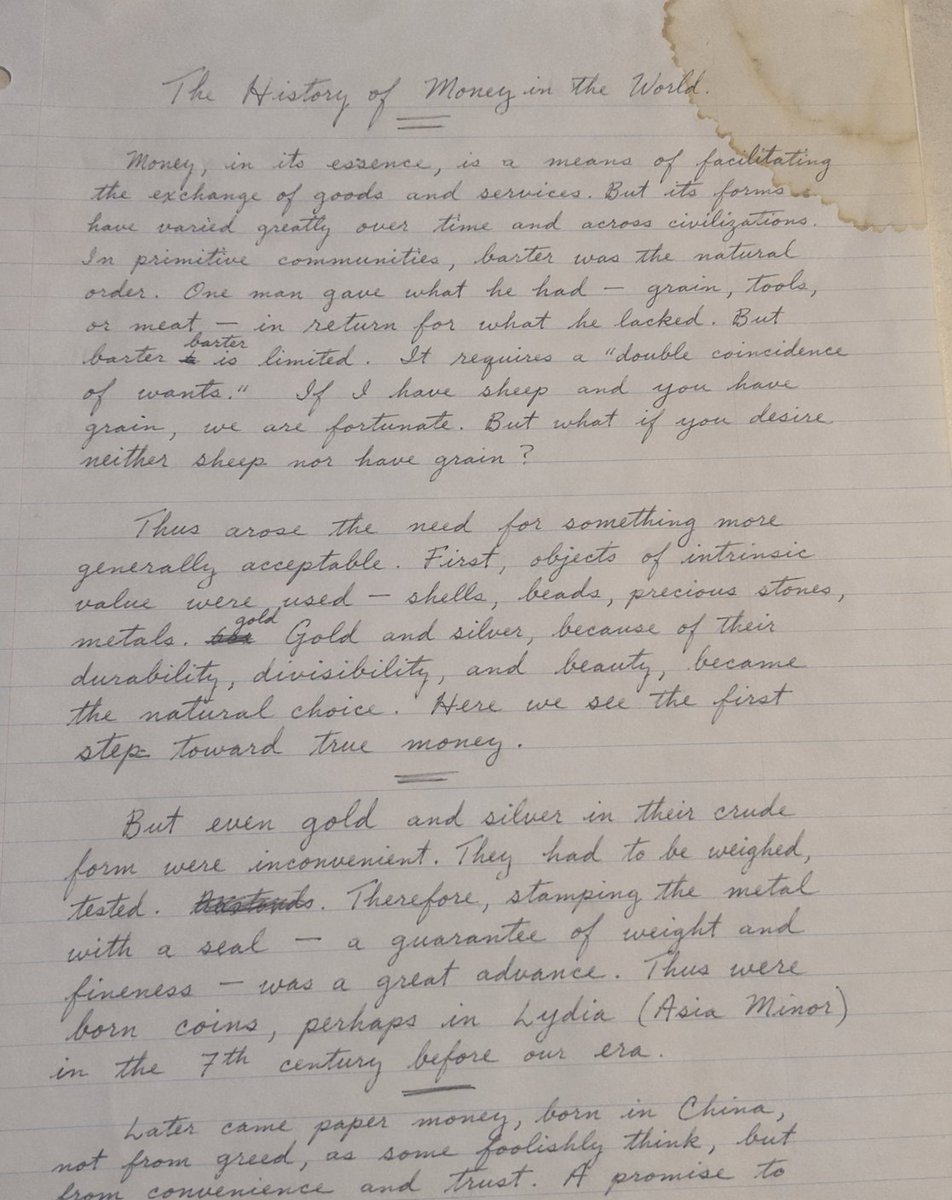
Handwritten Historical Essay
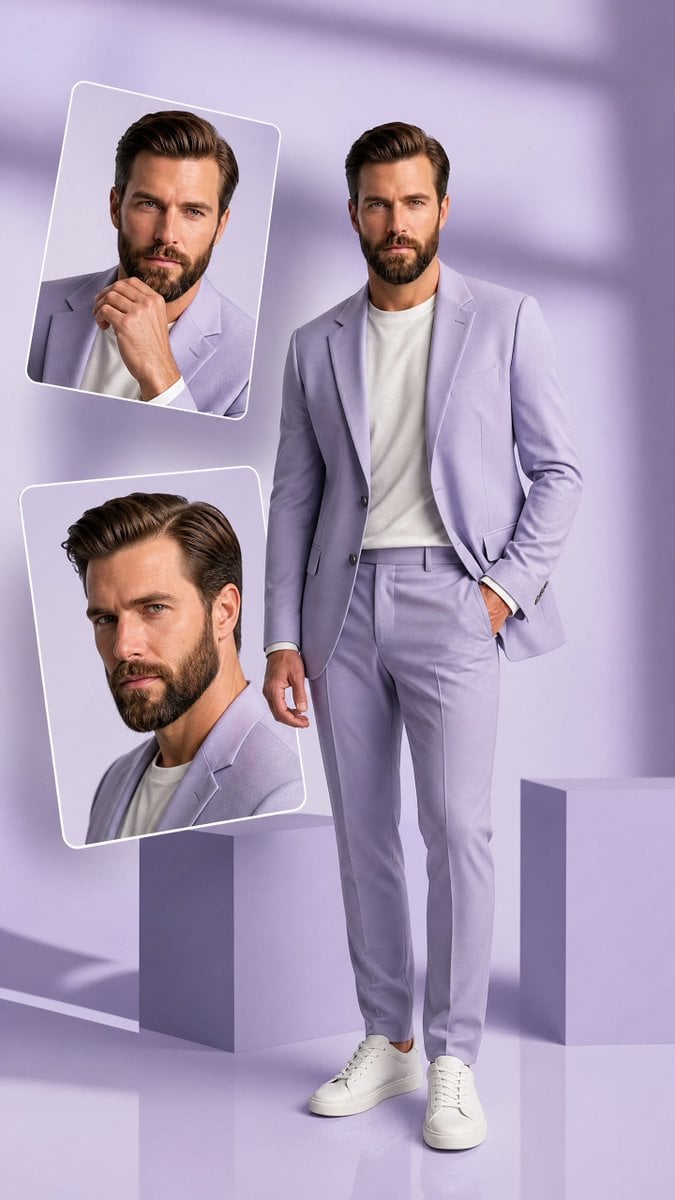
Premium Hollywood Fashion Editorial Poster
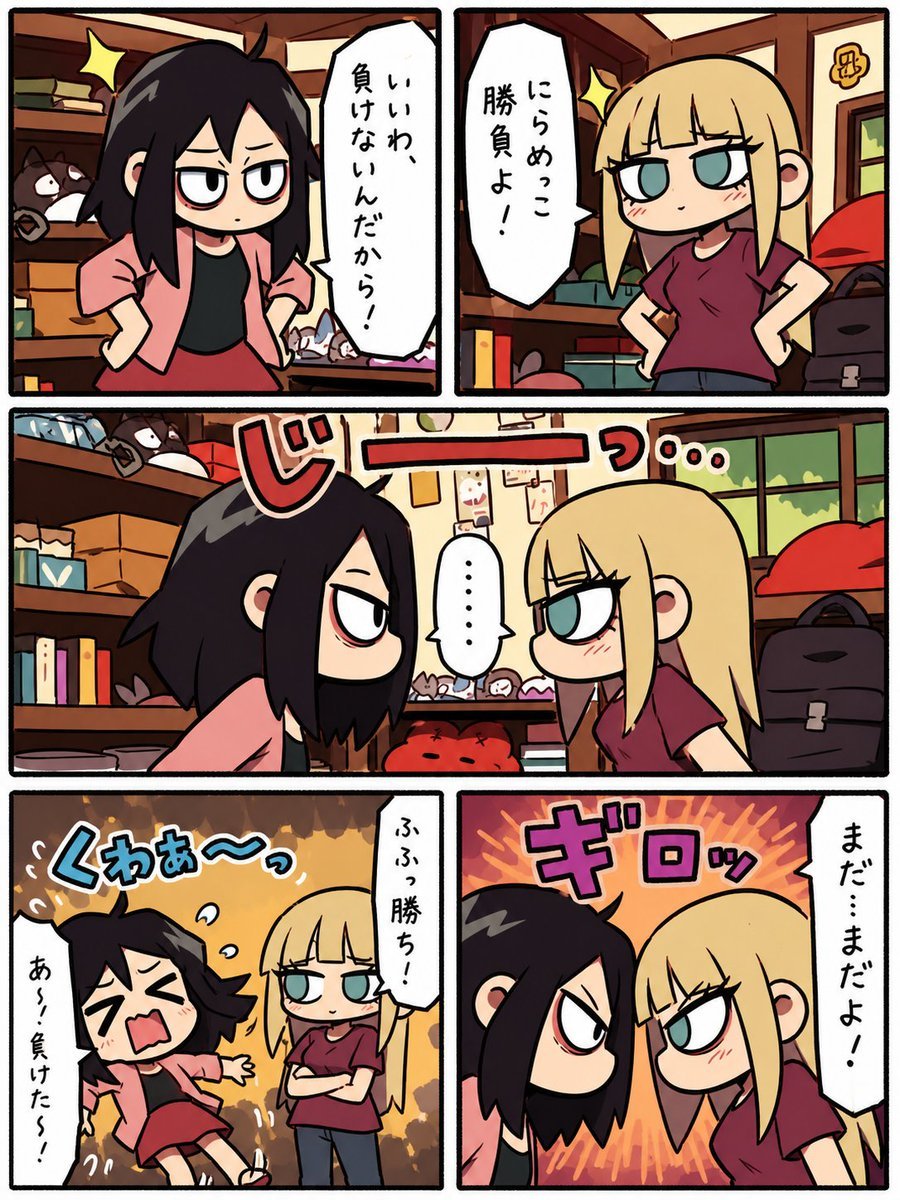
Chibi Staring Contest Manga Page

Museum High Fashion Editorial
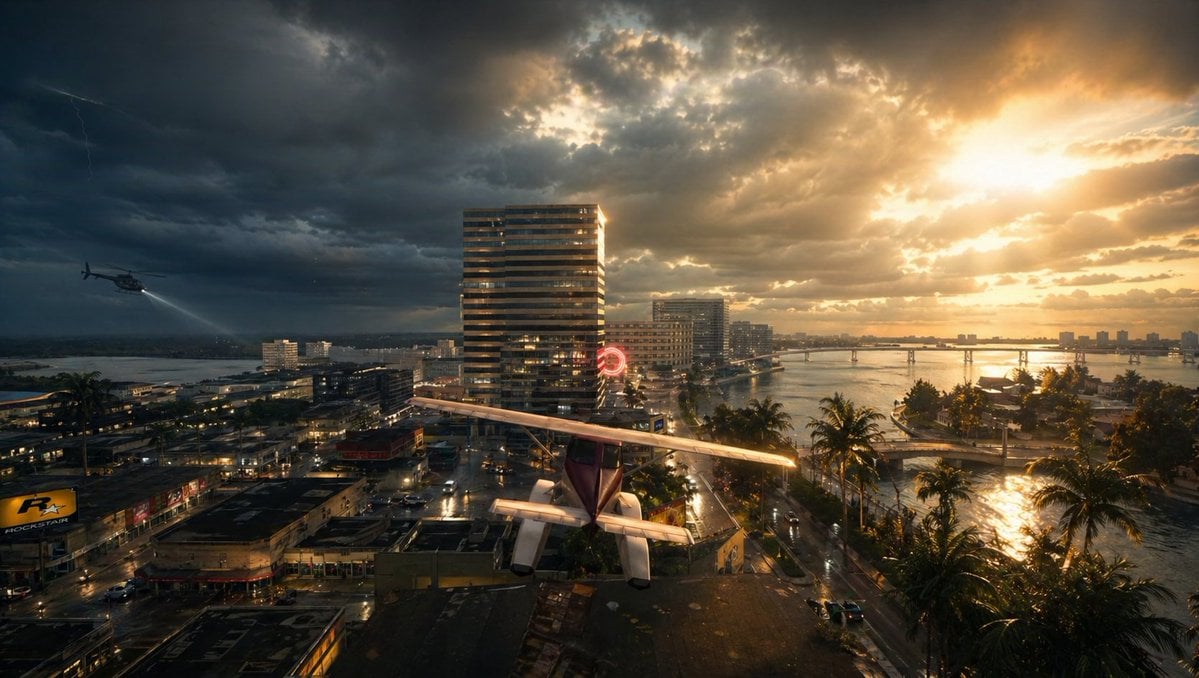
Gpt2 Comic Storyboard Stormy Tropical City with Rooftop Plane
Photorealistic Spider-Themed Bodysuit Portrait
Premium Studio Shot of Blueberry Mint Iced Drink
Browse template categories
Scientific Discovery Visualization: Kinetic Sculpture Lab Notebook questions
How do I use the Scientific Discovery Visualization: Kinetic Sculpture Lab Notebook template?
Add your photo if the template asks for one, edit the prompt if you like — the template's model and format are already selected — and press Generate. Your version opens in PicX Studio.
Can I customize the Scientific Discovery Visualization: Kinetic Sculpture Lab Notebook template?
Yes. You can change the subject, setting, lighting, mood, format, and available model controls before creating your image.
Is the Scientific Discovery Visualization: Kinetic Sculpture Lab Notebook template free?
Opening and editing this template is free. Generating uses credits, shown on the Generate button when you are signed in.
Which AI model should I use?
Start with Nano Banana 2, which is the model associated with this template. You can compare another compatible model for a different finish.
Looking for something else? Browse all templates.

Your photo, any look
Thousands of ready templates for every top image and video model, from one credit balance.