How do I use the Ana de Armas Tennis Court Sunset Fashion Shot template?
Choose the primary action to open PicX Studio with the available template settings. Review the model and format, personalize the creative direction, and generate when ready.
A hyper-realistic 8k prompt for a fashion photography image featuring a woman resembling Ana de Armas posing on an outdoor tennis court at golden hour, wearing sporty attire and holding a tennis racket, emphasizing cinematic lighting and detailed skin texture. (free to use) — Free AI image template on PicX Studio.
A stunning young woman with long voluminous wavy dark hair, dramatic makeup with sharp eyeliner, long lashes and glossy lips, posing confidently on a outdoor tennis court at golden hour sunset, athletic toned body with visible abs and navel piercing, wearing a cropped white zip-up track jacket with black accents and tennis club emblem on chest, black high-waisted sporty shorts, white cropped top underneath slightly visible, white tennis shoes, black crew socks with white stripes, holding a tennis racket in one hand and a green tennis ball in the other, dynamic pose with one leg forward stepping toward camera, leaning slightly against the net, seductive intense eye contact with viewer, warm sunset lighting, cinematic glow, soft rim light, detailed skin texture, ultra-realistic, photorealistic, 8k, fashion photography style, shot on Canon EOS R5
Use Ana de Armas Tennis Court Sunset Fashion Shot to plan an AI image around nano-banana-2 generation. Match the preview's composition first, then personalize the subject, setting, and mood for your own project.
Use the primary action to load the template settings in PicX Studio.
Adjust the subject and creative details for your destination.
Create the image, compare the result with the preview, and refine one variable at a time.
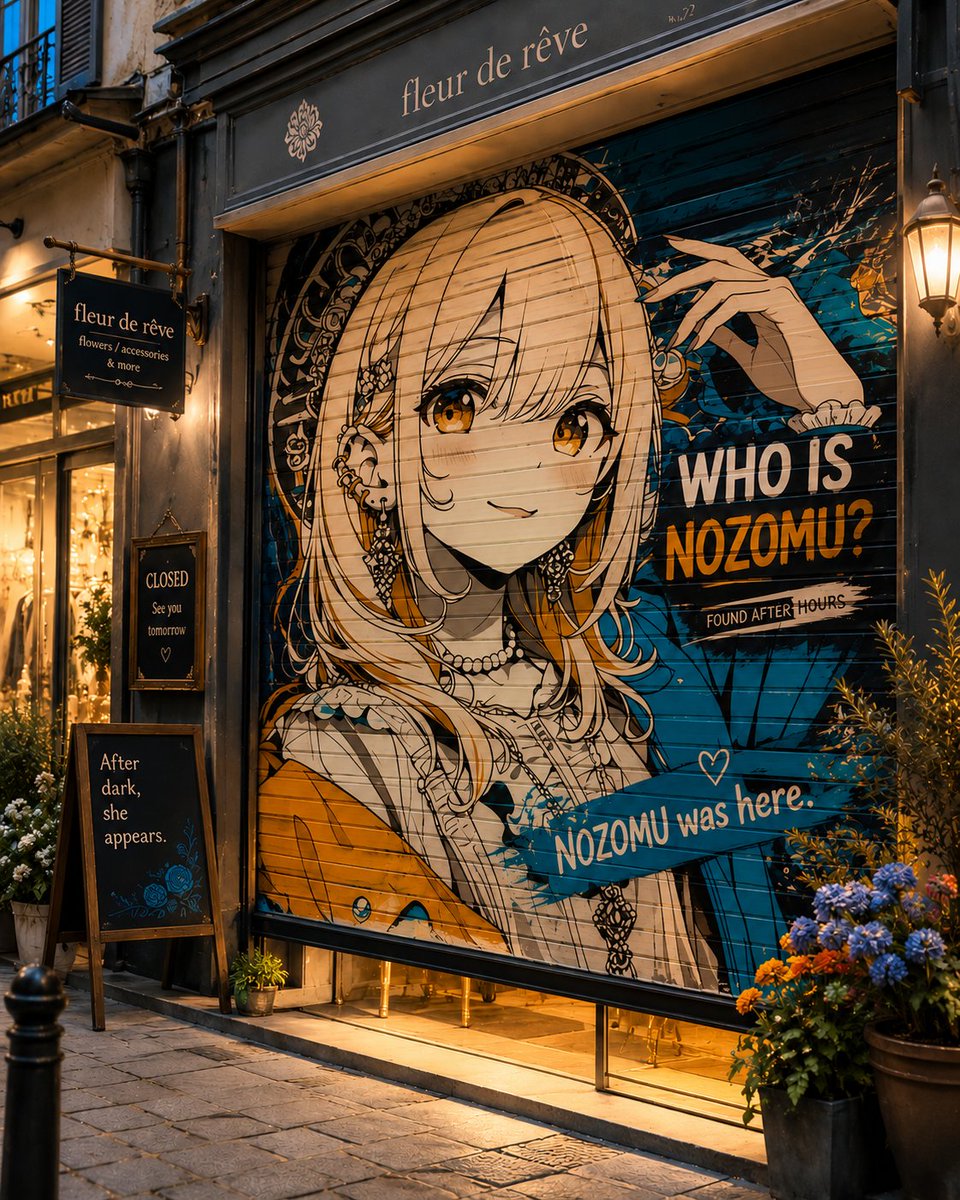
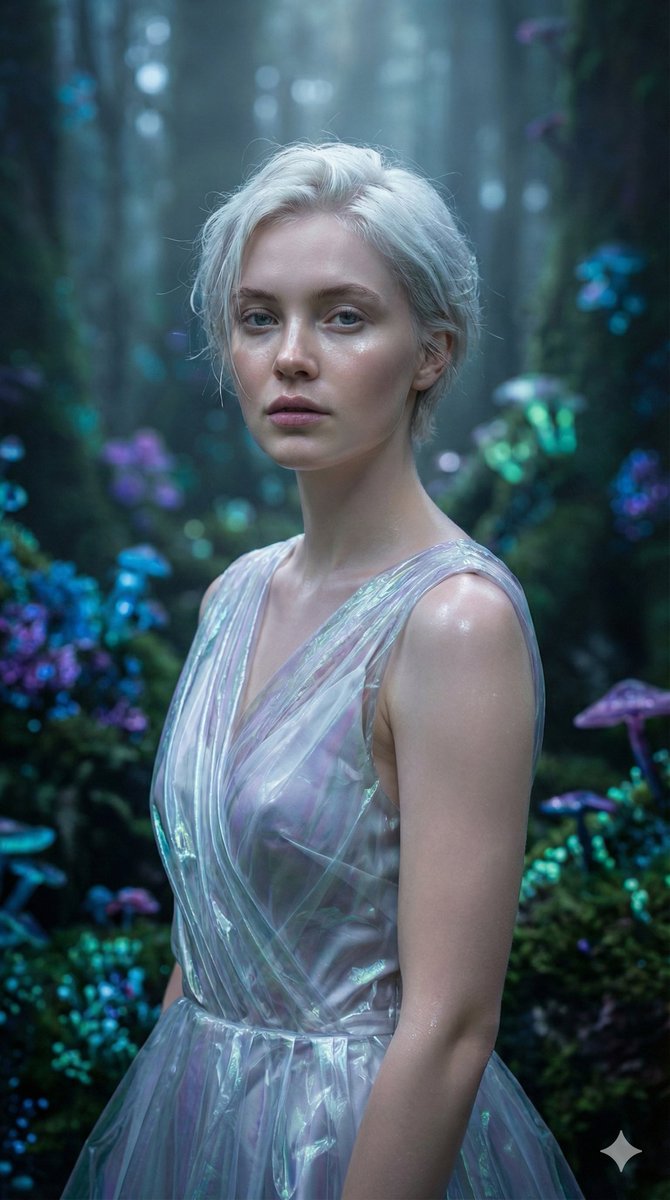
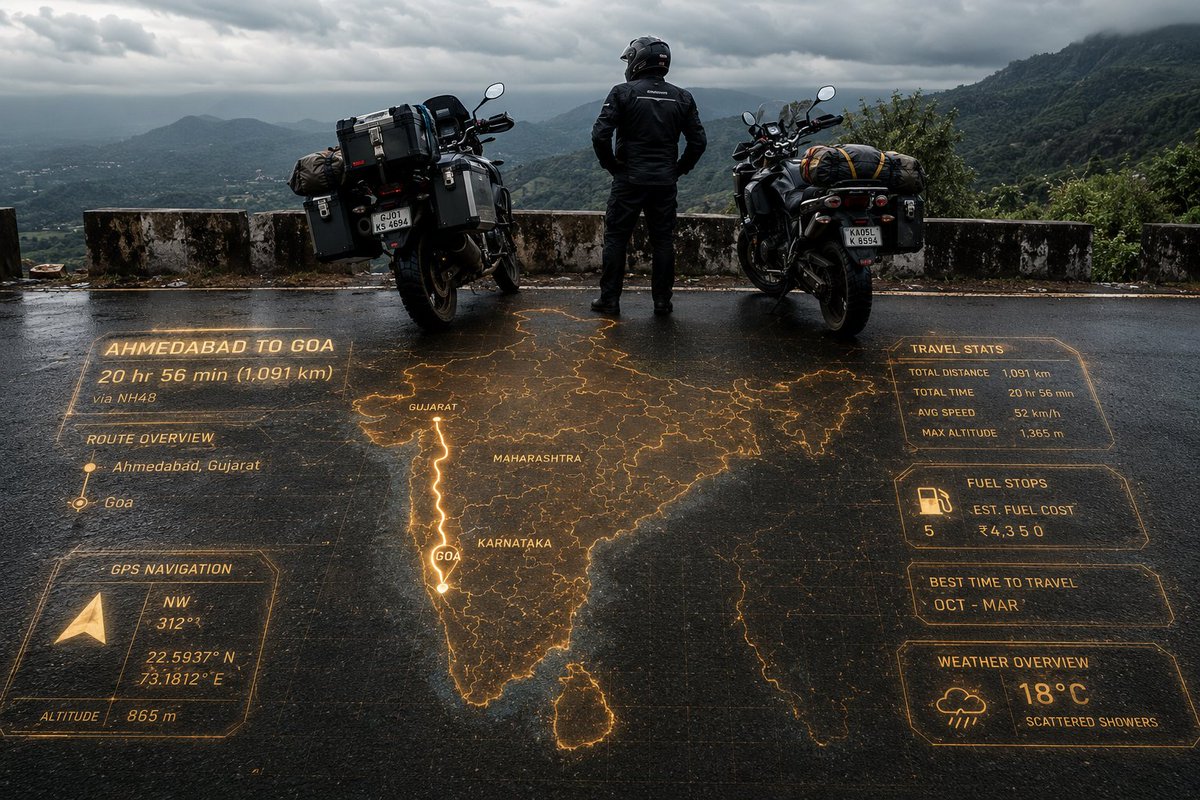
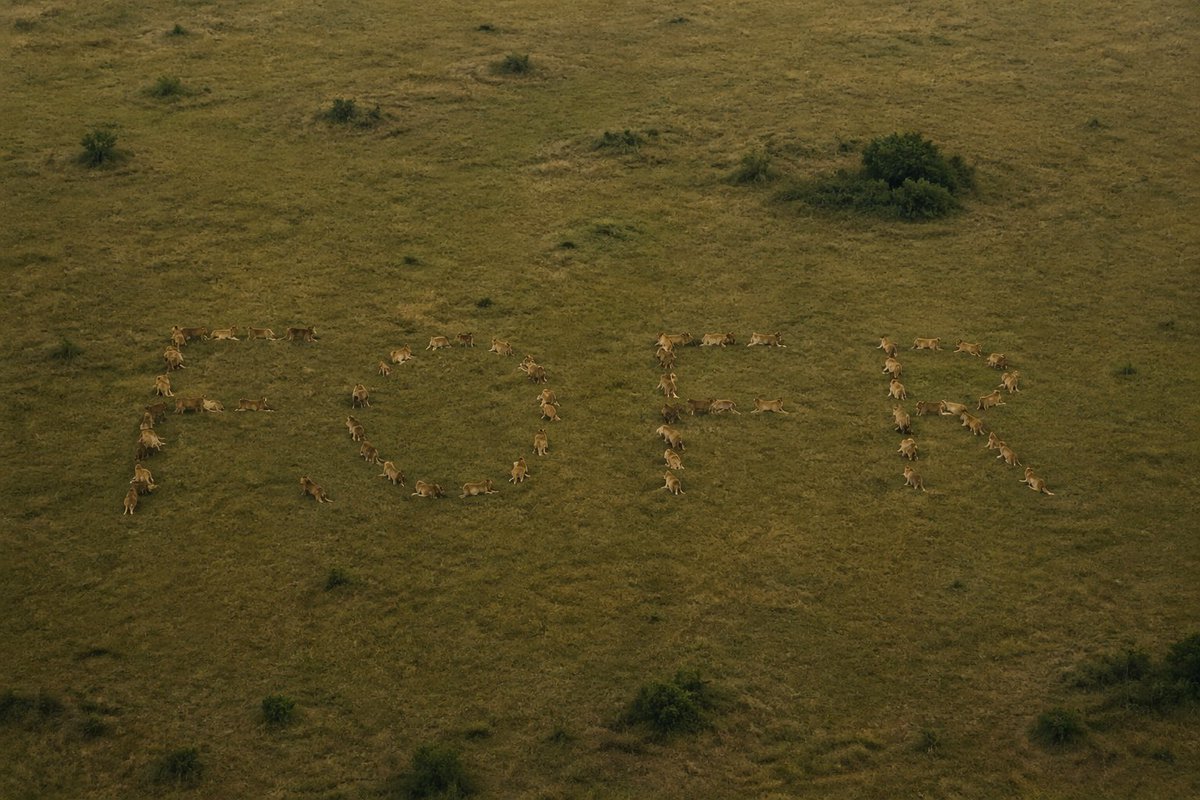
A continuous mix — similar concepts first, woven with same-model prompts and fresh picks from the catalog.
Choose the primary action to open PicX Studio with the available template settings. Review the model and format, personalize the creative direction, and generate when ready.
Yes. You can change the subject, setting, lighting, mood, format, and available model controls before creating your image.
This template is free to open and customize. Generation usage is shown in PicX Studio before you create.
Start with nano-banana-2, which is the model associated with this template. You can compare another compatible model for a different finish.
Follow a topic to a crawlable collection of related PicX Studio templates.
39,155 public templates available. Verified via the PicX Studio public templates API; refreshed hourly.
A continuous mix — similar concepts first, woven with same-model prompts and fresh picks from the catalog.