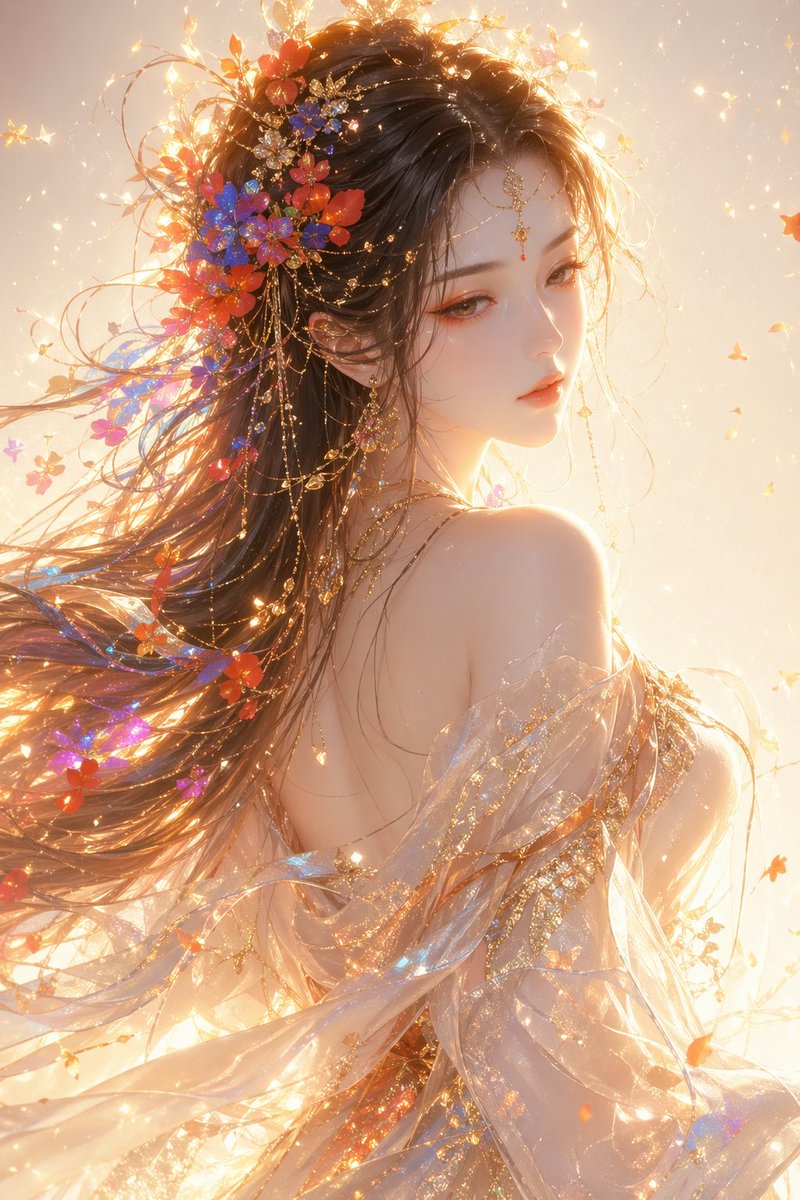
How do I use the 21-luxurious-mirror-selfie-couple-portrait template?
Choose the primary action to open PicX Studio with the available template settings. Review the model and format, personalize the creative direction, and generate when ready.

From @XShreyaYadav on X | Score: 68.6 (free to use) — Free AI image template on PicX Studio.
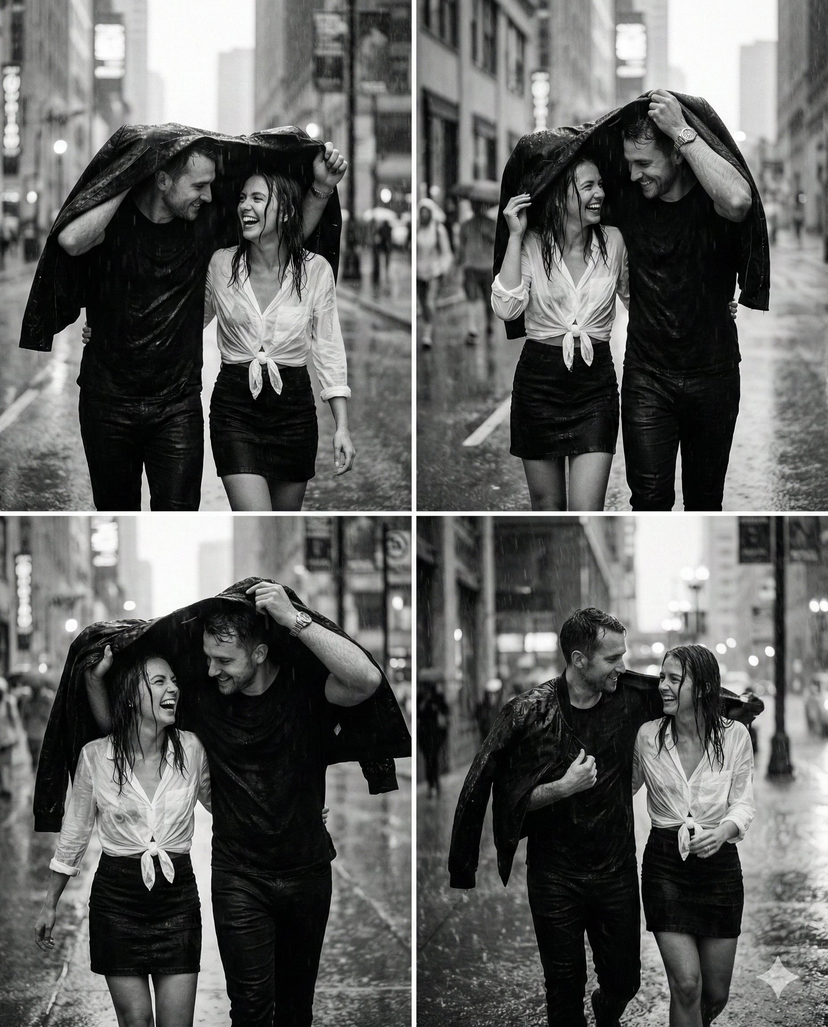
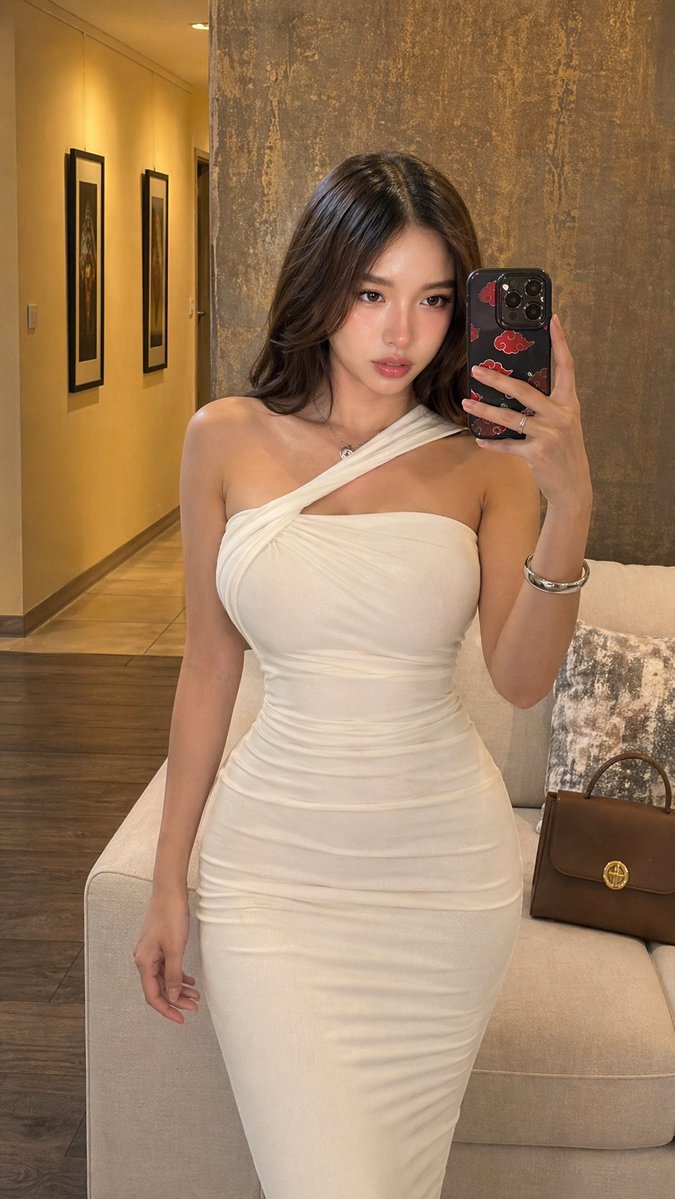
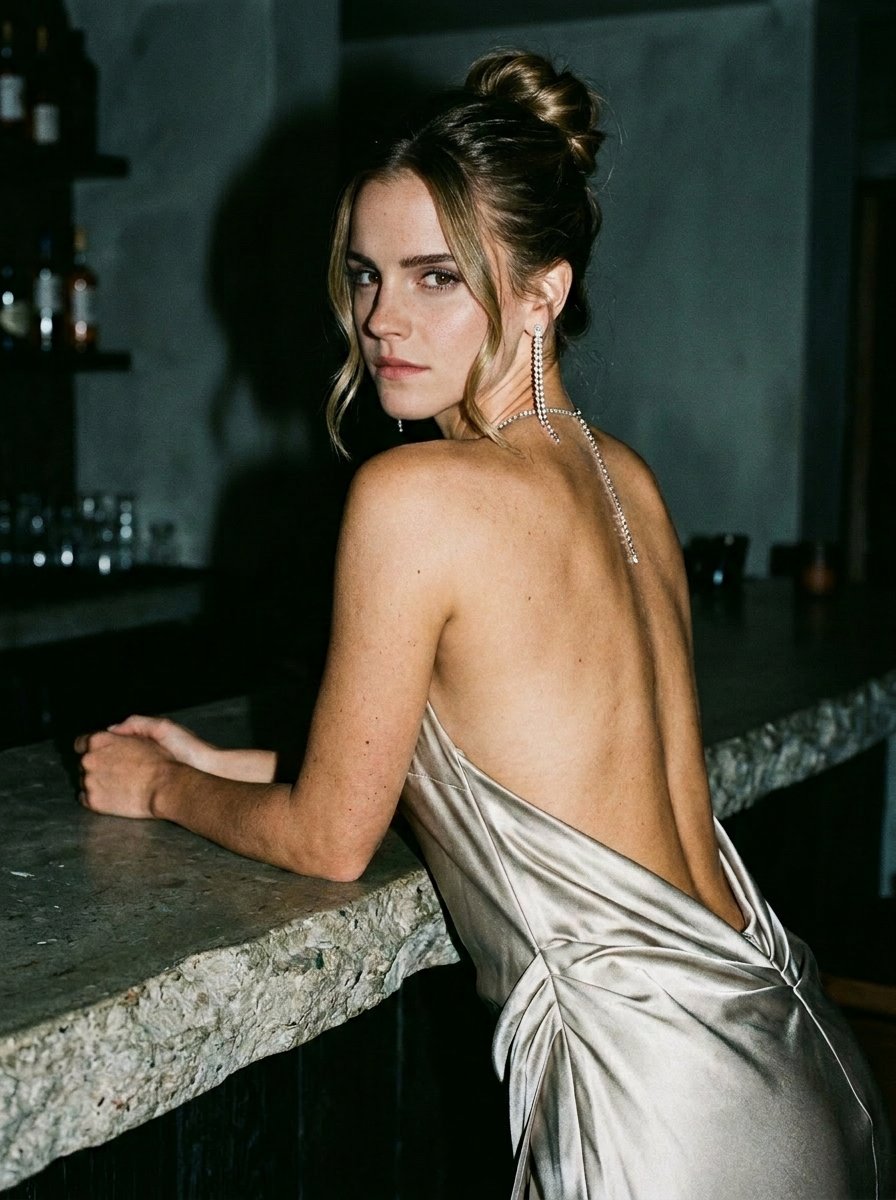
A luxurious mirror selfie in a dark elevator with reflective black walls and soft linear ceiling lighting. A well-dressed couple (photo uploaded, facial features unaltered) stand very close, almost touching lips. The man, wearing a crisp white shirt, holds an iPhone 16 Pro Max at chest level, capturing his reflection. His posture is confident and protective, his head slightly tilted toward the woman. The woman, wearing a fitted white blazer with a low neckline and minimal jewelry, has sleek, straight hair cascading over her shoulders. Her eyes are half-closed, her lips slightly parted, and she leans toward him with calm confidence. The atmosphere is sensual yet understated, old-money elegance, cinematic tension, and quiet luxury. The lighting is subdued and somber, with subtle highlights on faces and hair, soft shadows accentuating cheekbones and jawline. Color palette: deep blacks, jet blacks, muted skin tones, glossy reflections. The photo feels spontaneous, private, and forbidden. Luxurious editorial aesthetic, contemporary noir, intimate realism. Camera: Mirror selfie, close-up, shallow depth of field Mood: Seductive, exclusive, intimate, powerful Style: Old money, dark romance, contemporary fashion Quality: Ultra-detailed, cinematic, high-quality photography, 2:3 aspect ratio
Use 21-luxurious-mirror-selfie-couple-portrait to plan an AI image around art style projects, nano-banana generation, themes such as nano-banana and ai. Match the preview's composition first, then personalize the subject, setting, and mood for your own project.
Use the primary action to load the template settings in PicX Studio.
Adjust the subject and creative details for your destination.
Create the image, compare the result with the preview, and refine one variable at a time.
A continuous mix — similar concepts first, woven with same-model prompts and fresh picks from the catalog.
Choose the primary action to open PicX Studio with the available template settings. Review the model and format, personalize the creative direction, and generate when ready.
Yes. You can change the subject, setting, lighting, mood, format, and available model controls before creating your image.
This template is free to open and customize. Generation usage is shown in PicX Studio before you create.
Start with nano-banana, which is the model associated with this template. You can compare another compatible model for a different finish.
Follow a topic to a crawlable collection of related PicX Studio templates.
39,155 public templates available. Verified via the PicX Studio public templates API; refreshed hourly.
A continuous mix — similar concepts first, woven with same-model prompts and fresh picks from the catalog.