How do I use the Luxury Indoor Mirror Selfie Portrait template?
Choose the primary action to open PicX Studio with the available template settings. Review the model and format, personalize the creative direction, and generate when ready.
This prompt generates a realistic fashion-style mirror selfie of a woman in a fitted ivory dress, useful for lifestyle, outfit, or social-media glamour imagery. Change the subject, setting, or lighting one variable at a time.
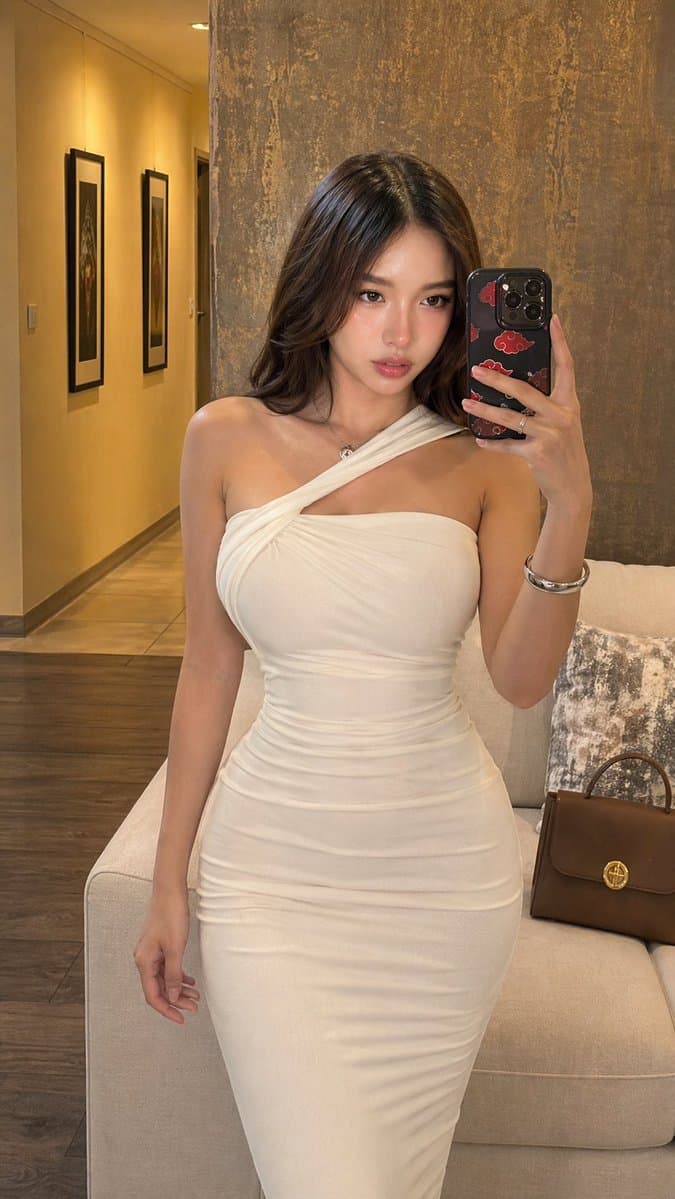
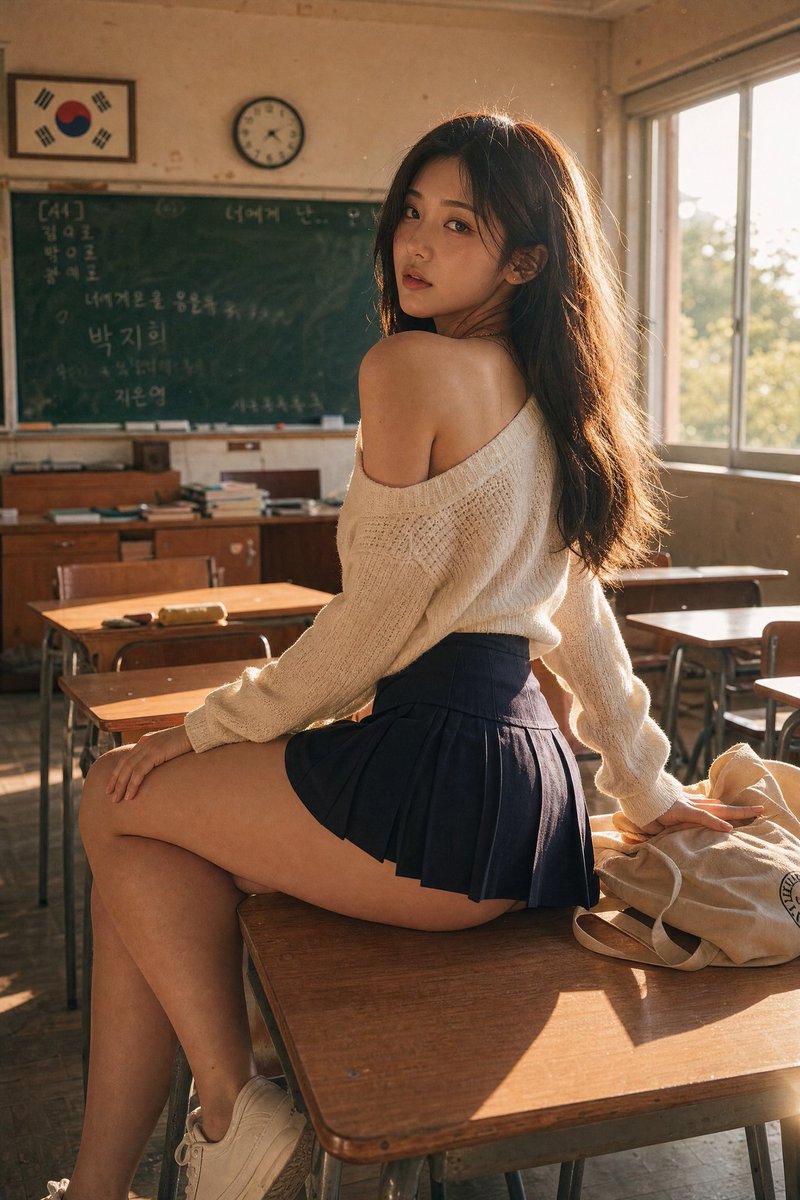
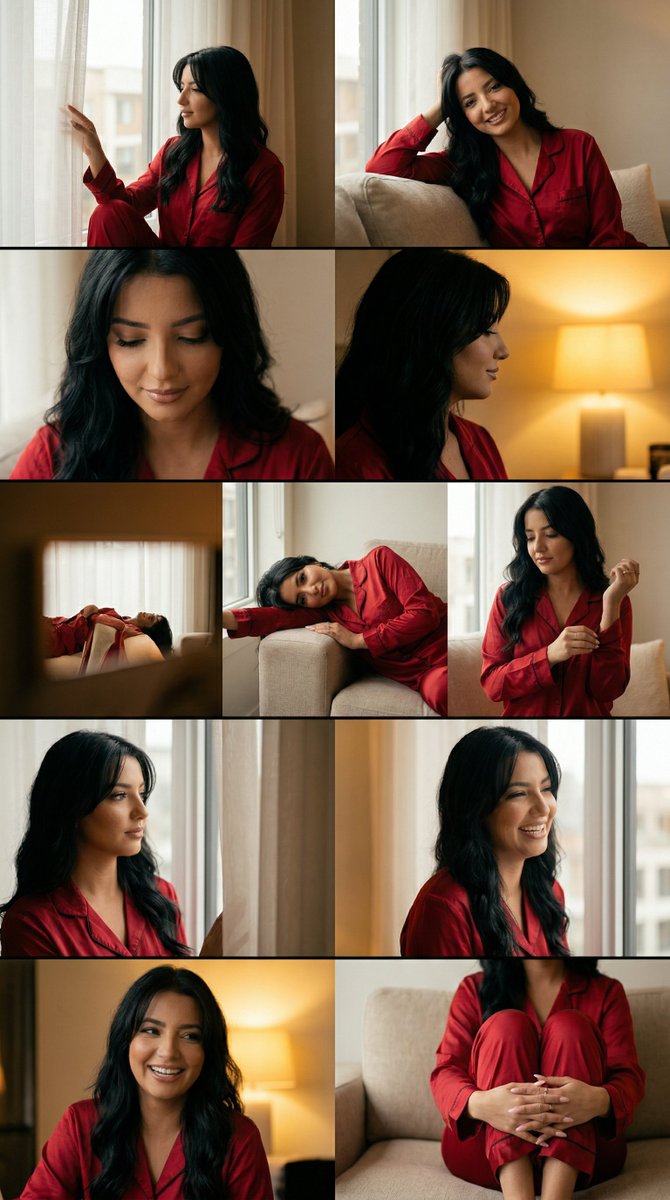
A realistic indoor mirror selfie of a slender glamorous young woman standing in a softly lit upscale living room or hotel suite, photographed vertically from head to below the knees. She wears a form-fitting cream or ivory bodycon midi dress with elegant draping and ruching, featuring an asymmetrical neckline with 1 shoulder strap crossing diagonally over the chest and leaving the other shoulder bare. Her hair is long, dark brown, softly wavy, and parted near the center, falling over both shoulders. She holds a smartphone in her right hand in front of her face, partially covering it, with the phone angled toward a wall mirror; the phone has a dark case with a red cloud pattern. Her left arm hangs naturally by her side. Add subtle jewelry: 1 thin necklace with a small pendant, 1 silver bracelet or bangle on the right wrist, and rings on the fingers of the hand holding the phone. Emphasize a realistic feminine silhouette, smooth skin, soft warm ambient lighting, and polished editorial social-media style photography. The background should include 1 beige sofa behind her, 1 brown leather handbag resting on the right side of the sofa, 1 textured stone or concrete accent wall behind the mirror area, and a warm hallway on the left with 2 framed wall artworks visible. Use natural indoor shadows, refined skin texture, realistic fabric folds and compression around the waist and hips, luxury apartment aesthetic, clean composition, and high detail.
Choose the primary action to open PicX Studio with the available template settings. Review the model and format, personalize the creative direction, and generate when ready.
Yes. You can change the subject, setting, lighting, mood, format, and available model controls before creating your image.
This template is free to open and customize. Generation usage is shown in PicX Studio before you create.
Start with GPT Image 2, which is the model associated with this template. You can compare another compatible model for a different finish.
© 2026 PicX Studio. All rights reserved.

Follow a topic to a crawlable collection of related PicX Studio templates.
43,474 public templates available. Verified via the PicX Studio public templates API; refreshed hourly.
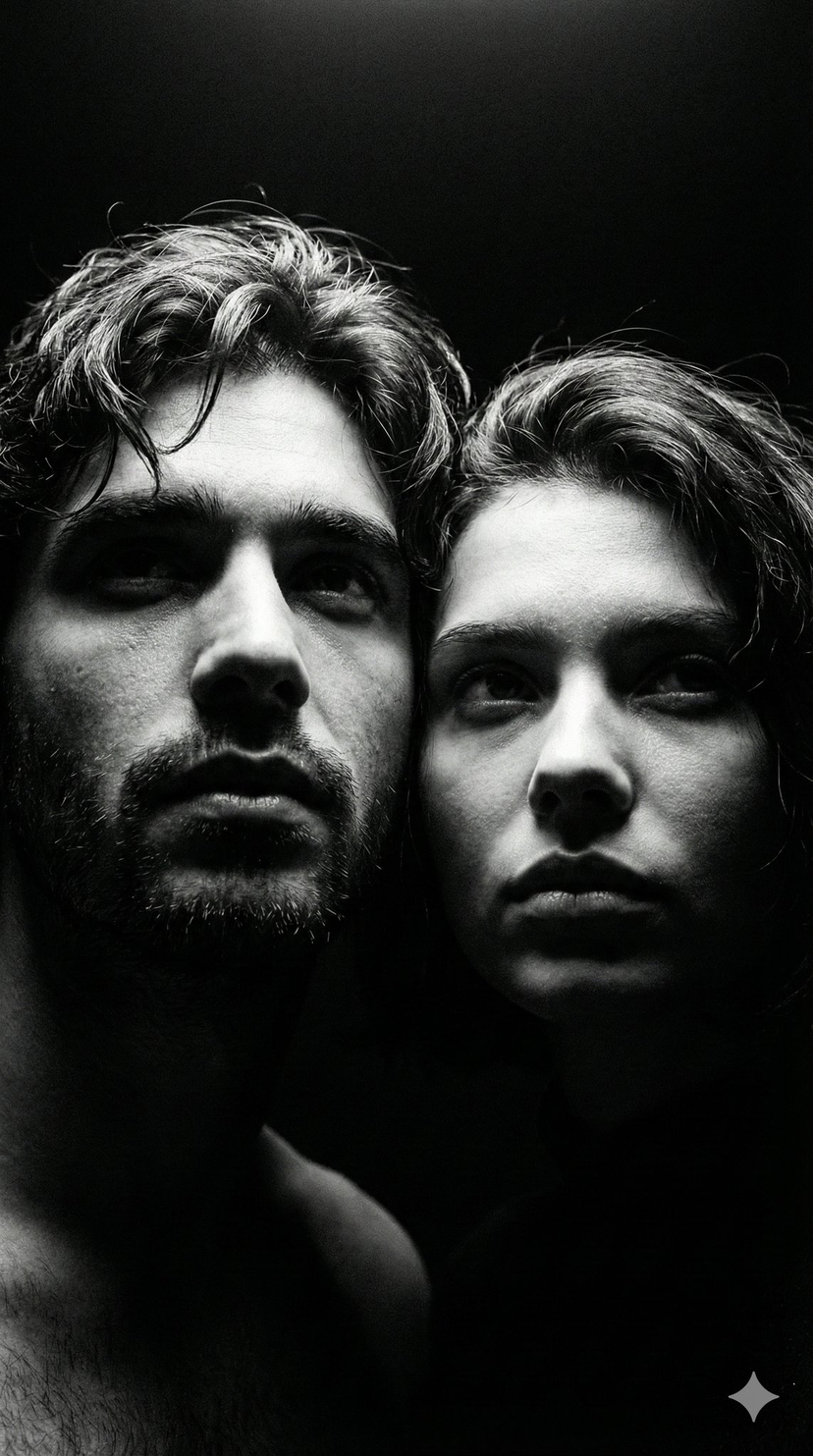
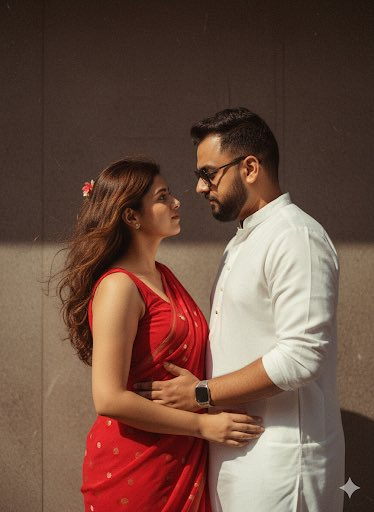







![86-hyper-realistic-ai-selfie-prompt-generat — Raw iPhone [model] photo, [shot type] of [character details: age, ethnicity, specific features], [hair with imperf](/_next/image?url=https%3A%2F%2Fcdn.picxstudio.com%2Fuploads%2Fpost86_img0_c444d40d-a07d-4013-8b75-e692799481c0.jpg&w=828&q=100)






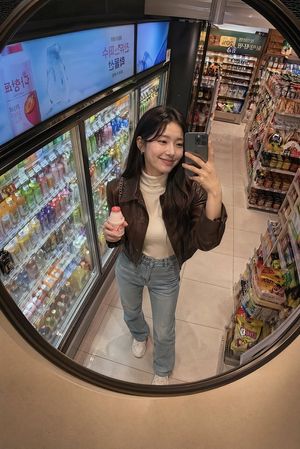
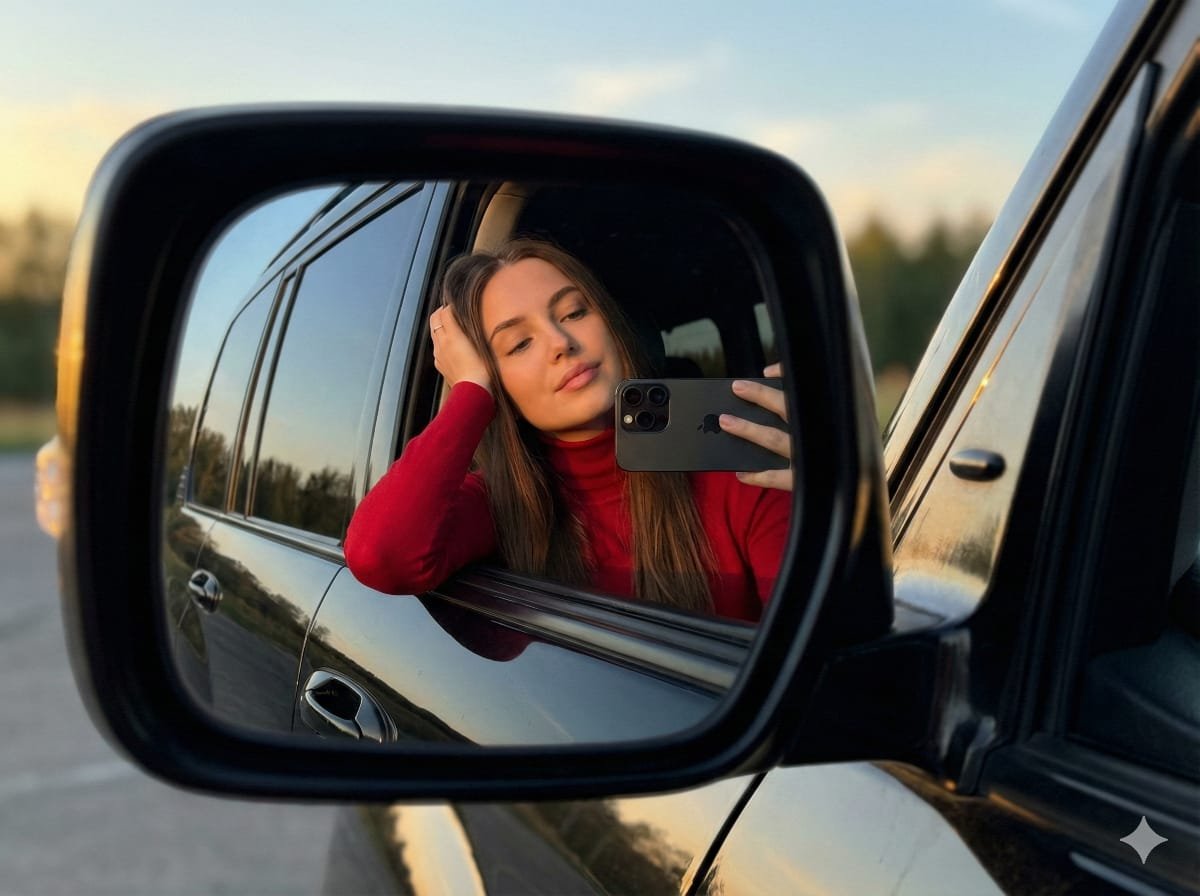
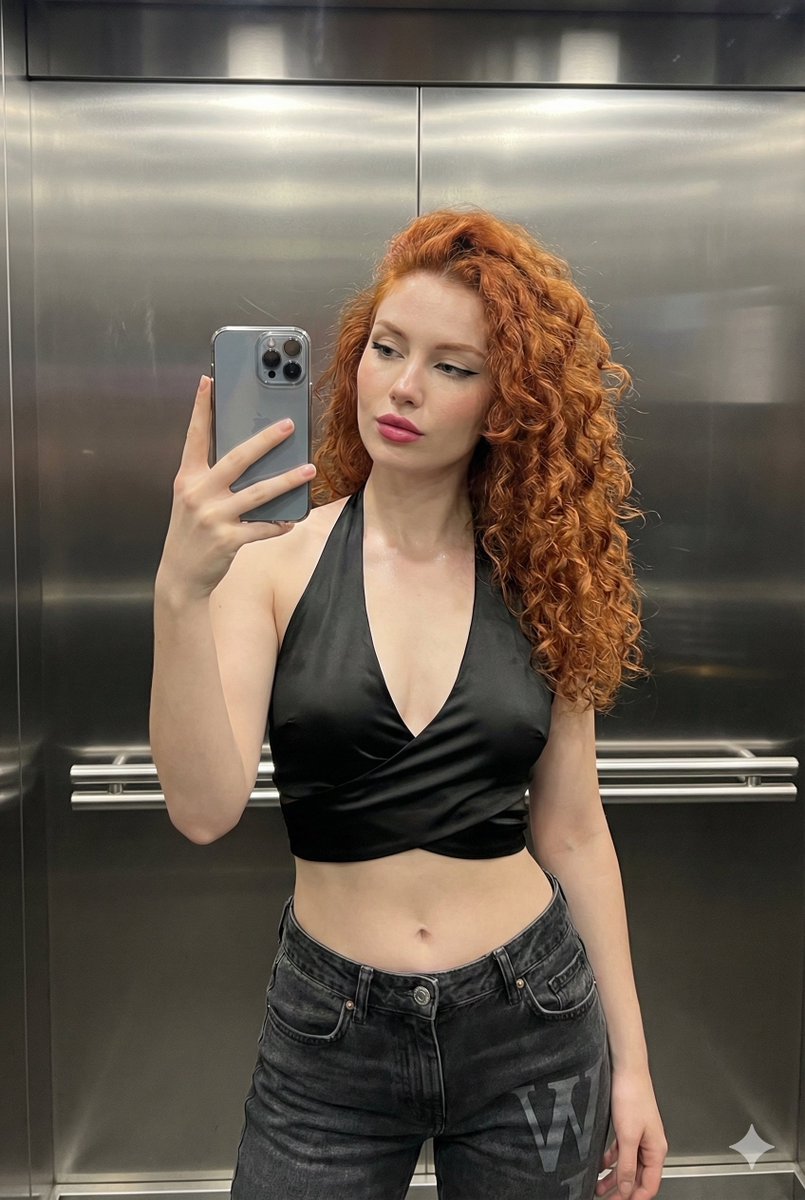


![Minimalist Flat Vector Travel Poster — Premium minimalist flat-vector travel poster for {argument name="city name" default="[CITY_NAME]"}, 3:4 vertical format.](https://cms-assets.youmind.com/media/1787917359711_3ug846_HQX205cbMAA6F6S-300x400.jpg)