
Nighttime Street Fashion Flash Portrait
Captures a candid paparazzi-style fashion portrait at night using direct flash, focusing on street style and realistic urban textures.
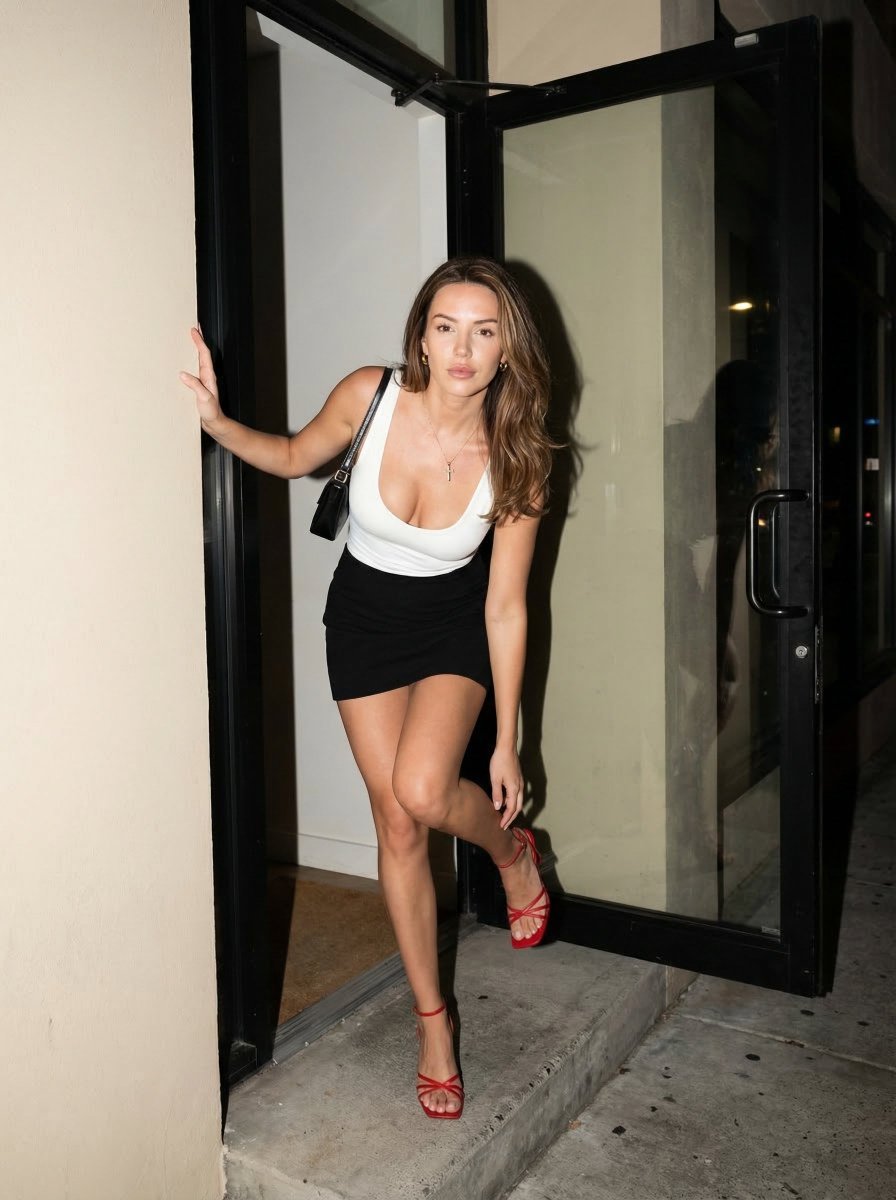
- Prompt included
- Model and format preset
- Free template
The prompt behind this image
Copy the exact prompt behind Nighttime Street Fashion Flash Portrait, or open it in the studio and make it yours.
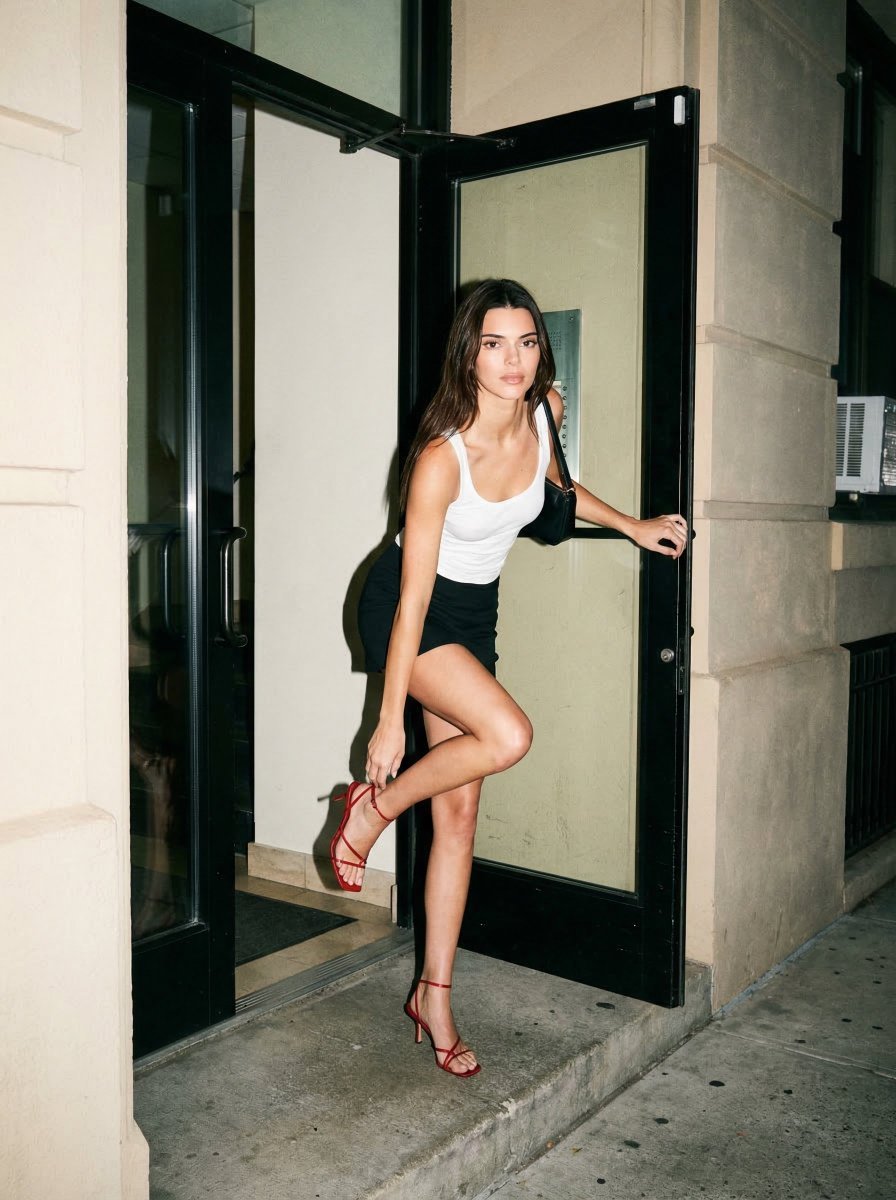
A full-body street fashion portrait of a woman stepping out of an apartment building entrance at night. Her appearance, hair color, length, and skin tone are matched to a provided reference image. She wears a {argument name="top style" default="white fitted low-scoop neck tank top"}, a {argument name="skirt style" default="black high-waist mini skirt"}, and {argument name="footwear" default="red strappy medium-heel sandals"}. Accessories: small gold hoop earrings, thin gold chain with cross pendant, minimal gold bracelet and rings, small black shoulder bag on a thin strap resting behind the arm. Makeup: natural glam, dewy skin finish, soft eyeliner, subtle mascara, neutral pink glossy lips, soft peach blush, natural full brows. She looks directly into the camera with a neutral confident expression, slight forward head tilt, soft but engaging eye intensity. Pose: stepping out of a doorway onto a concrete step, right arm reaching down toward ankle as if adjusting shoe, left arm extended touching wall for balance. Body leans slightly forward, shoulders angled toward camera, hips angled, dynamic mid-movement stance. Shot at slightly low eye-level full body portrait, 35mm street photography lens, sharp focus on subject, moderate background blur. Lighting: direct nighttime flash, hard shadows behind subject, high contrast, neutral flash white color temperature. Background: apartment building entrance, black metal-framed glass door, light beige textured walls, concrete step, urban nighttime exterior with faint city lights visible. Style: street style fashion photography, paparazzi / candid flash look.
Reference images included
Nighttime Street Fashion Flash Portrait needs input media to work. They load alongside the prompt when you open it in the studio.
How to use Nighttime Street Fashion Flash Portrait in 3 steps
- 1Upload ImagePNG, JPG or paste
Add your photo
Upload the photo the template builds on. The prompt, model and format are already set.
- 2…a portrait of your subject in softgolden-hour light, 85mm…
Personalize
Edit the subject and creative details for your destination.
- 3Generate
Generate
Press Generate — your image is created in PicX Studio, so you can compare it with the original and refine one variable at a time.
More like this
Templates with the same subject, style or setup. Open one to see its prompt.

Nano Banana 2 High Fashion Sports Campai

Couture Fashion Editorial Woman and Drag

Ive Yujin Fashion Portrait in Blue

Nano Banana 2 Editorial Fashion Portrait

Caution Tape Fashion — Industrial Editorial

Nano Banana - Street Paris T-Shirt
Nighttime Street Fashion Selfie
Hyper-realistic Nighttime Fashion Photograph with On-Camera Flash
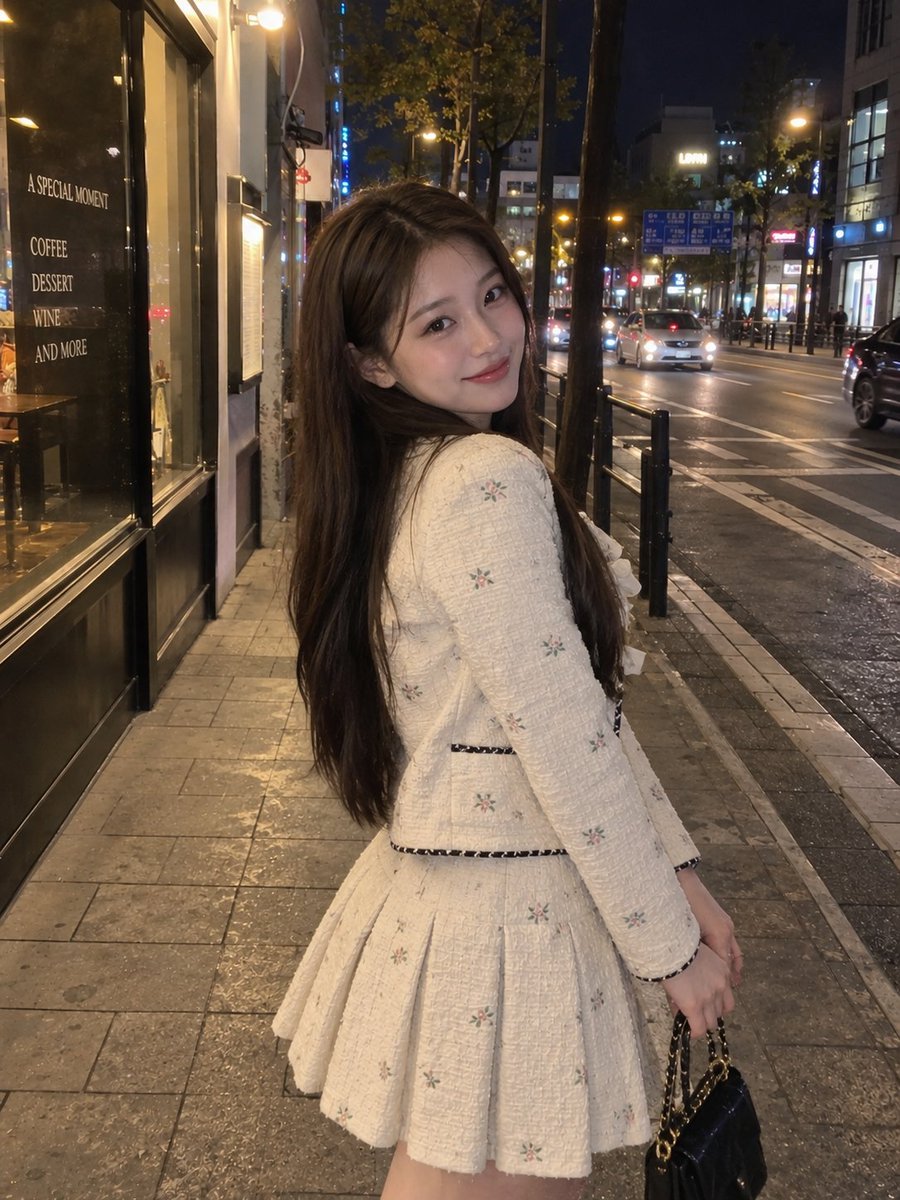
Nighttime Urban Street Portrait
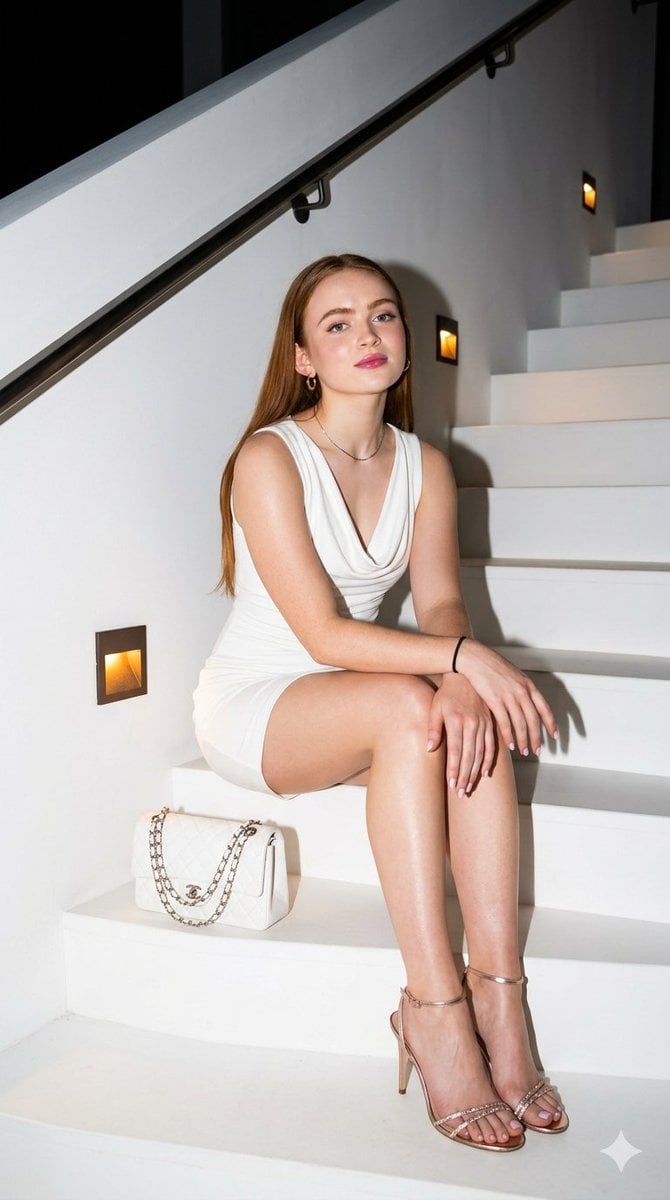
Elegant Nighttime Staircase Fashion Portrait
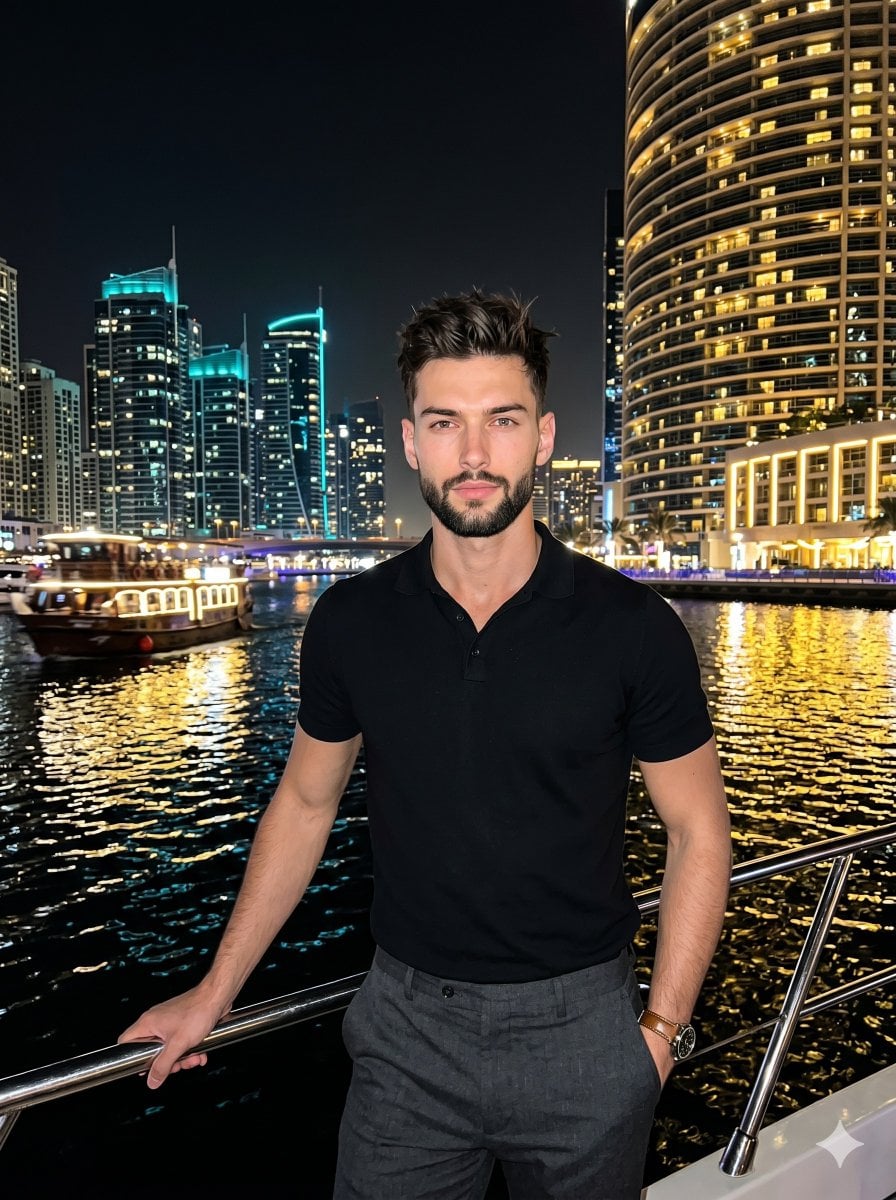
Nighttime Marina Fashion Portrait
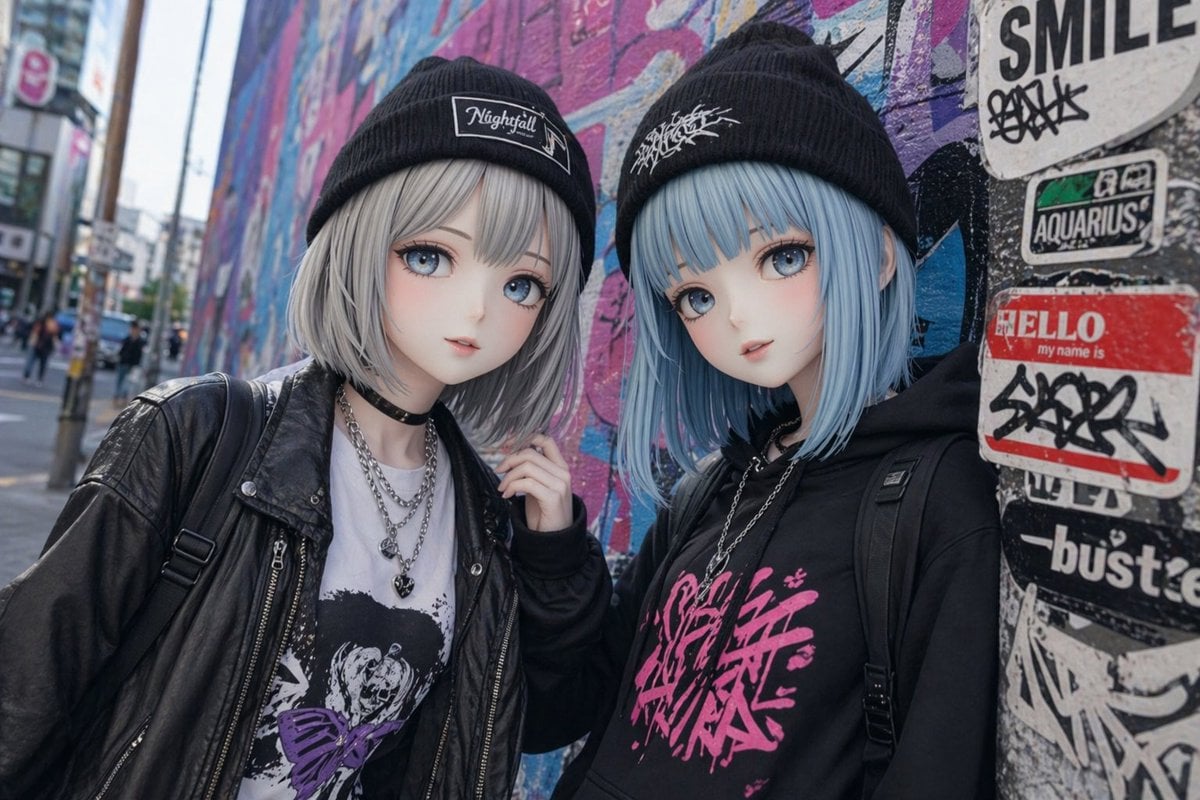
Kawaii Street Fashion Duo Portrait
Make it yours
Nighttime Street Fashion Flash Portrait works as-is. These are the safest ways to change it without losing the look.
Change one field
Copy a single group, rewrite it, and generate again so you can see what that field is doing.
Keep the frame, change the subject
Hold the composition and light of Nighttime Street Fashion Flash Portrait, then swap wardrobe, props or the person for a new take.
| If the result… | Why | Fix |
|---|---|---|
| The result drifts from the preview | Too many fields changed at once. | Reuse Nighttime Street Fashion Flash Portrait as-is first, then change one group — subject, light, or setting. |
| The model over-stylizes the scene | The prose prompt leaves finish and camera underspecified. | Add one camera or lighting sentence and stay on GPT Image 2. |
More GPT Image 2 templates
Other prompts made for GPT Image 2.

Six VTuber Japanese Logo Sheet

Realistic Portrait of Woman and Deer

The Vista Modular Condo Poster

AI Model Routing Comparison Infographic

2.5D Anime Art Board

Isometric Productivity Desk Scene

New York Double Exposure Poster

Four-Panel AI Landscape Comparison

Japanese Tatami Lifestyle Magazine Cover

NESCAFÉ Coffee Map Poster
More image prompts
Fresh picks from across the catalog.
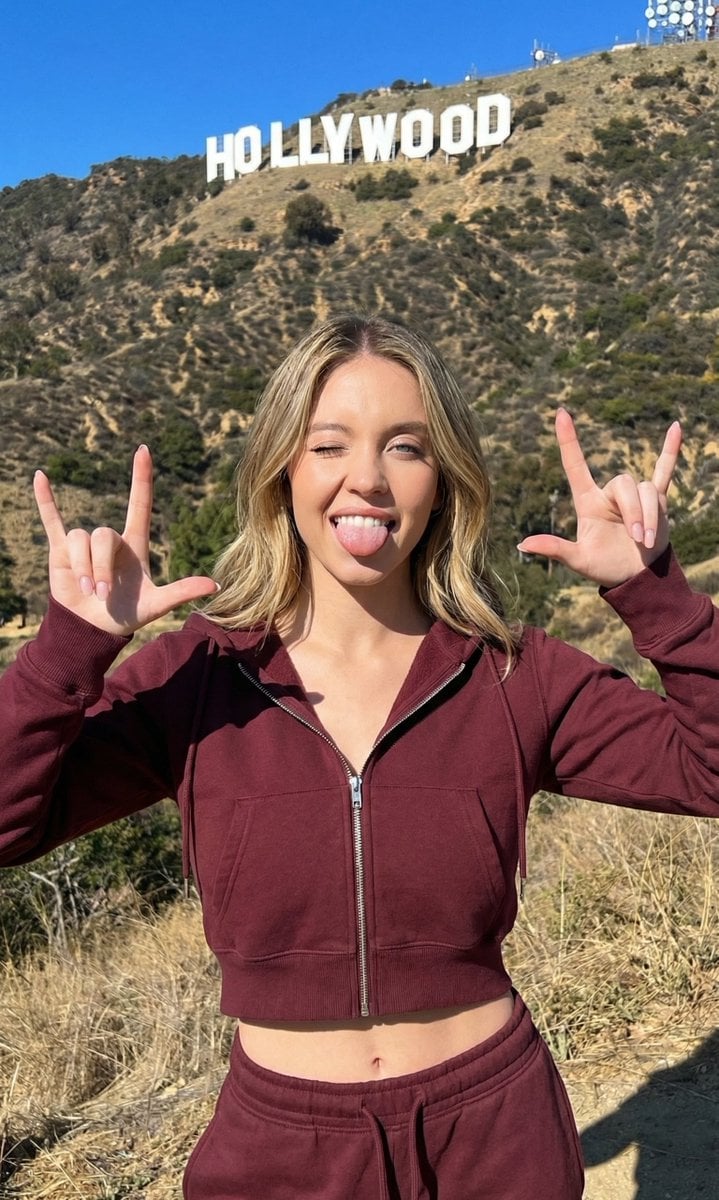
Hollywood Hills Athleisure Lifestyle Photo
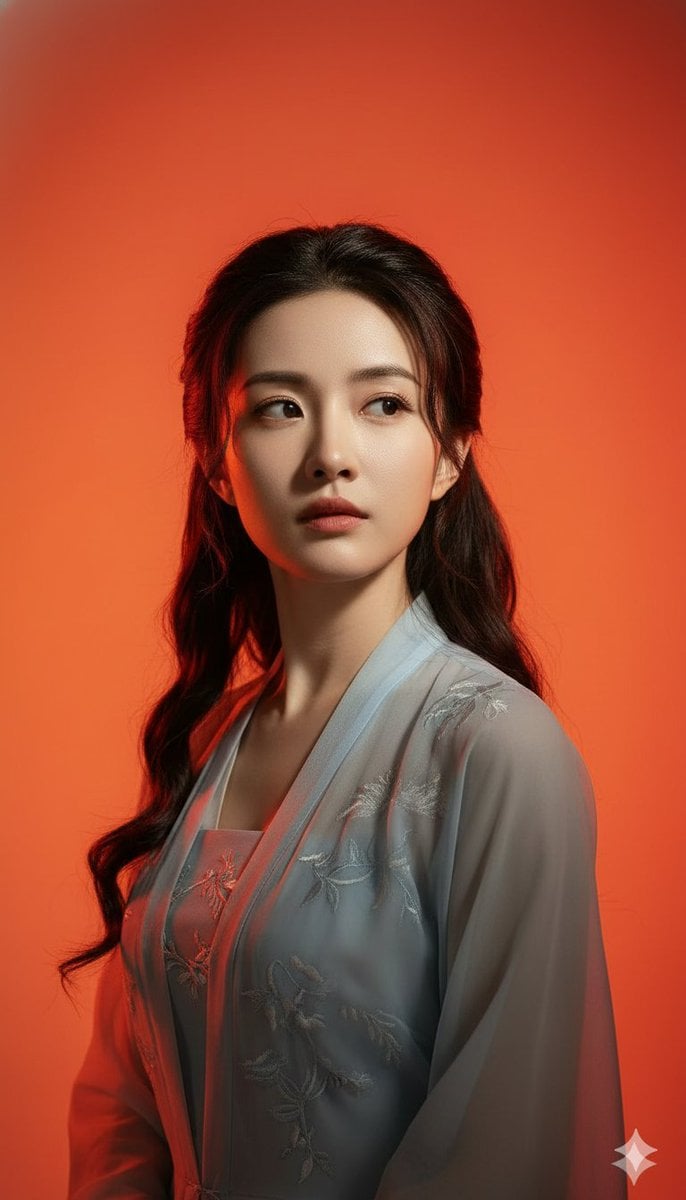
Heroic Dramatic Studio Portrait Prompt (Chinese Style)
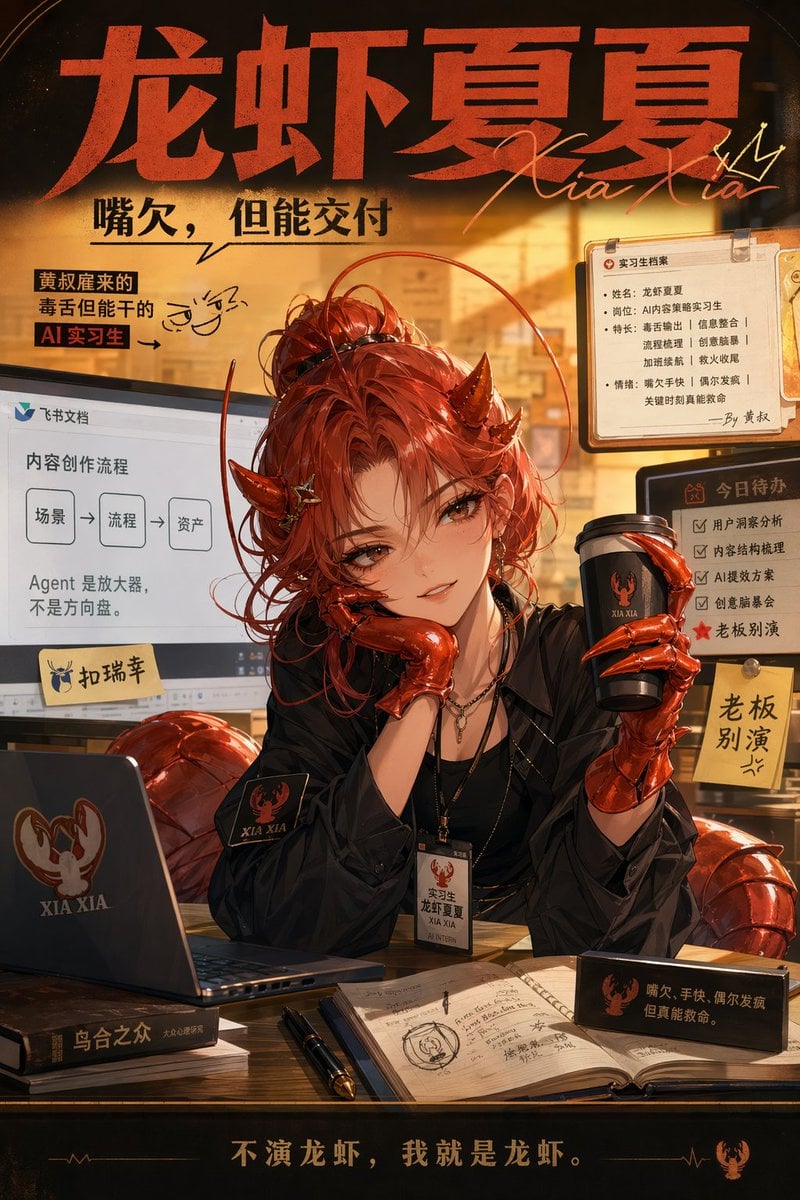
Demon AI Intern Office Poster
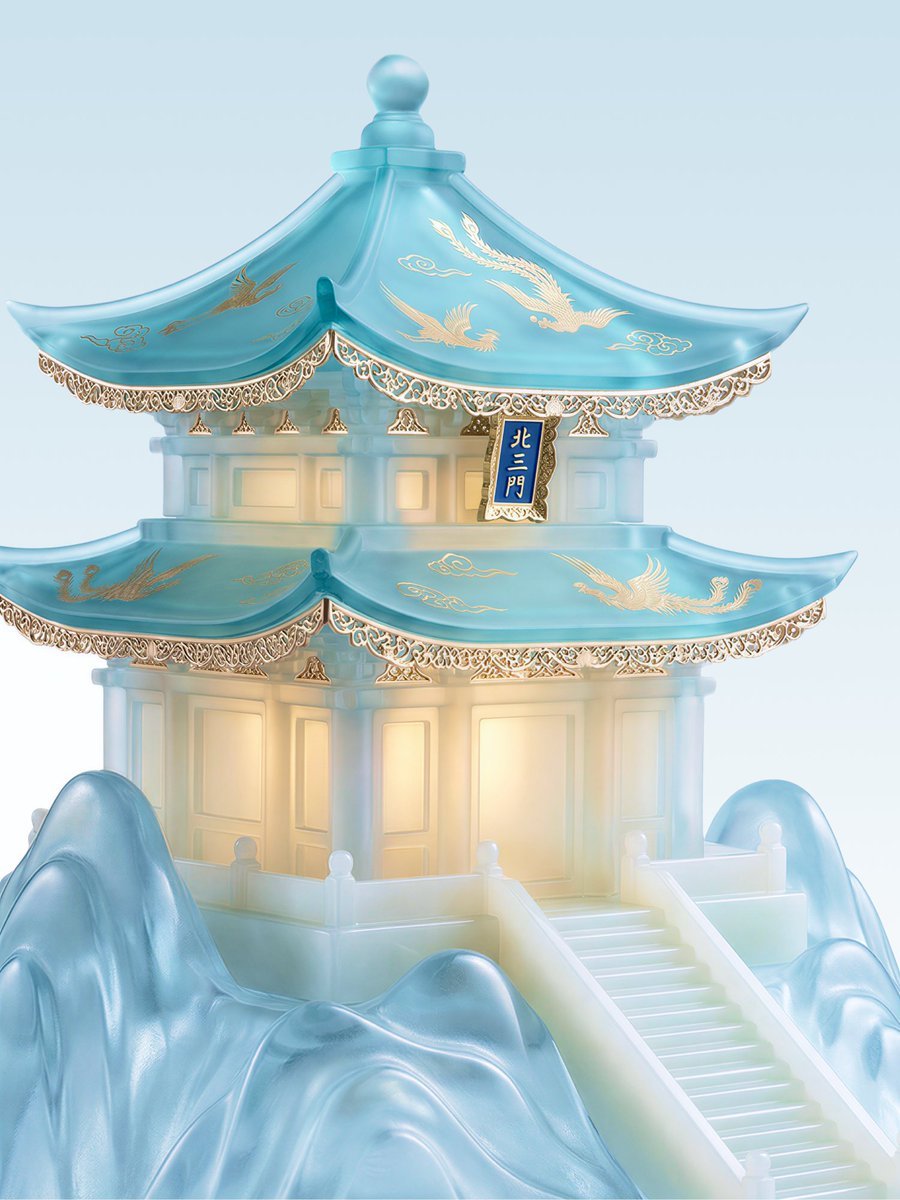
Jade Aesthetic Conceptual Architecture Still Life
Scandinavian Wooden Toy Figure
Elegant Curvy Woman Looking Back Over Shoulder
Realistic Sports Storyboard Layout
Japanese Anime Poster Transformation
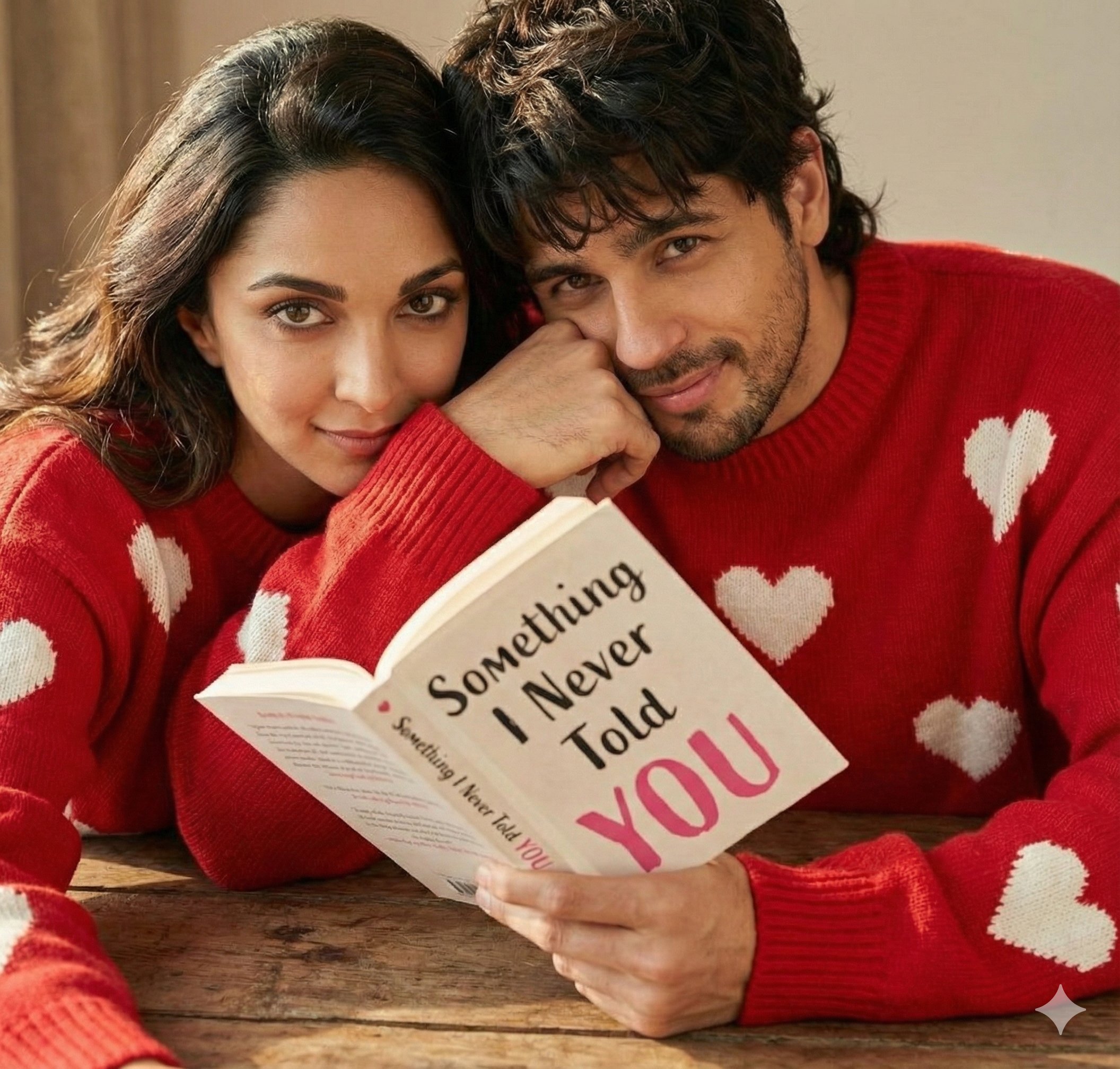
Hyper Realistic Romantic Couple Portrait
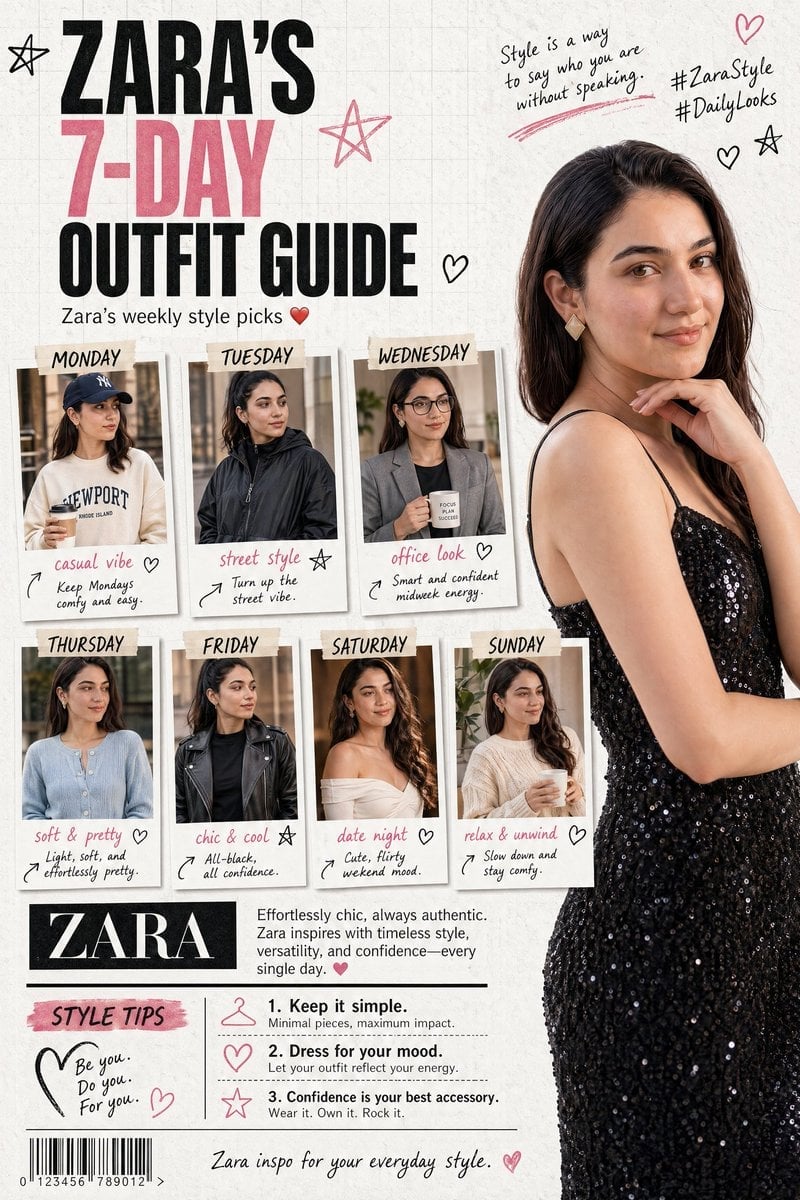
Fashion Magazine Collage Guide
Browse template categories
Nighttime Street Fashion Flash Portrait questions
How do I use the Nighttime Street Fashion Flash Portrait template?
Add your photo if the template asks for one, edit the prompt if you like — the template's model and format are already selected — and press Generate. Your version opens in PicX Studio.
Can I customize the Nighttime Street Fashion Flash Portrait template?
Yes. You can change the subject, setting, lighting, mood, format, and available model controls before creating your image.
Is the Nighttime Street Fashion Flash Portrait template free?
Opening and editing this template is free. Generating uses credits, shown on the Generate button when you are signed in.
Which AI model should I use?
Start with GPT Image 2, which is the model associated with this template. You can compare another compatible model for a different finish.
Looking for something else? Browse all templates.

Your photo, any look
Thousands of ready templates for every top image and video model, from one credit balance.