
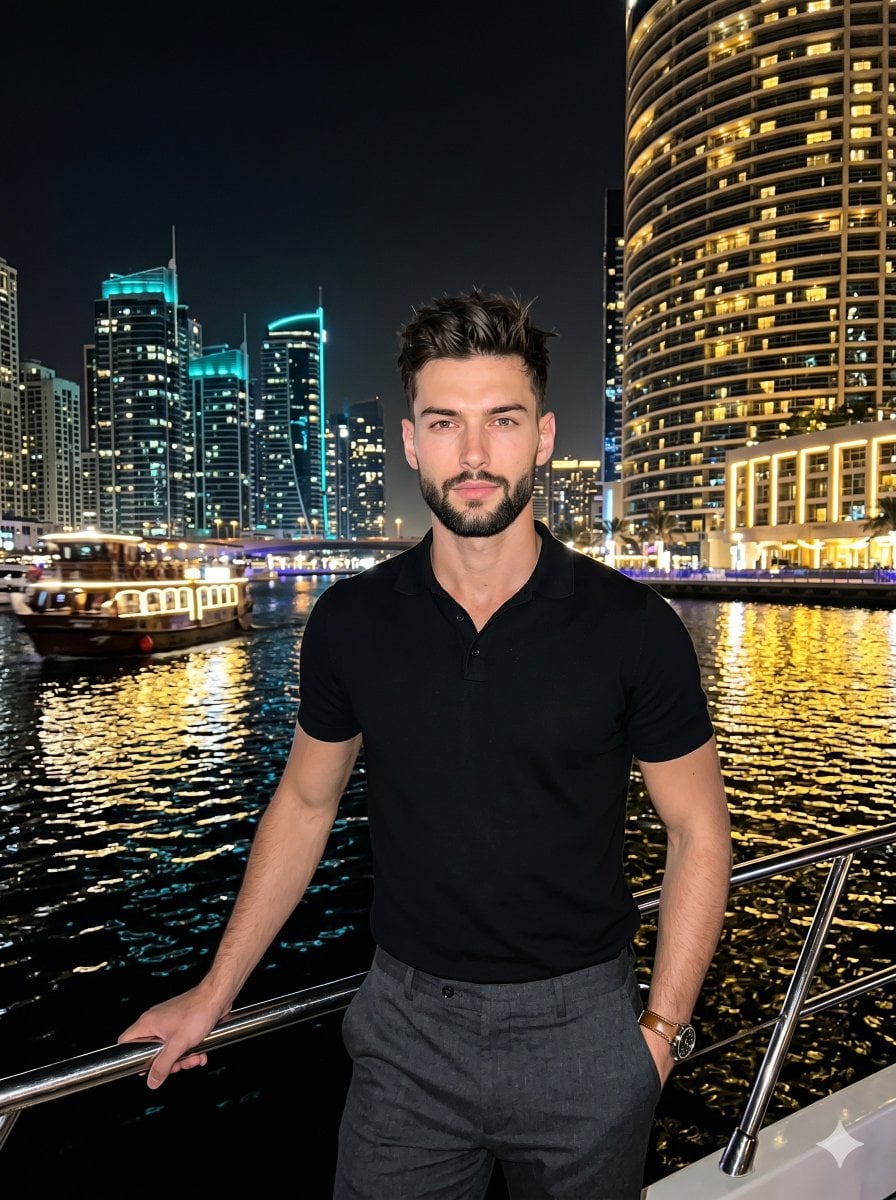
Nighttime Marina Fashion Portrait
A detailed nighttime portrait prompt of a male model in a marina setting with glowing city lights and reflections.
- Prompt included
- Model and format preset
- Free template
The prompt behind this image
Copy the exact prompt behind Nighttime Marina Fashion Portrait, or open it in the studio and make it yours.
A confident {argument name="subject" default="young adult male"} stands facing the camera in a posed, sophisticated portrait, his weight leaning slightly to the left with level shoulders. He has a dense, dark brown-black neatly trimmed box beard and a modern haircut with tapered sides and a {argument name="hairstyle" default="two-to-three-inch textured quiff"} pushed upward and mostly swept forward. The naturally straight hair features a slightly off-center right part and is styled with a matte paste to create volume and separation without shine, distinctly showing natural imperfections like slight frizz on the extreme edges, minor flyaways, and unequal clumping. His expression is self-assured with a neutral mouth, direct gaze, and relaxed eyebrows. He wears a short-sleeve pitch-black polo shirt and charcoal grey trousers. His left hand rests lightly on a slanted, pristine polished tubular steel boat railing in the foreground, revealing a leather-strap watch. His right hand is in his pocket. This is a layered scene, leading into a deep, thriving marina midground where the pitch-black water forms fluid ripples that intensely reflect bright golden-yellow and white city lights. To the right, a massive curved high-rise building glows with warm golden interior lights across dense horizontal balconies, balancing the asymmetric composition. On the left, a brightly lit passenger boat moves across the water channel, backed by a background cluster of tall, rectangular dark glass skyscrapers exhibiting vertical lines, cooler cyan architectural accents, and rooftop construction lighting against the deep night sky. The energetic, cosmopolitan atmosphere features a highly saturated, warm, and high-contrast complementary color profile heavily emphasizing pitch black, warm gold, charcoal grey, and neon blue. A bright, soft, and continuous frontal fill light illuminates the subject, leaving soft, gradual gray shadows under his chin, behind his trouser folds, and beneath the railing, while preserved specular highlights glisten on his forehead, nose tip, arms, the metallic railing, and the water surface. Captured as realistic digital photography with a straight-on perspective, the image channels low-light smartphone portraiture aesthetics, featuring slightly soft sharpness, characteristic digital noise, a deep depth of field, and post-processing that boosts city light saturation and applies a high-contrast curve, all smoothly framed in a 3:4 aspect ratio.
How to use Nighttime Marina Fashion Portrait in 3 steps
- 1
Open
The prompt is already in the box next to the preview, with the template's model and format selected.
- 2…a portrait of your subject in softgolden-hour light, 85mm…
Personalize
Edit the subject and creative details for your destination.
- 3Generate
Generate
Press Generate — your image is created in PicX Studio, so you can compare it with the original and refine one variable at a time.
More like this
Templates with the same subject, style or setup. Open one to see its prompt.

Nano Banana 2 High Fashion Sports Campai

Couture Fashion Editorial Woman and Drag
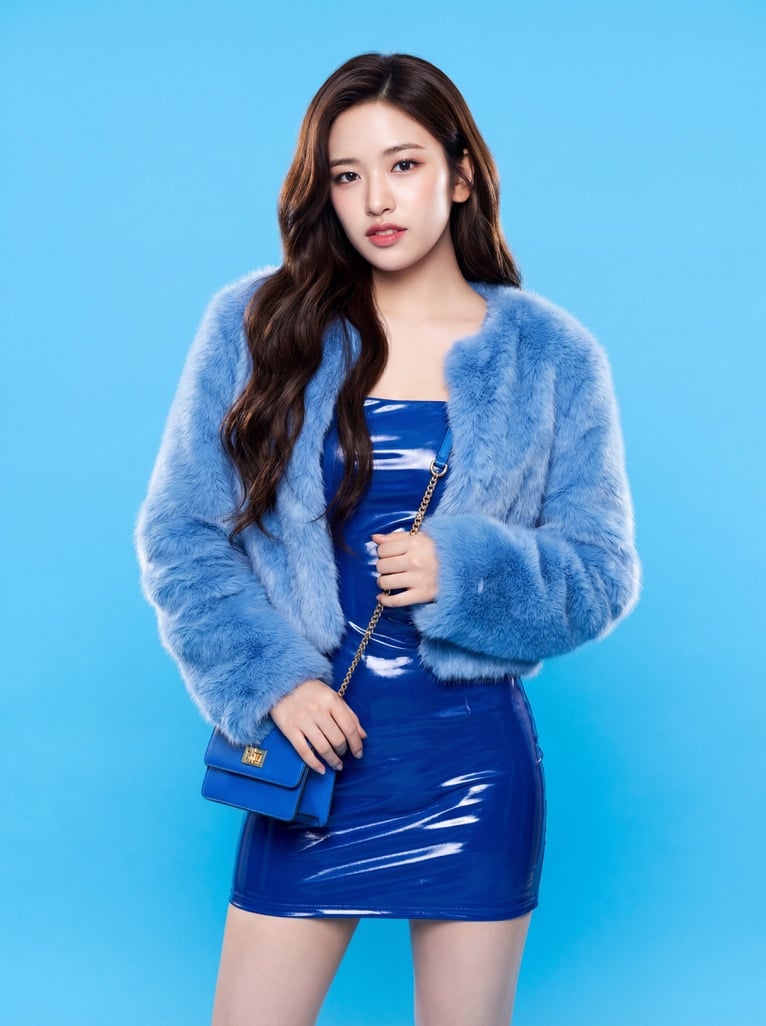
Ive Yujin Fashion Portrait in Blue

Nano Banana 2 Editorial Fashion Portrait

Caution Tape Fashion — Industrial Editorial
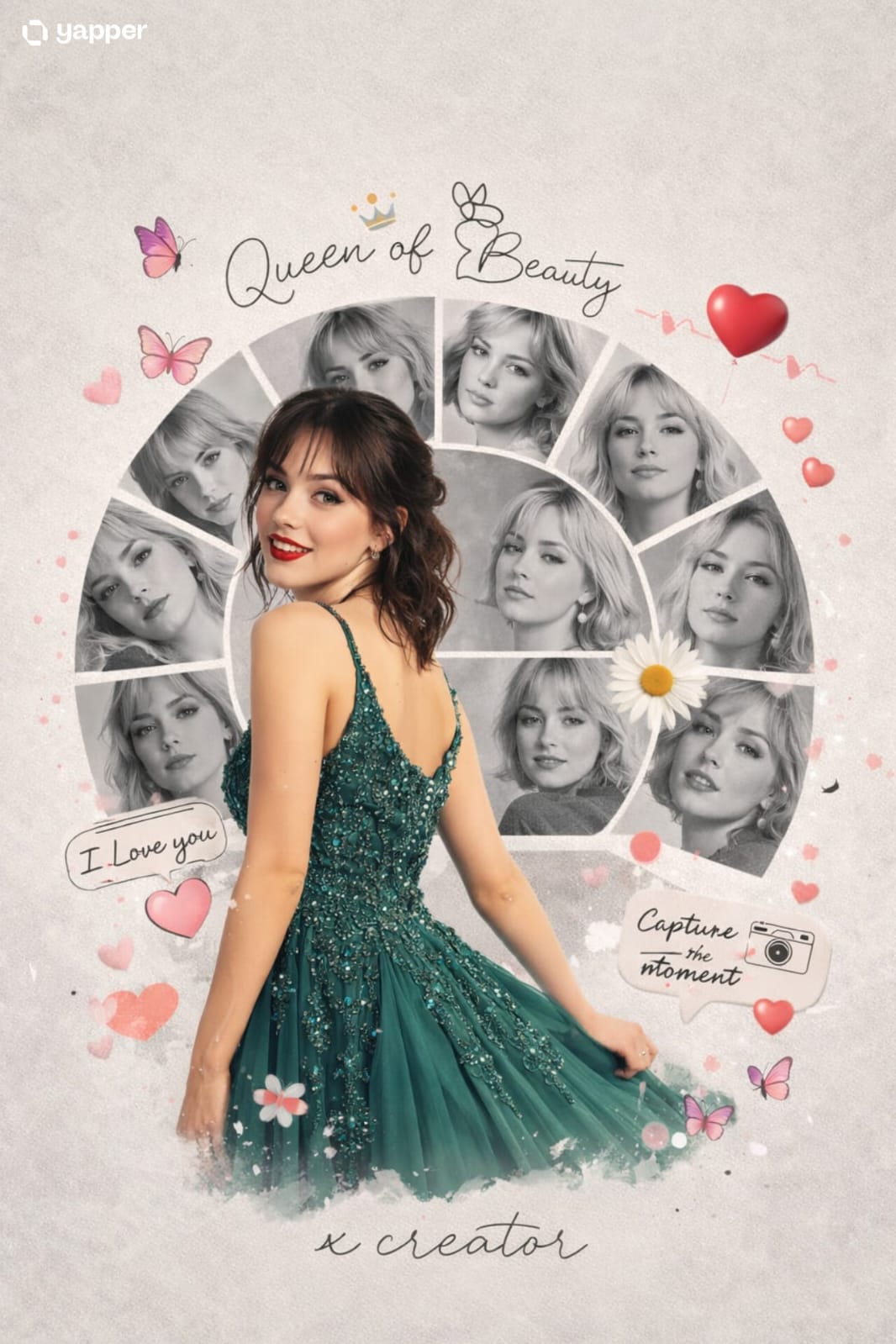
Vacation Style Portrait By the Marina
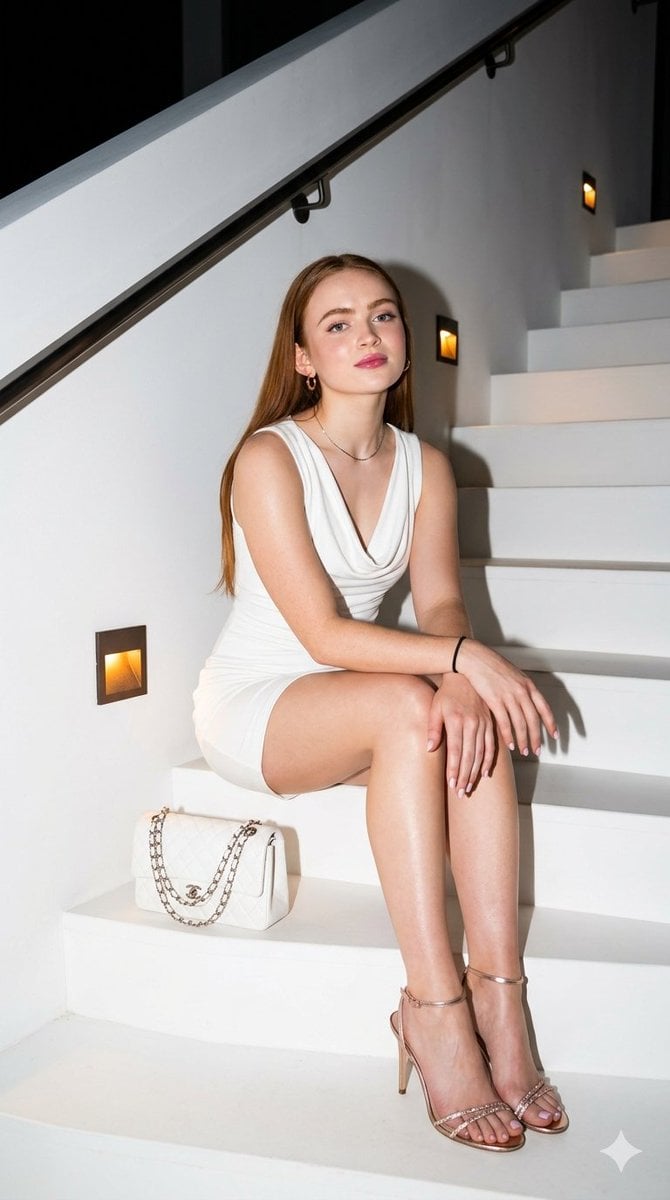
Elegant Nighttime Staircase Fashion Portrait
Miniature Self Portrait Collage

Found Photograph: Us, 1970

80s Couple Studio Portrait

80s College Gate

1988 Mall Style
Make it yours
Nighttime Marina Fashion Portrait works as-is. These are the safest ways to change it without losing the look.
Change one field
Copy a single group, rewrite it, and generate again so you can see what that field is doing.
Keep the frame, change the subject
Hold the composition and light of Nighttime Marina Fashion Portrait, then swap wardrobe, props or the person for a new take.
| If the result… | Why | Fix |
|---|---|---|
| The result drifts from the preview | Too many fields changed at once. | Reuse Nighttime Marina Fashion Portrait as-is first, then change one group — subject, light, or setting. |
| The model over-stylizes the scene | The prose prompt leaves finish and camera underspecified. | Add one camera or lighting sentence and stay on Nano Banana 2. |
More Nano Banana 2 templates
Other prompts made for Nano Banana 2.

Photorealistic Leaf Shaped Like a Dragon

K-Pop Idol Portrait Grid for Rapid Selection

Poetic Rain Forest Portrait During Golden Hour

Urban Street Portrait with Cartoon Inner Self Duo

Candid Nighttime Photo with Cat Prompt

High-Concept 3D Diorama Generation Prompt

Cinematic Futuristic Studio Portrait Template

Skincare Editorial Photography Collage Prompt

Hyper-Realistic Commercial Product Photography (Splash Effect)

Hyper-Realistic Nightclub Portrait Prompt
More image prompts
Fresh picks from across the catalog.
Red Neon Geometric Portrait
Anime Fire Sorcerer
Cinematic Tokyo Street at Night
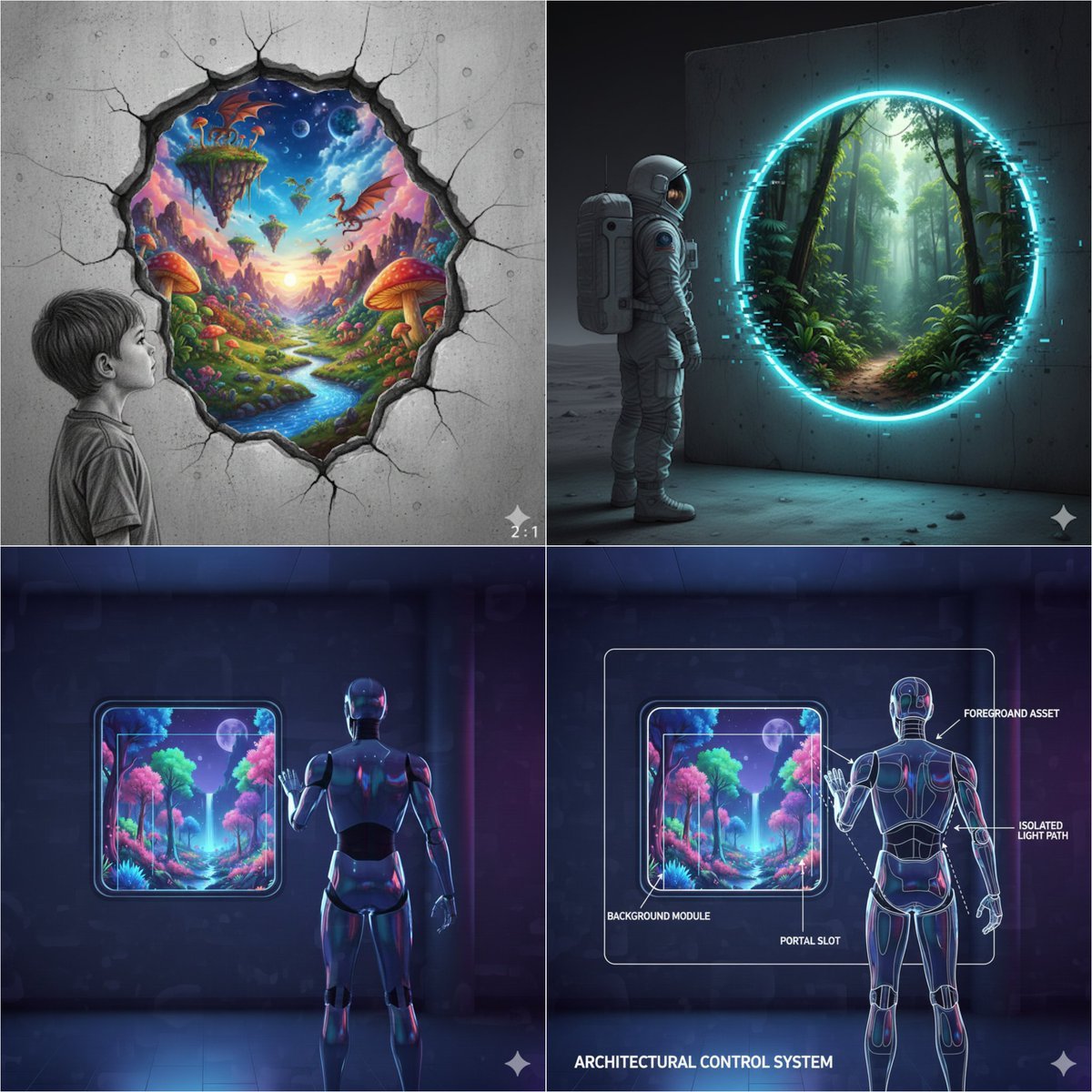
Object-Oriented prompt for controlling foreground and background
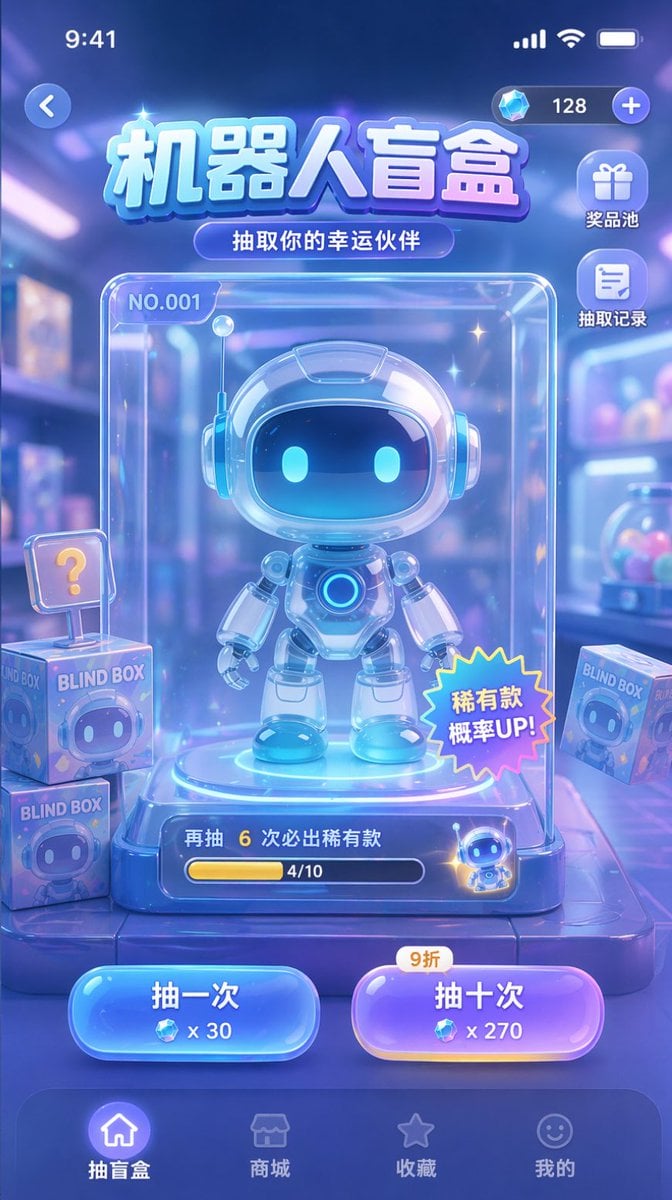
Gacha Game UI Mockup
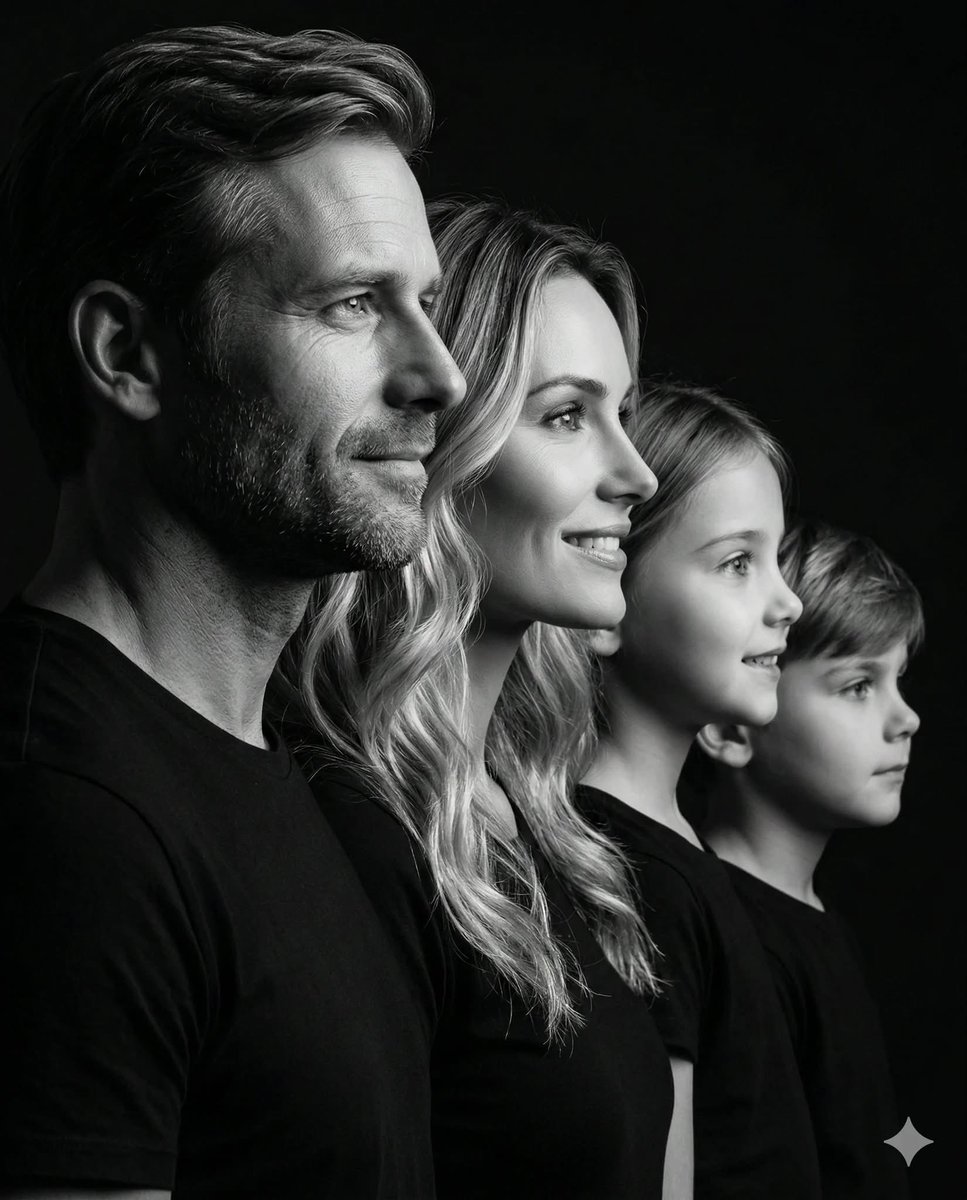
Photorealistic Black and White Family Portrait
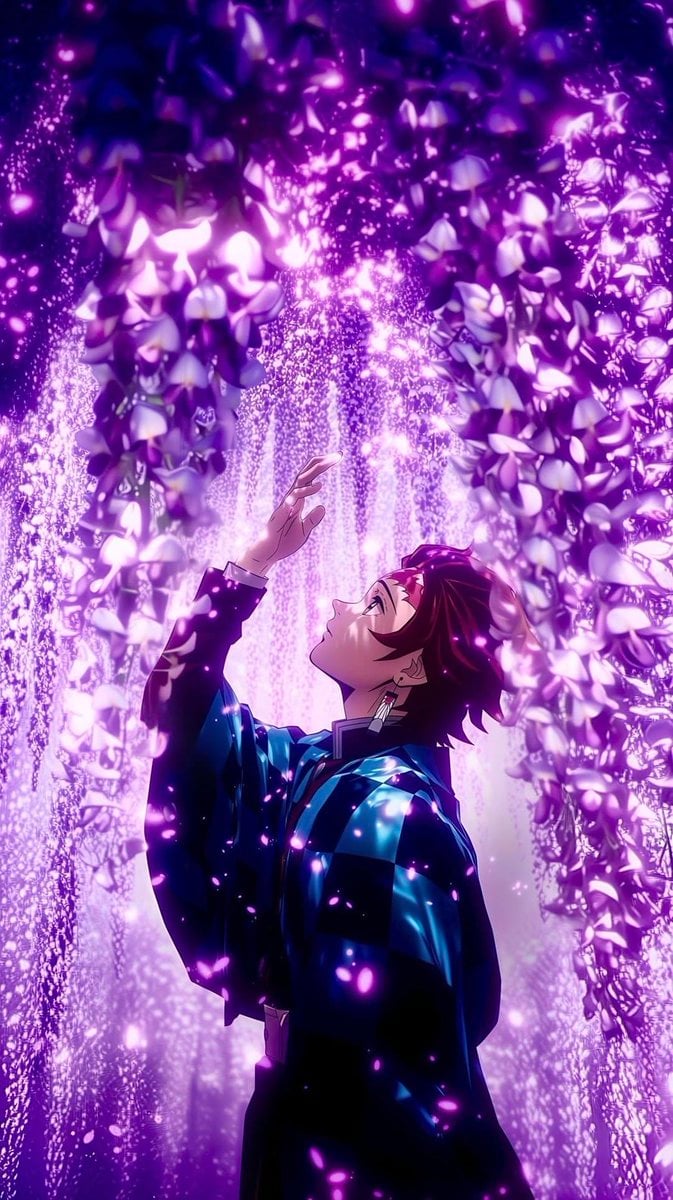
Cinematic Nature Anime Portrait
Traditional Chinese Art and Porcelain Vases
Kawaii Rabbit Smartphone Case Mockup
Cinematic Female Runner at Sunset
Browse template categories
Nighttime Marina Fashion Portrait questions
How do I use the Nighttime Marina Fashion Portrait template?
Add your photo if the template asks for one, edit the prompt if you like — the template's model and format are already selected — and press Generate. Your version opens in PicX Studio.
Can I customize the Nighttime Marina Fashion Portrait template?
Yes. You can change the subject, setting, lighting, mood, format, and available model controls before creating your image.
Is the Nighttime Marina Fashion Portrait template free?
Opening and editing this template is free. Generating uses credits, shown on the Generate button when you are signed in.
Which AI model should I use?
Start with Nano Banana 2, which is the model associated with this template. You can compare another compatible model for a different finish.
Looking for something else? Browse all templates.

Your photo, any look
Thousands of ready templates for every top image and video model, from one credit balance.