How do I use the Backless Silk Dress Photo Prompt template?
Choose the primary action to open PicX Studio with the available template settings. Review the model and format, personalize the creative direction, and generate when ready.
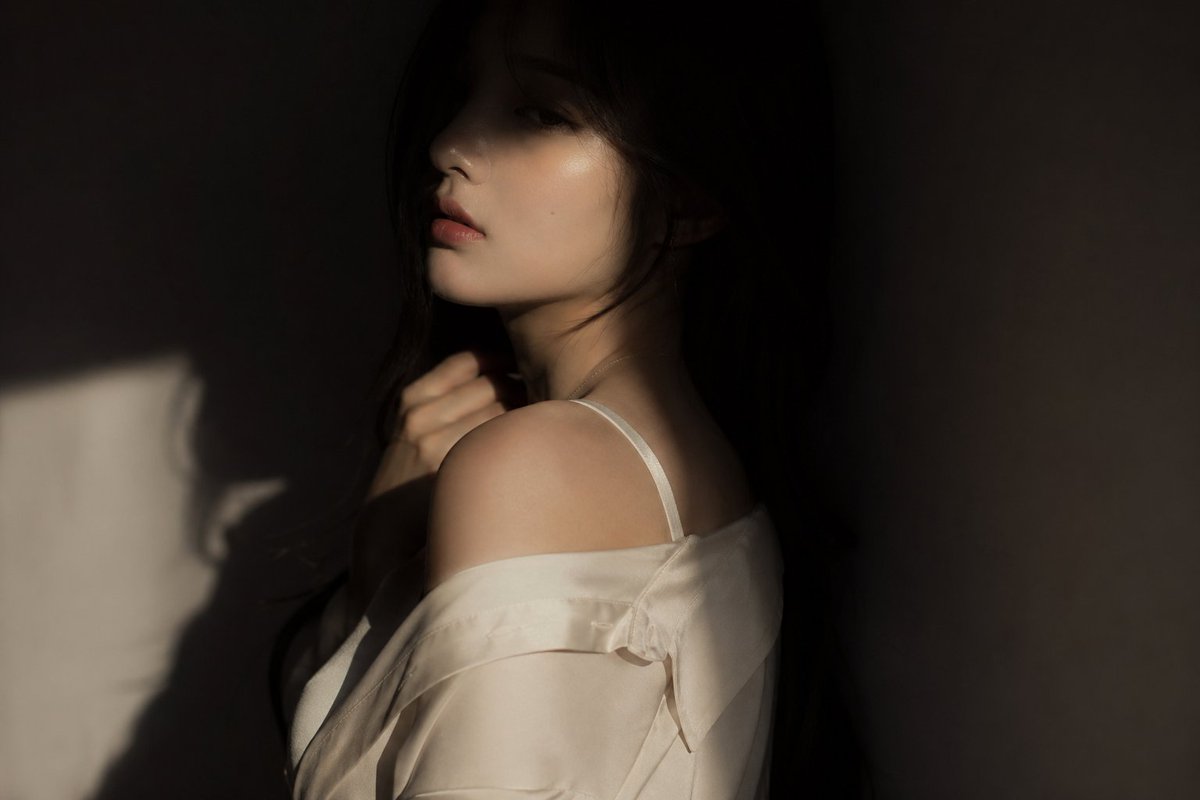
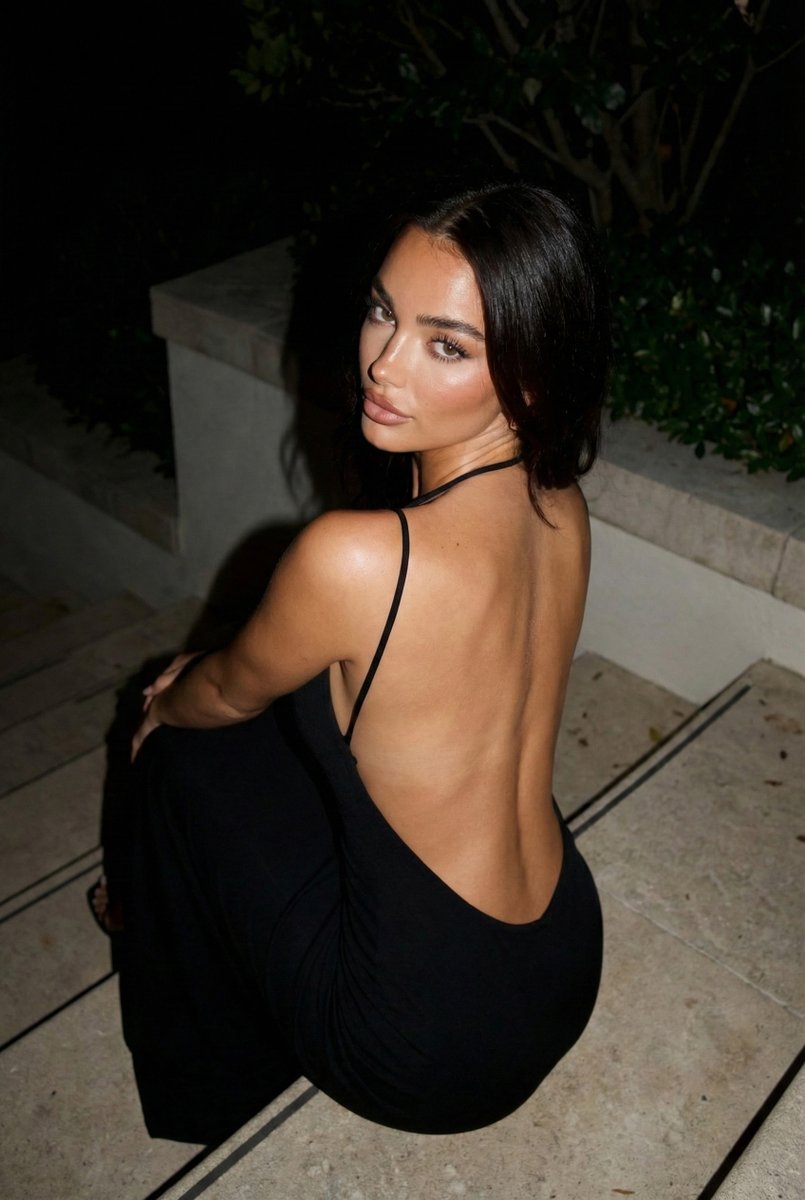
A detailed Nano Banana 2 prompt for generating a high-resolution, high-contrast photo of a person (based on a reference image) in an elegant backless silk dress, leaning on a rough stone counter. Change the subject, setting, or lighting one variable at a time.

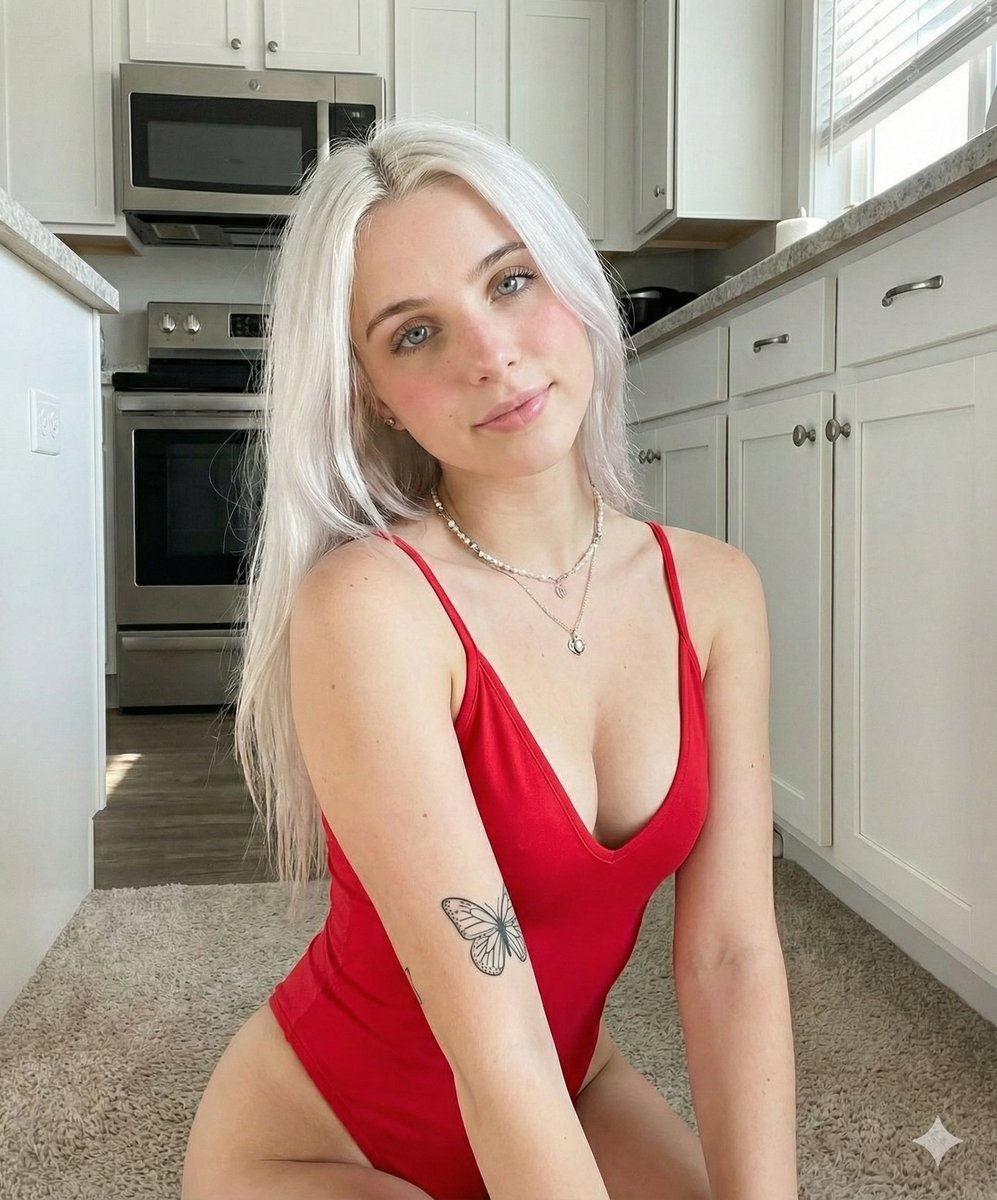
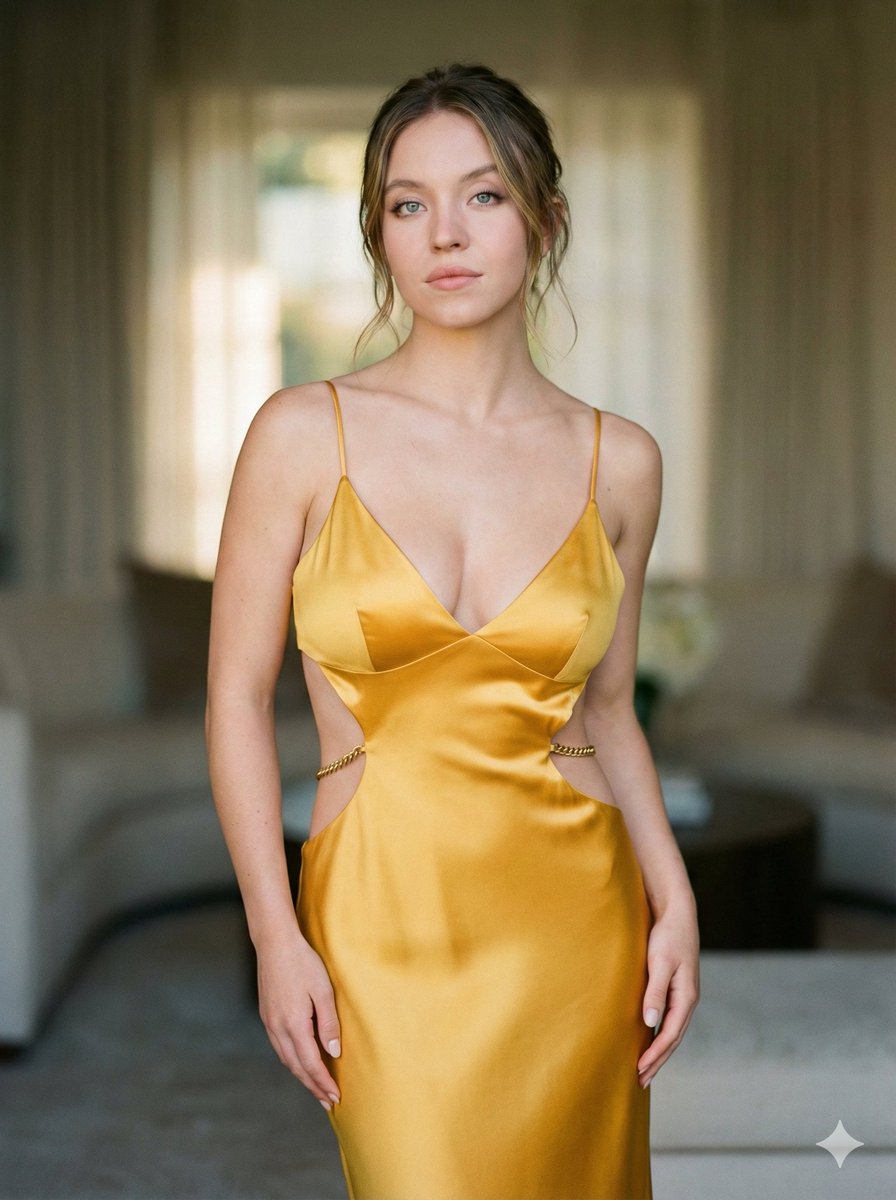
Create the person from the reference image from the photo, without changing her face, features, appearance, age, and individuality. She is in an elegant evening dress with an open back, the fabric emphasizes thin skin with a natural glow, folds and the luster of silk give depth. Leans on an unprocessed stone counter with a rough texture contrasting with the dress and skin. The muted lounge light creates soft shadows, emphasizing the curves of the back and the transitions of light on the dress and stone. Hair in a bun with loose strands, giving sophistication and restraint. A long sparkling diamond earring descends down the back, catching the light and creating a shimmer. high resolution photo with grainy film texture and high contrast, in the style of classic noir and fashion editorial photography, with a cold deep visual style. light enhances the person from the reference image looks half-turned, looking back. Strictly preserve the face, identity and natural appearance of the person from the reference image from the original. Mega-drawn skin every pore color photo
Choose the primary action to open PicX Studio with the available template settings. Review the model and format, personalize the creative direction, and generate when ready.
Yes. You can change the subject, setting, lighting, mood, format, and available model controls before creating your image.
This template is free to open and customize. Generation usage is shown in PicX Studio before you create.
Start with Nano Banana 2, which is the model associated with this template. You can compare another compatible model for a different finish.
© 2026 PicX Studio. All rights reserved.

Follow a topic to a crawlable collection of related PicX Studio templates.
43,474 public templates available. Verified via the PicX Studio public templates API; refreshed hourly.
Prompt stories that include this template.









![Naive doodle-style subject illustration — A doodle-style {argument name="subject" default="[subject]"}, naive lines, humorous shape exaggeration](https://pbs.twimg.com/media/G6Wl2YxbsAARB2b.jpg)














![Commercial Cosmetic Product Photography Prompt — A centrally placed pink cosmetic jar labeled “LANEIGE Lip Sleeping Mask [Berry] 3 g” sits on top of a large spi](https://pbs.twimg.com/media/HDhRyeEaIAAW8dL.jpg)