How do I use the Xianxia Palace Boudoir Duo template?
Choose the primary action to open PicX Studio with the available template settings. Review the model and format, personalize the creative direction, and generate when ready.
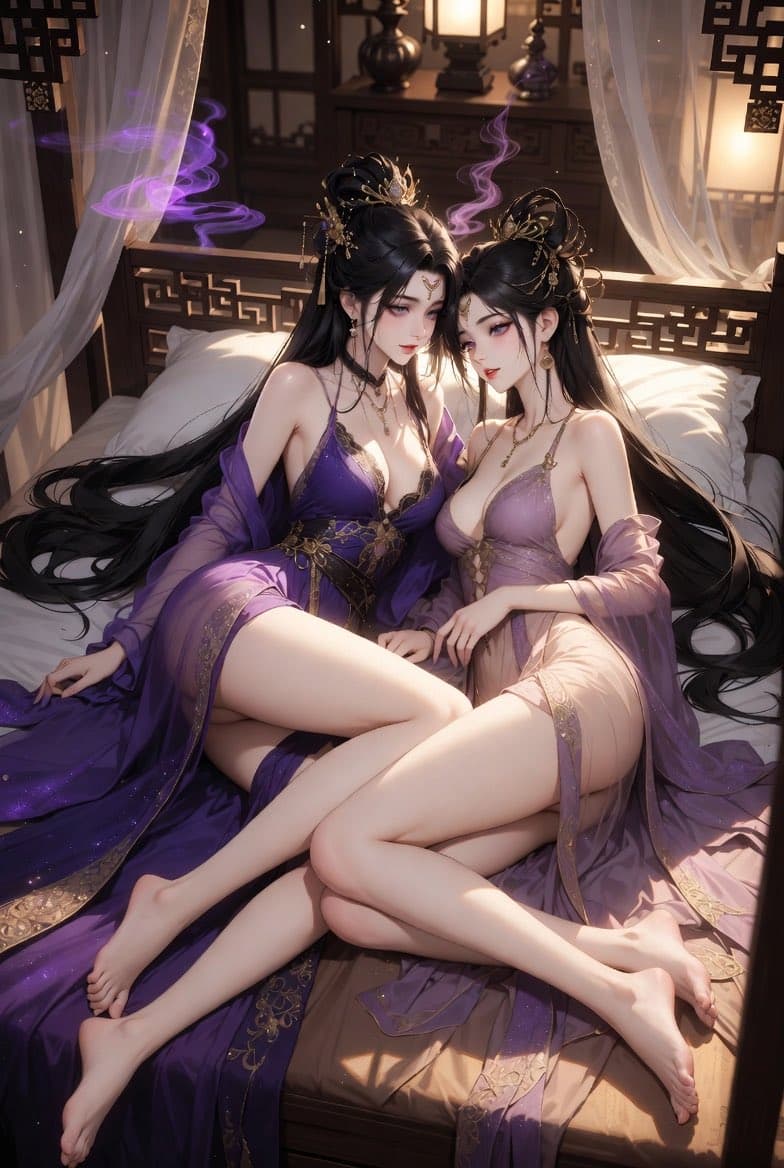
Generates a luxurious anime-style fantasy palace bedroom scene with two adult xianxia women in ornate sheer robes and warm lantern lighting. (free to use) — Free AI image template on PicX Studio.
Create a polished anime-style fantasy illustration of two adult Chinese xianxia court beauties reclining closely together on a luxurious carved wooden bed in an ornate ancient palace bedroom. Both women have very long flowing {argument name="hair color" default="glossy black"} hair, elaborate high updos with gold floral hairpins, dangling ornaments, earrings, and delicate necklaces; their faces are softly obscured by a smooth rectangular blur as if anonymized. They wear sheer, elegant hanfu-inspired night robes in {argument name="left robe color" default="deep royal purple"} and {argument name="right robe color" default="pale lavender pink"}, with gold embroidery, translucent draped sleeves, layered gauze, and a refined sensual fashion look rather than explicit nudity. Pose them seated and reclining side by side on white pillows and silk bedding, legs gracefully crossed and overlapping, bare feet visible, long hair spilling across the bed in sweeping black ribbons. The room should feel like a warm lantern-lit imperial boudoir with carved lattice railings, dark wooden screens, bedside cabinets, glowing paper lanterns, sheer white canopy curtains, soft golden sunlight from the side, floating dust motes, and curling {argument name="magical smoke color" default="violet"} incense-like wisps around them. Use a vertical composition, high-detail digital painting, glossy anime realism, delicate skin shading, ornate gold trim, cinematic warm lighting, shallow depth of field, luxurious romantic atmosphere, and rich purple-gold color harmony.
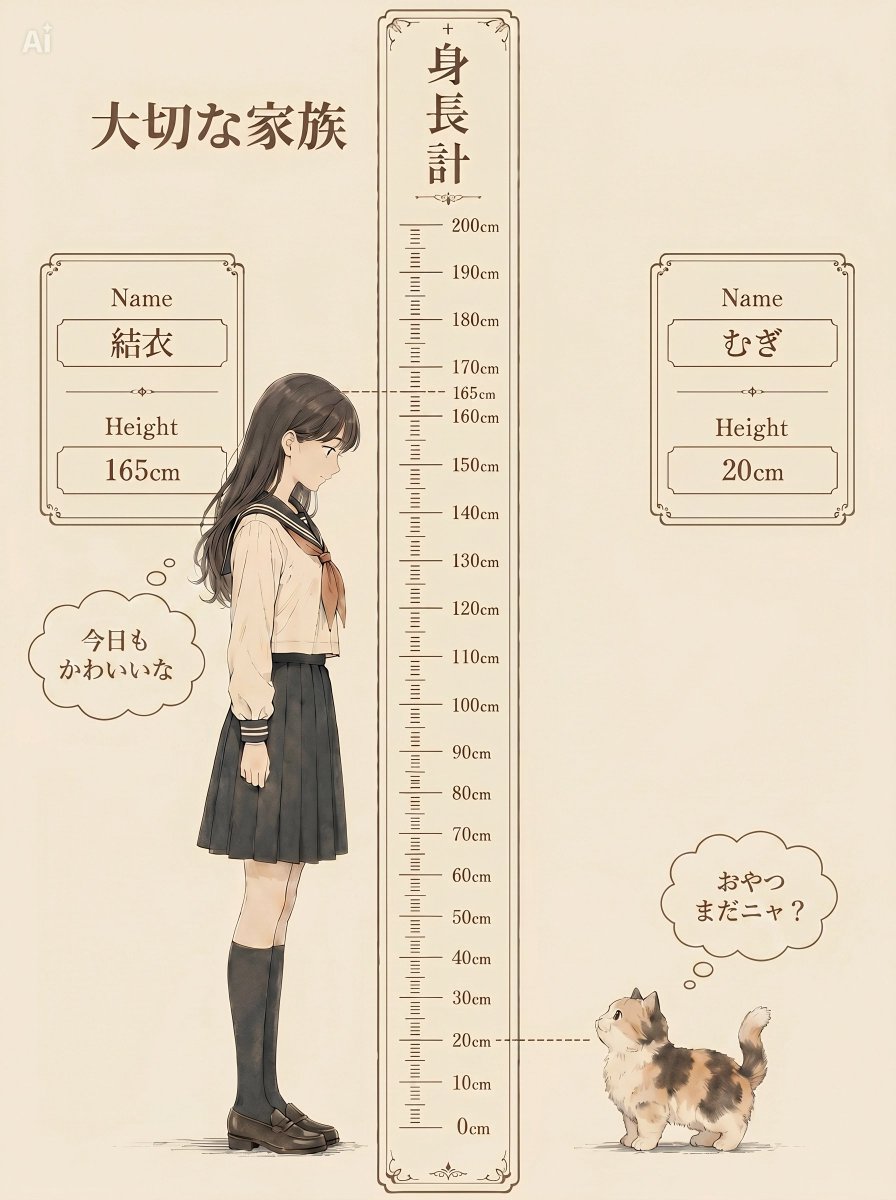
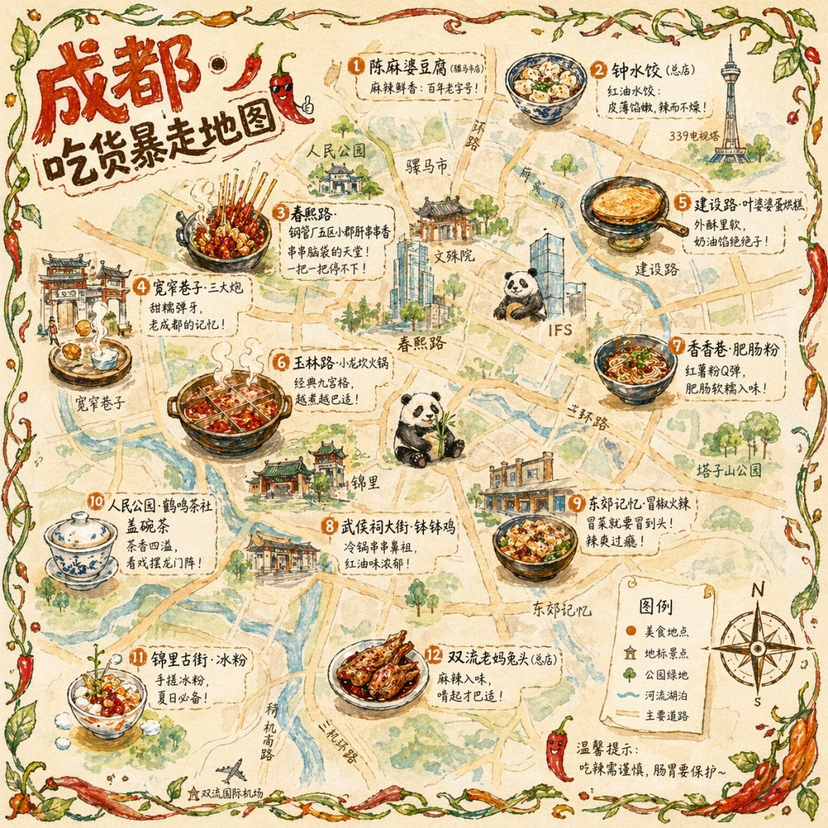
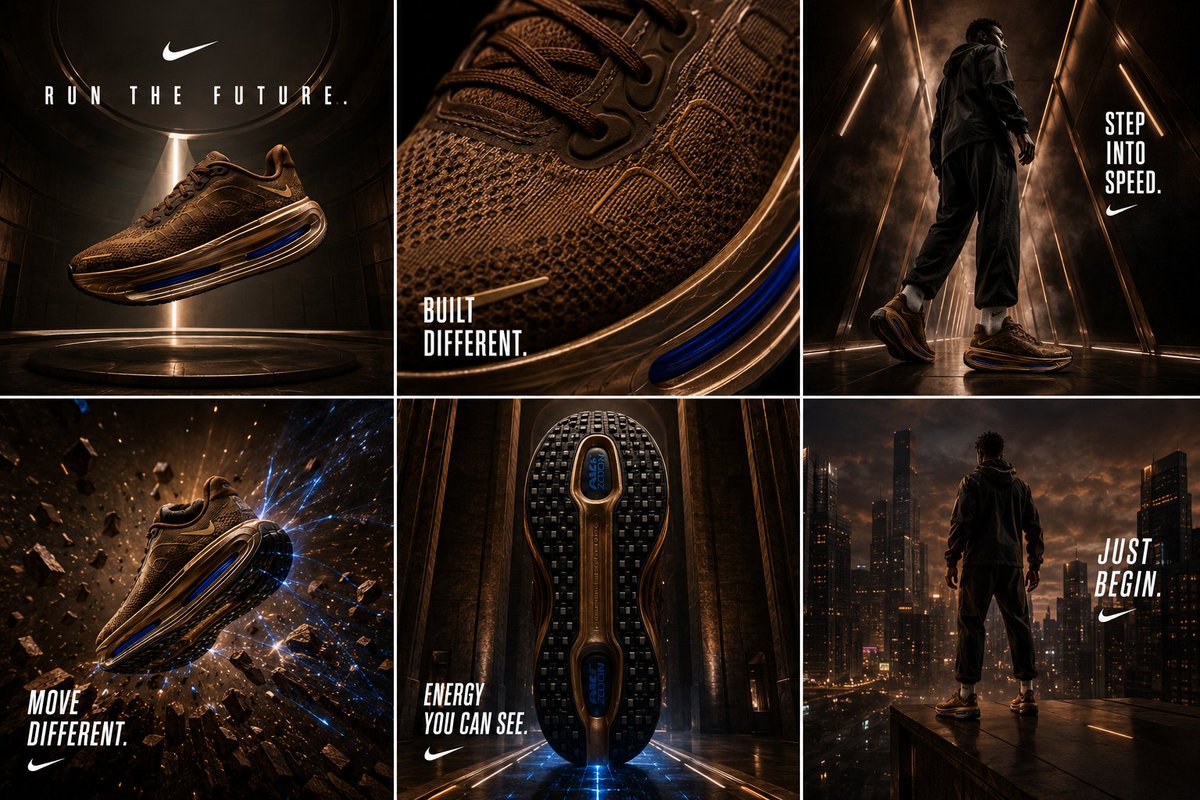
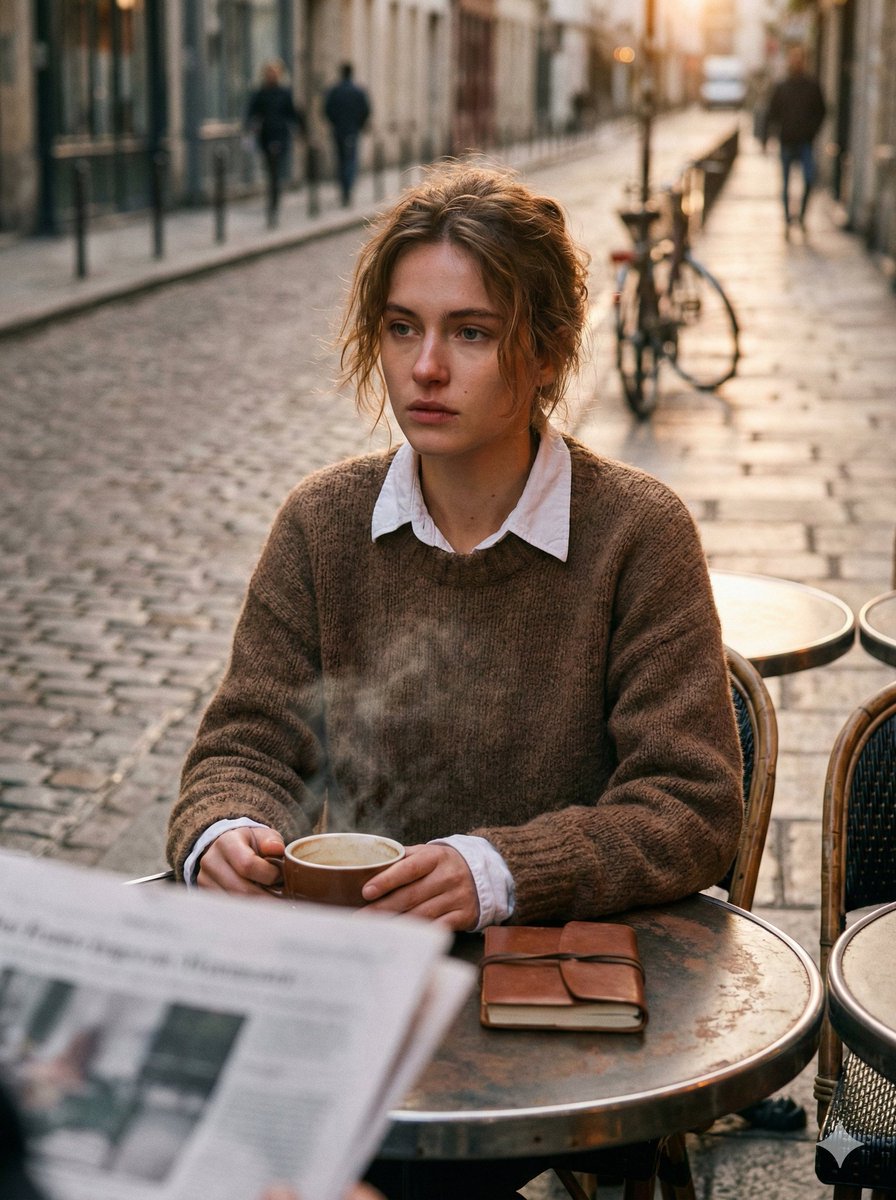
Use Xianxia Palace Boudoir Duo to plan an AI image around gpt-image-2 generation, themes such as en and gpt-image-2. Match the preview's composition first, then personalize the subject, setting, and mood for your own project.
Use the primary action to load the template settings in PicX Studio.
Adjust the subject and creative details for your destination.
Create the image, compare the result with the preview, and refine one variable at a time.
A continuous mix — similar concepts first, woven with same-model prompts and fresh picks from the catalog.
Choose the primary action to open PicX Studio with the available template settings. Review the model and format, personalize the creative direction, and generate when ready.
Yes. You can change the subject, setting, lighting, mood, format, and available model controls before creating your image.
This template is free to open and customize. Generation usage is shown in PicX Studio before you create.
Start with gpt-image-2, which is the model associated with this template. You can compare another compatible model for a different finish.
Follow a topic to a crawlable collection of related PicX Studio templates.
39,155 public templates available. Verified via the PicX Studio public templates API; refreshed hourly.
A continuous mix — similar concepts first, woven with same-model prompts and fresh picks from the catalog.