How do I use the Oriental Fantasy Silk Robe Portrait template?
Edit the prompt in the box under the preview — the template's model and format are already selected — and press Generate. Your version appears right on this page.
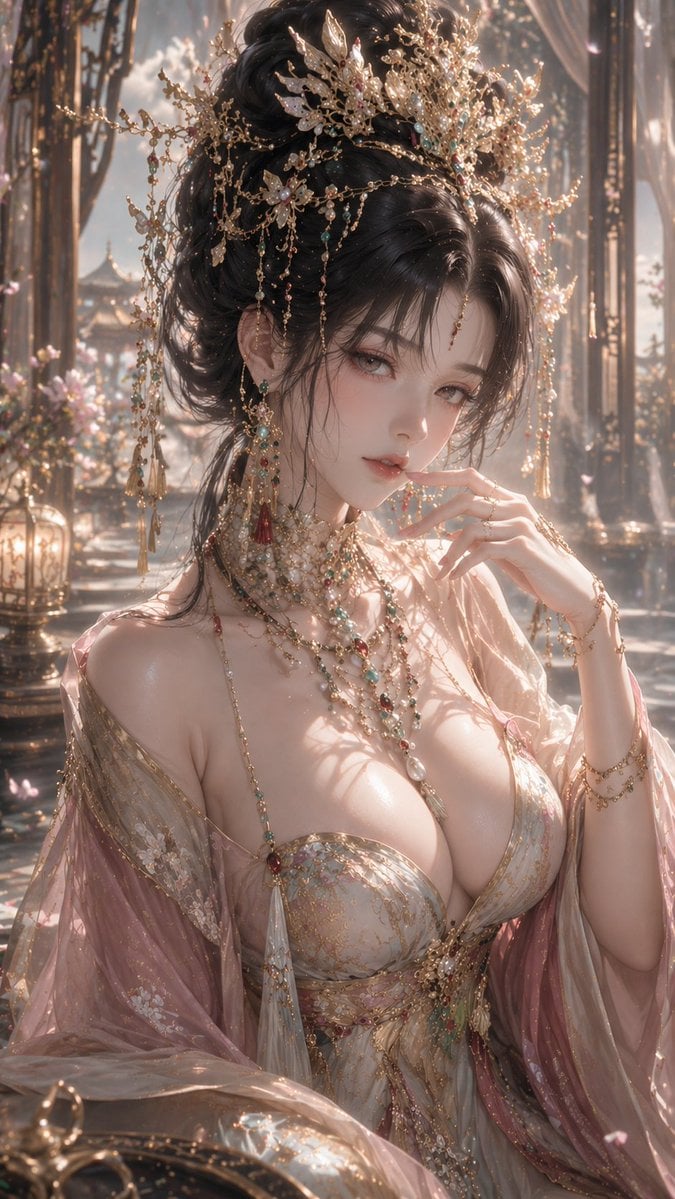
An ethereal prompt for generating an oriental fantasy portrait of a female figure in sheer silk with glowing particles and golden backlighting.

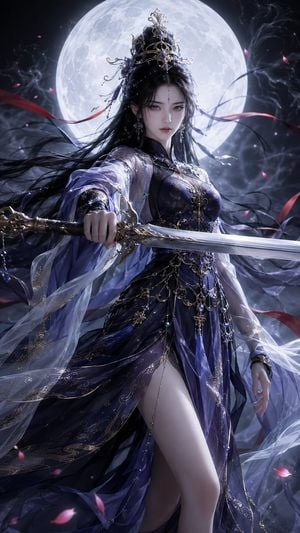
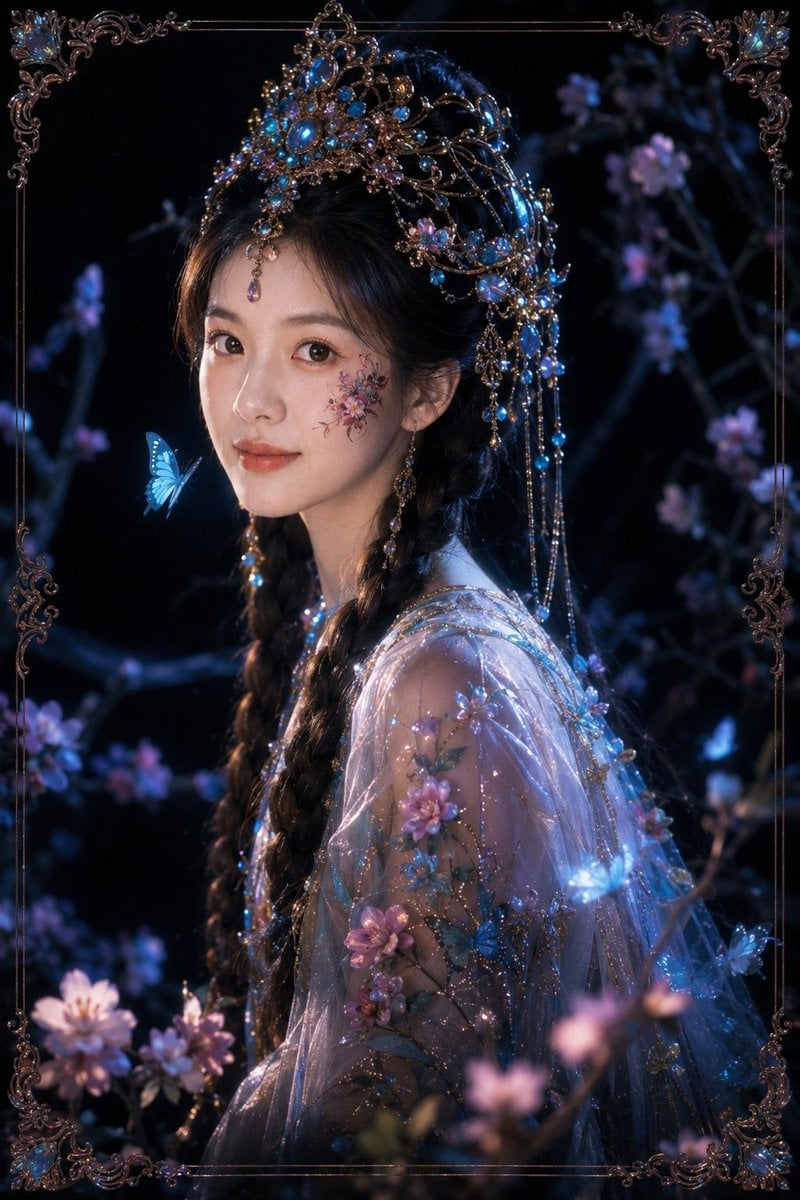
{argument name="aesthetic" default="Oriental fantasy aesthetic"}, {argument name="subject" default="female figure"} in half-body portrait, glancing back over her shoulder, ethereal and elegant presence, gentle divine allure, delicate facial features, soft downward gaze, porcelain-pale skin with fine texture, subtle peach-pink blush with golden highlights. Hair cascades and flows, interwoven with colorful blooms and luminous particles in red, blue, orange, and purple; strands carry a light, drifting quality. Dressed in a {argument name="clothing" default="sheer silk robe and flowing cape"}, the fabric is weightless and transparent, rippling gently as if caught in a breeze, adorned with gold-traced patterns and shimmering dust. Lighting: rich warm-gold backlighting with intense rim light, visible volumetric rays, drifting glowing particles, soft luminous haze, dreamlike atmosphere. Background: pale, minimal gradient with subtle shimmer and floating particles; overall ambiance transcendent, otherworldly, sacred. Style: premium CG illustration, hyper-detailed, cinematic light rendering, soft diffused glow, 8K resolution, ArtStation-featured quality.
{argument name="aesthetic" default="Oriental fantasy aesthetic"}, {argument name="subject" default="female figure"} in half-body portrait, glancing back over her shoulder, ethereal and elegant presence, gentle divine allure, delicate facial features, soft downward gaze, porcelain-pale skin with fine texture, subtle peach-pink blush with golden highlights. Hair cascades and flows, interwoven with colorful blooms and luminous particles in red, blue, orange, and purple; strands carry a light, drifting quality. Dressed in a {argument name="clothing" default="sheer silk robe and flowing cape"}, the fabric is weightless and transparent, rippling gently as if caught in a breeze, adorned with gold-traced patterns and shimmering dust. Lighting: rich warm-gold backlighting with intense rim light, visible volumetric rays, drifting glowing particles, soft luminous haze, dreamlike atmosphere. Background: pale, minimal gradient with subtle shimmer and floating particles; overall ambiance transcendent, otherworldly, sacred. Style: premium CG illustration, hyper-detailed, cinematic light rendering, soft diffused glow, 8K resolution, ArtStation-featured quality.
Edit the prompt in the box under the preview — the template's model and format are already selected — and press Generate. Your version appears right on this page.
Yes. You can change the subject, setting, lighting, mood, format, and available model controls before creating your image.
Opening and editing this template is free. Generating uses credits, shown on the Generate button when you are signed in.
Start with GPT Image 2, which is the model associated with this template. You can compare another compatible model for a different finish.
Follow a topic to a crawlable collection of related PicX Studio templates.