
Fantasy Oriental 3D CG Portrait
An intricate 3D character render prompt for creating ethereal oriental fantasy female portraits with high-precision details, cinematic lighting, and opulent traditional headwear.
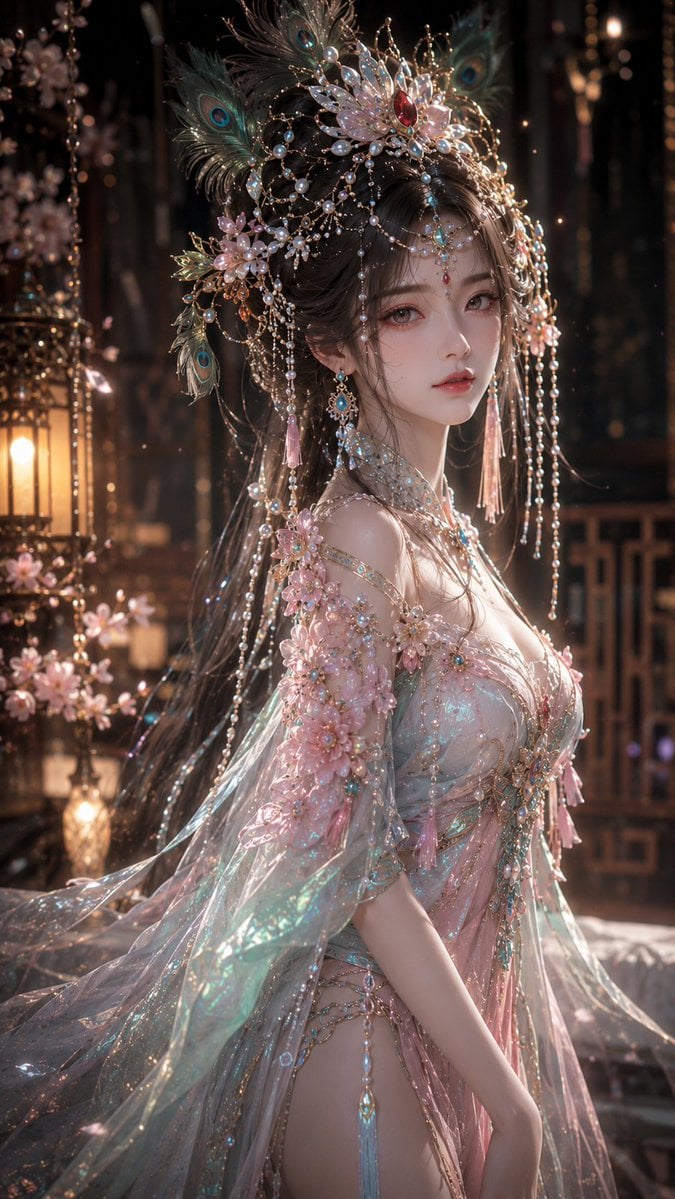
- Prompt included
- Model and format preset
- Free template
The prompt behind this image
Copy the exact prompt behind Fantasy Oriental 3D CG Portrait, or open it in the studio and make it yours.
9:16 竖版,高精度 3D CG 东方幻想女性角色写真,anime-style 3D CG character art,semi-realistic 3D character render,镜头为大腿及上半身构图,画面主体是一位明确成年的年轻东方女性角色,视觉年龄约 {argument name="年龄" default="20–26 岁"},整体气质空灵、精致、柔美、安静、华丽,带有东方戏曲幻想美人的神秘感。整体不是平面插画,而是高完成度 3D CG 角色渲染,具有精致角色建模、真实材质、电影级柔光与高级角色写真感。 人物拥有小巧精致的东方美人脸,脸型柔和流畅,鹅蛋脸偏小,面部骨相秀气,皮肤白皙细腻,带柔和通透感与轻微珠光质感。五官精致耐看,眼睛大而柔和,瞳色为{argument name="瞳色" default="浅灰紫棕调"},眼神安静、清冷、略带若有所思的柔弱感,睫毛纤长明显。眼妆偏粉红与玫瑰调,眼周带柔雾感晕染,增强梦幻感。鼻梁秀气自然,鼻尖小巧,嘴唇为柔和的豆沙玫瑰粉色,唇形精致,微微张唇,神情克制、柔美、安静,不夸张微笑。 发型为深棕黑色长发,发髻与额前卷发结合,整体发型具有古典东方仕女气质。头戴极其华丽的东方戏曲幻想头冠,头冠主体为蓝绿色、孔雀蓝与鎏金结构,镶嵌大量珍珠、珠宝、水晶、金属花丝与发光装饰。头冠顶部有放射状花形主结构,中心镶嵌红色宝石,周围点缀白色珍珠簪、蓝色凤羽状装饰、闪耀晶体与粉色花朵。额前垂有精致珠宝流苏与额饰。耳饰为长款蓝绿色宝石与珍珠流苏耳坠,服装为东方幻想风华丽礼服,带有明显的 iridescent 幻彩反光效果。 场景为低照度、温暖而神秘的室内背景,背景深色虚化,带轻微金棕色环境光和少量彩色散景光斑。光线采用柔和电影级布光,面部为柔光主灯。皮肤、珠宝、珍珠、金属、薄纱和幻彩面料都要有清晰真实的材质表现。 high detail 3D CG render, cinematic lighting, Unreal Engine quality, Octane render look, PBR materials, subsurface scattering skin, realistic hair strands, gemstone details, pearl reflections, iridescent translucent fabric, fantasy Chinese opera inspired styling, elegant oriental fantasy beauty, volumetric light, cinematic depth of field, dreamy bloom, ultra detailed, polished anime realism, premium character portrait, soft dreamy focus, delicate glow, ethereal haze, luminous beauty, soft bloom highlights, gentle atmospheric sparkle
How to use Fantasy Oriental 3D CG Portrait in 3 steps
- 1
Open
The prompt is already in the box next to the preview, with the template's model and format selected.
- 2…a portrait of your subject in softgolden-hour light, 85mm…
Personalize
Edit the subject and creative details for your destination.
- 3Generate
Generate
Press Generate — your image is created in PicX Studio, so you can compare it with the original and refine one variable at a time.
More like this
Templates with the same subject, style or setup. Open one to see its prompt.
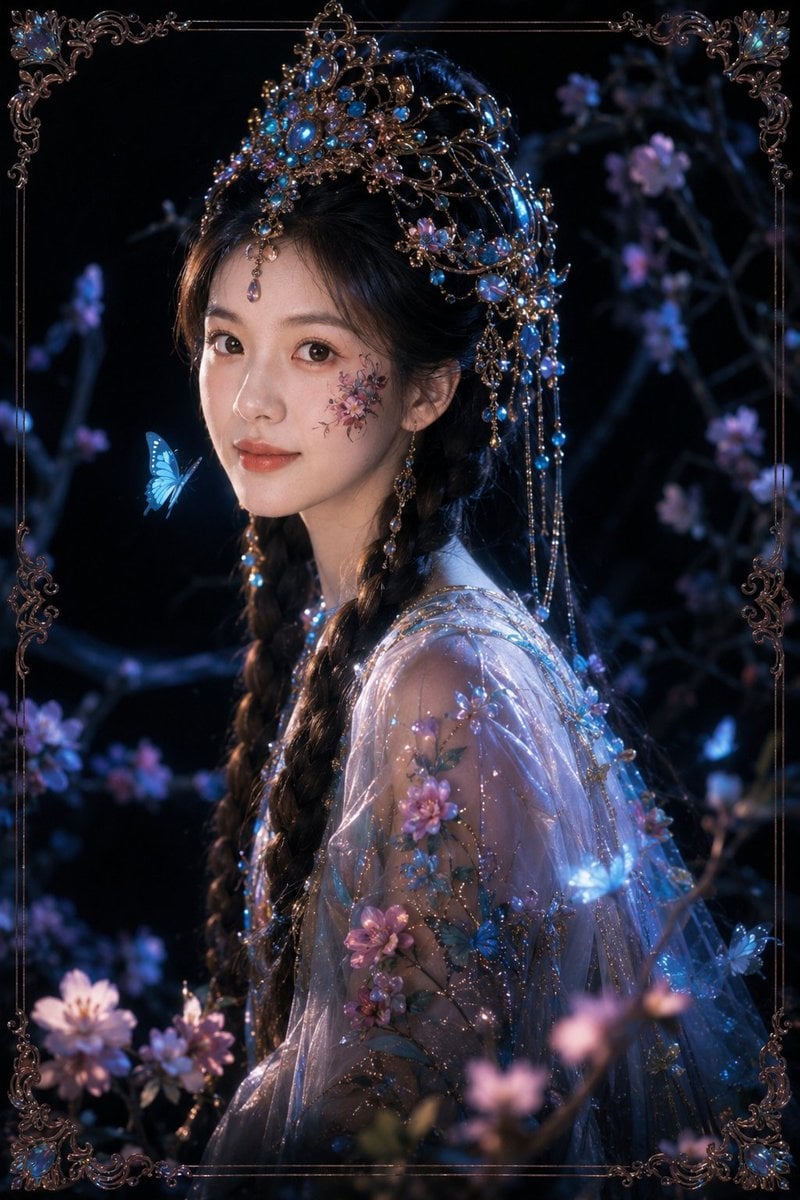
Dark Fantasy Oriental Mythic Portrait
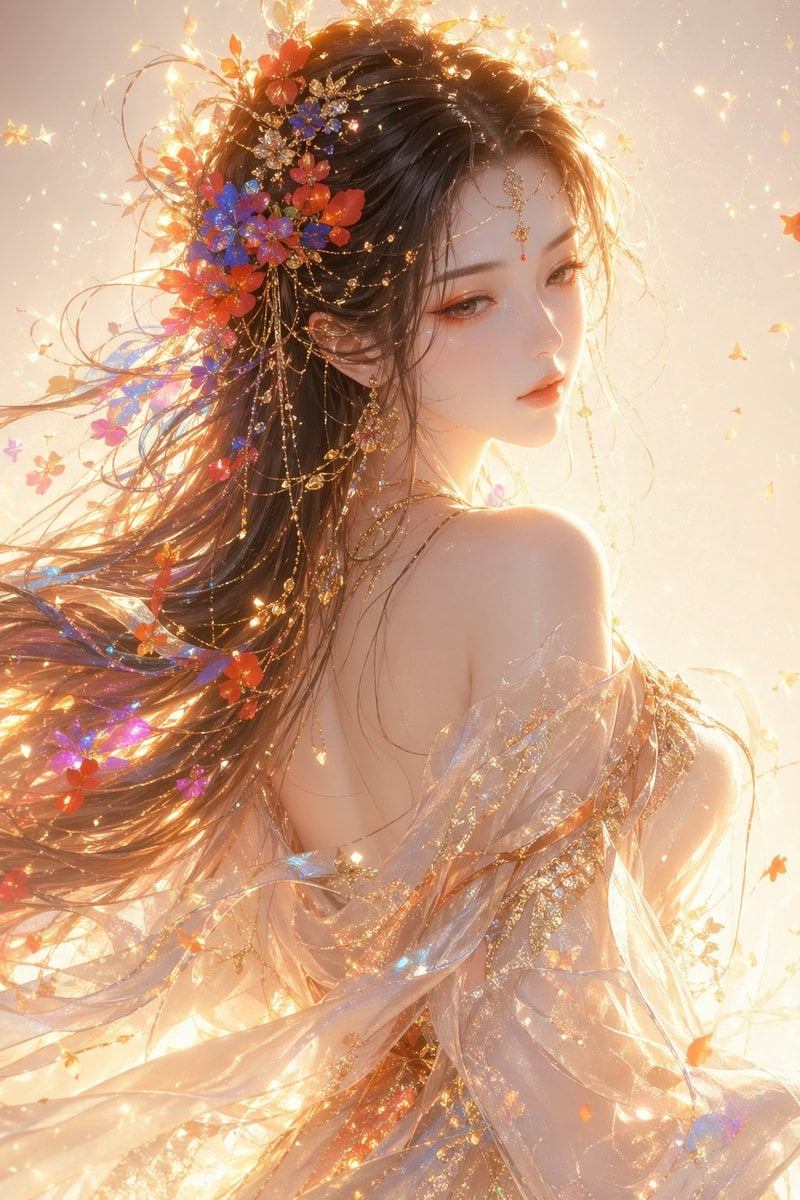
Oriental Fantasy Female Portrait Prompt

Found Photograph: Us, 1970

80s Couple Studio Portrait

80s Bollywood Star

80s Golden Hour Cinema

Me in 1985

1985 Studio Portrait
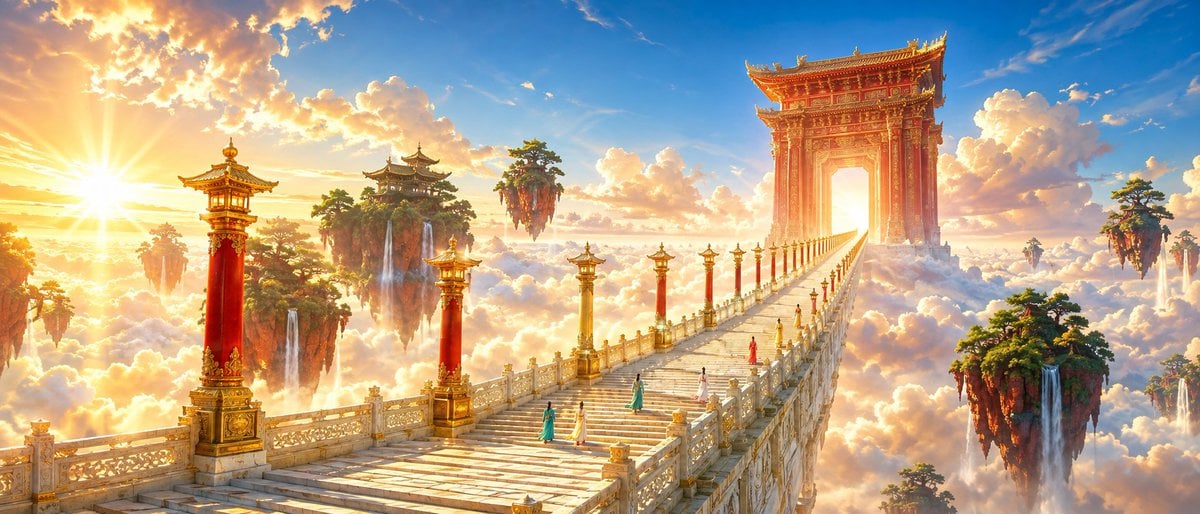
Oriental Fantasy Celestial Realm

Hyper-Realistic Minecraft POV Portrait
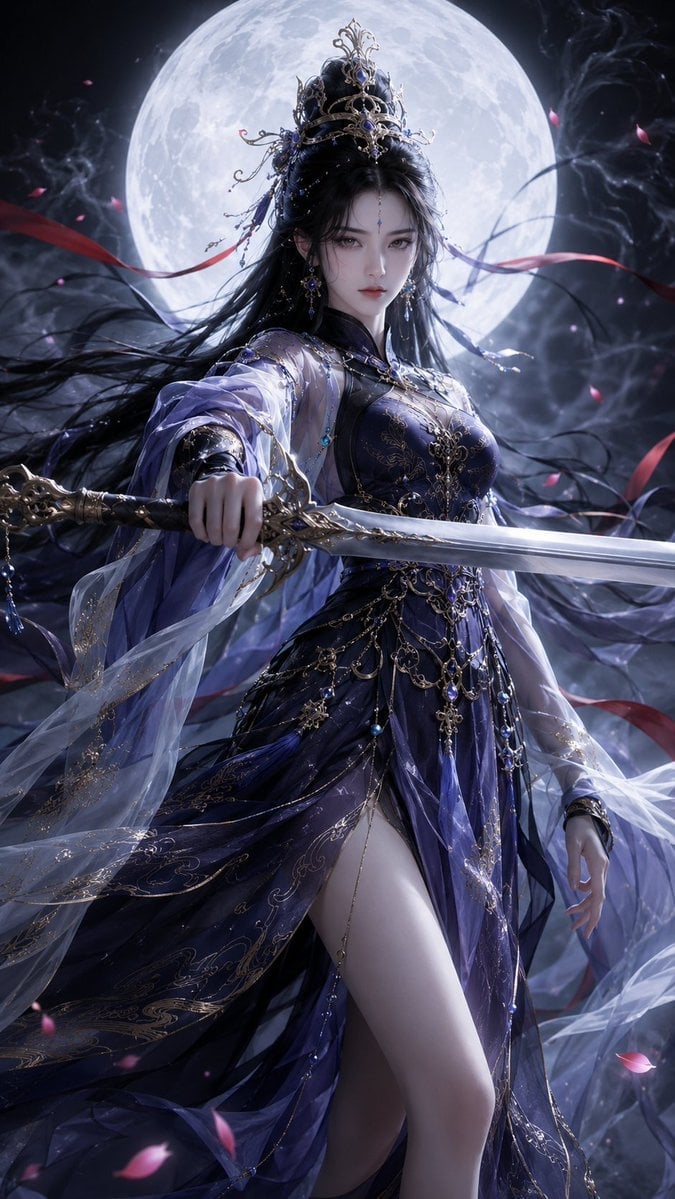
Oriental Fantasy Heroine 3D Poster

Rooftop Fisheye — Cat-Ear Balaclava at Golden Hour
Make it yours
Fantasy Oriental 3D CG Portrait works as-is. These are the safest ways to change it without losing the look.
Change one field
Copy a single group, rewrite it, and generate again so you can see what that field is doing.
Keep the frame, change the subject
Hold the composition and light of Fantasy Oriental 3D CG Portrait, then swap wardrobe, props or the person for a new take.
| If the result… | Why | Fix |
|---|---|---|
| The result drifts from the preview | Too many fields changed at once. | Reuse Fantasy Oriental 3D CG Portrait as-is first, then change one group — subject, light, or setting. |
| The model over-stylizes the scene | The prose prompt leaves finish and camera underspecified. | Add one camera or lighting sentence and stay on GPT Image 2. |
More GPT Image 2 templates
Other prompts made for GPT Image 2.

Six VTuber Japanese Logo Sheet

Realistic Portrait of Woman and Deer

The Vista Modular Condo Poster

AI Model Routing Comparison Infographic

2.5D Anime Art Board

Isometric Productivity Desk Scene

New York Double Exposure Poster

Four-Panel AI Landscape Comparison

Japanese Tatami Lifestyle Magazine Cover

NESCAFÉ Coffee Map Poster
More image prompts
Fresh picks from across the catalog.
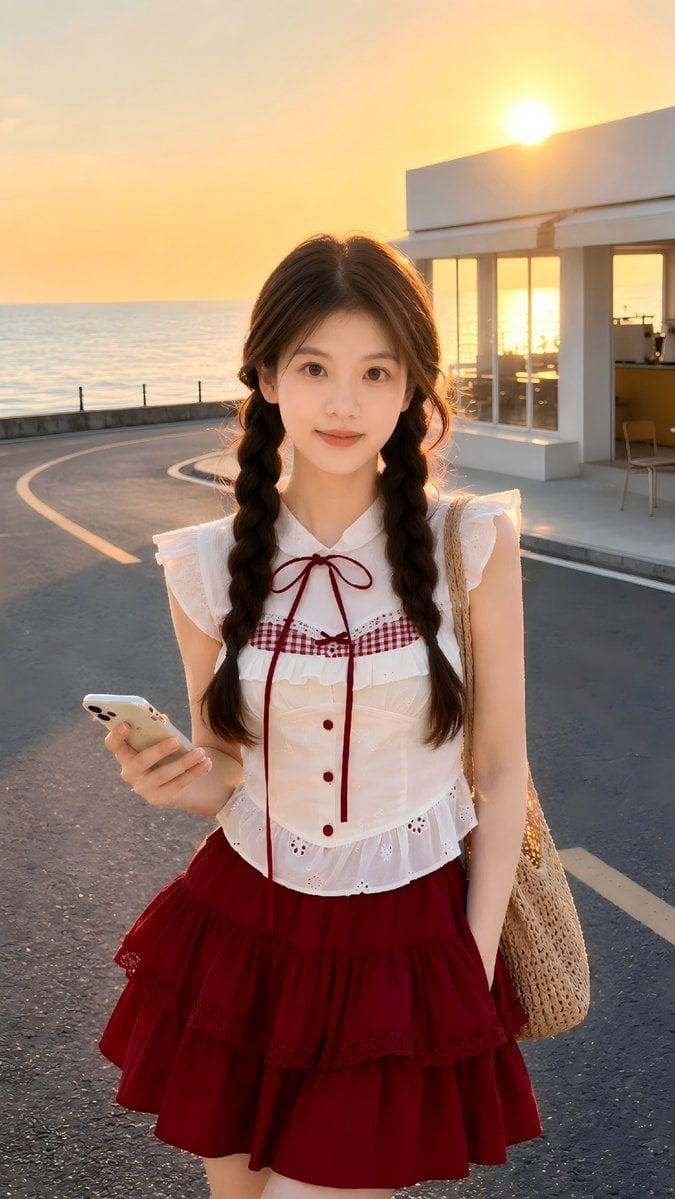
Golden Hour Identity-Preserving Portrait
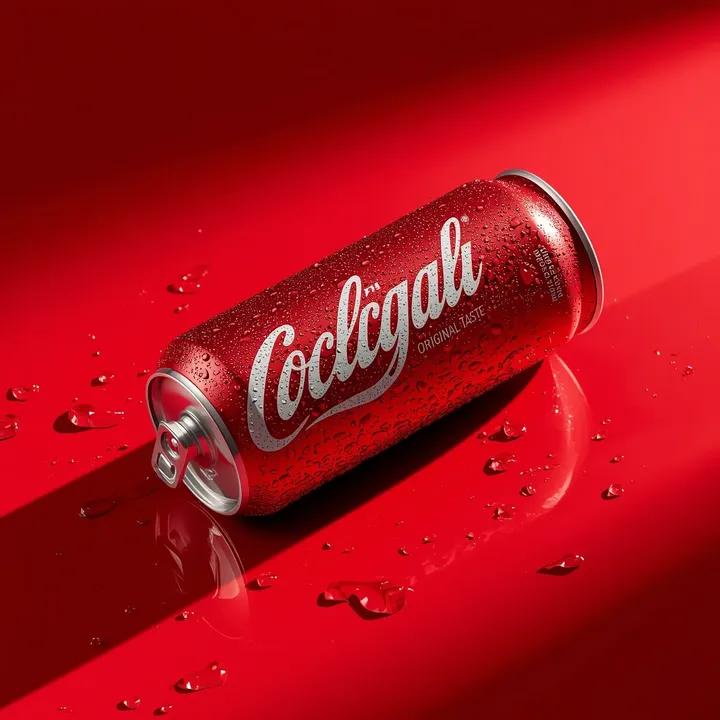
Ultra-Realistic Beverage Product Photography
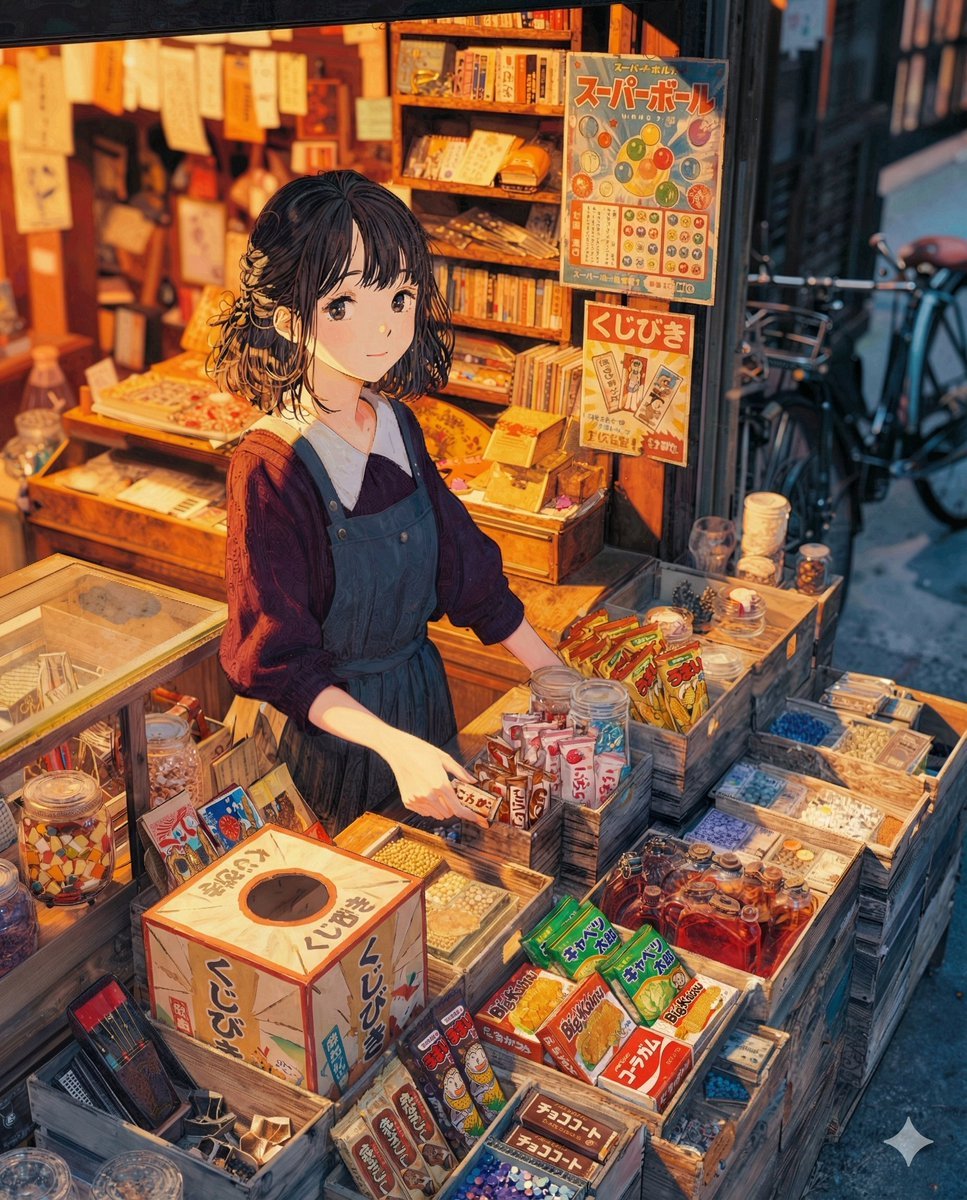
To the Candy Shop Image Generation
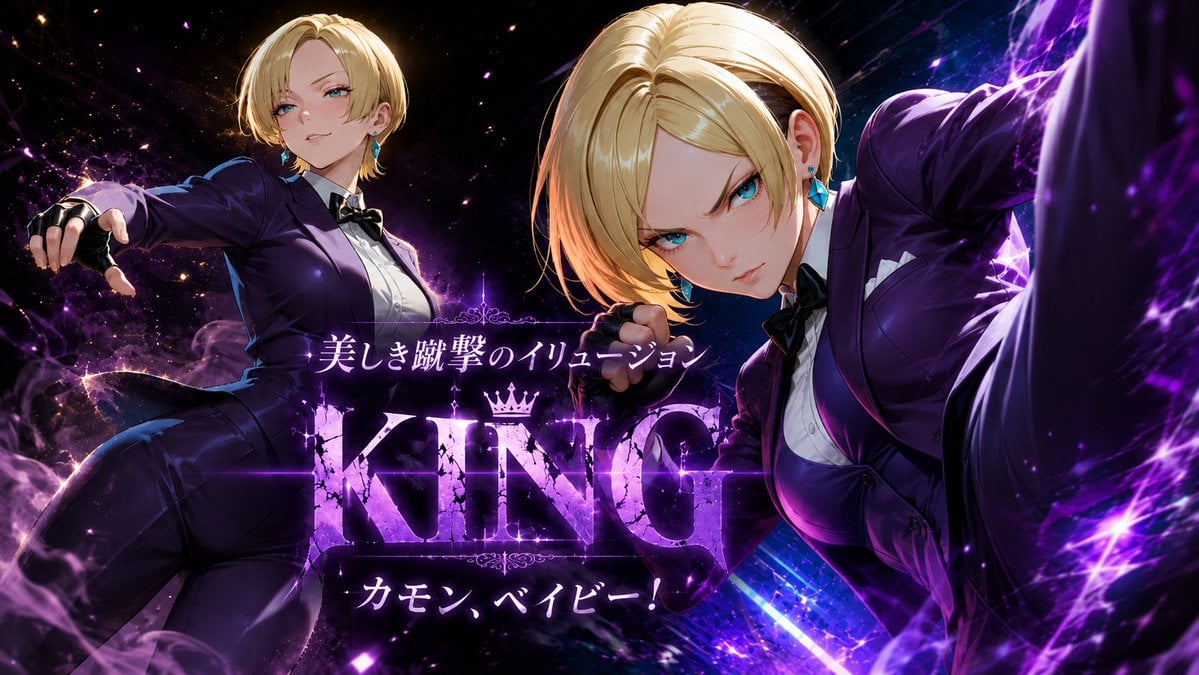
Purple Anime Fighter King Poster
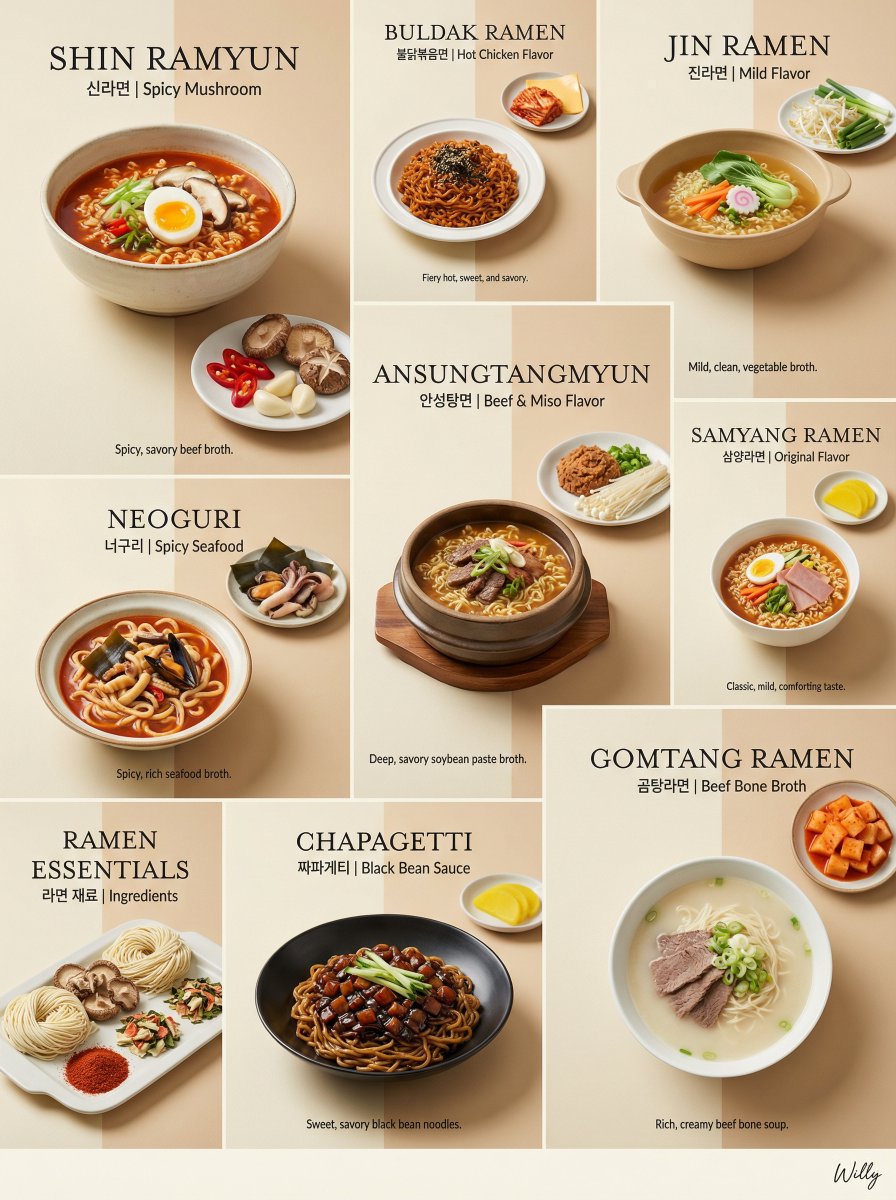
Luxury Minimalist Bento Grid of Korean Ramen Collection
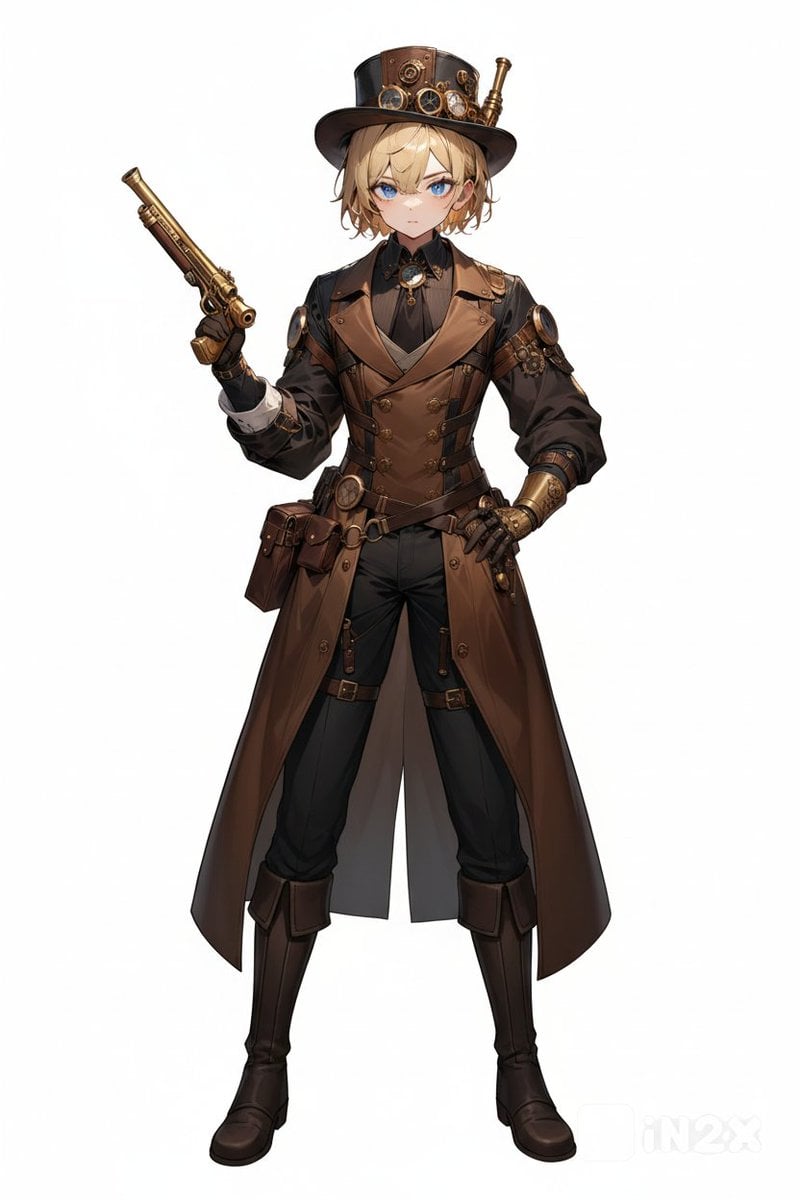
Steampunk Gunslinger Character Art
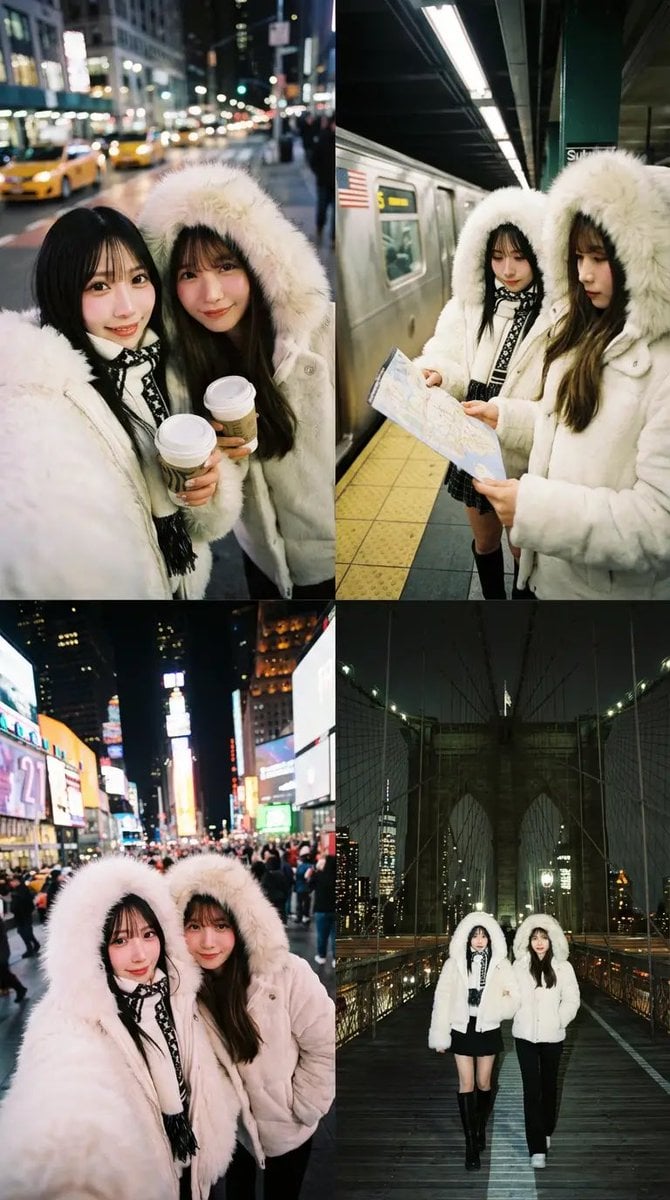
Dual Portrait Arrangement with Location Context
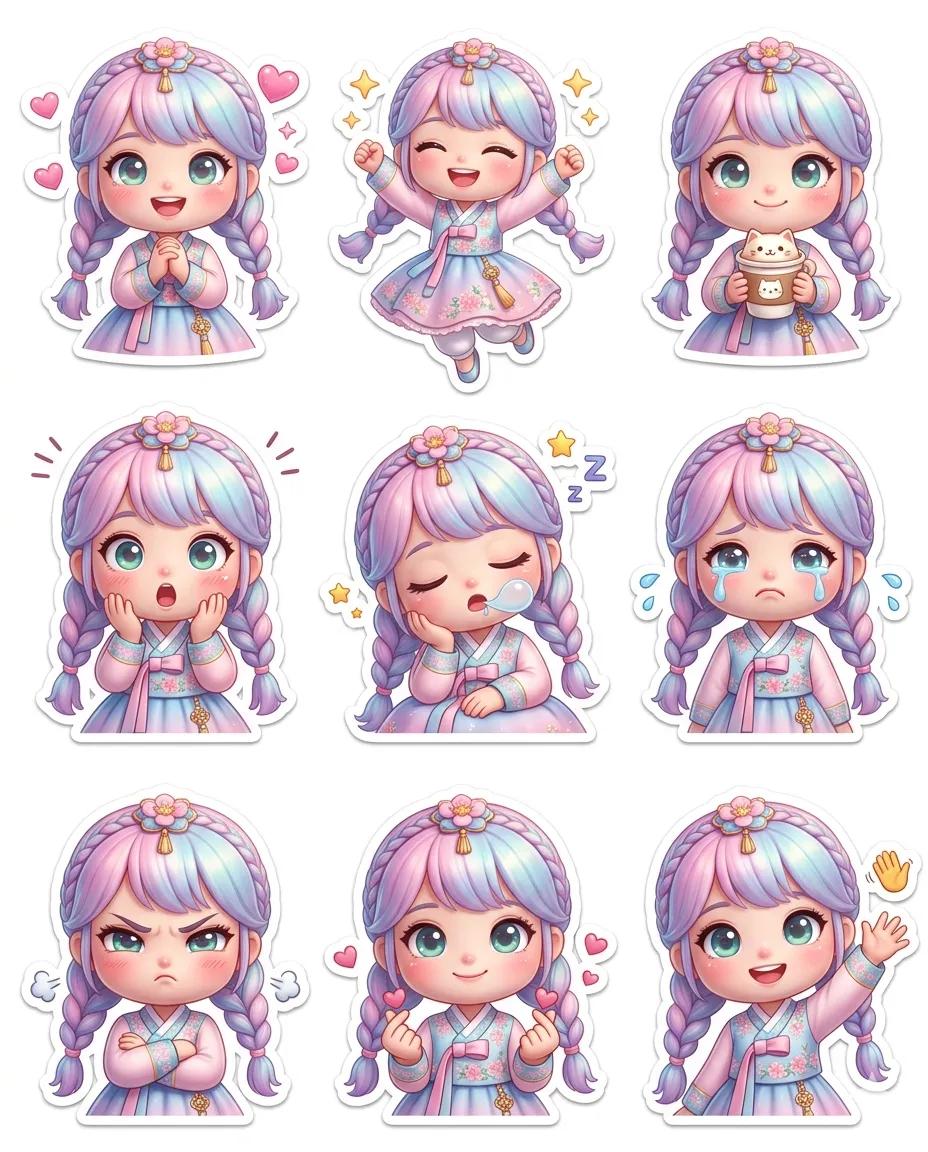
Pixar-Style Chibi Sticker Sheet

Convert illustration to retro Game Boy Advance-style pixel art
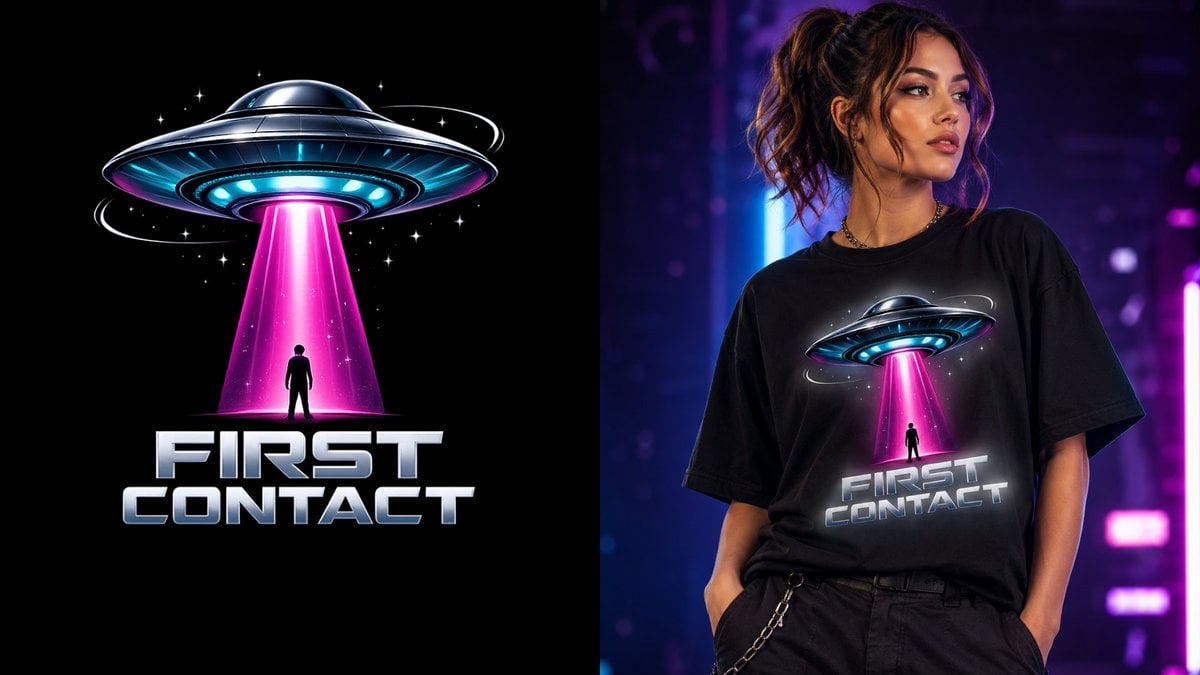
First Contact Sci-Fi T-Shirt Design
Browse template categories
Fantasy Oriental 3D CG Portrait questions
How do I use the Fantasy Oriental 3D CG Portrait template?
Add your photo if the template asks for one, edit the prompt if you like — the template's model and format are already selected — and press Generate. Your version opens in PicX Studio.
Can I customize the Fantasy Oriental 3D CG Portrait template?
Yes. You can change the subject, setting, lighting, mood, format, and available model controls before creating your image.
Is the Fantasy Oriental 3D CG Portrait template free?
Opening and editing this template is free. Generating uses credits, shown on the Generate button when you are signed in.
Which AI model should I use?
Start with GPT Image 2, which is the model associated with this template. You can compare another compatible model for a different finish.
Looking for something else? Browse all templates.

Your photo, any look
Thousands of ready templates for every top image and video model, from one credit balance.