
Monochrome Silk Ribbon Manga Cover
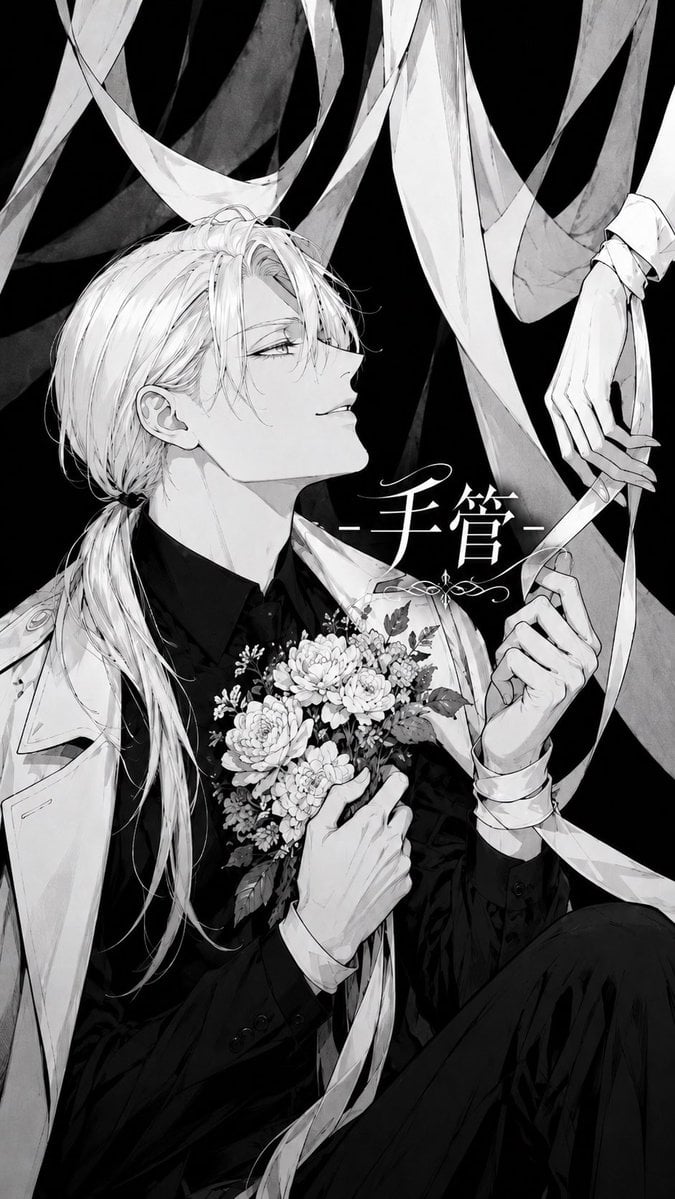
A vertical black-and-white manga cover illustration of an elegant young man surrounded by silk ribbon chains and floral symbolism.
- Prompt included
- Model and format preset
- Free template
The prompt behind this image
Copy the exact prompt behind Monochrome Silk Ribbon Manga Cover, or open it in the studio and make it yours.
Create a monochrome manga-style album cover illustration in a tall vertical 9:16 composition. A refined androgynous young man, {argument name="character name" default="unnamed elegant blond man"}, sits against a deep black background, drawn in delicate black-and-white ink with soft gray wash shading and high-contrast shadows. He has very pale skin, long light hair parted over one eye and tied into a low ponytail, fine loose strands, narrow half-lidded eyes, and a calm, faintly arrogant expression as he looks upward to the right. Dress him in a black suit shirt and dark formal clothing with a white coat draped over one shoulder. He holds a small detailed bouquet at his chest: exactly 7 prominent round blossoms, leafy sprigs, and tiny filler flowers, with a long ribbon trailing down. Surround him with exactly 10 long silk ribbon streamers like soft chains, crossing the background and foreground in sweeping arcs; make them semi-translucent white and gray, twisting like satin bands. Include exactly 3 visible hands: his hand holding the bouquet, his other hand gripping a ribbon, and a pale limp hand descending from the upper right wrapped or tied by ribbon. Add elegant Japanese title text {argument name="title text" default="手管"} in white near the center-right beside his face, with thin horizontal dashes on both sides and a small ornamental flourish underneath. Use intricate linework, romantic gothic mood, dramatic negative space, no color except grayscale, clean professional manga cover finish, no extra characters, no watermark.
How to use Monochrome Silk Ribbon Manga Cover in 3 steps
- 1Upload ImagePNG, JPG or paste
Add your photo
Upload the photo the template builds on. The prompt, model and format are already set.
- 2…a portrait of your subject in softgolden-hour light, 85mm…
Personalize
Edit the subject and creative details for your destination.
- 3Generate
Generate
Press Generate — your image is created in PicX Studio, so you can compare it with the original and refine one variable at a time.
More like this
Templates with the same subject, style or setup. Open one to see its prompt.

Monochrome Gothic Manga Puppet Ribbons
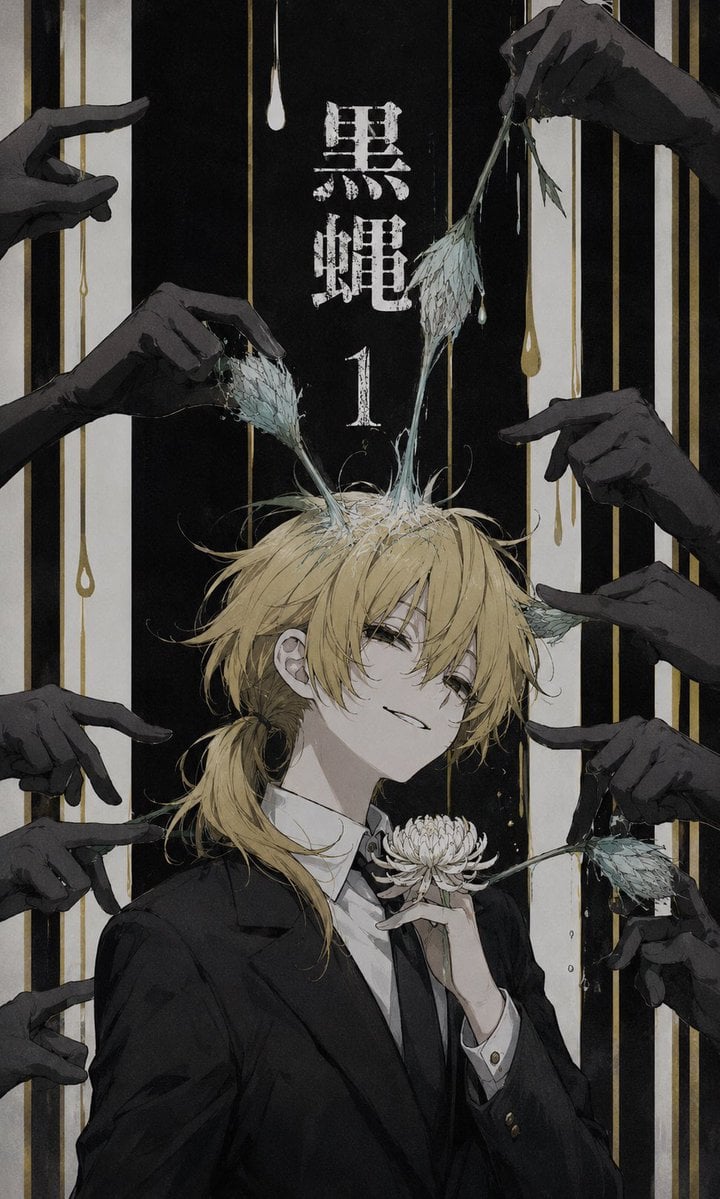
Dark Monochrome Manga Cover
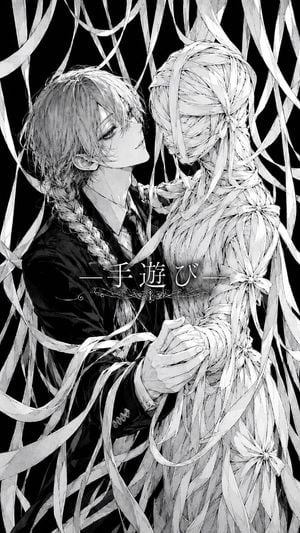
Gothic Ribbon Dance Album Cover
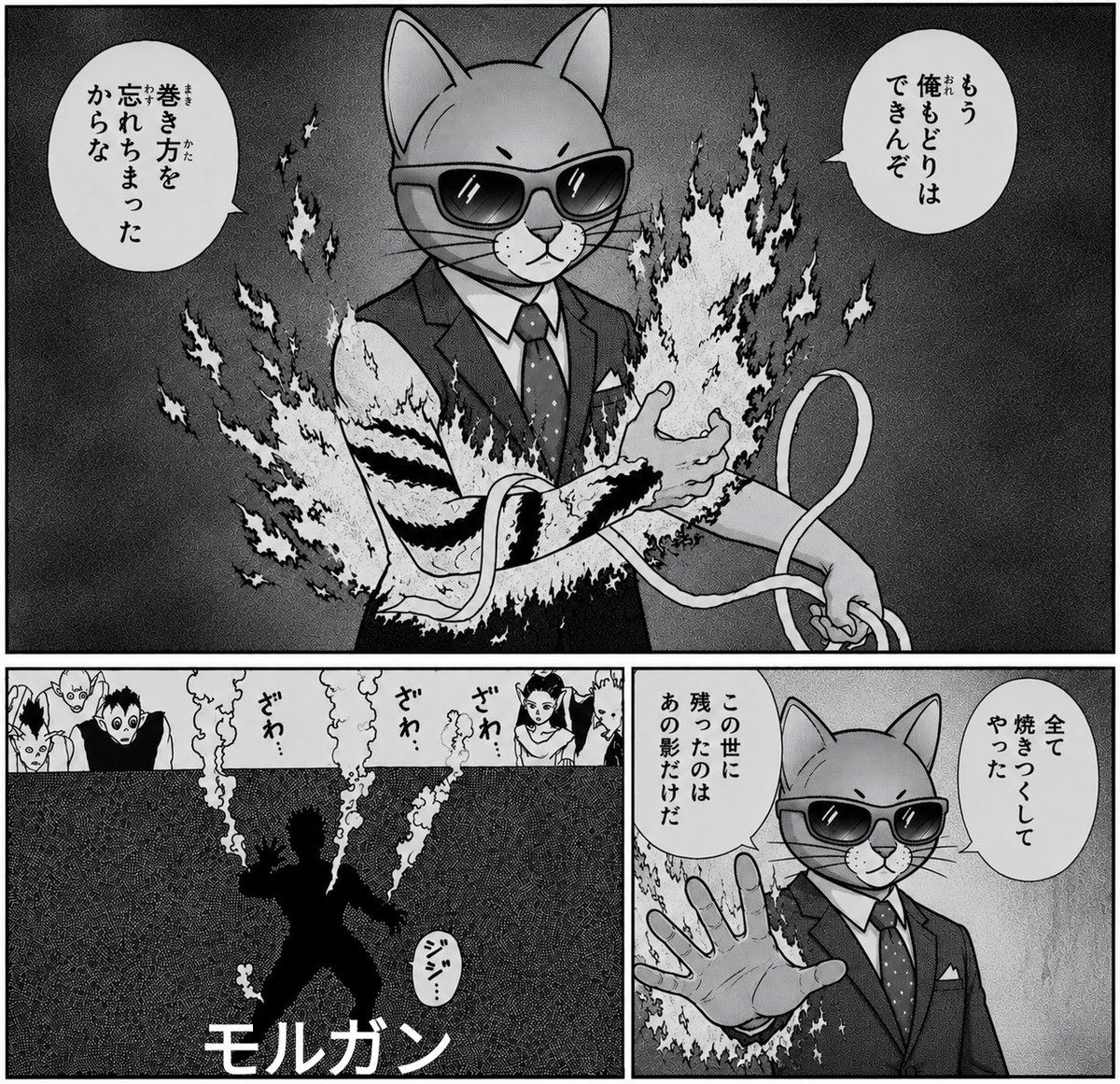
Monochrome Cat Businessman Manga Page
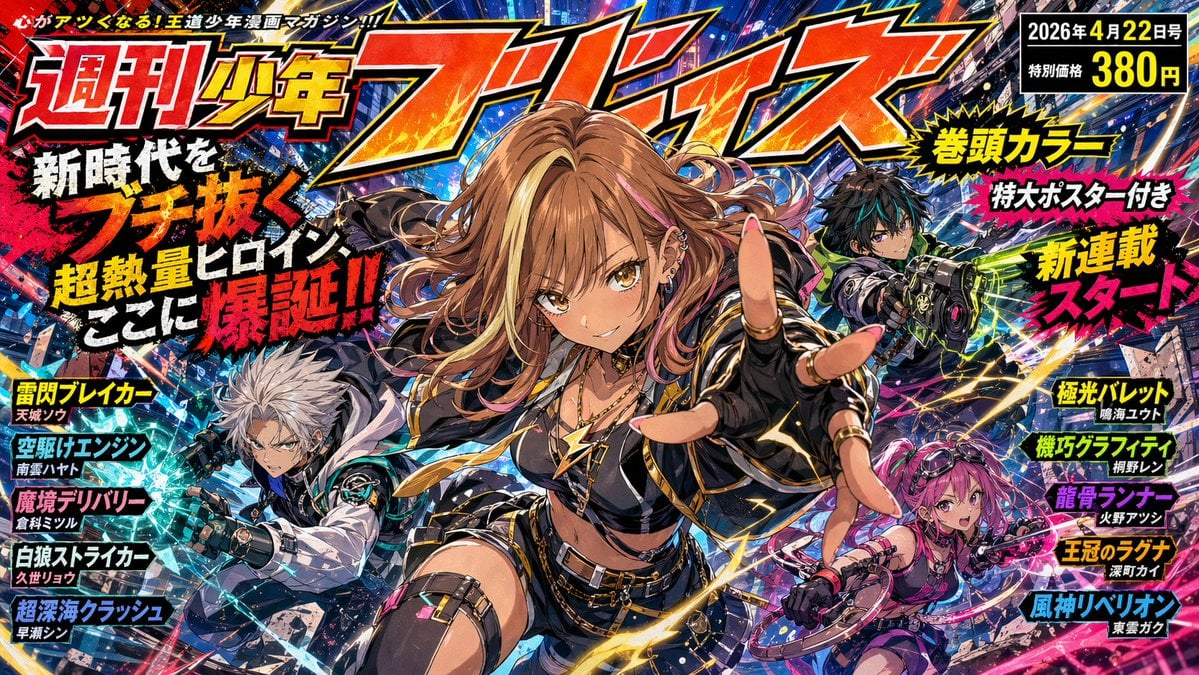
Explosive Shonen Manga Cover

Eid al-Adha Cute Chaos — Fisheye Selfie with Farm Selfie, Mosque & Animals

Monochrome Hypebeast Street Fashion Editorial Motion

Monochrome Halftone Editorial Fashion Poster

Cinematic Street Fashion Photographer Portrait

Quiet Luxury Black and White Fashion Editorial Portrait
Monochrome Hypebeast Street Fashion Editorial Motion

Fine Art Monochrome Fashion Portrait
Make it yours
Monochrome Silk Ribbon Manga Cover works as-is. These are the safest ways to change it without losing the look.
Change one field
Copy a single group, rewrite it, and generate again so you can see what that field is doing.
Keep the frame, change the subject
Hold the composition and light of Monochrome Silk Ribbon Manga Cover, then swap wardrobe, props or the person for a new take.
| If the result… | Why | Fix |
|---|---|---|
| The result drifts from the preview | Too many fields changed at once. | Reuse Monochrome Silk Ribbon Manga Cover as-is first, then change one group — subject, light, or setting. |
| The model over-stylizes the scene | The prose prompt leaves finish and camera underspecified. | Add one camera or lighting sentence and stay on GPT Image 2. |
More GPT Image 2 templates
Other prompts made for GPT Image 2.

Six VTuber Japanese Logo Sheet

Realistic Portrait of Woman and Deer

The Vista Modular Condo Poster

AI Model Routing Comparison Infographic

2.5D Anime Art Board

Isometric Productivity Desk Scene

New York Double Exposure Poster

Four-Panel AI Landscape Comparison

Japanese Tatami Lifestyle Magazine Cover

NESCAFÉ Coffee Map Poster
More image prompts
Fresh picks from across the catalog.
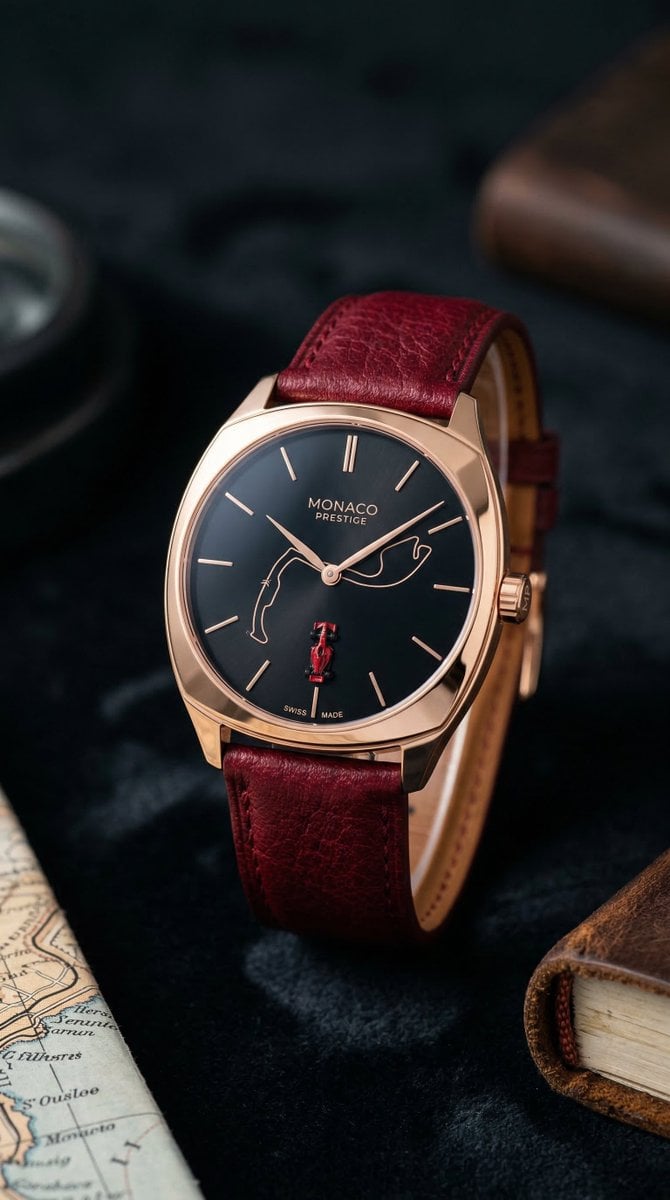
Minimalist Luxury Watch Editorial Prompt for Nano Banana 2

Split-Screen Athleisure Couch Ad
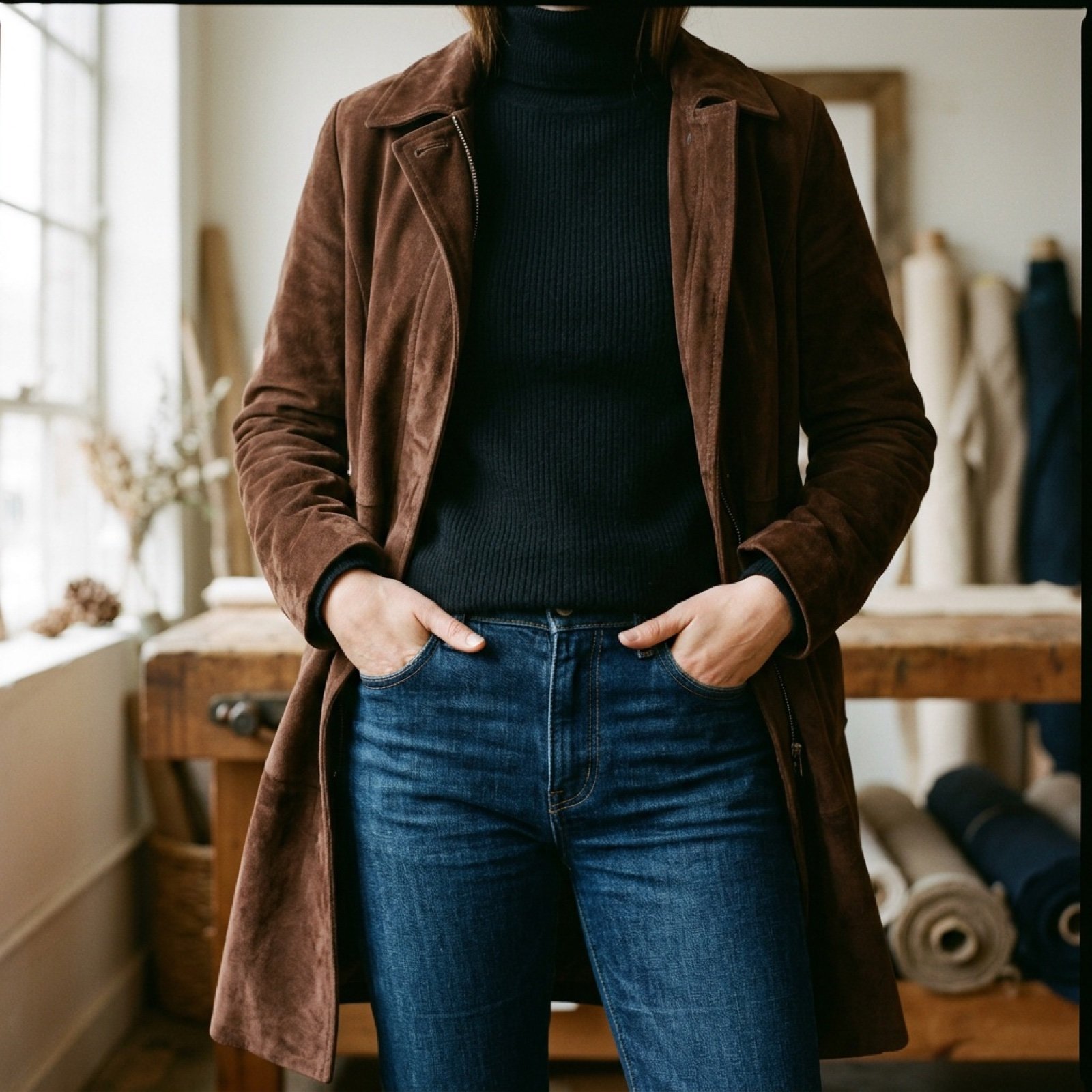
Video Prompt for Suede Trench Coat Showcase
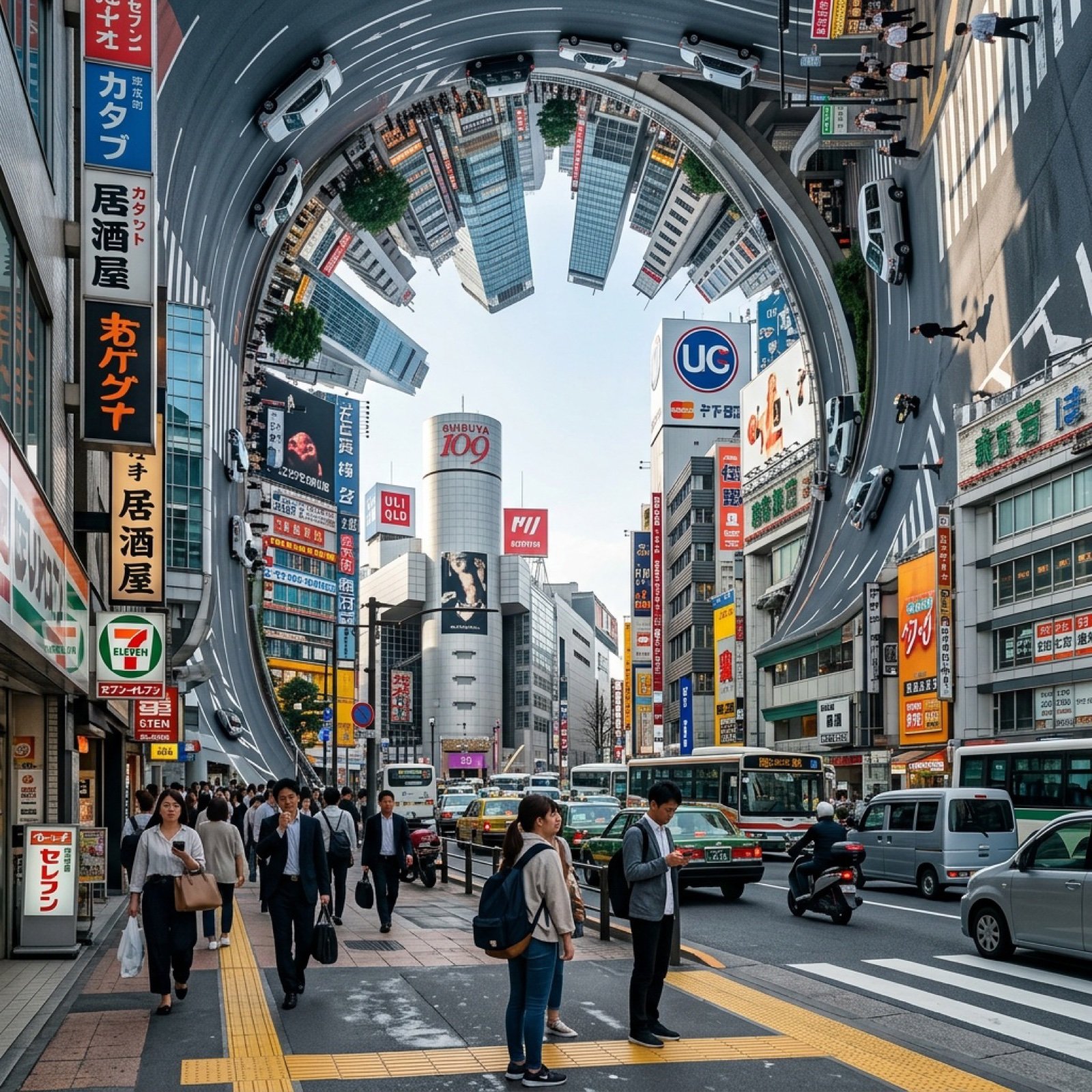
Inception-Style City Street Bending Upward
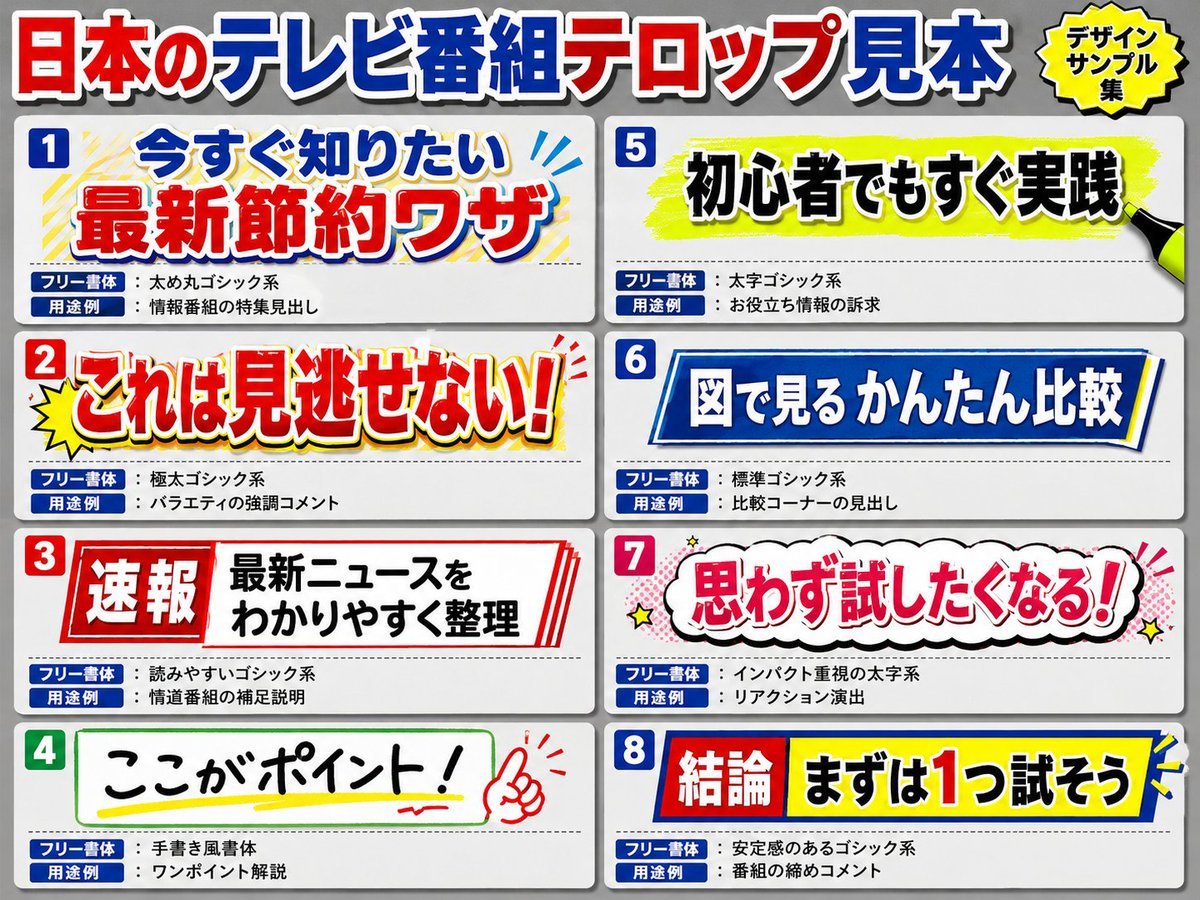
Japanese Television Telop Graphics
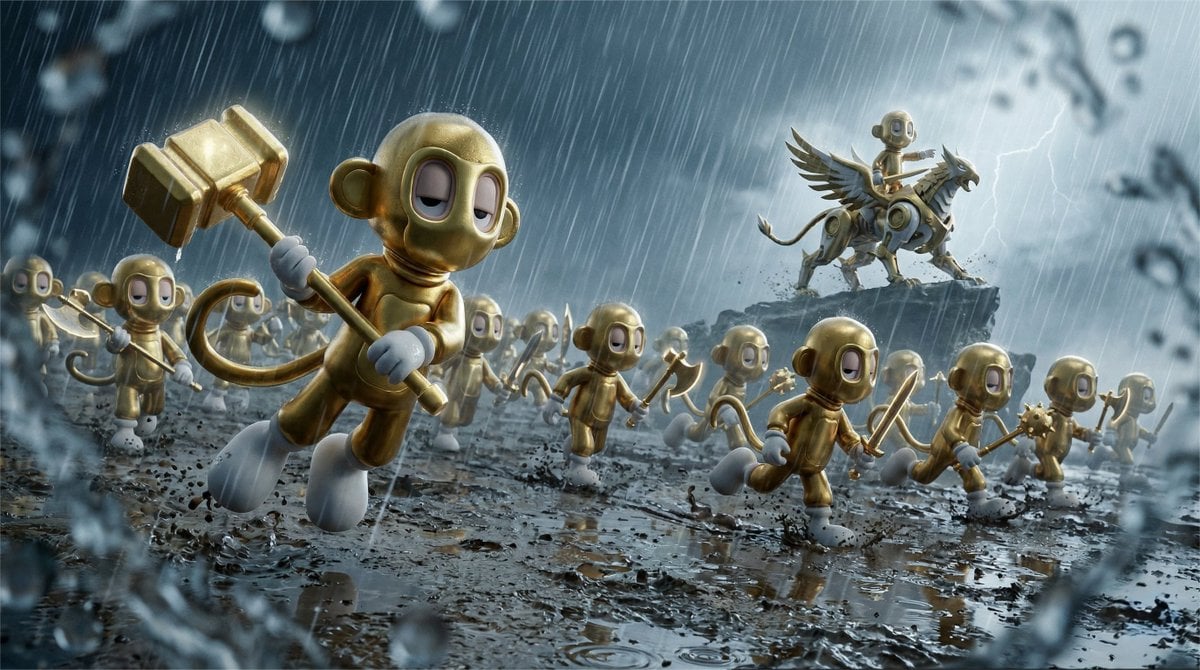
Cinematic Macro Toy Photography of a Charging Army
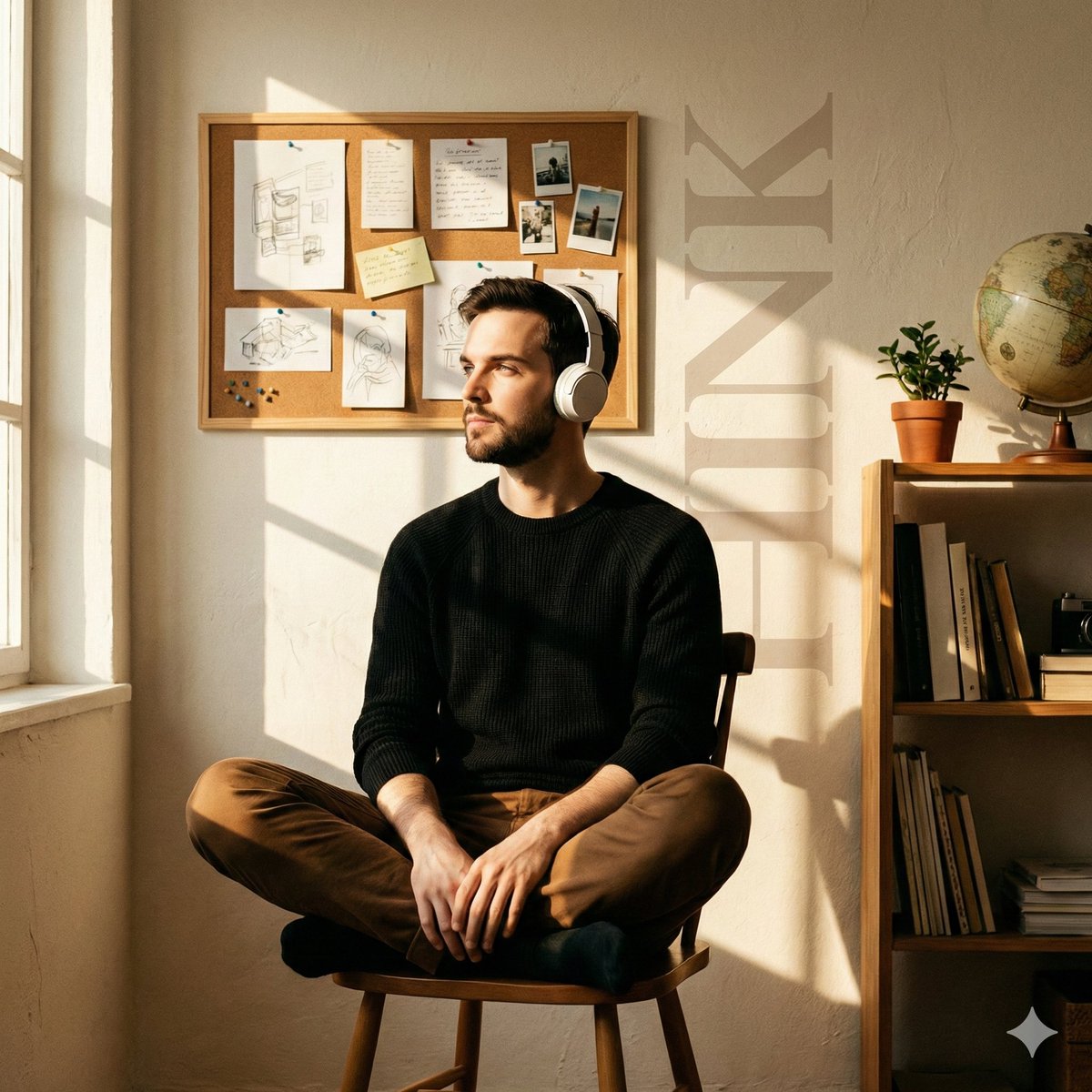
Cinematic Editorial Portrait in a Cafe with Window Shadows
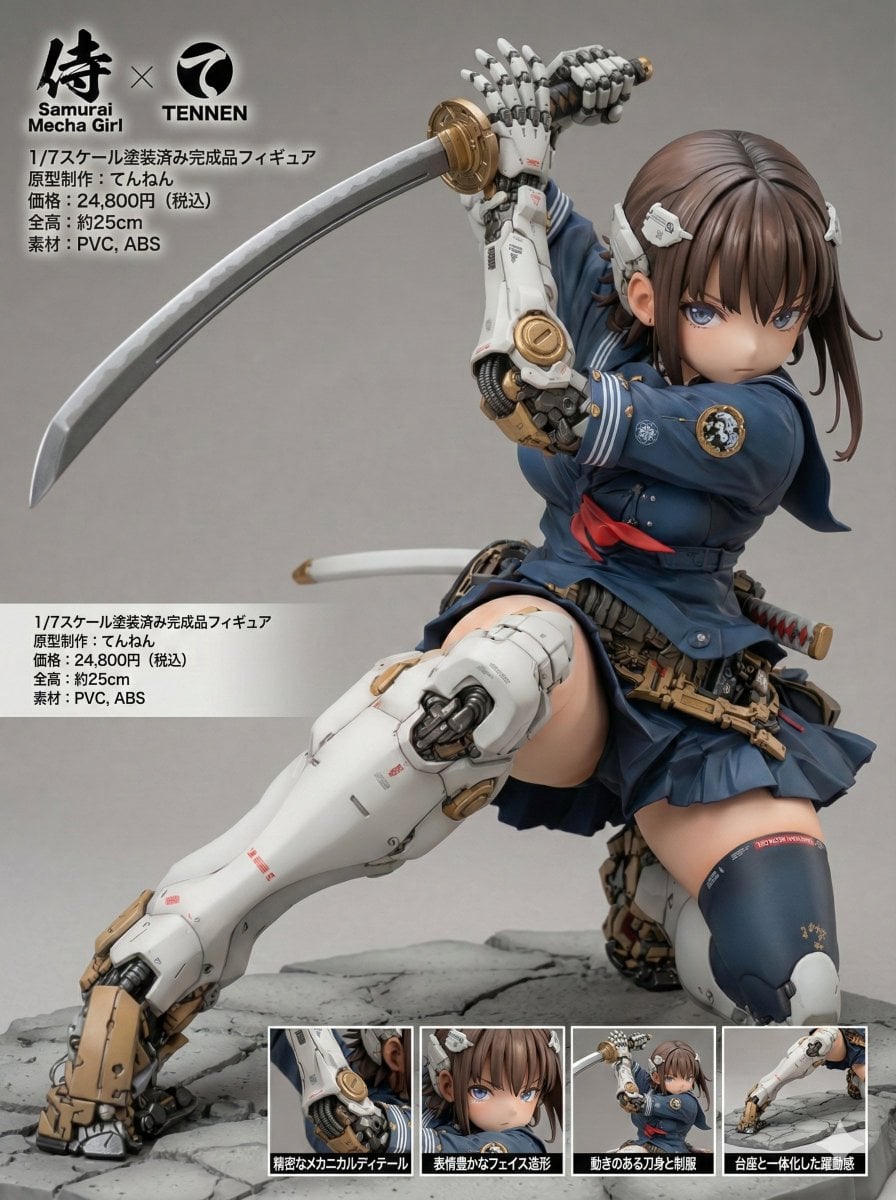
Multilingual Figure Product Introduction Layout Prompt for Nano Banana Pro
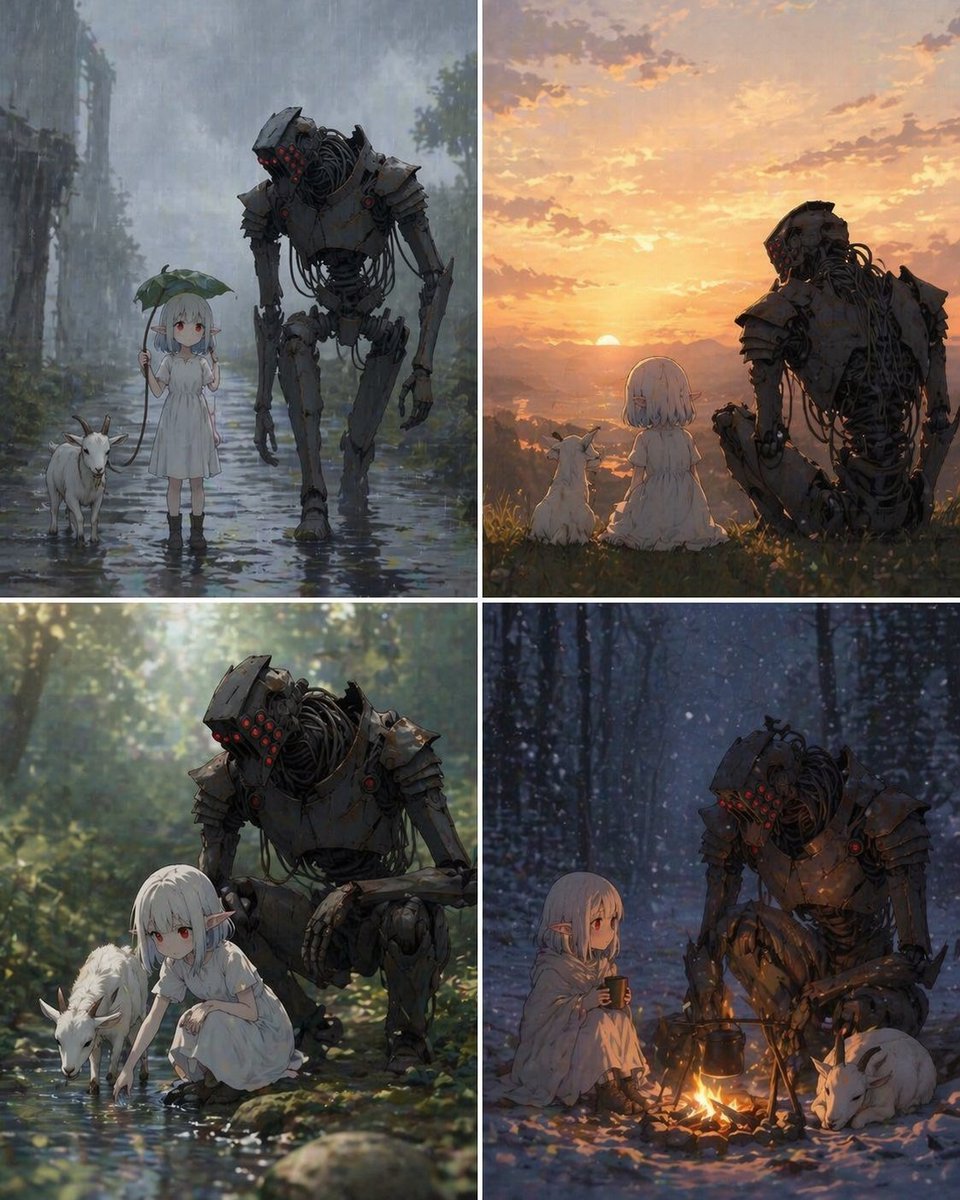
Four-Panel Girl, Robot, and Goat Story
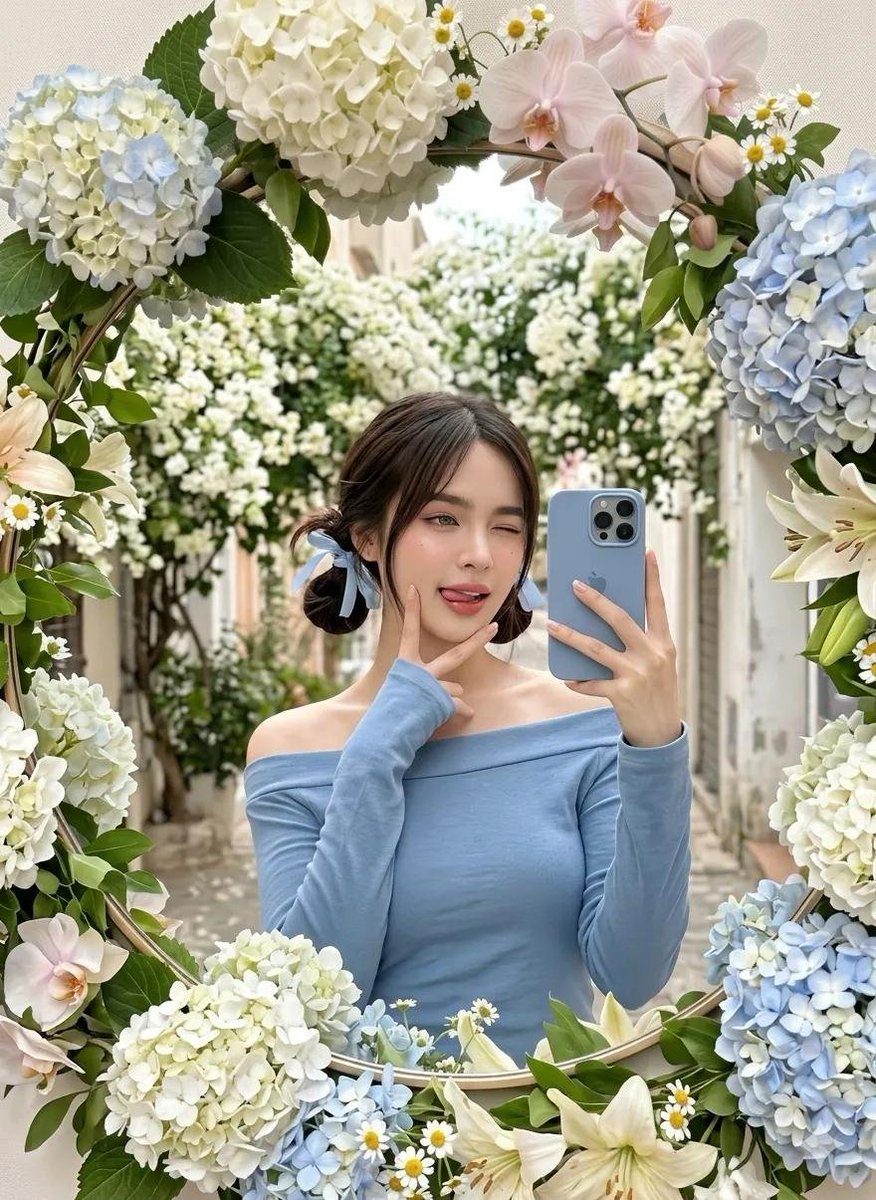
Floral Mirror Selfie
Browse template categories
Monochrome Silk Ribbon Manga Cover questions
How do I use the Monochrome Silk Ribbon Manga Cover template?
Add your photo if the template asks for one, edit the prompt if you like — the template's model and format are already selected — and press Generate. Your version opens in PicX Studio.
Can I customize the Monochrome Silk Ribbon Manga Cover template?
Yes. You can change the subject, setting, lighting, mood, format, and available model controls before creating your image.
Is the Monochrome Silk Ribbon Manga Cover template free?
Opening and editing this template is free. Generating uses credits, shown on the Generate button when you are signed in.
Which AI model should I use?
Start with GPT Image 2, which is the model associated with this template. You can compare another compatible model for a different finish.
Looking for something else? Browse all templates.

Your photo, any look
Thousands of ready templates for every top image and video model, from one credit balance.