
Monochrome Gothic Manga Puppet Ribbons
Generates a dramatic black-and-white manga portrait with an elegant male figure, flowers, ribbons, and Japanese title typography.

- Prompt included
- Model and format preset
- Free template
The prompt behind this image
Copy the exact prompt behind Monochrome Gothic Manga Puppet Ribbons, or open it in the studio and make it yours.
Create a vertical monochrome manga illustration in an elegant gothic shoujo style. A beautiful androgynous young man with {argument name="hair color" default="pale platinum blond"} long hair tied in a low ponytail sits in a dramatic three-quarter pose against a deep black background. He has sharp delicate features, half-lidded eyes, a faint confident smile, and loose bangs falling across his face. He wears a black formal shirt and suit with a light trench coat or cloak draped over his shoulders. One hand holds a dense bouquet of small detailed flowers at his chest, and the other hand delicately manipulates long white ribbon strips like puppet strings. Include exactly one separate elegant mannequin-like hand entering from the upper right, also tangled in the ribbon, with long thin fingers. Surround the figure with exactly eight broad flowing translucent white ribbons crossing the image diagonally and vertically, some wrapping around the wrist and bouquet. Place ornate Japanese title text {argument name="title text" default="手管"} in white near the center-right with thin horizontal dash marks on both sides and a small decorative flourish beneath it. Use high-contrast black, white, and gray ink wash shading, fine linework, intricate hair strands, detailed floral petals and leaves, subtle screentone texture, and a mysterious theatrical mood. Canvas aspect ratio 9:16, close crop from head to knees, no color except grayscale, no watermark.
How to use Monochrome Gothic Manga Puppet Ribbons in 3 steps
- 1Upload ImagePNG, JPG or paste
Add your photo
Upload the photo the template builds on. The prompt, model and format are already set.
- 2…a portrait of your subject in softgolden-hour light, 85mm…
Personalize
Edit the subject and creative details for your destination.
- 3Generate
Generate
Press Generate — your image is created in PicX Studio, so you can compare it with the original and refine one variable at a time.
More like this
Templates with the same subject, style or setup. Open one to see its prompt.
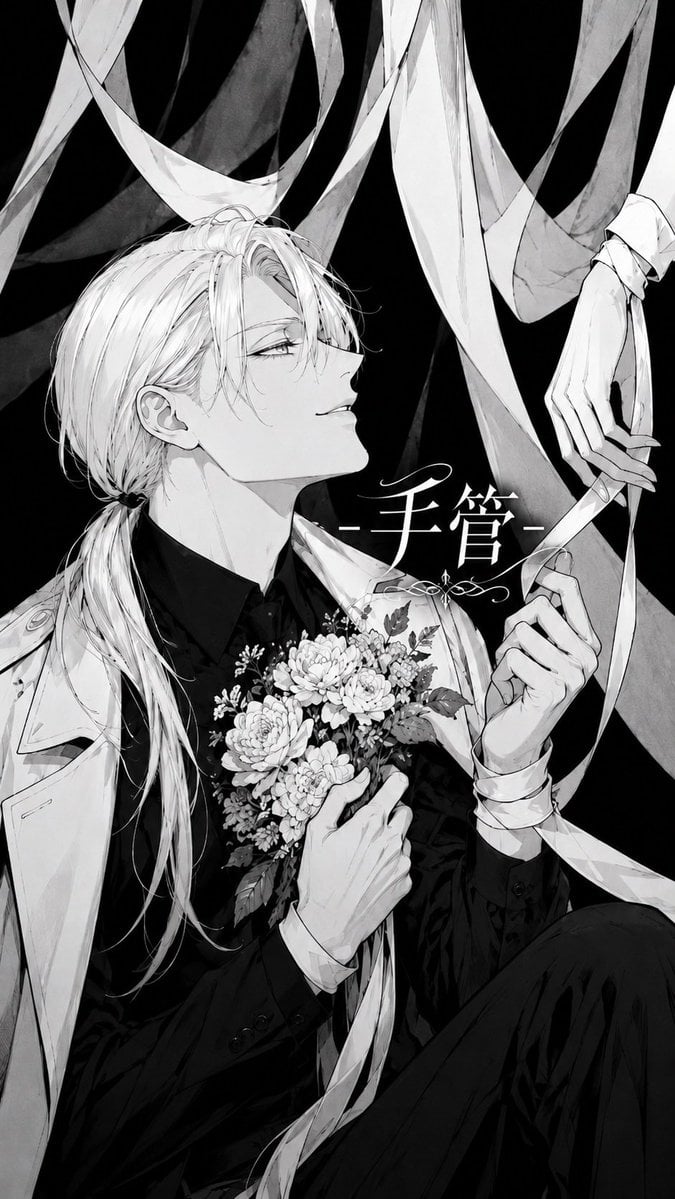
Monochrome Gothic Puppeteer Cover
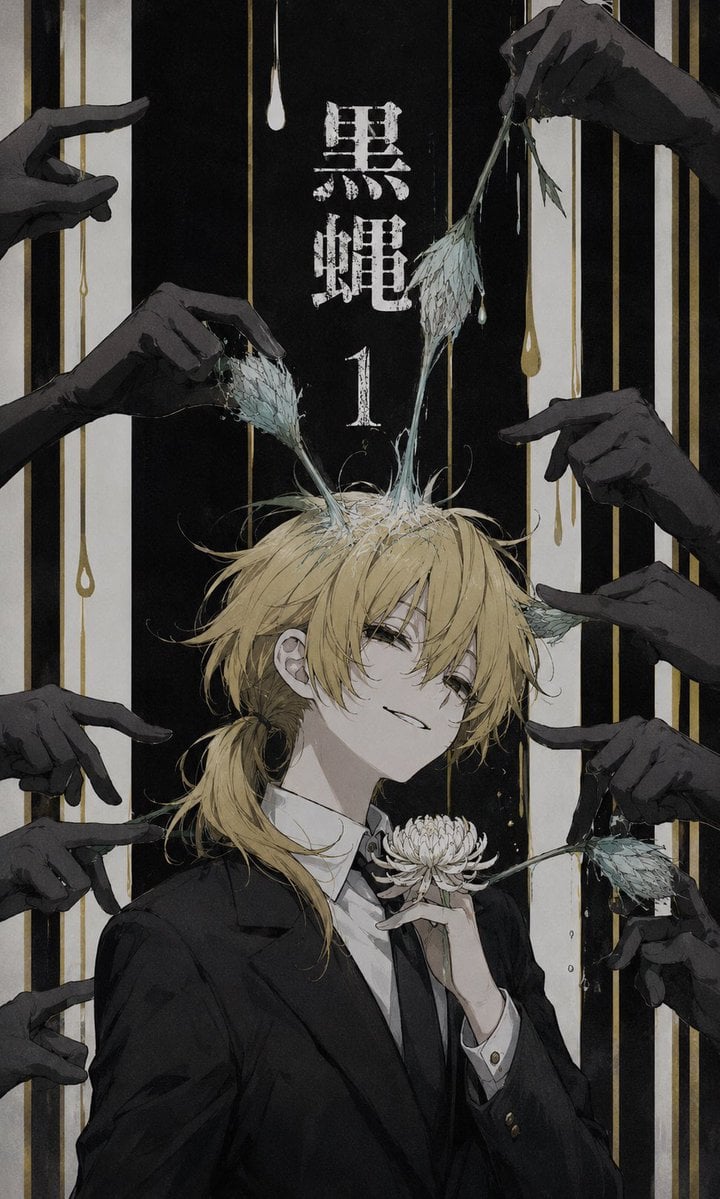
Dark Monochrome Manga Cover
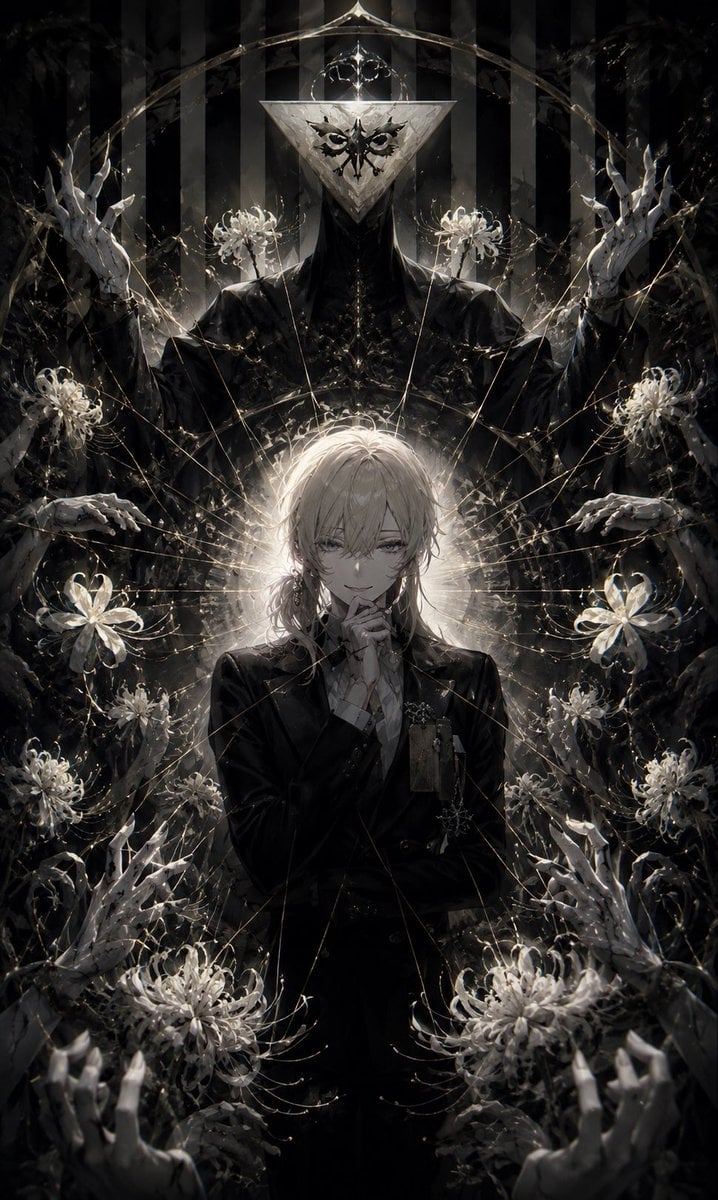
Gothic Puppeteer and Spider Lilies
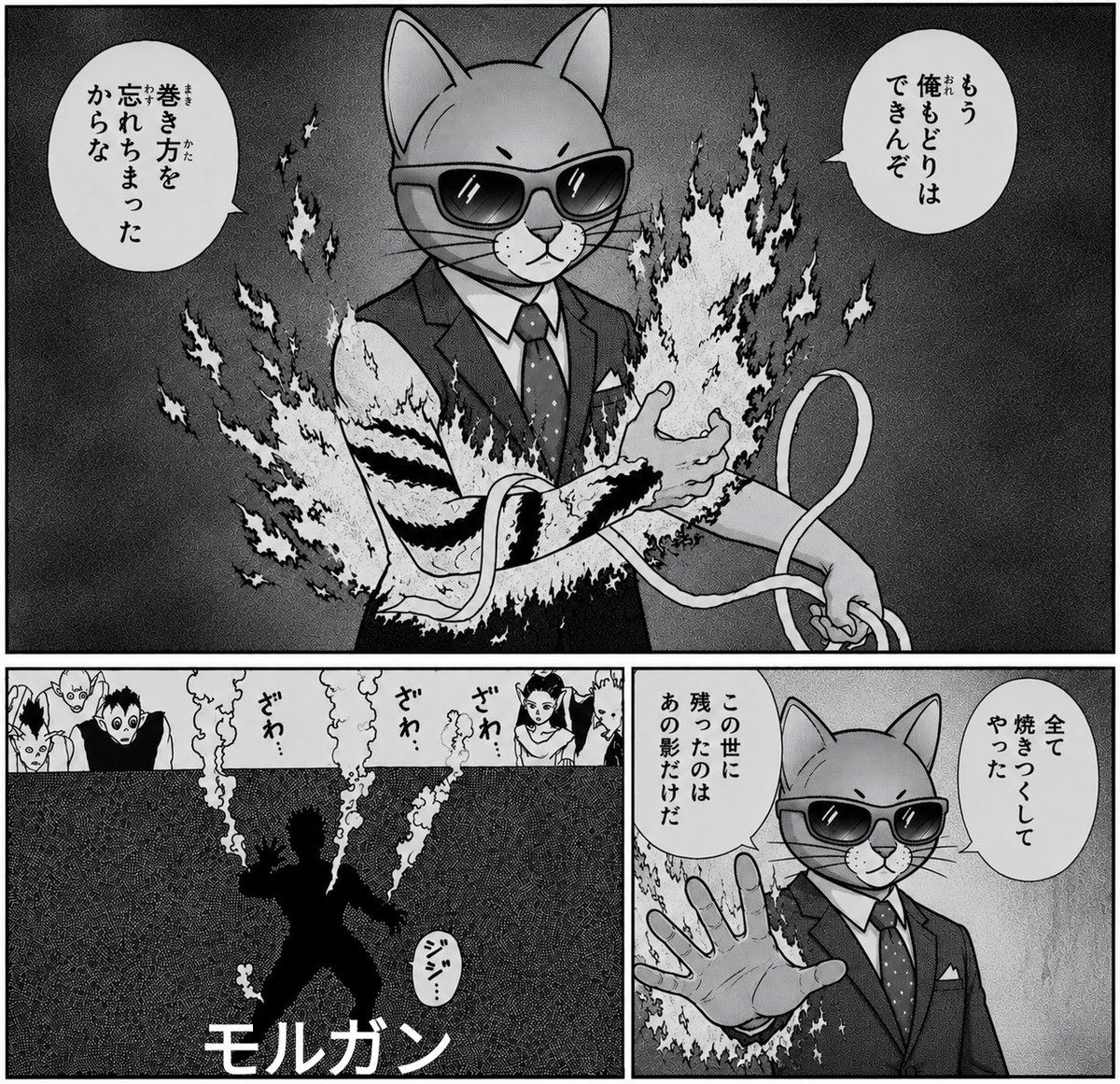
Monochrome Cat Businessman Manga Page

Stop Motion Finale Fireworks

Stop Motion Garden Maze

Stop Motion Rooftop Concert

Stop Motion Bicycle Coast
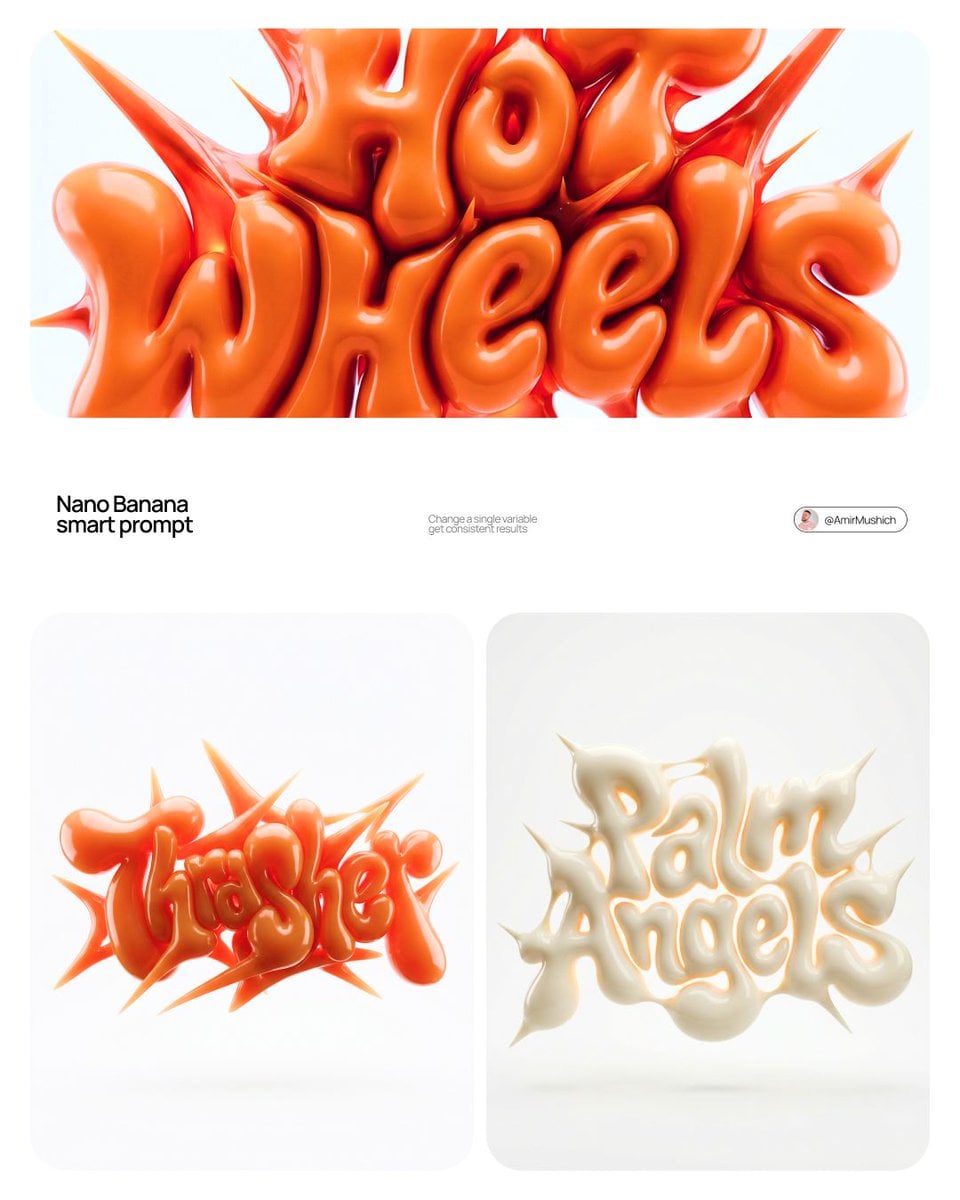
Stop Motion Castle Gate
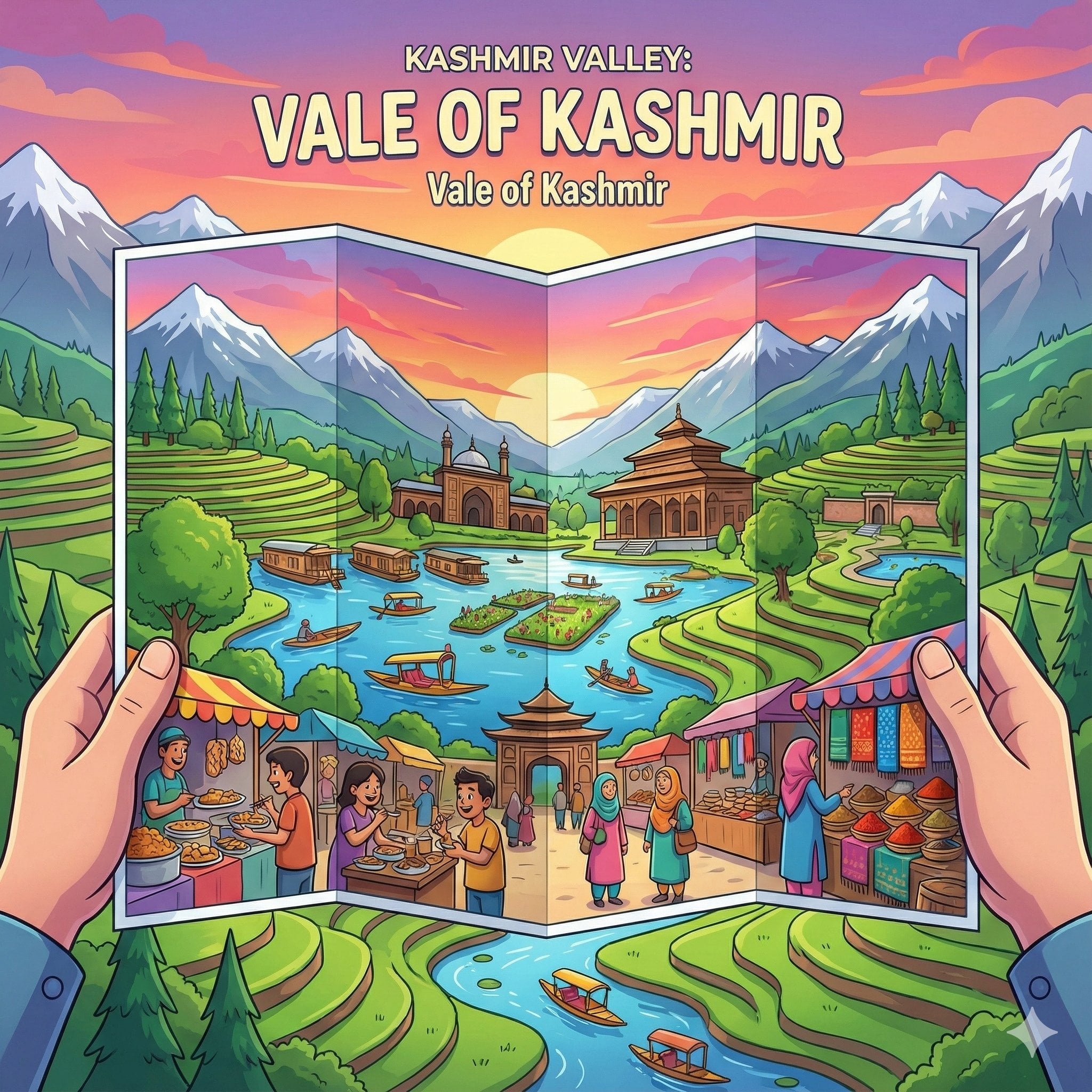
Stop Motion Kitchen Chaos

Stop Motion Carnival Ride
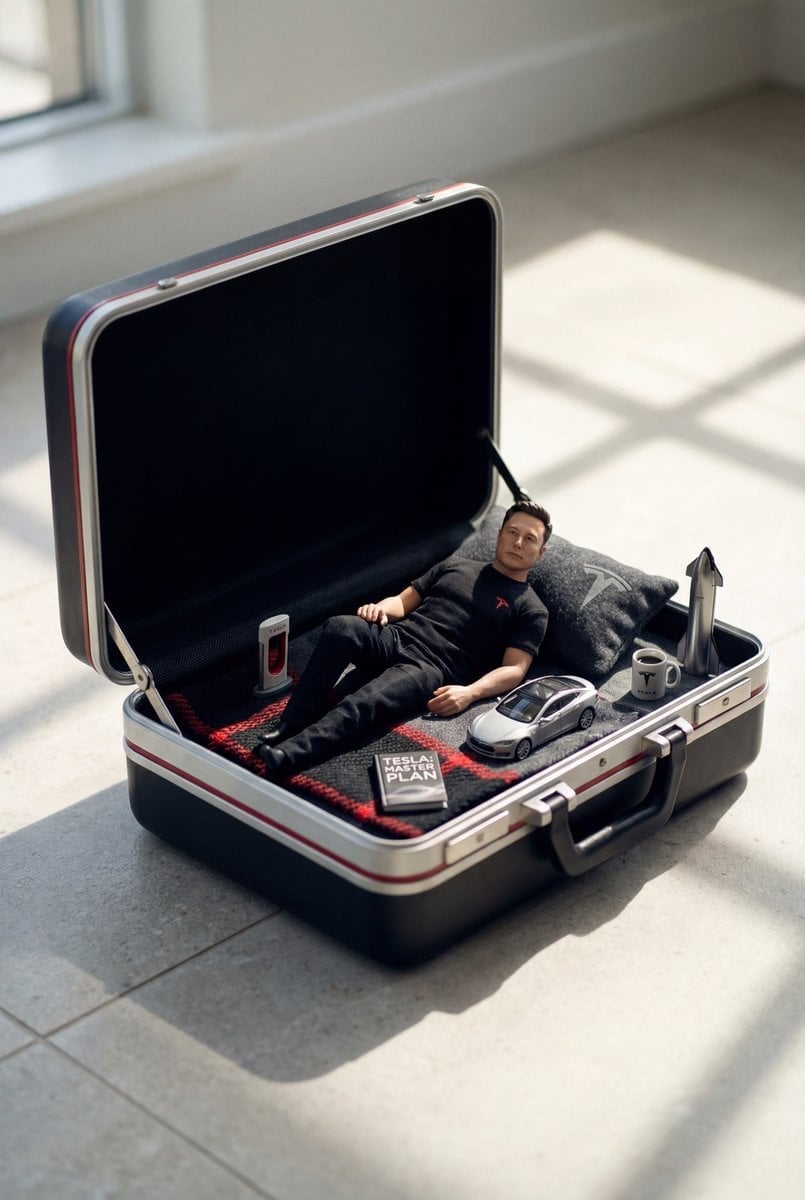
Stop Motion Rainy Bus Stop
Make it yours
Monochrome Gothic Manga Puppet Ribbons works as-is. These are the safest ways to change it without losing the look.
Change one field
Copy a single group, rewrite it, and generate again so you can see what that field is doing.
Keep the frame, change the subject
Hold the composition and light of Monochrome Gothic Manga Puppet Ribbons, then swap wardrobe, props or the person for a new take.
| If the result… | Why | Fix |
|---|---|---|
| The result drifts from the preview | Too many fields changed at once. | Reuse Monochrome Gothic Manga Puppet Ribbons as-is first, then change one group — subject, light, or setting. |
| The model over-stylizes the scene | The prose prompt leaves finish and camera underspecified. | Add one camera or lighting sentence and stay on GPT Image 2. |
More GPT Image 2 templates
Other prompts made for GPT Image 2.

Six VTuber Japanese Logo Sheet

Realistic Portrait of Woman and Deer

The Vista Modular Condo Poster

AI Model Routing Comparison Infographic

2.5D Anime Art Board

Isometric Productivity Desk Scene

New York Double Exposure Poster

Four-Panel AI Landscape Comparison

Japanese Tatami Lifestyle Magazine Cover

NESCAFÉ Coffee Map Poster
More image prompts
Fresh picks from across the catalog.
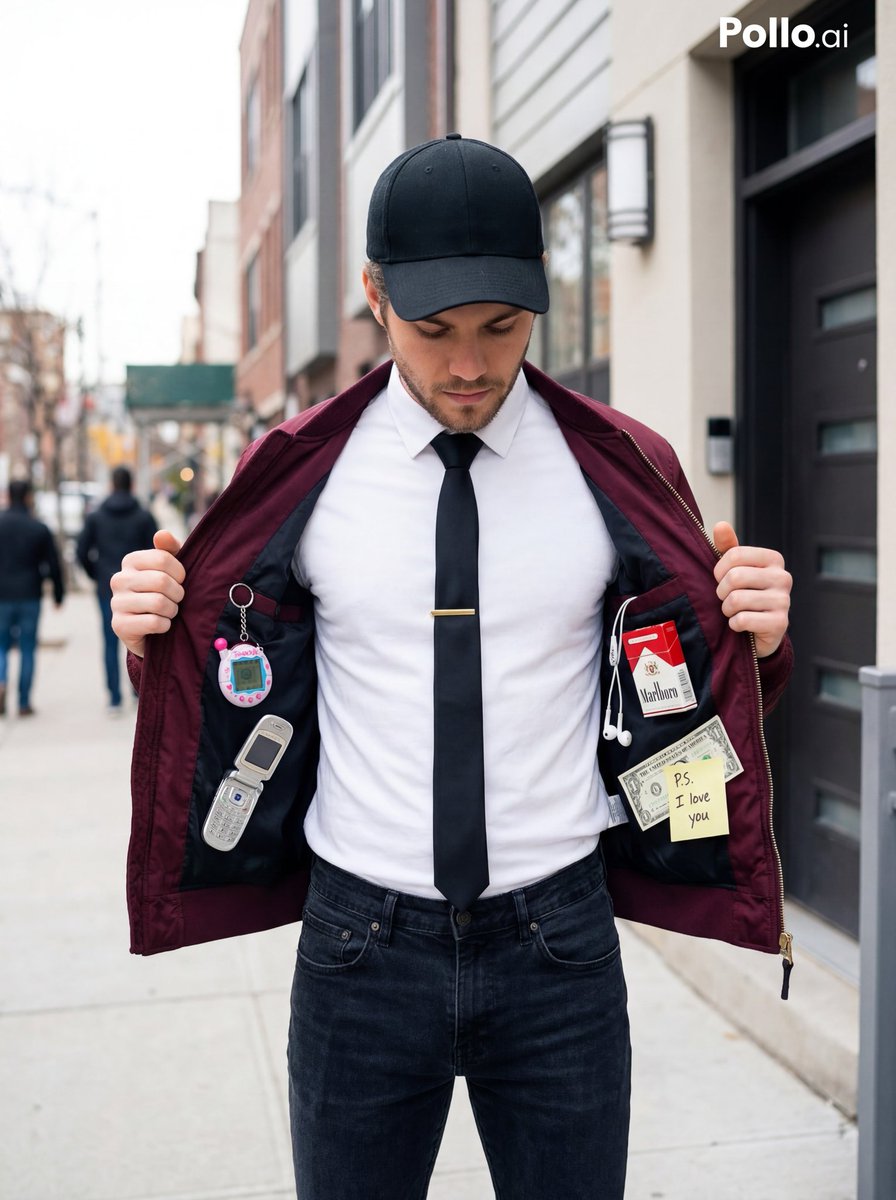
Street Fashion Editorial with 90s Nostalgia Items
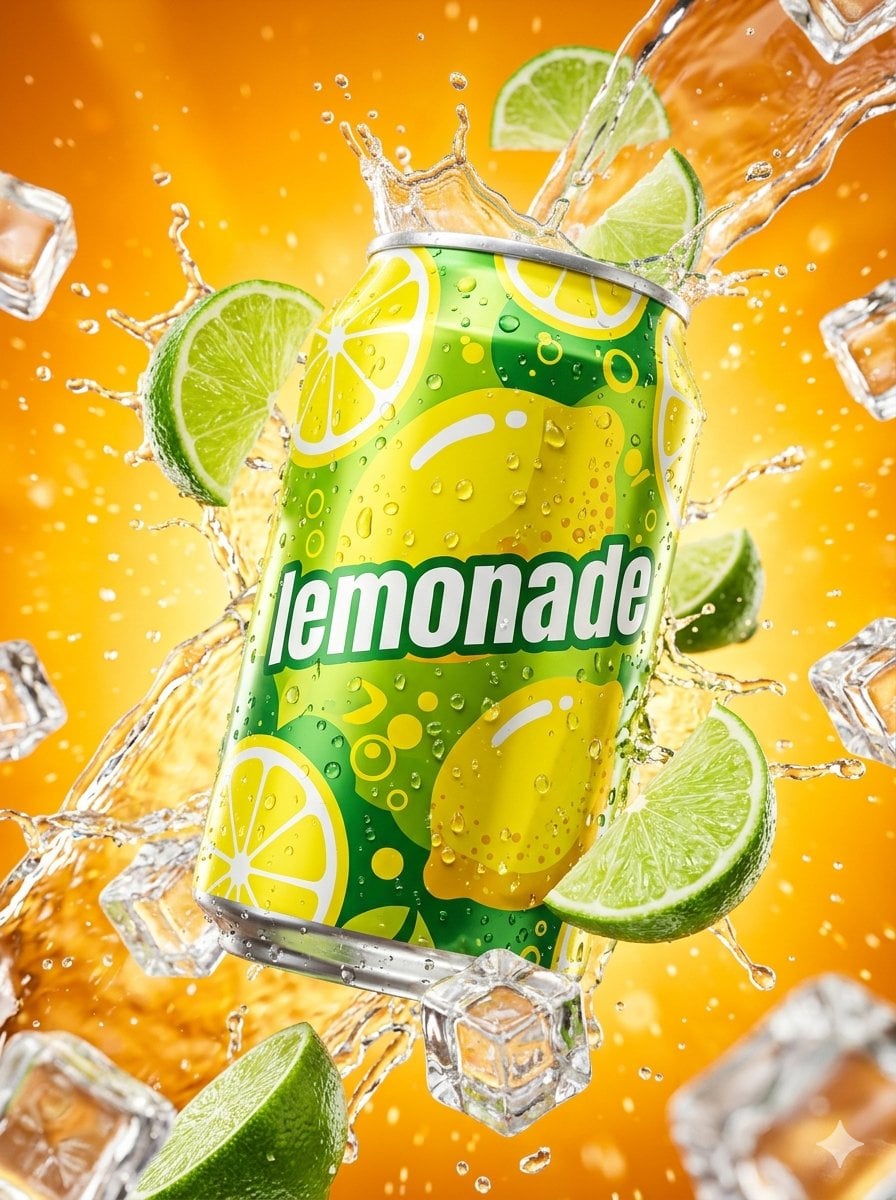
Hyper-realistic Surreal Lemonade Can
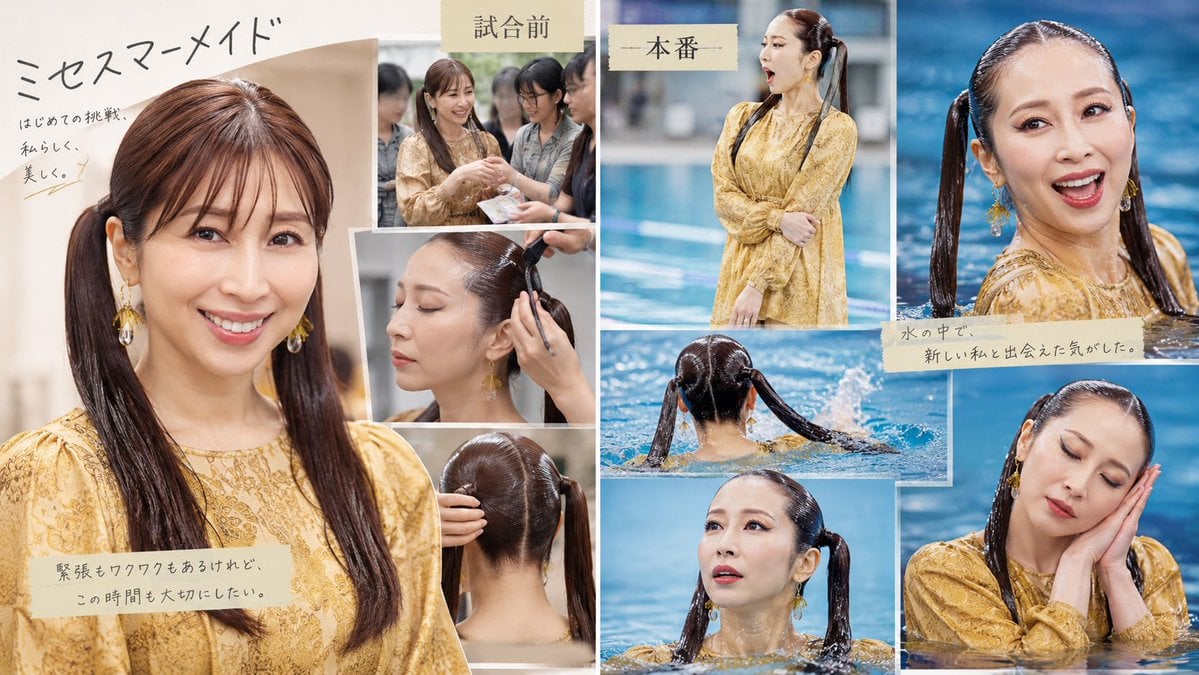
Japanese Mermaid Swim Collage
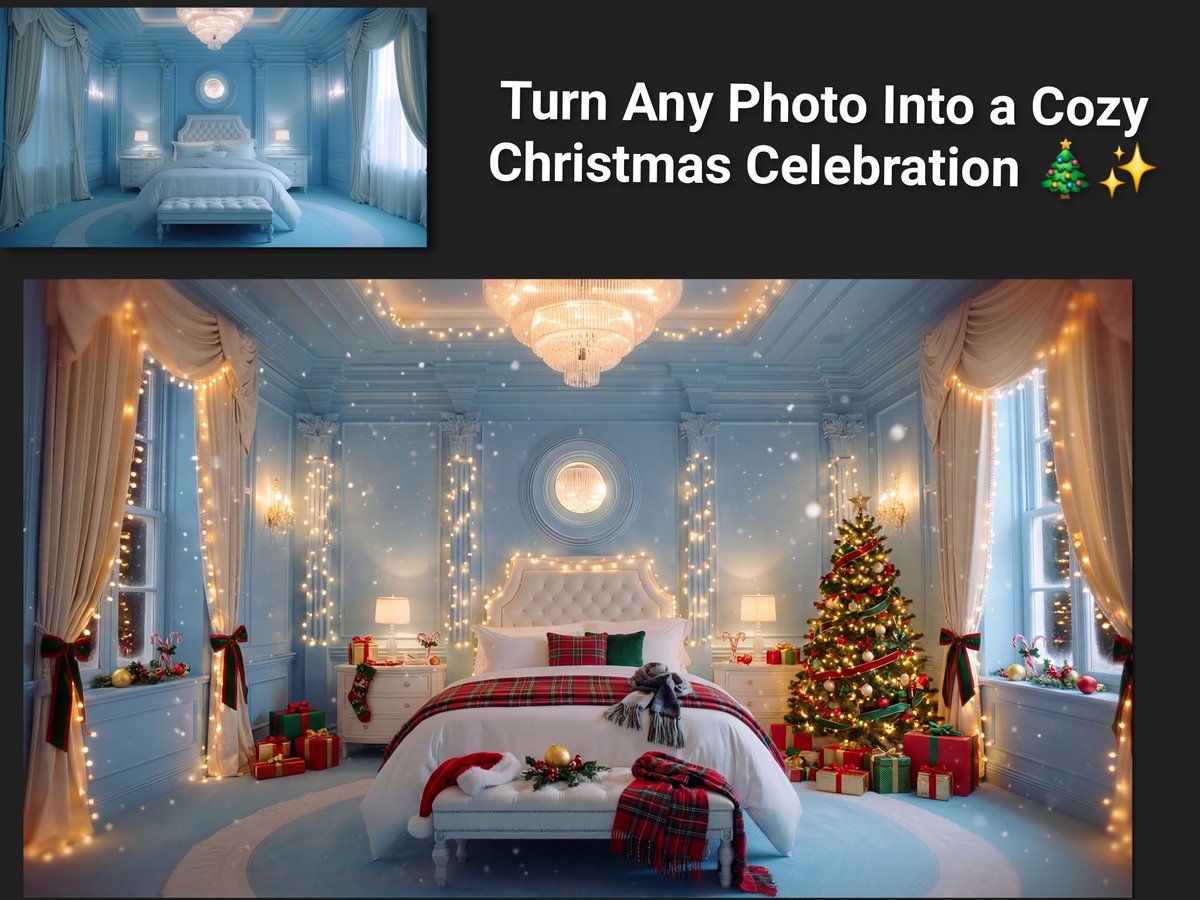
Image Transformation to Cozy Christmas Scene
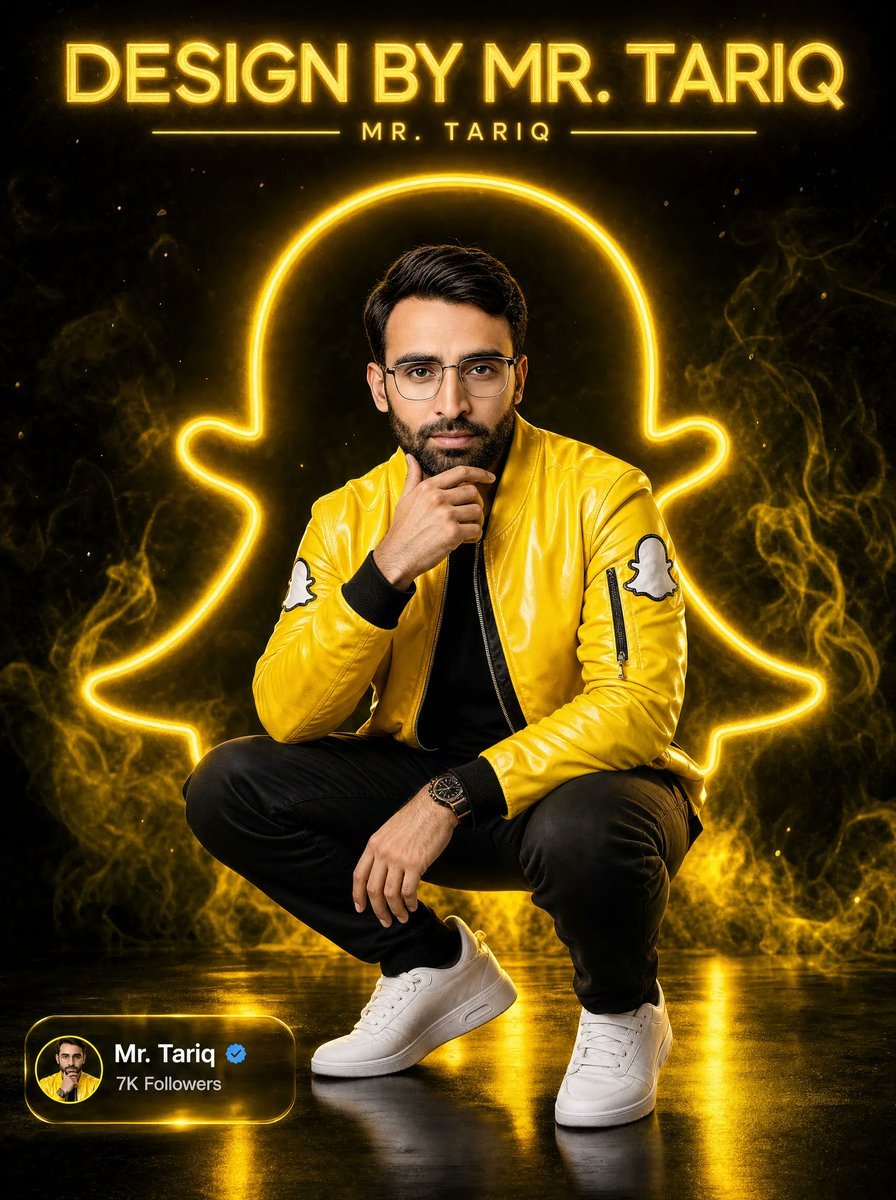
Neon Snapchat Portrait Poster
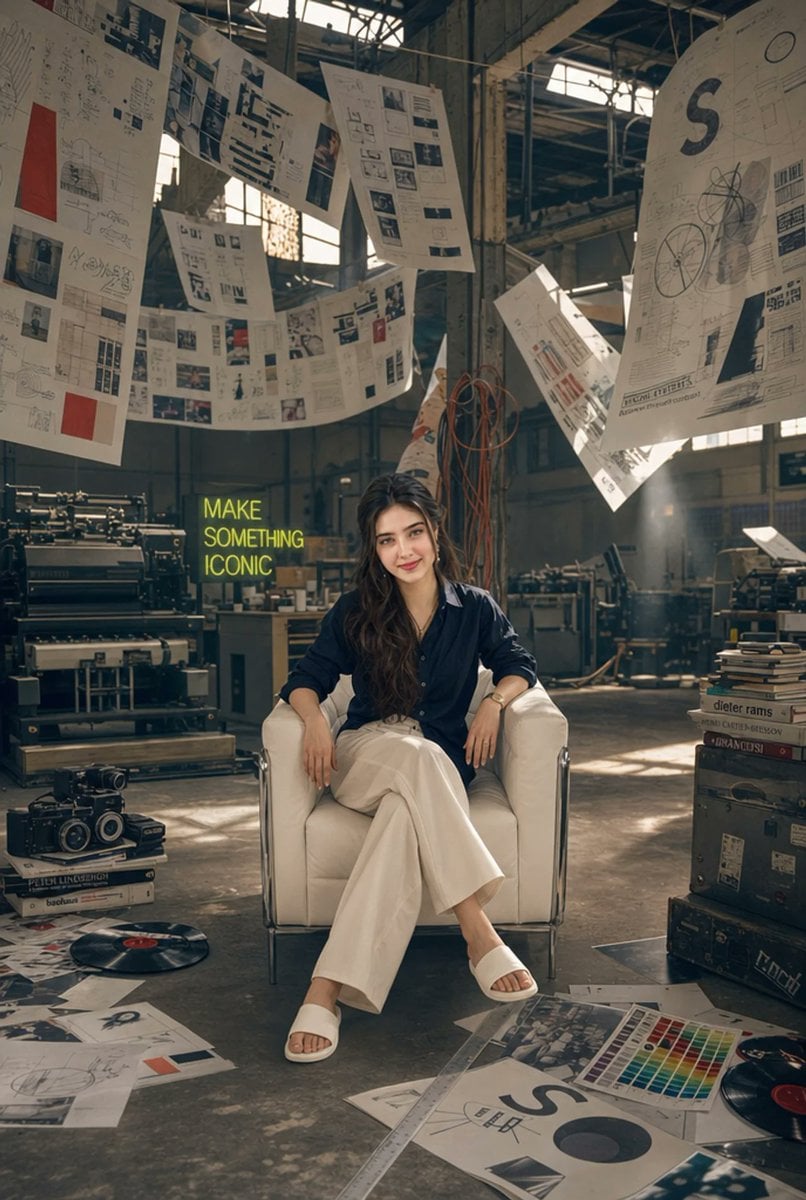
Creative Director in Printing Warehouse
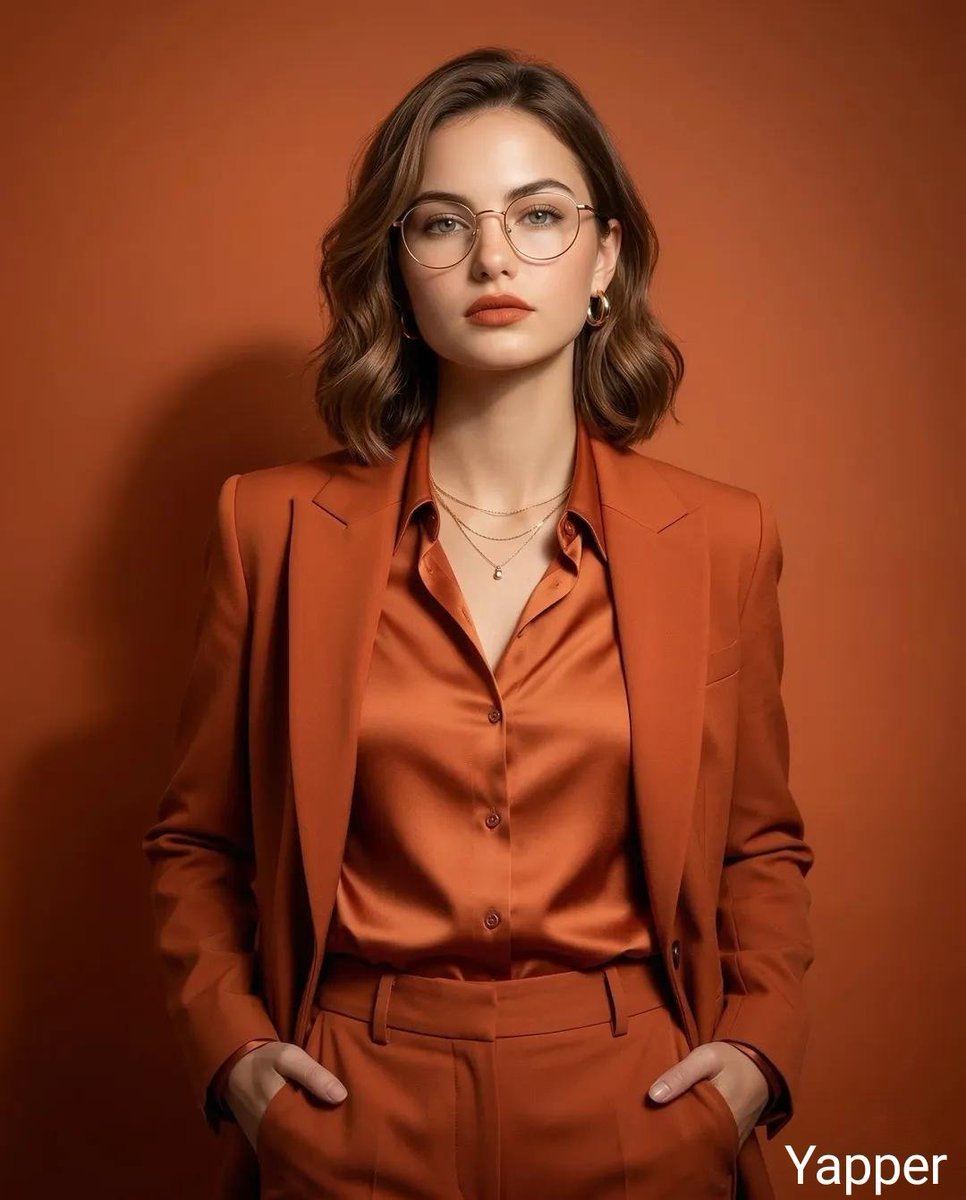
Monochromatic Burnt-Orange Fashion Portrait
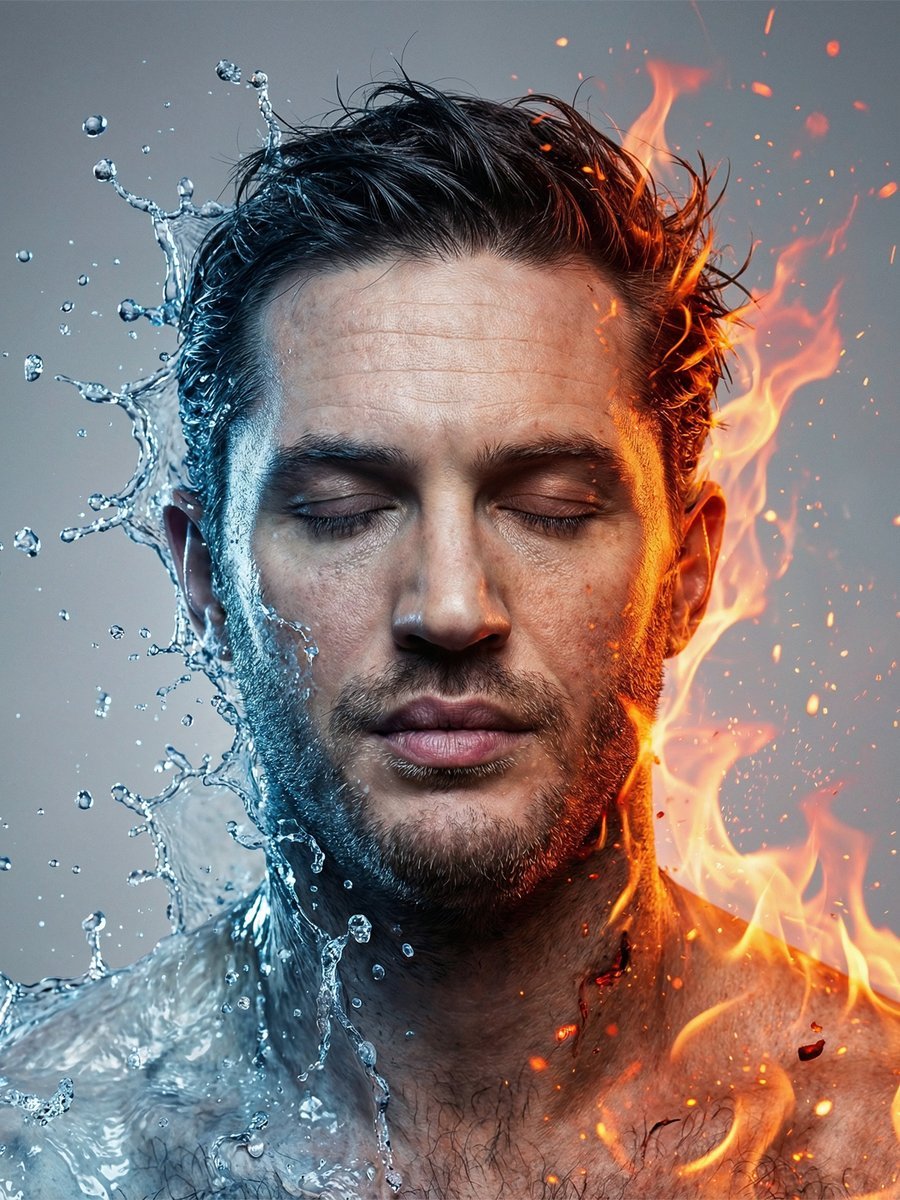
Conceptual Fire and Water Portrait
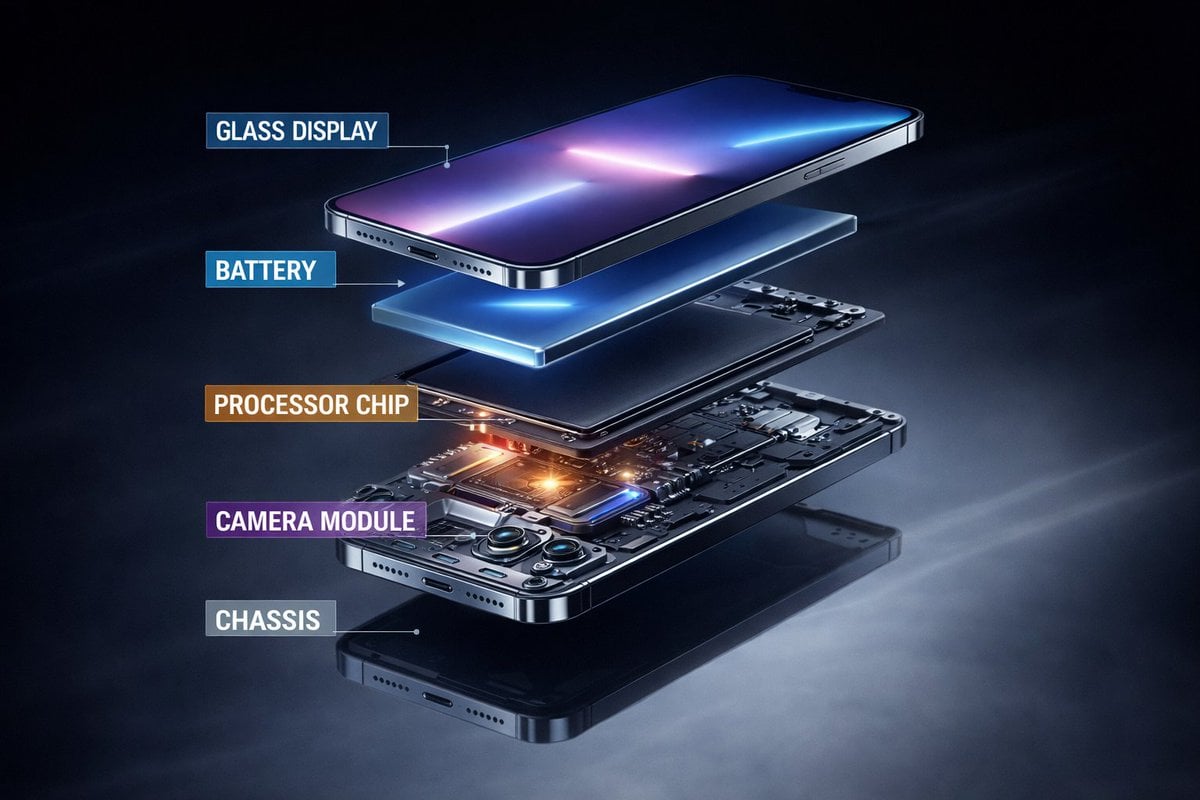
Ultra-Premium Futuristic Smartphone Product Photo
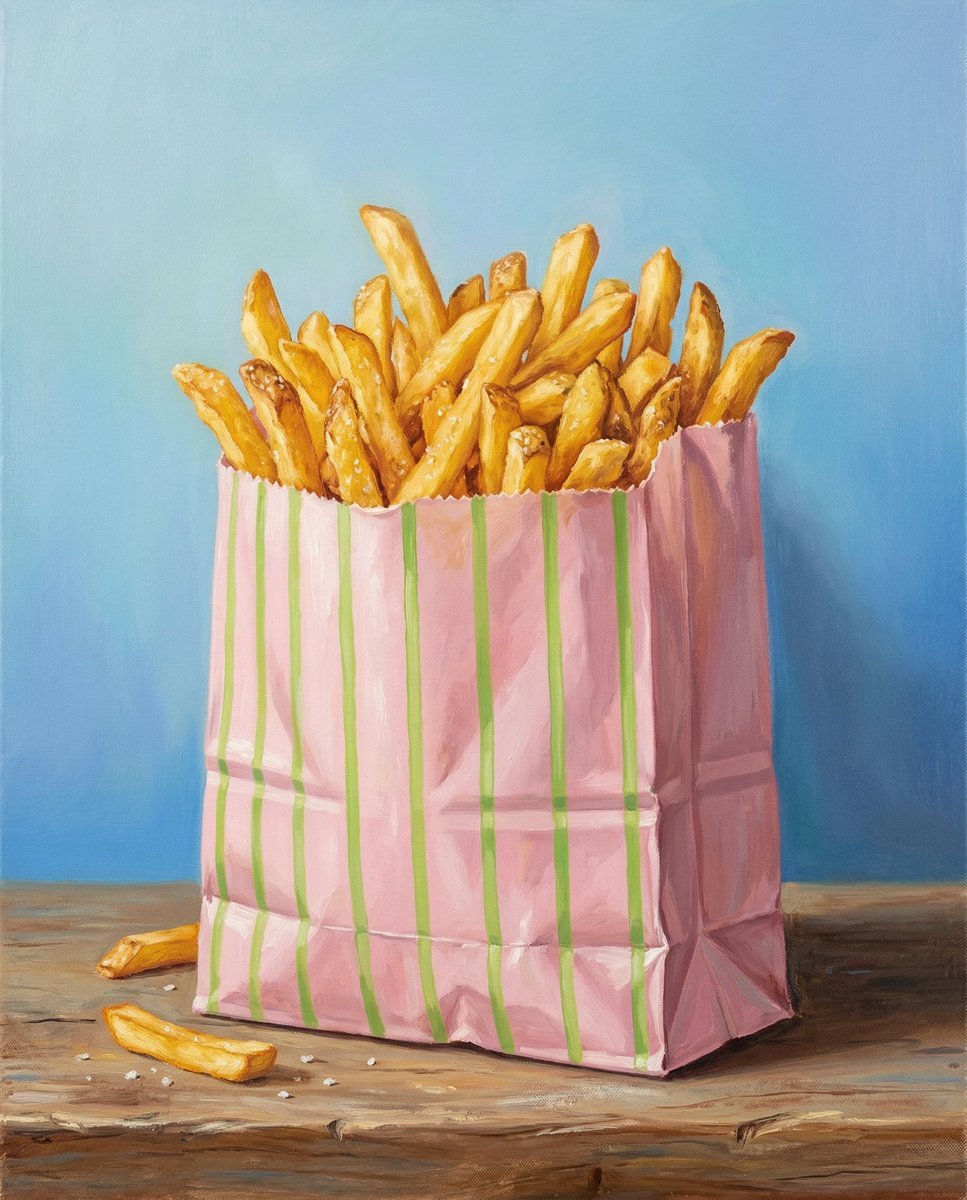
Hand-Painted Still Life of French Fries
Browse template categories
Monochrome Gothic Manga Puppet Ribbons questions
How do I use the Monochrome Gothic Manga Puppet Ribbons template?
Add your photo if the template asks for one, edit the prompt if you like — the template's model and format are already selected — and press Generate. Your version opens in PicX Studio.
Can I customize the Monochrome Gothic Manga Puppet Ribbons template?
Yes. You can change the subject, setting, lighting, mood, format, and available model controls before creating your image.
Is the Monochrome Gothic Manga Puppet Ribbons template free?
Opening and editing this template is free. Generating uses credits, shown on the Generate button when you are signed in.
Which AI model should I use?
Start with GPT Image 2, which is the model associated with this template. You can compare another compatible model for a different finish.
Looking for something else? Browse all templates.

Your photo, any look
Thousands of ready templates for every top image and video model, from one credit balance.