How do I use the Dark Monochrome Manga Cover template?
Choose the primary action to open PicX Studio with the available template settings. Review the model and format, personalize the creative direction, and generate when ready.
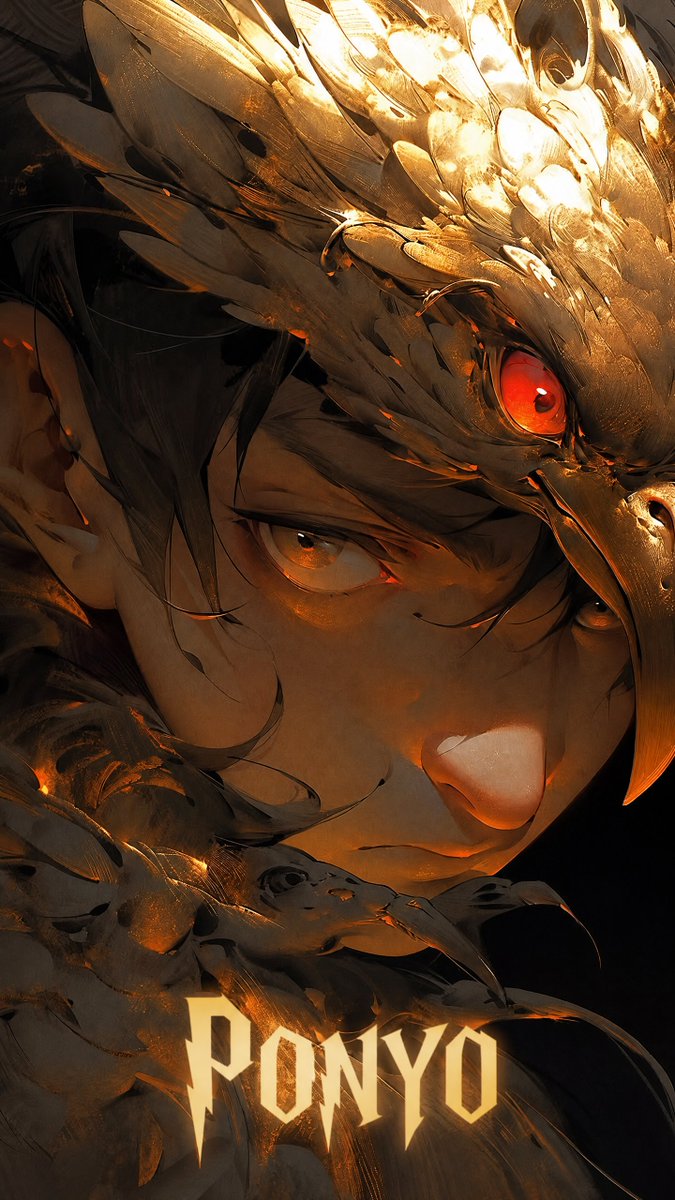
A prompt for creating a bleak psychological manga cover featuring a pale suited character surrounded by shadowy hands and insect-like motifs.
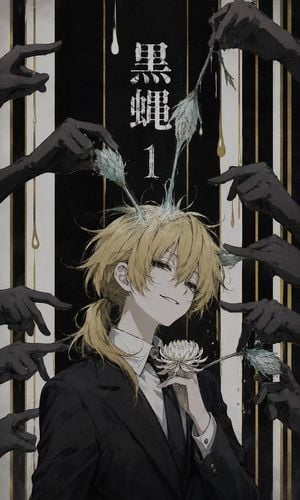
Create a vertical manga cover illustration in a bleak monochrome ink-and-watercolor style with a tall 2:3 canvas. Center a slim androgynous young man with {argument name="hair color" default="messy pale blond"} hair tied into a low ponytail, long bangs partly covering one eye, pale skin, narrow tired eyes, and a faint bitter smile. He wears a formal black suit jacket, white shirt, and black tie, holding a pale chrysanthemum-like flower delicately near his chest. From the top of his head grow two fragile insect-like antennae or moth wings, translucent gray-green and veined, being touched and pulled by surrounding hands. Around him place exactly 10 dark charcoal-black hands entering from the left and right edges: 5 from the left side and 5 from the right side, all elongated, clawlike, accusatory, or pinching, with some gripping the insect wings and one holding a drooping stem. The background is a black vertical panel framed by off-white side bands, filled with thin vertical gold lines and dripping white and gold liquid drops. Add distressed white Japanese title text centered near the top reading {argument name="title text" default="黒蟲"}, with the number {argument name="volume number" default="1"} underneath. Use muted colors only: black, gray, dirty white, faded gold, pale blond, and gray-green. The mood should be shabby, oppressive, elegant, melancholic, and slightly grotesque, like a dark psychological manga volume cover. Use rough paper texture, scratched ink edges, delicate linework, uneven washes, and no modern digital gloss. Keep the character centered, cropped from upper torso upward, with the hands forming a claustrophobic frame and no extra text or watermark.
Choose the primary action to open PicX Studio with the available template settings. Review the model and format, personalize the creative direction, and generate when ready.
Yes. You can change the subject, setting, lighting, mood, format, and available model controls before creating your image.
This template is free to open and customize. Generation usage is shown in PicX Studio before you create.
Start with GPT Image 2, which is the model associated with this template. You can compare another compatible model for a different finish.
Follow a topic to a crawlable collection of related PicX Studio templates.