
Gothic Ribbon Dance Album Cover
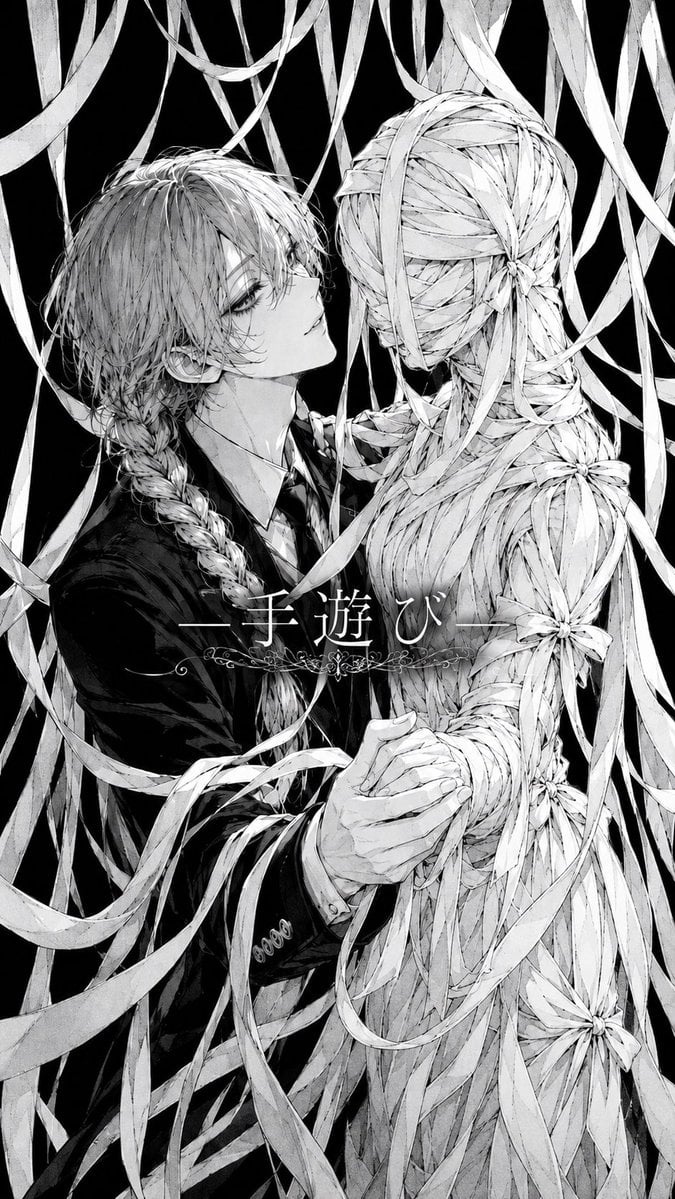
A monochrome manga-style gothic album cover showing a young man dancing with a faceless ribbon-wrapped figure amid cascading ribbons.
- Prompt included
- Model and format preset
- Free template
The prompt behind this image
Copy the exact prompt behind Gothic Ribbon Dance Album Cover, or open it in the studio and make it yours.
Create a monochrome vertical album-cover illustration in highly detailed Japanese gothic manga style. Show exactly 2 central figures in a close, eerie ballroom-dance pose: on the left, an androgynous young man with {argument name="hair color" default="pale silver"} messy layered hair partly covering one eye, long braided hair over his shoulder, a dark formal suit, white shirt, and black tie, gazing upward with a detached, melancholic expression; on the right, a faceless human-shaped partner entirely constructed from countless pale ribbon strips, seen mostly from the back and side, with a head, torso, arms, and waist wrapped like a woven mummy or doll. The man holds the ribbon figure's hand at the lower center while his other arm draws close around the figure, suggesting an intimate dance or embrace. Surround them with many long dangling and swirling ribbons from the top and sides, overlapping the characters and filling the frame; the background is pure black for stark contrast. Include exactly 5 visible flower-like ribbon knots on the ribbon partner: one at the back of the head, one at the upper back/shoulder area, one on the right upper arm, one near the waist/hip, and one near the lower right skirt area. Use fine pencil crosshatching, thin ink lines, soft gray shading, high-detail hair strands, delicate fabric texture, and a haunting romantic horror mood. Add centered Japanese title text across the middle reading {argument name="title text" default="—手遊び—"}, in elegant white Mincho-style serif lettering, with thin horizontal lines on both sides and a small ornate floral filigree decoration underneath. Tall smartphone aspect ratio, no color except black, white, and gray, no watermark, no extra text.
How to use Gothic Ribbon Dance Album Cover in 3 steps
- 1Upload ImagePNG, JPG or paste
Add your photo
Upload the photo the template builds on. The prompt, model and format are already set.
- 2…a portrait of your subject in softgolden-hour light, 85mm…
Personalize
Edit the subject and creative details for your destination.
- 3Generate
Generate
Press Generate — your image is created in PicX Studio, so you can compare it with the original and refine one variable at a time.
More like this
Templates with the same subject, style or setup. Open one to see its prompt.
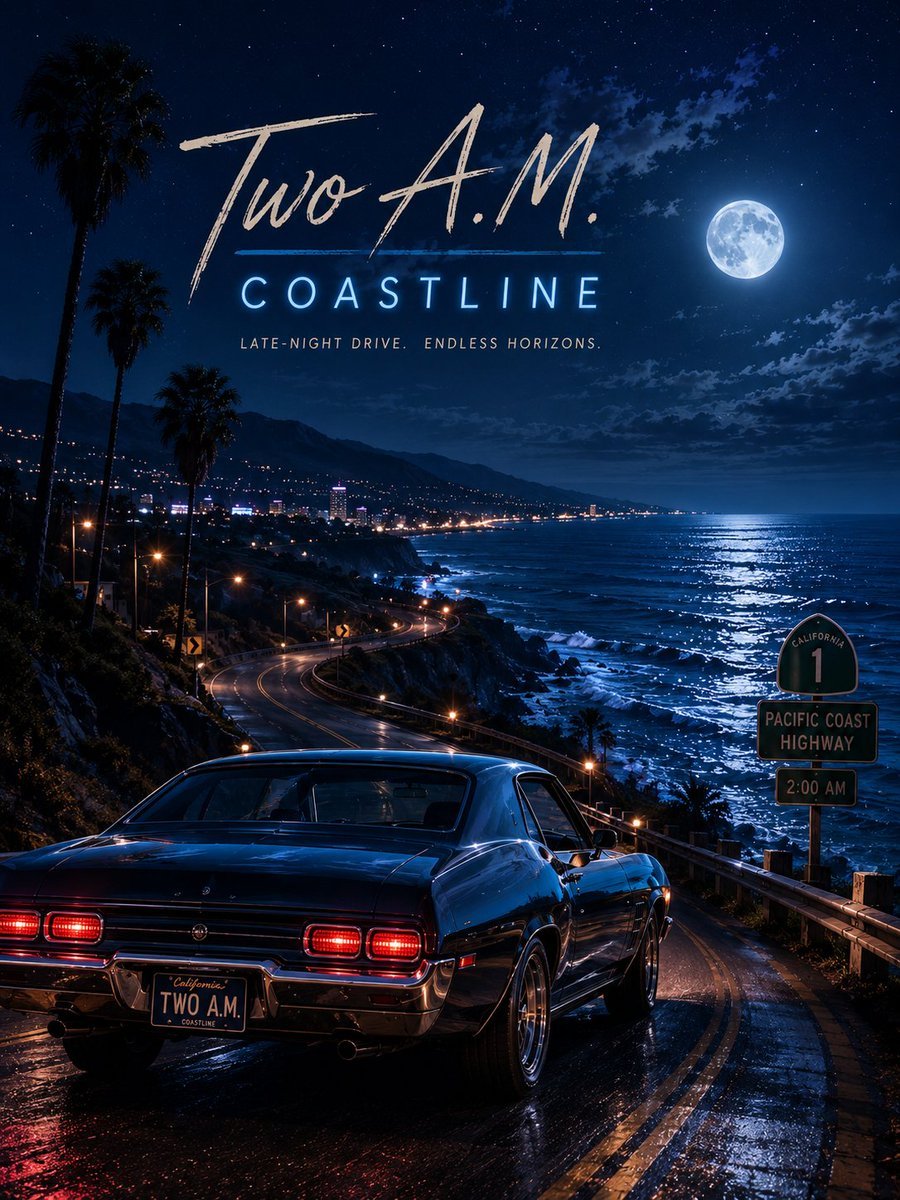
Two A.M. Coastline Album Cover

Music Album Cover Abstract Liquid Mercury

Monochrome Gothic Manga Puppet Ribbons
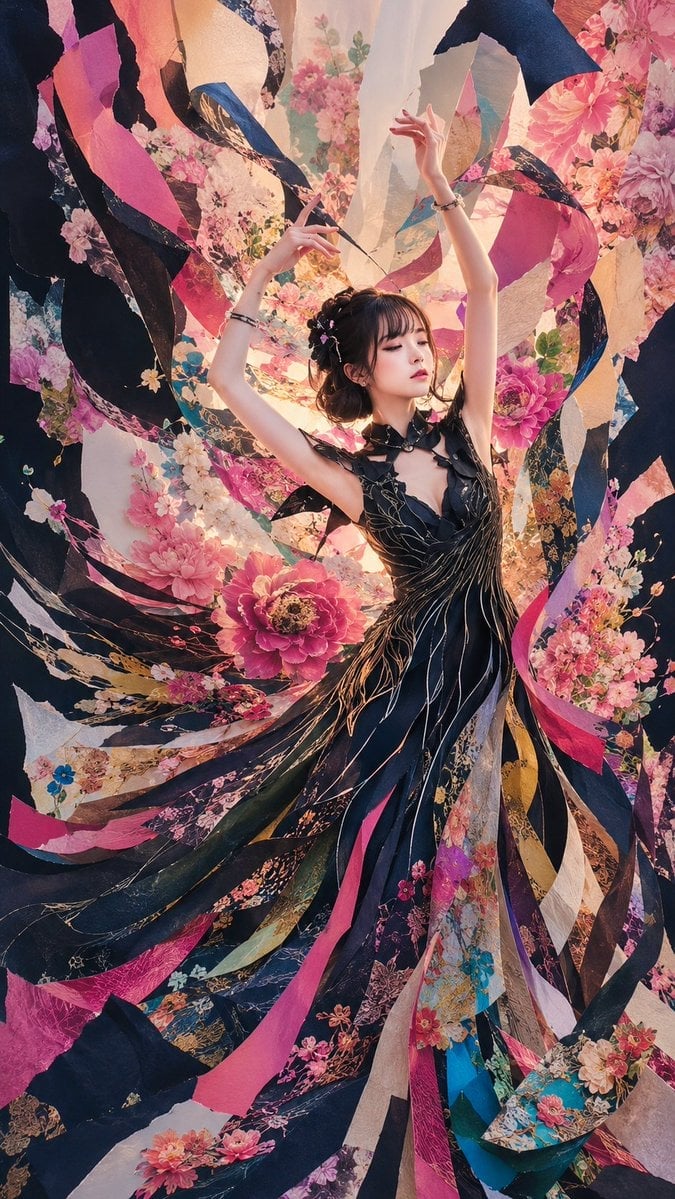
Floral Ribbon Couture Dancer
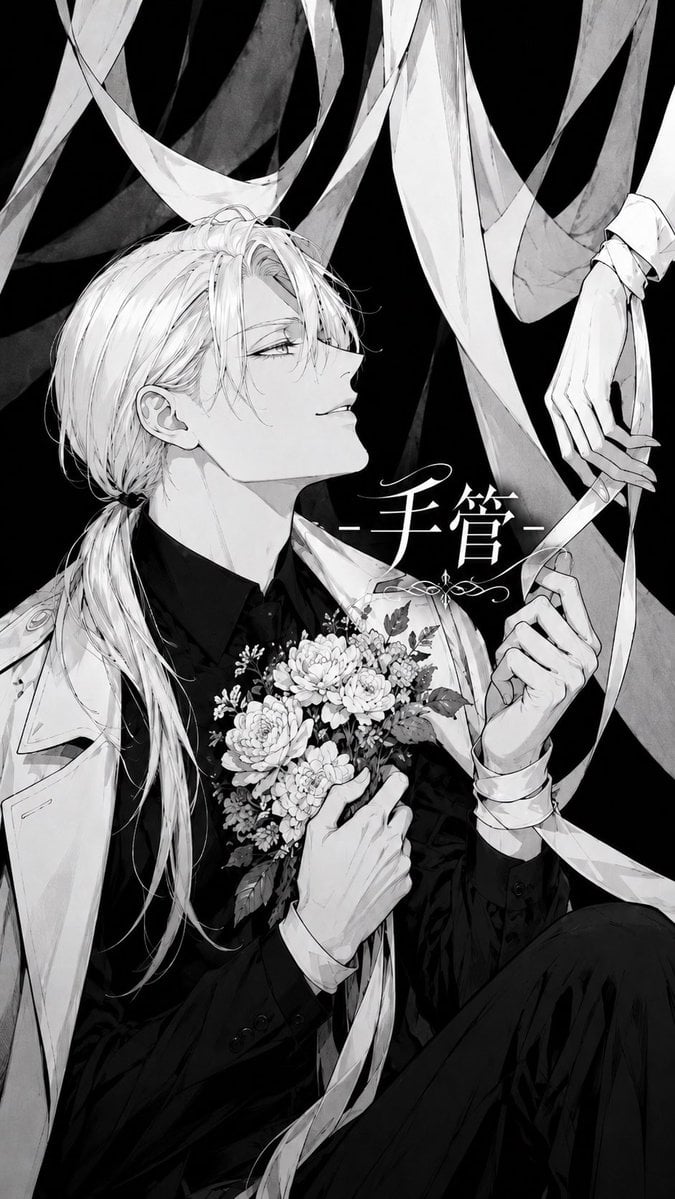
Monochrome Silk Ribbon Manga Cover

Sparkling Seaside Anime Album Cover
Japanese Musician Album Cover
Ornate A-Un Kimono Album Cover
Dark Forest Undine Album Cover
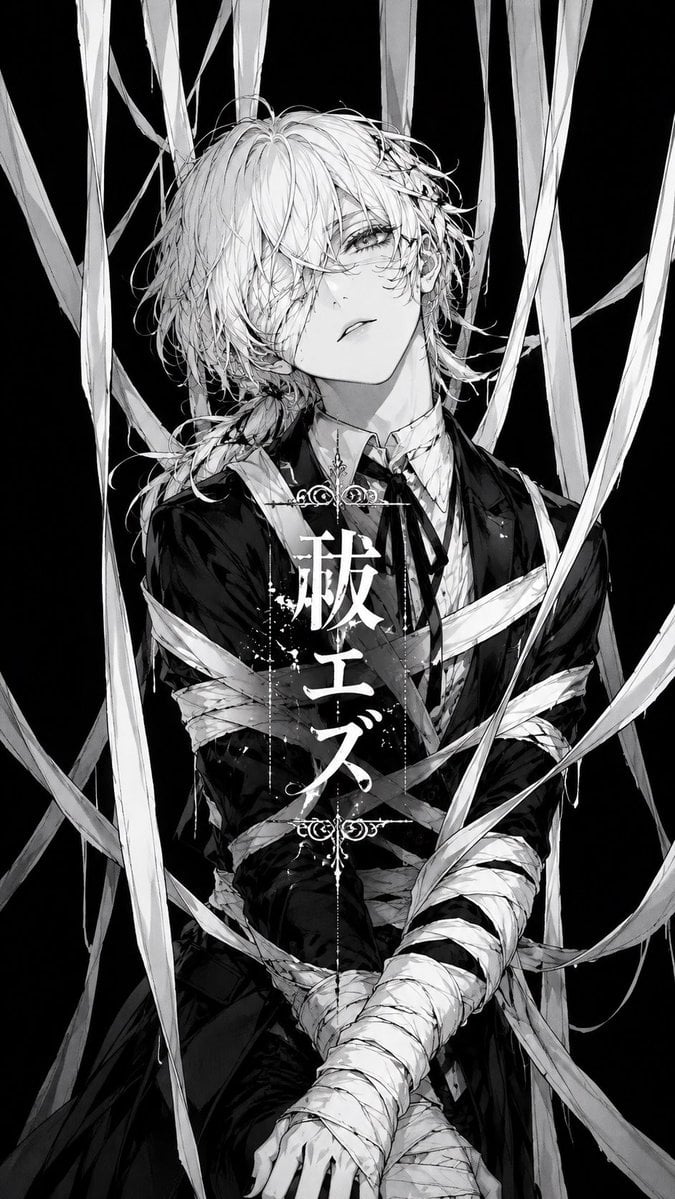
Monochrome Visual-Kei Album Cover
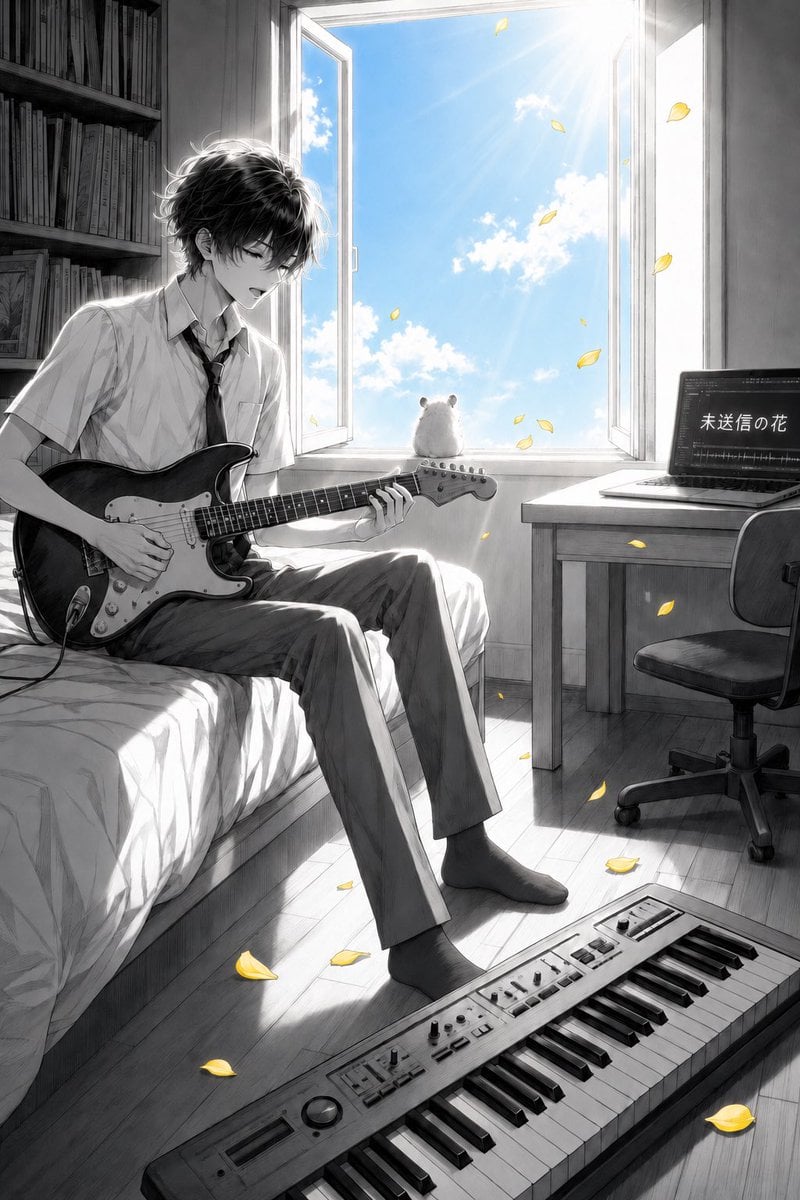
Anime Bedroom Guitar Album Cover

Eid al-Adha Cute Chaos — Fisheye Selfie with Farm Selfie, Mosque & Animals
Make it yours
Gothic Ribbon Dance Album Cover works as-is. These are the safest ways to change it without losing the look.
Change one field
Copy a single group, rewrite it, and generate again so you can see what that field is doing.
Keep the frame, change the subject
Hold the composition and light of Gothic Ribbon Dance Album Cover, then swap wardrobe, props or the person for a new take.
| If the result… | Why | Fix |
|---|---|---|
| The result drifts from the preview | Too many fields changed at once. | Reuse Gothic Ribbon Dance Album Cover as-is first, then change one group — subject, light, or setting. |
| The model over-stylizes the scene | The prose prompt leaves finish and camera underspecified. | Add one camera or lighting sentence and stay on GPT Image 2. |
More GPT Image 2 templates
Other prompts made for GPT Image 2.

Six VTuber Japanese Logo Sheet

Realistic Portrait of Woman and Deer

The Vista Modular Condo Poster

AI Model Routing Comparison Infographic

2.5D Anime Art Board

Isometric Productivity Desk Scene

New York Double Exposure Poster

Four-Panel AI Landscape Comparison

Japanese Tatami Lifestyle Magazine Cover

NESCAFÉ Coffee Map Poster
More image prompts
Fresh picks from across the catalog.
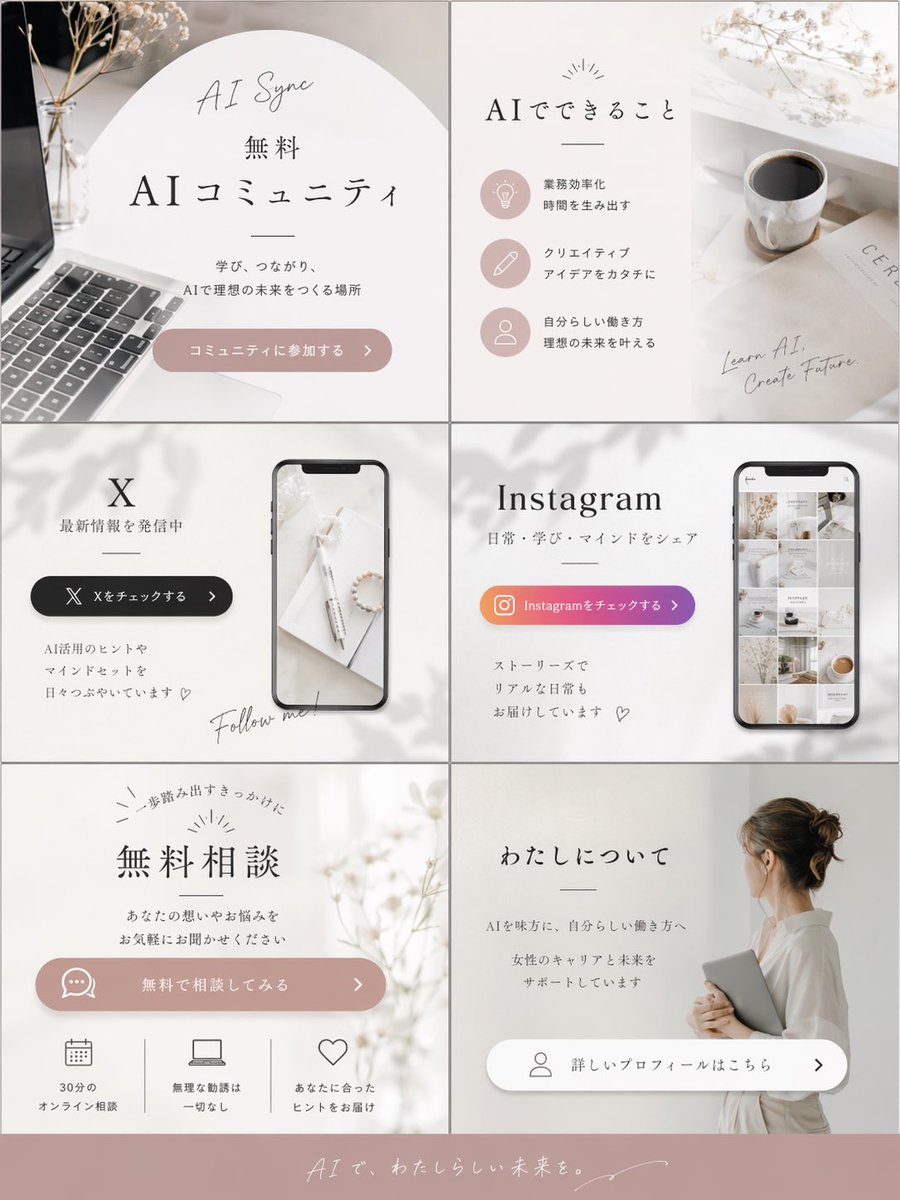
Aesthetic Social Media Link-in-Bio Grid
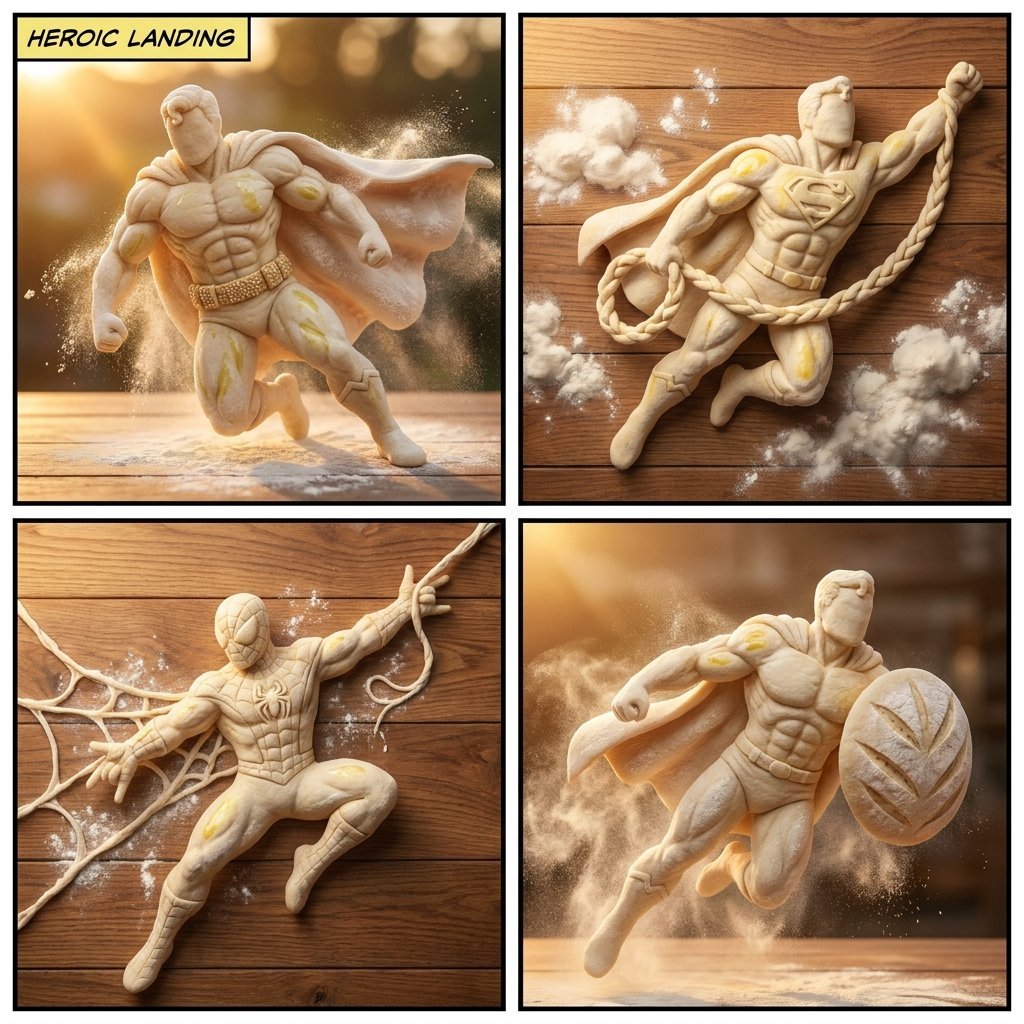
Bread Dough Superheroes
Video Thumbnail Interpretation Prompt
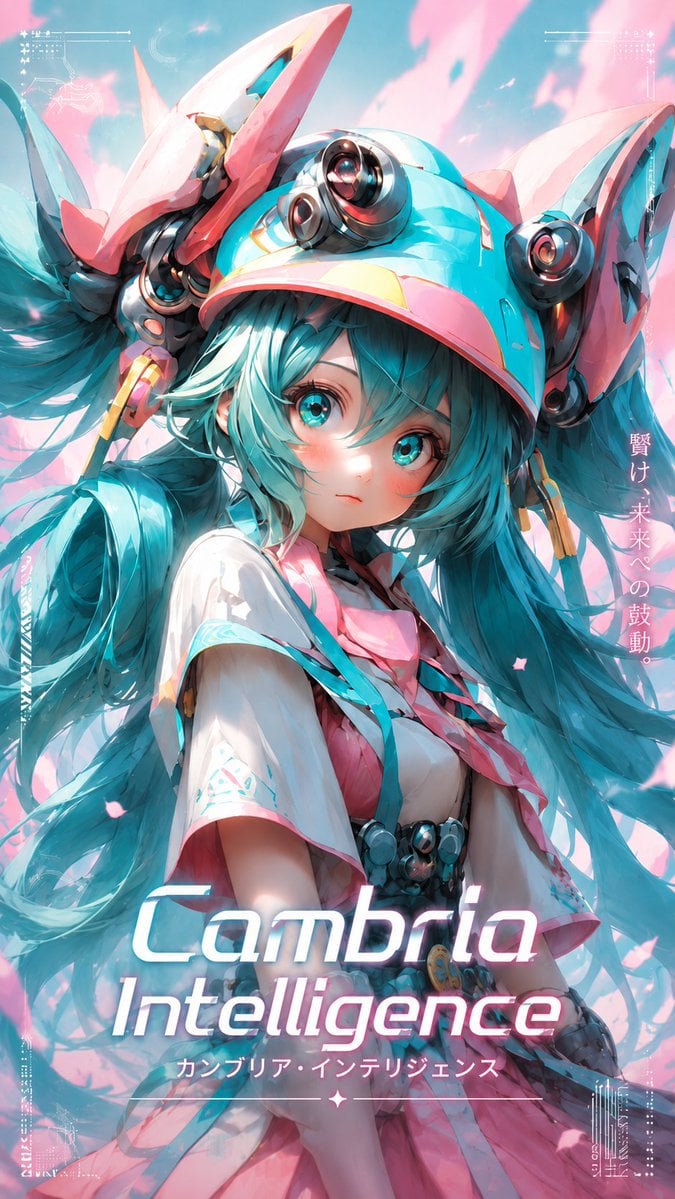
Cyber Anime Idol Music Cover
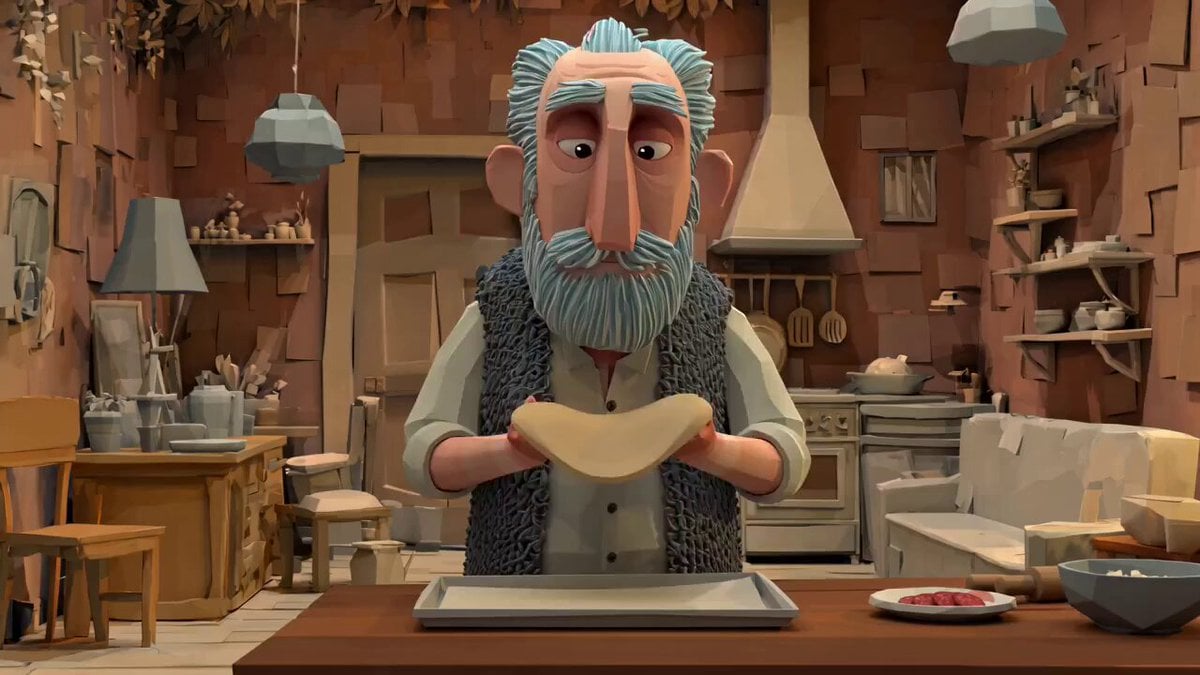
Animation Style - Framer Motion
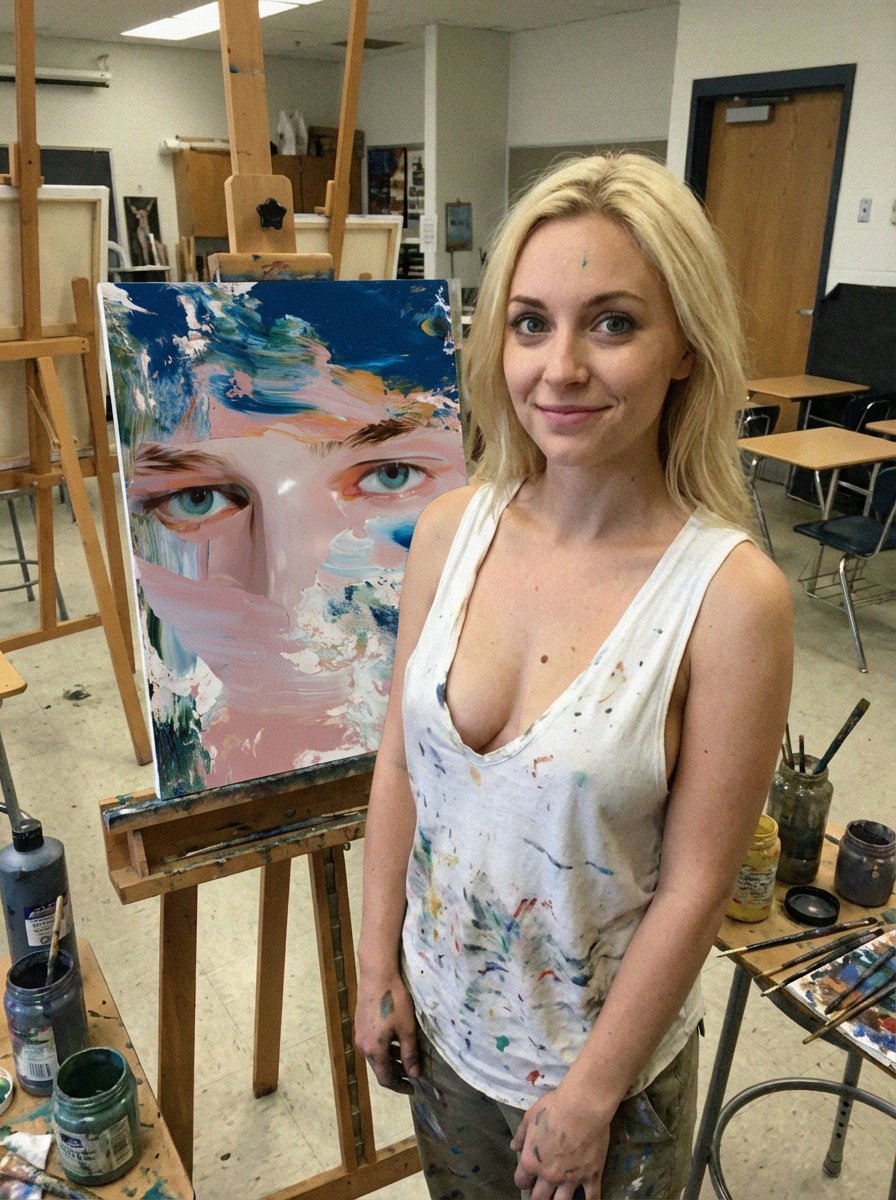
Low-Quality Smartphone Photo of an Artist in a Classroom
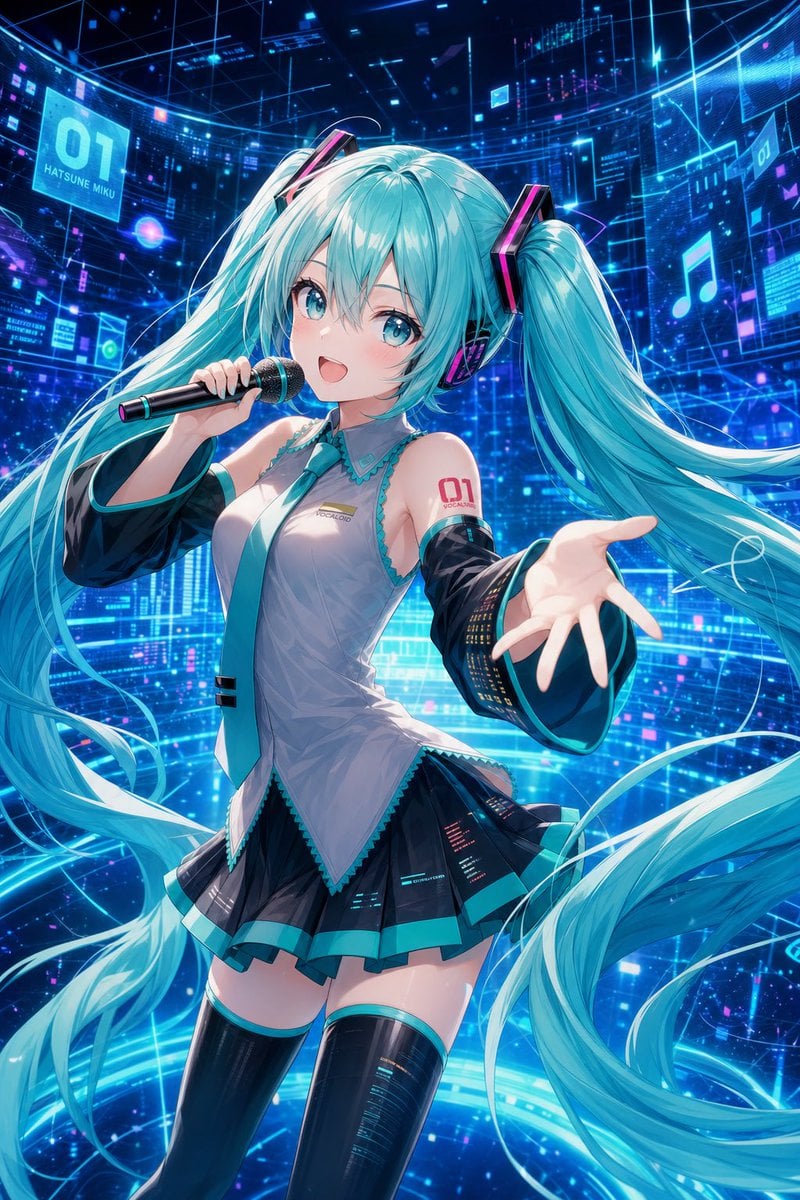
Cyber Vocaloid Concert Idol
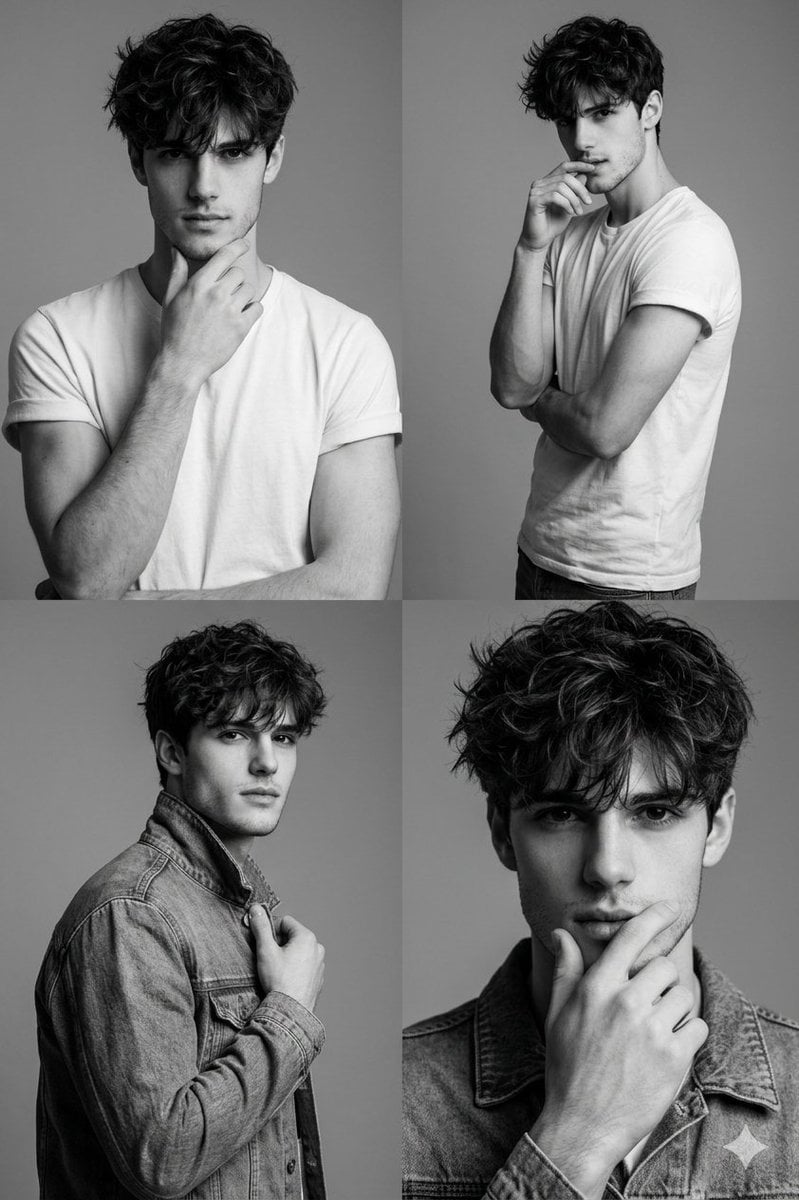
Black-and-White Fashion Collage with Face Preservation
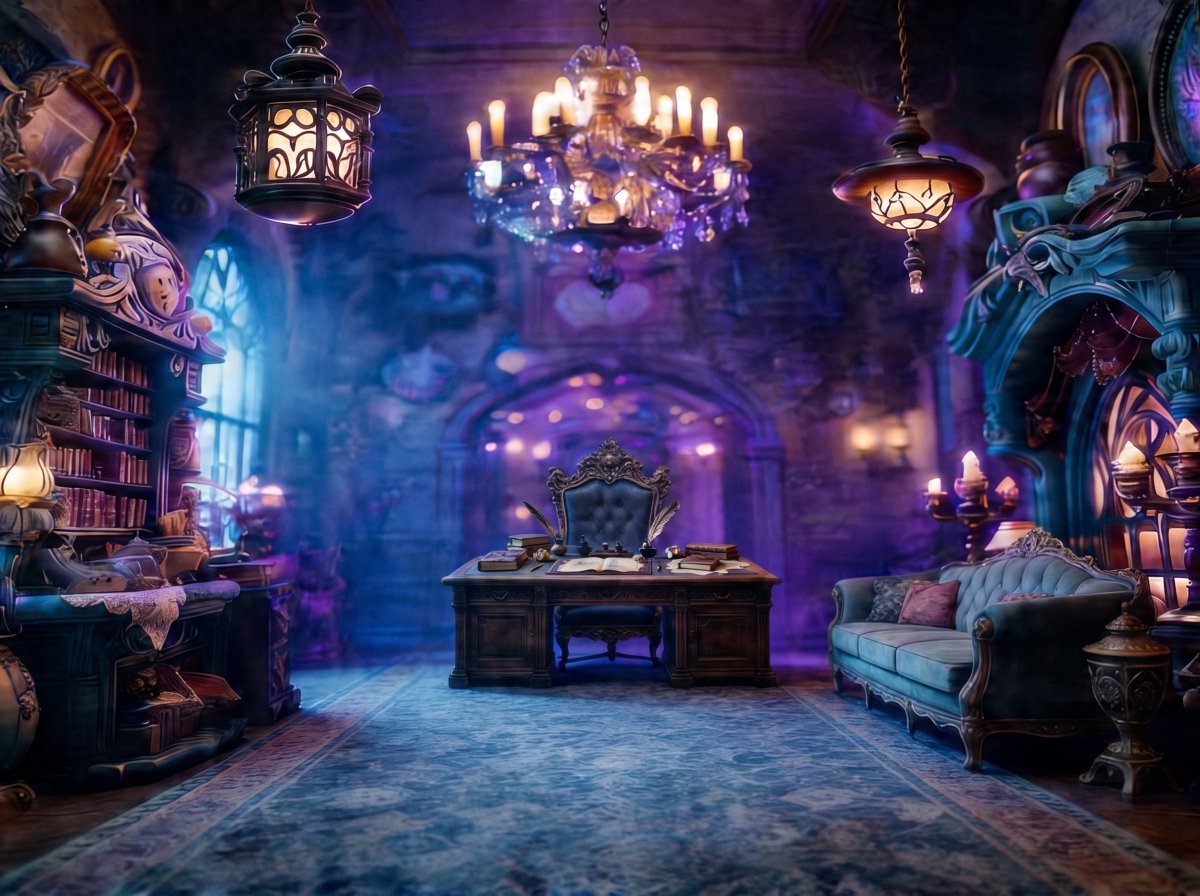
Enchanted Gothic Study Interior
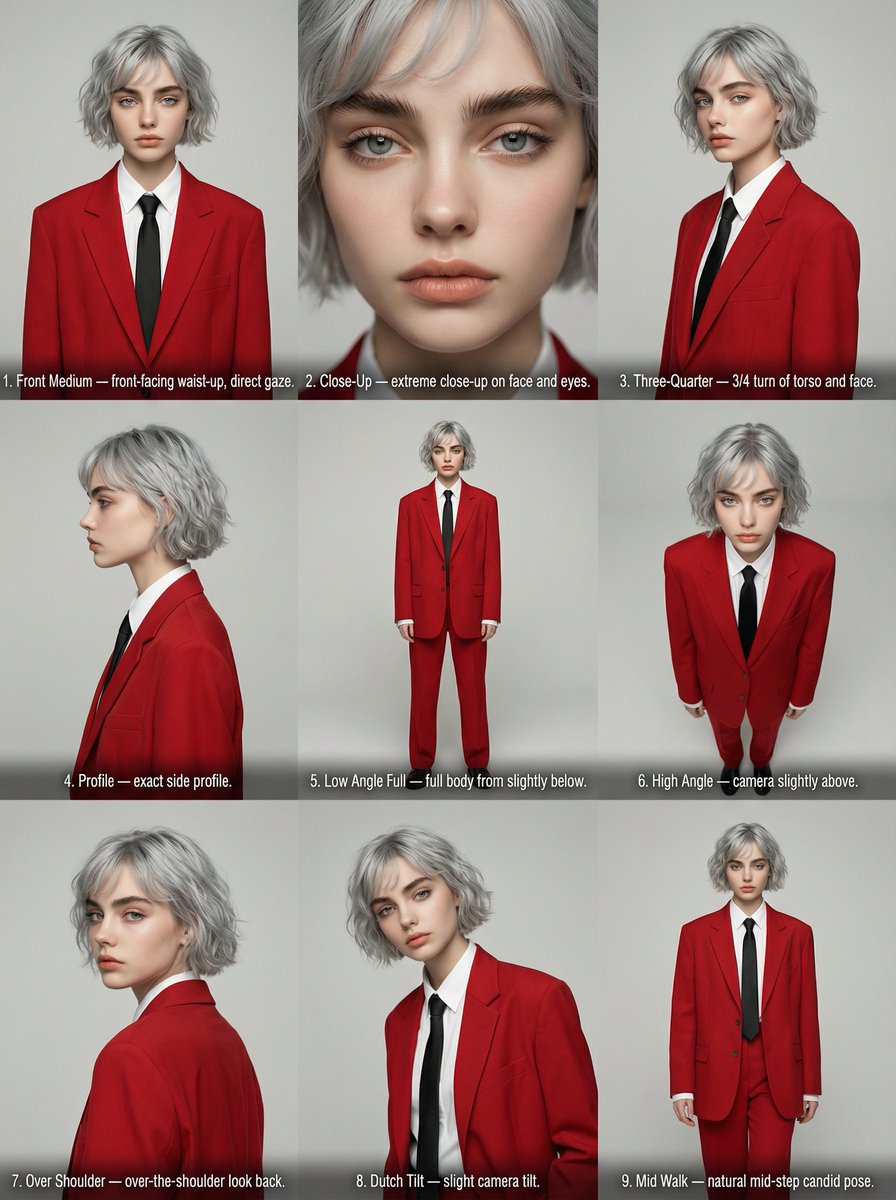
Editorial Angle Reference Sheet Grid
Browse template categories
Gothic Ribbon Dance Album Cover questions
How do I use the Gothic Ribbon Dance Album Cover template?
Add your photo if the template asks for one, edit the prompt if you like — the template's model and format are already selected — and press Generate. Your version opens in PicX Studio.
Can I customize the Gothic Ribbon Dance Album Cover template?
Yes. You can change the subject, setting, lighting, mood, format, and available model controls before creating your image.
Is the Gothic Ribbon Dance Album Cover template free?
Opening and editing this template is free. Generating uses credits, shown on the Generate button when you are signed in.
Which AI model should I use?
Start with GPT Image 2, which is the model associated with this template. You can compare another compatible model for a different finish.
Looking for something else? Browse all templates.

Your photo, any look
Thousands of ready templates for every top image and video model, from one credit balance.