
Floral Ribbon Couture Dancer
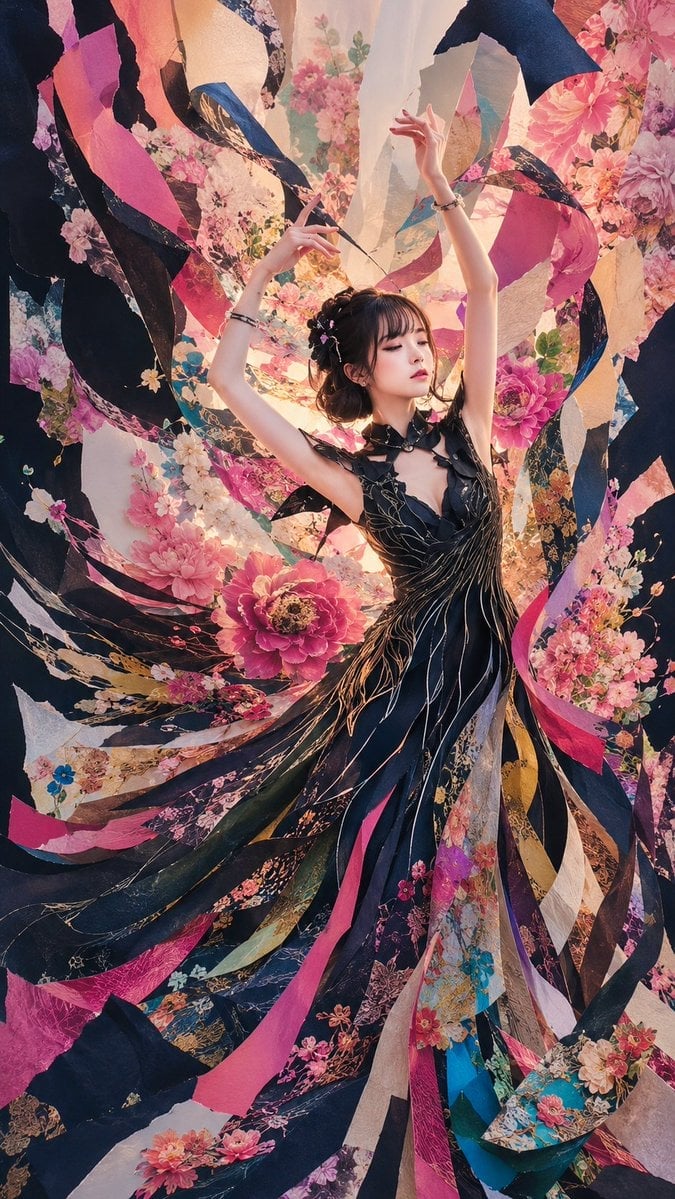
A vertical fantasy fashion portrait prompt for generating a graceful dancer surrounded by swirling floral silk ribbons and ornate couture fabric.
- Prompt included
- Model and format preset
- Free template
The prompt behind this image
Copy the exact prompt behind Floral Ribbon Couture Dancer, or open it in the studio and make it yours.
Create a vertical fantasy fashion editorial portrait of {argument name="character name" default="a graceful young woman"} dancing in the center of a whirlwind of torn silk ribbons and floral fabric panels. She wears an elaborate black couture dress with a deep V neckline, petal-like shoulder details, gold vein embroidery, and long flowing strips that merge into the surrounding ribbons. Her arms are raised elegantly above her head in a ballet-like pose, wrists adorned with delicate bracelets, fingers poised as if conducting the swirling fabric. Her hair is a dark romantic updo with small pink blossoms tucked into it; keep the face softly obscured or anonymous rather than detailed. Surround her with exactly 18 major visible flowing fabric ribbons: 6 deep black/navy ribbons, 4 hot pink ribbons, 3 cream parchment ribbons, 2 floral-patterned ribbons, 1 teal-blue ribbon, 1 gold-brown ribbon, and 1 pale lavender ribbon. Fill the scene with abundant peonies, cherry blossoms, and small wildflowers in pink, coral, cream, and magenta, integrated into the ribbons and background like a collage. Use dramatic upward swirling motion, layered fabric depth, warm backlight glowing behind the dancer, high-detail textile textures, painterly photorealism, ornate Japanese-inspired floral patterns, cinematic lighting, rich contrast, and a dreamy maximalist haute-couture atmosphere. Canvas is a tall 9:16 portrait composition, full body visible from head to flowing dress hem, no text, no watermark, no extra people.
How to use Floral Ribbon Couture Dancer in 3 steps
- 1Upload ImagePNG, JPG or paste
Add your photo
Upload the photo the template builds on. The prompt, model and format are already set.
- 2…a portrait of your subject in softgolden-hour light, 85mm…
Personalize
Edit the subject and creative details for your destination.
- 3Generate
Generate
Press Generate — your image is created in PicX Studio, so you can compare it with the original and refine one variable at a time.
More like this
Templates with the same subject, style or setup. Open one to see its prompt.
Ethereal Floral Couture Portrait
Surreal Couture Dancer Portrait

Eid al-Adha Cute Chaos — Fisheye Selfie with Farm Selfie, Mosque & Animals

Floraverse Botanical Fusion

FLORAVERSE BOTANICAL FUSION
Crystal Panel European Couture Fashion Composite
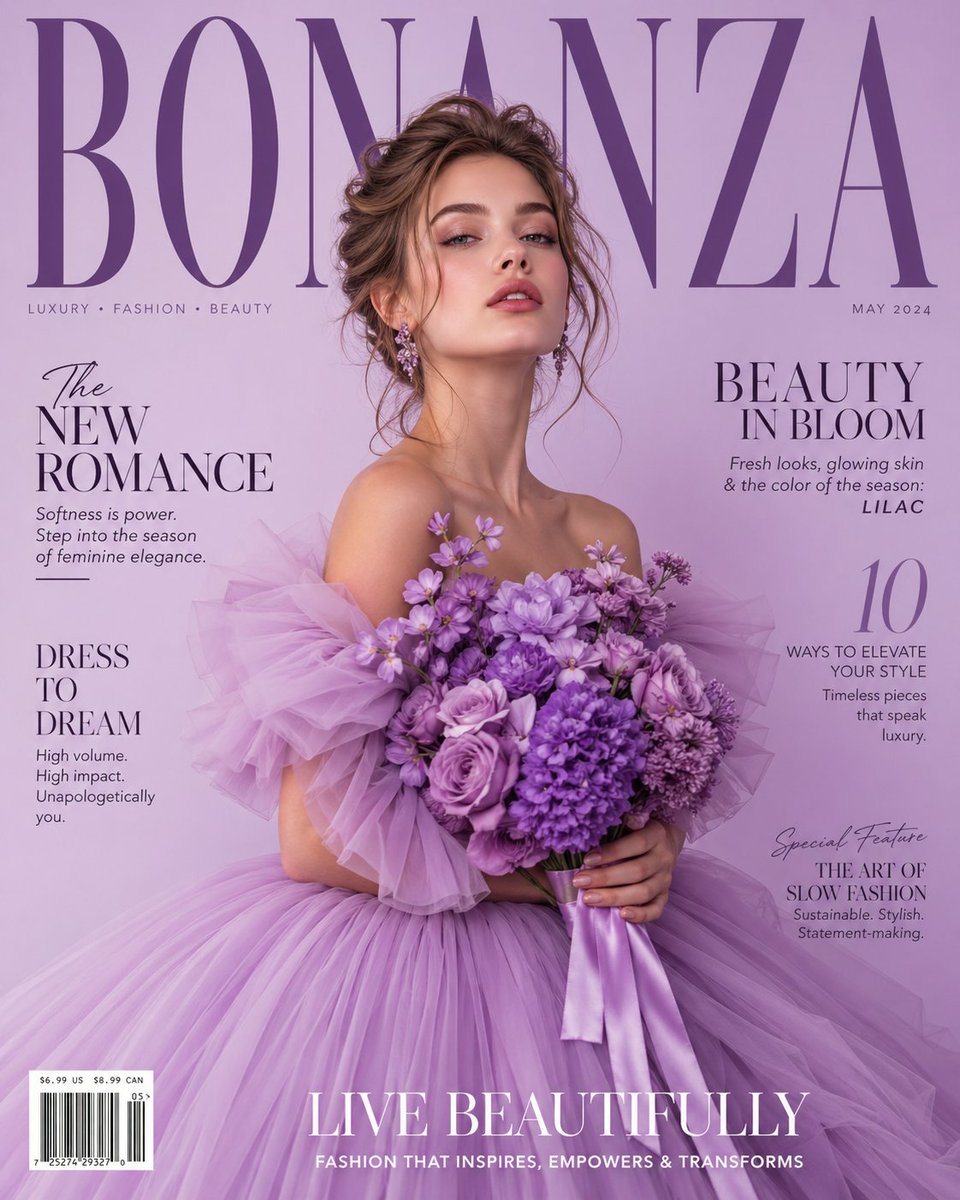
Lavender Couture Magazine Cover Fashion Portrait
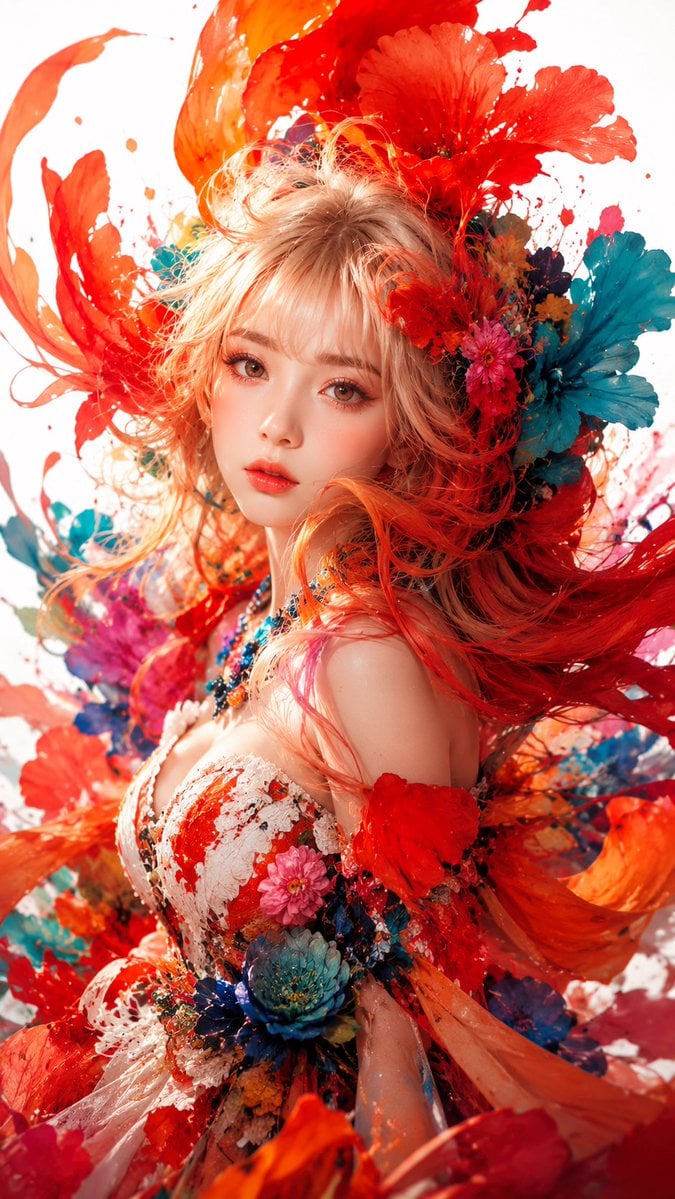
Surreal Floral Couture Portrait

Dancer Character - Four View Reference Sheet

Tropical Vacation Selfie — Nano Banana (Chryzleen)

Coastal Bench Portrait — Navy Floral Sundress
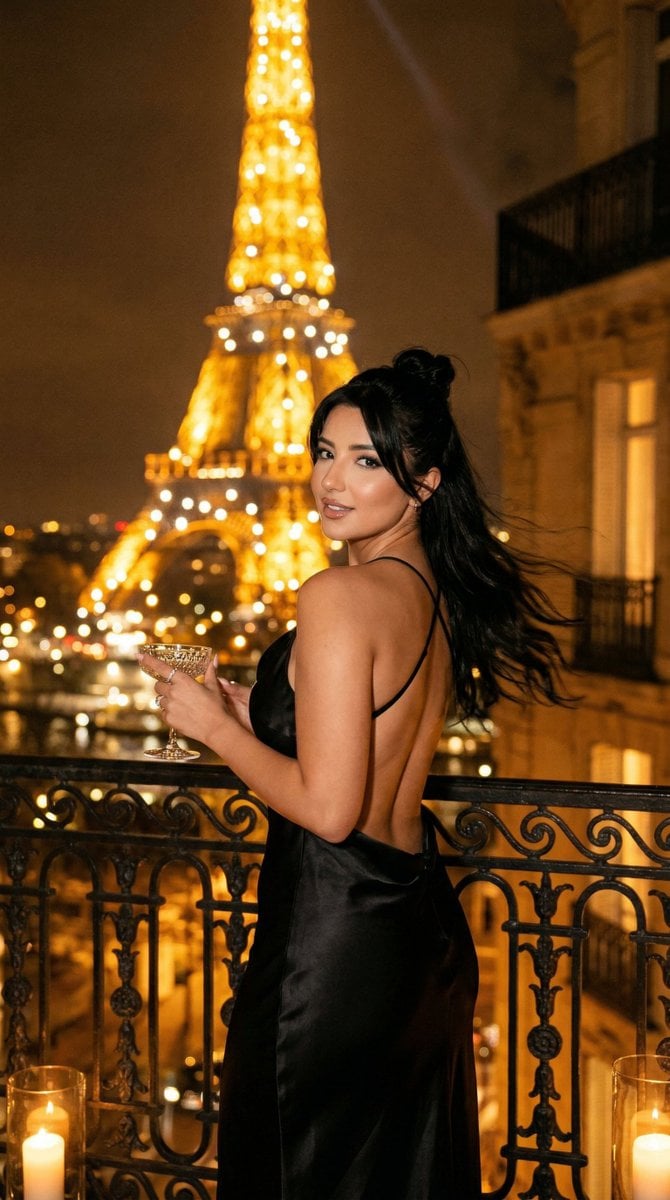
Nano Banana - Yacht Eiffel Night
Make it yours
Floral Ribbon Couture Dancer works as-is. These are the safest ways to change it without losing the look.
Change one field
Copy a single group, rewrite it, and generate again so you can see what that field is doing.
Keep the frame, change the subject
Hold the composition and light of Floral Ribbon Couture Dancer, then swap wardrobe, props or the person for a new take.
| If the result… | Why | Fix |
|---|---|---|
| The result drifts from the preview | Too many fields changed at once. | Reuse Floral Ribbon Couture Dancer as-is first, then change one group — subject, light, or setting. |
| The model over-stylizes the scene | The prose prompt leaves finish and camera underspecified. | Add one camera or lighting sentence and stay on GPT Image 2. |
More GPT Image 2 templates
Other prompts made for GPT Image 2.

Six VTuber Japanese Logo Sheet

Realistic Portrait of Woman and Deer

The Vista Modular Condo Poster

AI Model Routing Comparison Infographic

2.5D Anime Art Board

Isometric Productivity Desk Scene

New York Double Exposure Poster

Four-Panel AI Landscape Comparison

Japanese Tatami Lifestyle Magazine Cover

NESCAFÉ Coffee Map Poster
More image prompts
Fresh picks from across the catalog.
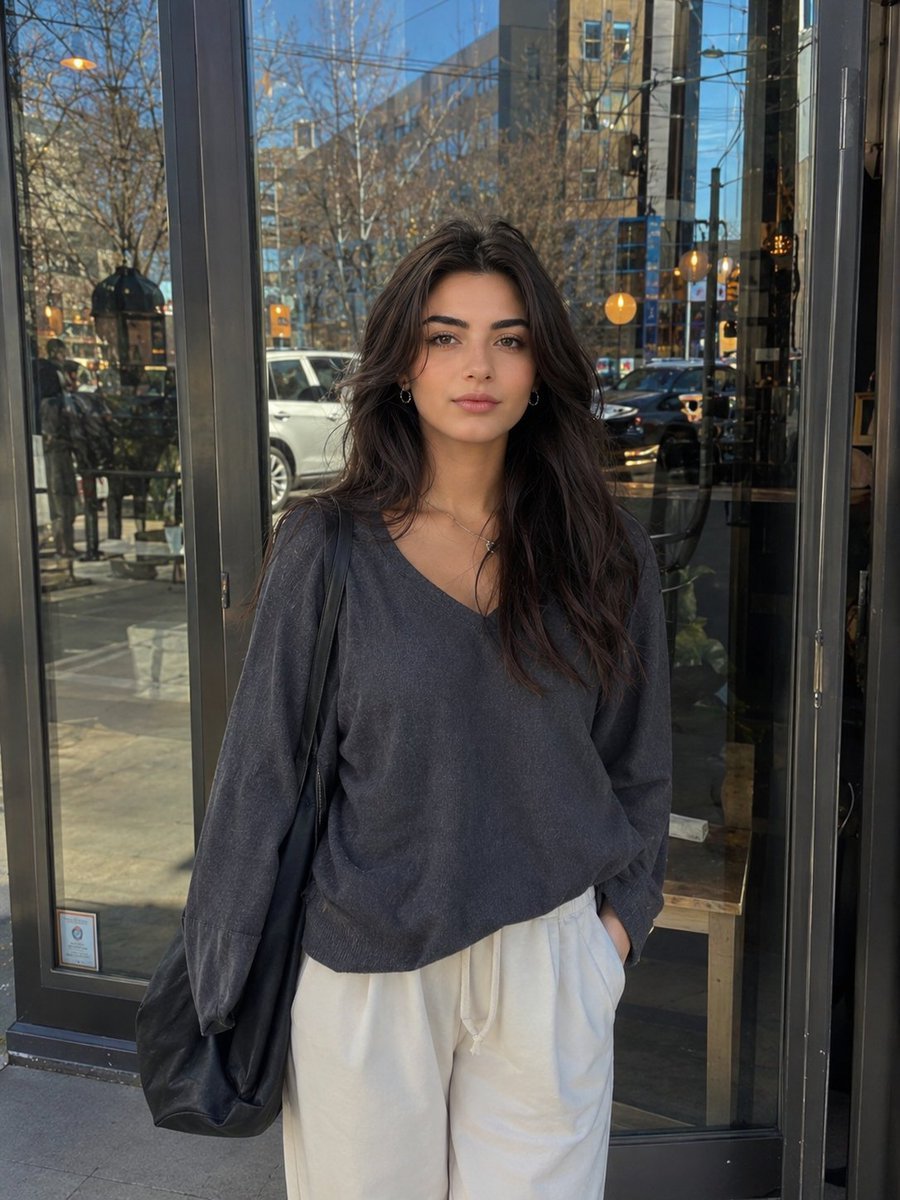
Realistic Street Portrait of a Young Woman
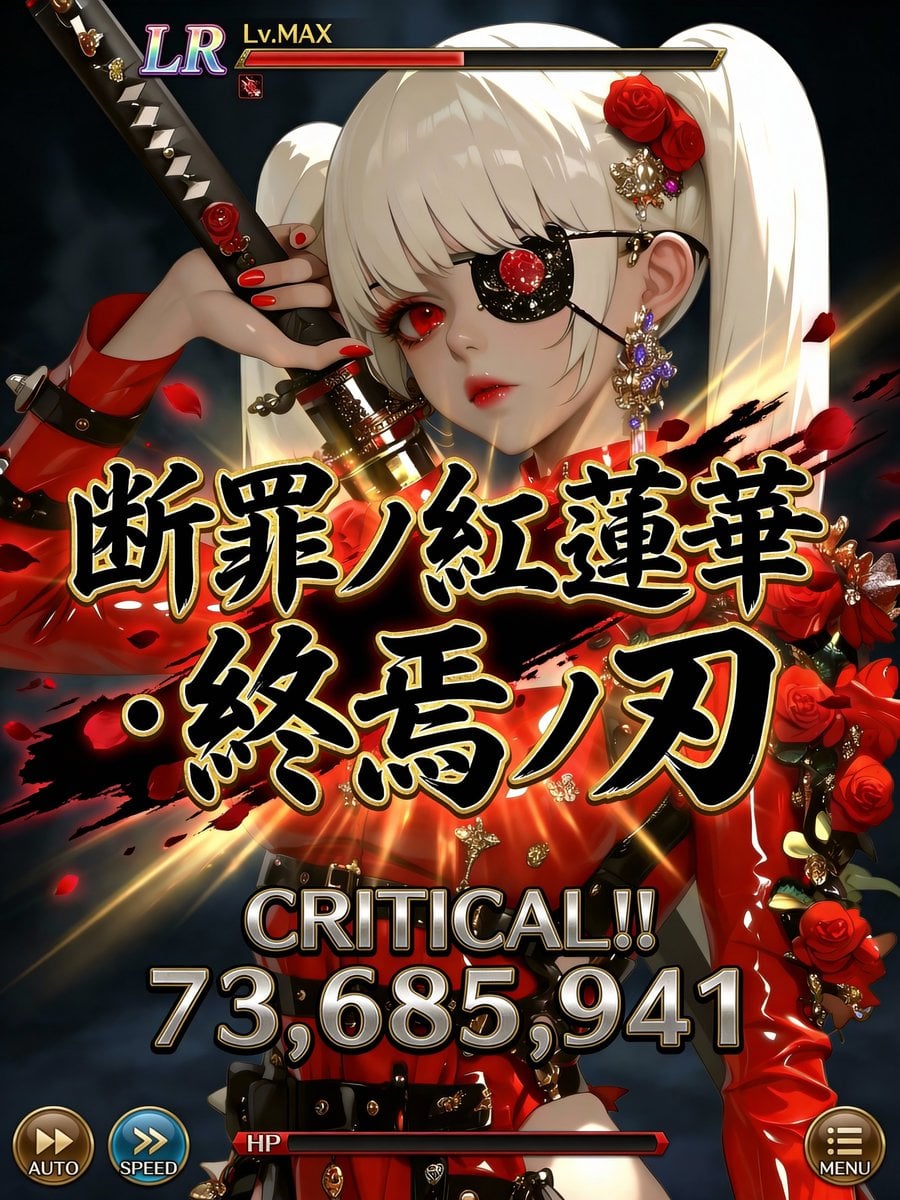
Social Game Special Move Production Prompt for Nano Banana Pro
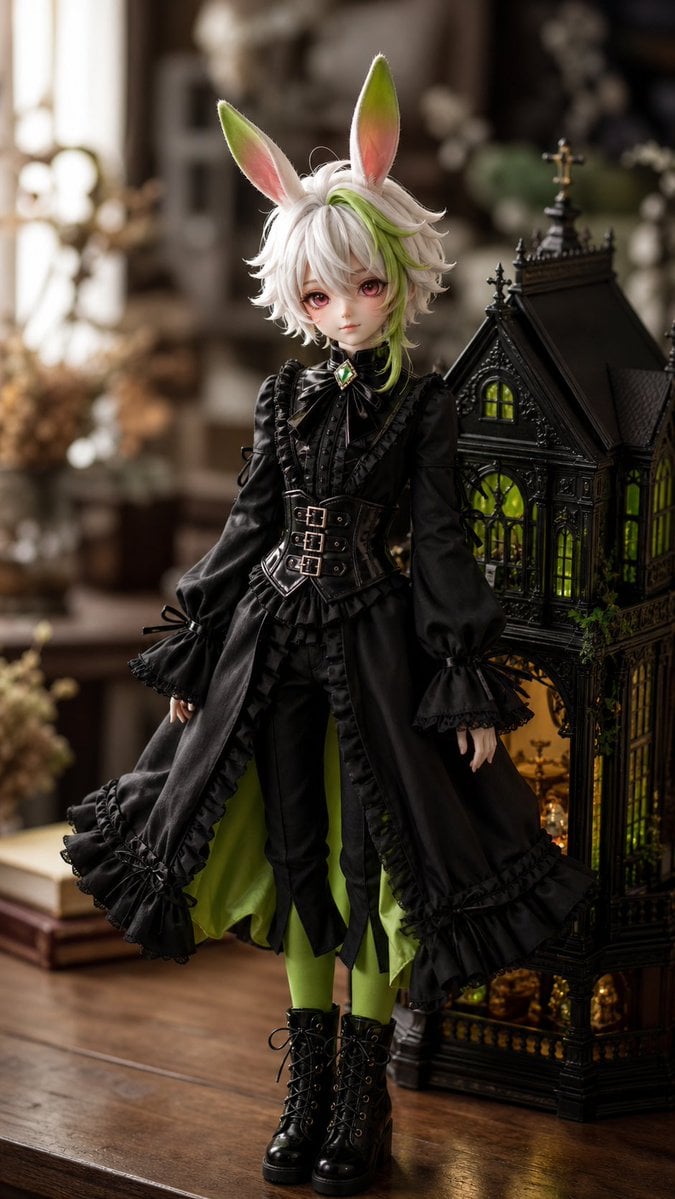
Character to Ball-Jointed Doll Conversion
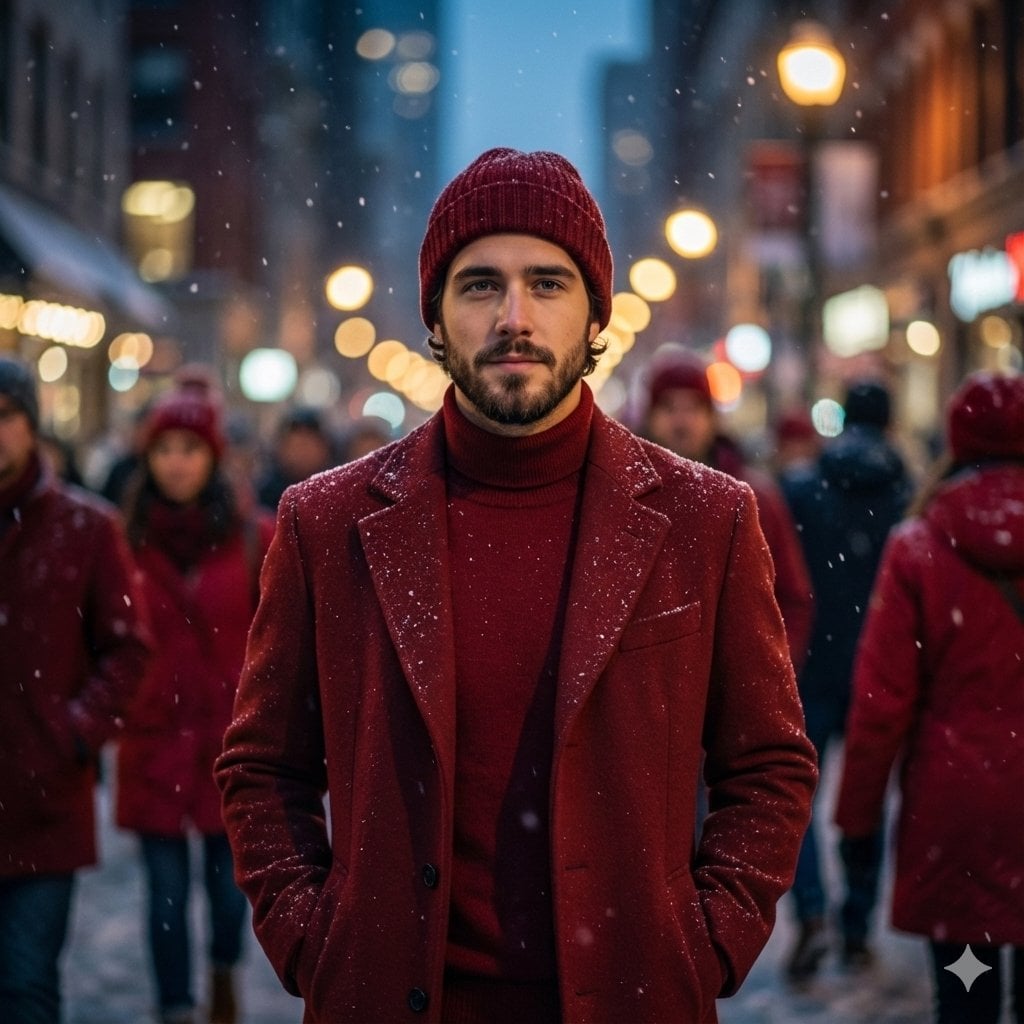
Cinematic Fashion Editorial Portrait in Winter Night
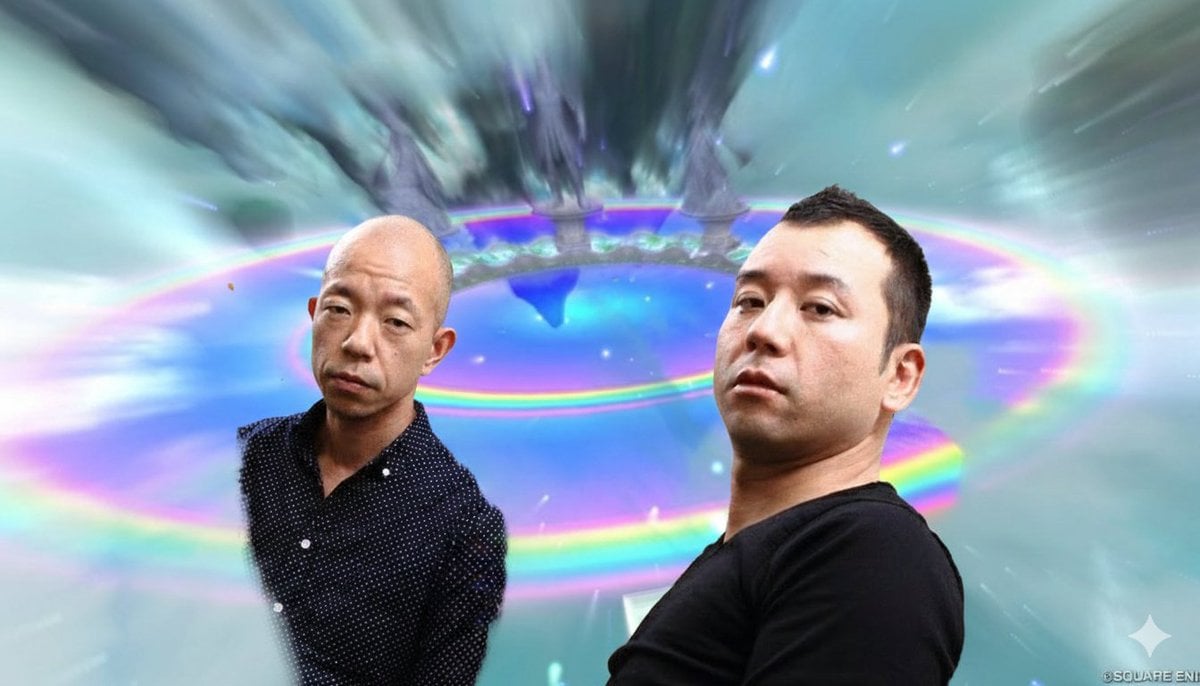
Image Style Transfer Prompt: Viking to Dragon Quest X 'Chamber of Vows'
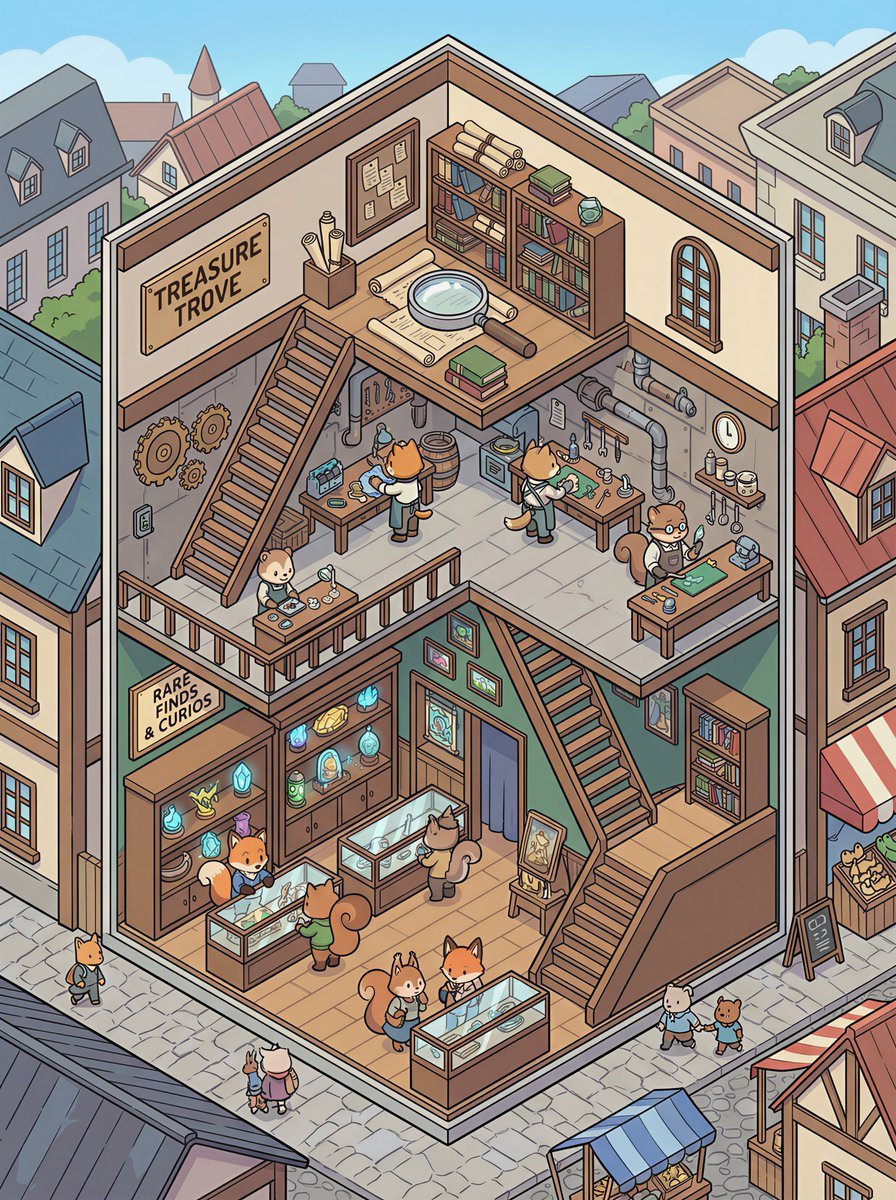
Isometric 2.5D Architectural Slice Illustration of an Animal Community
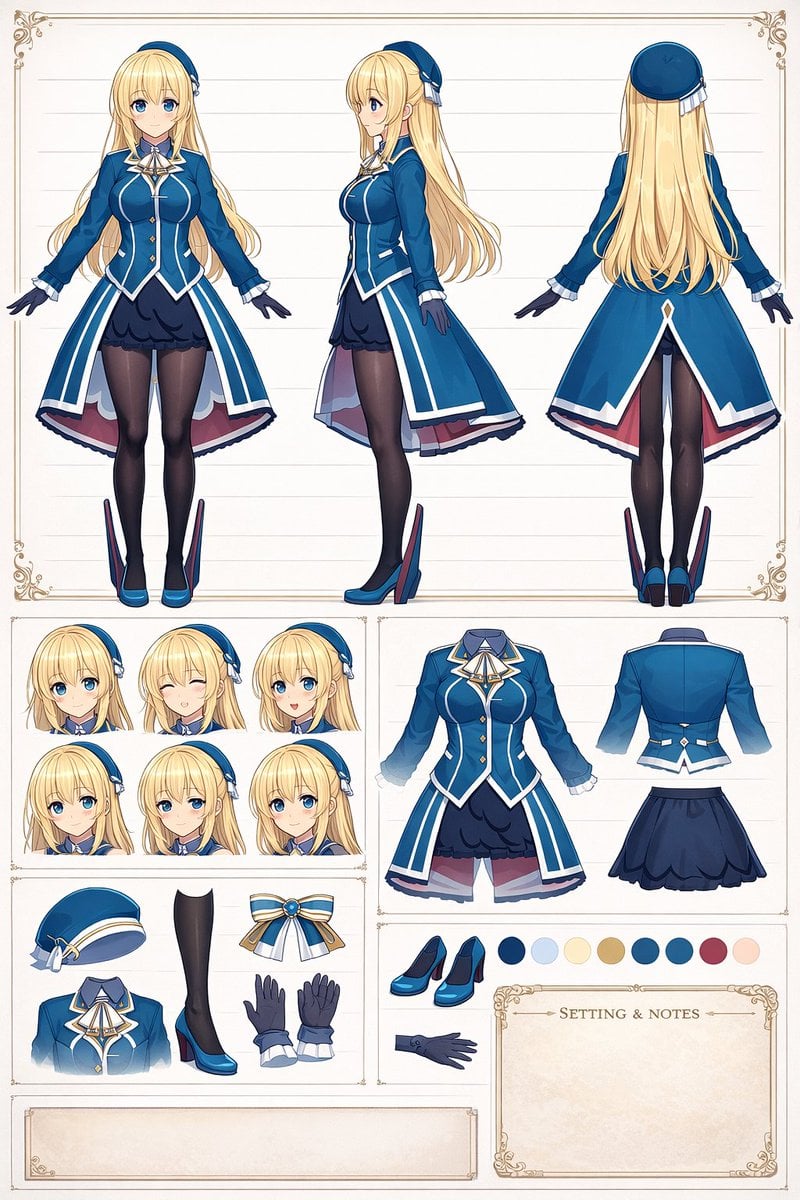
Anime Character Design Reference Sheet
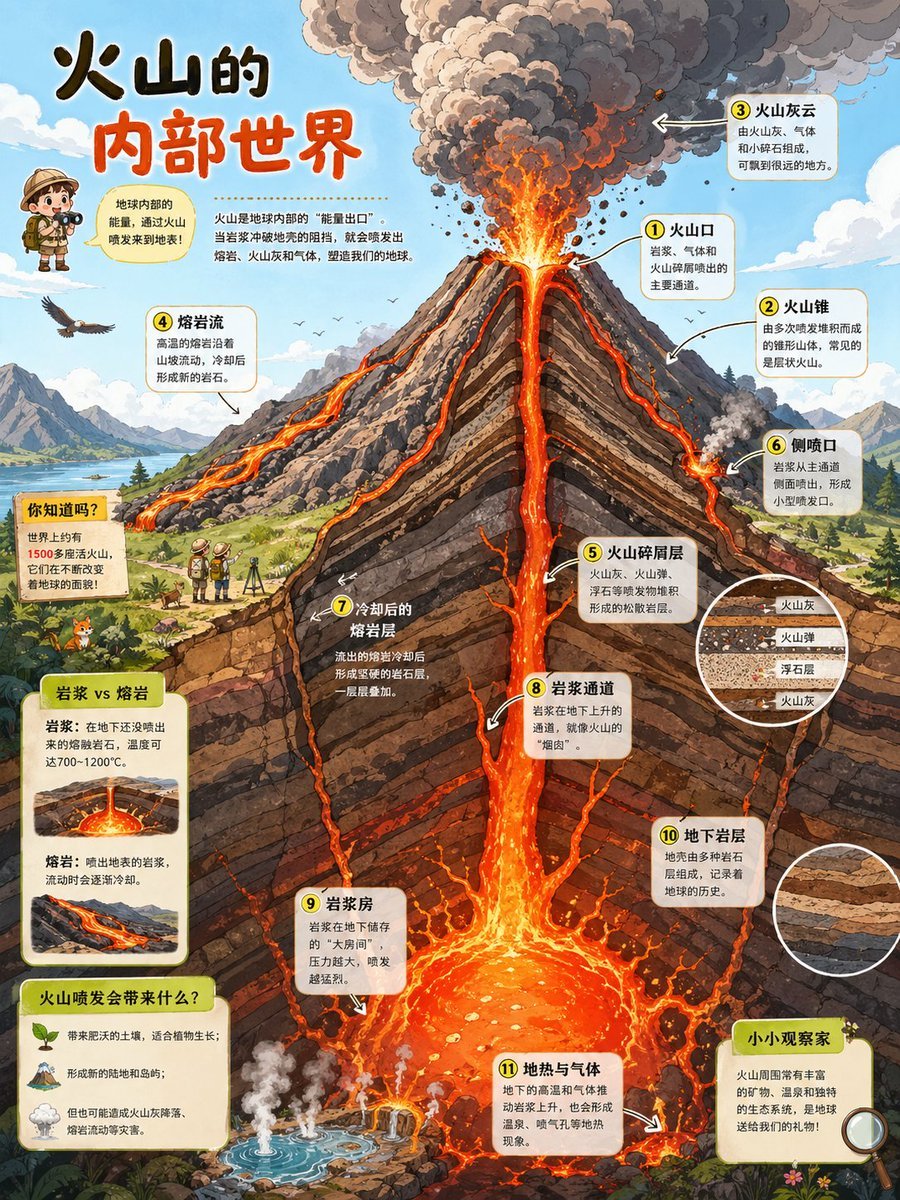
Volcano Cutaway Science Poster
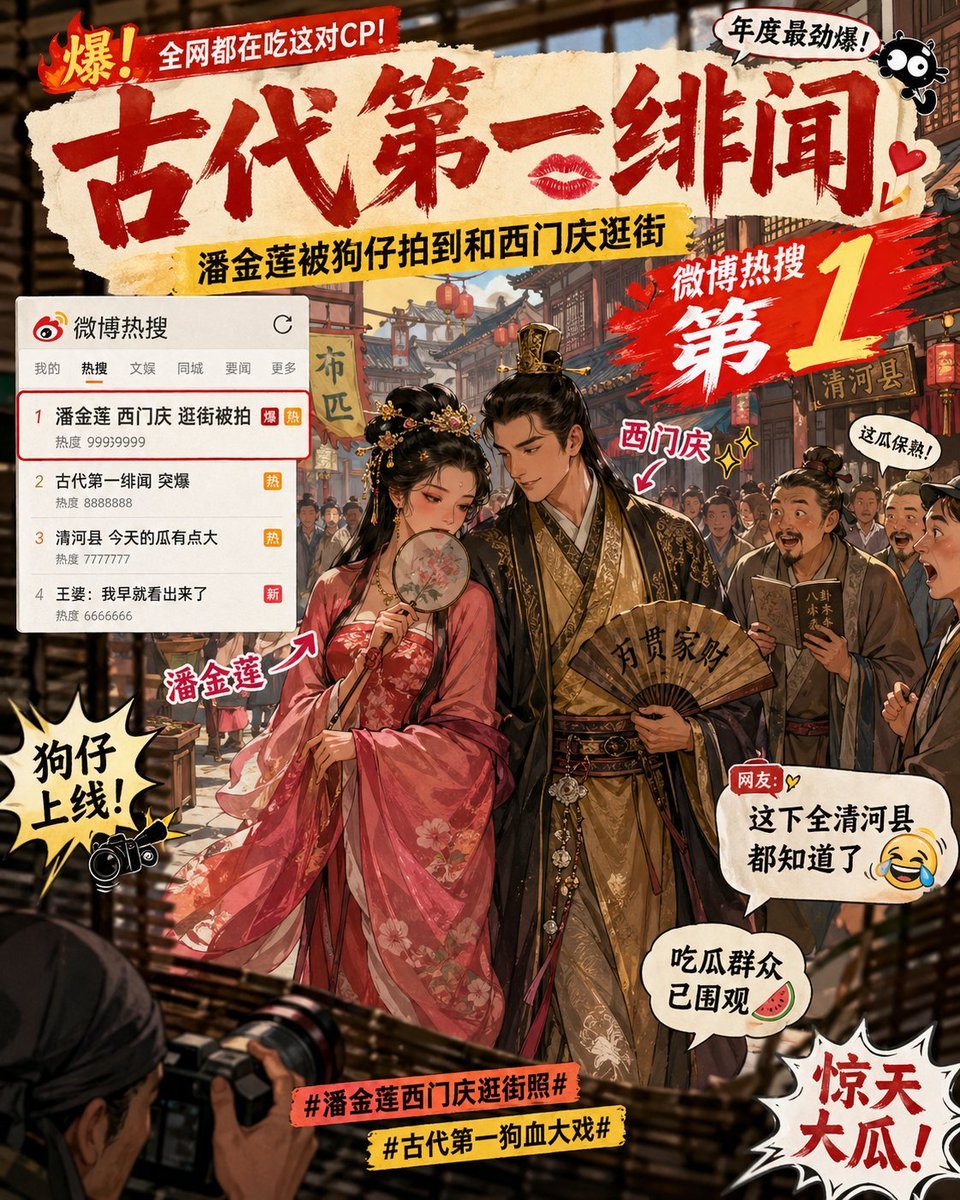
Ancient Paparazzi Scandal News
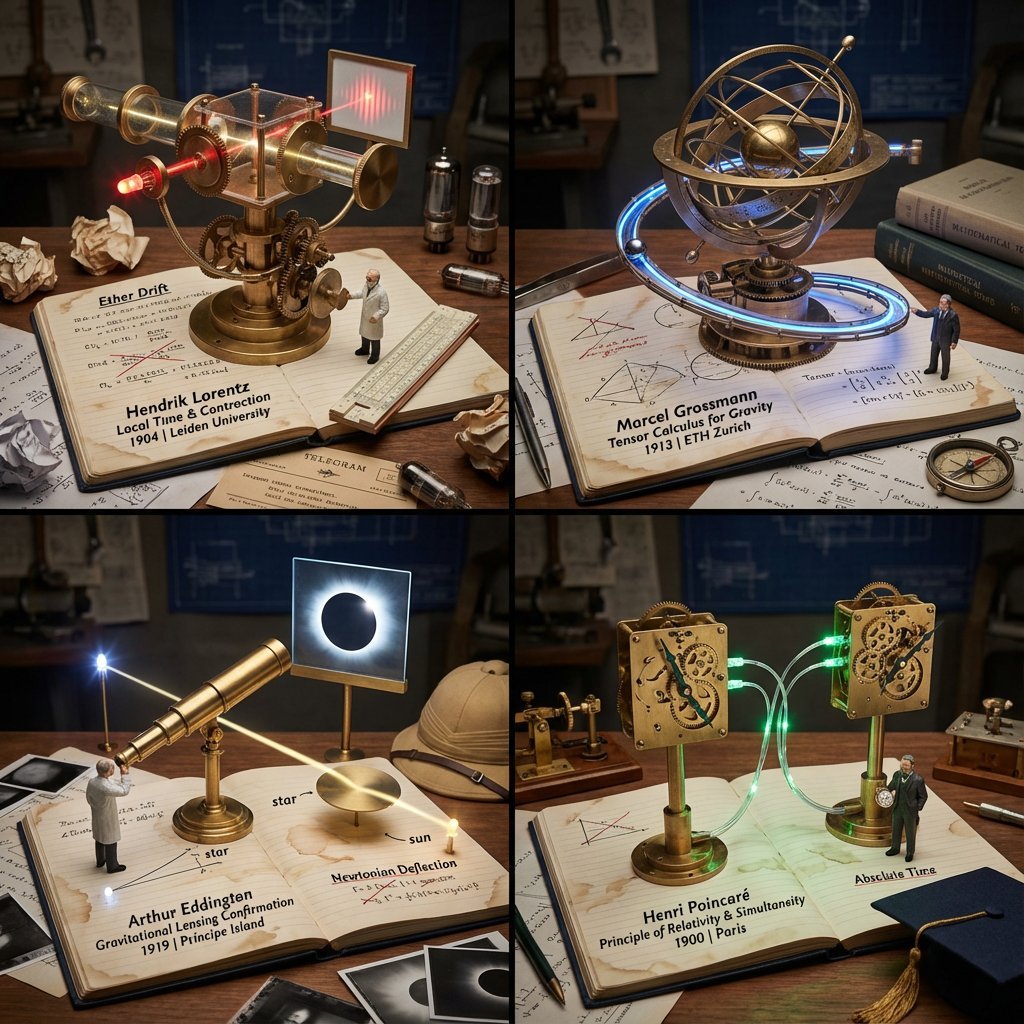
Scientific Discovery Visualization: Kinetic Sculpture Lab Notebook
Browse template categories
Floral Ribbon Couture Dancer questions
How do I use the Floral Ribbon Couture Dancer template?
Add your photo if the template asks for one, edit the prompt if you like — the template's model and format are already selected — and press Generate. Your version opens in PicX Studio.
Can I customize the Floral Ribbon Couture Dancer template?
Yes. You can change the subject, setting, lighting, mood, format, and available model controls before creating your image.
Is the Floral Ribbon Couture Dancer template free?
Opening and editing this template is free. Generating uses credits, shown on the Generate button when you are signed in.
Which AI model should I use?
Start with GPT Image 2, which is the model associated with this template. You can compare another compatible model for a different finish.
Looking for something else? Browse all templates.

Your photo, any look
Thousands of ready templates for every top image and video model, from one credit balance.