
Social Game Special Move Production Prompt for Nano Banana Pro
A highly detailed, multi-section prompt designed to generate a screen capture of a social game's special move sequence (cut-in, move name, damage display).
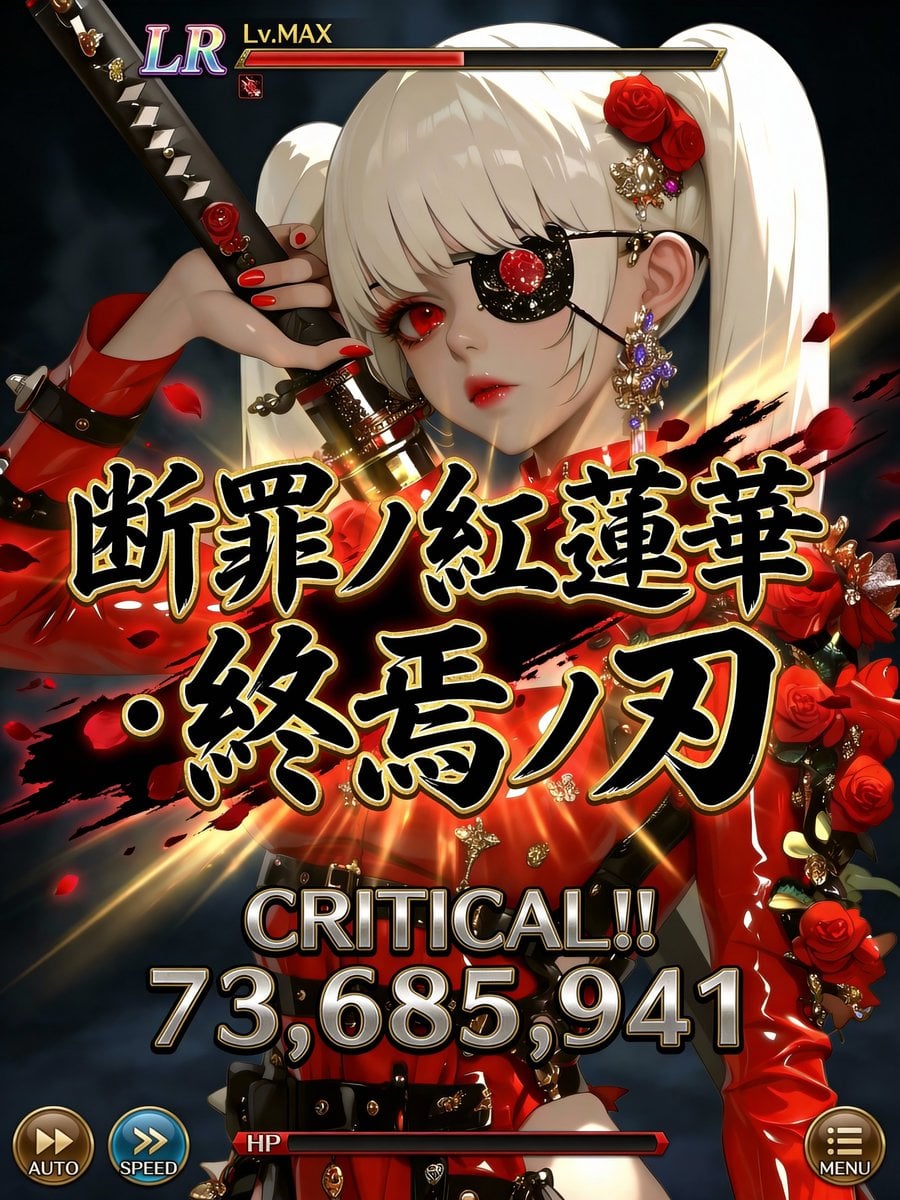
- Prompt included
- Model and format preset
- Free template
The prompt behind this image
Copy the exact prompt behind Social Game Special Move Production Prompt for Nano Banana Pro, or open it in the studio and make it yours.
Quality: Ultra High Quality / equivalent to 4K / high definition / high contrast Format: UI for a special-move activation scene in the latest smartphone games Purpose: Official game-grade screenshot to be shared on social media ──────────────────── [Most important: Complete lock on the character's art style] - Do not change at all the input illustration character's facial features, eye shape, eye texture, outline, hairstyle, coloring, color usage, or atmosphere - Turning into a different person, a different artist's style, or an art-style change is prohibited - Treat the character as "an extension of the original illustration" - Redrawing, redesigning, and reinterpretation are prohibited [Scope where inference is allowed] - Inference is limited only to the following: UI / text / effects / damage numbers / staging - The character's appearance, sense of age, and impression are completely fixed ──────────────────── [Composition / Camera] - Close-up composition from chest to waist - The character occupies 60-70% of the screen - The face, especially the "eyes," should be positioned toward the top or to the left/right of the screen - Do not place any text, UI, or effects around the eyes - Full-body composition is prohibited ──────────────────── [Special move name (main focus, displayed largest)] - Fixed display at the center of the screen - Extra-bold, extra-large Japanese brush-calligraphy lettering - The largest size currently possible - Part of the text extends beyond the edge of the screen - Must never overlap the character's face, especially the eyes [Gold outline of the move name (fine adjustment, important)] - Adjust the gold outline to be "slightly thinner" - Tighten the outline to increase text density - Keep the gold glow subdued, prioritizing contrast with the solid black - Prioritize a logo-like, weighty feel; tone down the flashiness a notch [Rules for generating the special-move name] - Generate a completely original Japanese move name each time, based on the input illustration's world, elemental attribute, and atmosphere - Chūnibyō-style (edgy/adolescent) and heavy/weighty - Include elements such as myth, judgment/condemnation, blue ice, crimson, apocalypse, machinery, divinity, etc. - Existing work titles, proper nouns, example sentences, and sample text are prohibited - Never display "example," "sample," "placeholder," etc. ──────────────────── [Move power (variable, optimized)] - Display a different value each time for the special move's power - Generate the damage number randomly within the following range: 12,000,000 to 98,000,000 - Fixing it at the maximum value is prohibited - Repeating digits, cap values, and exact matches are prohibited - Prefer a natural, powerful-looking irregular number [Damage number font (enhanced weight)] - The font should be bold, angular, with a low center of gravity - Slightly wider width, not overly compressed vertically - A metallic, rock-like sense of mass - Keep the glow subdued; convey weight through shadow and dimensionality - Should give the impression that "the number itself is heavy" [Power display composition] - "CRITICAL!!" must be displayed - The damage number should have the greatest presence at the center of the screen - Eye-flow: CRITICAL → number → move name ──────────────────── [OVERKILL display rule (most important)] - Never display the word "OVERKILL" - Do not use it anywhere in the text, UI, or staging ──────────────────── [Character info UI] - Rarity (UR / LR) - Lv.MAX - Small, consolidated at the top of the screen - Less prominent than the character [HP / gauge] - The HP bar is placed thin at the bottom - Convey HP being at or below 0 only through the gauge display - Emphasis via text is prohibited [Other UI] - AUTO / SPEED / MENU placed very small at the edges of the screen - Semi-transparent, designed to avoid information overload ──────────────────── [Direction policy] - Only the center (move name + damage) moves intensely - Keep the character's face, eyes, and expression calm - "The art style is still, the text and numbers are heavy, and the staging is minimal but powerful" [Color design] - Black × gold × elemental color - Calm tones around the face - Maximum contrast at the center ──────────────────── [Strict requirements] - Never change the character's art style - Do not overlap text or UI on the eyes - The move name should be centered and at maximum size - Do not display "OVERKILL" - Do not fix the damage number - Do not display explanatory text, example sentences, or supplementary text
How to use Social Game Special Move Production Prompt for Nano Banana Pro in 3 steps
- 1
Open
The prompt is already in the box next to the preview, with the template's model and format selected.
- 2…a portrait of your subject in softgolden-hour light, 85mm…
Personalize
Edit the subject and creative details for your destination.
- 3Generate
Generate
Press Generate — your image is created in PicX Studio, so you can compare it with the original and refine one variable at a time.
More like this
Templates with the same subject, style or setup. Open one to see its prompt.

Woman in Mall with Chanel Bag - Heart Gesture
Advanced post-production prompt template for image generation (Nano Banana compatible)

VFX Comparison Image Prompt (Before/After) for Nano Banana Pro

Nano Banana Prompt for Consistent Character Jumpshots

Cinematic Camera Instructions for Nano Banana Pro

Manga Generation Prompt Template for Nano Banana Pro

Hyper-Realistic Commercial Food Photography Prompt for Gemini Nano Banana Pro
Cinematic Portrait Prompt for Google Nano Banana Pro

Multi-Frame Lifestyle Portrait Prompt for Nano Banana Pro

Low-Key Product Photography Prompt for Gemini Nano Banana Pro
Masterpiece Political Caricature Prompt for Nano Banana 2
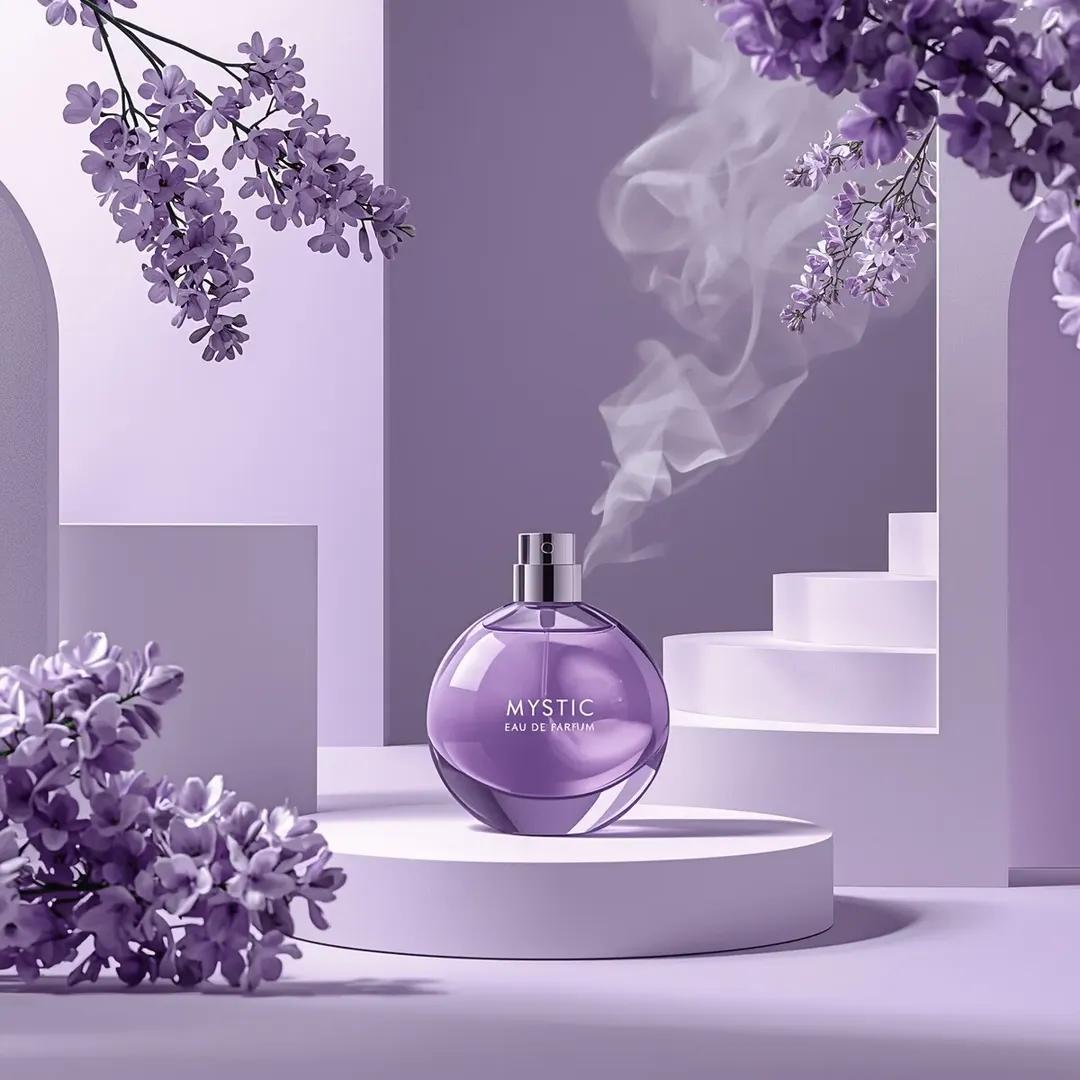
Commercial Perfume Photography Prompt for Nano Banana Pro
Make it yours
Social Game Special Move Production Prompt for Nano Banana Pro works as-is. These are the safest ways to change it without losing the look.
Change one field
Copy a single group, rewrite it, and generate again so you can see what that field is doing.
Keep the frame, change the subject
Hold the composition and light of Social Game Special Move Production Prompt for Nano Banana Pro, then swap wardrobe, props or the person for a new take.
| If the result… | Why | Fix |
|---|---|---|
| The result drifts from the preview | Too many fields changed at once. | Reuse Social Game Special Move Production Prompt for Nano Banana Pro as-is first, then change one group — subject, light, or setting. |
| The model over-stylizes the scene | The prose prompt leaves finish and camera underspecified. | Add one camera or lighting sentence and stay on Nano Banana 2. |
More Nano Banana 2 templates
Other prompts made for Nano Banana 2.

Photorealistic Leaf Shaped Like a Dragon

K-Pop Idol Portrait Grid for Rapid Selection

Poetic Rain Forest Portrait During Golden Hour

Urban Street Portrait with Cartoon Inner Self Duo

Candid Nighttime Photo with Cat Prompt

High-Concept 3D Diorama Generation Prompt

Cinematic Futuristic Studio Portrait Template

Skincare Editorial Photography Collage Prompt

Hyper-Realistic Commercial Product Photography (Splash Effect)

Hyper-Realistic Nightclub Portrait Prompt
More image prompts
Fresh picks from across the catalog.
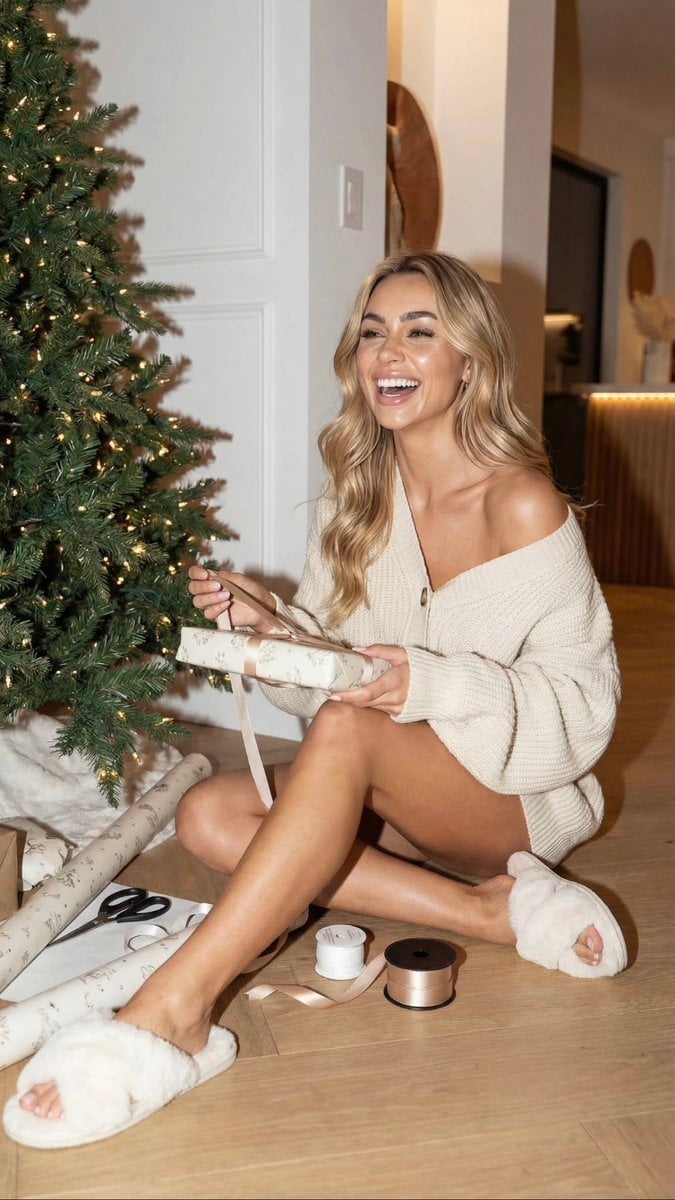
Cozy Christmas Gift Wrapping Flash Photo Prompt
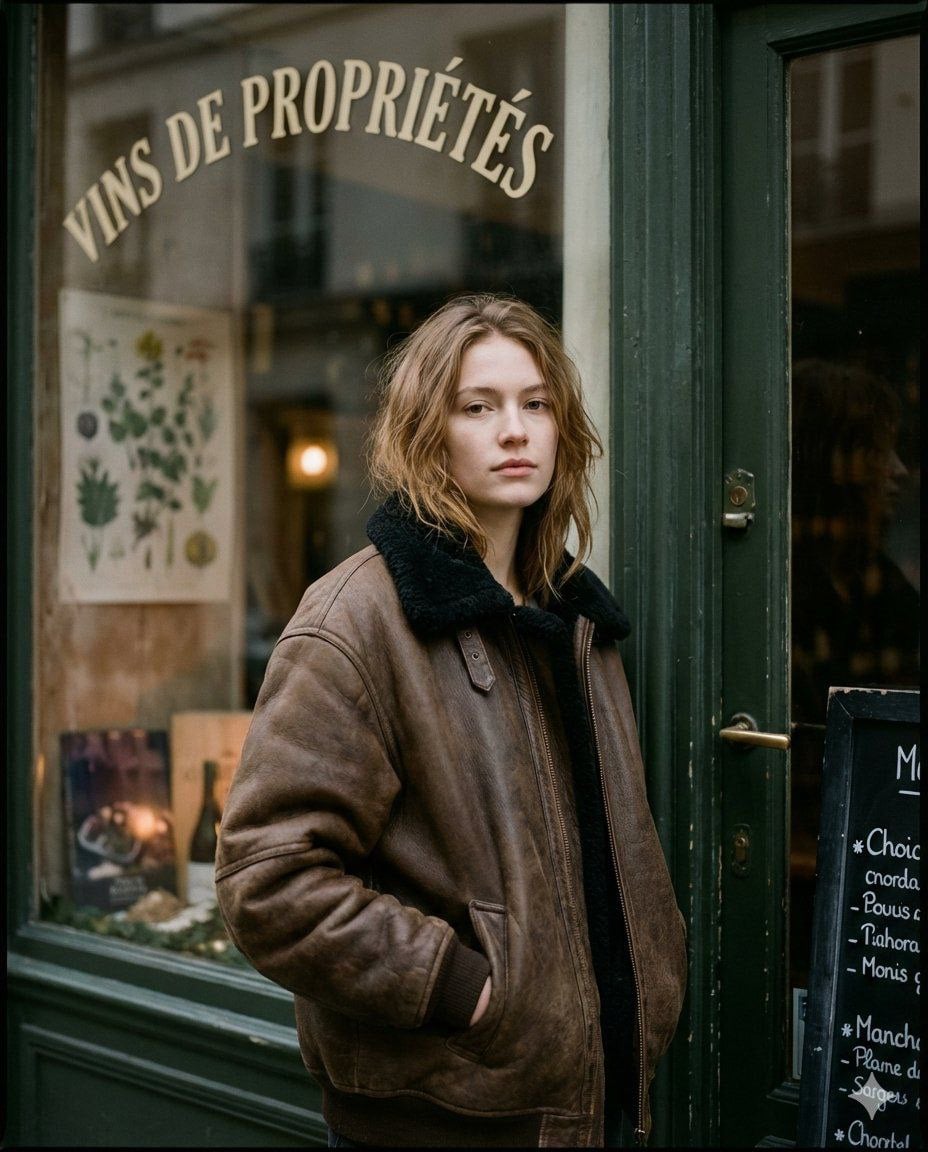
Moody Paris Street Editorial Portrait
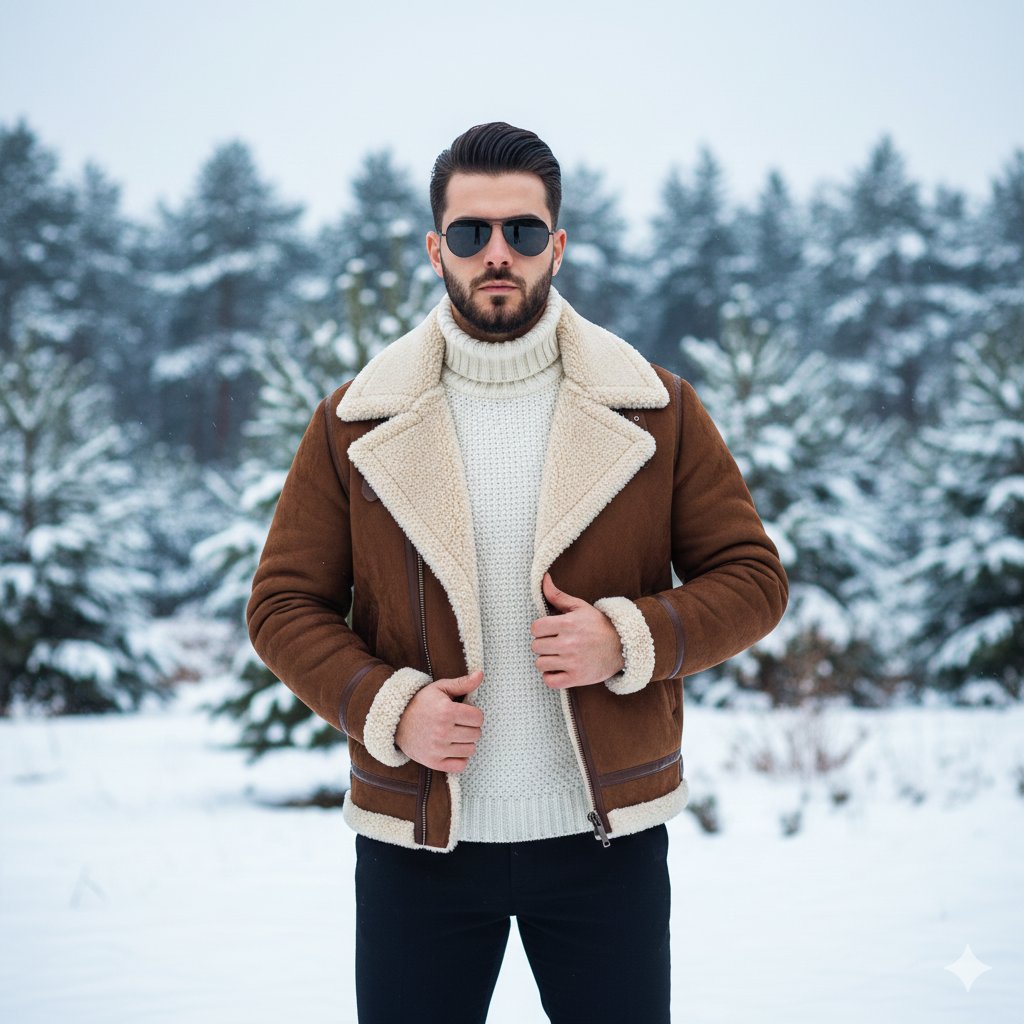
Luxury Winter Fashion Editorial Portrait Prompt
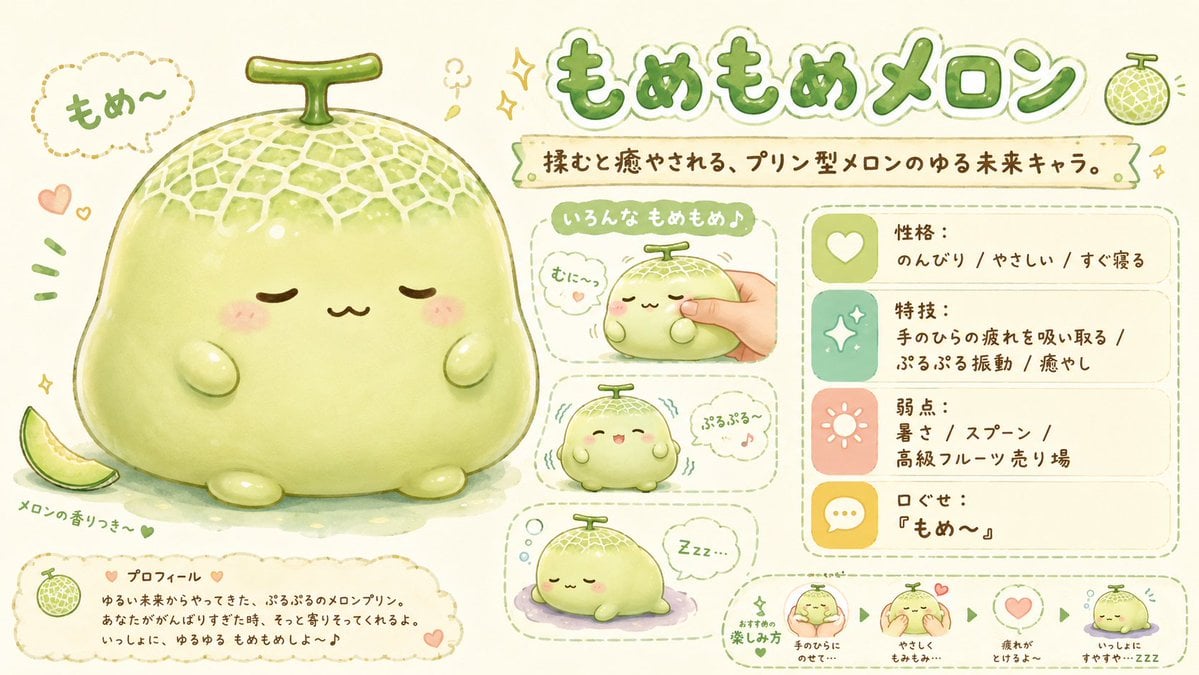
Kawaii Melon Mascot Character Sheet
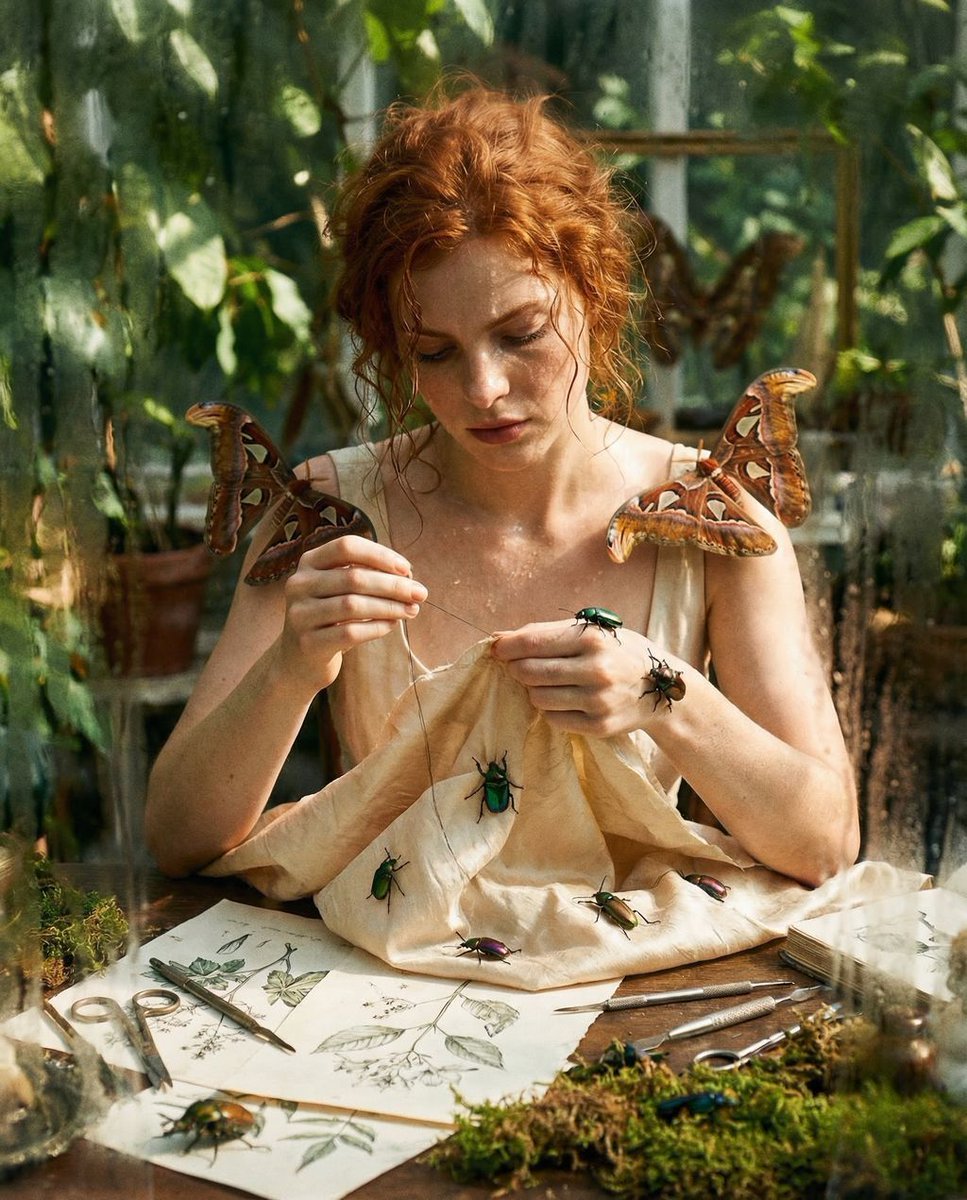
Surreal High Fashion Editorial Prompt with Living Insects
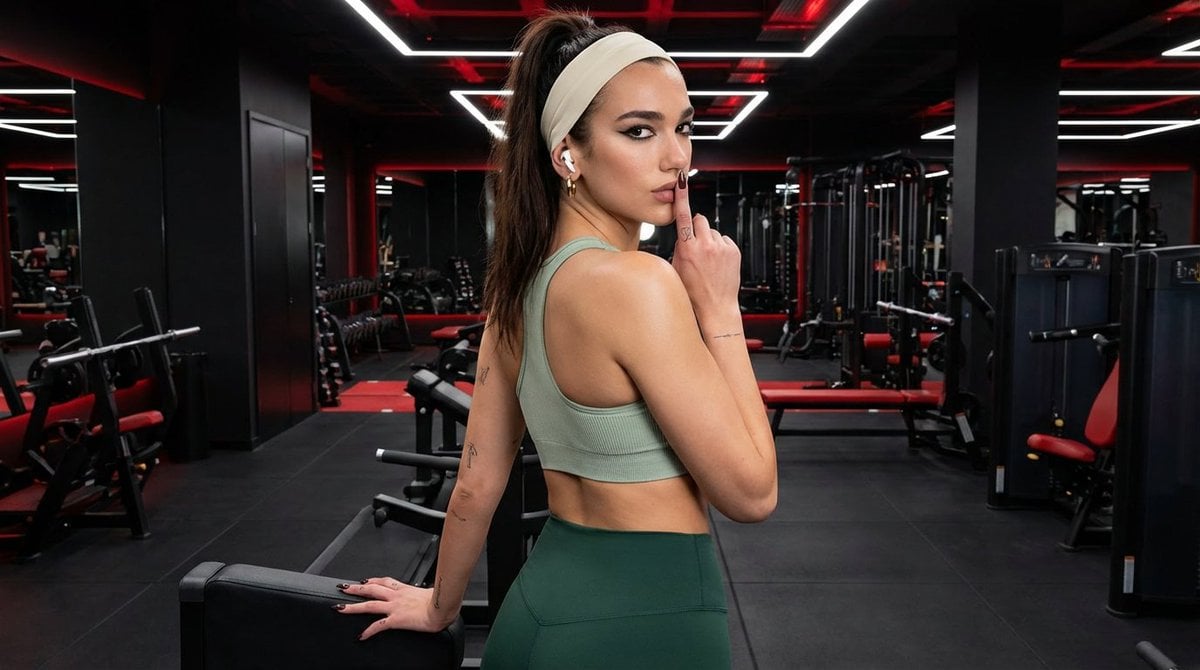
Modern Fitness Editorial Portrait
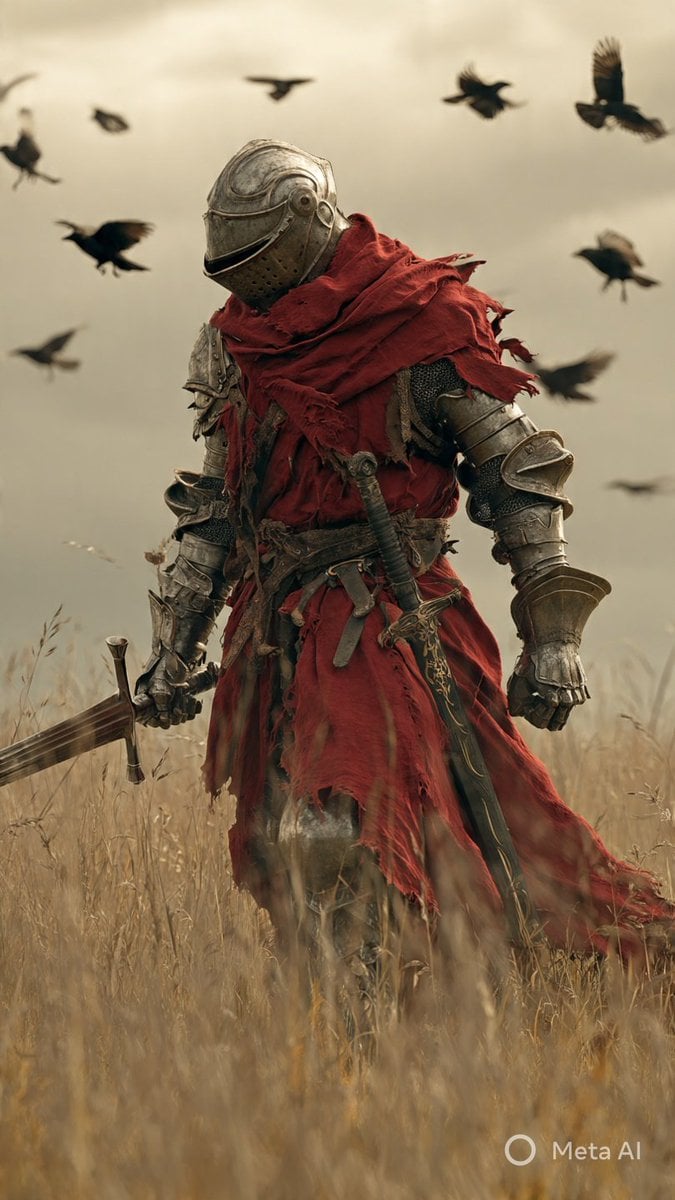
Dark Fantasy Knight Wallpaper Generation with Nano Banana 2
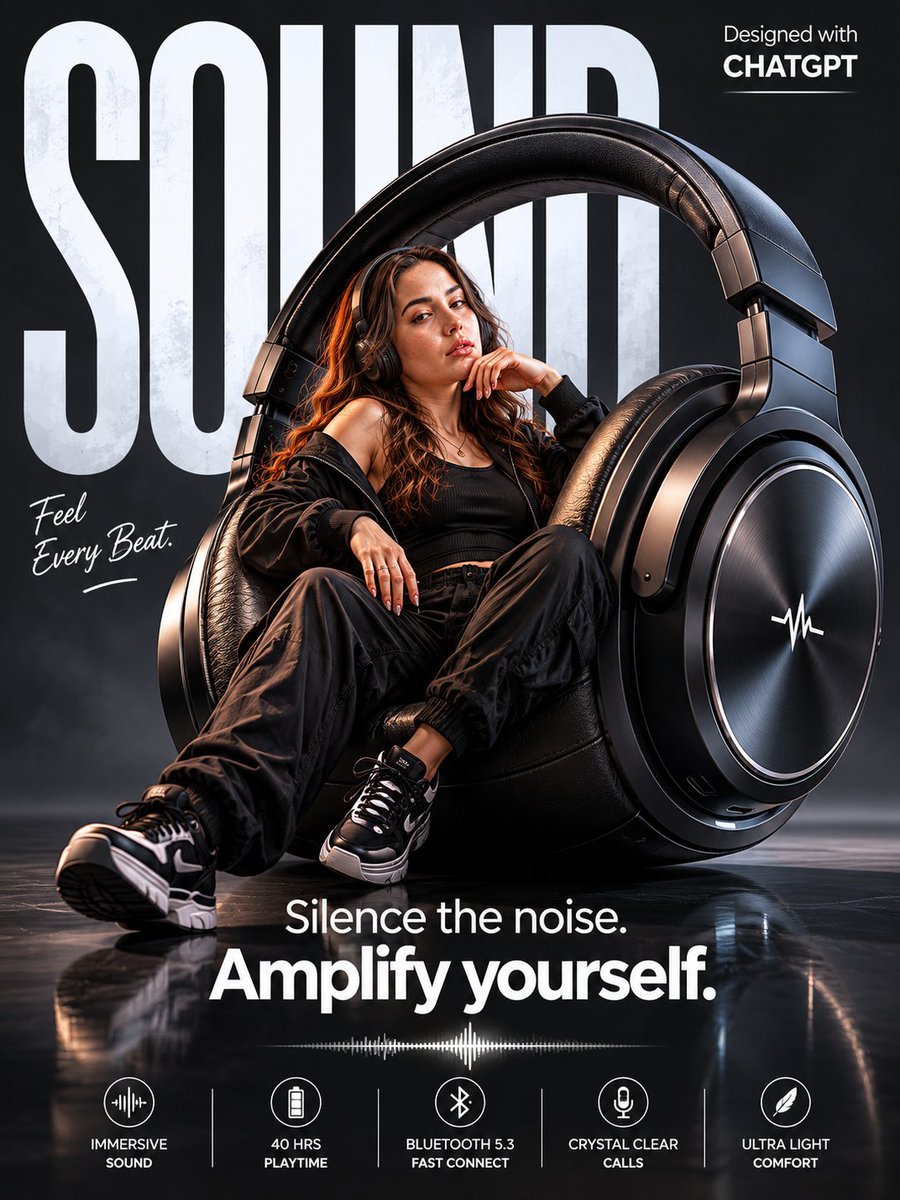
Surreal Wireless Headphones Poster
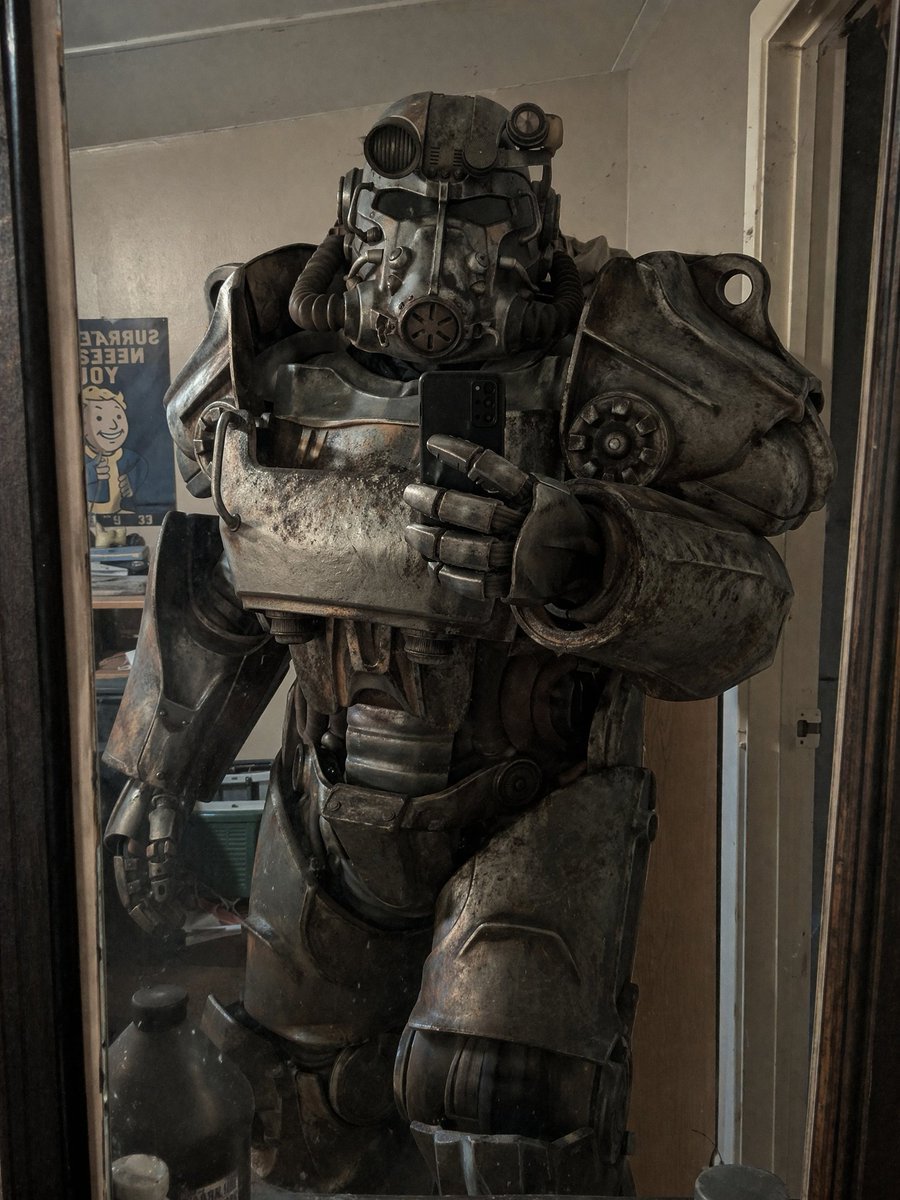
Power Armor Mirror Selfie
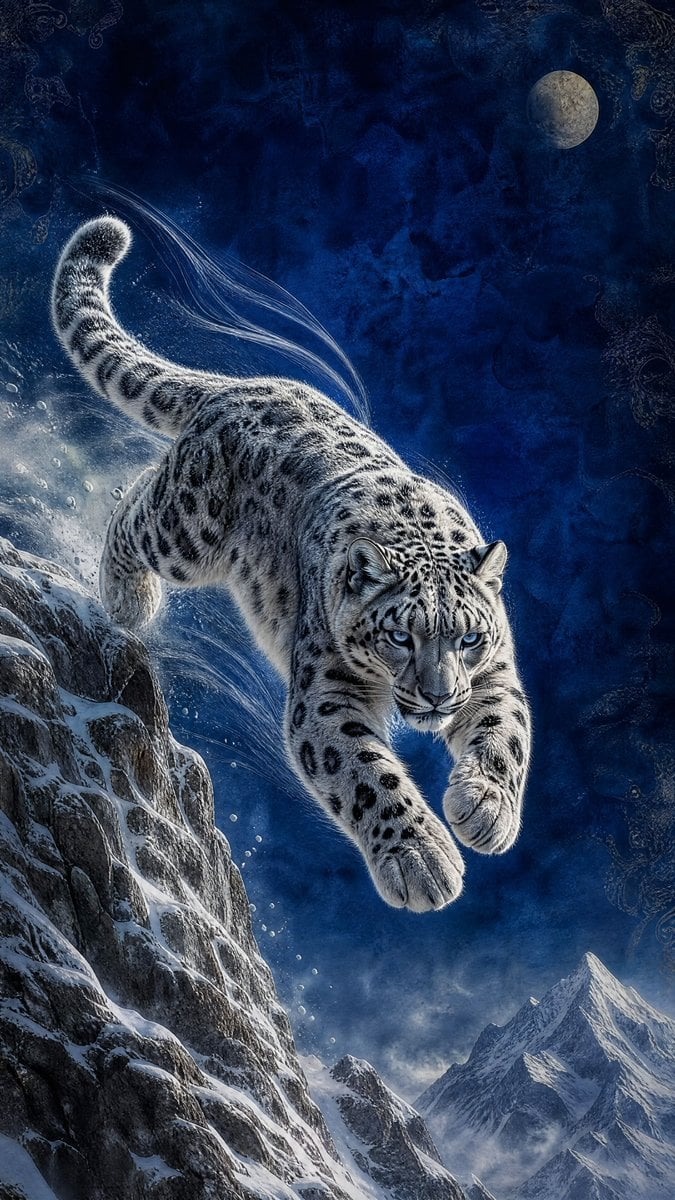
Moonlit Snow Leopard Leap
Browse template categories
Social Game Special Move Production Prompt for Nano Banana Pro questions
How do I use the Social Game Special Move Production Prompt for Nano Banana Pro template?
Add your photo if the template asks for one, edit the prompt if you like — the template's model and format are already selected — and press Generate. Your version opens in PicX Studio.
Can I customize the Social Game Special Move Production Prompt for Nano Banana Pro template?
Yes. You can change the subject, setting, lighting, mood, format, and available model controls before creating your image.
Is the Social Game Special Move Production Prompt for Nano Banana Pro template free?
Opening and editing this template is free. Generating uses credits, shown on the Generate button when you are signed in.
Which AI model should I use?
Start with Nano Banana 2, which is the model associated with this template. You can compare another compatible model for a different finish.
Looking for something else? Browse all templates.

Your photo, any look
Thousands of ready templates for every top image and video model, from one credit balance.