
Enchanted Gothic Study Interior
This prompt generates a cinematic fantasy library-study room with ornate furniture and magical blue-violet lighting, ideal for background art, concept design, or atmospheric scene creation.
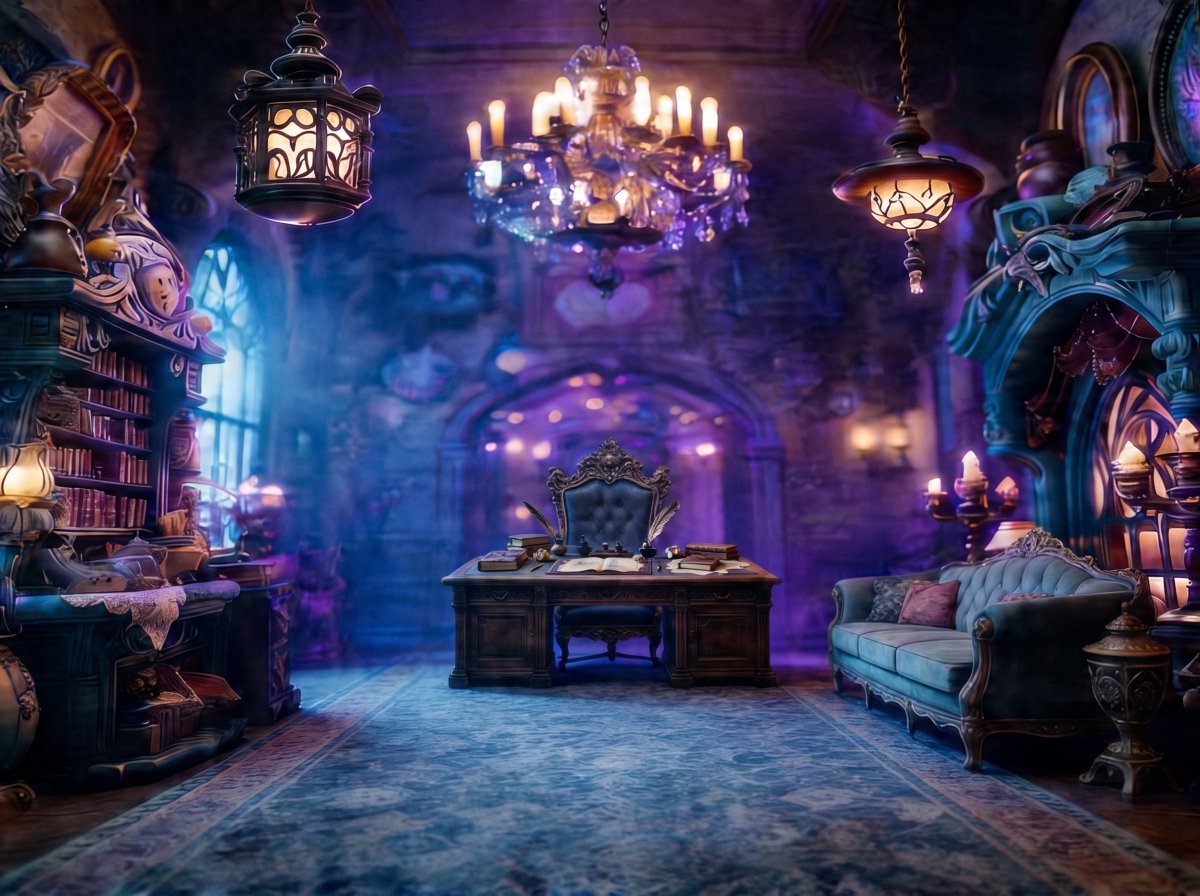
- Prompt included
- Model and format preset
- Free template
The prompt behind this image
Copy the exact prompt behind Enchanted Gothic Study Interior, or open it in the studio and make it yours.
A lavish fantasy gothic study interior, shown as a wide symmetrical room shot with no people present. In the center, place an ornate dark wooden writing desk with carved details, an open book, loose papers, an ink bottle, a quill, and exactly 2 small stacks of books on top, with a tall throne-like upholstered chair behind it in deep blue-gray velvet and intricate baroque trim. Overhead, include exactly 3 hanging light fixtures: 1 crystal chandelier with glowing candles in the center, 1 dark metal lantern on the upper left, and 1 warm amber pendant lamp on the upper right. On the left side of the room, add a tall carved bookshelf packed with books and curios, a small side table with papers and objects, and a tall arched stained-glass window casting cool blue light. On the right side, add an ornate carved architectural alcove or fireplace-like structure, a plush vintage sofa in dusty teal with 2 throw pillows, and a candelabra with lit candles. Use a richly decorated old mansion or magical library setting with stone walls, carved wood, antique furniture, and layered decorative clutter. The floor should be covered by a large patterned rug leading toward the desk. Light the scene with a dramatic mix of cool moonlit blue and glowing violet-magenta ambient haze, plus warm candlelight highlights, creating an enchanted, mysterious, cinematic atmosphere. Ultra-detailed, painterly 3D fantasy illustration, soft volumetric fog, shallow depth of field, luminous bloom, high detail textures, centered composition, elegant, whimsical, magical, storybook realism.
How to use Enchanted Gothic Study Interior in 3 steps
- 1Upload ImagePNG, JPG or paste
Add your photo
Upload the photo the template builds on. The prompt, model and format are already set.
- 2…a portrait of your subject in softgolden-hour light, 85mm…
Personalize
Edit the subject and creative details for your destination.
- 3Generate
Generate
Press Generate — your image is created in PicX Studio, so you can compare it with the original and refine one variable at a time.
More like this
Templates with the same subject, style or setup. Open one to see its prompt.

Douyin Aesthetic Café Study Portrait
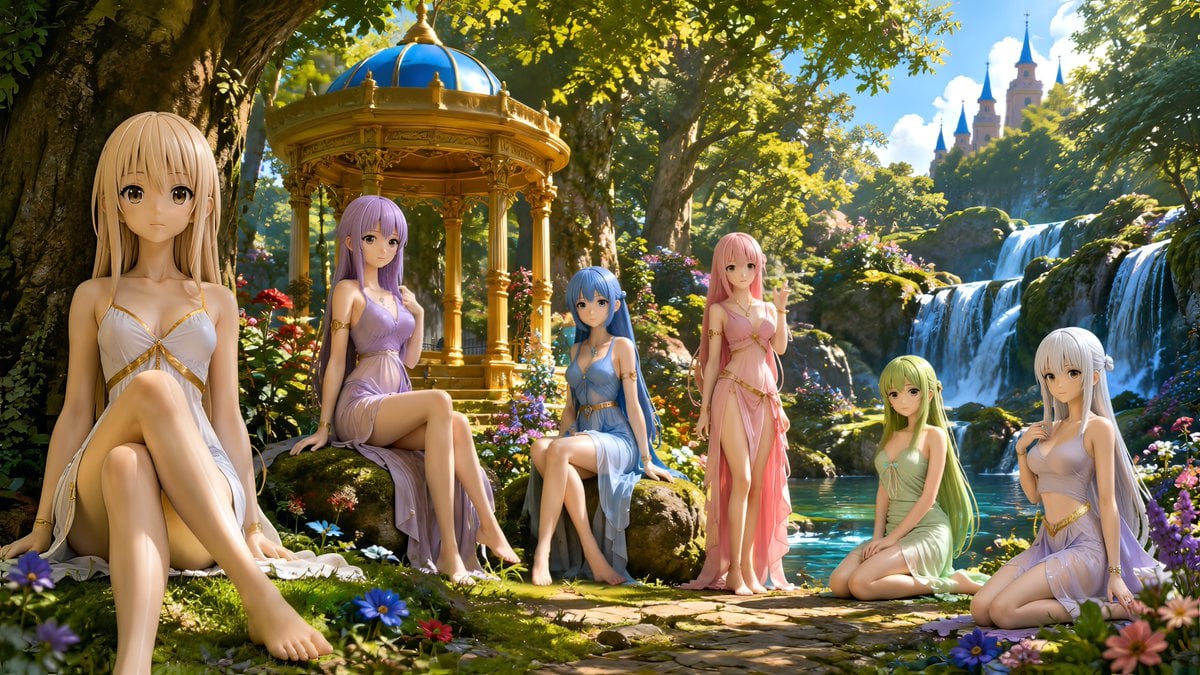
Nymphs by Enchanted Spring
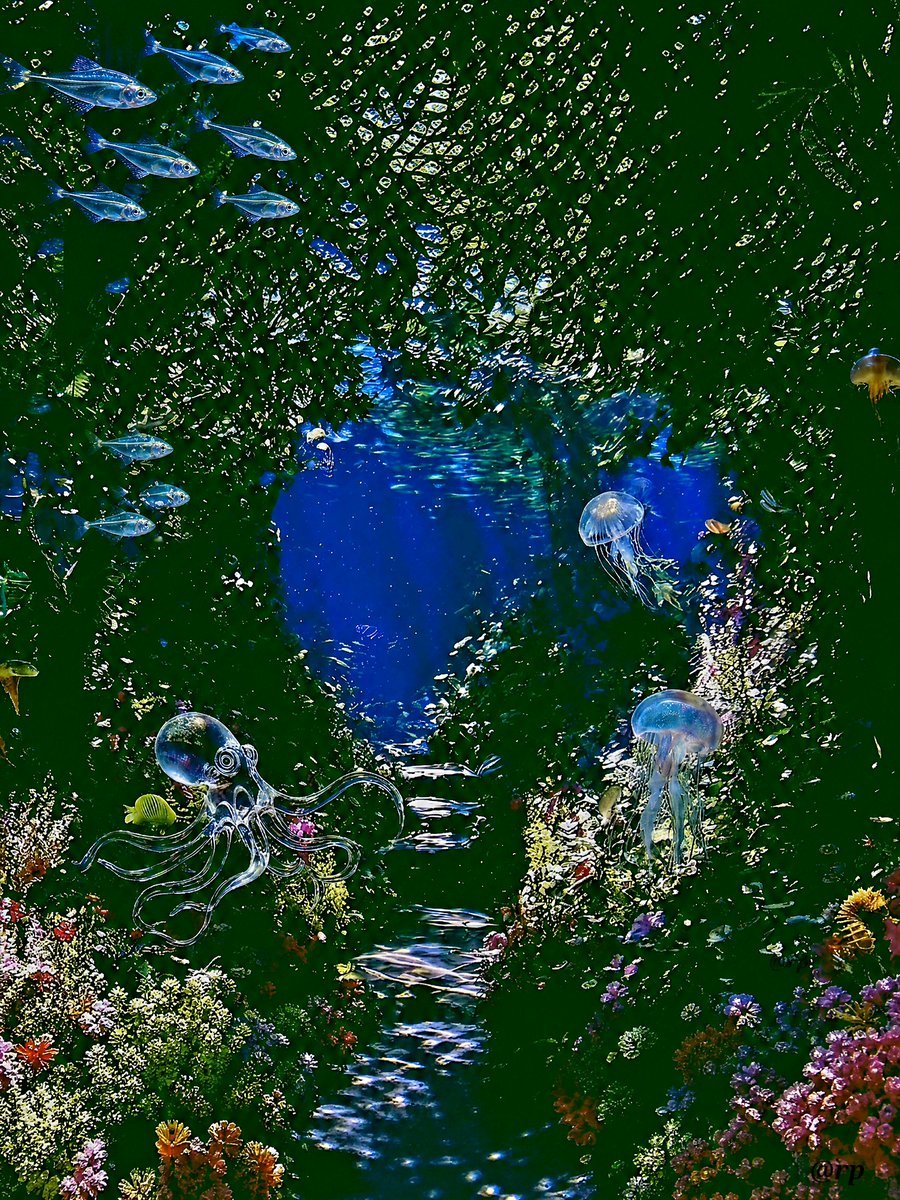
Enchanted Sea Sprites Grotto

Gothic Japanese Mobile Homepage

Burning Gothic Flood Escape
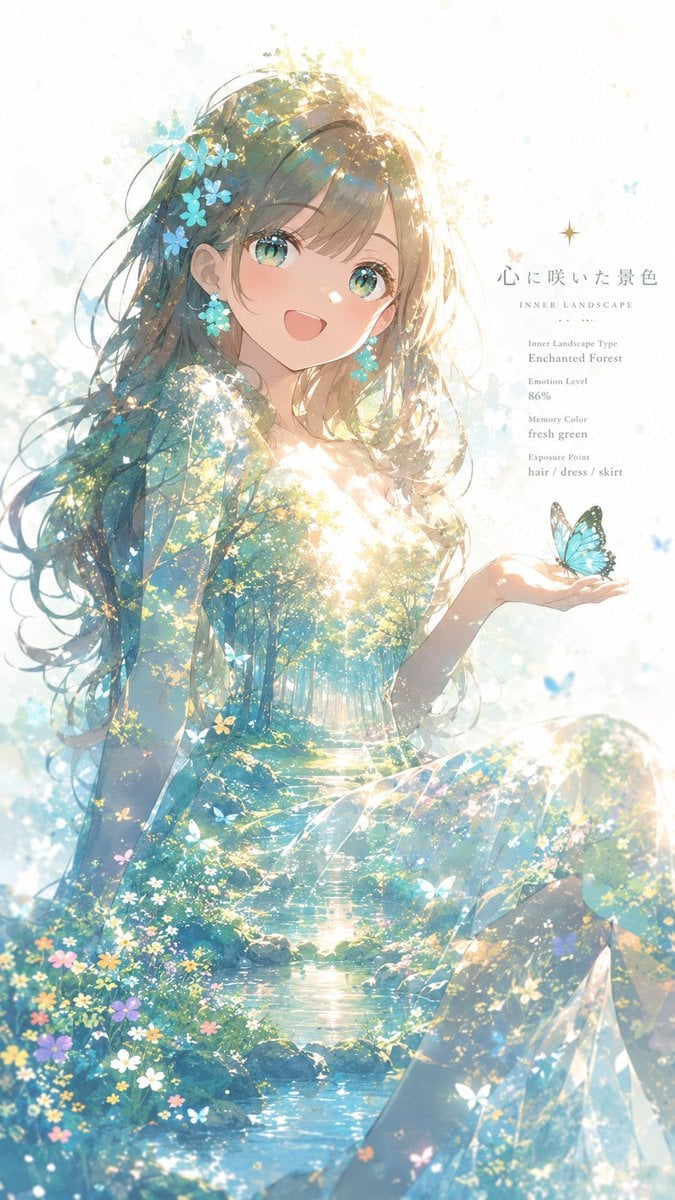
Enchanted Forest Inner Landscape
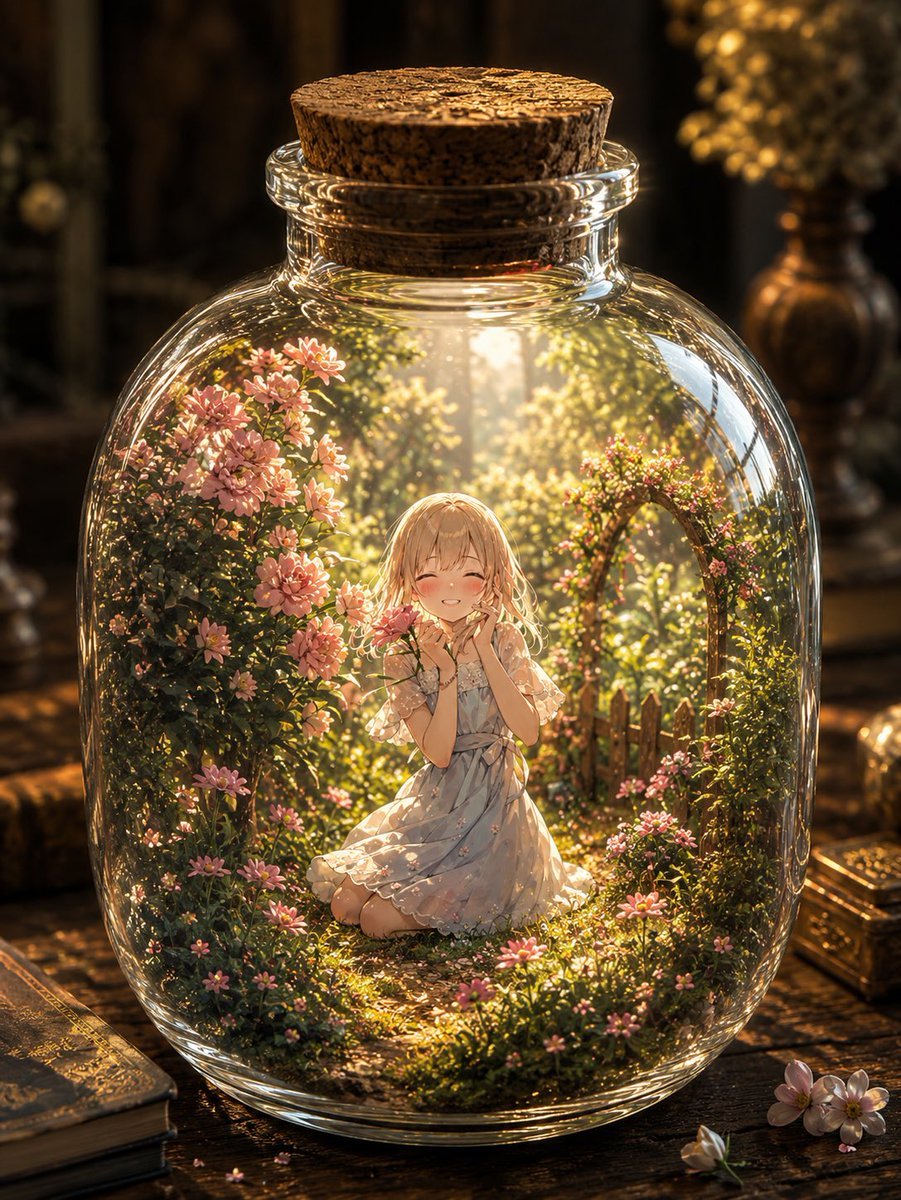
Enchanted Garden in a Glass Jar
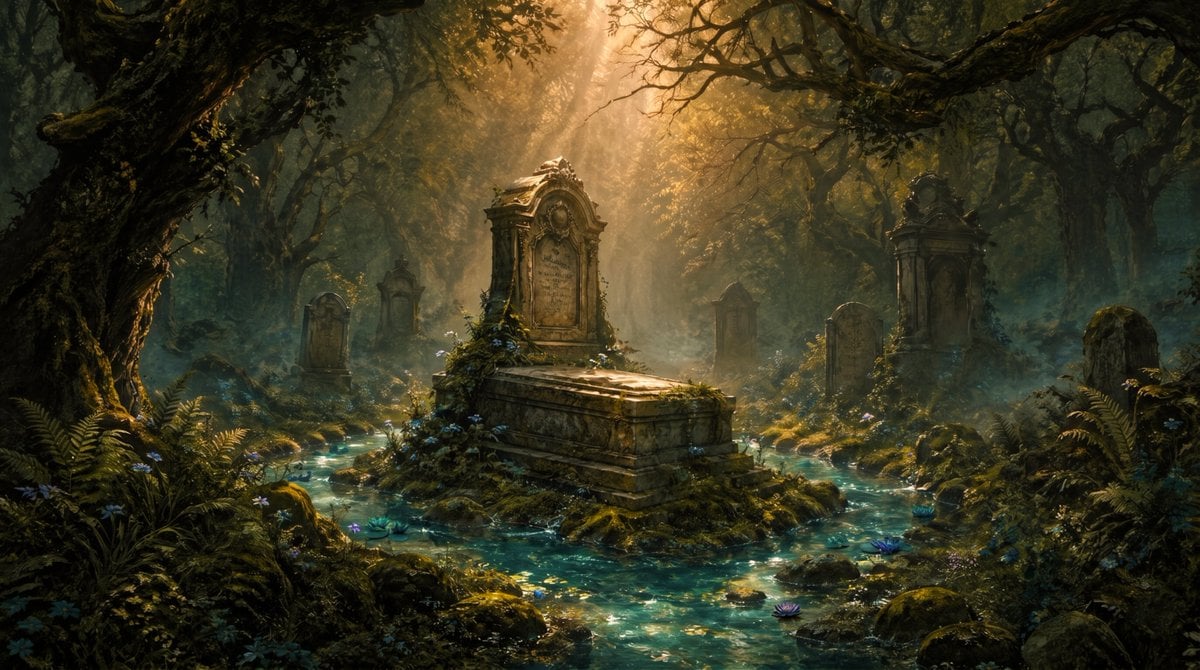
Enchanted Forest Grave Spring
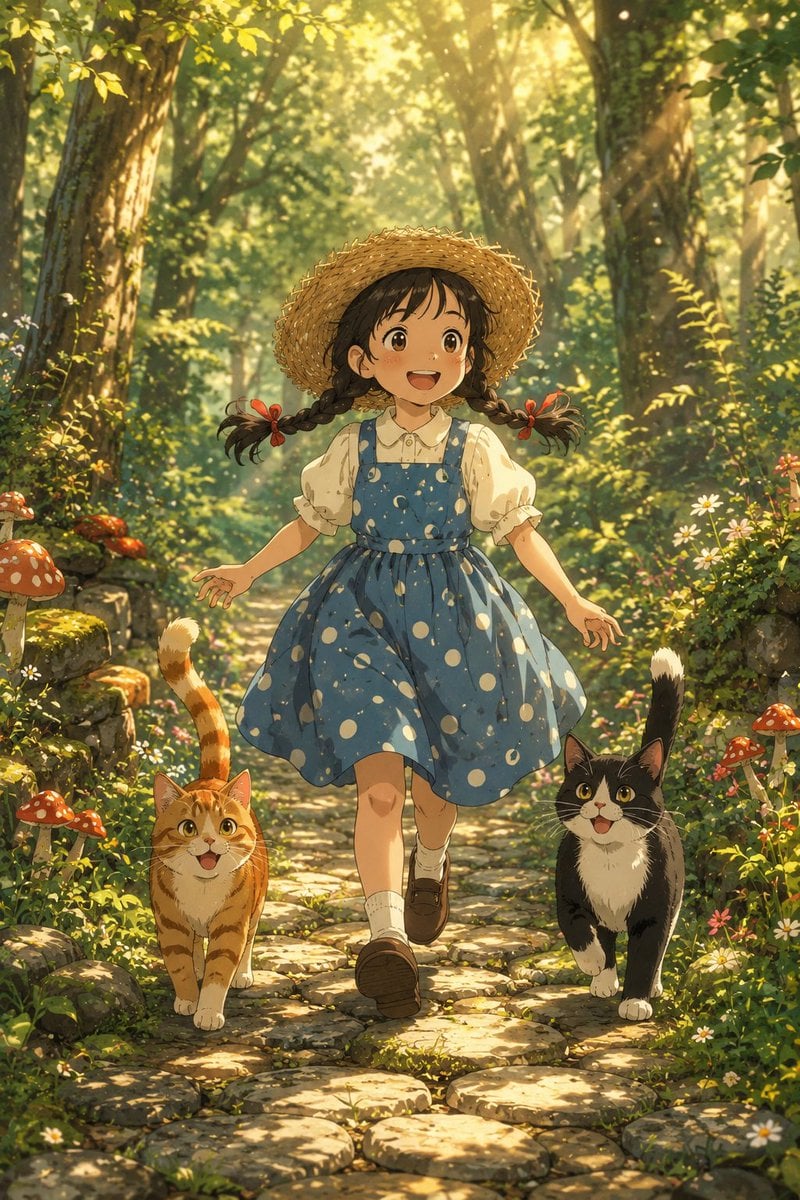
Girl Running Through Enchanted Forest

Enchanted Hanfu Forest Goddess
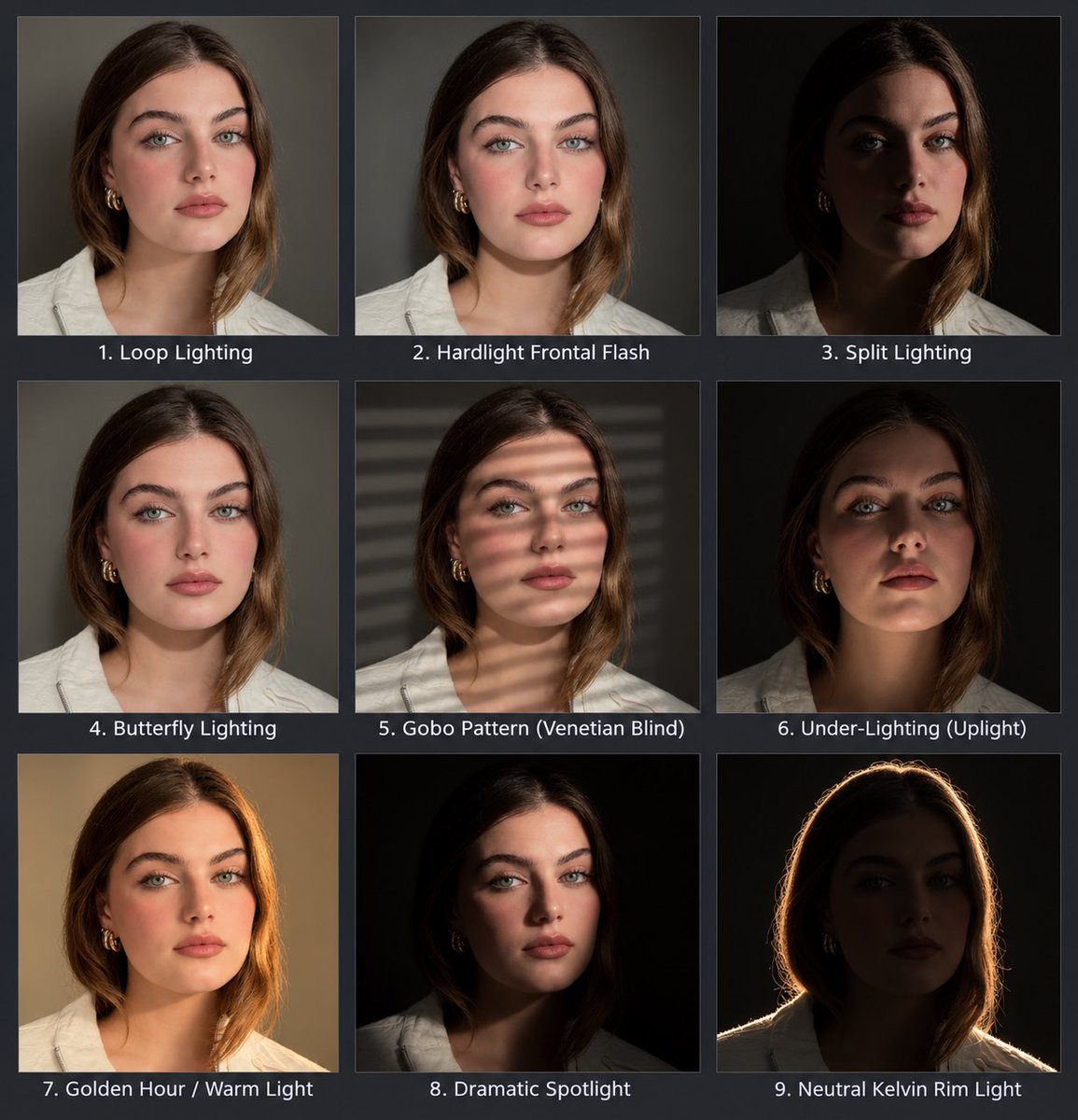
Portrait Lighting Study Grid

Ancient Temple Interior Contact Sheet
Make it yours
Enchanted Gothic Study Interior works as-is. These are the safest ways to change it without losing the look.
Change one field
Copy a single group, rewrite it, and generate again so you can see what that field is doing.
Keep the frame, change the subject
Hold the composition and light of Enchanted Gothic Study Interior, then swap wardrobe, props or the person for a new take.
| If the result… | Why | Fix |
|---|---|---|
| The result drifts from the preview | Too many fields changed at once. | Reuse Enchanted Gothic Study Interior as-is first, then change one group — subject, light, or setting. |
| The model over-stylizes the scene | The prose prompt leaves finish and camera underspecified. | Add one camera or lighting sentence and stay on GPT Image 2. |
More GPT Image 2 templates
Other prompts made for GPT Image 2.

Six VTuber Japanese Logo Sheet

Realistic Portrait of Woman and Deer

The Vista Modular Condo Poster

AI Model Routing Comparison Infographic

2.5D Anime Art Board

Isometric Productivity Desk Scene

New York Double Exposure Poster

Four-Panel AI Landscape Comparison

Japanese Tatami Lifestyle Magazine Cover

NESCAFÉ Coffee Map Poster
More image prompts
Fresh picks from across the catalog.
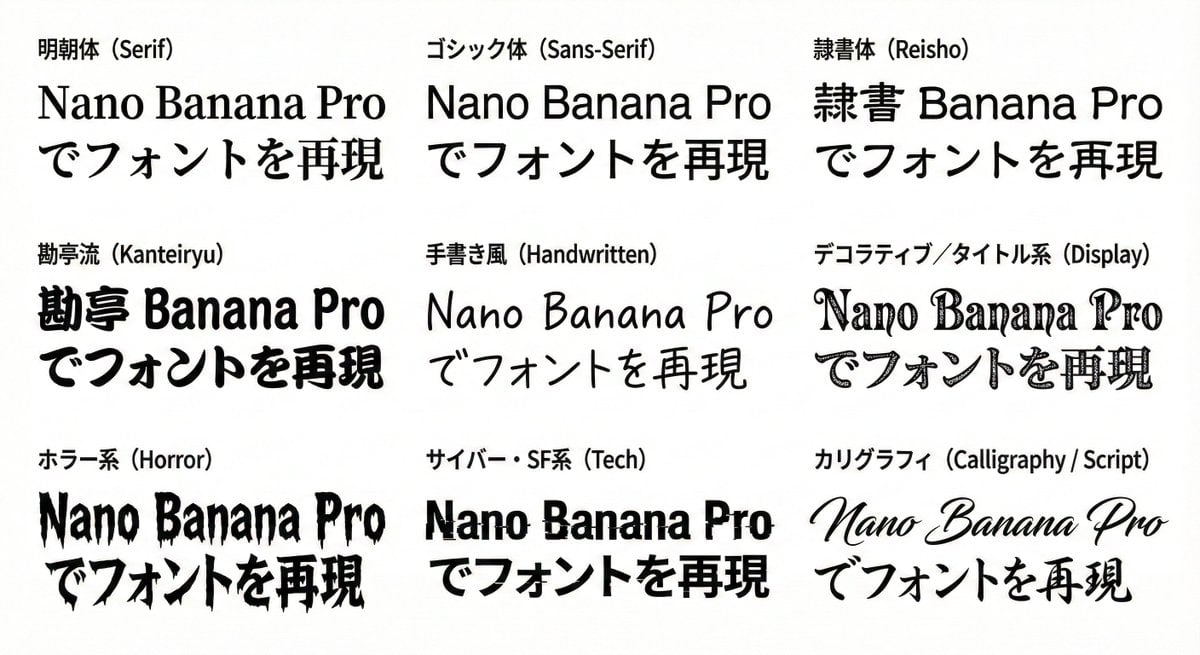
Multi-Font Text Generation and Control
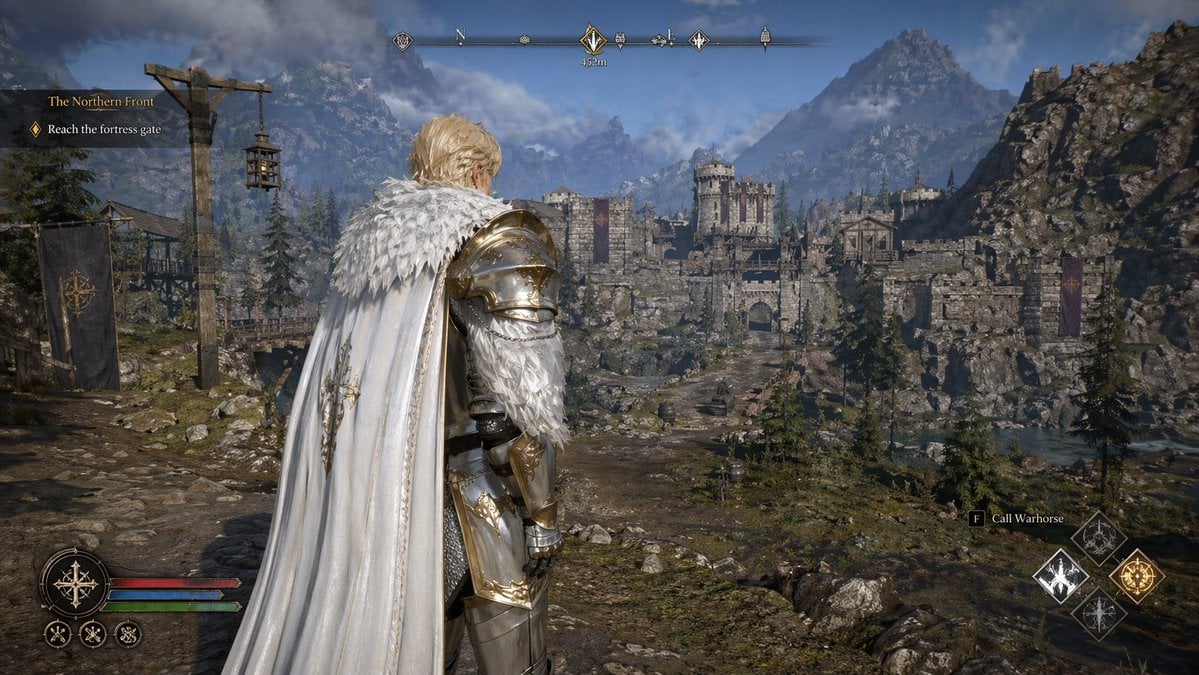
Open-world RPG screenshot style
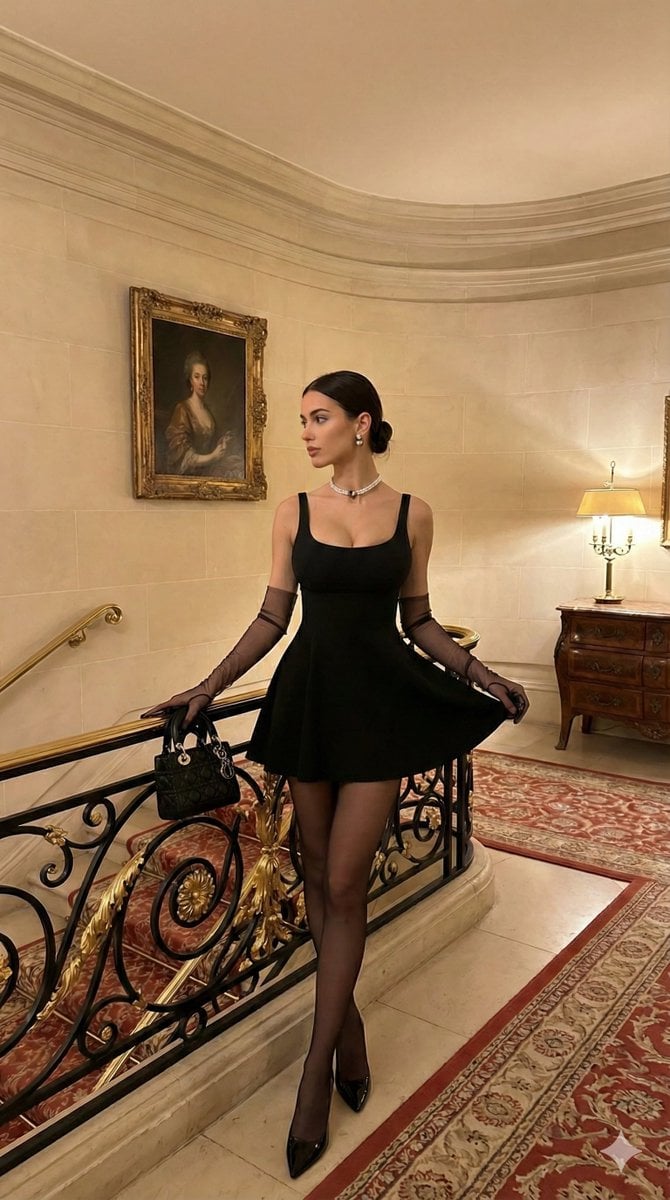
Old Money Aesthetic: Woman in LBD on Grand Staircase
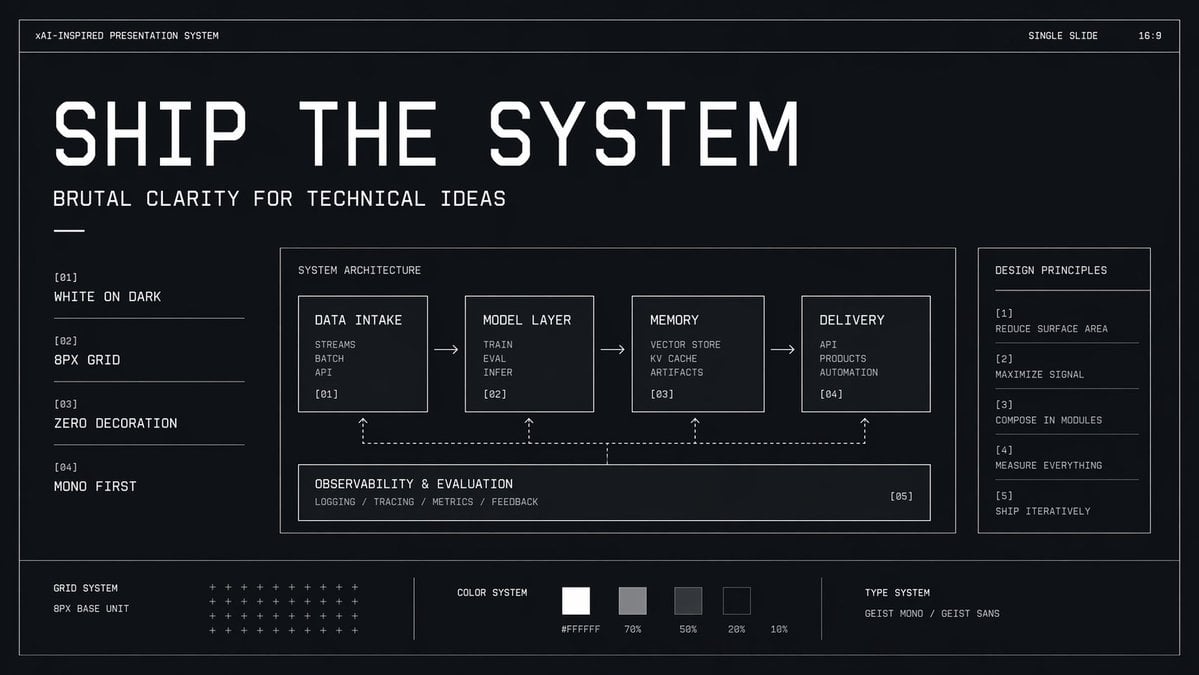
Brutalist Technical System Slide
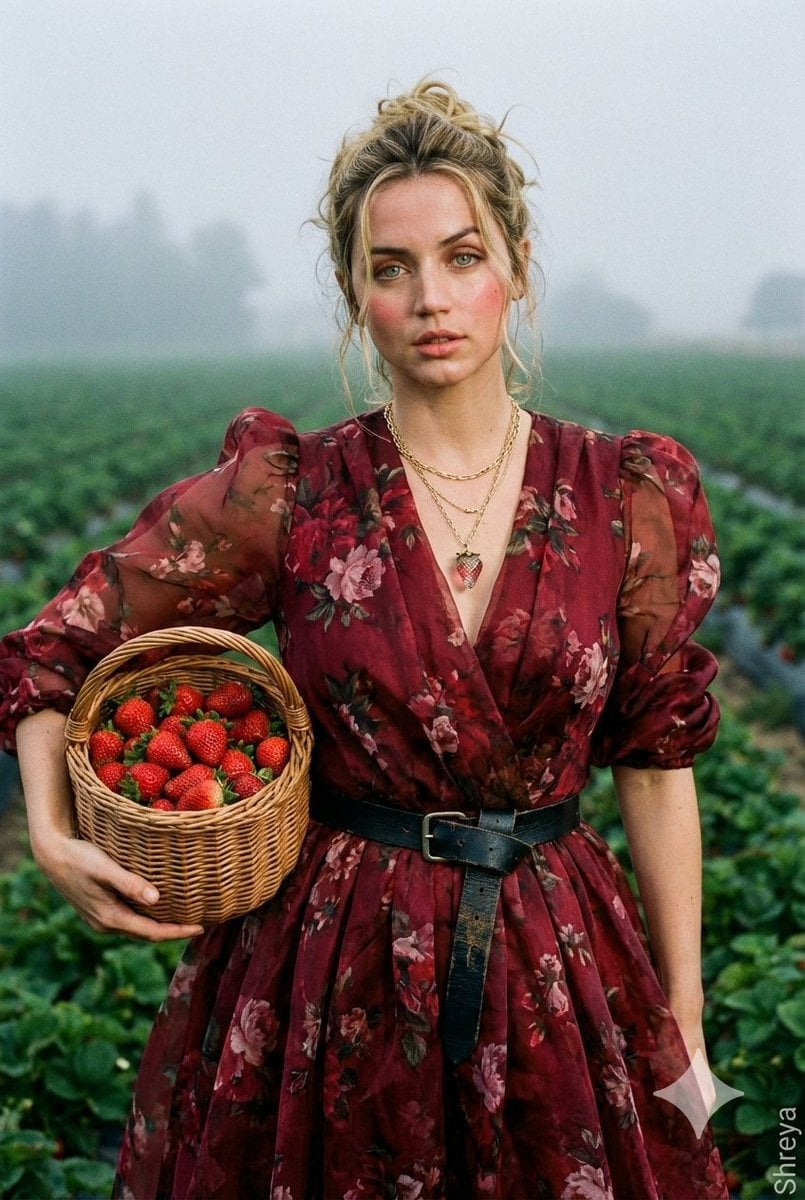
High-Fashion Strawberry Harvest Portrait Prompt
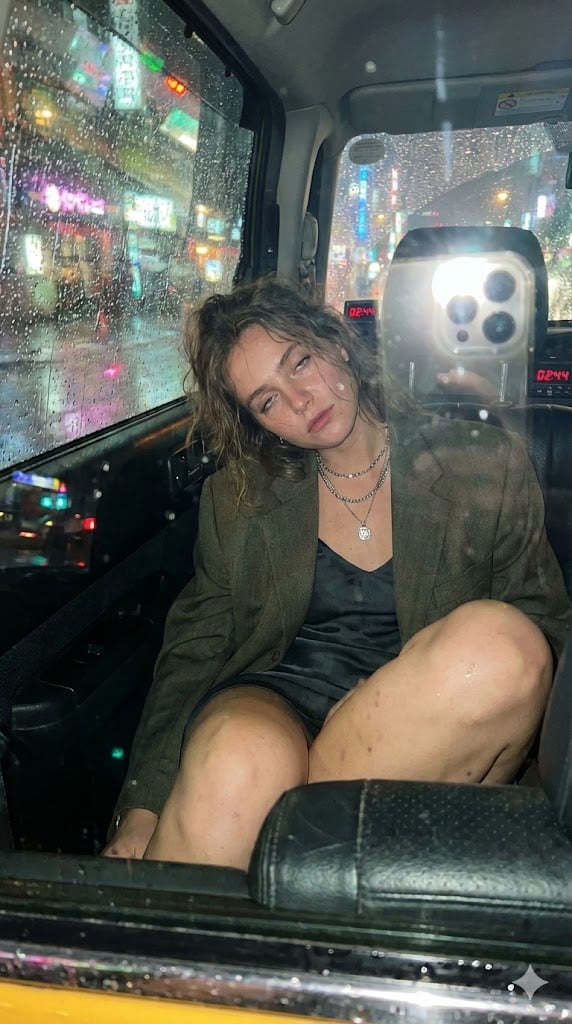
Candid Taxi-Ride Dump Photography
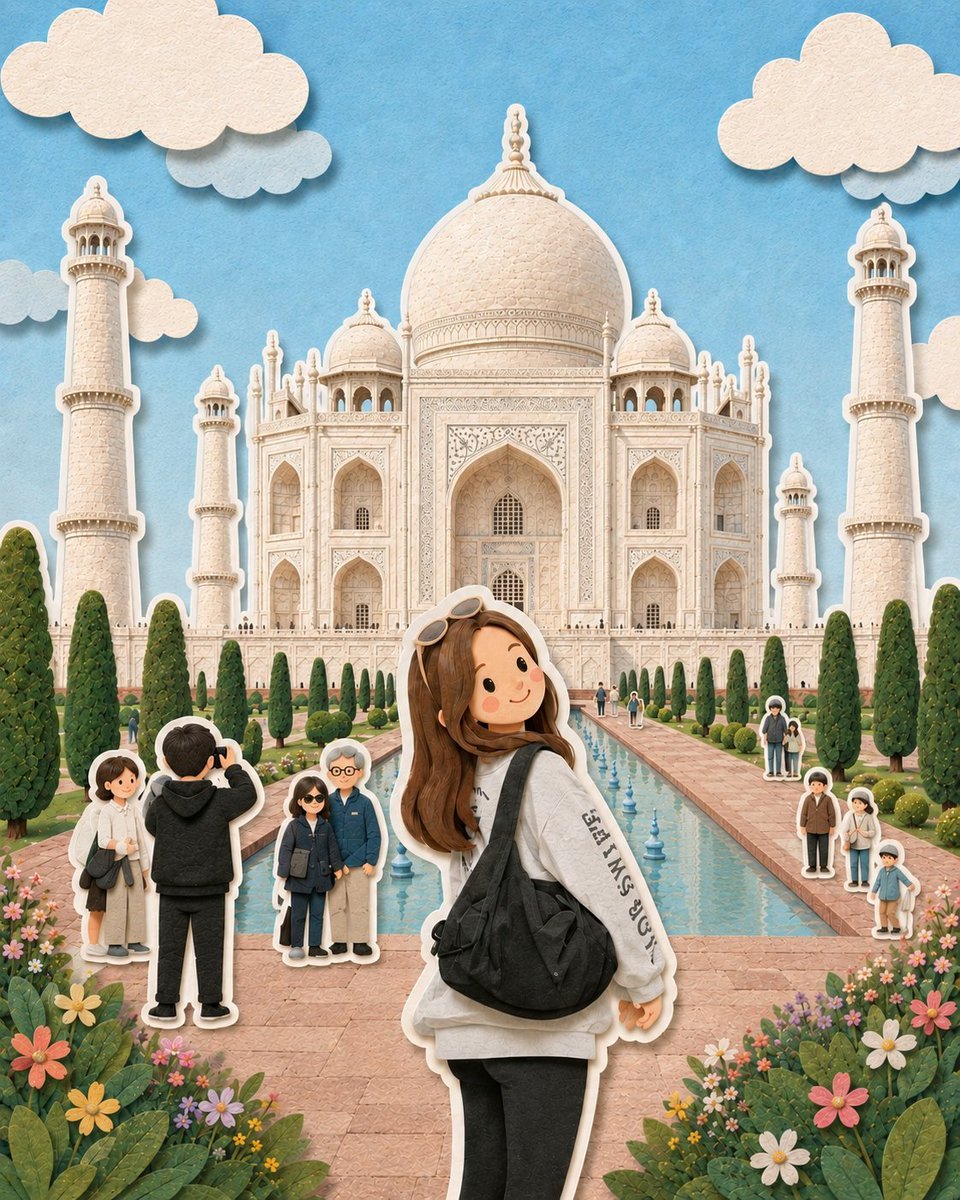
Paper-Cut Diorama Illustration

Luxurious KitKat Sweet Retreat
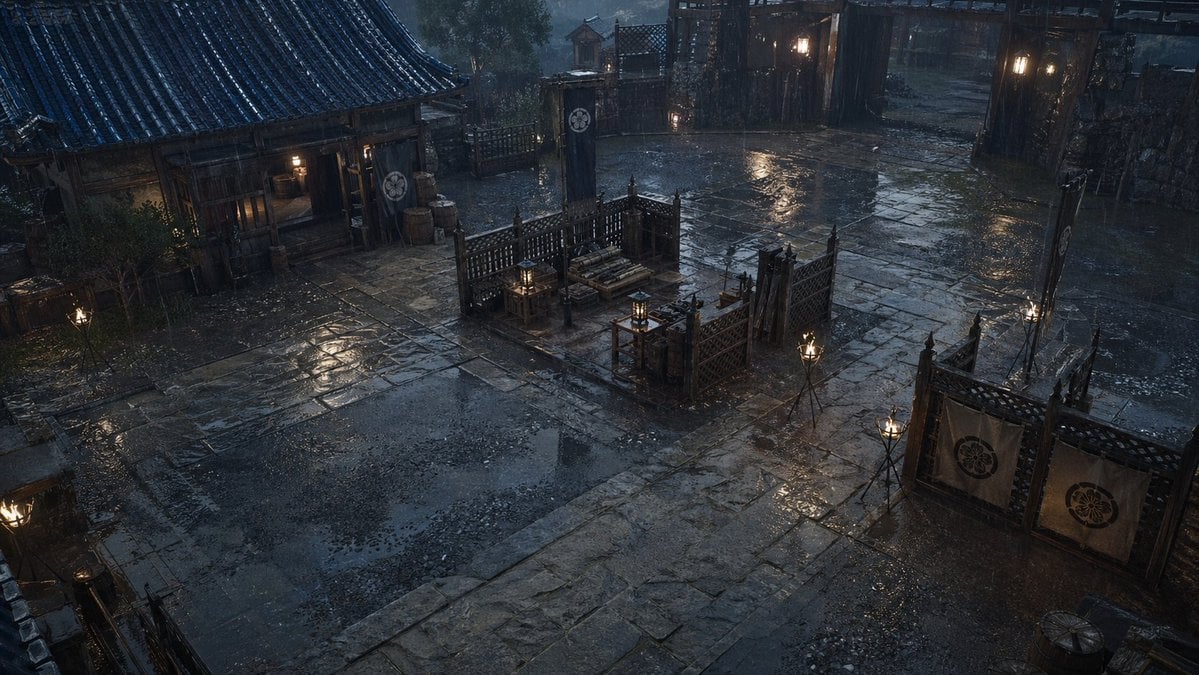
Rainy Feudal Japan Courtyard
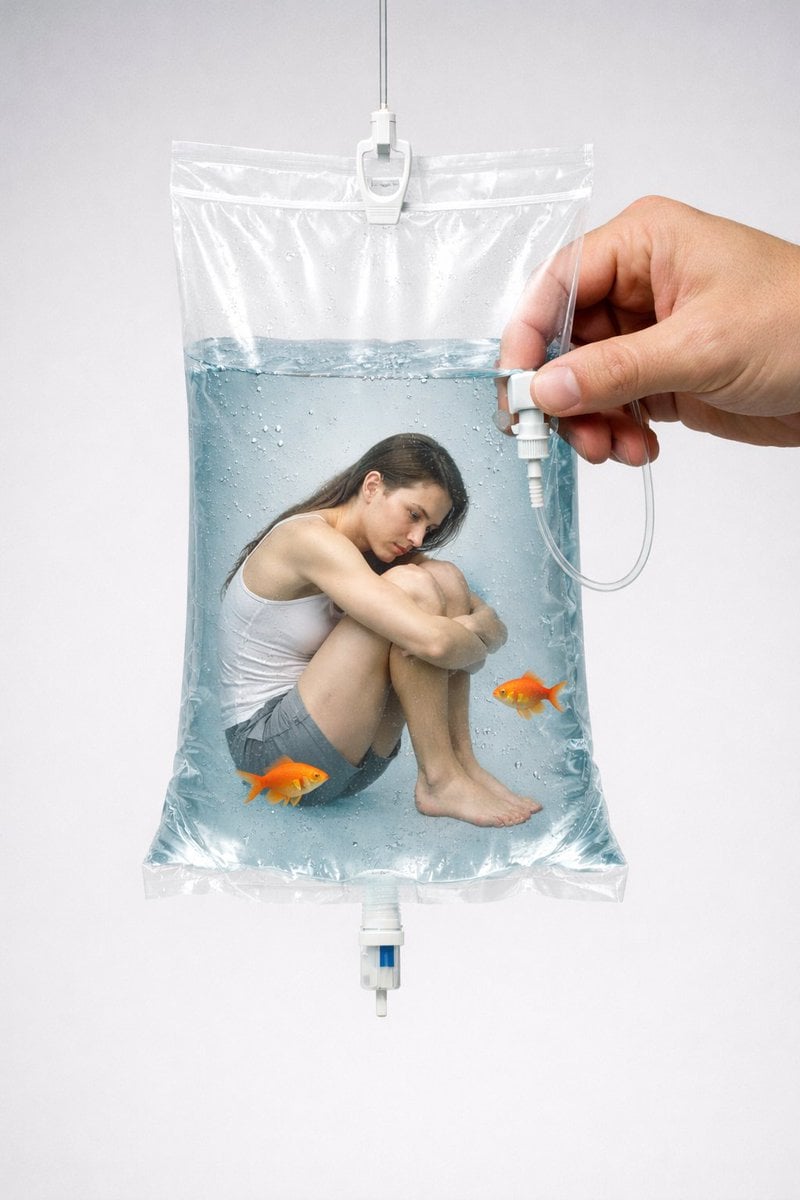
Conceptual Editorial Visual Prompt: Contained Human Aquarium
Browse template categories
Enchanted Gothic Study Interior questions
How do I use the Enchanted Gothic Study Interior template?
Add your photo if the template asks for one, edit the prompt if you like — the template's model and format are already selected — and press Generate. Your version opens in PicX Studio.
Can I customize the Enchanted Gothic Study Interior template?
Yes. You can change the subject, setting, lighting, mood, format, and available model controls before creating your image.
Is the Enchanted Gothic Study Interior template free?
Opening and editing this template is free. Generating uses credits, shown on the Generate button when you are signed in.
Which AI model should I use?
Start with GPT Image 2, which is the model associated with this template. You can compare another compatible model for a different finish.
Looking for something else? Browse all templates.

Your photo, any look
Thousands of ready templates for every top image and video model, from one credit balance.