
Afrofuturist Streetwear Editorial Portrait
A high-contrast, hyper-detailed prompt for generating a stylish portrait of a woman in an urban transit setting, blending street photography with graffiti and comic-book graphic elements.
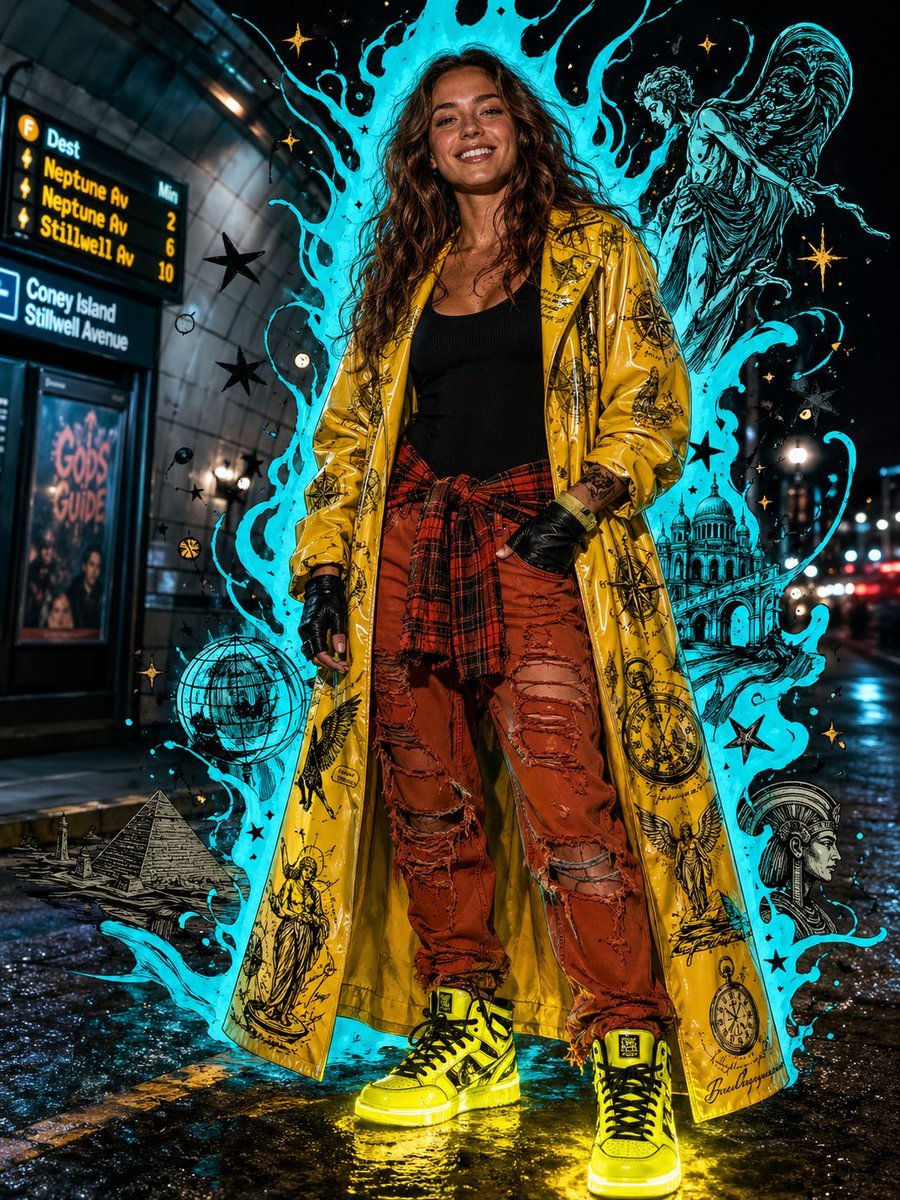
- Prompt included
- Model and format preset
- Premium template
The prompt behind this image
Copy the exact prompt behind Afrofuturist Streetwear Editorial Portrait, or open it in the studio and make it yours.
{argument name="subject" default="Young woman in her early 20s with long flowing medium-brown wavy hair, fair skin with warm peachy undertone, and light blue eyes with a radiant wide smile"}, standing in a confident relaxed pose at a {argument name="location" default="nighttime urban transit station"}. She wears a {argument name="outfit" default="floor-length oversized glossy yellow PVC duster coat covered in scattered black ink illustrative tattoo-flash graphics — pyramids, globes, compass roses, pocket watches, angelic figures — over a fitted black scoop-neck ribbed tank top and rust terracotta orange distressed ripped denim jeans with an orange flannel shirt tied around her waist"}. Black fingerless leather gloves on both hands. Chunky neon yellow high-top sneakers with black laces emit a glowing light bleed onto the wet asphalt ground. Background is a blurred bokeh city night street with a curved tiled tunnel wall and illuminated transit boards to the left. A bold neon cyan digital illustration overlay erupts behind her — loose comic-style liquid drip shapes, flame tendrils, floating black stars, gold sparkle bursts, and loose ink sketch doodles of figures and architecture — framing her like an aura. Mixed-media aesthetic blending street photography with graffiti comic-book illustration. Dark cinematic lighting with neon cyan rim light, frontal cool fill, and emissive sneaker glow on the ground. Afrofuturist streetwear editorial, hyper-detailed, high contrast, graphic novel energy.
How to use Afrofuturist Streetwear Editorial Portrait in 3 steps
- 1
Open
The prompt is already in the box next to the preview, with the template's model and format selected.
- 2…a portrait of your subject in softgolden-hour light, 85mm…
Personalize
Edit the subject and creative details for your destination.
- 3Generate
Generate
Press Generate — your image is created in PicX Studio, so you can compare it with the original and refine one variable at a time.
More like this
Templates with the same subject, style or setup. Open one to see its prompt.

untitled

Caution Tape Fashion — Industrial Editorial

Couture Fashion Editorial Woman and Drag

Nano Banana 2 Editorial Fashion Portrait

Found Photograph: Us, 1970

80s Couple Studio Portrait

1988 Mall Style

80s Bollywood Star

80s Golden Hour Cinema

Me in 1985

1985 Studio Portrait

Hyper-Realistic Minecraft POV Portrait
Make it yours
Afrofuturist Streetwear Editorial Portrait works as-is. These are the safest ways to change it without losing the look.
Change one field
Copy a single group, rewrite it, and generate again so you can see what that field is doing.
Keep the frame, change the subject
Hold the composition and light of Afrofuturist Streetwear Editorial Portrait, then swap wardrobe, props or the person for a new take.
| If the result… | Why | Fix |
|---|---|---|
| The result drifts from the preview | Too many fields changed at once. | Reuse Afrofuturist Streetwear Editorial Portrait as-is first, then change one group — subject, light, or setting. |
| The model over-stylizes the scene | The prose prompt leaves finish and camera underspecified. | Add one camera or lighting sentence and stay on GPT Image 2. |
More GPT Image 2 templates
Other prompts made for GPT Image 2.

Six VTuber Japanese Logo Sheet

Realistic Portrait of Woman and Deer

The Vista Modular Condo Poster

AI Model Routing Comparison Infographic

2.5D Anime Art Board

Isometric Productivity Desk Scene

New York Double Exposure Poster

Four-Panel AI Landscape Comparison

Japanese Tatami Lifestyle Magazine Cover

NESCAFÉ Coffee Map Poster
More image prompts
Fresh picks from across the catalog.

Surreal Miniature Egg Art Scene Prompt
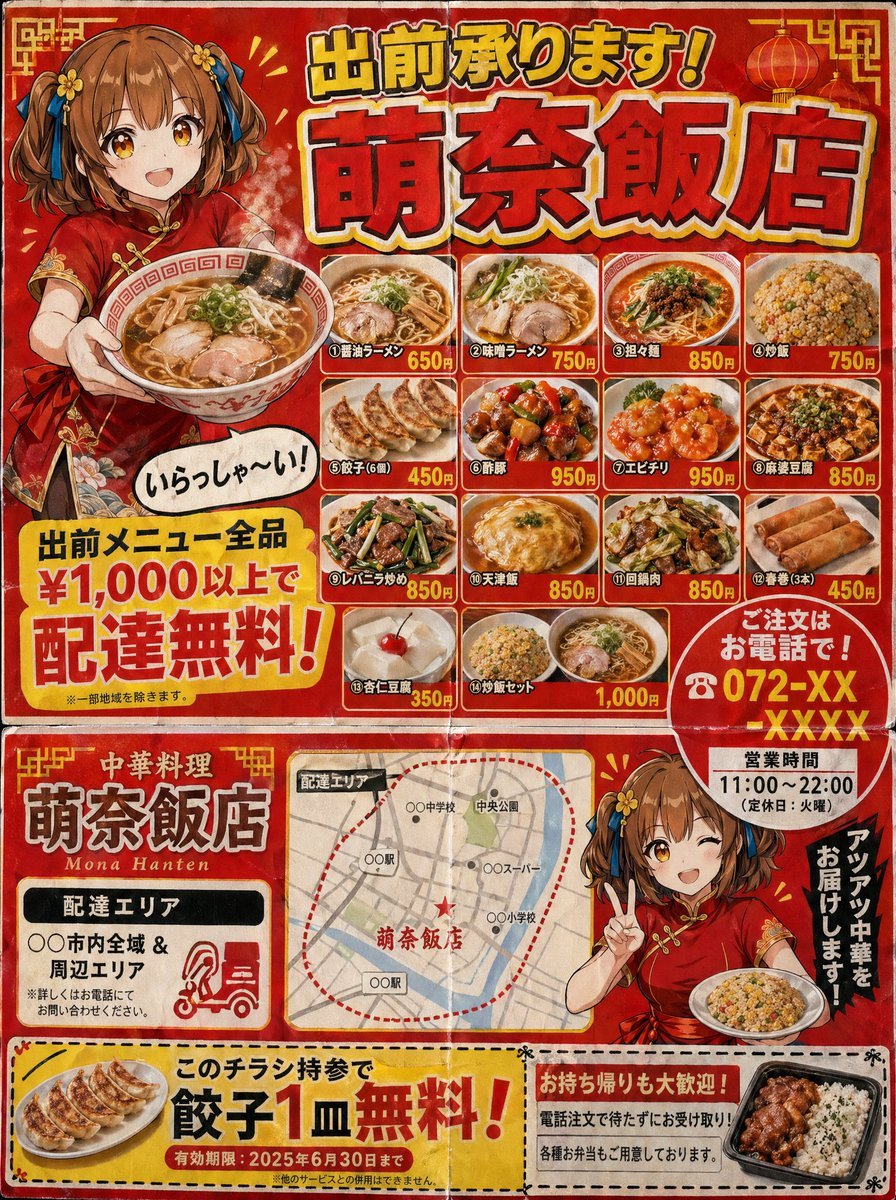
Gpt2 Product Marketing Japanese Chinese Food Delivery Flyer
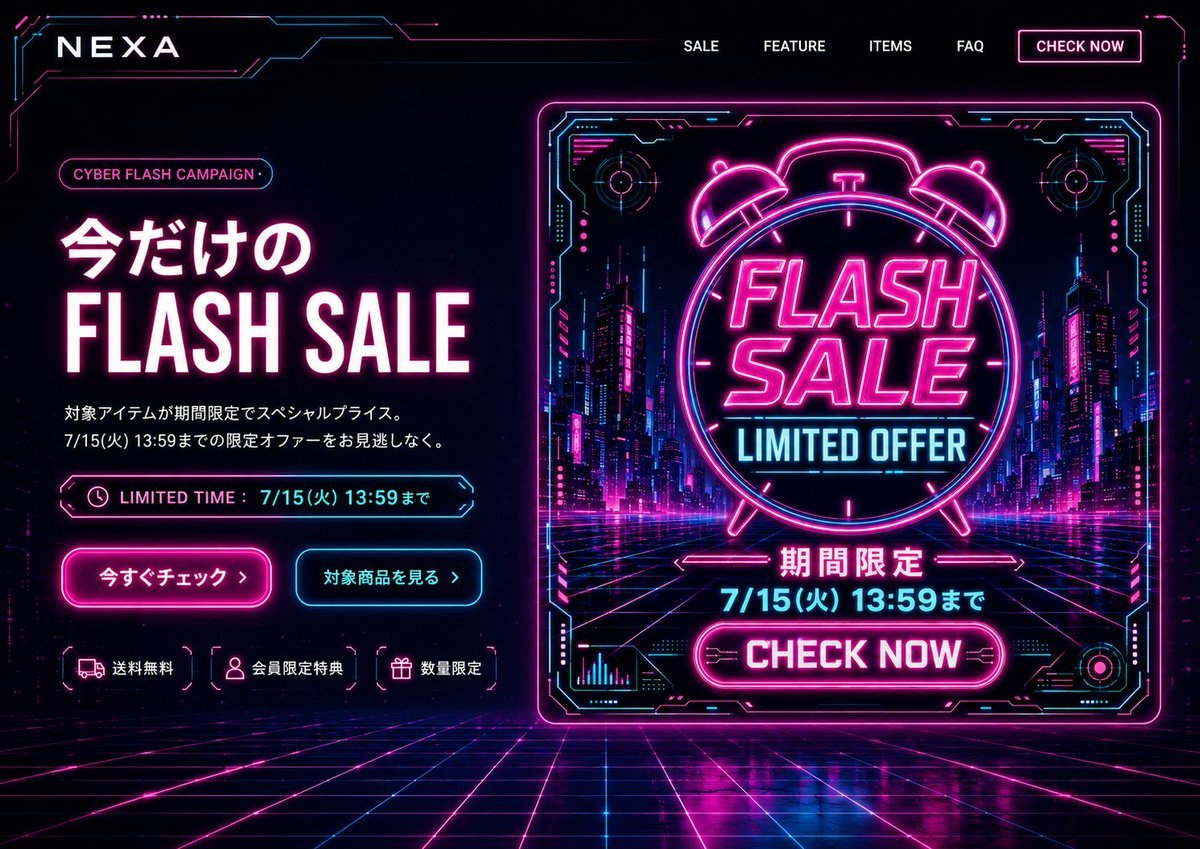
Cyberpunk Flash Sale Landing Hero
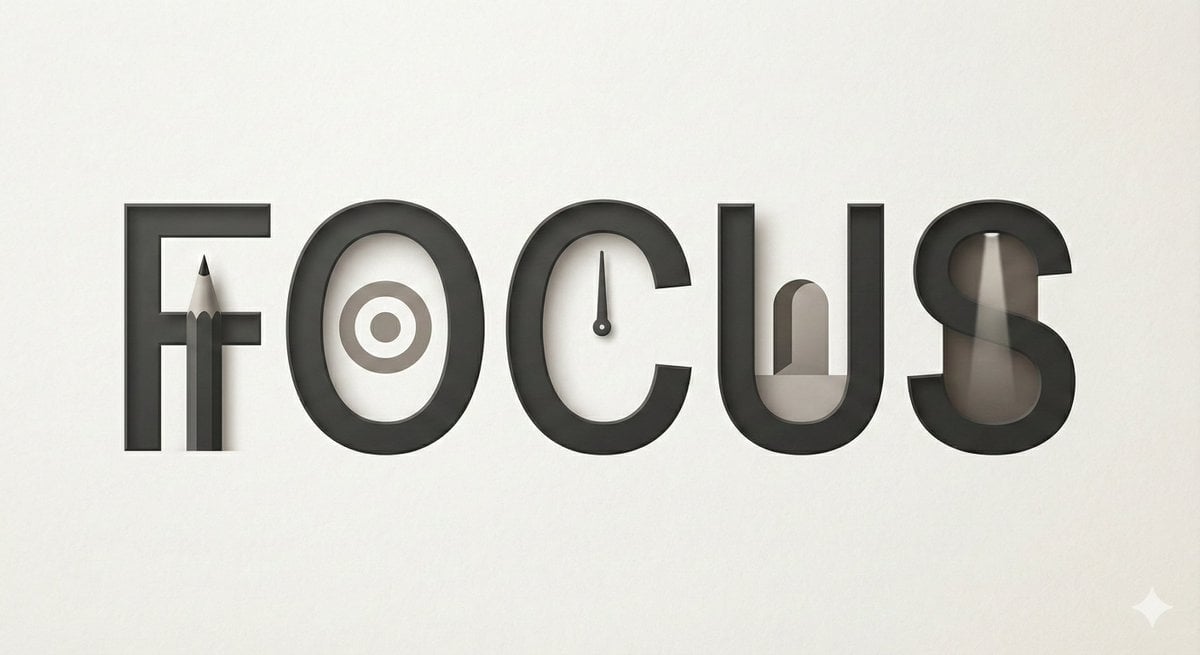
Minimalist Typographic Illustration Conveying Meaning
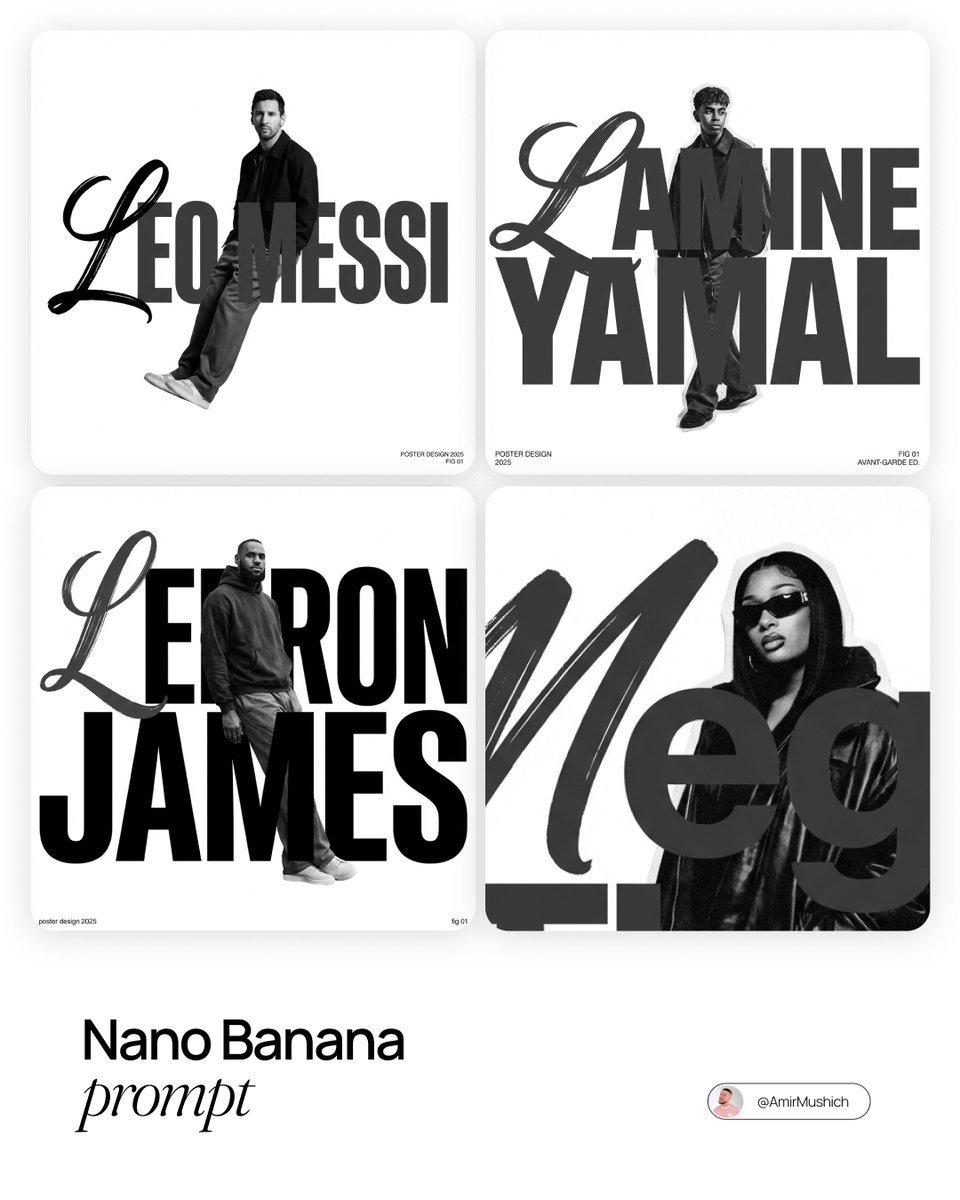
Asymmetric Grid Poster Design Prompt
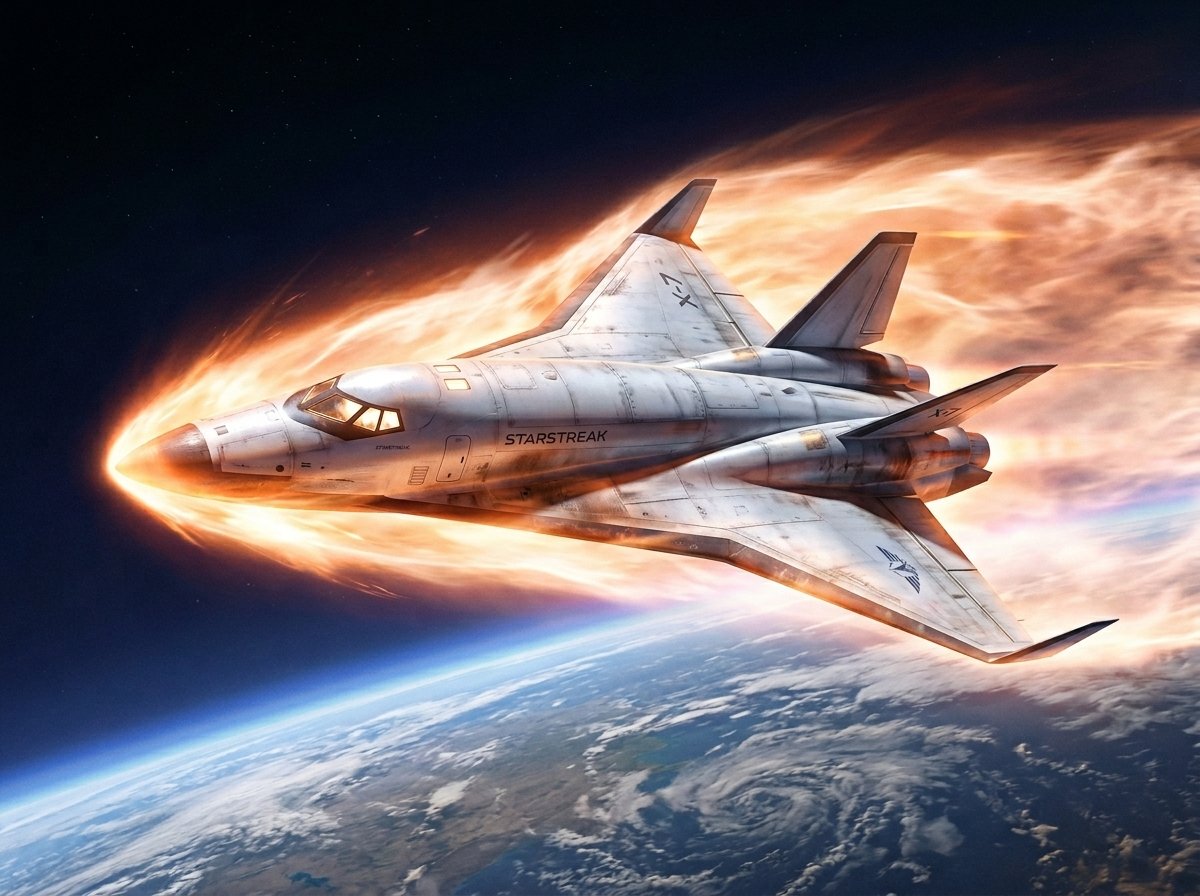
Reentry Shuttle Above Earth

Hip-Hop Fashion Motion Streak Portrait
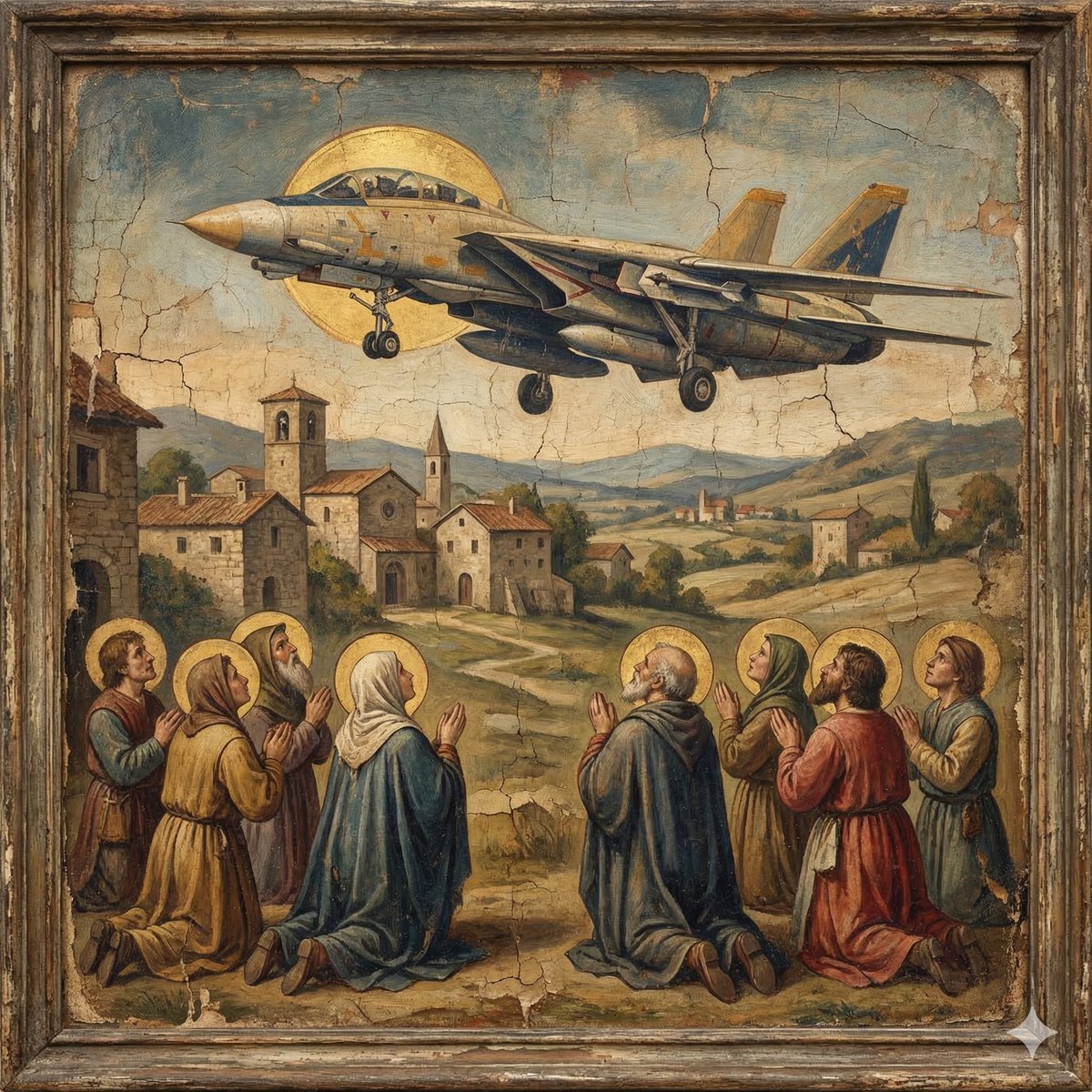
F-14D in the Style of a Western Religious Painting
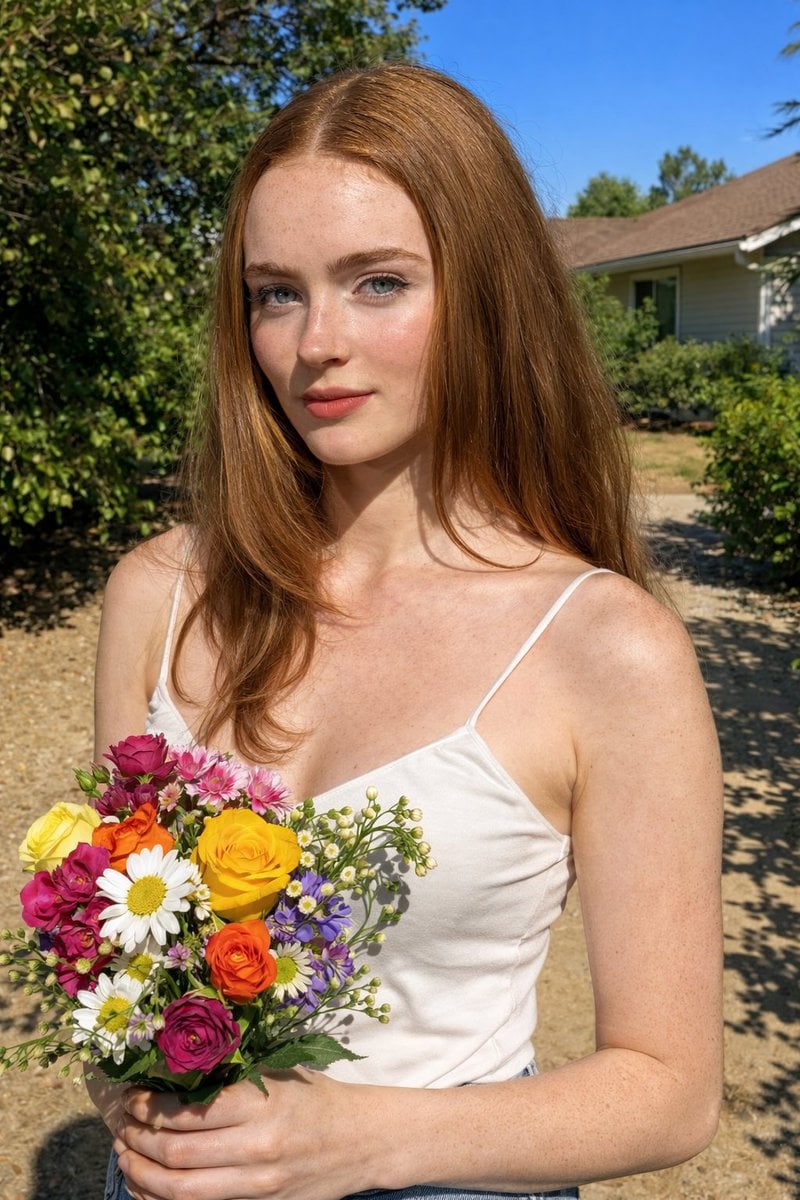
Harsh Midday Sunlight Outdoor Portrait Prompt for Nano Banana 2
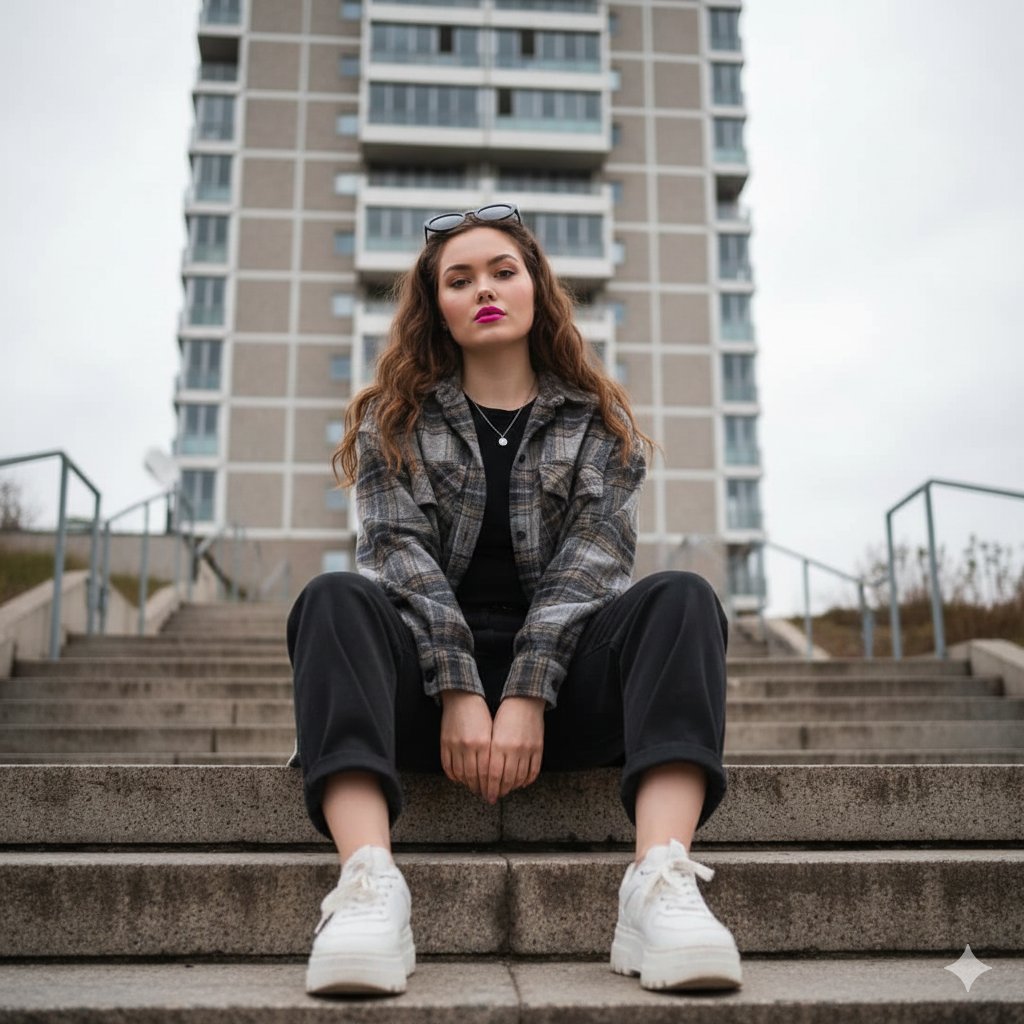
Low-Angle Full-Body Portrait on Concrete Steps
Browse template categories
Afrofuturist Streetwear Editorial Portrait questions
How do I use the Afrofuturist Streetwear Editorial Portrait template?
Add your photo if the template asks for one, edit the prompt if you like — the template's model and format are already selected — and press Generate. Your version opens in PicX Studio.
Can I customize the Afrofuturist Streetwear Editorial Portrait template?
Yes. You can change the subject, setting, lighting, mood, format, and available model controls before creating your image.
Is the Afrofuturist Streetwear Editorial Portrait template free?
Opening and editing this template is free. Generating uses credits, shown on the Generate button when you are signed in.
Which AI model should I use?
Start with GPT Image 2, which is the model associated with this template. You can compare another compatible model for a different finish.
Looking for something else? Browse all templates.

Your photo, any look
Thousands of ready templates for every top image and video model, from one credit balance.