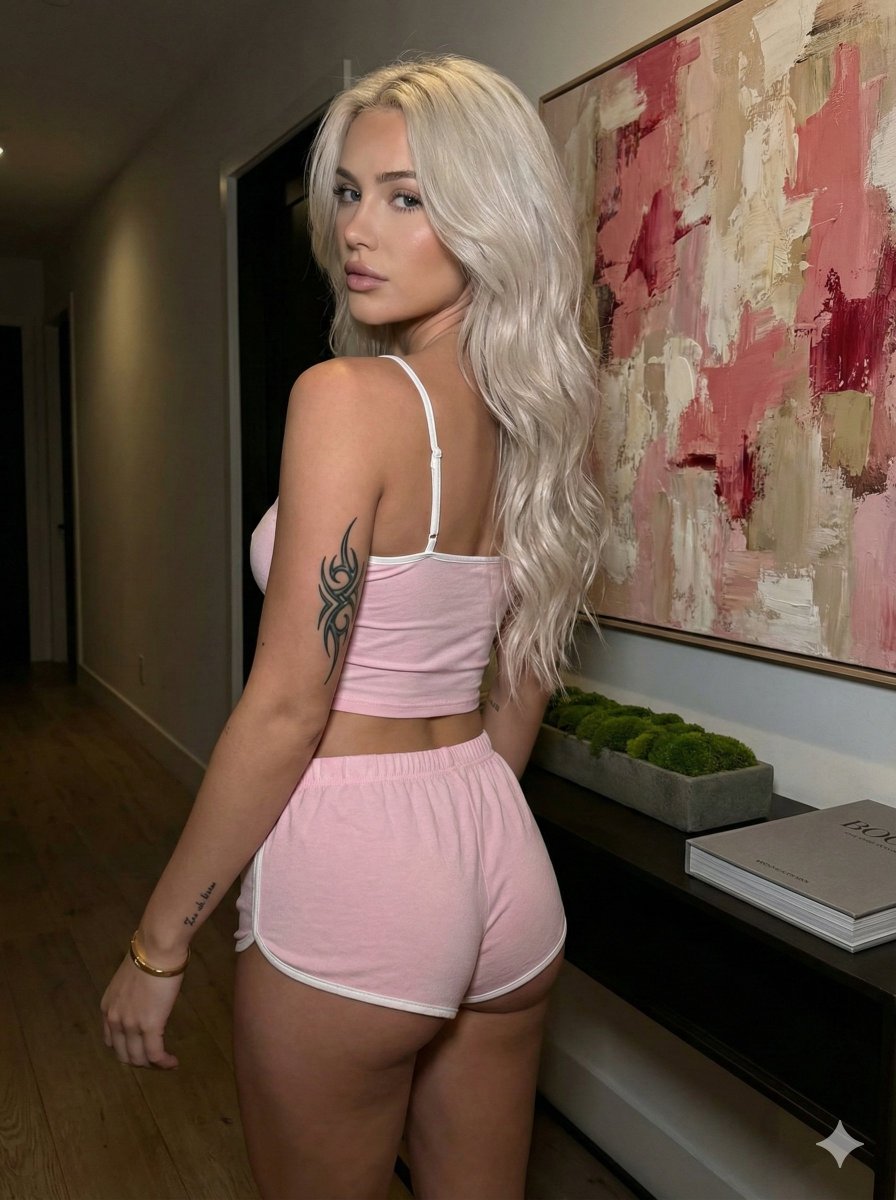
How do I use the Indoor Portrait with Tattoos and Striped Shorts template?
Choose the primary action to open PicX Studio with the available template settings. Review the model and format, personalize the creative direction, and generate when ready.
A detailed JSON prompt for generating a portrait of a woman reclining on a sofa, specifying her hair, makeup, and numerous tattoos on her hands and wrist, wearing a white bralette and red and white striped shorts. Change the subject, setting, or lighting one variable at a time.

{ "subject": { "gender": "female", "hair": { "color": "light brown with blonde highlights", "style": "long, straight, center part", "length": "extending past shoulders" }, "skin": { "tone": "fair", "texture": "smooth" }, "eyes": { "makeup": "eyeliner, mascara", "gaze": "looking to the side, away from camera" }, "pose": { "position": "reclining/sitting on a sofa", "body_orientation": "angled slightly", "hands": { "left_hand": "holding strap/top of bra", "right_hand": "holding strap/top of bra", "tattoos": { "right_hand_back": "small text/numbers including '666' and stars", "right_wrist": "small symbol", "left_wrist": "small heart outline" } } }, "accessories": { "jewelry": [ "thin gold necklace", "gold ring on right ring finger", "navel piercing with barbell jewelry" ] } }, "clothing": { "top": { "type": "bralette/crop top", "color": "white", "material": "cotton or jersey blend with lace", "details": "lace trim on bottom hem, ruched center bust, spaghetti straps" }, "bottom": { "type": "shorts/boy shorts", "color": "{argument name="shorts color" default="red and white"}", "pattern": "horizontal stripes", "details": "small white bow at center waist, elastic waistband" } }, "setting": { "location": "indoor", "furniture": "large beige/tan sofa or couch", "background_elements": [ "coffee table books in upper right corner", "dark/black area behind sofa" ] }, "lighting": { "type": "soft indoor lighting", "shadows": "soft shadows suggesting diffuse light source" } }
Choose the primary action to open PicX Studio with the available template settings. Review the model and format, personalize the creative direction, and generate when ready.
Yes. You can change the subject, setting, lighting, mood, format, and available model controls before creating your image.
This template is free to open and customize. Generation usage is shown in PicX Studio before you create.
© 2026 PicX Studio. All rights reserved.

Start with Nano Banana 2, which is the model associated with this template. You can compare another compatible model for a different finish.
Follow a topic to a crawlable collection of related PicX Studio templates.
43,474 public templates available. Verified via the PicX Studio public templates API; refreshed hourly.


![69-untitled — FORMAT: 15s / 145 BPM / 14 SHOTS
SUBJECT: @[image1]
WARDROBE: Clean modern outfit
ENVIRONMENT: Street / indoor transitions
MOOD: Discovery → contr](/_next/image?url=https%3A%2F%2Fcdn.picxstudio.com%2Fuploads%2Fpost69_img0_d45faecf-38c3-4bcb-81a4-f6eb1cf42bb2.jpg&w=828&q=100)














![118-google-nano-banana-pro-skincare-product- — A professional skincare shot of a [product container] with [cap/lid], labeled [brand, product, descriptor, volume](/_next/image?url=https%3A%2F%2Fcdn.picxstudio.com%2Fuploads%2Fpost118_img0_332898b8-29ea-42a9-87ab-9ed746a3f944.jpg&w=828&q=100)


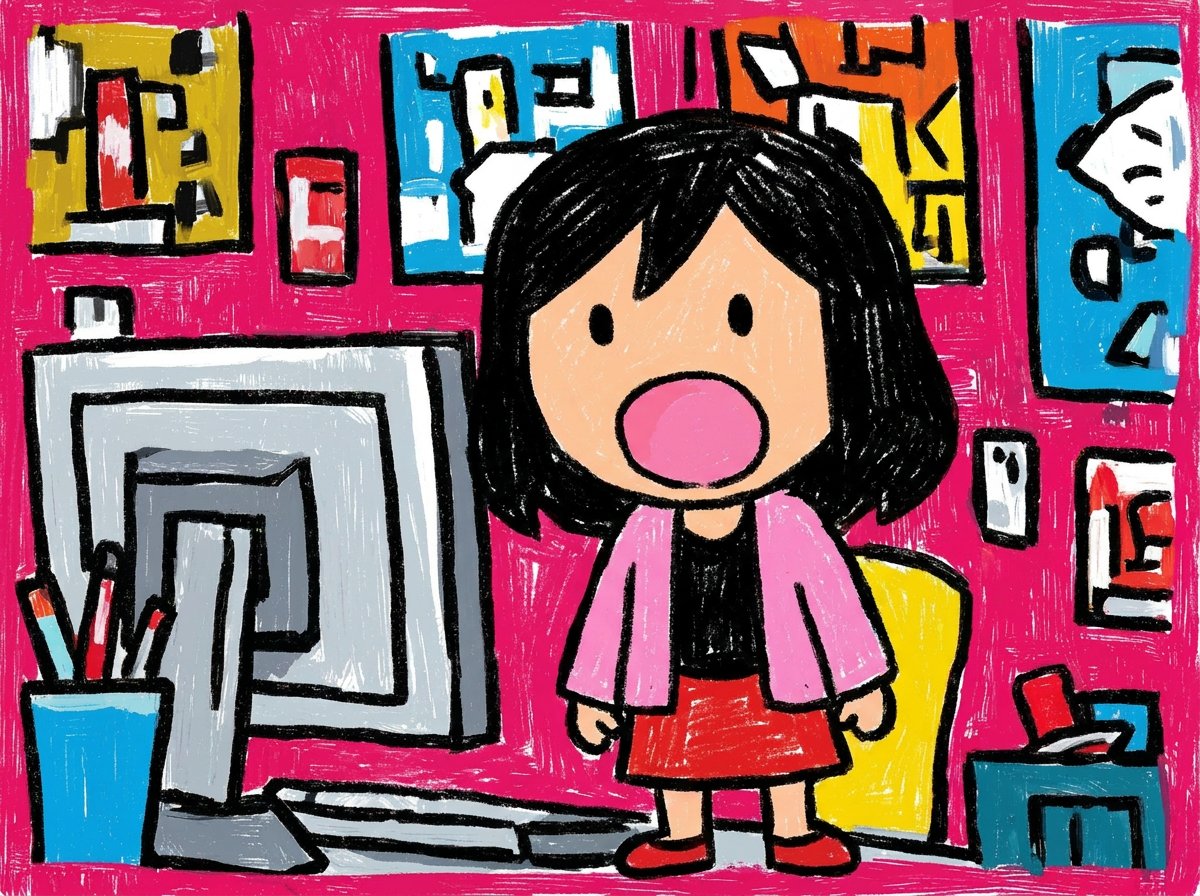
![Naive doodle-style subject illustration — A doodle-style {argument name="subject" default="[subject]"}, naive lines, humorous shape exaggeration](https://pbs.twimg.com/media/G6Wl2YxbsAARB2b.jpg)























![Urban Fashion Lookbook Collage — Transform this image [Upload Your Image] into a 64K DSLR shot resolution of a stylish urban fashion photoshoot presented as a 3](https://pbs.twimg.com/media/HBA7bTZaYAAoxW1.jpg)