
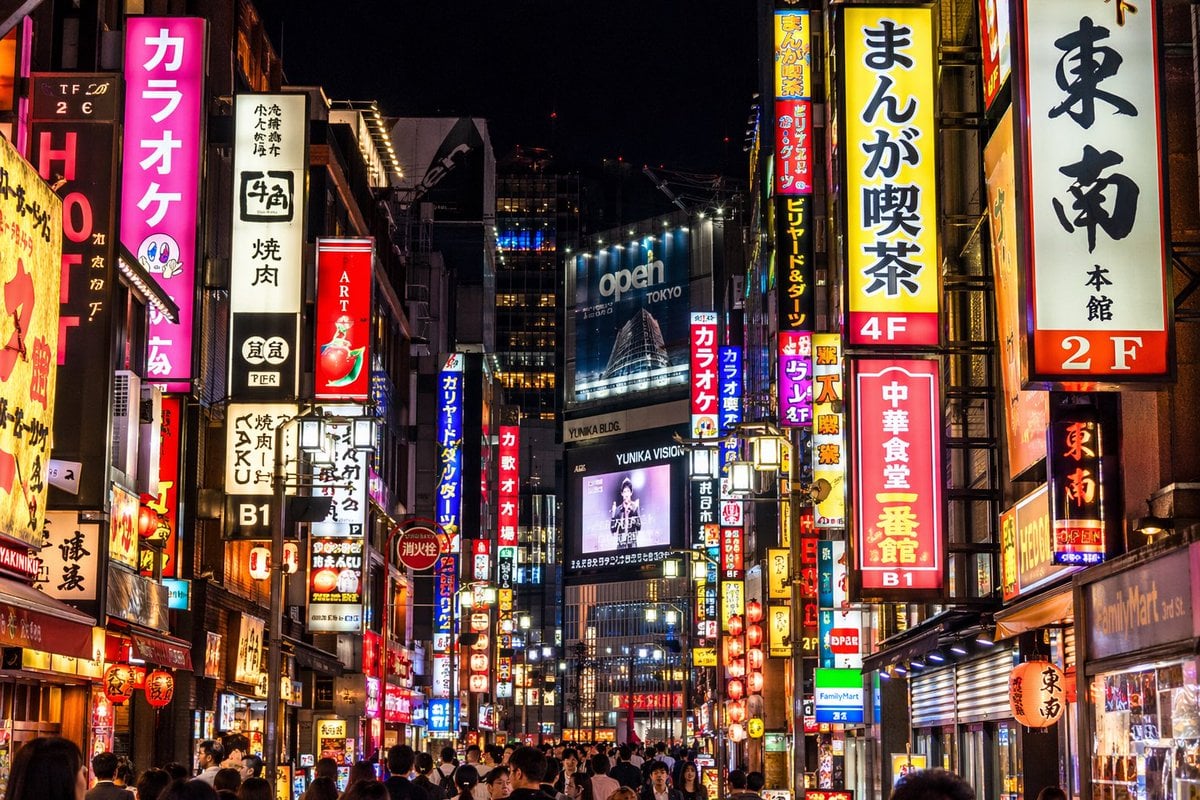
Photorealistic Neon Tokyo Street Scene
Generates a highly detailed, photorealistic night view of a bustling Japanese city street with customizable neon signs and billboards.
- Prompt included
- Model and format preset
- Free template
The prompt behind this image
Copy the exact prompt behind Photorealistic Neon Tokyo Street Scene, or open it in the studio and make it yours.
A photorealistic night street photography shot of a bustling {argument name="city location" default="Tokyo"} street, heavily illuminated by densely packed vertical neon signs and billboards. On the left, a bright pink sign prominently reads "{argument name="pink sign text" default="カラオケ"}" next to a white sign reading "牛角 焼肉". On the right, prominent signs include a yellow one reading "{argument name="yellow sign text" default="まんが喫茶 4F"}", a white one reading "東南 本館 2F", and a red one reading "{argument name="red sign text" default="中華食堂 一番館 B1"}". In the center distance, a large blue billboard displays "{argument name="billboard text" default="open TOKYO"}" above a digital screen showing a person with the text "YUNIKA VISION". The street level is crowded with the backs of pedestrians' heads walking through the vibrant, glowing urban canyon. The lighting is high contrast with rich neon colors reflecting off the surroundings.
How to use Photorealistic Neon Tokyo Street Scene in 3 steps
- 1Upload ImagePNG, JPG or paste
Add your photo
Upload the photo the template builds on. The prompt, model and format are already set.
- 2…a portrait of your subject in softgolden-hour light, 85mm…
Personalize
Edit the subject and creative details for your destination.
- 3Generate
Generate
Press Generate — your image is created in PicX Studio, so you can compare it with the original and refine one variable at a time.
More like this
Templates with the same subject, style or setup. Open one to see its prompt.

Face-Locked Cream Half-Zip Street Walk
Bullet Time Frozen Street Action Portrait

Neon Violet Streetwear Fashion Portrait

Two Tickets, One Night

Meet Me When It Rains

Two Hearts. One Scooter.

80s Neon Disco Night

1986 Street Couple

1985 Street Scene
Tokyo Streetwear Anime Leader Portrait

Cartoon TV Show Poster Pack

Cinematic Street Fashion Portrait Motion Blur Crowd
Make it yours
Photorealistic Neon Tokyo Street Scene works as-is. These are the safest ways to change it without losing the look.
Change one field
Copy a single group, rewrite it, and generate again so you can see what that field is doing.
Keep the frame, change the subject
Hold the composition and light of Photorealistic Neon Tokyo Street Scene, then swap wardrobe, props or the person for a new take.
| If the result… | Why | Fix |
|---|---|---|
| The result drifts from the preview | Too many fields changed at once. | Reuse Photorealistic Neon Tokyo Street Scene as-is first, then change one group — subject, light, or setting. |
| The model over-stylizes the scene | The prose prompt leaves finish and camera underspecified. | Add one camera or lighting sentence and stay on GPT Image 2. |
More GPT Image 2 templates
Other prompts made for GPT Image 2.

Six VTuber Japanese Logo Sheet

Realistic Portrait of Woman and Deer

The Vista Modular Condo Poster

AI Model Routing Comparison Infographic

2.5D Anime Art Board

Isometric Productivity Desk Scene

New York Double Exposure Poster

Four-Panel AI Landscape Comparison

Japanese Tatami Lifestyle Magazine Cover

NESCAFÉ Coffee Map Poster
More image prompts
Fresh picks from across the catalog.

Cosmetic Tube Product — Nano Banana 2
Material and Surface Study for Realism Testing
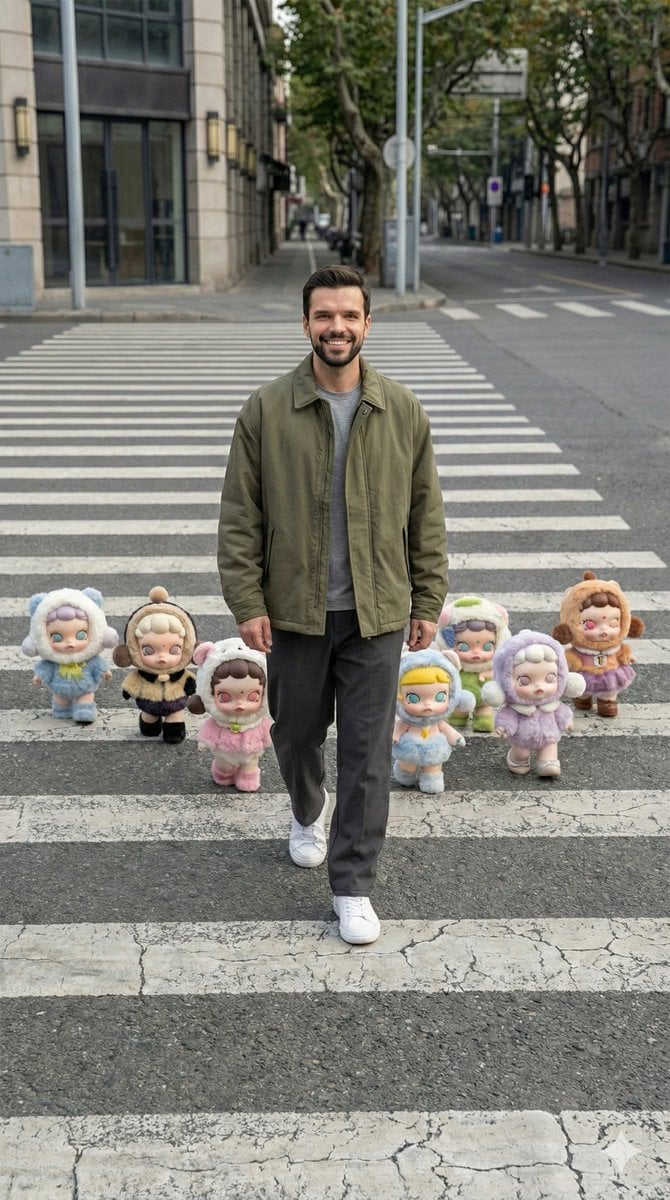
Hyper-Realistic Street Photography with Popmart Figures
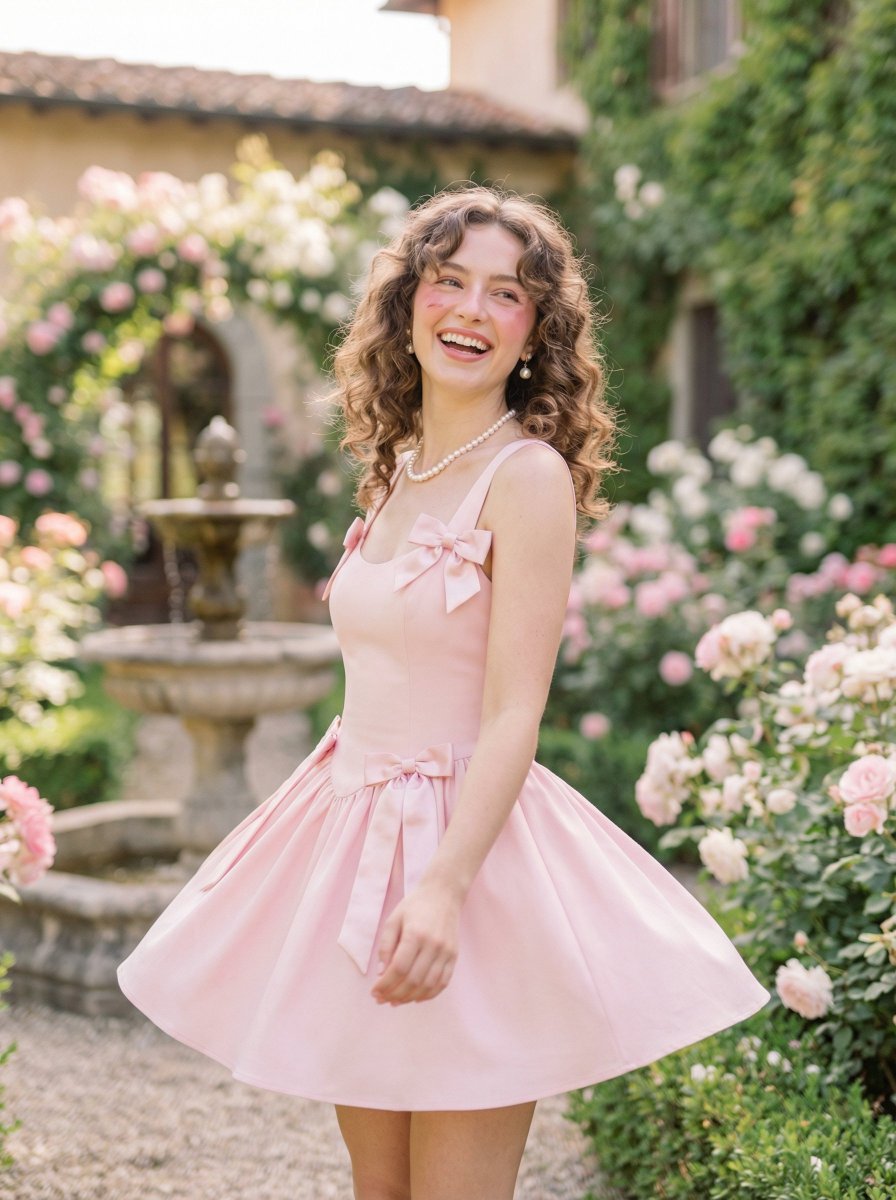
Coquette Pink Fashion Editorial

Consistent Product Photography for Dog Chews (3 Scenes)
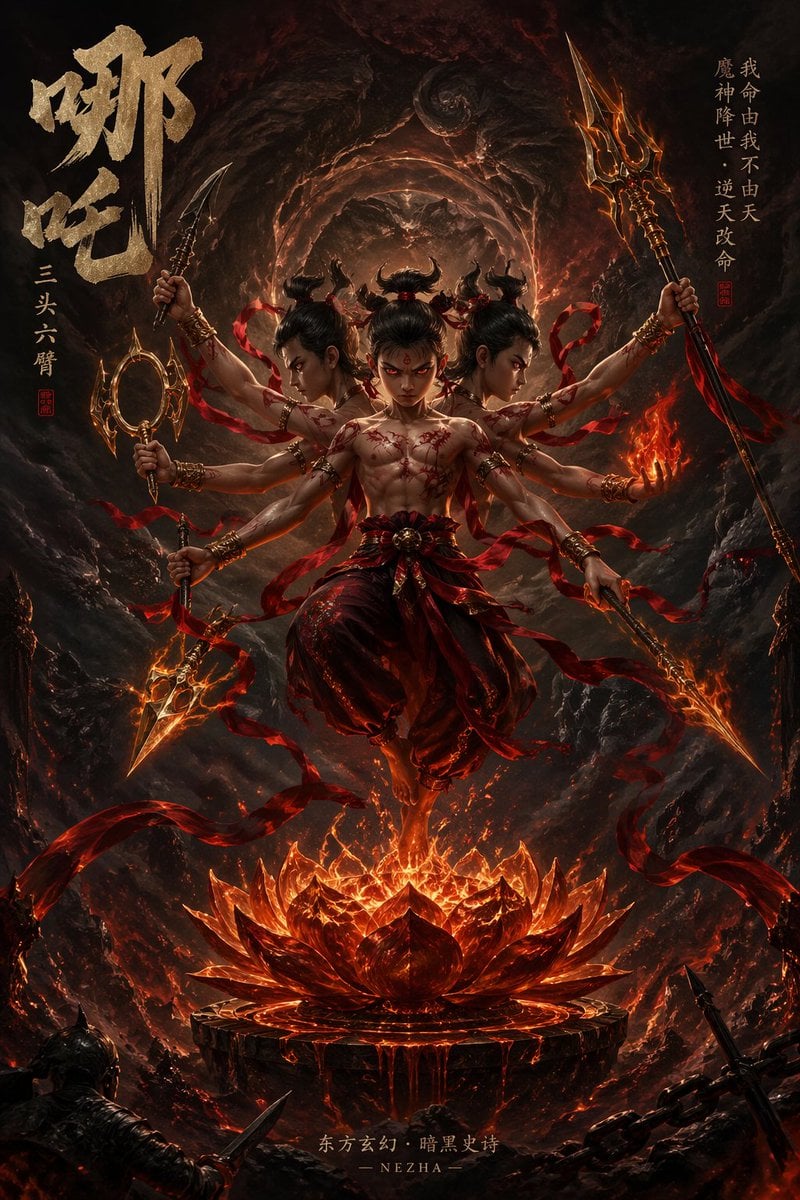
Epic Fantasy Novel Cover for Nezha
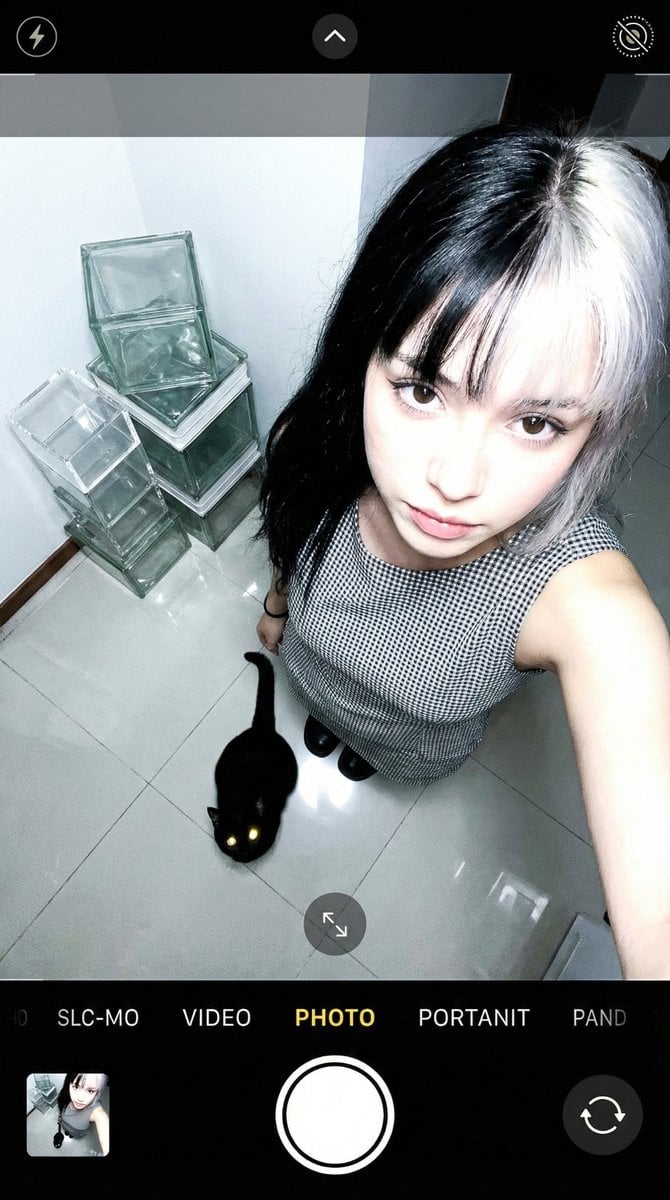
Overhead Smartphone Selfie with Black Cat
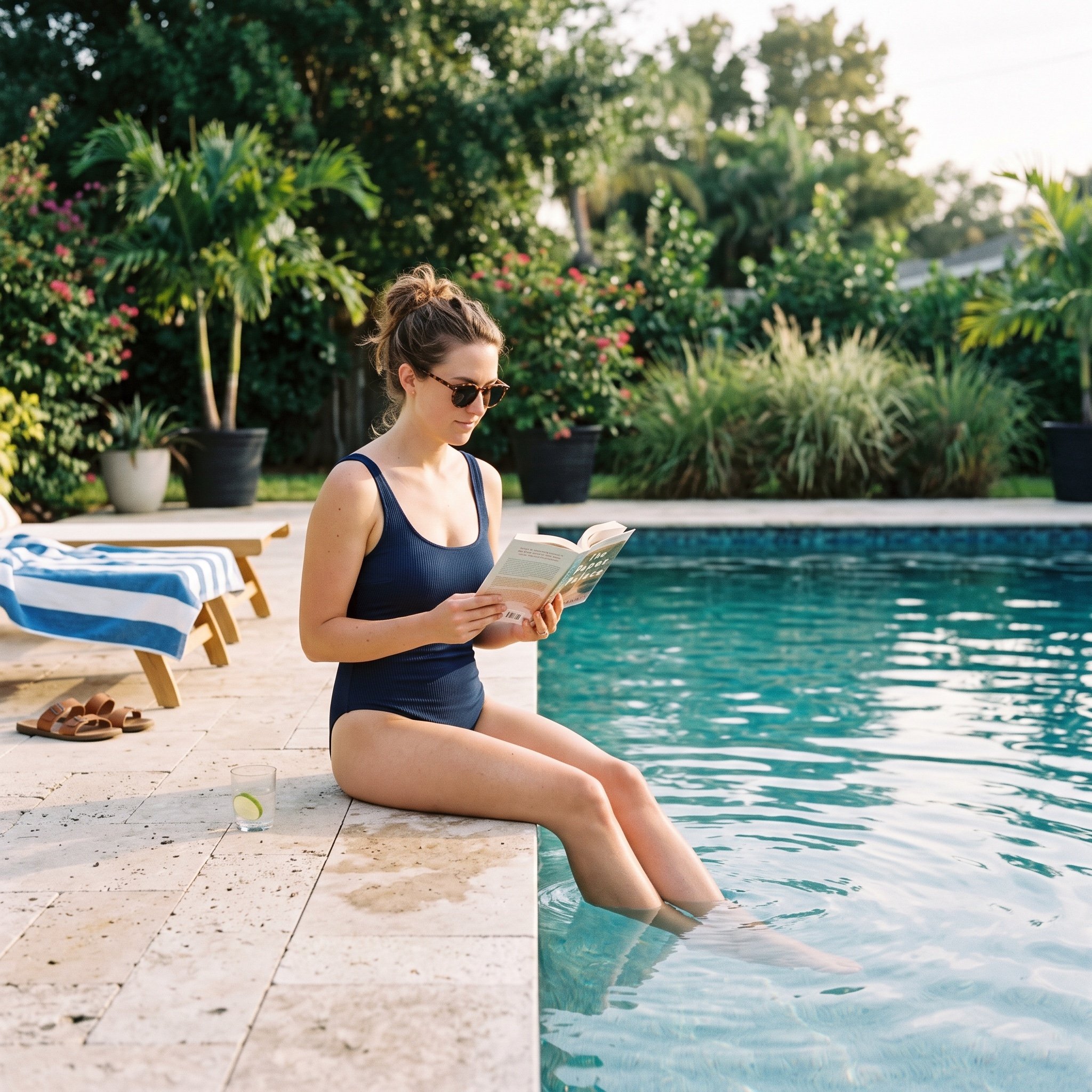
Pool Prompt for Realistic Image Generation
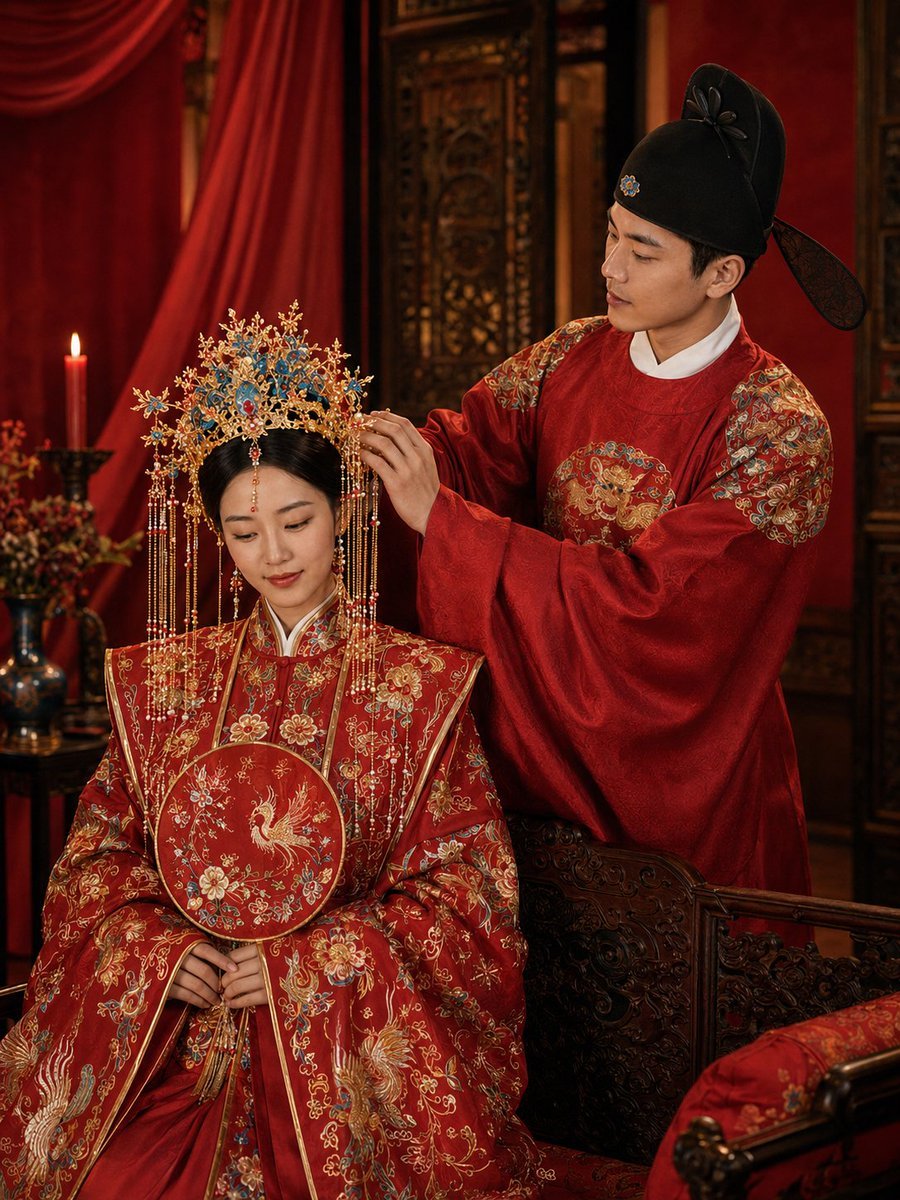
Ming Dynasty Hanfu Wedding Portraits
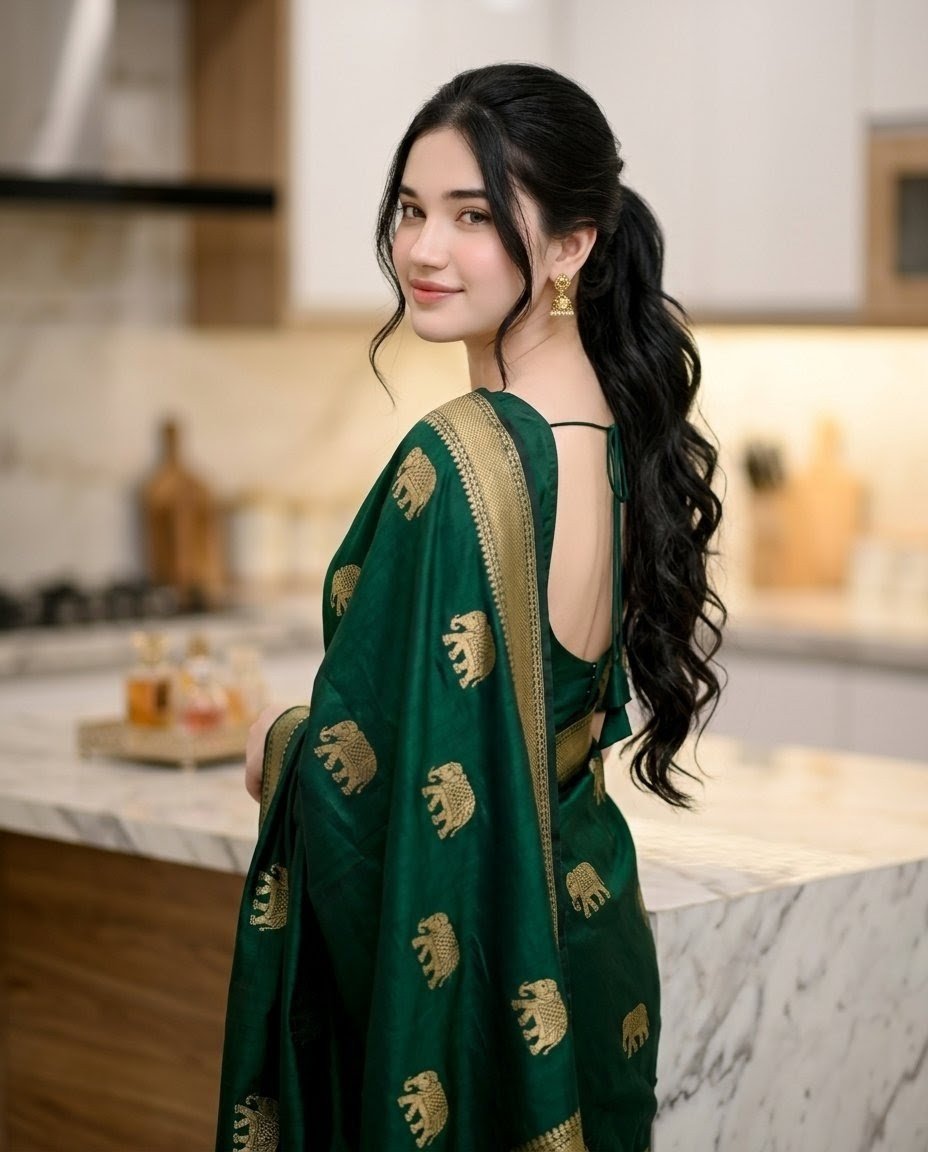
Emerald Sari Kitchen Portrait
Browse template categories
Photorealistic Neon Tokyo Street Scene questions
How do I use the Photorealistic Neon Tokyo Street Scene template?
Add your photo if the template asks for one, edit the prompt if you like — the template's model and format are already selected — and press Generate. Your version opens in PicX Studio.
Can I customize the Photorealistic Neon Tokyo Street Scene template?
Yes. You can change the subject, setting, lighting, mood, format, and available model controls before creating your image.
Is the Photorealistic Neon Tokyo Street Scene template free?
Opening and editing this template is free. Generating uses credits, shown on the Generate button when you are signed in.
Which AI model should I use?
Start with GPT Image 2, which is the model associated with this template. You can compare another compatible model for a different finish.
Looking for something else? Browse all templates.

Your photo, any look
Thousands of ready templates for every top image and video model, from one credit balance.