
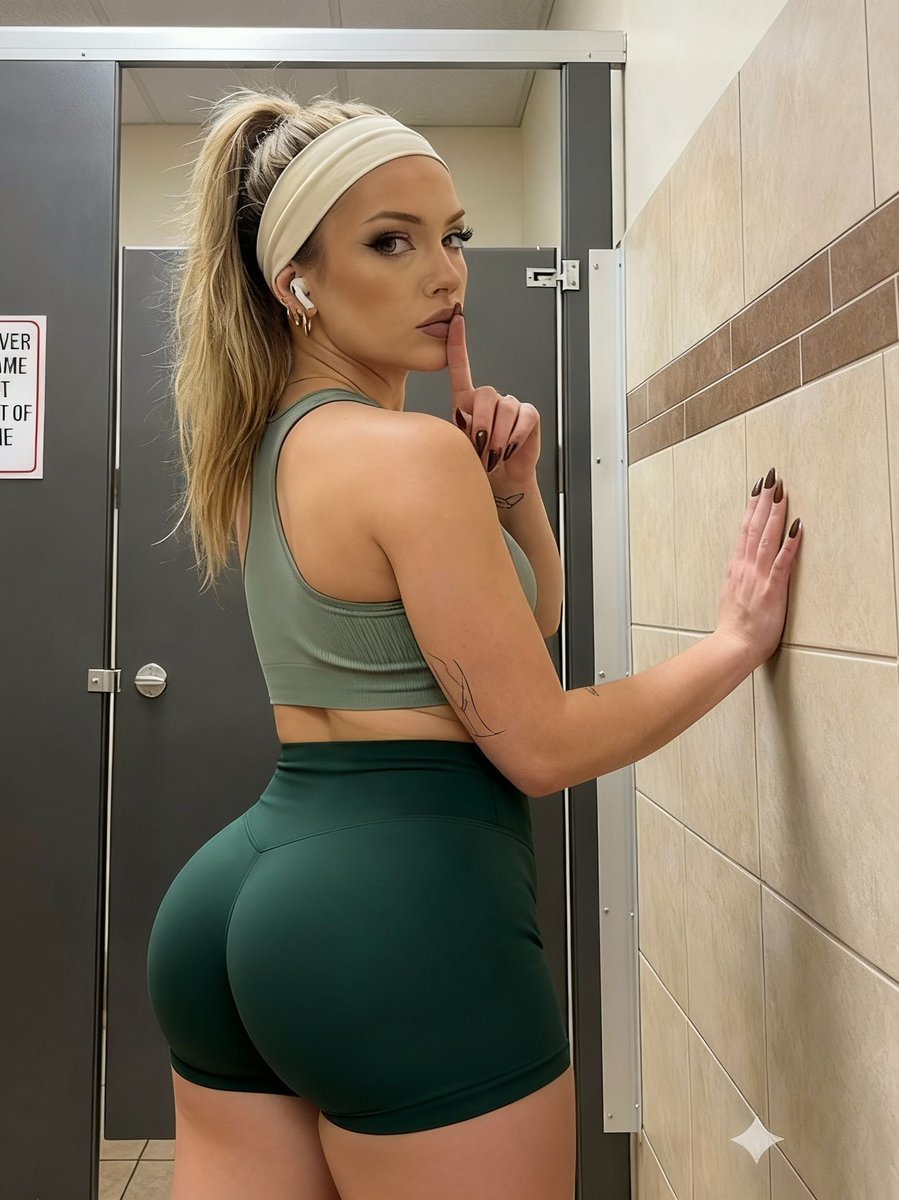
Athletic Portrait in Public Restroom Stall
A highly detailed JSON prompt for generating a vertical portrait of a woman in athletic wear, posing in a public restroom stall.
- Prompt included
- Model and format preset
- Premium template
The prompt behind this image
Copy the exact prompt behind Athletic Portrait in Public Restroom Stall, or open it in the studio and make it yours.
- Subject › Gender
- female
- Subject › Skin Tone
- fair with warm undertones
- Subject › Hair › Color
- dirty blonde / light brown with visible roots
- Subject › Hair › Style
- high ponytail
- Subject › Hair › Texture
- straight with slight flyaways
- Subject › Hair › Accessory
- wide, pale cream or white fabric headband
- Subject › Facial Features › Eyes › Color
- dark brown
- Subject › Facial Features › Eyes › Makeup
- heavy black winged eyeliner, defined lashes, groomed arched eyebrows
- Subject › Facial Features › Eyes › Gaze
- direct eye contact with the viewer, looking back over the left shoulder
- Subject › Facial Features › Nose
- straight bridge, button tip
- Subject › Facial Features › Lips › Color
- natural mauve/pink matte lipstick
- Subject › Facial Features › Lips › Shape
- full, cupid's bow defined
- Subject › Facial Features › Lips › Expression
- slightly parted, serious/sultry
- Subject › Facial Features › Cheeks
- smooth complexion with contouring on cheekbones
- Subject › Facial Features › Ears
- visible left ear with small gold hoop earrings (lobe and cartilage)
- Subject › Hand Gesture › Right Hand › Action
- holding index finger vertically against lips in a 'shush' or 'quiet' gesture
- Subject › Hand Gesture › Right Hand › Nails
- long, pointed almond shape, dark brown or black polish
- Subject › Hand Gesture › Right Hand › Tattoo
- faint line-art tattoo visible on the inner forearm
- Subject › Hand Gesture › Left Hand › Action
- palm resting flat against the tiled wall to the right
- Subject › Hand Gesture › Left Hand › Nails
- matching dark polish
- Subject › Apparel › Top
- light sage green sports bra, thin straps, ribbed texture
- Subject › Apparel › Bottom
- darker forest green athletic shorts, tight fit, high-waisted
- Subject › Apparel › Accessories
- white wireless earbud in the left ear
- Subject › Pose
- standing, body turned away from the camera showing the back, head turned sharply to the left to face the camera
Raw JSON
{
  "subject": {
    "gender": "female",
    "skin_tone": "fair with warm undertones",
    "hair": {
      "color": "dirty blonde / light brown with visible roots",
      "style": "high ponytail",
      "texture": "straight with slight flyaways",
      "accessory": "wide, pale cream or white fabric headband"
    },
    "facial_features": {
      "eyes": {
        "color": "dark brown",
        "makeup": "heavy black winged eyeliner, defined lashes, groomed arched eyebrows",
        "gaze": "direct eye contact with the viewer, looking back over the left shoulder"
      },
      "nose": "straight bridge, button tip",
      "lips": {
        "color": "natural mauve/pink matte lipstick",
        "shape": "full, cupid's bow defined",
        "expression": "slightly parted, serious/sultry"
      },
      "cheeks": "smooth complexion with contouring on cheekbones",
      "ears": "visible left ear with small gold hoop earrings (lobe and cartilage)"
    },
    "hand_gesture": {
      "right_hand": {
        "action": "holding index finger vertically against lips in a 'shush' or 'quiet' gesture",
        "nails": "long, pointed almond shape, dark brown or black polish",
        "tattoo": "faint line-art tattoo visible on the inner forearm"
      },
      "left_hand": {
        "action": "palm resting flat against the tiled wall to the right",
        "nails": "matching dark polish"
      }
    },
    "apparel": {
      "top": "light sage green sports bra, thin straps, ribbed texture",
      "bottom": "darker forest green athletic shorts, tight fit, high-waisted",
      "accessories": "white wireless earbud in the left ear"
    },
    "pose": "standing, body turned away from the camera showing the back, head turned sharply to the left to face the camera"
  },
  "environment": {
    "location": "public restroom or locker room stall",
    "walls": {
      "right_side": "beige ceramic tiles with a horizontal brown accent stripe",
      "left_side": "dark gray or metallic stall partition door"
    },
    "details": {
      "signage": "partially visible white sign on the left door with red border and black text ('I'VE NEVER...', 'A GAME', 'I JUST RAN OUT', 'OF TIME')",
      "hardware": "silver metal stall latch/lock mechanism visible on the door frame",
      "ceiling": "drop ceiling tiles visible at the very top"
    }
  },
  "technical_details": {
    "aspect_ratio": "9:16 (vertical portrait)",
    "lighting": "overhead fluorescent indoor lighting, creating soft shadows and highlights on the skin and hair",
    "shot_angle": "eye-level, taken from behind the subject"
  }
}How to use Athletic Portrait in Public Restroom Stall in 3 steps
- 1
Open
The prompt is already in the box next to the preview, with the template's model and format selected.
- 2…a portrait of your subject in softgolden-hour light, 85mm…
Personalize
Edit the subject and creative details for your destination.
- 3Generate
Generate
Press Generate — your image is created in PicX Studio, so you can compare it with the original and refine one variable at a time.
More like this
Templates with the same subject, style or setup. Open one to see its prompt.

Found Photograph: Us, 1970

80s Couple Studio Portrait

80s Bollywood Star

80s Golden Hour Cinema

Me in 1985

1985 Studio Portrait

Hyper-Realistic Minecraft POV Portrait

Rooftop Fisheye — Cat-Ear Balaclava at Golden Hour

Rainy Café Window Moody Portrait

untitled

2025 Aesthetic Photography

Nano Banana Is So Addictive
Make it yours
Athletic Portrait in Public Restroom Stall works as-is. These are the safest ways to change it without losing the look.
Swap the setting
Keep the rest of the prompt and replace the location block. The current setting is “public restroom or locker room stall”.
Swap the light
One lighting change is enough to compare takes. Current light: “overhead fluorescent indoor lighting, creating soft shadows and highlights on th”.
Change one field
Copy a single group, rewrite it, and generate again so you can see what that field is doing.
| If the result… | Why | Fix |
|---|---|---|
| The result drifts from the preview | Too many fields changed at once. | Reuse Athletic Portrait in Public Restroom Stall as-is first, then change one group — subject, light, or setting. |
| Nano Banana 2 ignores part of the JSON | Some models flatten or skip nested keys. | Keep the same values and paste them as a short paragraph instead. |
More Nano Banana 2 templates
Other prompts made for Nano Banana 2.

Photorealistic Leaf Shaped Like a Dragon

K-Pop Idol Portrait Grid for Rapid Selection

Poetic Rain Forest Portrait During Golden Hour

Urban Street Portrait with Cartoon Inner Self Duo

Candid Nighttime Photo with Cat Prompt

High-Concept 3D Diorama Generation Prompt

Cinematic Futuristic Studio Portrait Template

Skincare Editorial Photography Collage Prompt

Hyper-Realistic Commercial Product Photography (Splash Effect)

Hyper-Realistic Nightclub Portrait Prompt
More image prompts
Fresh picks from across the catalog.

Harajuku Kawaii Pop Idol
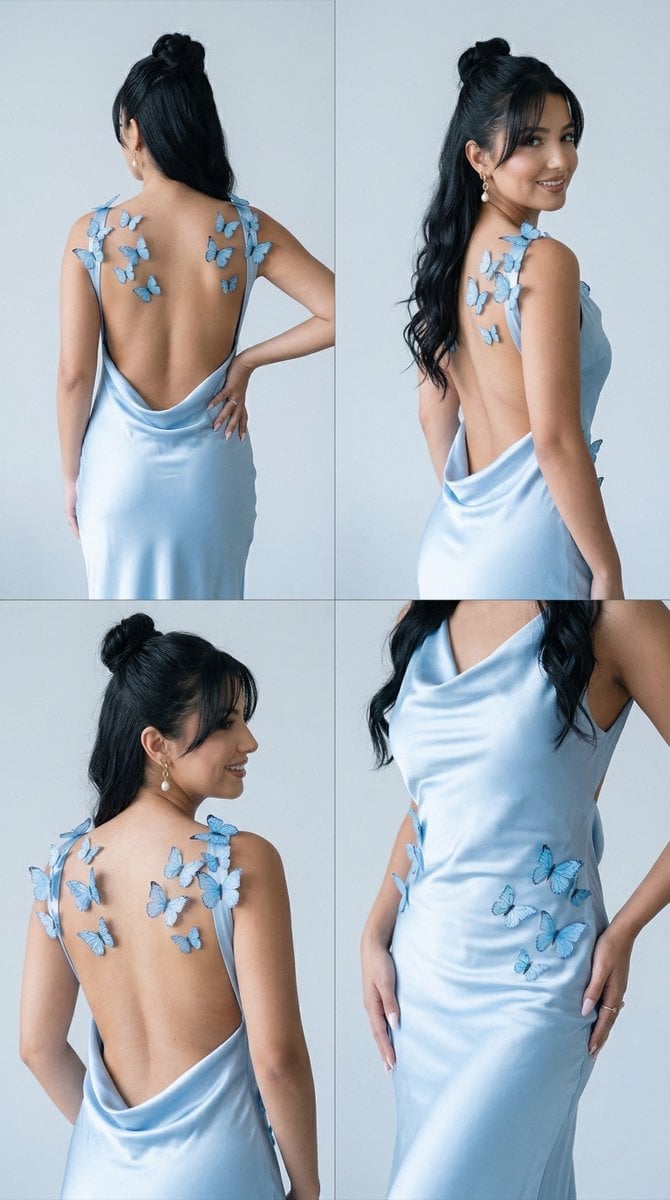
Butterfly Dress Editorial Grid Prompt for Nano Banana 2
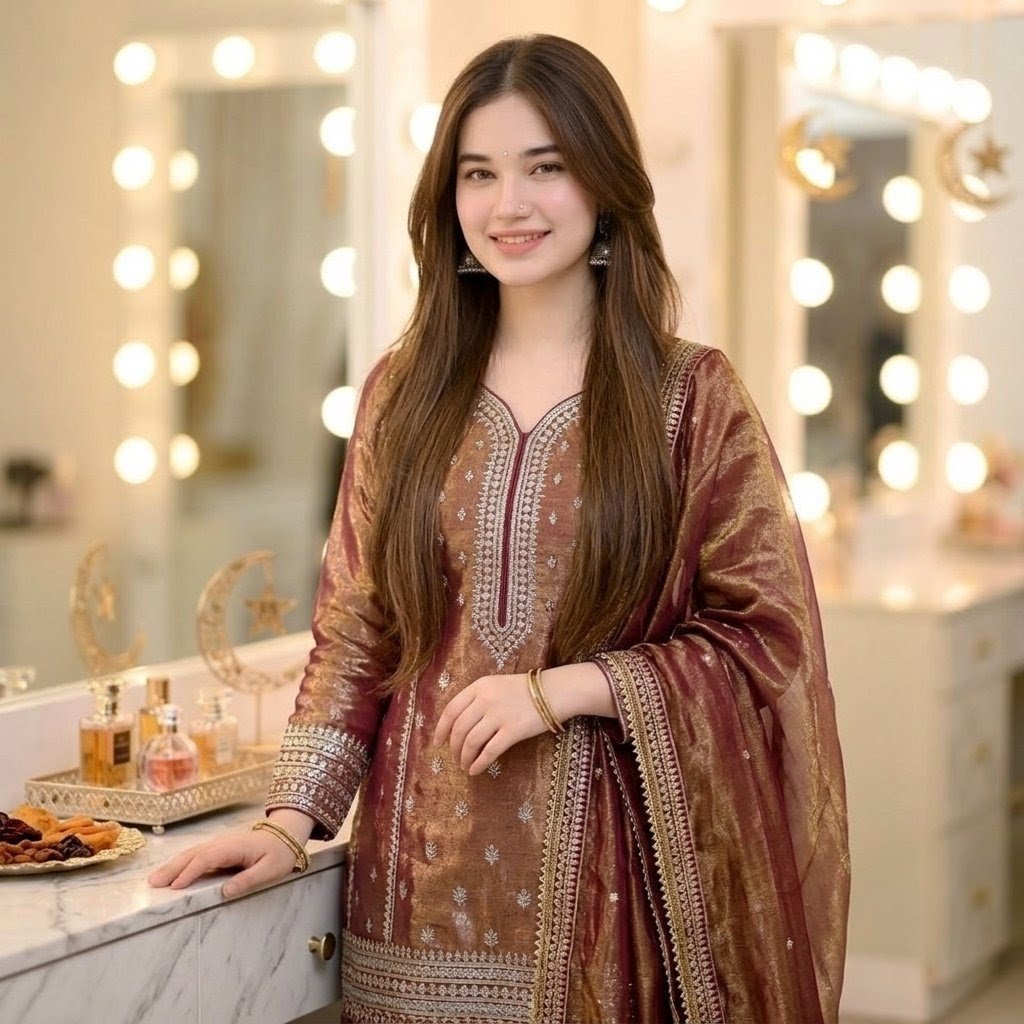
Eid Salwar Suit Vanity Portrait
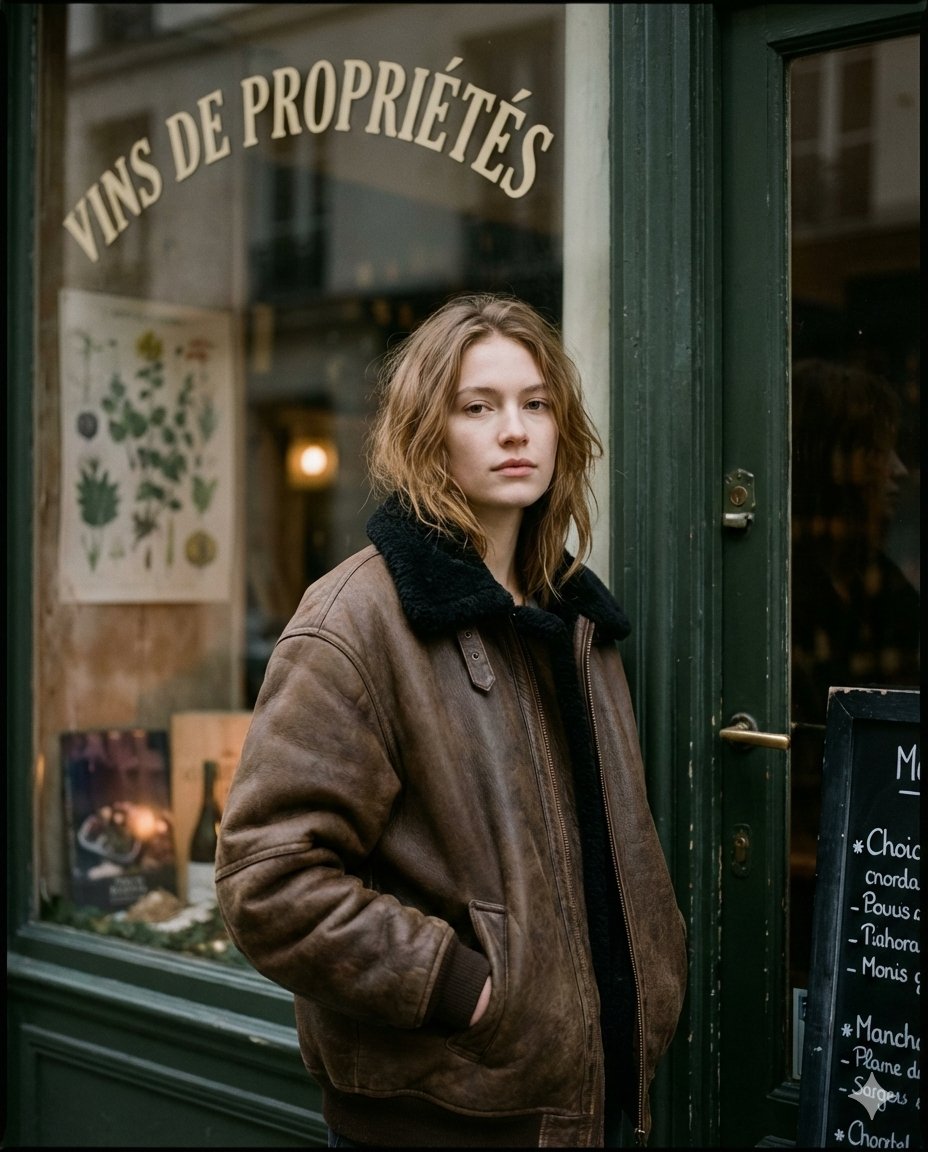
Moody Paris Street Editorial Portrait
Sunlit Streetwear Jacket Portrait
Retro Space Shooter VFX Sprite Sheet
Melancholic 2x2 Photo Collage
Surreal Orange White Liquid Explosion
Nano Banana Pro Pencil Sketch Generation
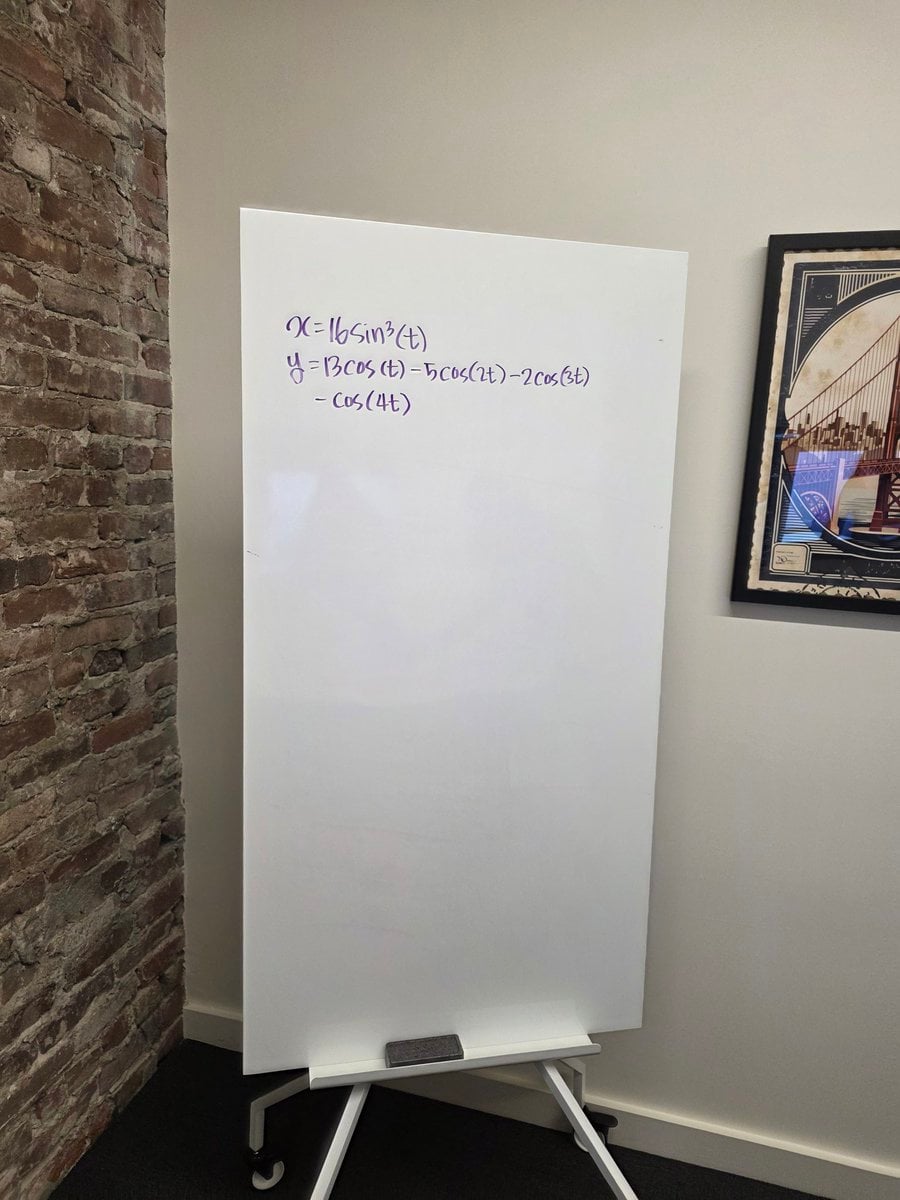
Formula graph on whiteboard
Browse template categories
Athletic Portrait in Public Restroom Stall questions
How do I use the Athletic Portrait in Public Restroom Stall template?
Add your photo if the template asks for one, edit the prompt if you like — the template's model and format are already selected — and press Generate. Your version opens in PicX Studio.
Can I customize the Athletic Portrait in Public Restroom Stall template?
Yes. You can change the subject, setting, lighting, mood, format, and available model controls before creating your image.
Is the Athletic Portrait in Public Restroom Stall template free?
Opening and editing this template is free. Generating uses credits, shown on the Generate button when you are signed in.
Which AI model should I use?
Start with Nano Banana 2, which is the model associated with this template. You can compare another compatible model for a different finish.
Looking for something else? Browse all templates.

Your photo, any look
Thousands of ready templates for every top image and video model, from one credit balance.