
Music Magazine Character Profile
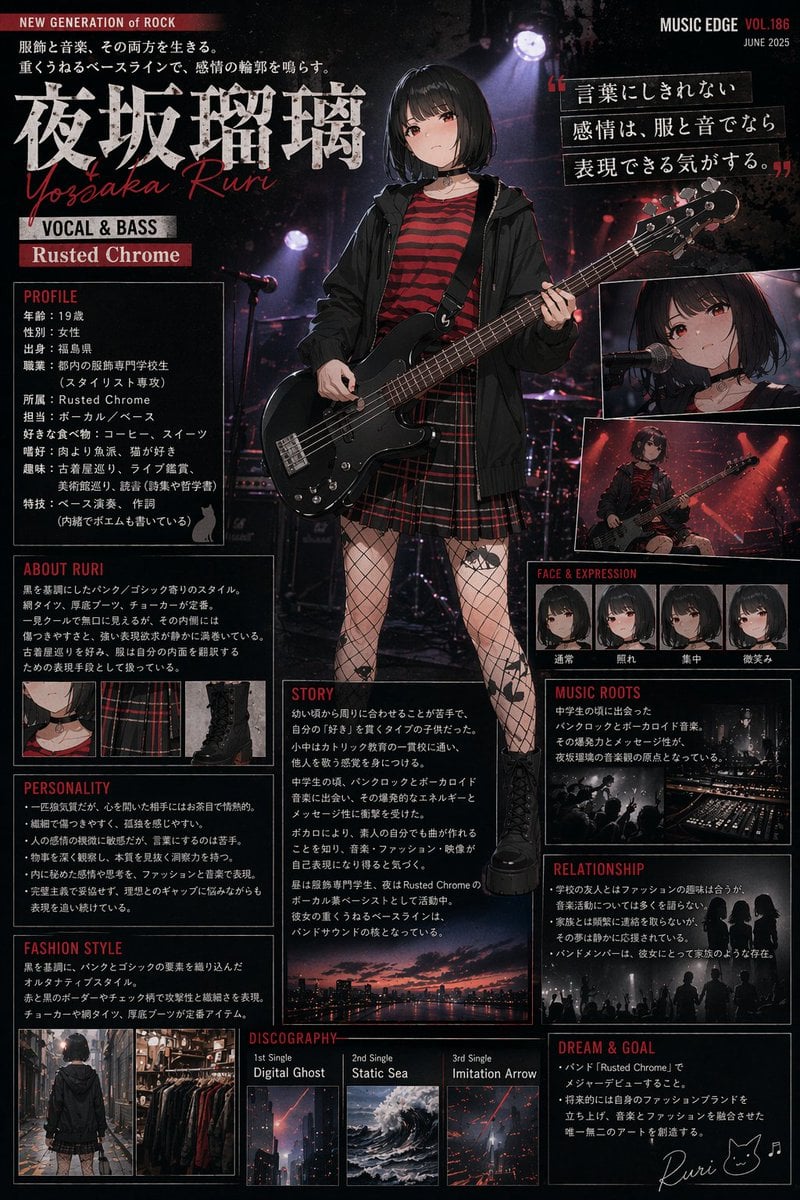
Generates a highly detailed, magazine-style character biography page with multiple text sections, inset images, and a central full-body portrait.
- Prompt included
- Model and format preset
- Free template
The prompt behind this image
Copy the exact prompt behind Music Magazine Character Profile, or open it in the studio and make it yours.
- Type
- music magazine artist biography page
- Theme
- dark grunge rock aesthetic, dark background with subtle stage lighting
- Header › Left
- NEW GENERATION of ROCK
- Header › Right
- MUSIC EDGE VOL.186 JUNE 2025
- Character › Name
- {argument name="character name" default="夜坂瑠璃"}
- Character › Romaji
- Yosaka Ruri
- Character › Role
- VOCAL & BASS
- Character › Band
- {argument name="band name" default="Rusted Chrome"}
- Character › Appearance › Hair
- {argument name="hair color" default="black"} bob cut
- Character › Appearance › Eyes
- red
- Character › Appearance › Outfit
- black hoodie, red and black striped shirt, red plaid skirt, fishnet tights with star and moon patterns, black boots, choker
- Character › Appearance › Instrument
- {argument name="instrument" default="black bass guitar"}
- Layout › Centerpiece
- full-body portrait of the character holding the bass guitar, standing on a stage
- Layout › Top Right Insets › Count
- 2
- Layout › Top Right Insets › Descriptions
- character singing into a microphone, character playing bass on stage
- Layout › Quote
- {argument name="quote text" default="言葉にしきれない感情は、服と音でなら表現できる気がする。"}
- Layout › Sections › 0 › Title
- PROFILE
- Layout › Sections › 0 › Position
- top-left
- Layout › Sections › 0 › Content Type
- text list of personal details
- Layout › Sections › 1 › Title
- ABOUT RURI
- Layout › Sections › 1 › Position
- mid-left
- Layout › Sections › 1 › Content Type
- text description
- Layout › Sections › 1 › Inset Images › Count
- 3
- Layout › Sections › 1 › Inset Images › Descriptions
- close-up of choker and striped shirt, close-up of plaid skirt and fishnet tights, close-up of black boots
Raw JSON
{
  "type": "music magazine artist biography page",
  "theme": "dark grunge rock aesthetic, dark background with subtle stage lighting",
  "header": {
    "left": "NEW GENERATION of ROCK",
    "right": "MUSIC EDGE VOL.186 JUNE 2025"
  },
  "character": {
    "name": "{argument name=\"character name\" default=\"夜坂瑠璃\"}",
    "romaji": "Yosaka Ruri",
    "role": "VOCAL & BASS",
    "band": "{argument name=\"band name\" default=\"Rusted Chrome\"}",
    "appearance": {
      "hair": "{argument name=\"hair color\" default=\"black\"} bob cut",
      "eyes": "red",
      "outfit": "black hoodie, red and black striped shirt, red plaid skirt, fishnet tights with star and moon patterns, black boots, choker",
      "instrument": "{argument name=\"instrument\" default=\"black bass guitar\"}"
    }
  },
  "layout": {
    "centerpiece": "full-body portrait of the character holding the bass guitar, standing on a stage",
    "top_right_insets": {
      "count": 2,
      "descriptions": ["character singing into a microphone", "character playing bass on stage"]
    },
    "quote": "{argument name=\"quote text\" default=\"言葉にしきれない感情は、服と音でなら表現できる気がする。\"}",
    "sections": [
      {
        "title": "PROFILE",
        "position": "top-left",
        "content_type": "text list of personal details"
      },
      {
        "title": "ABOUT RURI",
        "position": "mid-left",
        "content_type": "text description",
        "inset_images": {
          "count": 3,
          "descriptions": ["close-up of choker and striped shirt", "close-up of plaid skirt and fishnet tights", "close-up of black boots"]
        }
      },
      {
        "title": "PERSONALITY",
        "position": "bottom-left",
        "content_type": "bulleted text list"
      },
      {
        "title": "FASHION STYLE",
        "position": "bottom-left",
        "content_type": "text description"
      },
      {
        "title": "FACE & EXPRESSION",
        "position": "mid-right",
        "count": 4,
        "labels": ["通常", "照れ", "集中", "微笑み"]
      },
      {
        "title": "STORY",
        "position": "bottom-center",
        "content_type": "long text paragraphs"
      },
      {
        "title": "MUSIC ROOTS",
        "position": "mid-right",
        "content_type": "text with inset image of a live band silhouette"
      },
      {
        "title": "RELATIONSHIP",
        "position": "bottom-right",
        "content_type": "text with 2 inset silhouette images of girls talking and a band on stage"
      },
      {
        "title": "DISCOGRAPHY",
        "position": "bottom-center",
        "count": 3,
        "labels": ["1st Single Digital Ghost", "2nd Single Static Sea", "3rd Single Imitation Arrow"],
        "inset_images": {
          "count": 3,
          "descriptions": ["cityscape at dusk", "dark ocean", "abstract light beam"]
        }
      },
      {
        "title": "DREAM & GOAL",
        "position": "bottom-right",
        "content_type": "bulleted text list with a handwritten signature 'Ruri' and a cat icon"
      }
    ]
  }
}How to use Music Magazine Character Profile in 3 steps
- 1Upload ImagePNG, JPG or paste
Add your photo
Upload the photo the template builds on. The prompt, model and format are already set.
- 2…a portrait of your subject in softgolden-hour light, 85mm…
Personalize
Edit the subject and creative details for your destination.
- 3Generate
Generate
Press Generate — your image is created in PicX Studio, so you can compare it with the original and refine one variable at a time.
More like this
Templates with the same subject, style or setup. Open one to see its prompt.

Our Song was on a Cassette
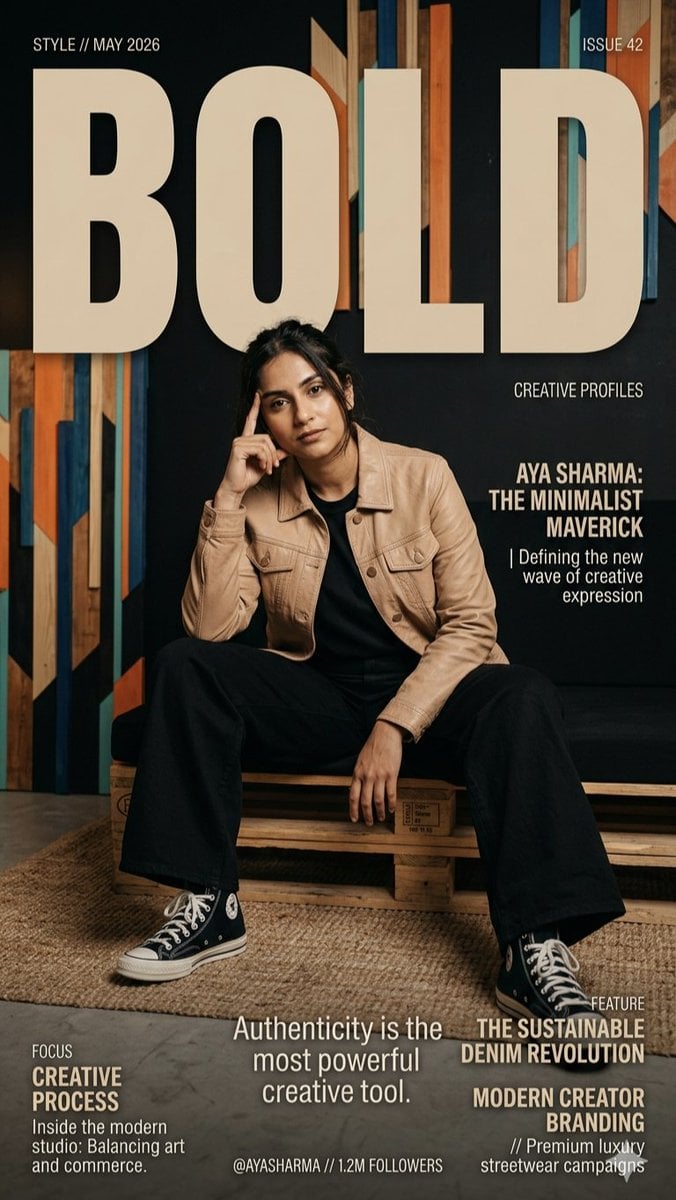
Fashion Magazine Creative Profile

Open Magazine Luxury Fashion Editorial Layout

Monochrome Halftone Editorial Fashion Poster

Korean Model Floating Magazine Pages Campaign

Blue Hour Editorial Fashion Portrait

Cyberpunk Neon Profile Fashion Portrait
Low-Angle Cyberpunk Neon Profile Portrait
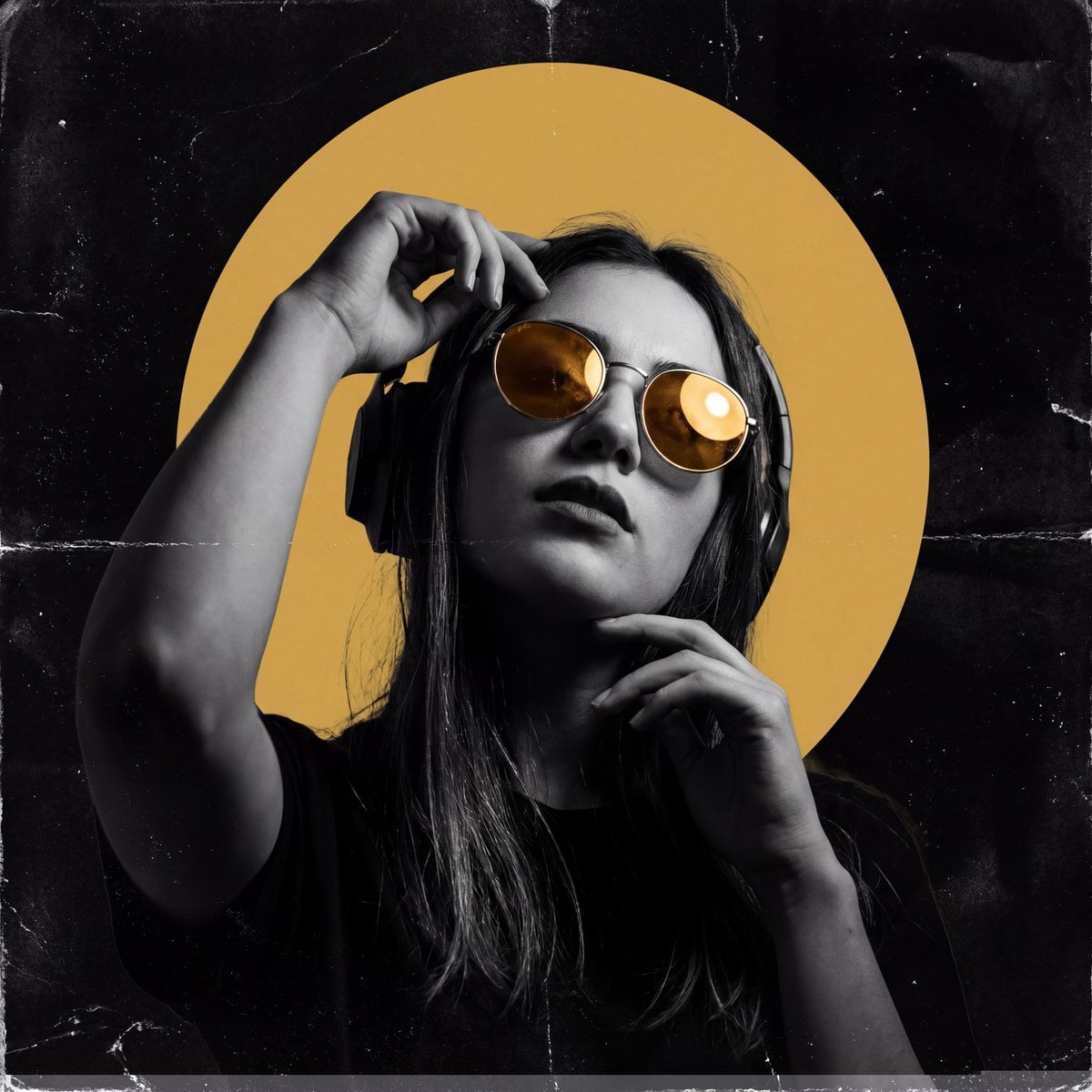
Underground Club Music Poster Portrait
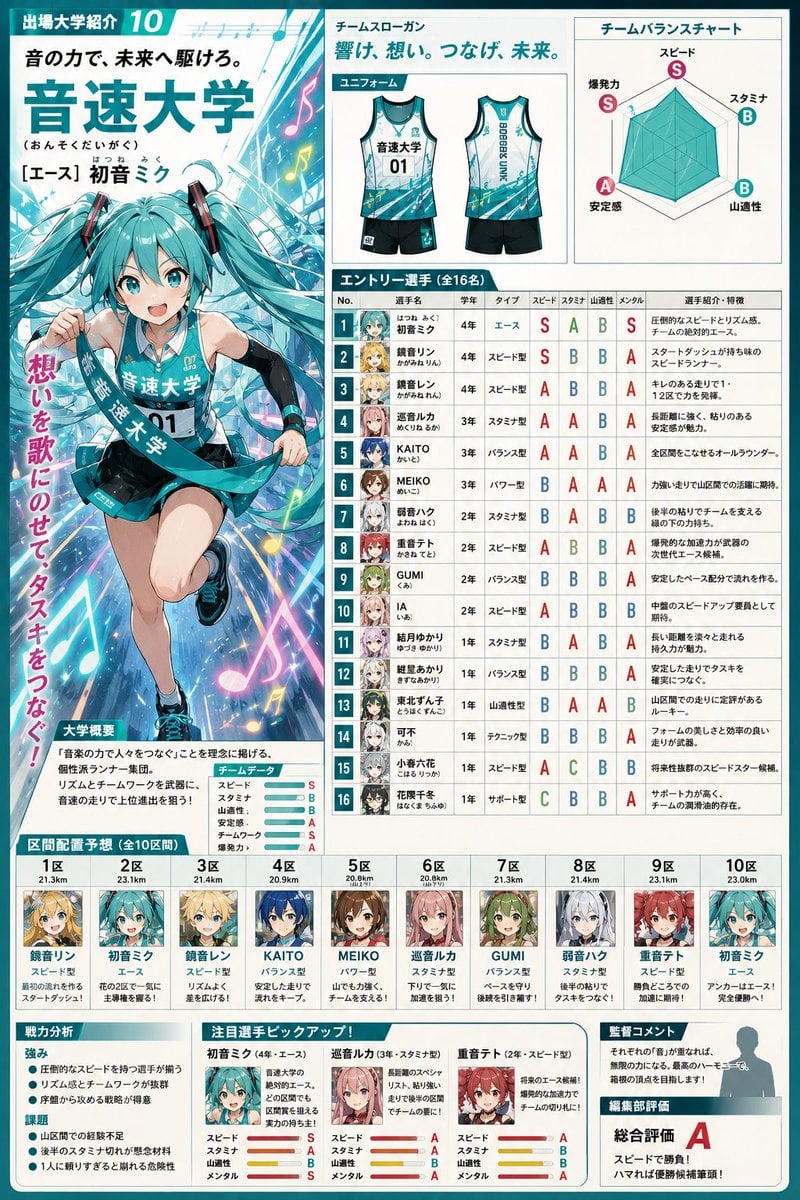
Anime Ekiden Magazine Team Profile

Nano Banana Pro 2.0 — 3x3 Travel Profile Grid

Music Album Cover Abstract Liquid Mercury
Make it yours
Music Magazine Character Profile works as-is. These are the safest ways to change it without losing the look.
Change one field
Copy a single group, rewrite it, and generate again so you can see what that field is doing.
Keep the frame, change the subject
Hold the composition and light of Music Magazine Character Profile, then swap wardrobe, props or the person for a new take.
| If the result… | Why | Fix |
|---|---|---|
| The result drifts from the preview | Too many fields changed at once. | Reuse Music Magazine Character Profile as-is first, then change one group — subject, light, or setting. |
| GPT Image 2 ignores part of the JSON | Some models flatten or skip nested keys. | Keep the same values and paste them as a short paragraph instead. |
More GPT Image 2 templates
Other prompts made for GPT Image 2.

Six VTuber Japanese Logo Sheet

Realistic Portrait of Woman and Deer

The Vista Modular Condo Poster

AI Model Routing Comparison Infographic

2.5D Anime Art Board

Isometric Productivity Desk Scene

New York Double Exposure Poster

Four-Panel AI Landscape Comparison

NESCAFÉ Coffee Map Poster

Brutalist Cogito Chinese Typography Poster
More image prompts
Fresh picks from across the catalog.
Underground Subway Mirror Portrait

Nan Goldin Style Morning Café Portrait
Kamehameha Style Transformation Prompts
Detailed Mirror Selfie Simulation Prompt
Star Wars 3D Billboard Concept
Cinematic sports fashion collage prompt
Ultra-Realistic Corporate Headshot of Businessman
Image Generation Prompt: Exploded Diagram of McDonald's Cheeseburger
Gothic Anime Facial Expression Sheet
Sketch to Professional UI Design
Browse template categories
Music Magazine Character Profile questions
How do I use the Music Magazine Character Profile template?
Add your photo if the template asks for one, edit the prompt if you like — the template's model and format are already selected — and press Generate. Your version opens in PicX Studio.
Can I customize the Music Magazine Character Profile template?
Yes. You can change the subject, setting, lighting, mood, format, and available model controls before creating your image.
Is the Music Magazine Character Profile template free?
Opening and editing this template is free. Generating uses credits, shown on the Generate button when you are signed in.
Which AI model should I use?
Start with GPT Image 2, which is the model associated with this template. You can compare another compatible model for a different finish.
Looking for something else? Browse all templates.

Your photo, any look
Thousands of ready templates for every top image and video model, from one credit balance.