
Floating Music UI Street Portrait
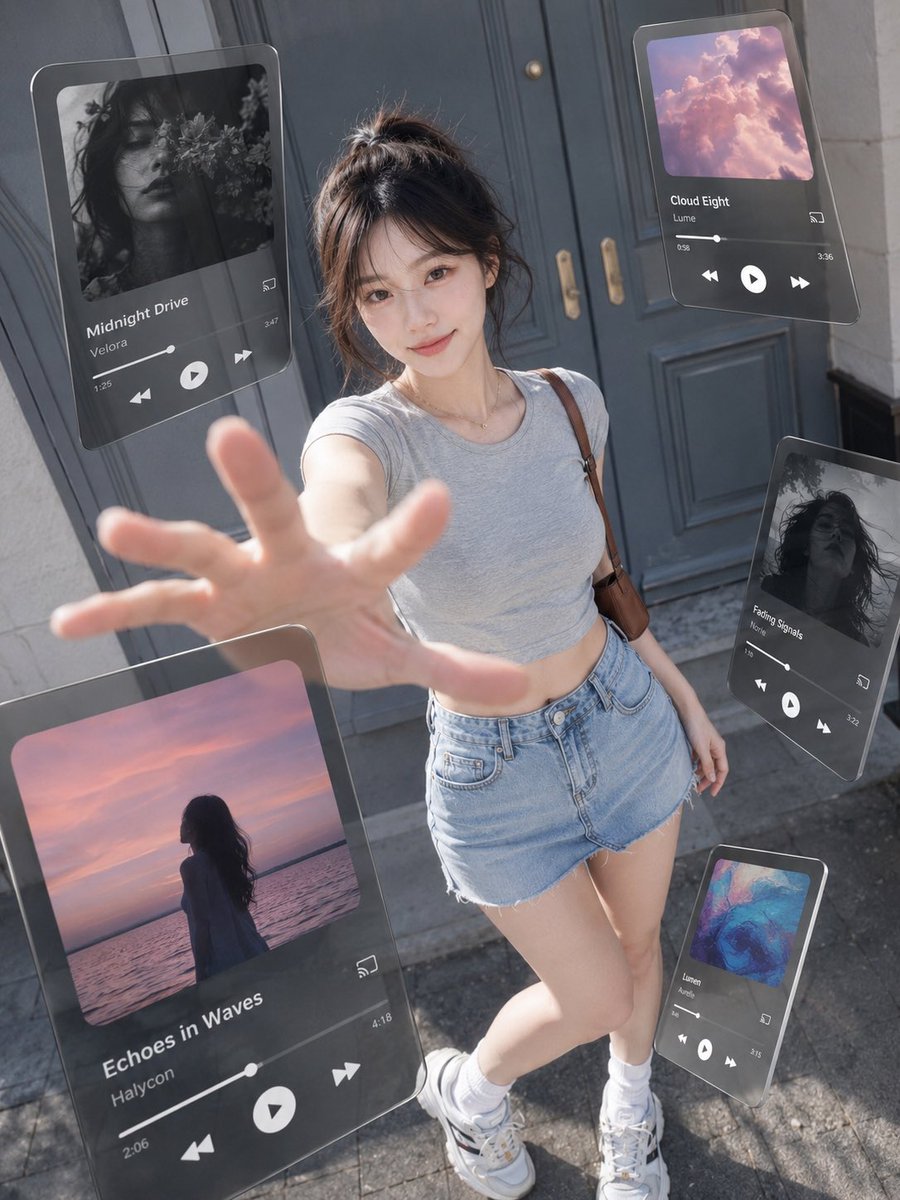
A hyperrealistic vertical street photo prompt featuring a young woman surrounded by five floating glassmorphism music player panels for futuristic advertising visuals.
- Prompt included
- Model and format preset
- Free template
The prompt behind this image
Copy the exact prompt behind Floating Music UI Street Portrait, or open it in the studio and make it yours.
Create a 3:4 vertical ultra-realistic street fashion photograph blended with floating augmented-reality music player UI panels, as if a smartphone music app has been pulled out into the real world. A young woman with {argument name="character appearance" default="an East Asian young woman with fair skin, dark brown hair in a messy high bun with wispy bangs, soft natural makeup, and a gentle smile"} stands centered in front of {argument name="location" default="a low-saturation gray-blue vintage double door on a city street"} in bright daytime natural light. Use a high-angle wide lens perspective looking slightly downward, like the camera is close to her outstretched hand; her hand reaches toward the lens in the foreground with strong perspective distortion and shallow depth of field. She wears {argument name="outfit" default="a fitted light gray cropped T-shirt, high-waisted light blue denim shorts, white socks, chunky white sneakers, a delicate necklace, and a brown shoulder bag strap"}. The background is softly blurred but still recognizable, with stone walls, door handles, pavement, and realistic sunlight shadows. Around her, place exactly 5 semi-transparent floating glassmorphism music player cards with rounded corners, dark translucent panels, subtle reflections, thin highlights, and realistic perspective, as if hovering in physical space. Card 1: large card on the upper left, tilted slightly, black-and-white floral portrait album art, title “Midnight Drive,” artist “Velora,” visible progress bar, time 1:26 and 3:47, previous/play/next icons, cast icon. Card 2: medium card on the upper right, pink cloud album art, title “Cloud Eight,” artist “Lume,” time 0:58 and 3:56, playback controls and cast icon. Card 3: large card at lower left foreground, partially cropped, sunset ocean silhouette album art, title “Echoes in Waves,” artist “Haycoon,” time 2:06 and 4:18, large play button and skip icons. Card 4: medium card on the right side, tilted vertically, black-and-white hair portrait album art, title “Fading Signals,” artist “Nolie,” time 1:40 and 3:22, playback controls. Card 5: small card at lower right near her shoes, colorful abstract blue-pink album art, title “Lumen,” artist “Ardens,” time 0:49 and 3:15, playback controls. Make the UI feel physically present with accurate occlusion, reflections, motionless hovering, and soft shadows/refractions, while keeping it readable. Style: creative advertising photography, hyperrealistic, cinematic daylight, crisp skin texture, natural colors, slight wide-angle distortion, no extra cards, no watermark, no messy text, no duplicated limbs.
How to use Floating Music UI Street Portrait in 3 steps
- 1Upload ImagePNG, JPG or paste
Add your photo
Upload the photo the template builds on. The prompt, model and format are already set.
- 2…a portrait of your subject in softgolden-hour light, 85mm…
Personalize
Edit the subject and creative details for your destination.
- 3Generate
Generate
Press Generate — your image is created in PicX Studio, so you can compare it with the original and refine one variable at a time.
More like this
Templates with the same subject, style or setup. Open one to see its prompt.












Make it yours
Floating Music UI Street Portrait works as-is. These are the safest ways to change it without losing the look.
Change one field
Copy a single group, rewrite it, and generate again so you can see what that field is doing.
Keep the frame, change the subject
Hold the composition and light of Floating Music UI Street Portrait, then swap wardrobe, props or the person for a new take.
| If the result… | Why | Fix |
|---|---|---|
| The result drifts from the preview | Too many fields changed at once. | Reuse Floating Music UI Street Portrait as-is first, then change one group — subject, light, or setting. |
| The model over-stylizes the scene | The prose prompt leaves finish and camera underspecified. | Add one camera or lighting sentence and stay on GPT Image 2. |
More GPT Image 2 templates
Other prompts made for GPT Image 2.

Six VTuber Japanese Logo Sheet

Realistic Portrait of Woman and Deer

The Vista Modular Condo Poster

AI Model Routing Comparison Infographic

2.5D Anime Art Board

Isometric Productivity Desk Scene

New York Double Exposure Poster

Four-Panel AI Landscape Comparison

Japanese Tatami Lifestyle Magazine Cover

NESCAFÉ Coffee Map Poster
More image prompts
Fresh picks from across the catalog.
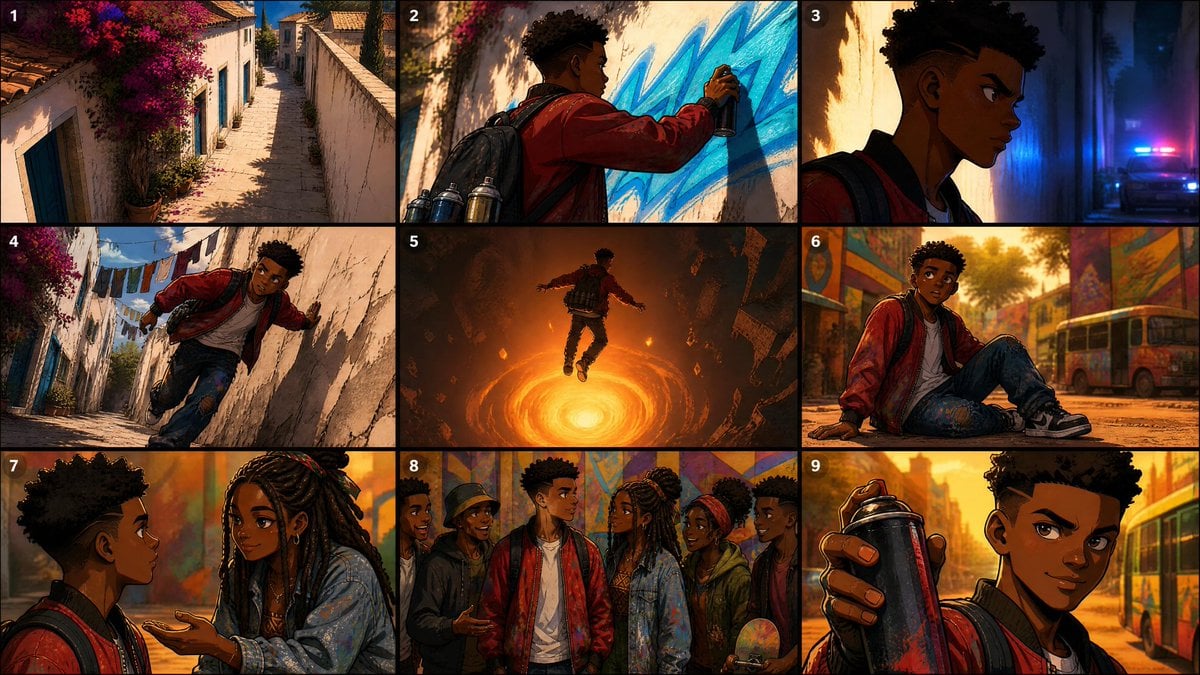
Seedance Prompt: Create a 2.5D animation, cinemat
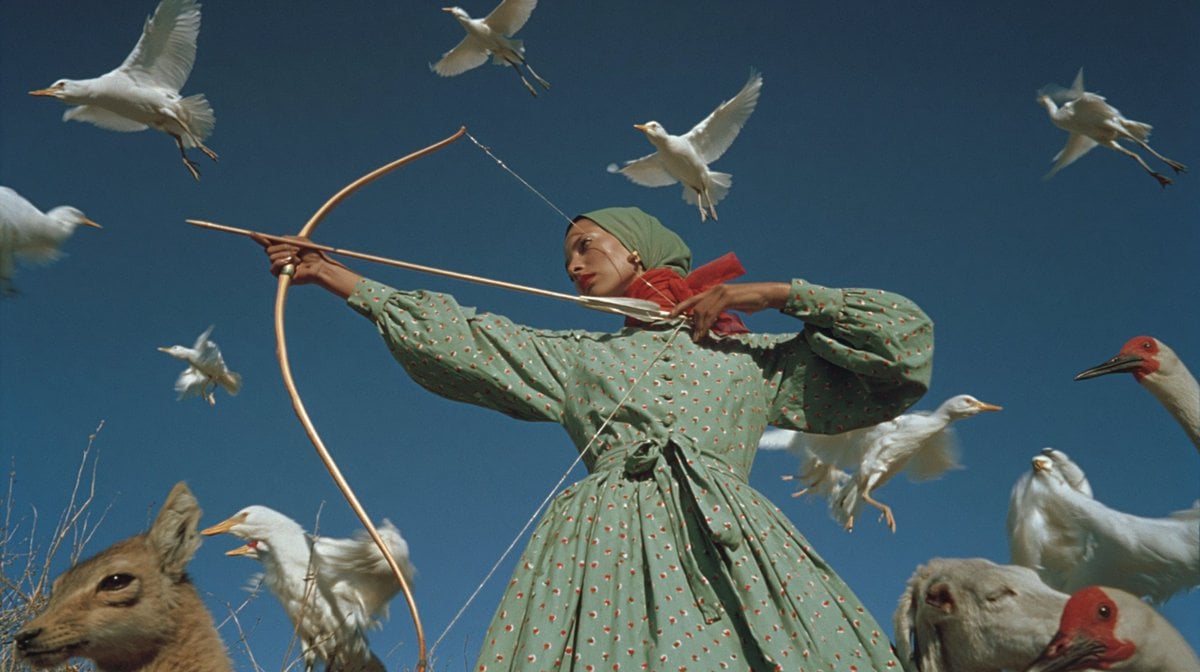
Surreal Archer With Birds and Animals
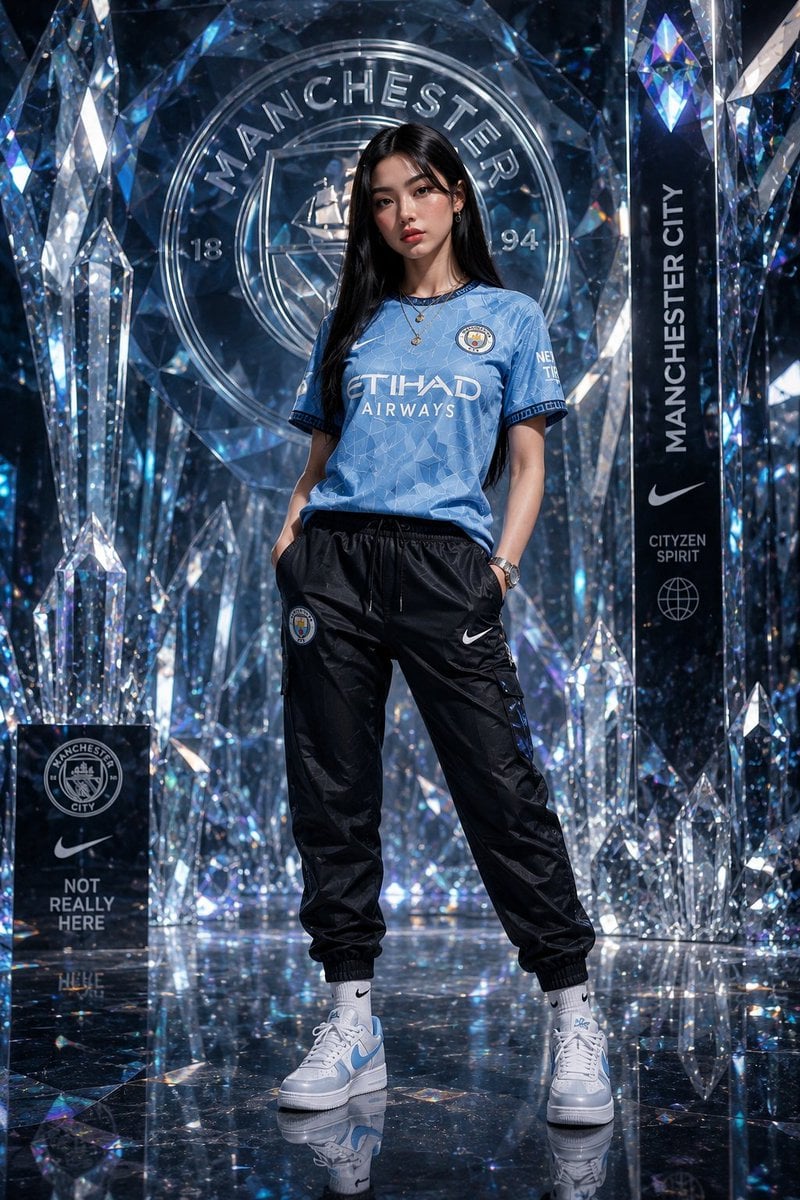
Futuristic Sportswear Fashion in Crystal Palace
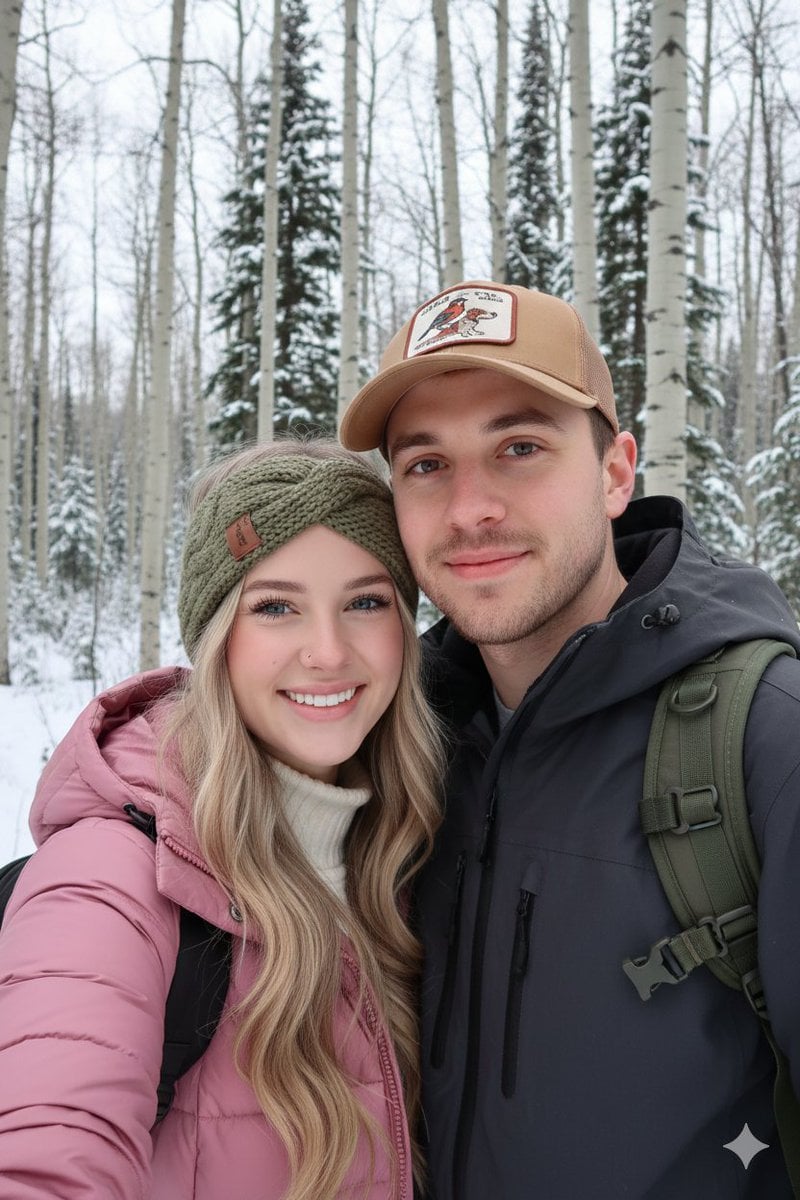
Winter Hiking Couple Selfie JSON Prompt
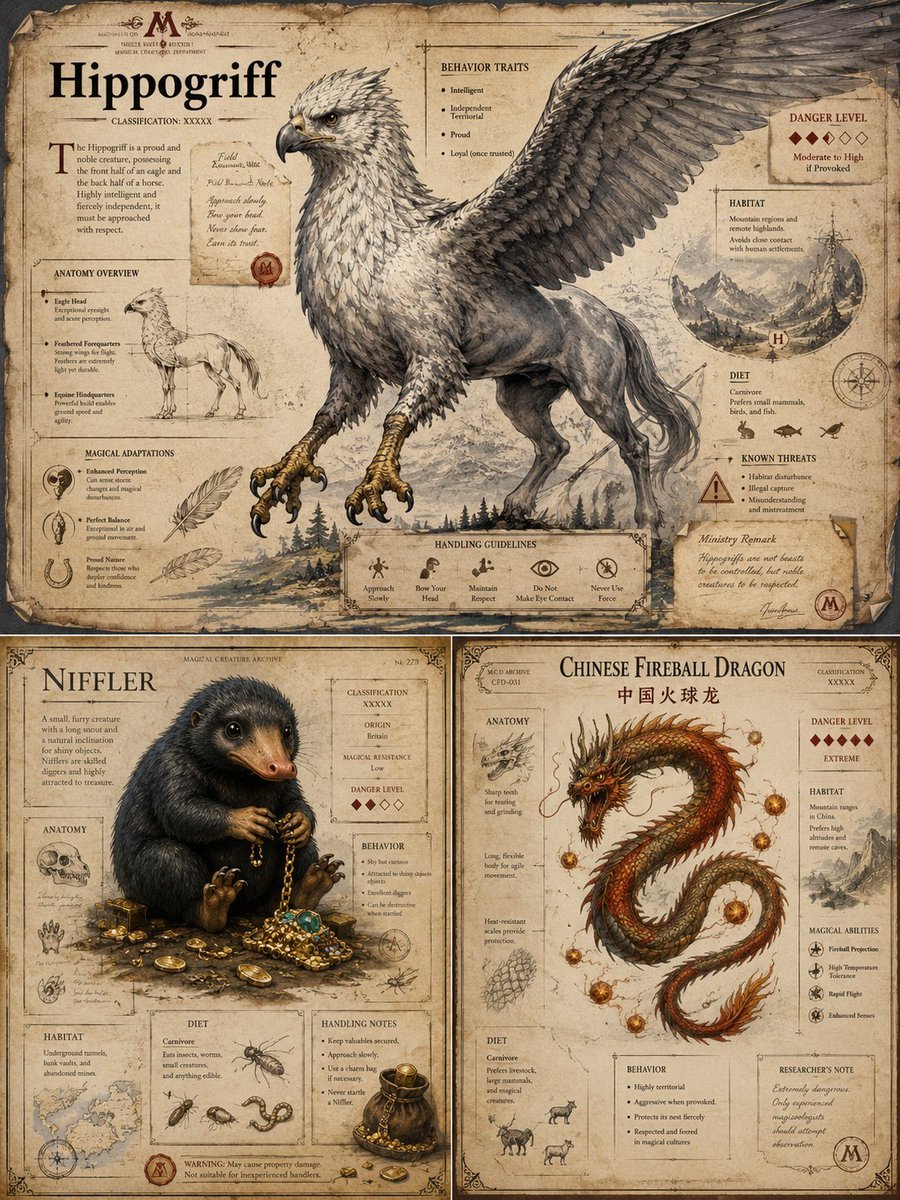
Magical Creature Bestiary Plates
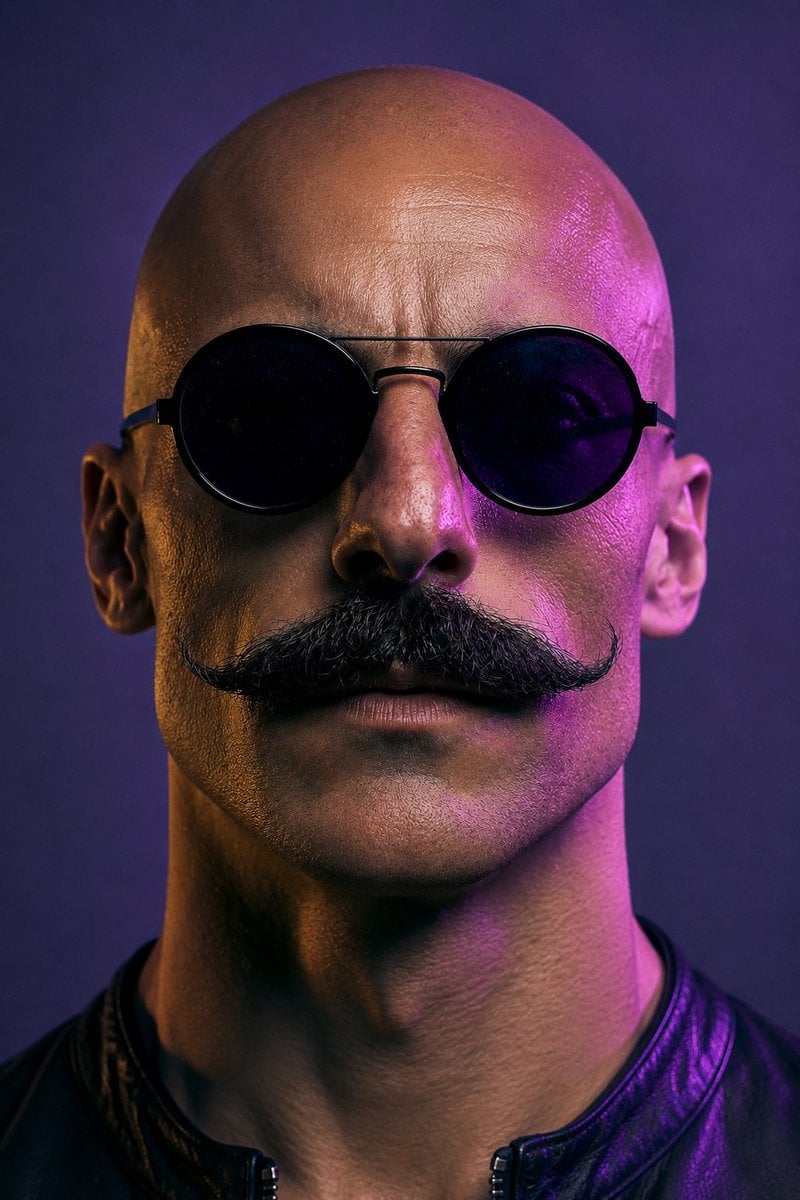
Neon Censored Portrait Avatar
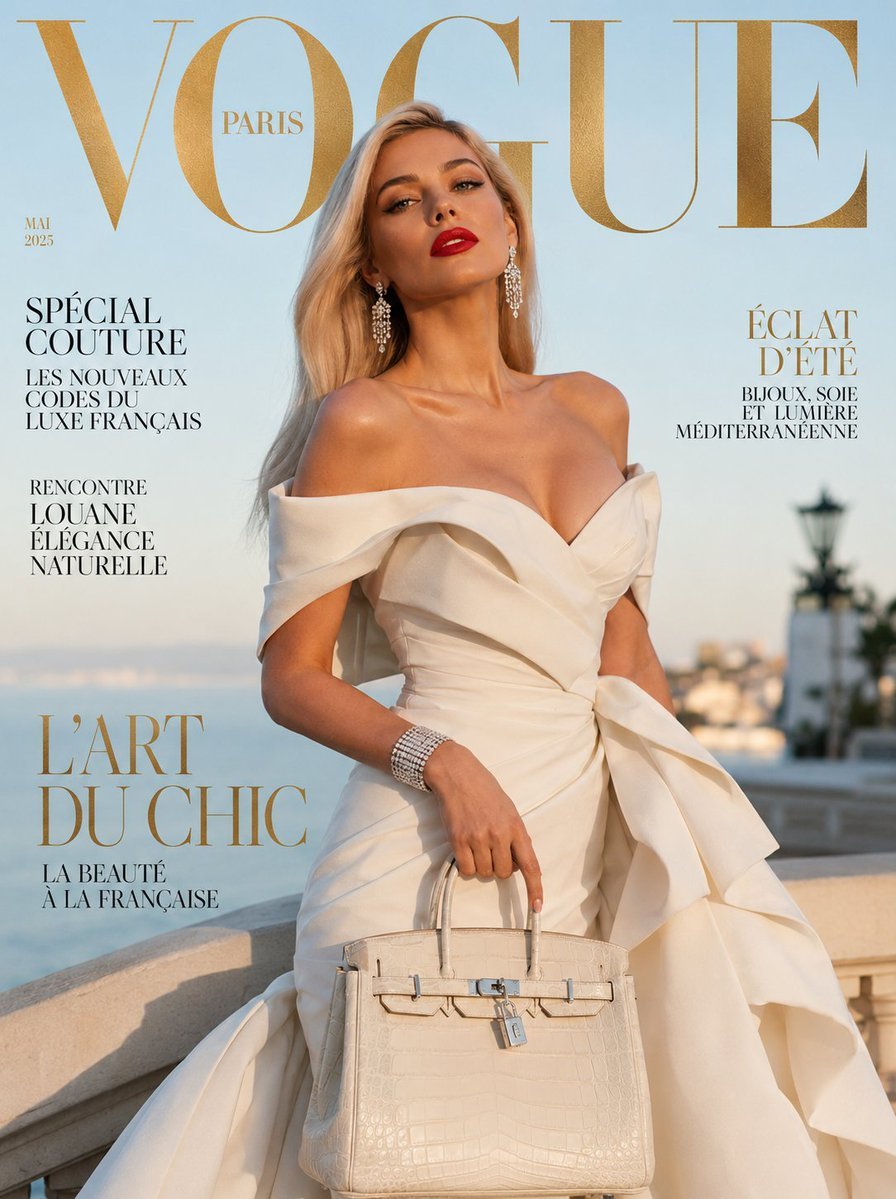
Vogue French Luxury Fashion Cover
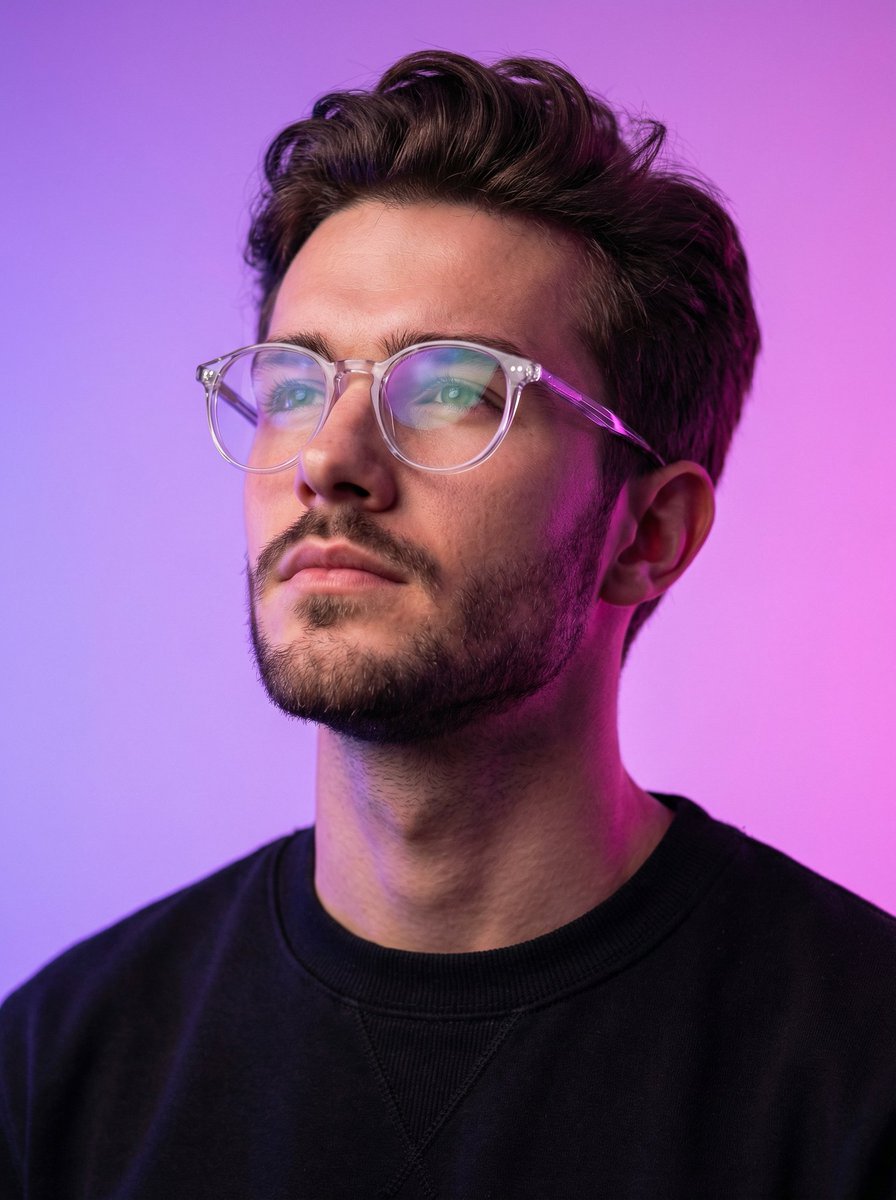
Cyber-modern portrait with neon lighting
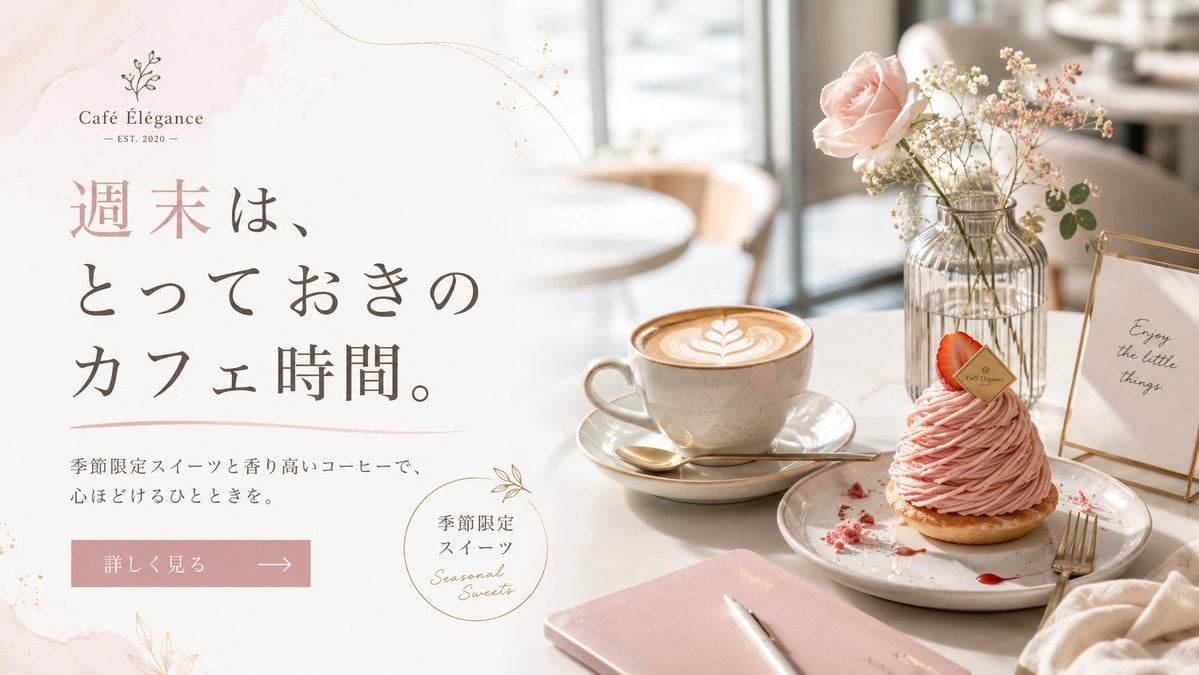
Elegant Café Weekend Banner
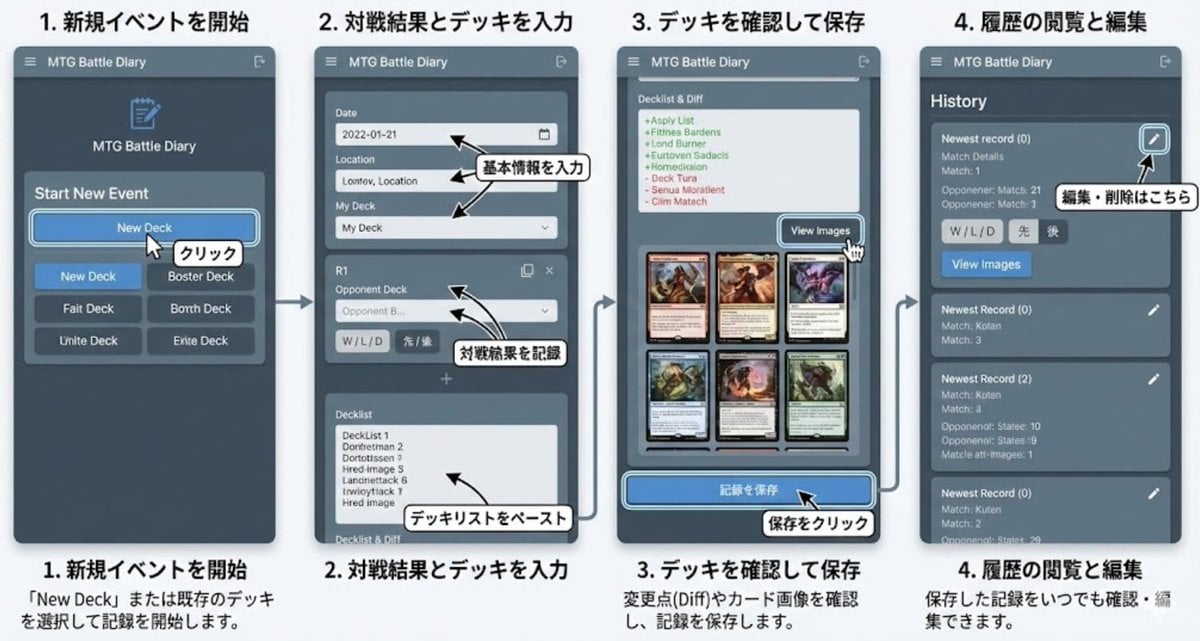
Generate documentation from source code
Browse template categories
Floating Music UI Street Portrait questions
How do I use the Floating Music UI Street Portrait template?
Add your photo if the template asks for one, edit the prompt if you like — the template's model and format are already selected — and press Generate. Your version opens in PicX Studio.
Can I customize the Floating Music UI Street Portrait template?
Yes. You can change the subject, setting, lighting, mood, format, and available model controls before creating your image.
Is the Floating Music UI Street Portrait template free?
Opening and editing this template is free. Generating uses credits, shown on the Generate button when you are signed in.
Which AI model should I use?
Start with GPT Image 2, which is the model associated with this template. You can compare another compatible model for a different finish.
Looking for something else? Browse all templates.

Your photo, any look
Thousands of ready templates for every top image and video model, from one credit balance.