
Winter Hiking Couple Selfie JSON Prompt
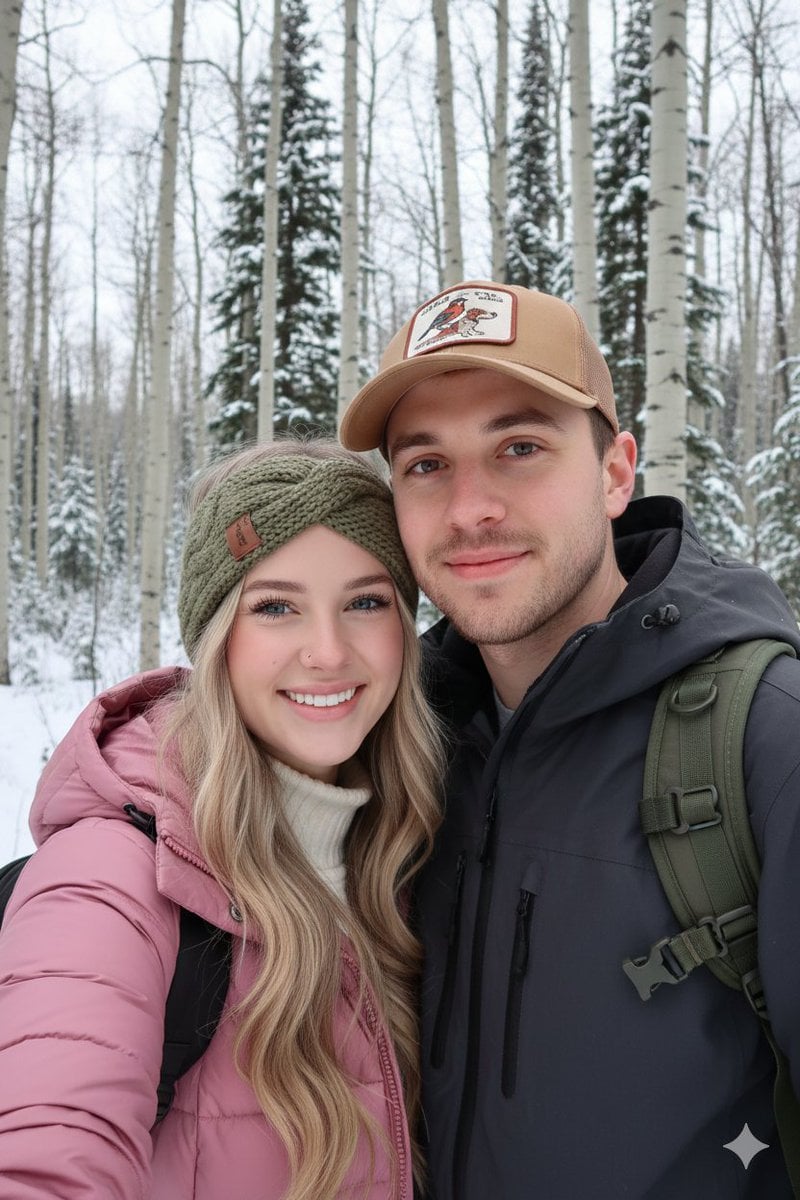
A structured JSON prompt for generating a high-resolution, candid selfie of a happy young couple hiking in a snowy winter forest.
- Prompt included
- Model and format preset
- Free template
The prompt behind this image
Copy the exact prompt behind Winter Hiking Couple Selfie JSON Prompt, or open it in the studio and make it yours.
Use the same face from the reference image without changing facial features { "subject": { "description": "A happy young couple taking a close-up selfie while hiking in a winter forest.", "individuals": [ { "person": "Woman", "features": "Long wavy blonde hair, bright smile with white teeth, nose piercing, soft natural makeup.", "apparel": "pink puffer jacket, white turtleneck sweater, olive green cable-knit headband with a small leather brand tag." }, { "person": "Man", "features": "Short brown hair, light stubble/facial hair, friendly and relaxed expression.", "apparel": "Tan trucker-style baseball cap featuring an embroidered bird and dog, dark grey or black technical hiking jacket, olive green tactical backpack straps visible." } ], "pose": "Candid selfie style, heads leaning together, shoulders touching, radiating a warm and adventurous mood." }, "setting": { "location": "A dense forest with tall, thin deciduous trees (aspens or birches) and dark evergreens.", "environment": "Light snow on the ground, overcast sky providing soft diffused light, winter mountain trail atmosphere.", "lighting": "Natural, even outdoor lighting with no harsh shadows; cool-toned color temperature." }, "style": { "medium": "High-resolution smartphone-style photography", "composition": "Close-up portrait, selfie perspective, slightly low angle looking up towards the trees.", "color_palette": ["Forest green", "Matte black", "Creamy white", "Earth tones", "Cold grey"], "technical_details": "Deep depth of field showing the forest background, realistic skin textures, high contrast between the black jackets and the snow." } }
How to use Winter Hiking Couple Selfie JSON Prompt in 3 steps
- 1Upload ImagePNG, JPG or paste
Add your photo
Upload the photo the template builds on. The prompt, model and format are already set.
- 2…a portrait of your subject in softgolden-hour light, 85mm…
Personalize
Edit the subject and creative details for your destination.
- 3Generate
Generate
Press Generate — your image is created in PicX Studio, so you can compare it with the original and refine one variable at a time.
More like this
Templates with the same subject, style or setup. Open one to see its prompt.

Photoreal Snow Biome Name Tag UI
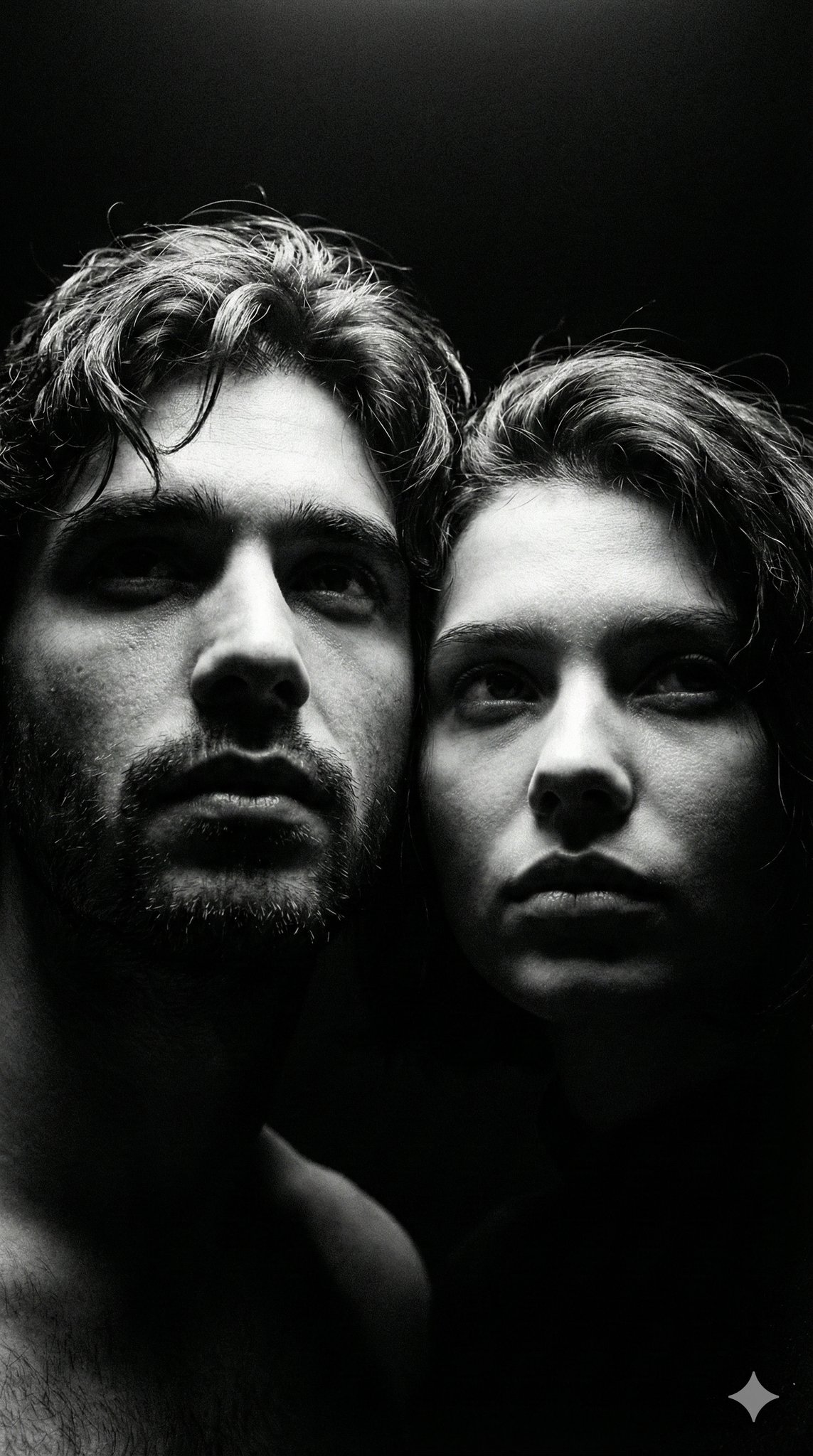
Ultra Realistic Couple Mirror Selfie
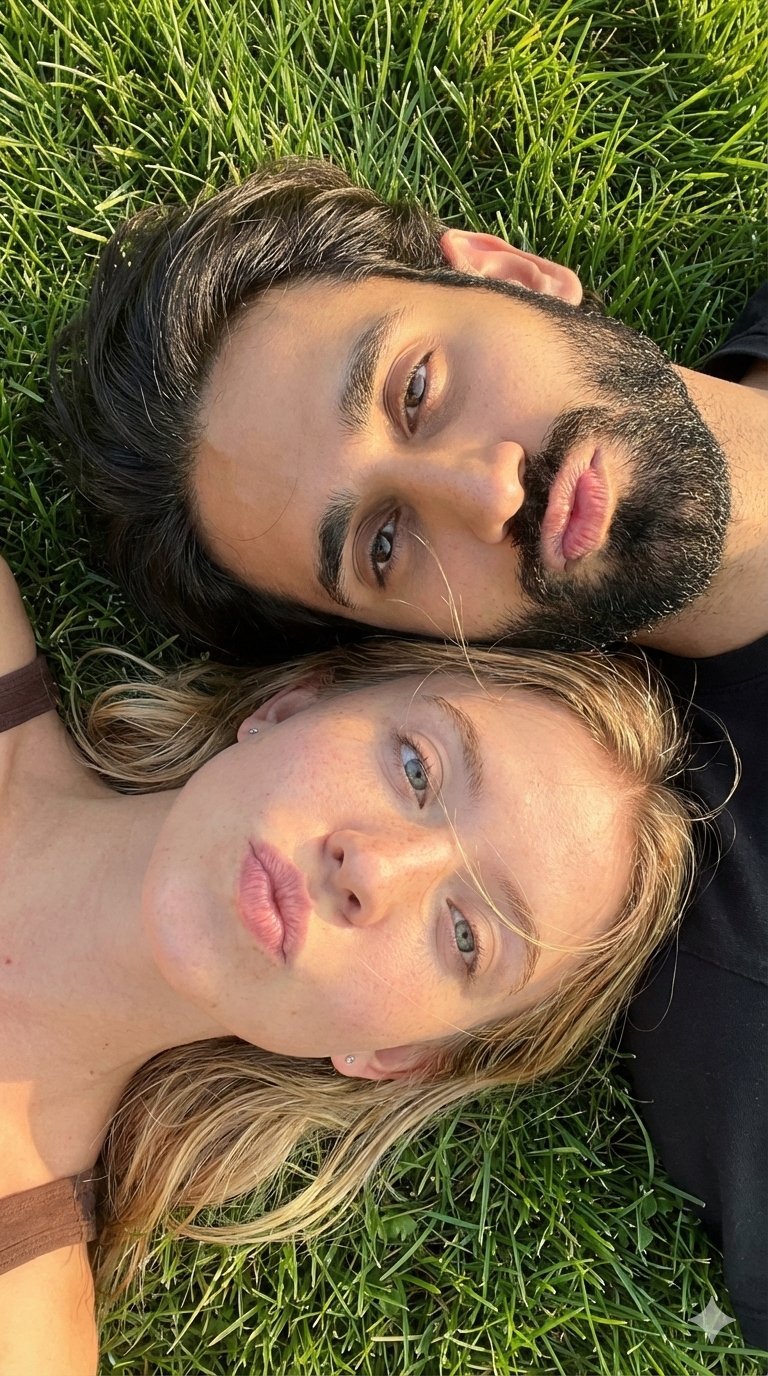
Selfie with Sydney Sweeney and Ana De Ar

Sunday Afternoon, 1988

Two Tickets, One Night

If We Met in 1985

Found Photograph: Us, 1970

One Dance Before Midnight

Before We said Goodbye

Our Song was on a Cassette

Meet Me When It Rains

The Date After College
Make it yours
Winter Hiking Couple Selfie JSON Prompt works as-is. These are the safest ways to change it without losing the look.
Change one field
Copy a single group, rewrite it, and generate again so you can see what that field is doing.
Keep the frame, change the subject
Hold the composition and light of Winter Hiking Couple Selfie JSON Prompt, then swap wardrobe, props or the person for a new take.
| If the result… | Why | Fix |
|---|---|---|
| The result drifts from the preview | Too many fields changed at once. | Reuse Winter Hiking Couple Selfie JSON Prompt as-is first, then change one group — subject, light, or setting. |
| The model over-stylizes the scene | The prose prompt leaves finish and camera underspecified. | Add one camera or lighting sentence and stay on Nano Banana 2. |
More Nano Banana 2 templates
Other prompts made for Nano Banana 2.

Photorealistic Leaf Shaped Like a Dragon

K-Pop Idol Portrait Grid for Rapid Selection

Poetic Rain Forest Portrait During Golden Hour

Urban Street Portrait with Cartoon Inner Self Duo

Candid Nighttime Photo with Cat Prompt

High-Concept 3D Diorama Generation Prompt

Cinematic Futuristic Studio Portrait Template

Skincare Editorial Photography Collage Prompt

Hyper-Realistic Commercial Product Photography (Splash Effect)

Hyper-Realistic Nightclub Portrait Prompt
More image prompts
Fresh picks from across the catalog.

Magazine Cover Mockup for AI Interiors
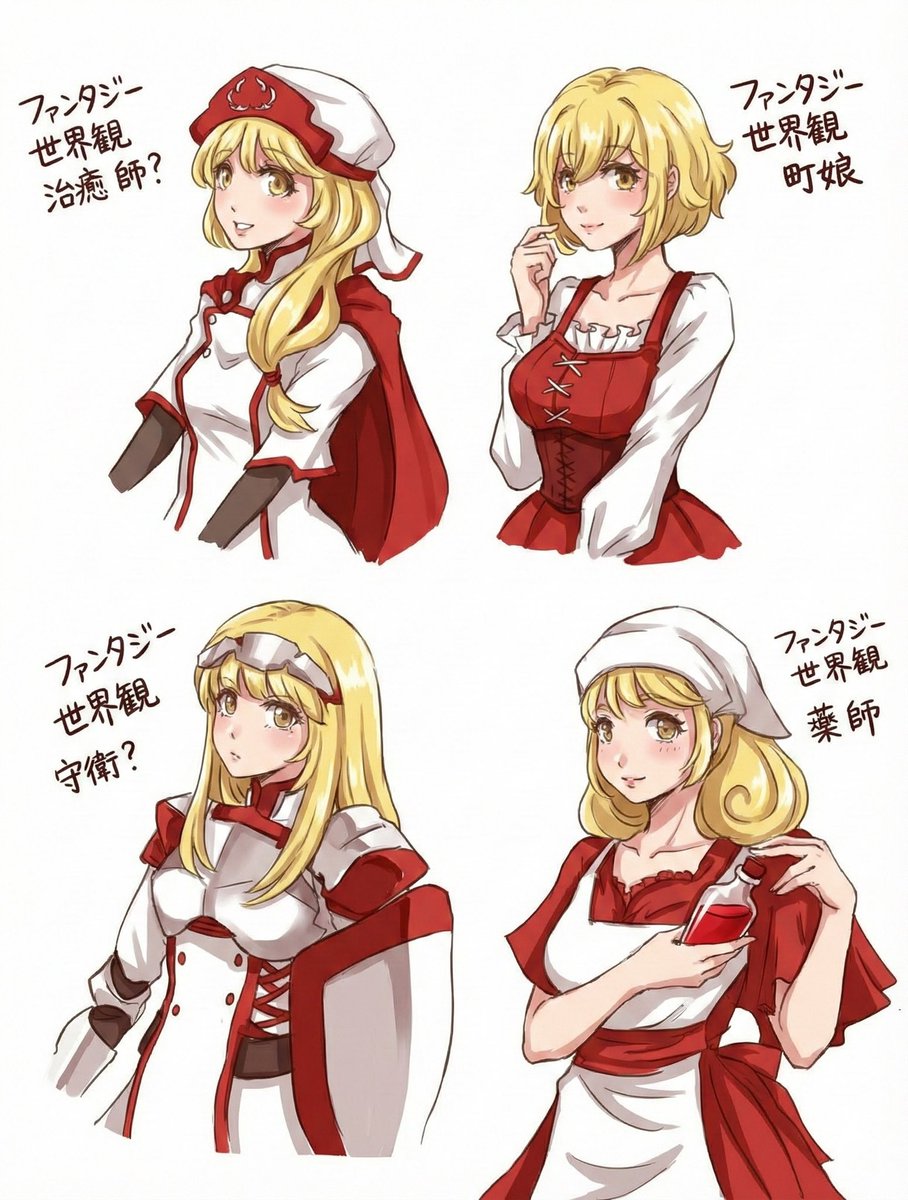
Simple Coloring and Detail Enhancement Prompt
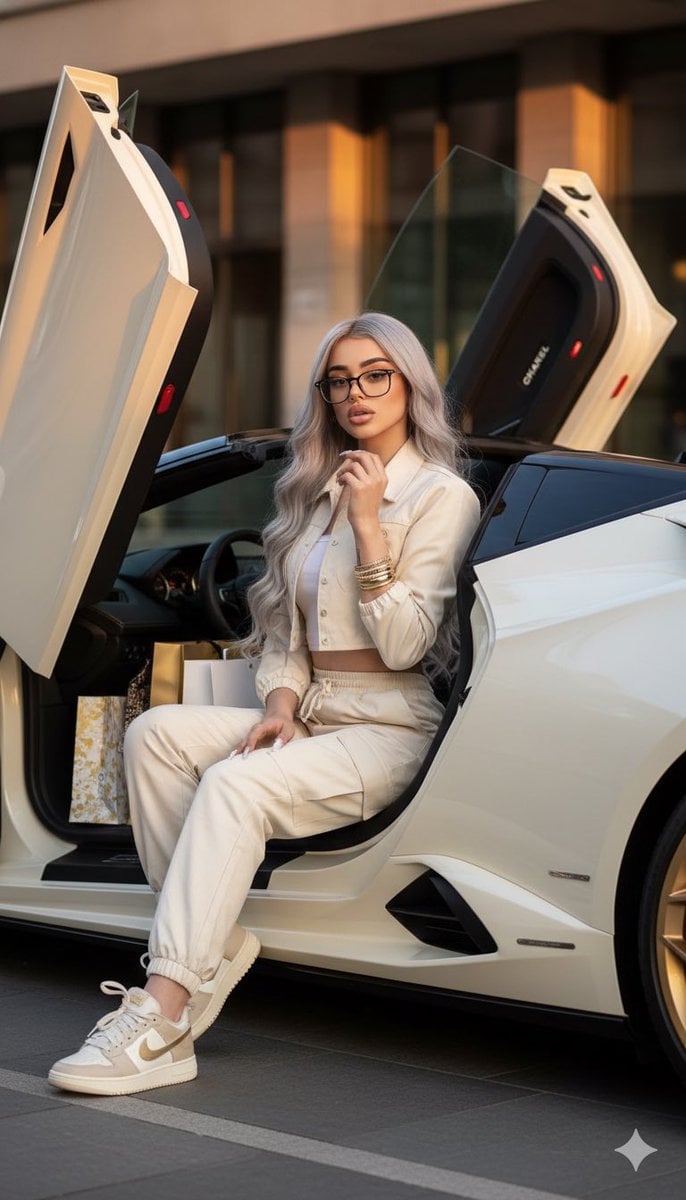
Luxury Fashion Shoot with Lamborghini Huracán
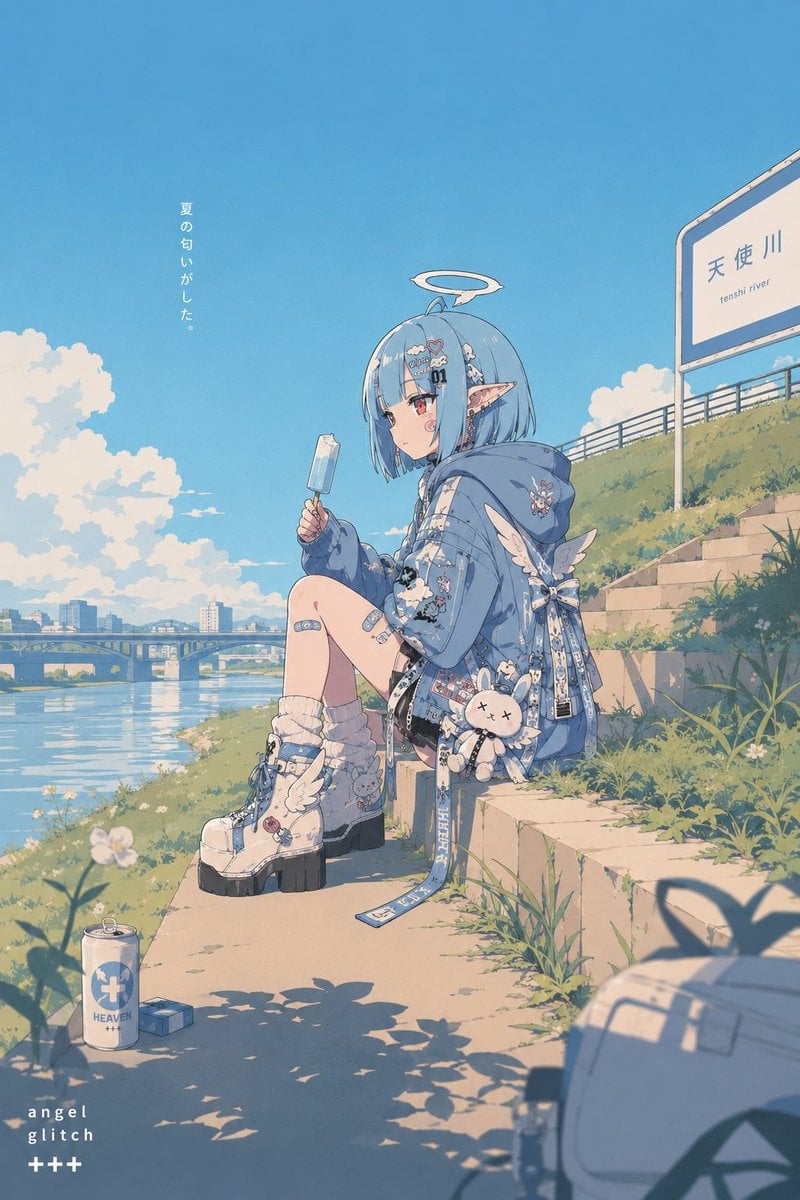
Retro Pop Riverbank Key Visual
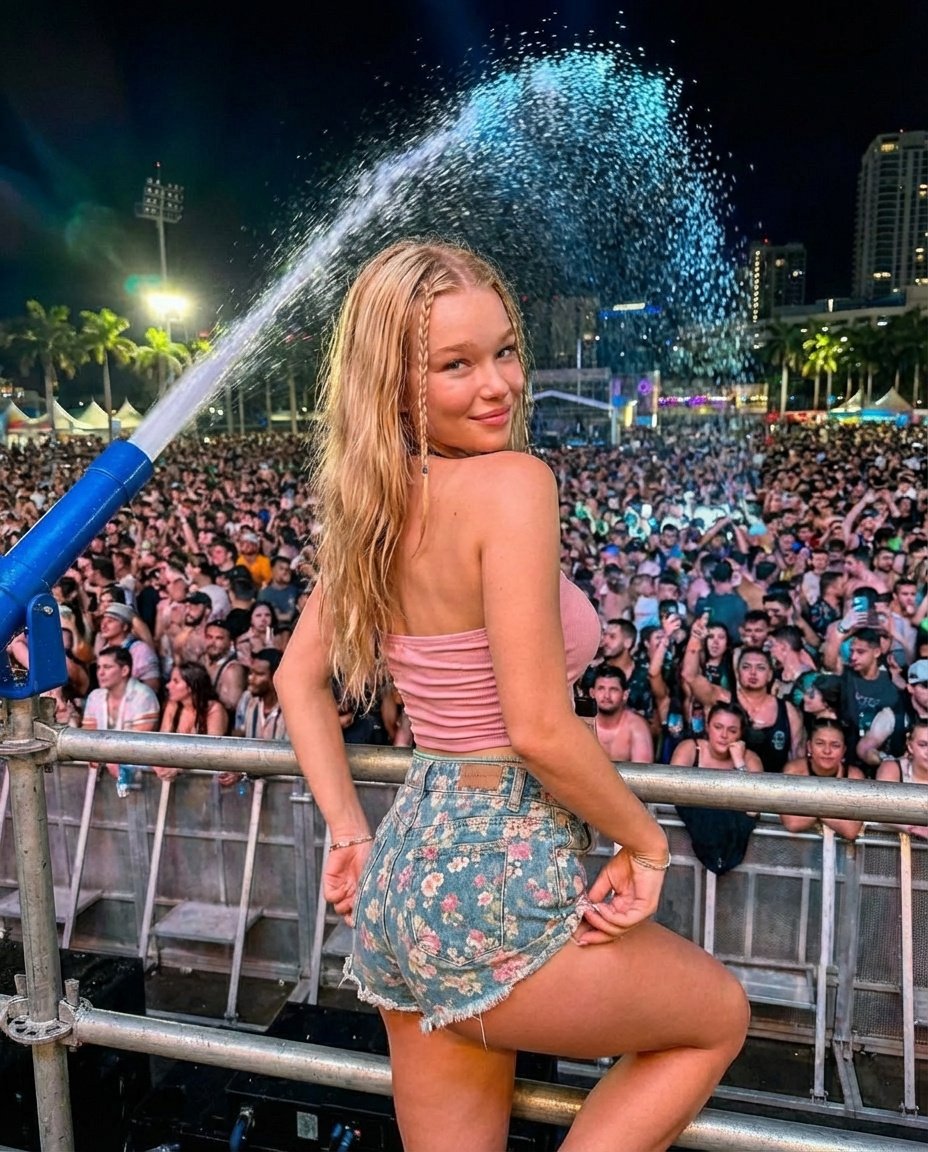
Nighttime Music Festival Photography Prompt
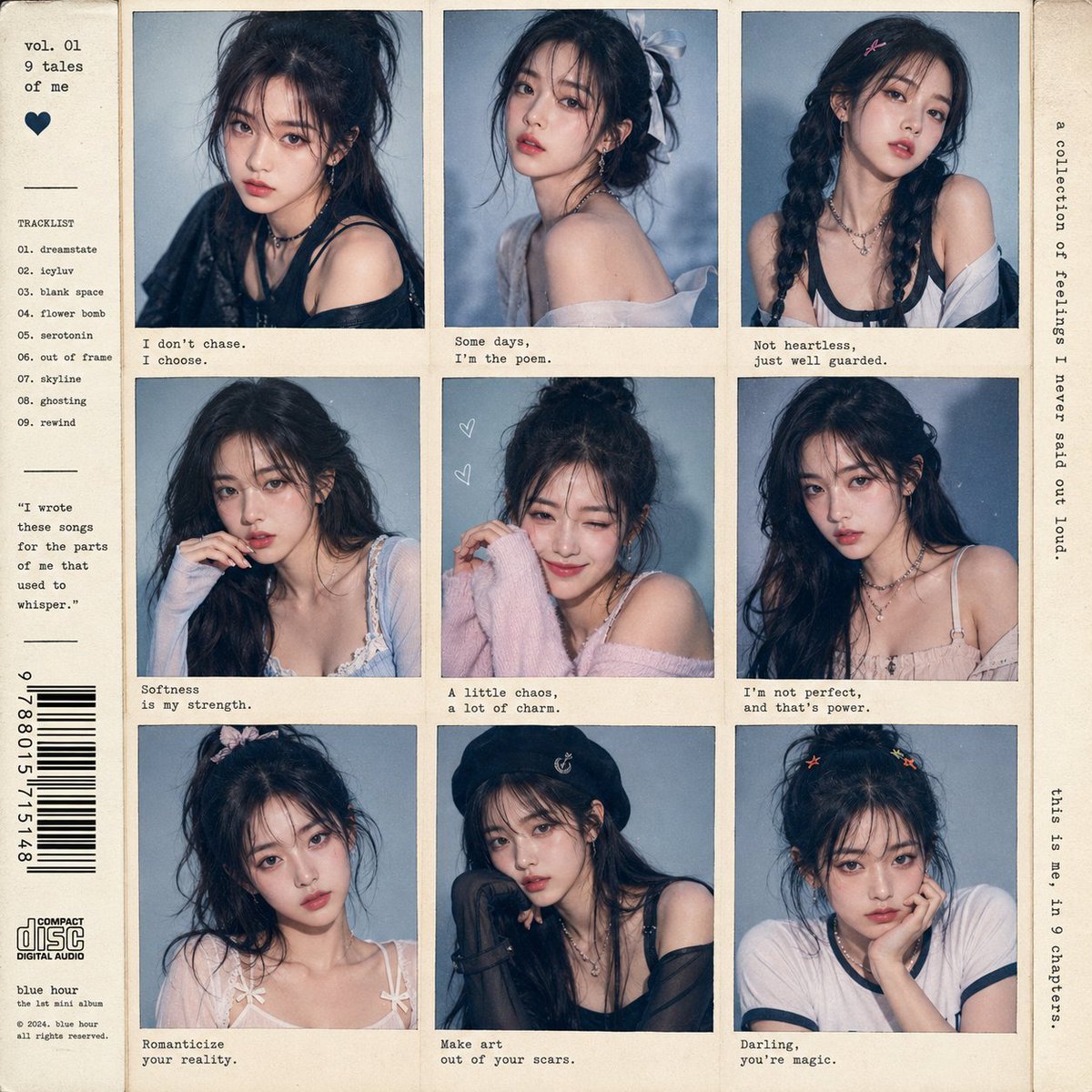
K-Pop Idol Style Grid Portrait Collage
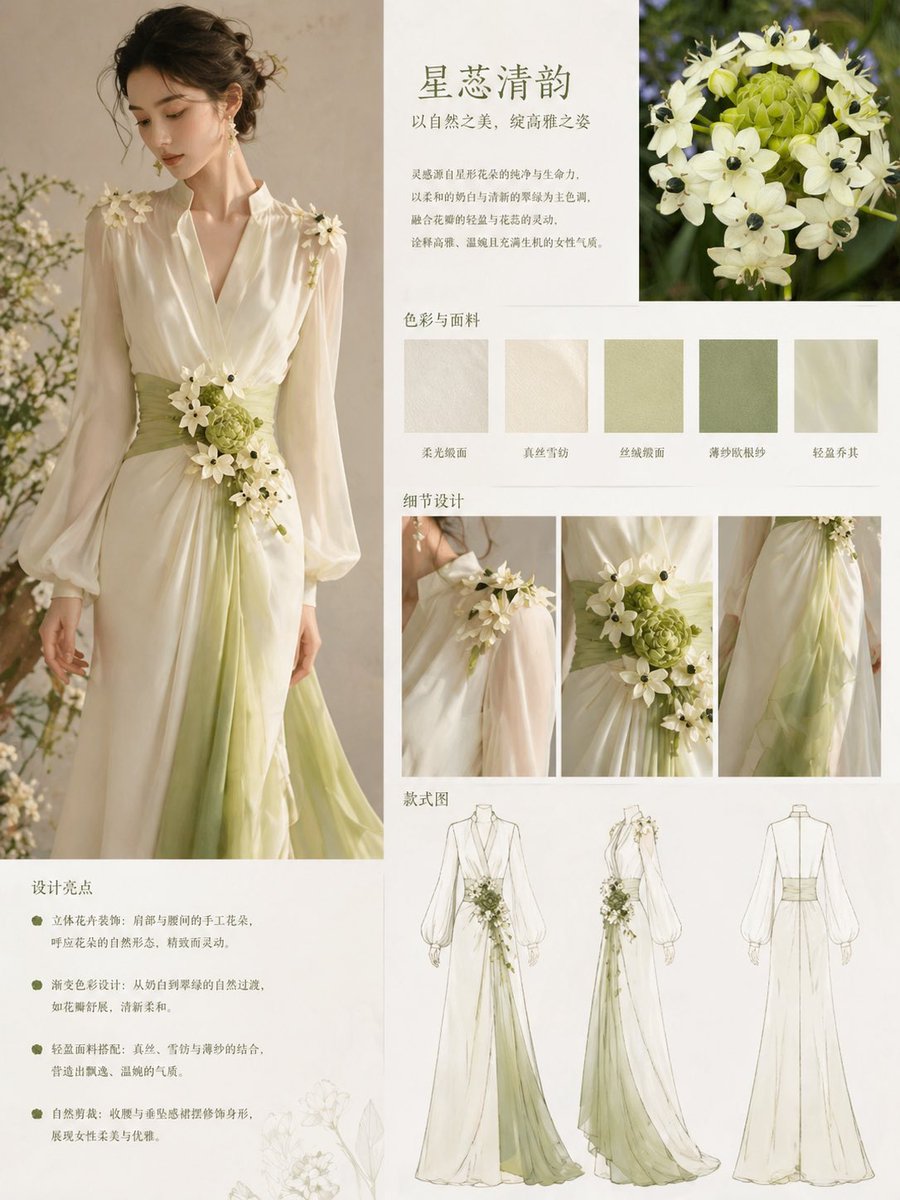
Floral-Inspired Elegant Fashion

Handmade Christmas Wreath Generator with Custom Ornament
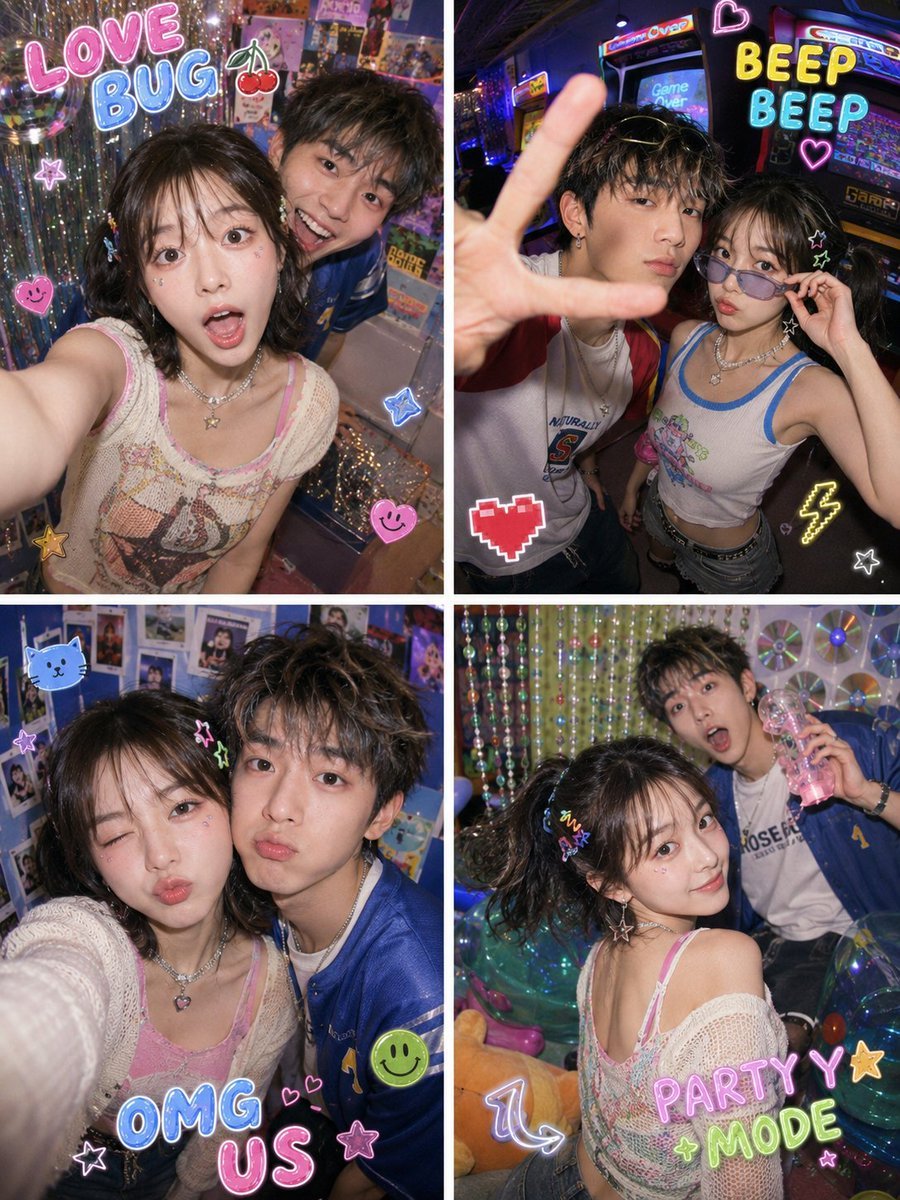
Y2K Fish-eye 2x2 Photo Booth Collage
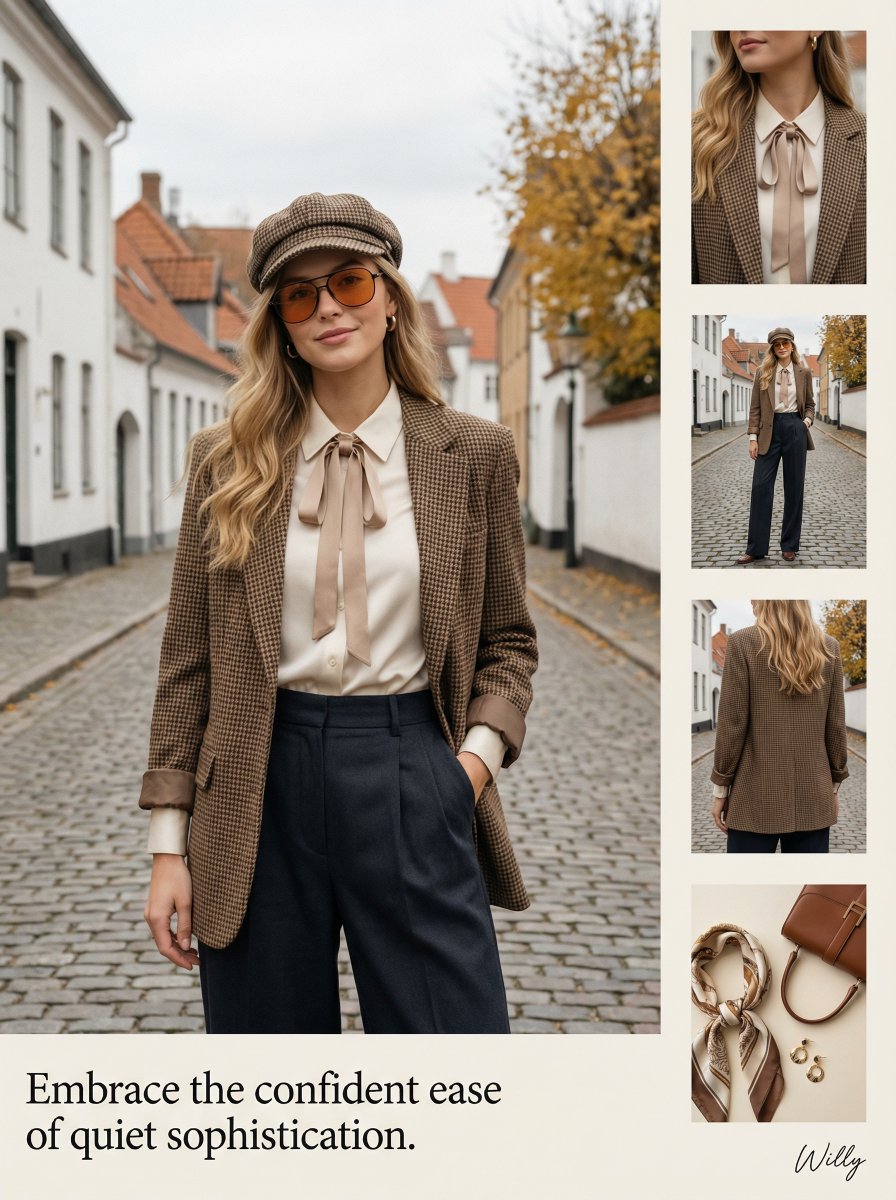
1970s Inspired Quiet Luxury Fashion Lookbook
Browse template categories
Winter Hiking Couple Selfie JSON Prompt questions
How do I use the Winter Hiking Couple Selfie JSON Prompt template?
Add your photo if the template asks for one, edit the prompt if you like — the template's model and format are already selected — and press Generate. Your version opens in PicX Studio.
Can I customize the Winter Hiking Couple Selfie JSON Prompt template?
Yes. You can change the subject, setting, lighting, mood, format, and available model controls before creating your image.
Is the Winter Hiking Couple Selfie JSON Prompt template free?
Opening and editing this template is free. Generating uses credits, shown on the Generate button when you are signed in.
Which AI model should I use?
Start with Nano Banana 2, which is the model associated with this template. You can compare another compatible model for a different finish.
Looking for something else? Browse all templates.

Your photo, any look
Thousands of ready templates for every top image and video model, from one credit balance.