
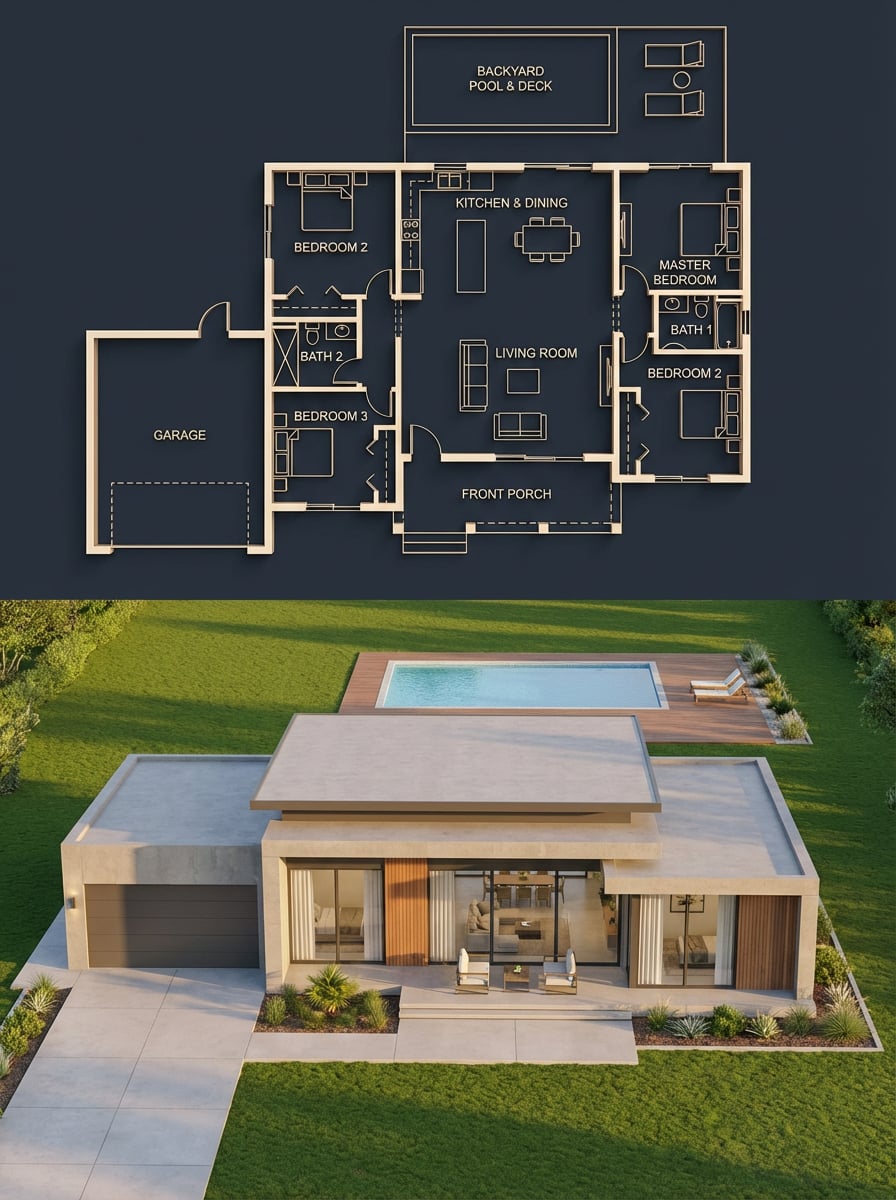
Split architectural visualization where the top is a detailed
{ "objective": "Create a split architectural visualization where the top is a detailed dark-themed blueprint and the bottom is a photorealistic house that matches the blueprint EXACTLY", "aspect_ratio": "3:4"…
- Prompt included
- Model and format preset
- Premium template
The prompt behind this image
Copy the exact prompt behind Split architectural visualization where the top is a detailed, or open it in the studio and make it yours.
- Objective
- Create a split architectural visualization where the top is a detailed dark-themed blueprint and the bottom is a photorealistic house that matches the blueprint EXACTLY
- Aspect Ratio
- 3:4
- Composition › Layout
- vertical split
- Composition › Top Section
- blueprint
- Composition › Bottom Section
- realistic render
- Composition › Alignment
- perfect structural correspondence between both sections
- Top Section › Type
- architectural blueprint
- Top Section › Style
- dark luxury blueprint (similar to reference image 2)
- Top Section › Visual Style › Background
- deep navy / charcoal blue
- Top Section › Visual Style › Lines
- thin glowing beige/gold lines
- Top Section › Visual Style › Walls
- slightly extruded 3D effect
- Top Section › Visual Style › Labels
- clean modern sans-serif
- Top Section › Visual Style › Lighting
- soft ambient glow
- Top Section › Content › Rooms
- 3 bedrooms (left, right, bottom-right), central living room, kitchen + dining (top center), 2 bathrooms, garage (left side connected), front porch, backyard pool with deck
- Top Section › Content › Details
- furniture outlines (beds, sofa, dining table), door swings and openings, window placements, circulation paths, exact proportions and spacing
- Bottom Section › Type
- photorealistic house render
- Bottom Section › Constraint
- MUST MATCH THE BLUEPRINT EXACTLY — no added, removed, or shifted rooms
- Bottom Section › Architecture › Style
- modern single-story house
- Bottom Section › Architecture › Roof
- flat layered roof
- Bottom Section › Architecture › Materials
- smooth concrete walls, wood panel accents, large glass windows
- Bottom Section › Layout Mapping Rules
- garage must be on the left side exactly as blueprint, main entrance aligned with living room, pool positioned in backyard matching blueprint dimensions, window placements correspond to each room location, bedroom volumes visible externally in correct positions
- Bottom Section › Environment › Setting
- suburban neighborhood
- Bottom Section › Environment › Elements
- green lawn, minimal landscaping, clean driveway leading to garage, pool deck matching blueprint footprint
- Bottom Section › Lighting › Time
- golden hour
Raw JSON
{
  "objective": "Create a split architectural visualization where the top is a detailed dark-themed blueprint and the bottom is a photorealistic house that matches the blueprint EXACTLY",

  "aspect_ratio": "3:4",

  "composition": {
    "layout": "vertical split",
    "top_section": "blueprint",
    "bottom_section": "realistic render",
    "alignment": "perfect structural correspondence between both sections"
  },

  "top_section": {
    "type": "architectural blueprint",
    "style": "dark luxury blueprint (similar to reference image 2)",

    "visual_style": {
      "background": "deep navy / charcoal blue",
      "lines": "thin glowing beige/gold lines",
      "walls": "slightly extruded 3D effect",
      "labels": "clean modern sans-serif",
      "lighting": "soft ambient glow"
    },

    "content": {
      "rooms": [
        "3 bedrooms (left, right, bottom-right)",
        "central living room",
        "kitchen + dining (top center)",
        "2 bathrooms",
        "garage (left side connected)",
        "front porch",
        "backyard pool with deck"
      ],
      "details": [
        "furniture outlines (beds, sofa, dining table)",
        "door swings and openings",
        "window placements",
        "circulation paths",
        "exact proportions and spacing"
      ]
    }
  },

  "bottom_section": {
    "type": "photorealistic house render",

    "constraint": "MUST MATCH THE BLUEPRINT EXACTLY — no added, removed, or shifted rooms",

    "architecture": {
      "style": "modern single-story house",
      "roof": "flat layered roof",
      "materials": [
        "smooth concrete walls",
        "wood panel accents",
        "large glass windows"
      ]
    },

    "layout_mapping_rules": [
      "garage must be on the left side exactly as blueprint",
      "main entrance aligned with living room",
      "pool positioned in backyard matching blueprint dimensions",
      "window placements correspond to each room location",
      "bedroom volumes visible externally in correct positions"
    ],

    "environment": {
      "setting": "suburban neighborhood",
      "elements": [
        "green lawn",
        "minimal landscaping",
        "clean driveway leading to garage",
        "pool deck matching blueprint footprint"
      ]
    },

    "lighting": {
      "time": "golden hour",
      "style": "soft natural light with realistic shadows"
    },

    "camera": {
      "angle": "slightly elevated front perspective",
      "lens": "35mm architectural view"
    }
  },

  "consistency_rules": [
    "room positions must be identical between blueprint and render",
    "no extra structures added in render",
    "all doors and windows must align logically",
    "pool size and placement must match exactly",
    "garage placement must match blueprint"
  ],

  "style": {
    "top": "architectural visualization (dark premium)",
    "bottom": "photorealistic modern house",
    "overall": "clean, high-end architectural presentation"
  },

  "negative_constraints": [
    "no mismatch between blueprint and render",
    "no extra rooms",
    "no fantasy elements",
    "no unrealistic proportions",
    "no cluttered environment"
  ]
}How to use Split architectural visualization where the top is a detailed in 3 steps
- 1Upload ImagePNG, JPG or paste
Add your photo
Upload the photo the template builds on. The prompt, model and format are already set.
- 2…a portrait of your subject in softgolden-hour light, 85mm…
Personalize
Edit the subject and creative details for your destination.
- 3Generate
Generate
Press Generate — your image is created in PicX Studio, so you can compare it with the original and refine one variable at a time.
More like this
Templates with the same subject, style or setup. Open one to see its prompt.

Act as a 3D Product Visualization Artist

Premium 4 3 presentation cover slide introducing Chronicle

A trendy, high-end Sticker Sheet set
UI & Graphic Prompt #299

Clear, 45 top-down isometric miniature 3D cartoon scene of the iconic
Act as a Senior 3D Product Visualization Artist and Cinematic Art

Brand Sticker Sheet Monoline Vector
Fintech Crypto Dashboard UI Design

青蛇小青写真大片,绿色紧身蛇鳞裙,湿发红唇,妖娆妩媚

武则天同款皇后内衣广告大片,明黄底色龙纹刺绣,大红丝绸飘带衬托

赵飞燕同款掌中舞香膏广告,错金缠枝莲铜瓶,冷艳诡谲深宫氛围感,竖屏9 16
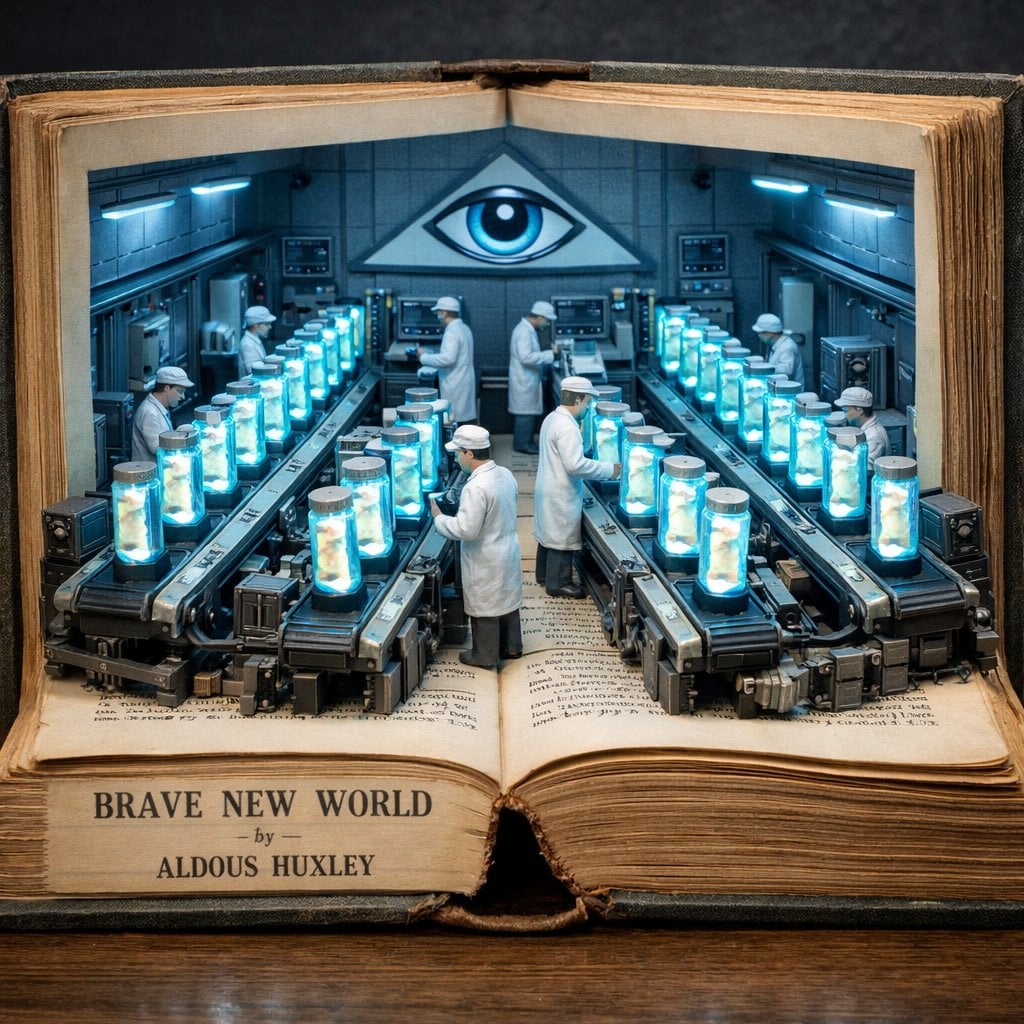
Surreal diorama emerging from an open vintage book of Brave New World
Make it yours
Split architectural visualization where the top is a detailed works as-is. These are the safest ways to change it without losing the look.
Swap the setting
Keep the rest of the prompt and replace the location block. The current setting is “deep navy / charcoal blue”.
Swap the light
One lighting change is enough to compare takes. Current light: “soft ambient glow”.
Change one field
Copy a single group, rewrite it, and generate again so you can see what that field is doing.
| If the result… | Why | Fix |
|---|---|---|
| The result drifts from the preview | Too many fields changed at once. | Reuse Split architectural visualization where the top is a detailed as-is first, then change one group — subject, light, or setting. |
| Nano Banana 2 ignores part of the JSON | Some models flatten or skip nested keys. | Keep the same values and paste them as a short paragraph instead. |
More Nano Banana 2 templates
Other prompts made for Nano Banana 2.

Photorealistic Leaf Shaped Like a Dragon

K-Pop Idol Portrait Grid for Rapid Selection

Poetic Rain Forest Portrait During Golden Hour

Urban Street Portrait with Cartoon Inner Self Duo

Candid Nighttime Photo with Cat Prompt

High-Concept 3D Diorama Generation Prompt

Cinematic Futuristic Studio Portrait Template

Skincare Editorial Photography Collage Prompt

Hyper-Realistic Commercial Product Photography (Splash Effect)

Hyper-Realistic Nightclub Portrait Prompt
More image prompts
Fresh picks from across the catalog.
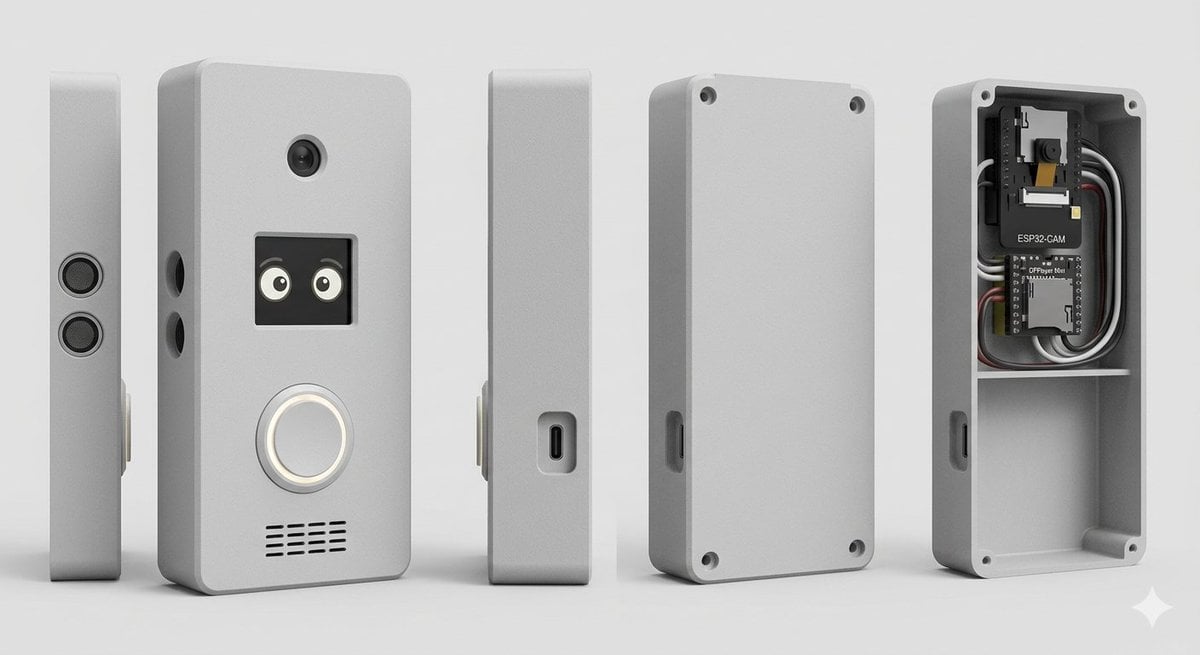
Smart Doorbell Enclosure Product Render

Stylized 3D Cartoon Male Portrait

Tang Dynasty Fantasy Female Portrait
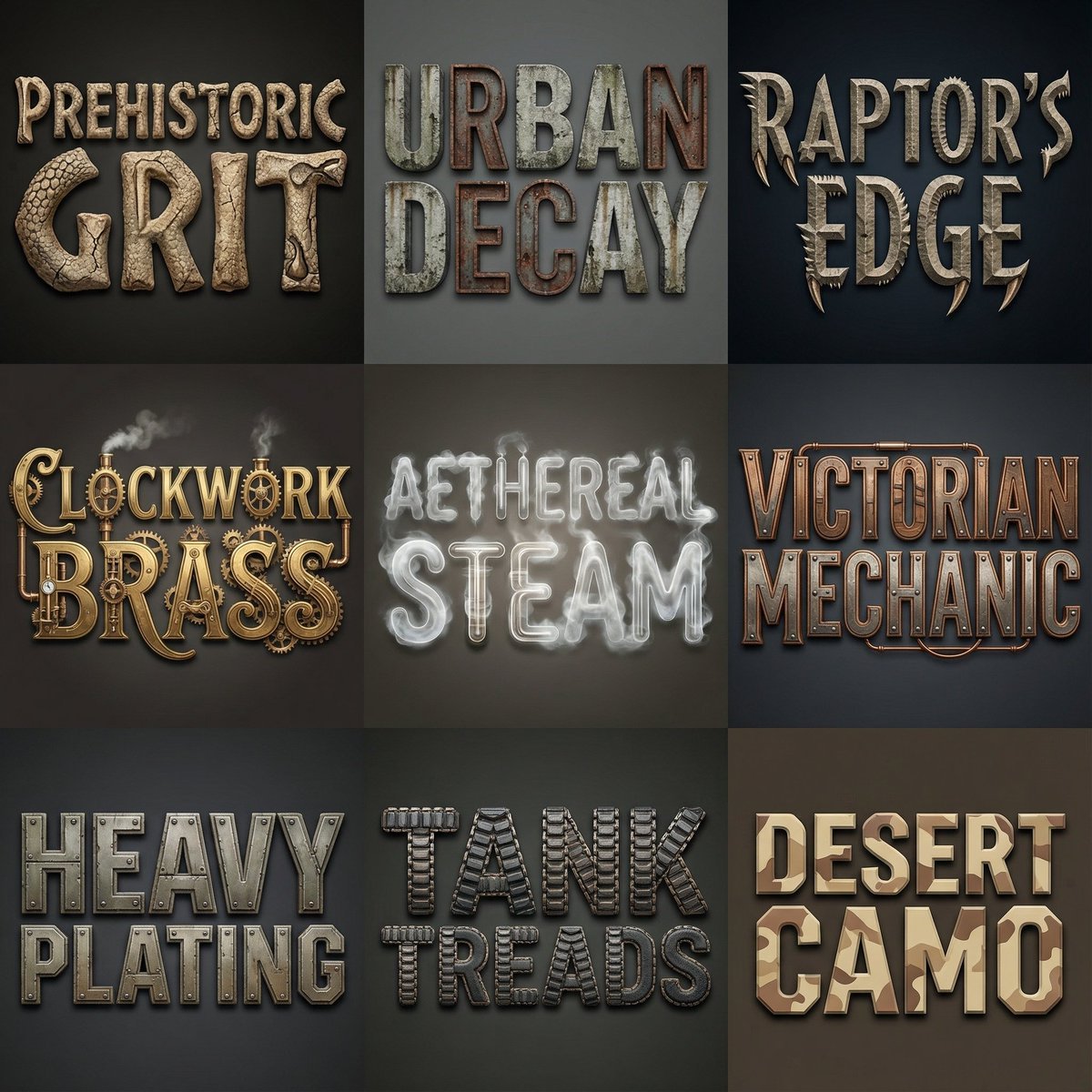
Font Generation Inspired by Uploaded Images
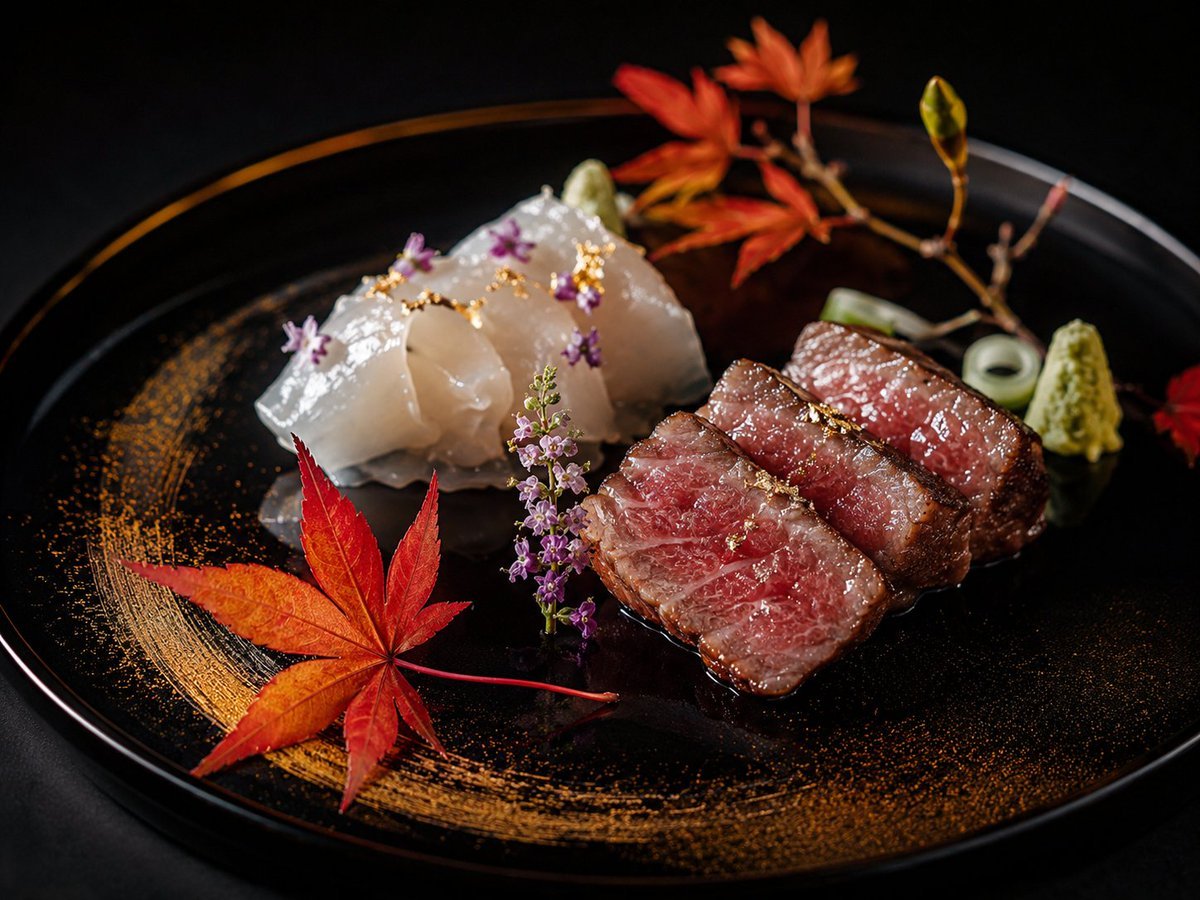
Luxury Kaiseki Wagyu and Sashimi Plate

Cinematic Hanfu Tea Room Portrait
Cyber Elf and Biomech Dragon

Selfie with movie character using reference face in Nano Banana Pro
Epic Firework Wedding Kiss Image-to-Image Prompt for Nano Banana 2
E-commerce Try-On Photo Generation Prompt
Browse template categories
Split architectural visualization where the top is a detailed questions
How do I use the Split architectural visualization where the top is a detailed template?
Add your photo if the template asks for one, edit the prompt if you like — the template's model and format are already selected — and press Generate. Your version opens in PicX Studio.
Can I customize the Split architectural visualization where the top is a detailed template?
Yes. You can change the subject, setting, lighting, mood, format, and available model controls before creating your image.
Is the Split architectural visualization where the top is a detailed template free?
Opening and editing this template is free. Generating uses credits, shown on the Generate button when you are signed in.
Which AI model should I use?
Start with Nano Banana 2, which is the model associated with this template. You can compare another compatible model for a different finish.
Looking for something else? Browse all templates.

Your photo, any look
Thousands of ready templates for every top image and video model, from one credit balance.