
Shibuya Y2K Fashion Portrait
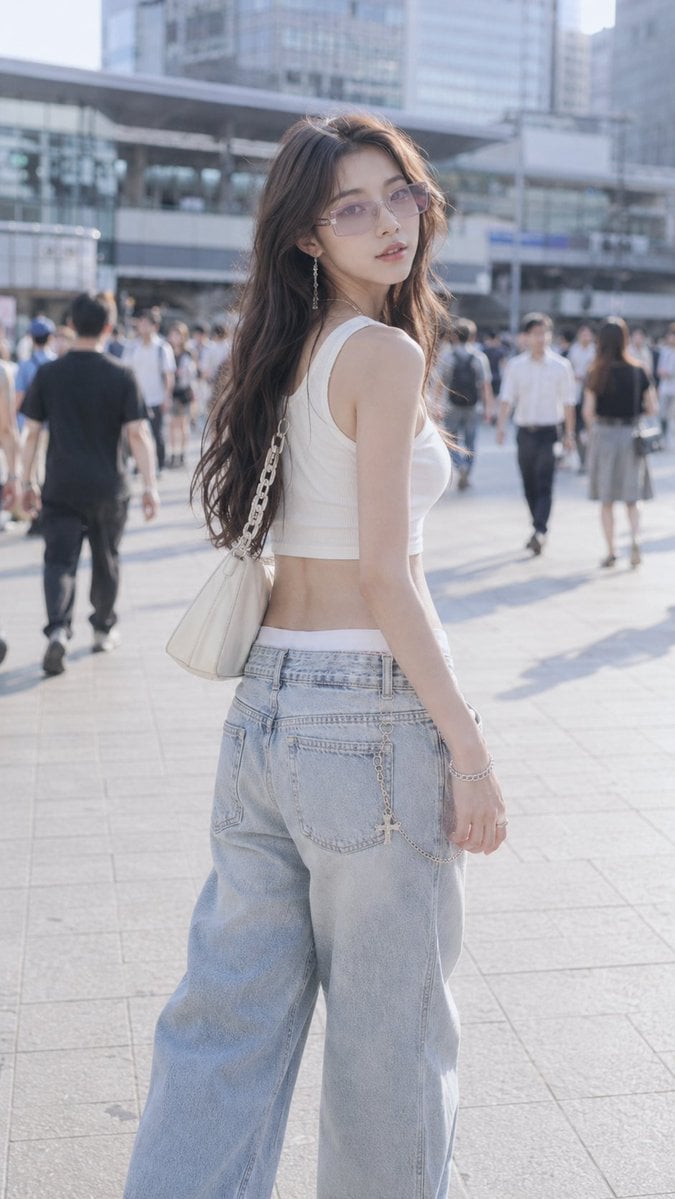
A highly detailed prompt for generating a Y2K-style street fashion photography shot in Shibuya, Tokyo, featuring a model in oversized denim and crop top.
- Prompt included
- Model and format preset
- Free template
The prompt behind this image
Copy the exact prompt behind Shibuya Y2K Fashion Portrait, or open it in the studio and make it yours.
SNS投稿用の縦長ファッションフォトを生成してください。 舞台は{argument name="場所" default="東京・渋谷駅前の広場エリア"}。ハチ公広場の近くを思わせる、広い歩行者用の舗装、行き交う人々、駅前の商業施設やビルのファサードが背景に見える都会的な場所。特定のモニュメントを主役にせず、渋谷らしい公共広場の雰囲気が伝わる背景にしてください。背景はぼかしすぎず、場所の空気感がわかる程度に残してください。 被写体は{argument name="モデル" default="20代前半の日本人または韓国人女性"}。背が高くスリムで、ファッションモデルのように洗練された雰囲気。長い手足、自然で美しい立ち姿、上品で都会的な印象。顔立ちは大人っぽく整っていて、やわらかい表情。高すぎない自然なメイク、透明感のある肌、落ち着いた魅力のある雰囲気。長いウェーブヘア、センターパート、深いブラウン系の髪色。髪は自然な質感で、やわらかい光を受けて少し透けるように見える。 コーディネートは{argument name="ファッション" default="Y2Kストリートウェア"}。 白のスクープネックのクロップタンクトップ、ワイドショルダーストラップ、シンプルなフロントデザイン。ロウライズのライトウォッシュのオーバーサイズワイドレッグジーンズ。ゆったりしたシルエットで、腰まわりに白いウエストバンドが少し見えている。フロントポケット付近にシルバーのクロスチャームチェーン。クリーム色のショルダーバッグ、チャンキーなチェーンストラップ、なめらかなレザー素材。半透明のペールラベンダーの長方形メガネ。レイヤードされたシルバーネックレス、小さなグリーンチャーム、繊細なドロップイヤリング、ブレスレット、リング、ナチュラルなネイル。足元は白のポインテッドトゥのアンクルブーツ。 構図は縦長9:16。35mmレンズで撮影したような自然な画角。カウボーイショットまたはアメリカンショット、ひざ上から太ももあたりまで入るフレーミング。アイレベルの自然なカメラ位置。被写体はカメラに対して斜め向きで、歩きながら軽く振り返るようなポーズ。表情は落ち着いていて、自信があり、少しだけ儚さのある雰囲気。 写真の質感は、明るくやわらかいハイキーなストリートフォト。少し露出オーバー気味の淡い日差し、クールなパステルトーン、低めのコントラスト、自然な空気感。都会的だけど強すぎず、日常の一瞬を切り取ったようなドキュメンタリー感。浅い被写界深度で被写体を自然に分離しつつ、背景の渋谷らしい雰囲気は残してください。リアルな肌質、自然な布の質感、実写のような奥行き。画像内に文字やロゴ風のテキストは追加しないでください。
How to use Shibuya Y2K Fashion Portrait in 3 steps
- 1
Open
The prompt is already in the box next to the preview, with the template's model and format selected.
- 2…a portrait of your subject in softgolden-hour light, 85mm…
Personalize
Edit the subject and creative details for your destination.
- 3Generate
Generate
Press Generate — your image is created in PicX Studio, so you can compare it with the original and refine one variable at a time.
More like this
Templates with the same subject, style or setup. Open one to see its prompt.

Nano Banana 2 High Fashion Sports Campai

Couture Fashion Editorial Woman and Drag

Ive Yujin Fashion Portrait in Blue

Nano Banana 2 Editorial Fashion Portrait

Caution Tape Fashion — Industrial Editorial
Night Fashion Portrait at Shibuya Station

Miniature Self Portrait Collage

Found Photograph: Us, 1970

80s Couple Studio Portrait

80s College Gate

1988 Mall Style

80s Polka Dot Saree
Make it yours
Shibuya Y2K Fashion Portrait works as-is. These are the safest ways to change it without losing the look.
Change one field
Copy a single group, rewrite it, and generate again so you can see what that field is doing.
Keep the frame, change the subject
Hold the composition and light of Shibuya Y2K Fashion Portrait, then swap wardrobe, props or the person for a new take.
| If the result… | Why | Fix |
|---|---|---|
| The result drifts from the preview | Too many fields changed at once. | Reuse Shibuya Y2K Fashion Portrait as-is first, then change one group — subject, light, or setting. |
| The model over-stylizes the scene | The prose prompt leaves finish and camera underspecified. | Add one camera or lighting sentence and stay on GPT Image 2. |
More GPT Image 2 templates
Other prompts made for GPT Image 2.

Six VTuber Japanese Logo Sheet

Realistic Portrait of Woman and Deer

The Vista Modular Condo Poster

AI Model Routing Comparison Infographic

2.5D Anime Art Board

Isometric Productivity Desk Scene

New York Double Exposure Poster

Four-Panel AI Landscape Comparison

Japanese Tatami Lifestyle Magazine Cover

NESCAFÉ Coffee Map Poster
More image prompts
Fresh picks from across the catalog.
Gen Z Valentine's Day Bedroom Scene Prompt
Four-Panel Vertical Advertisement Mockups
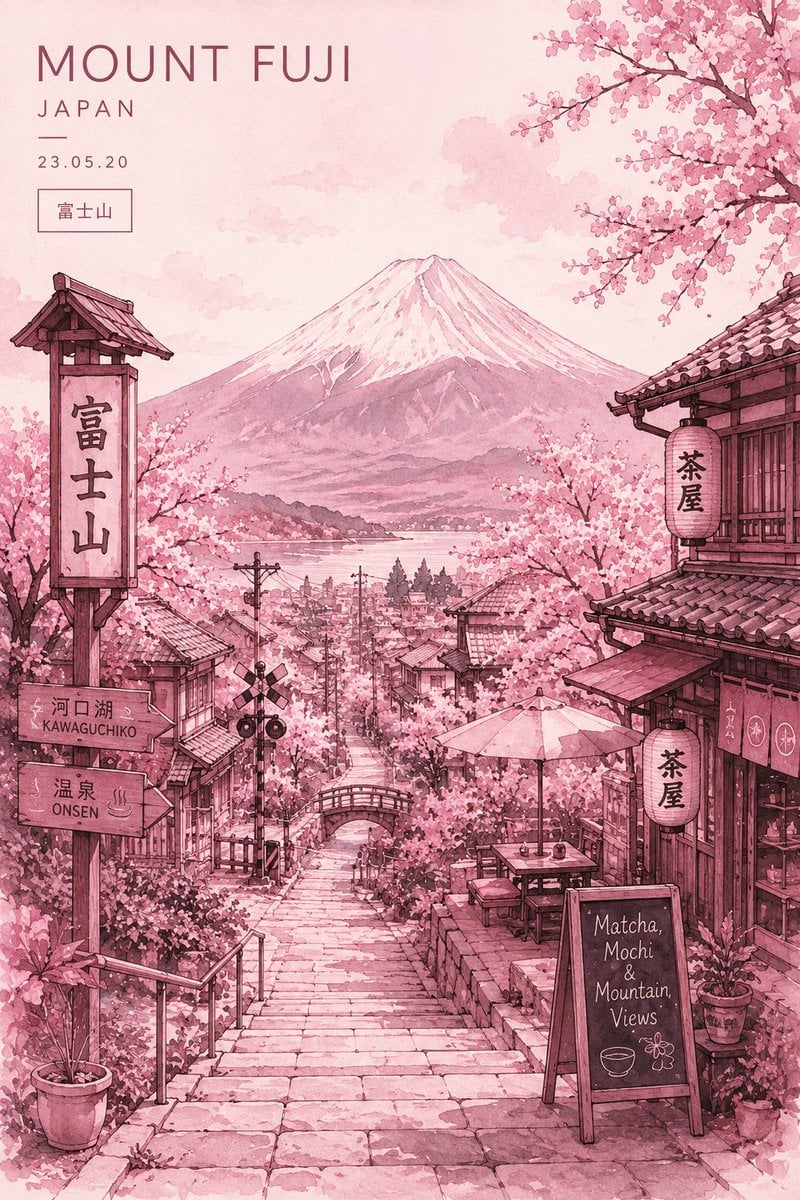
Watercolor Mount Fuji Travel Poster
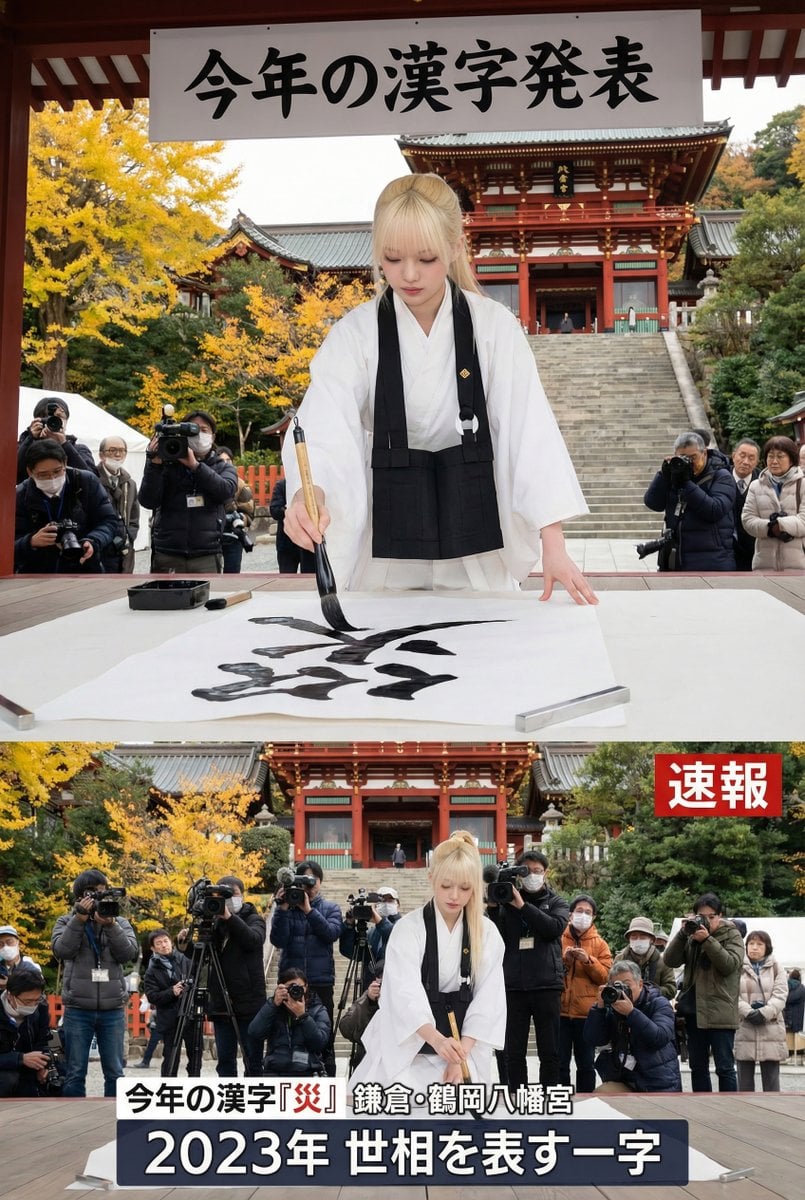
Kanji of the Year Announcement Image Prompt (Geospatial)
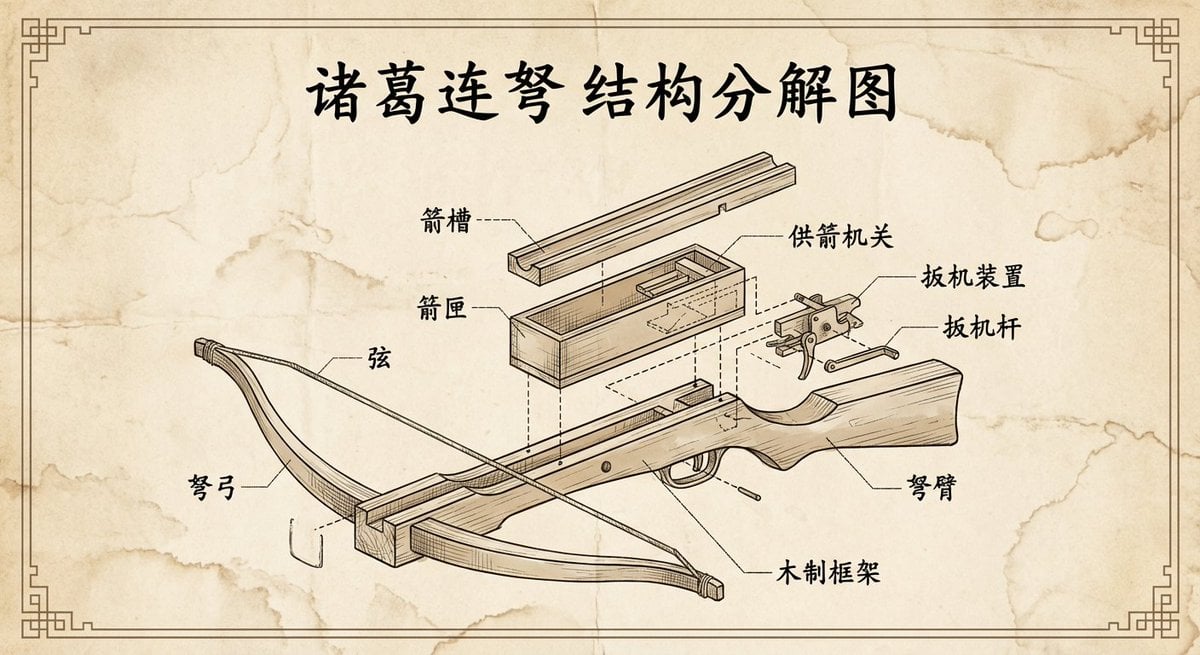
Vintage engineering exploded view of Zhuge repeating crossbow
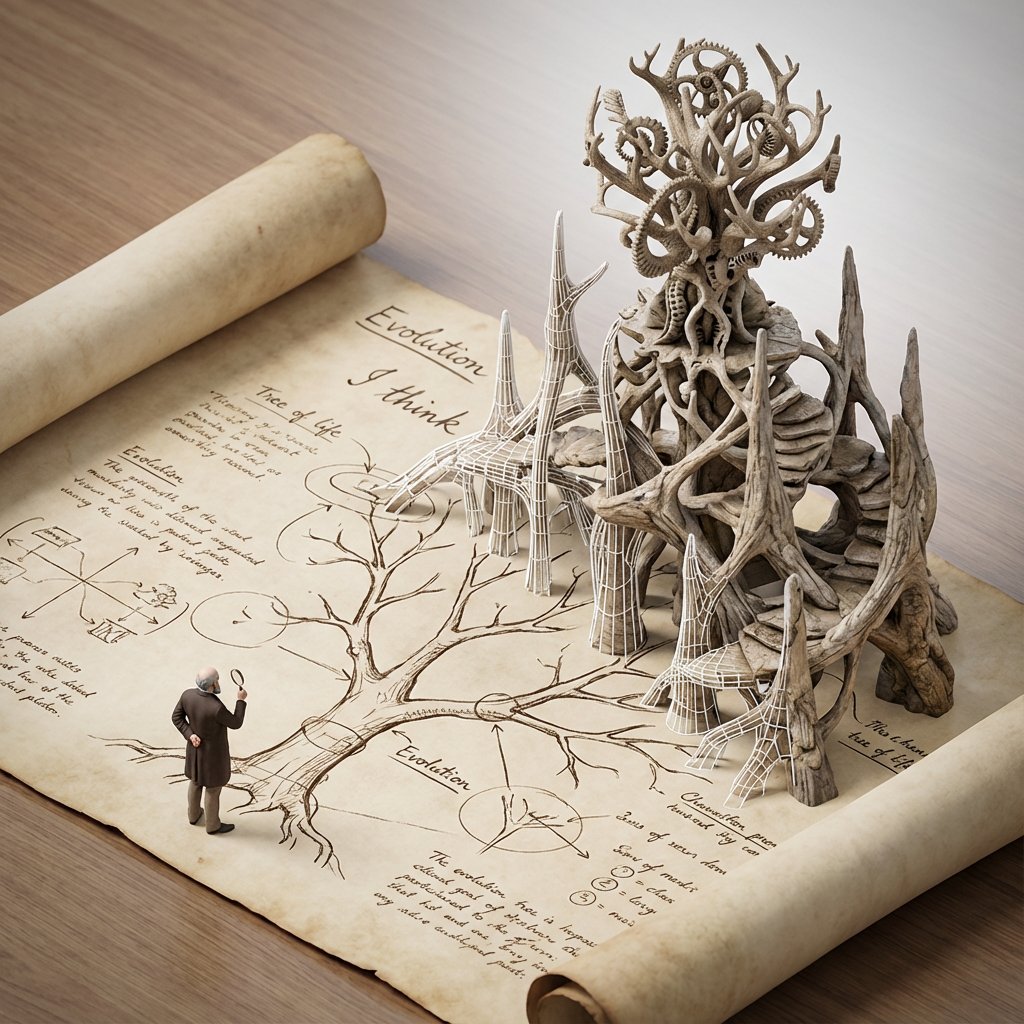
Scientific Theory Visualization: 2D to 3D Extrusion
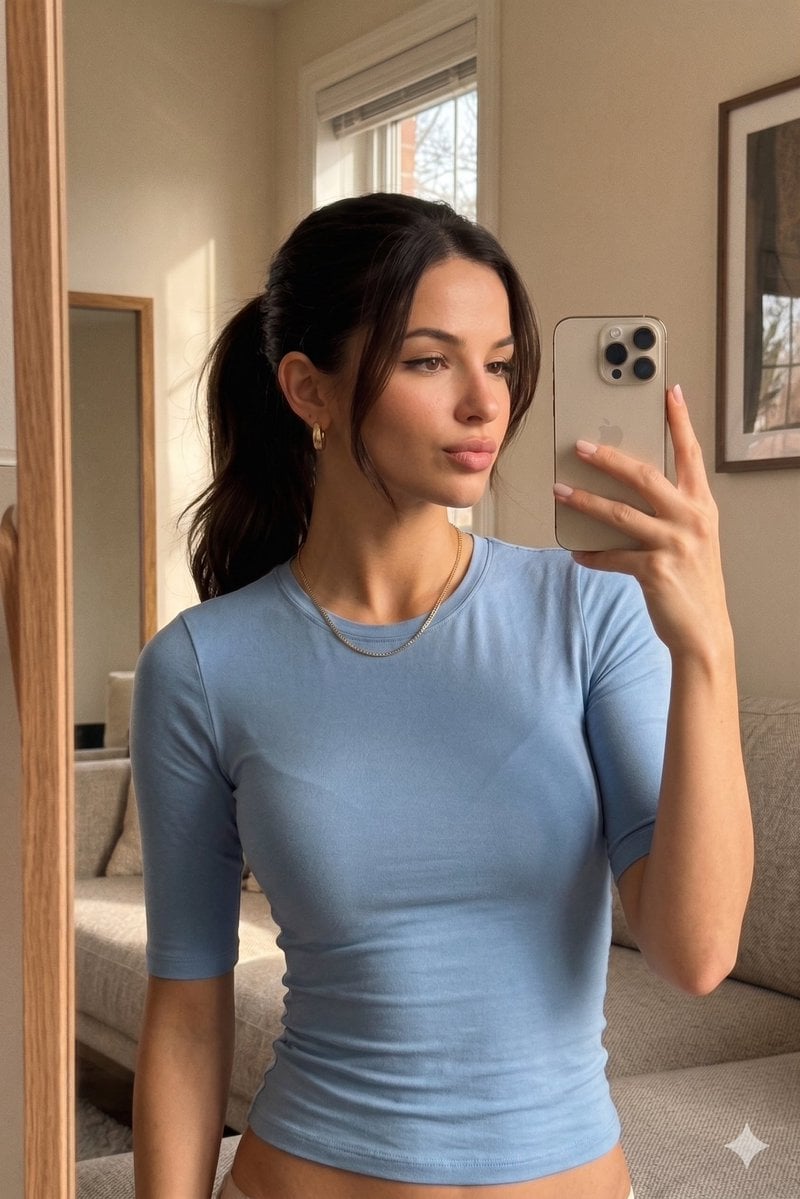
Realistic iPhone Mirror Selfie
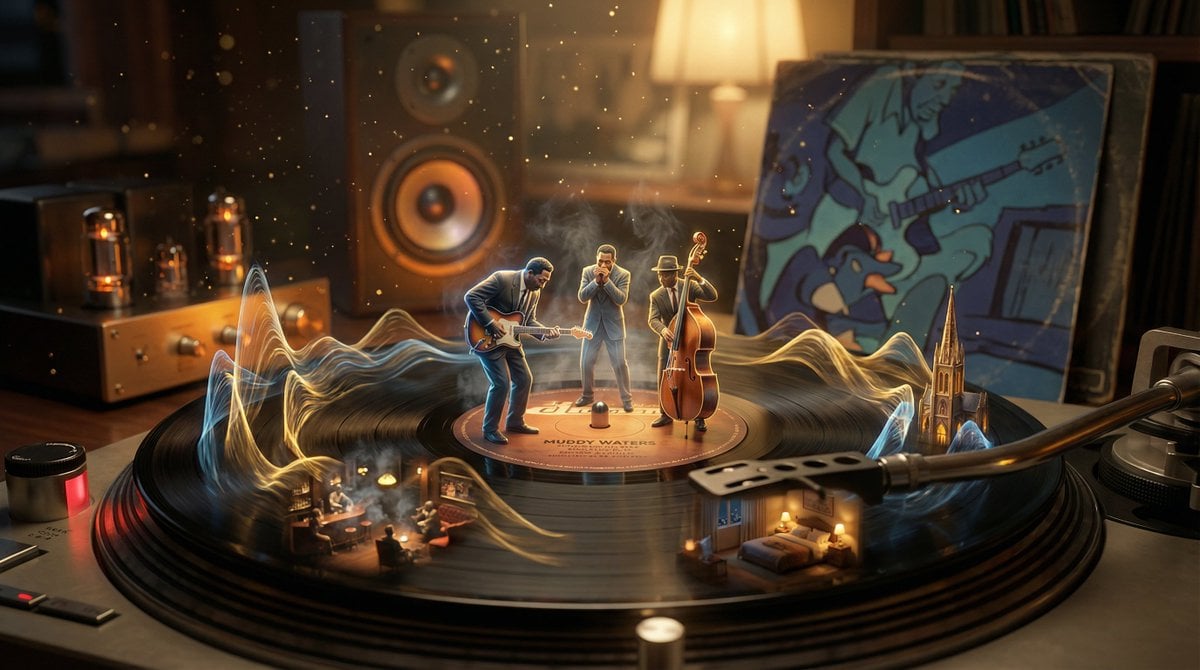
Surreal Vinyl Record Mid-Play Visualization
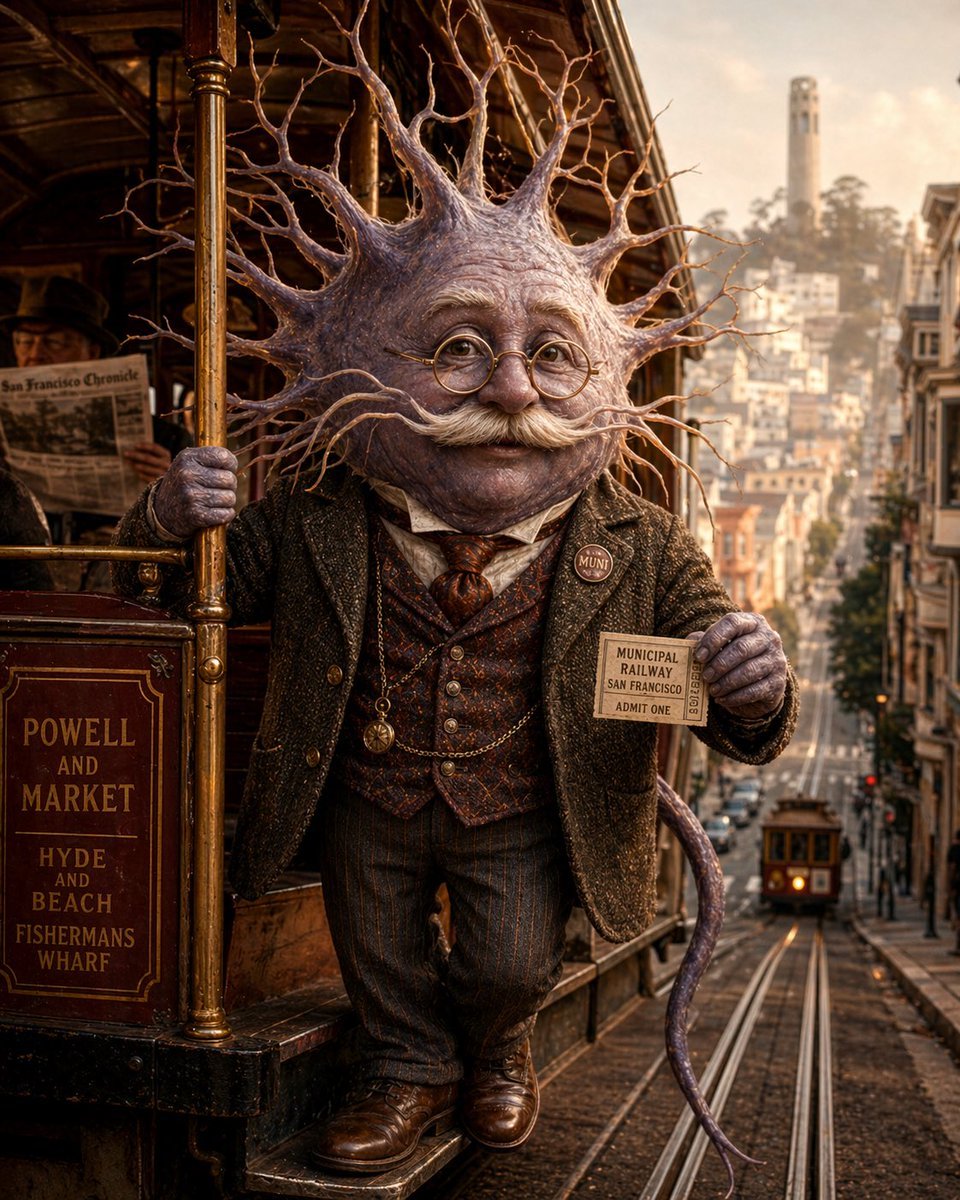
Neuron on a San Francisco Cable Car
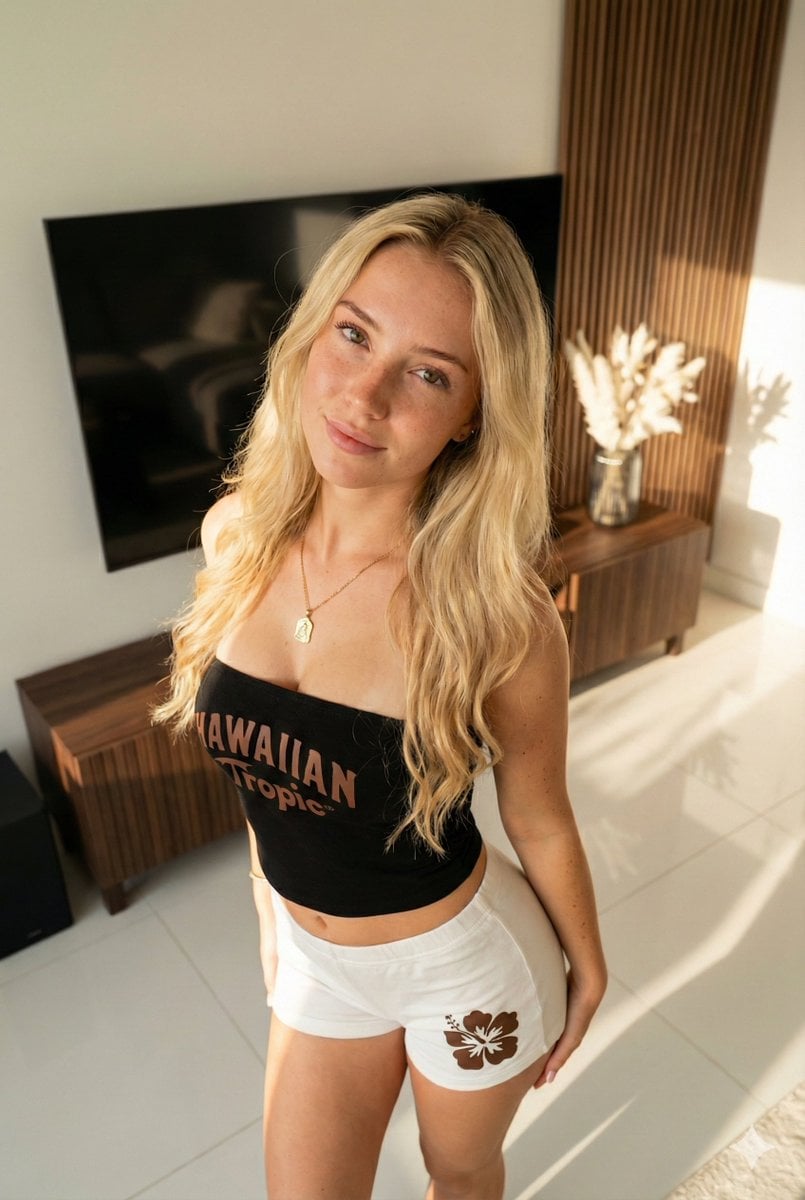
Ultra-Photorealistic Portrait of a Young Woman in Hawaiian Tropic Attire
Browse template categories
Shibuya Y2K Fashion Portrait questions
How do I use the Shibuya Y2K Fashion Portrait template?
Add your photo if the template asks for one, edit the prompt if you like — the template's model and format are already selected — and press Generate. Your version opens in PicX Studio.
Can I customize the Shibuya Y2K Fashion Portrait template?
Yes. You can change the subject, setting, lighting, mood, format, and available model controls before creating your image.
Is the Shibuya Y2K Fashion Portrait template free?
Opening and editing this template is free. Generating uses credits, shown on the Generate button when you are signed in.
Which AI model should I use?
Start with GPT Image 2, which is the model associated with this template. You can compare another compatible model for a different finish.
Looking for something else? Browse all templates.

Your photo, any look
Thousands of ready templates for every top image and video model, from one credit balance.