
Monochrome Anime Businesswoman City Portrait
A black-and-white cinematic anime portrait of a suited businesswoman holding a briefcase in a bustling modern office district.
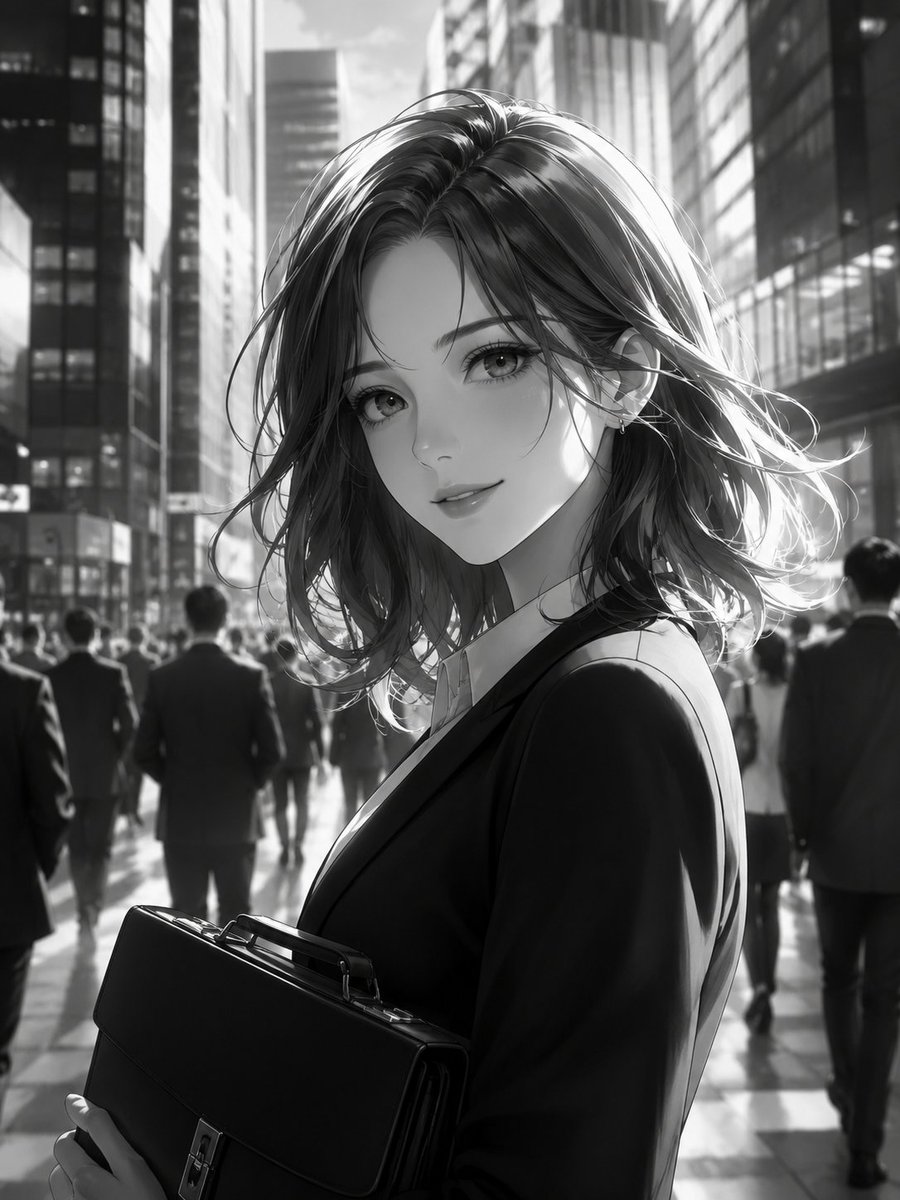
- Prompt included
- Model and format preset
- Premium template
The prompt behind this image
Copy the exact prompt behind Monochrome Anime Businesswoman City Portrait, or open it in the studio and make it yours.
Create a high-resolution monochrome anime-style illustration of one elegant young businesswoman in a modern city business district. She has {argument name="hair color" default="dark shoulder-length wavy hair"}, soft realistic anime facial features, large reflective eyes, a slight confident smile, and a small earring visible on one ear. She is shown from the waist up in a three-quarter pose, looking back toward the viewer over her shoulder while walking through a busy downtown street. She wears {argument name="outfit" default="a black tailored business suit over a white collared shirt"} and holds exactly one structured black leather briefcase with a handle and metal clasp in both hands at the lower left foreground. The scene includes exactly one main subject, exactly one briefcase, and 12 blurred background commuters in dark business suits walking away or crossing behind her. Set the background in {argument name="location" default="a canyon of tall glass-and-steel office towers"}, with strong morning or late-afternoon backlight streaming between skyscrapers, glossy pavement reflections, deep shadows, rim lighting on her hair, and cinematic depth of field. Use pure black-and-white grayscale only, no color, no text, no logo, no watermark. The style should combine polished Japanese manga character rendering with semi-realistic urban lighting, delicate linework, soft gradients, and a dramatic business-city atmosphere.
How to use Monochrome Anime Businesswoman City Portrait in 3 steps
- 1Upload ImagePNG, JPG or paste
Add your photo
Upload the photo the template builds on. The prompt, model and format are already set.
- 2…a portrait of your subject in softgolden-hour light, 85mm…
Personalize
Edit the subject and creative details for your destination.
- 3Generate
Generate
Press Generate — your image is created in PicX Studio, so you can compare it with the original and refine one variable at a time.
More like this
Templates with the same subject, style or setup. Open one to see its prompt.

Gemini Nano Banana 2 Isometric 3d City D

3d Miniature City Models with Kling Ai

Found Photograph: Us, 1970

80s Couple Studio Portrait

80s Bollywood Star

80s Golden Hour Cinema

Me in 1985

1985 Studio Portrait
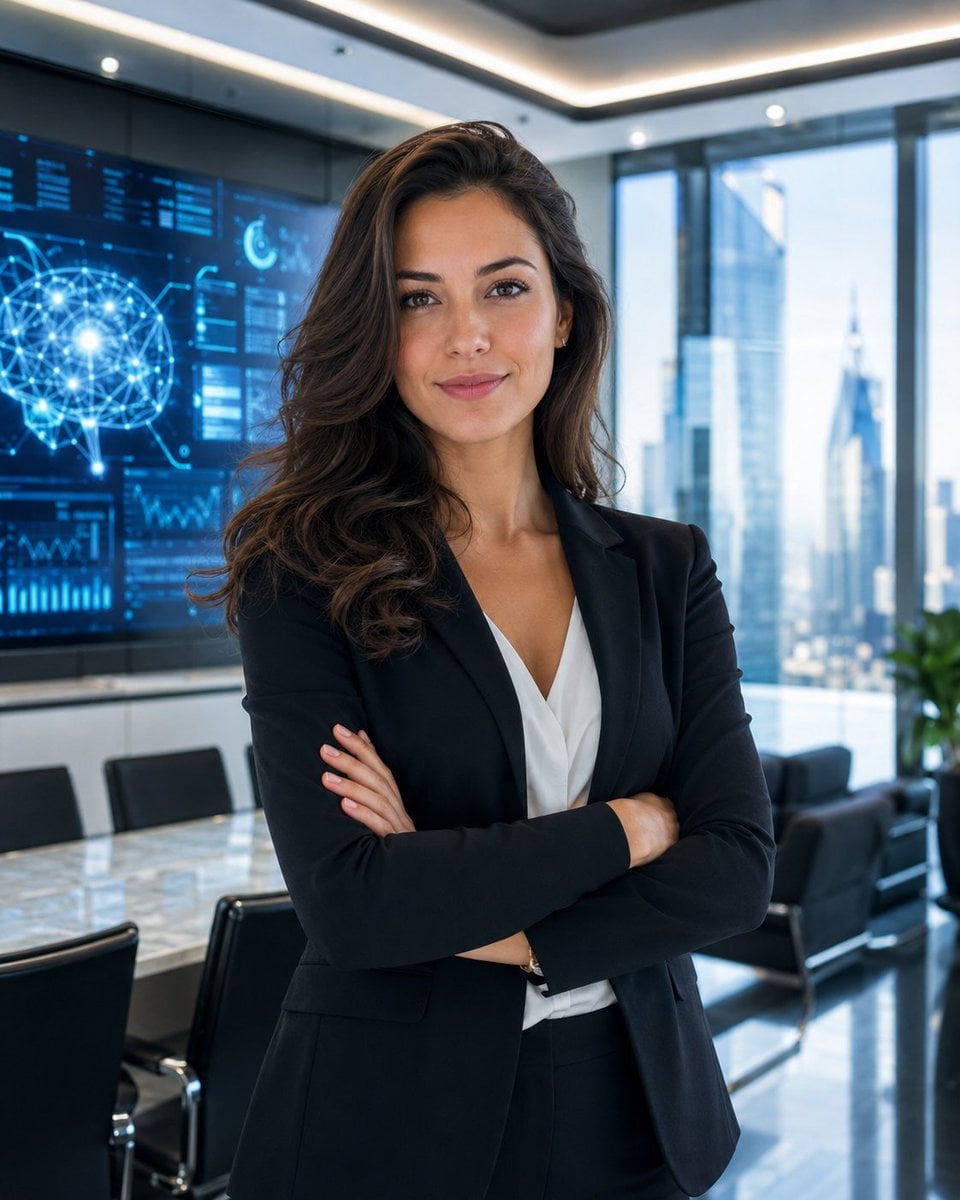
Professional Businesswoman Corporate Portrait

Monochrome Studio Portrait with Colored Lens

Hyper-Realistic Minecraft POV Portrait
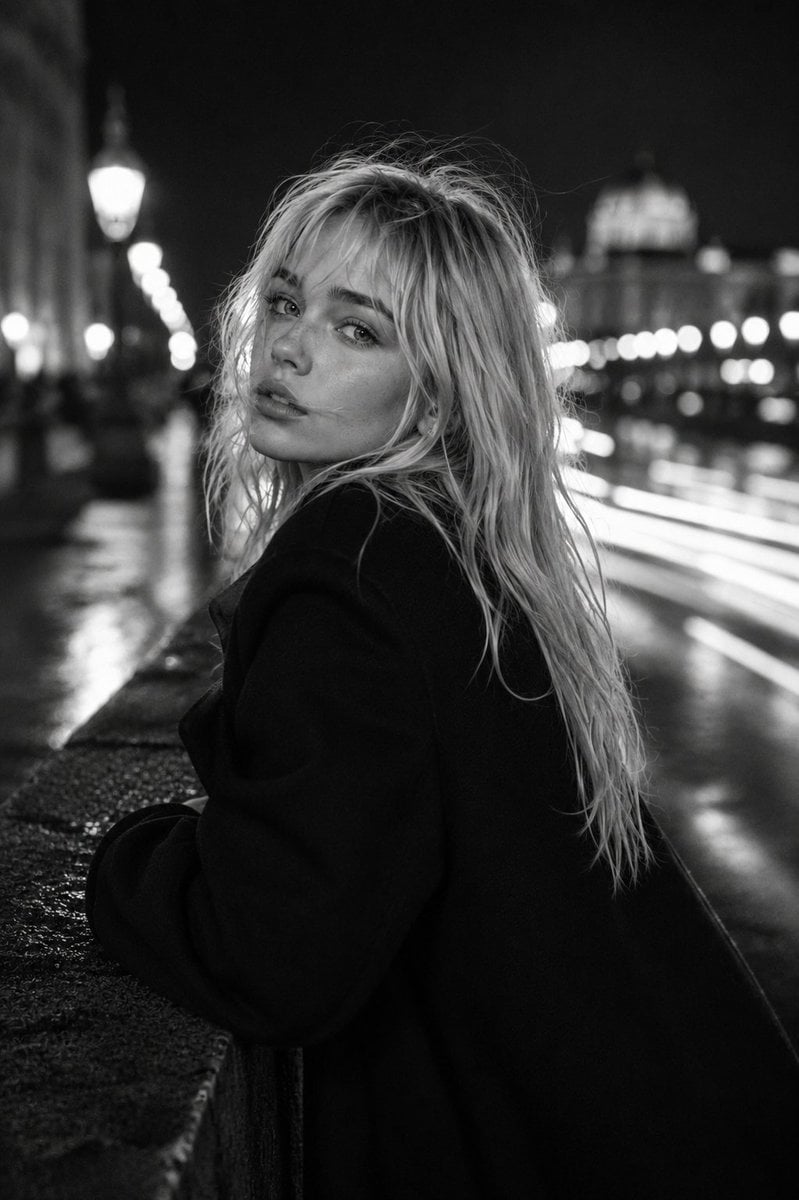
Monochrome Fashion Editorial Portrait
Make it yours
Monochrome Anime Businesswoman City Portrait works as-is. These are the safest ways to change it without losing the look.
Change one field
Copy a single group, rewrite it, and generate again so you can see what that field is doing.
Keep the frame, change the subject
Hold the composition and light of Monochrome Anime Businesswoman City Portrait, then swap wardrobe, props or the person for a new take.
| If the result… | Why | Fix |
|---|---|---|
| The result drifts from the preview | Too many fields changed at once. | Reuse Monochrome Anime Businesswoman City Portrait as-is first, then change one group — subject, light, or setting. |
| The model over-stylizes the scene | The prose prompt leaves finish and camera underspecified. | Add one camera or lighting sentence and stay on GPT Image 2. |
More GPT Image 2 templates
Other prompts made for GPT Image 2.

Six VTuber Japanese Logo Sheet

Realistic Portrait of Woman and Deer

The Vista Modular Condo Poster

AI Model Routing Comparison Infographic

2.5D Anime Art Board

Isometric Productivity Desk Scene

New York Double Exposure Poster

Four-Panel AI Landscape Comparison

Japanese Tatami Lifestyle Magazine Cover

NESCAFÉ Coffee Map Poster
More image prompts
Fresh picks from across the catalog.
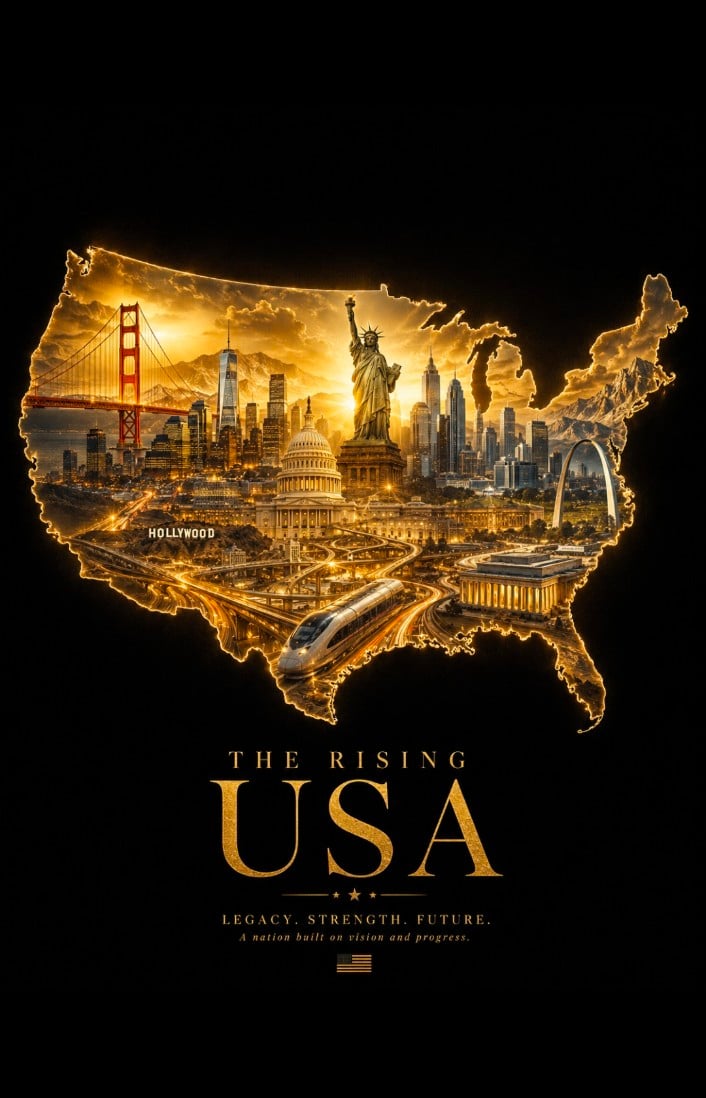
Geographic Silhouette Editorial Poster
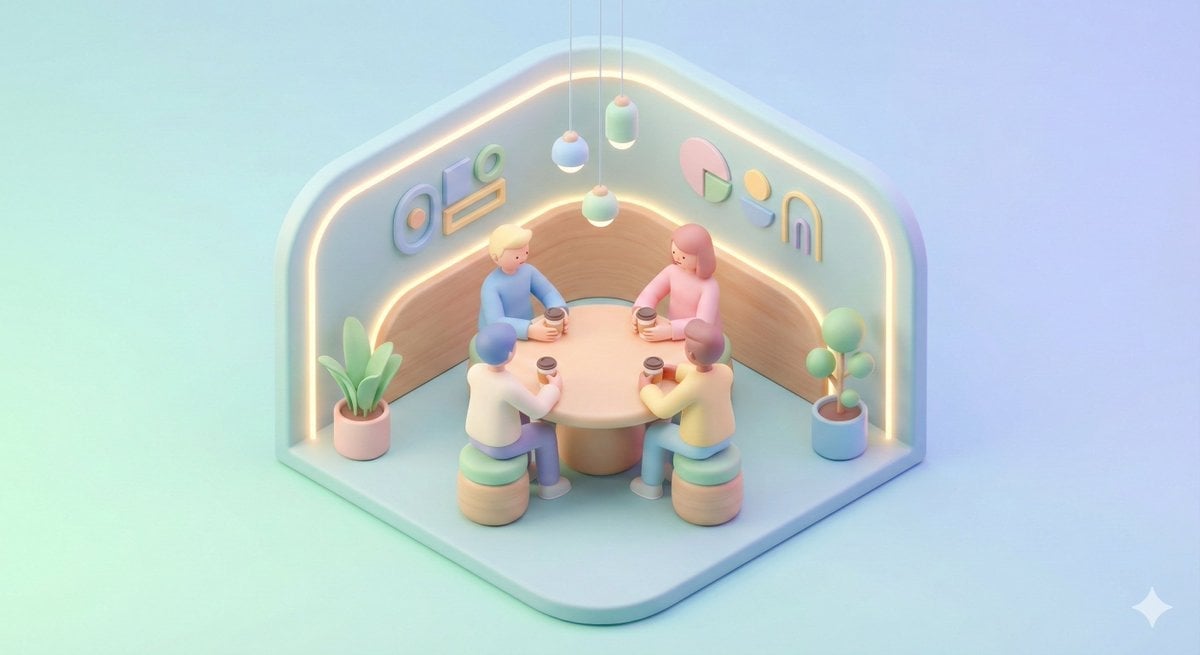
Minimal Isometric 3D Perspective
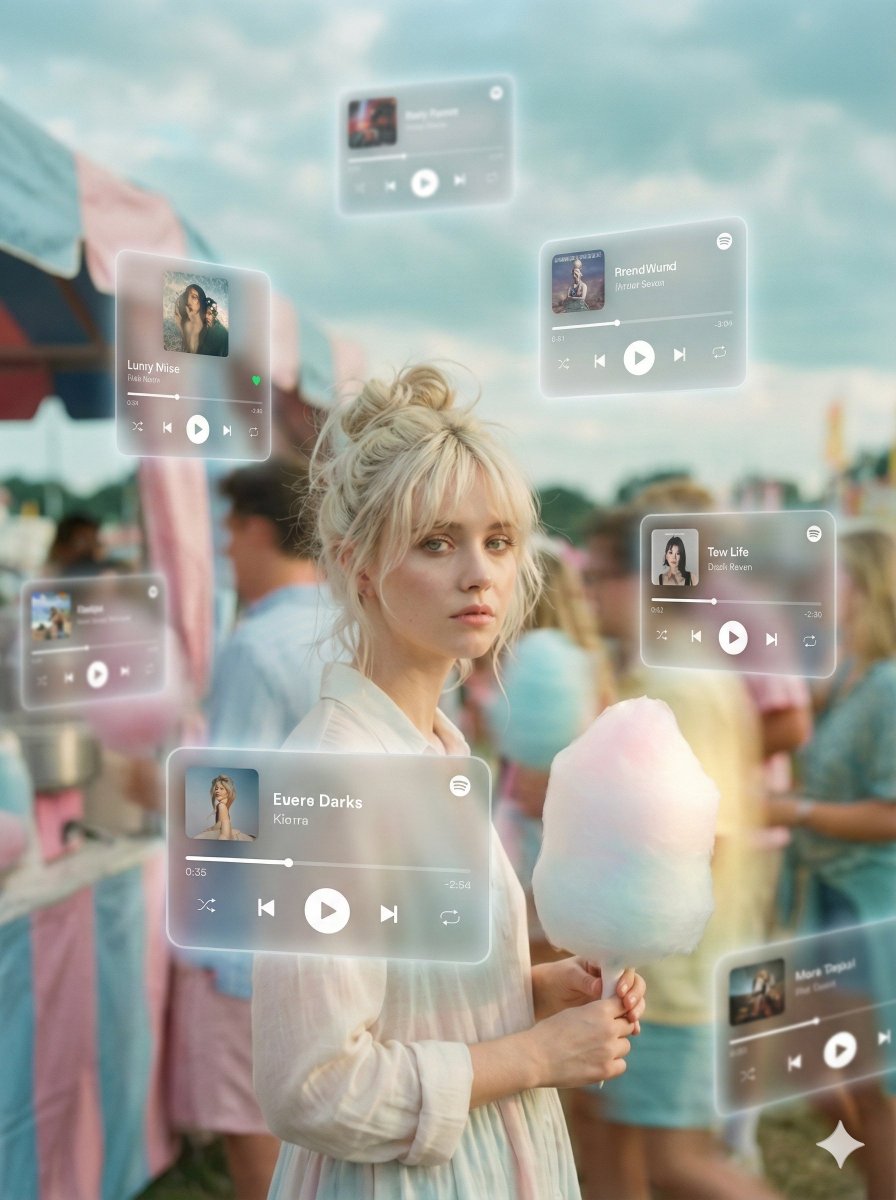
Augmented Reality Music Player Portrait
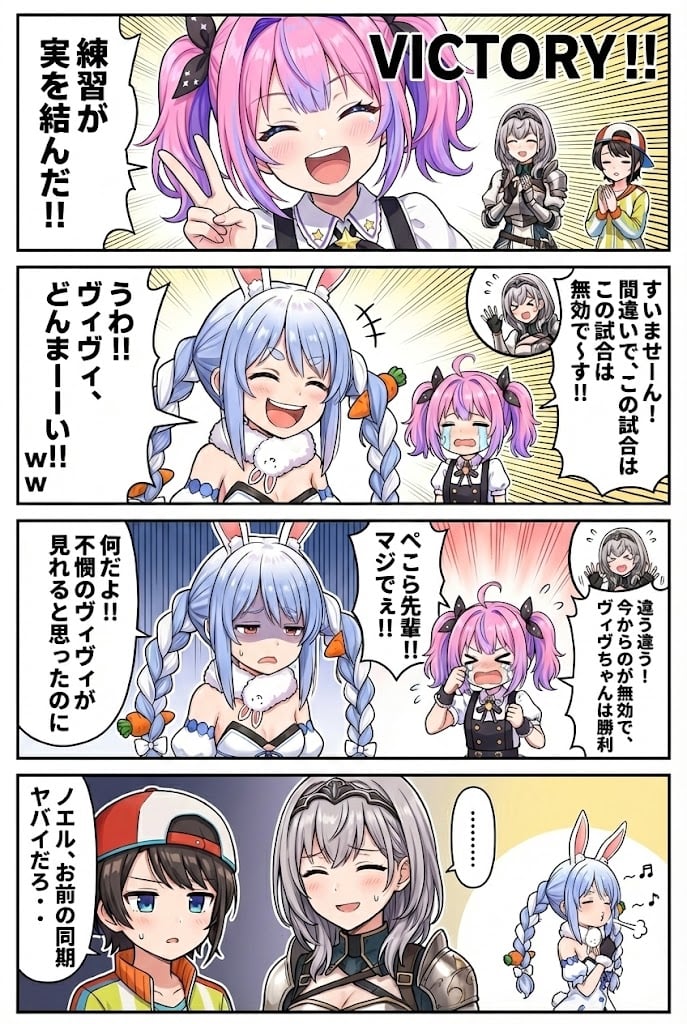
Hololive Character Generation
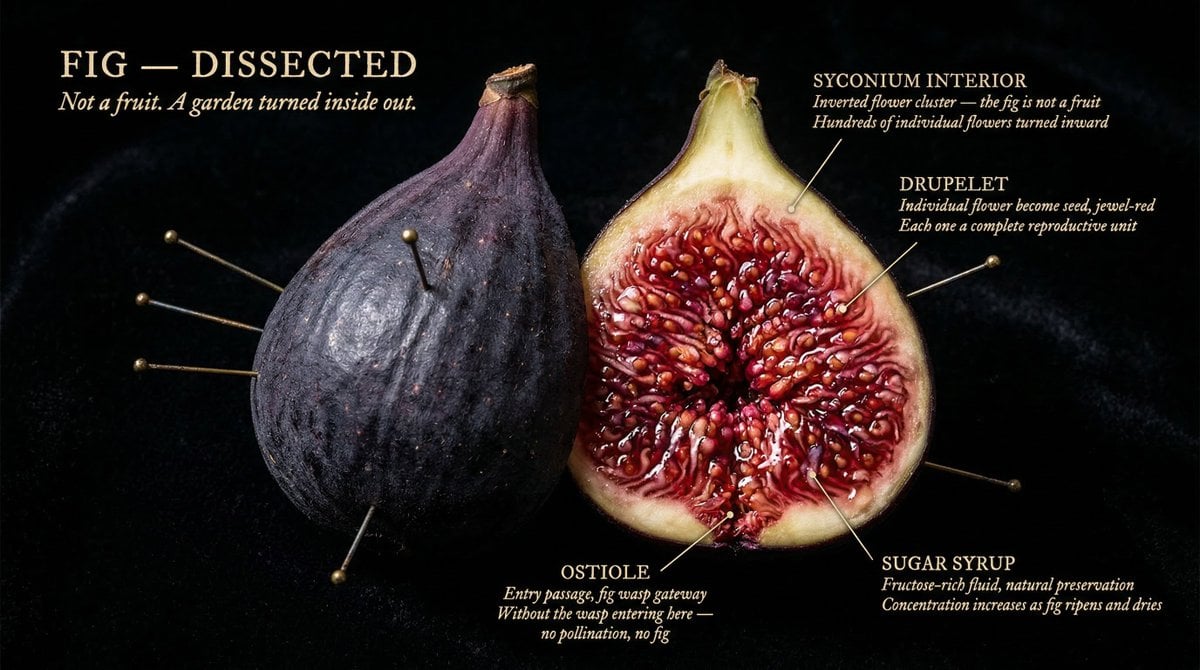
The Naturalist Dissection Prompt
Stylized Football Figurine Popping Out of Energy Drink Can
Ultra-Realistic Person Holding Tiny Cartoon Self
Campy High-Fashion Editorial at a Gas Station
Cinematic Portrait of a Stylish Man in Burnt Orange
Kawaii Anime Icing Cookie
Browse template categories
Monochrome Anime Businesswoman City Portrait questions
How do I use the Monochrome Anime Businesswoman City Portrait template?
Add your photo if the template asks for one, edit the prompt if you like — the template's model and format are already selected — and press Generate. Your version opens in PicX Studio.
Can I customize the Monochrome Anime Businesswoman City Portrait template?
Yes. You can change the subject, setting, lighting, mood, format, and available model controls before creating your image.
Is the Monochrome Anime Businesswoman City Portrait template free?
Opening and editing this template is free. Generating uses credits, shown on the Generate button when you are signed in.
Which AI model should I use?
Start with GPT Image 2, which is the model associated with this template. You can compare another compatible model for a different finish.
Looking for something else? Browse all templates.

Your photo, any look
Thousands of ready templates for every top image and video model, from one credit balance.