
Anime Businesswoman in Bright Office
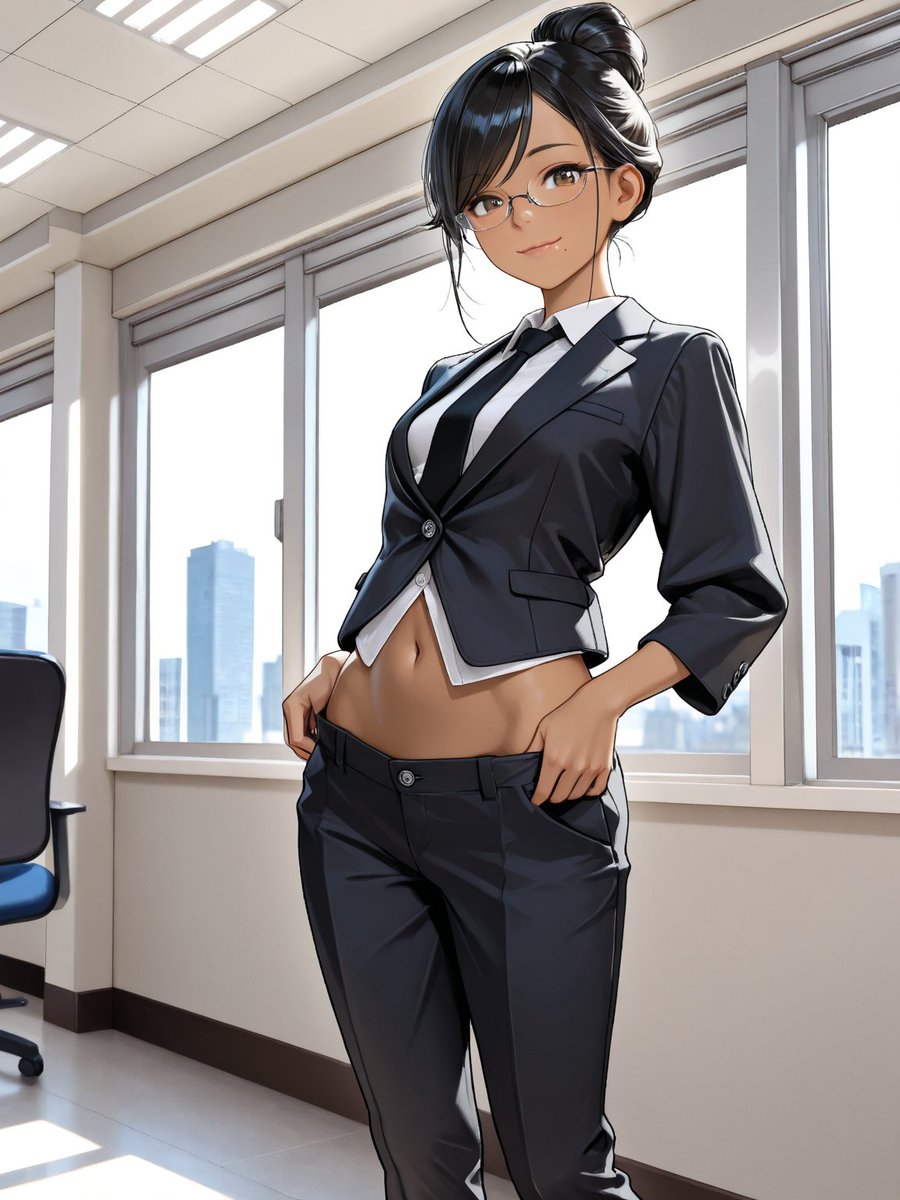
A vertical anime fashion illustration of a confident suited businesswoman posed in a sunlit corporate office with a city skyline backdrop.
- Prompt included
- Model and format preset
- Premium template
The prompt behind this image
Copy the exact prompt behind Anime Businesswoman in Bright Office, or open it in the studio and make it yours.
Create a polished anime-style vertical illustration of an adult businesswoman standing confidently in a bright modern office. The character has {argument name="hair color" default="glossy black"} hair tied in a high messy bun with loose strands framing her face, and her face is intentionally obscured by a smooth square censor blur with no visible facial features. She wears a fitted black cropped suit jacket with rolled three-quarter sleeves over a white button-up shirt, a narrow black necktie, and low-rise black tailored slacks; the outfit is sharply rendered with glossy fabric highlights, visible buttons, lapels, pocket flaps, belt loops, and crisp seams. Her pose is a low-angle three-quarter view from mid-thigh upward, torso slightly arched and leaning back, one hand hooked near the waistband and the other resting at the pocket, emphasizing a confident fashion-editorial stance and exposed midriff. Set the scene in a clean corporate office with large floor-to-ceiling windows behind her, white window frames, a bright city skyline with blue skyscrapers in the distance, beige walls, tiled ceiling panels with fluorescent lights, glossy pale floor, dark baseboards, and one black-and-blue office chair partly visible at the left edge. Use dramatic daylight backlighting from the windows, strong rim highlights, soft shadows, high-detail cel-shaded anime rendering, sleek digital painting, realistic office perspective, sharp linework, and a professional fashion illustration feel. Keep the composition vertical 3:4, centered on the woman, with no text, no watermark, and no extra characters.
How to use Anime Businesswoman in Bright Office in 3 steps
- 1Upload ImagePNG, JPG or paste
Add your photo
Upload the photo the template builds on. The prompt, model and format are already set.
- 2…a portrait of your subject in softgolden-hour light, 85mm…
Personalize
Edit the subject and creative details for your destination.
- 3Generate
Generate
Press Generate — your image is created in PicX Studio, so you can compare it with the original and refine one variable at a time.
More like this
Templates with the same subject, style or setup. Open one to see its prompt.











Make it yours
Anime Businesswoman in Bright Office works as-is. These are the safest ways to change it without losing the look.
Change one field
Copy a single group, rewrite it, and generate again so you can see what that field is doing.
Keep the frame, change the subject
Hold the composition and light of Anime Businesswoman in Bright Office, then swap wardrobe, props or the person for a new take.
| If the result… | Why | Fix |
|---|---|---|
| The result drifts from the preview | Too many fields changed at once. | Reuse Anime Businesswoman in Bright Office as-is first, then change one group — subject, light, or setting. |
| The model over-stylizes the scene | The prose prompt leaves finish and camera underspecified. | Add one camera or lighting sentence and stay on GPT Image 2. |
More GPT Image 2 templates
Other prompts made for GPT Image 2.

Six VTuber Japanese Logo Sheet

Realistic Portrait of Woman and Deer

The Vista Modular Condo Poster

AI Model Routing Comparison Infographic

2.5D Anime Art Board

Isometric Productivity Desk Scene

New York Double Exposure Poster

Four-Panel AI Landscape Comparison

Japanese Tatami Lifestyle Magazine Cover

NESCAFÉ Coffee Map Poster
More image prompts
Fresh picks from across the catalog.
Fashion Editorial Grid Prompt (Red Satin Heart Glasses)
Handmade Clay Figurine Style with Wire Elements
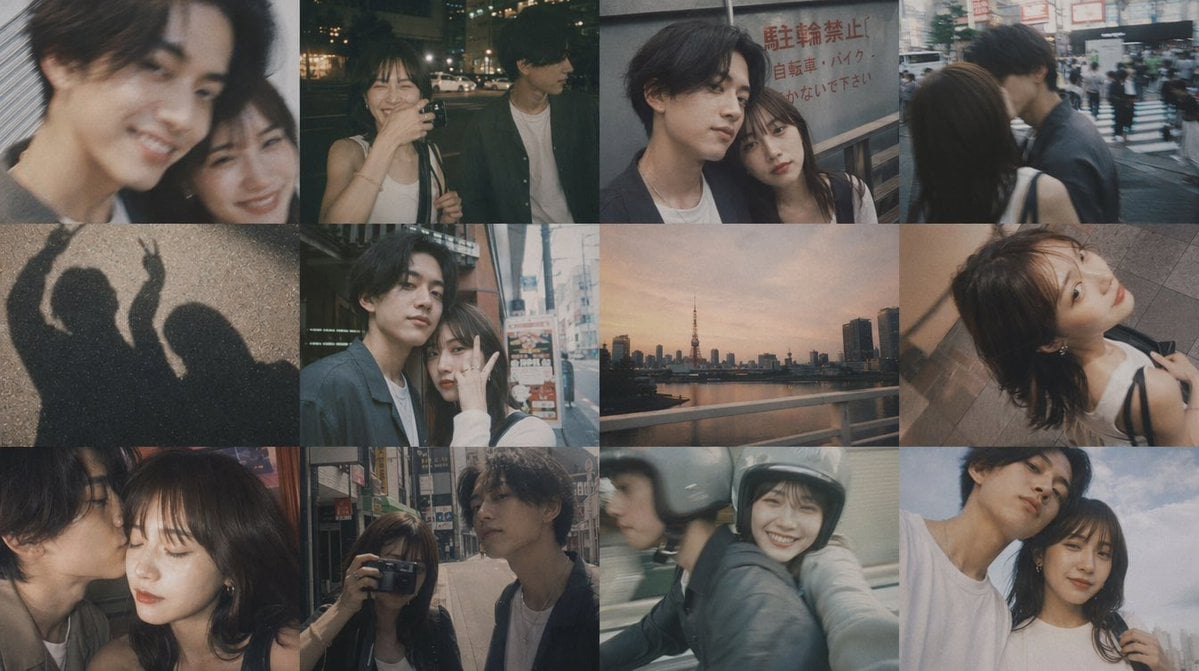
Romantic Tokyo Couple Photo Collage
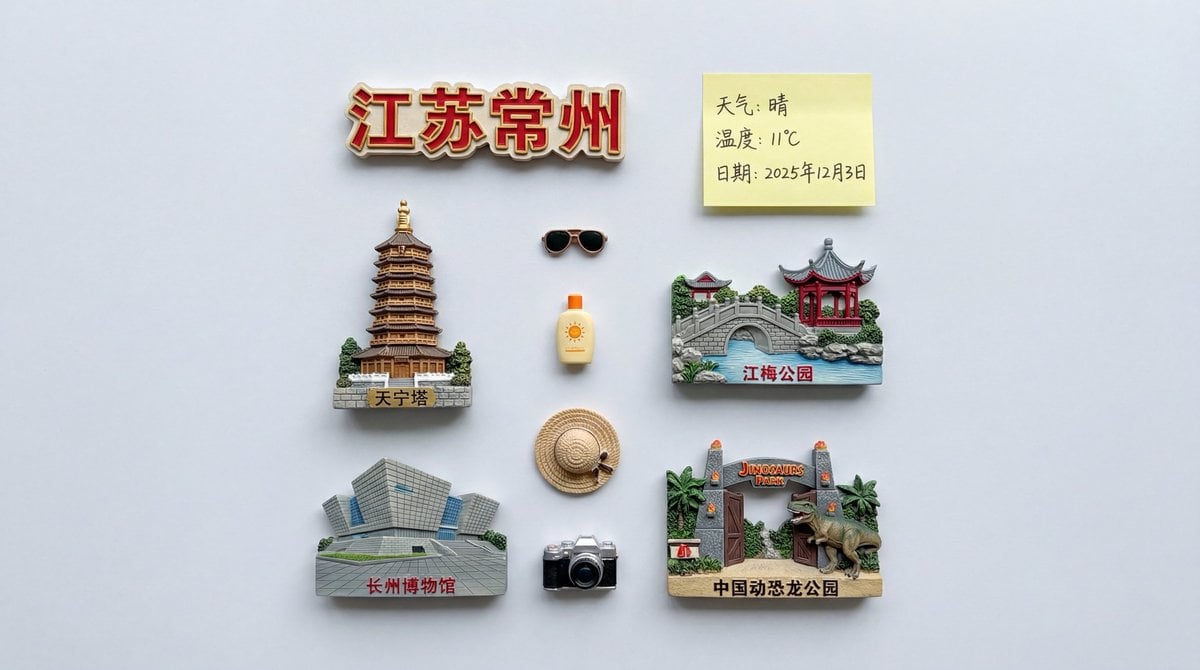
Nano Banana Pro Prompt for Nostalgic Scene

3D Chibi Food Advertisement Scene
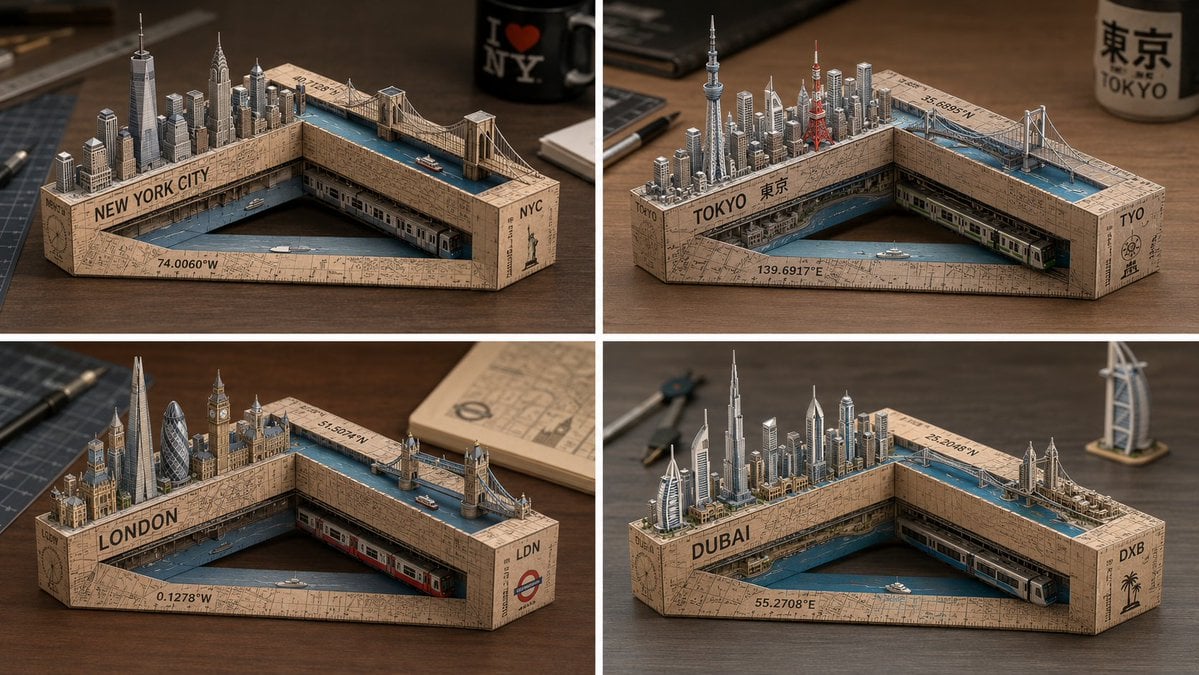
Laser-Cut Paper City Sculpture
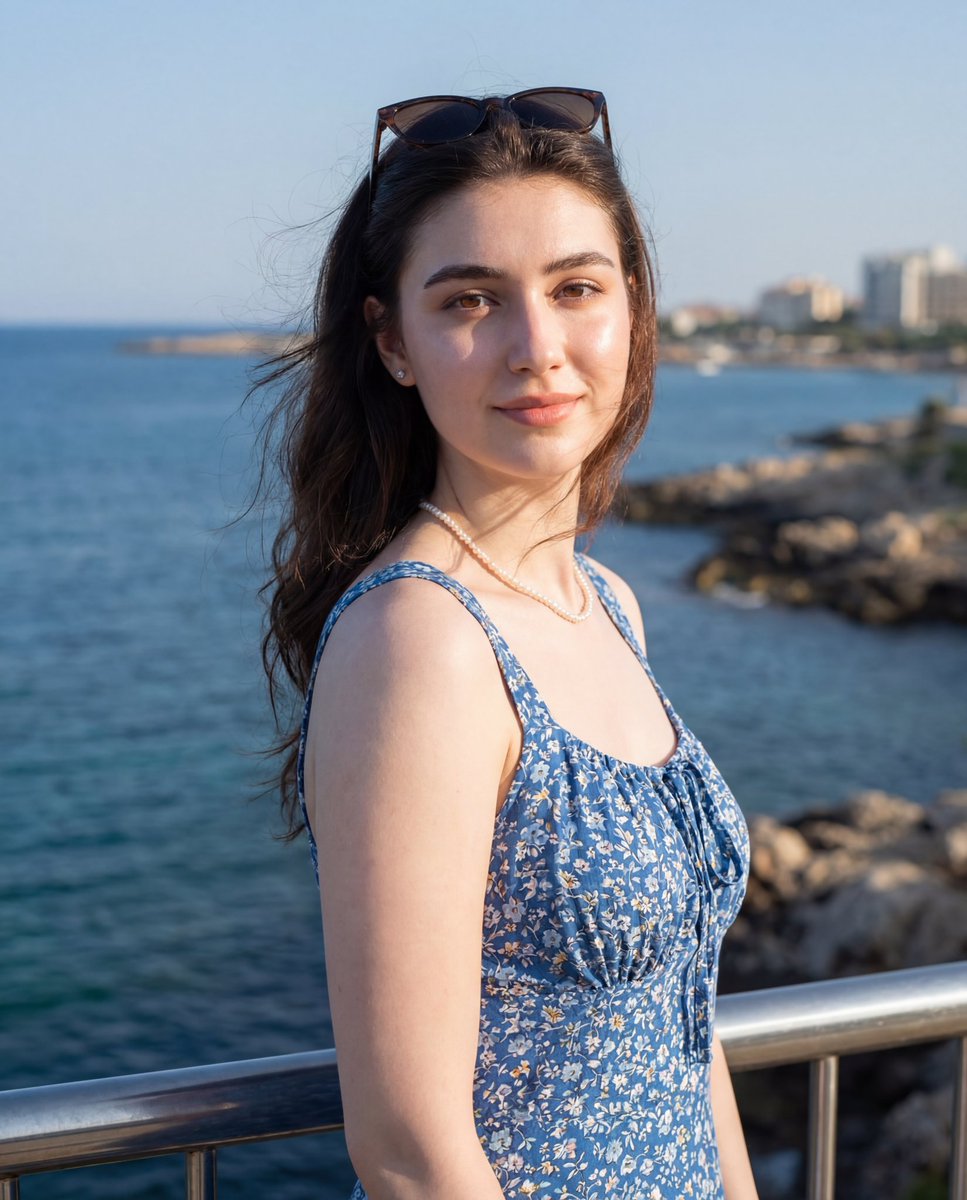
Seaside Travel Lifestyle Portrait
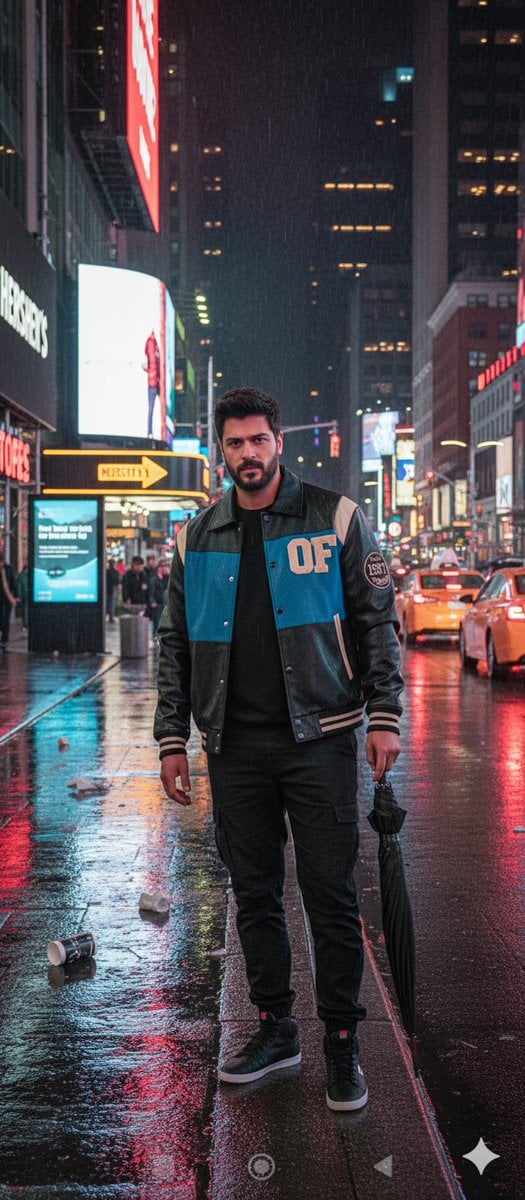
Times Square Rainy Night Portrait with Identity Lock
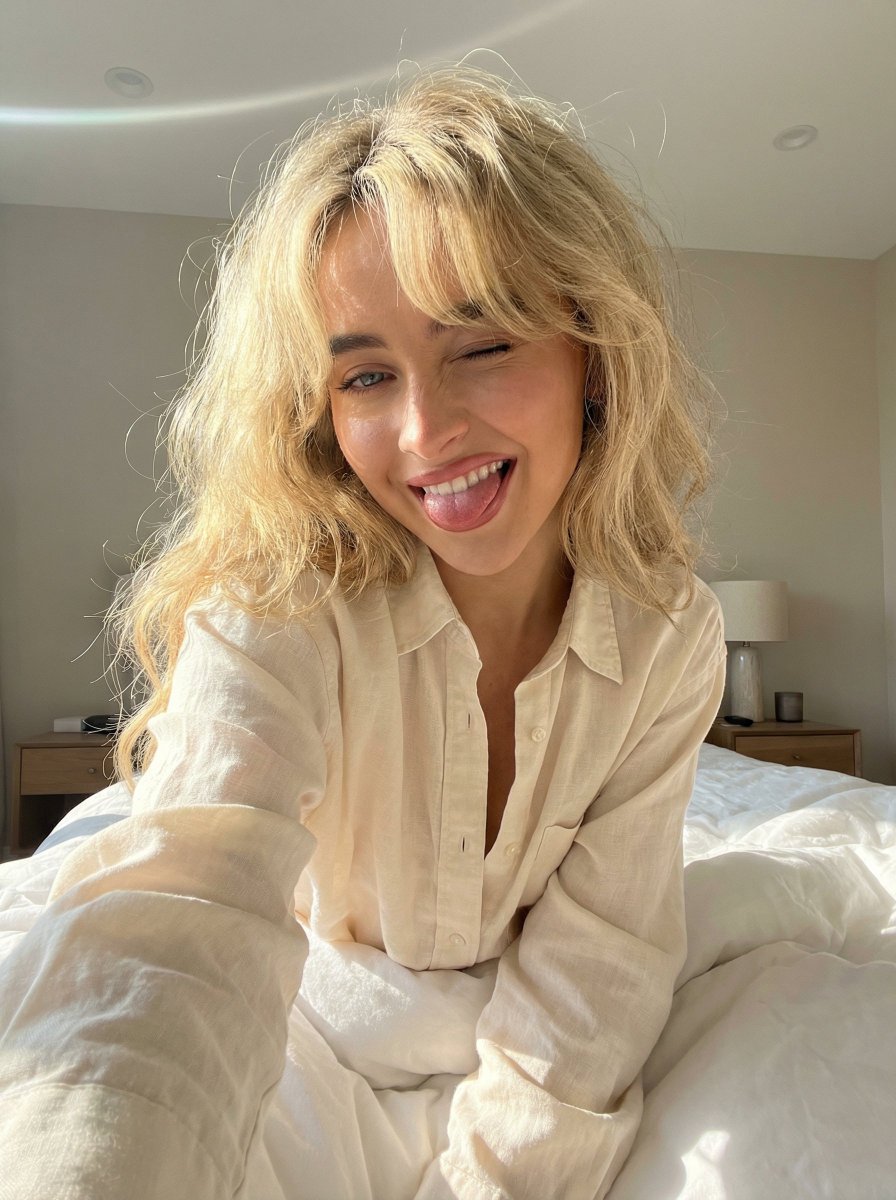
Playful 8K Selfie of Young Woman Winking
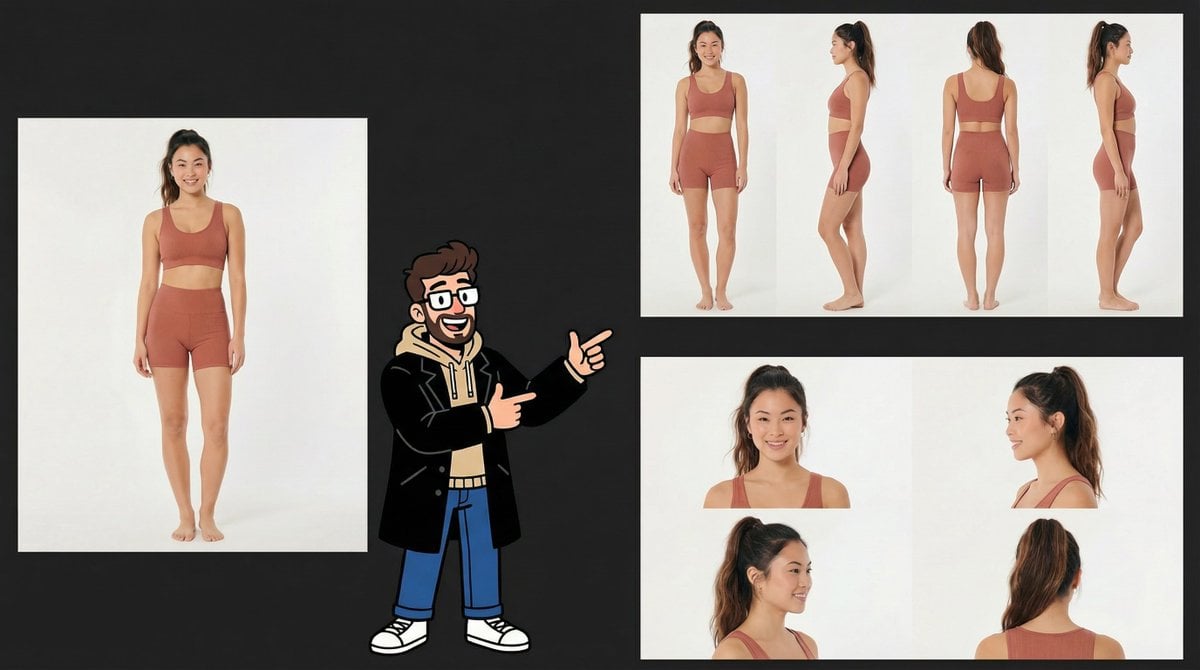
Consistency Prompt for 360 Turnaround Views
Browse template categories
Anime Businesswoman in Bright Office questions
How do I use the Anime Businesswoman in Bright Office template?
Add your photo if the template asks for one, edit the prompt if you like — the template's model and format are already selected — and press Generate. Your version opens in PicX Studio.
Can I customize the Anime Businesswoman in Bright Office template?
Yes. You can change the subject, setting, lighting, mood, format, and available model controls before creating your image.
Is the Anime Businesswoman in Bright Office template free?
Opening and editing this template is free. Generating uses credits, shown on the Generate button when you are signed in.
Which AI model should I use?
Start with GPT Image 2, which is the model associated with this template. You can compare another compatible model for a different finish.
Looking for something else? Browse all templates.

Your photo, any look
Thousands of ready templates for every top image and video model, from one credit balance.