
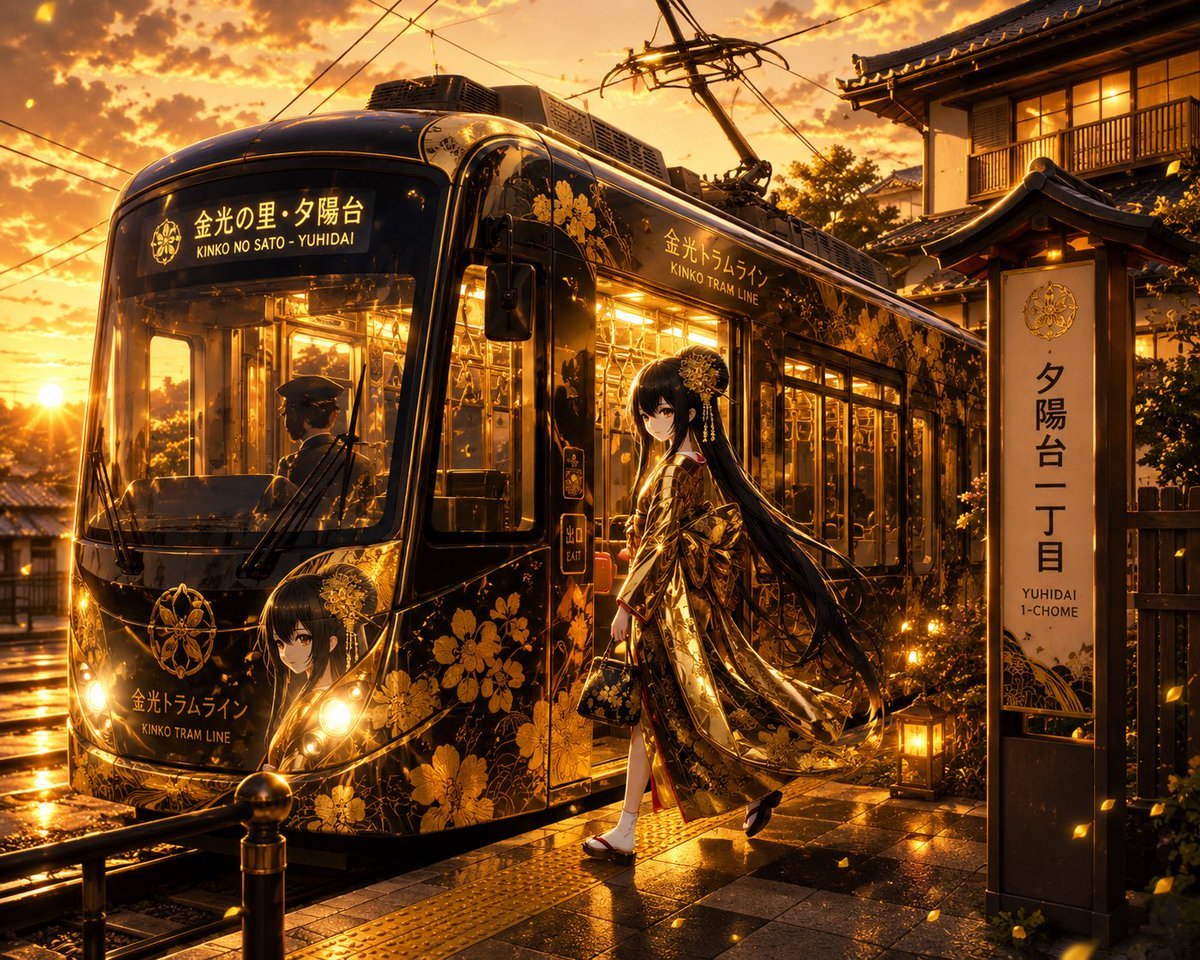
Golden Anime Tram at Sunset
Generates a cinematic anime scene of a black-and-gold floral streetcar at a Japanese sunset tram stop with a kimono-clad heroine.
- Prompt included
- Model and format preset
- Free template
The prompt behind this image
Copy the exact prompt behind Golden Anime Tram at Sunset, or open it in the studio and make it yours.
Create a cinematic anime-style vertical tram stop scene at golden-hour sunset after rain. A glossy black modern streetcar decorated with elaborate metallic gold chrysanthemum and floral patterns is stopped at a traditional Japanese station named {argument name="station name" default="Yuhidai 1-chome"}. The tram destination sign should show Japanese text with small English beneath it, reading {argument name="tram destination" default="KINKO NO SAITO - YUHIDAI"}, and the side of the tram should read {argument name="tram line name" default="Kinko Tram Line"}. In the foreground, an elegant young anime woman with very long flowing {argument name="hair color" default="black"} hair steps down from the tram, wearing an ornate black-and-gold kimono with floral embroidery, white tabi socks, sandals, and a decorative gold hair ornament; she carries a small matching handbag and looks calm and slightly mysterious. Include exactly two visible human figures: the kimono-clad woman outside the tram and the uniformed tram driver seen through the front windshield. The tram has warm glowing interior lights, reflective windows, bright headlights, visible pantograph and overhead wires, and an additional painted anime-girl portrait on the tram front as part of the decoration. To the right, place a tall illuminated station sign with Japanese vertical text and small English text underneath reading "YUHIDAI 1-CHOME", beside a traditional wooden building with lit windows and tiled roof eaves. Use a dramatic orange sky with glowing clouds, low sun near the horizon, wet reflective pavement and rails, small lanterns, golden falling petals, lens flares, and rich amber highlights. Make the image highly detailed, polished, atmospheric, and luxurious, blending Kyoto-like traditional architecture with a sleek fantasy tram design. No extra people, no modern cars, no watermark, no logo clutter, avoid distorted text beyond the specified signage.
How to use Golden Anime Tram at Sunset in 3 steps
- 1Upload ImagePNG, JPG or paste
Add your photo
Upload the photo the template builds on. The prompt, model and format are already set.
- 2…a portrait of your subject in softgolden-hour light, 85mm…
Personalize
Edit the subject and creative details for your destination.
- 3Generate
Generate
Press Generate — your image is created in PicX Studio, so you can compare it with the original and refine one variable at a time.
More like this
Templates with the same subject, style or setup. Open one to see its prompt.












Make it yours
Golden Anime Tram at Sunset works as-is. These are the safest ways to change it without losing the look.
Change one field
Copy a single group, rewrite it, and generate again so you can see what that field is doing.
Keep the frame, change the subject
Hold the composition and light of Golden Anime Tram at Sunset, then swap wardrobe, props or the person for a new take.
| If the result… | Why | Fix |
|---|---|---|
| The result drifts from the preview | Too many fields changed at once. | Reuse Golden Anime Tram at Sunset as-is first, then change one group — subject, light, or setting. |
| The model over-stylizes the scene | The prose prompt leaves finish and camera underspecified. | Add one camera or lighting sentence and stay on GPT Image 2. |
More GPT Image 2 templates
Other prompts made for GPT Image 2.

Six VTuber Japanese Logo Sheet

Realistic Portrait of Woman and Deer

The Vista Modular Condo Poster

AI Model Routing Comparison Infographic

2.5D Anime Art Board

Isometric Productivity Desk Scene

New York Double Exposure Poster

Four-Panel AI Landscape Comparison

Japanese Tatami Lifestyle Magazine Cover

NESCAFÉ Coffee Map Poster
More image prompts
Fresh picks from across the catalog.

Rural Highway Drive Illustration

Rebellious High School Student Portrait
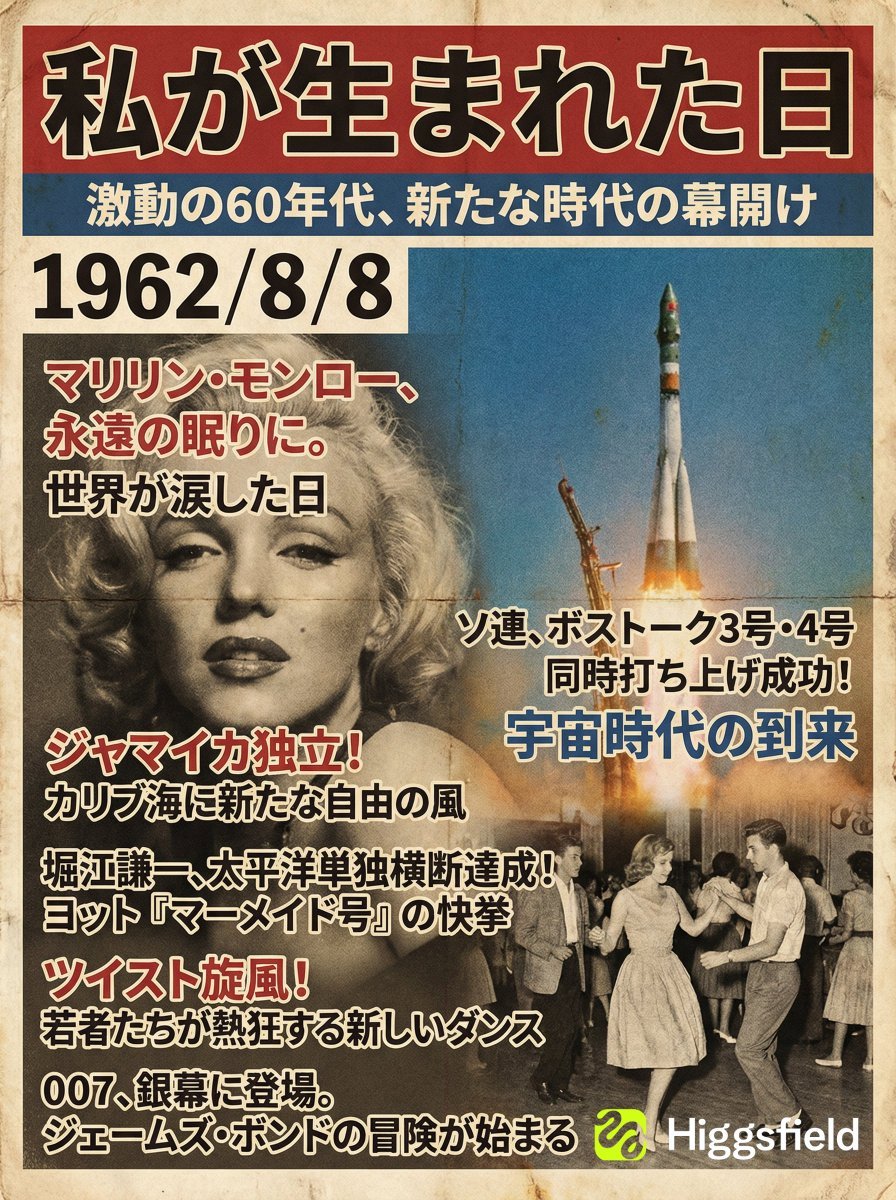
Magazine Cover Generation Based on Birth Date Prompt
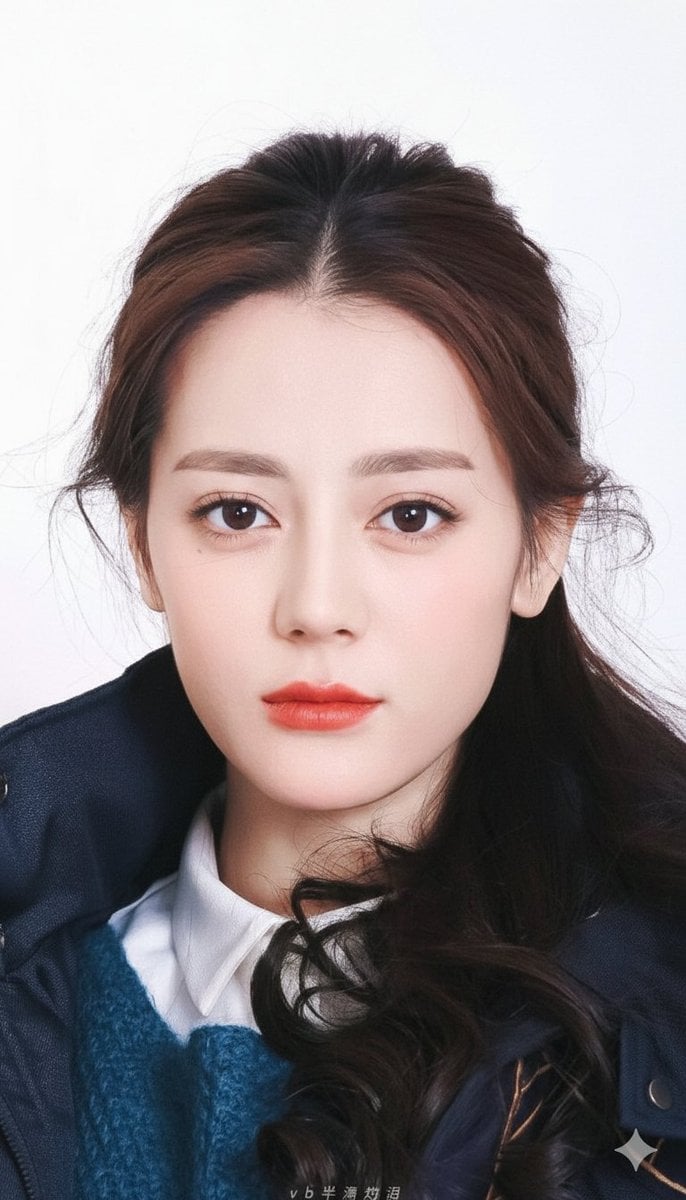
Vogue-Style Beauty Portrait (Dilireba Dilmurat)
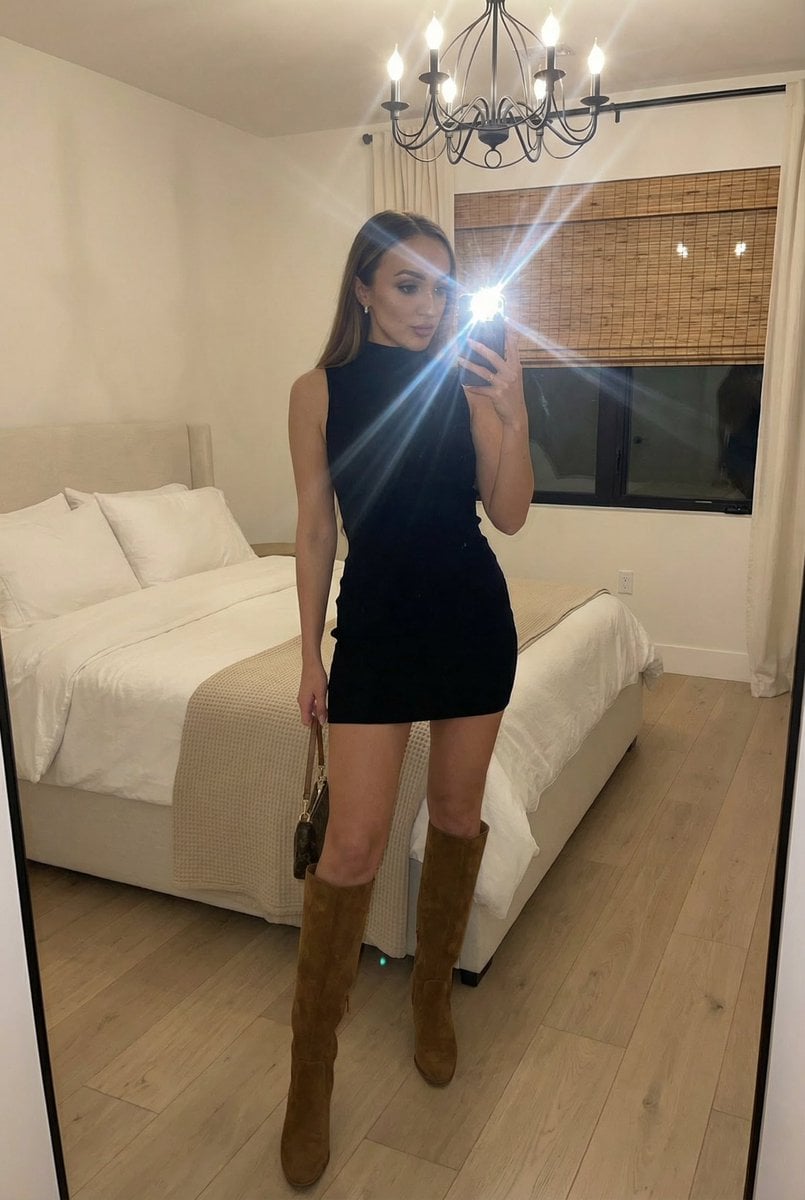
Stylish Mirror Selfie in Modern Bedroom
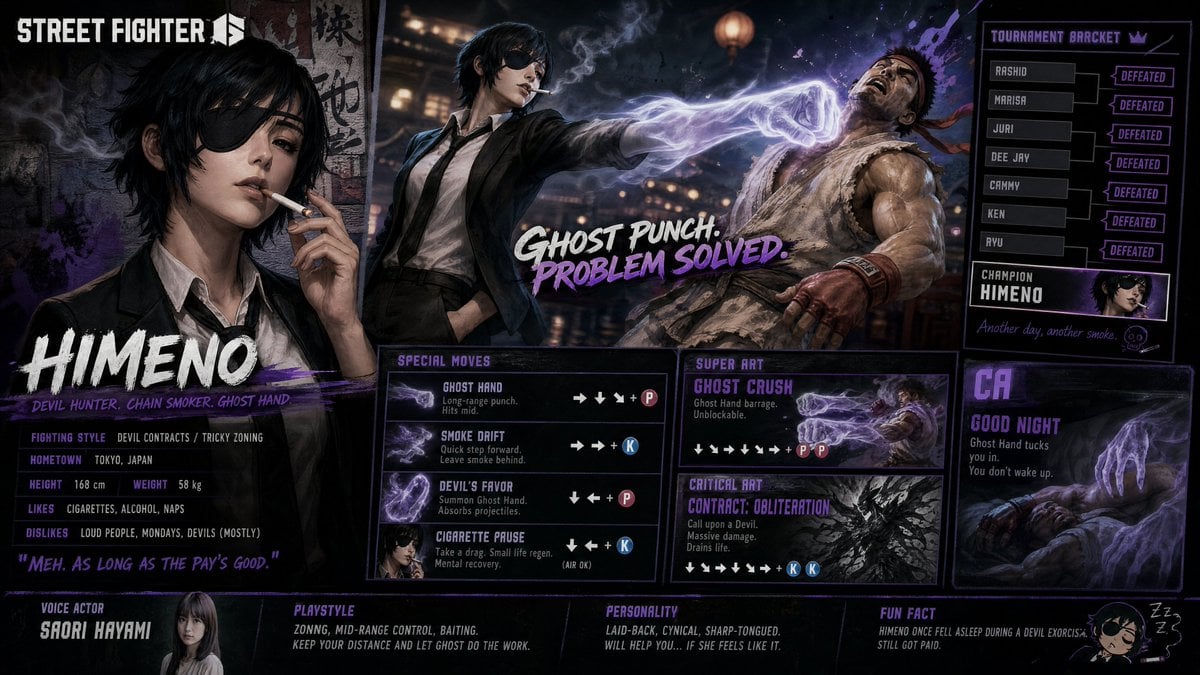
Street Fighter 6 Himeno Crossover Poster
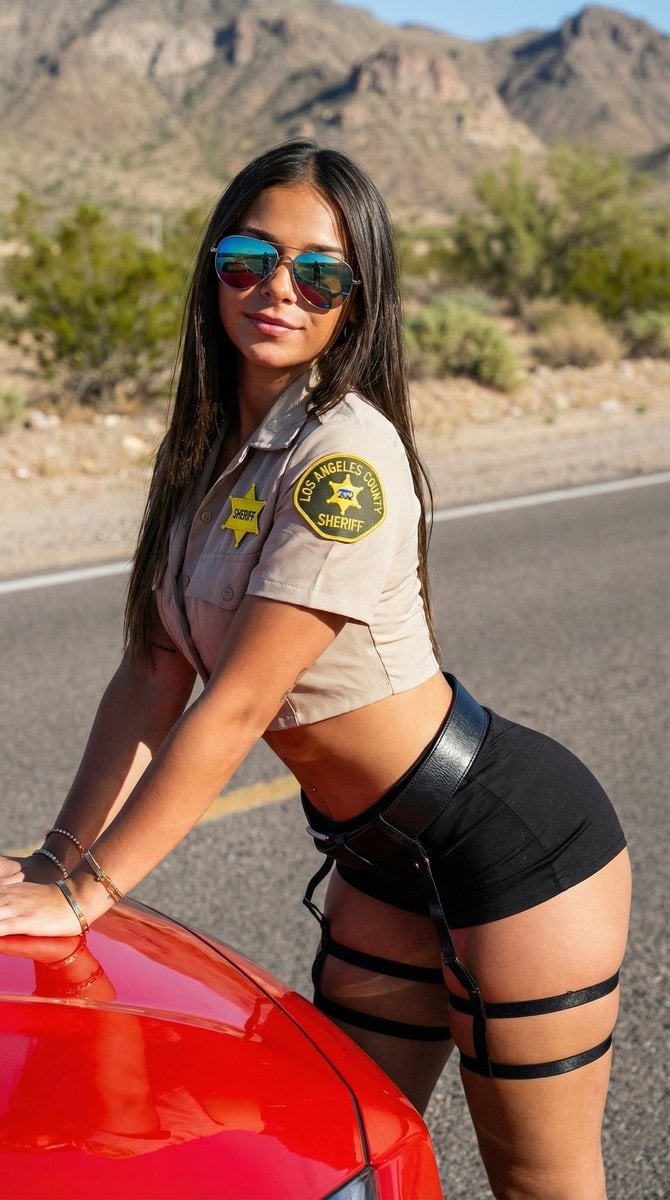
Desert Patrol Sheriff Portrait
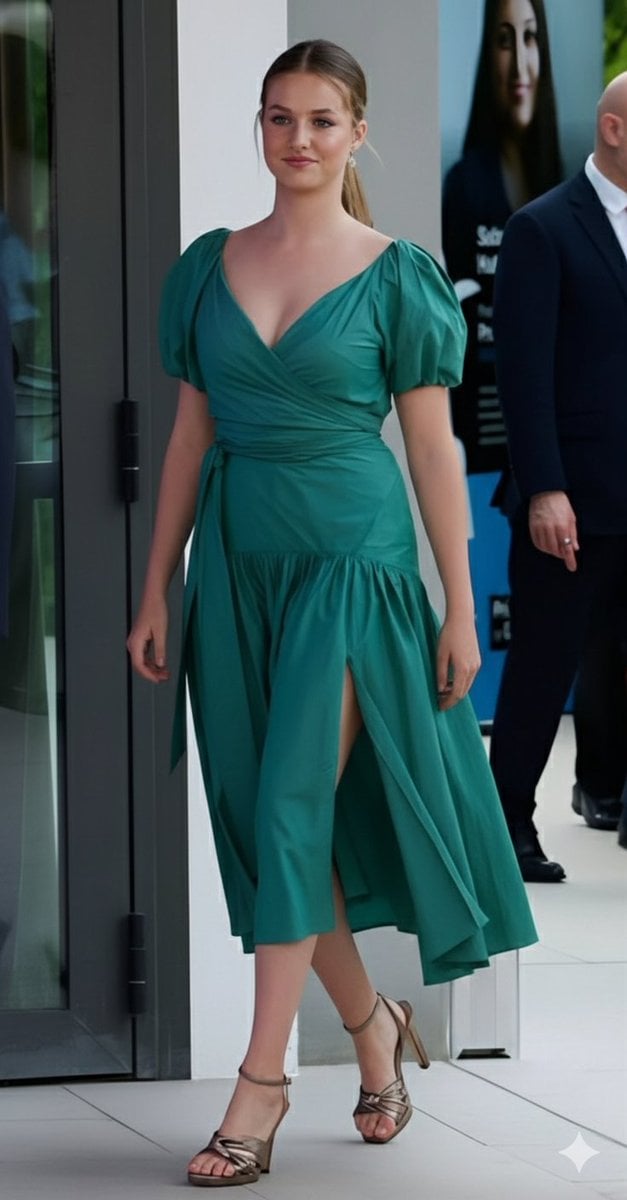
Emerald Green Satin Dress Fashion Editorial

Diagram of ChatGPT 5.2 Features with Japanese Text

Skincare Product Flat Lay Photography
Browse template categories
Golden Anime Tram at Sunset questions
How do I use the Golden Anime Tram at Sunset template?
Add your photo if the template asks for one, edit the prompt if you like — the template's model and format are already selected — and press Generate. Your version opens in PicX Studio.
Can I customize the Golden Anime Tram at Sunset template?
Yes. You can change the subject, setting, lighting, mood, format, and available model controls before creating your image.
Is the Golden Anime Tram at Sunset template free?
Opening and editing this template is free. Generating uses credits, shown on the Generate button when you are signed in.
Which AI model should I use?
Start with GPT Image 2, which is the model associated with this template. You can compare another compatible model for a different finish.
Looking for something else? Browse all templates.

Your photo, any look
Thousands of ready templates for every top image and video model, from one credit balance.