
Dystopian Sci-Fi Wasteland Film Still
A cinematic prompt for generating a bleak futuristic wasteland scene with a lone woman, abandoned car, body, and smoggy industrial skyline.
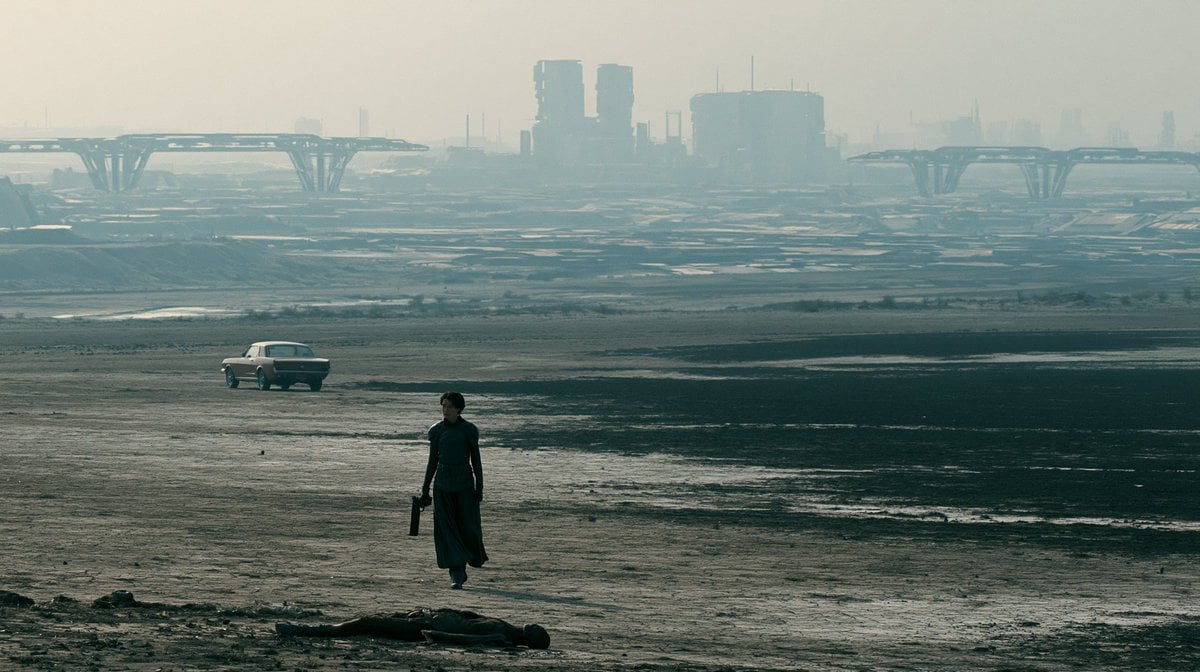
- Prompt included
- Model and format preset
- Free template
The prompt behind this image
Copy the exact prompt behind Dystopian Sci-Fi Wasteland Film Still, or open it in the studio and make it yours.
Create a cinematic widescreen sci-fi dystopian landscape in the style of a serious film still. A lone {argument name="female character" default="short-haired woman in a dark teal long dress or tunic with trousers"} walks across a vast muddy, barren plain, holding a small dark case or tool bag at her side. In the immediate foreground, place exactly 1 motionless human body lying horizontally on the wet ground, mostly in shadow. In the left midground, include exactly 1 pale vintage sedan parked or slowly driving across the flats, angled slightly away. The background should show a hazy futuristic industrial city with exactly 2 large elevated bridge or viaduct structures spanning from the left and right sides toward the skyline, plus bulky cylindrical and rectangular towers softened by smog. Use a muted teal-gray and dusty beige color palette, low contrast, atmospheric haze, wet reflective patches in the mud, and a bleak post-apocalyptic mood. Composition: 16:9 aspect ratio, wide establishing shot, horizon high in the frame, the woman positioned slightly left of center, the car farther left, the skyline distant and desaturated. Lighting should be overcast and backlit through polluted air, with realistic film grain, anamorphic cinematic framing, and no visible text, logos, or UI elements.
How to use Dystopian Sci-Fi Wasteland Film Still in 3 steps
- 1Upload ImagePNG, JPG or paste
Add your photo
Upload the photo the template builds on. The prompt, model and format are already set.
- 2…a portrait of your subject in softgolden-hour light, 85mm…
Personalize
Edit the subject and creative details for your destination.
- 3Generate
Generate
Press Generate — your image is created in PicX Studio, so you can compare it with the original and refine one variable at a time.
More like this
Templates with the same subject, style or setup. Open one to see its prompt.

Oil Painting Still Life Wine
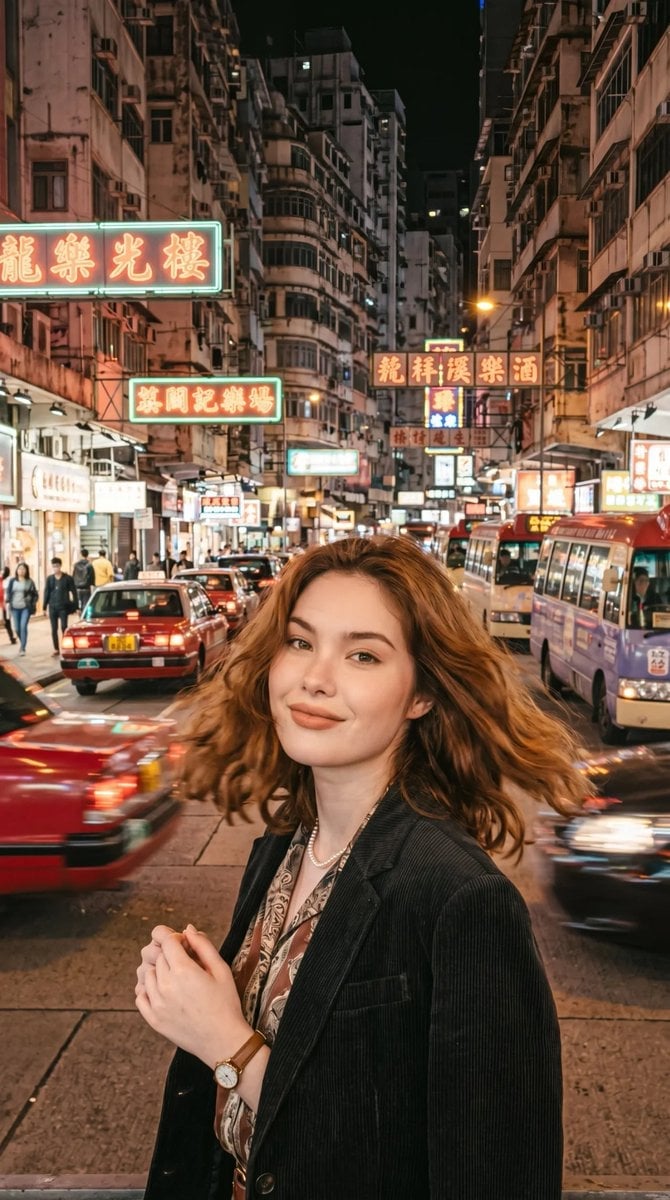
Retro Sci-Fi Pulp Cover

Mad Max Wasteland Survivor Film Still
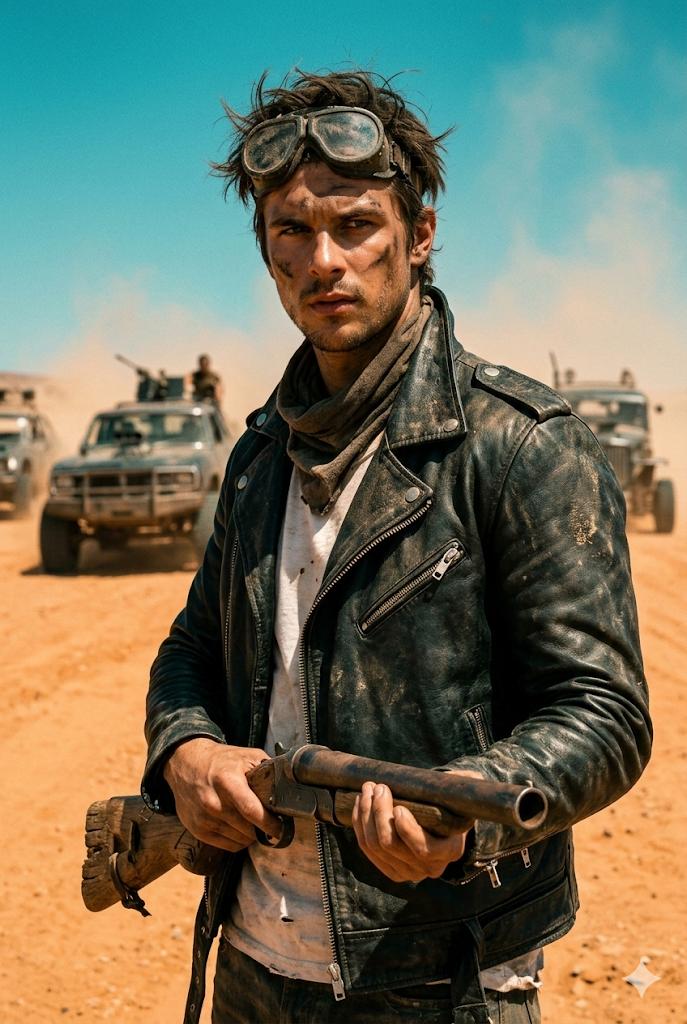
Wasteland Survivor Cinematic Film Still (Mad Max Style)

Sepia Family Portrait Studio

Monogram Luggage Cart

Statue Garden Twilight

Opera Glasses Velvet Seat

Fountain Pen Ink Splash

Manor Garden Topiary Path

Black And White Piano Keys
Cigar Lounge Leather Smoke
Make it yours
Dystopian Sci-Fi Wasteland Film Still works as-is. These are the safest ways to change it without losing the look.
Change one field
Copy a single group, rewrite it, and generate again so you can see what that field is doing.
Keep the frame, change the subject
Hold the composition and light of Dystopian Sci-Fi Wasteland Film Still, then swap wardrobe, props or the person for a new take.
| If the result… | Why | Fix |
|---|---|---|
| The result drifts from the preview | Too many fields changed at once. | Reuse Dystopian Sci-Fi Wasteland Film Still as-is first, then change one group — subject, light, or setting. |
| The model over-stylizes the scene | The prose prompt leaves finish and camera underspecified. | Add one camera or lighting sentence and stay on GPT Image 2. |
More GPT Image 2 templates
Other prompts made for GPT Image 2.

Six VTuber Japanese Logo Sheet

Realistic Portrait of Woman and Deer

The Vista Modular Condo Poster

AI Model Routing Comparison Infographic

2.5D Anime Art Board

Isometric Productivity Desk Scene

New York Double Exposure Poster

Four-Panel AI Landscape Comparison

Japanese Tatami Lifestyle Magazine Cover

NESCAFÉ Coffee Map Poster
More image prompts
Fresh picks from across the catalog.
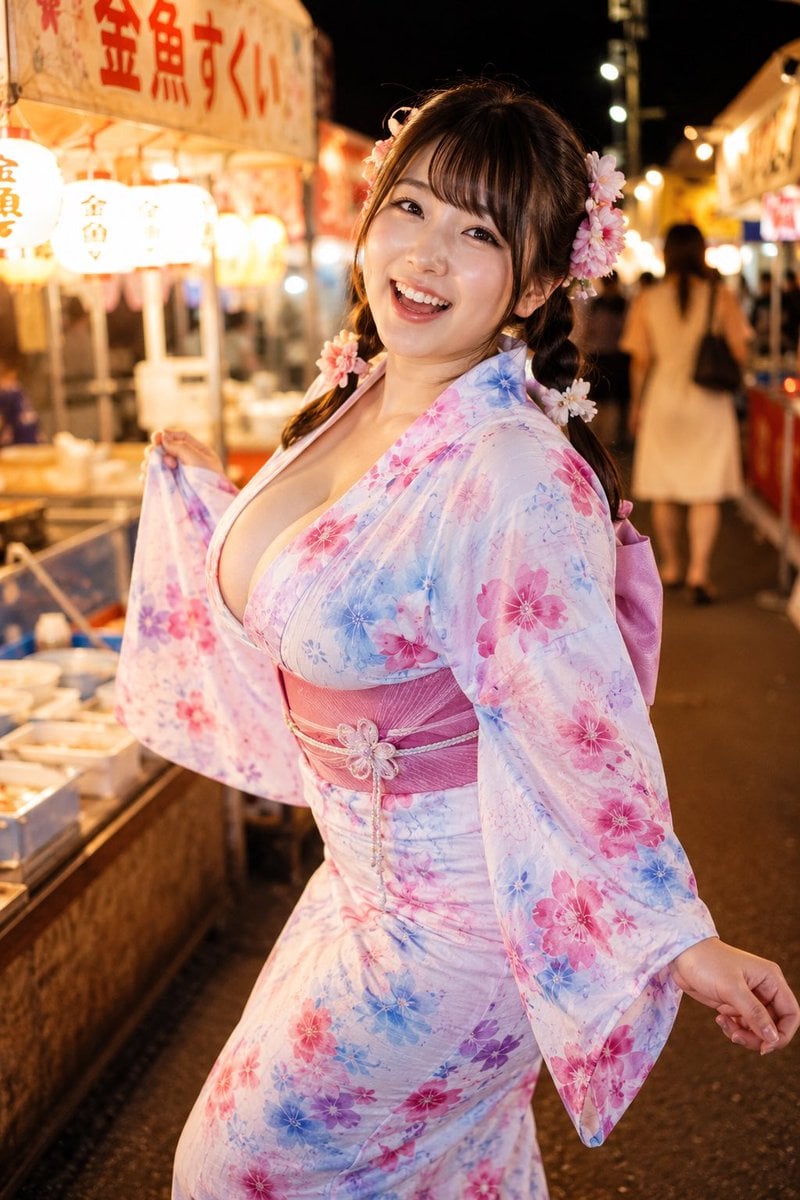
Yukata Girl at Night Festival
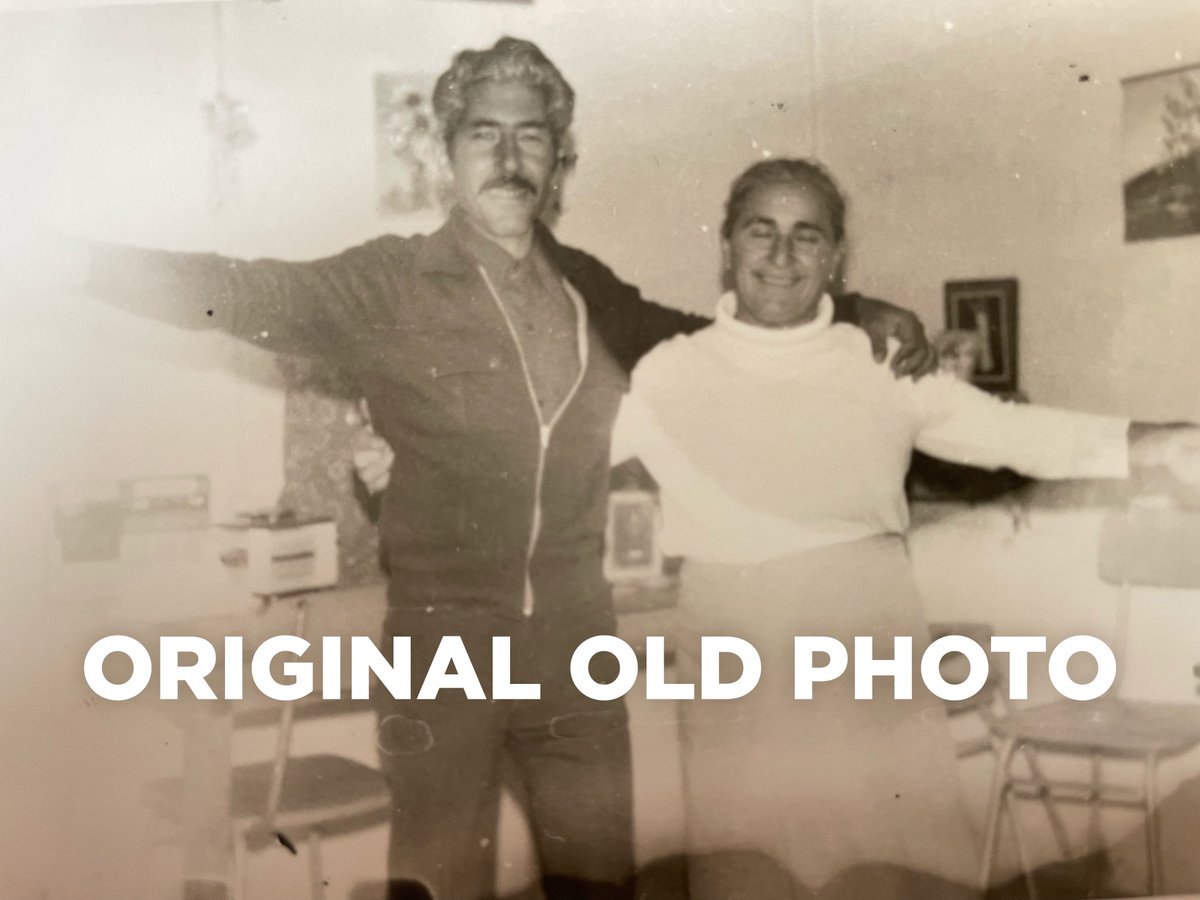
4K Photo Restoration Prompt

Gpt2 Infographic Edu Visual Biomimetic Skyray Aircraft Poster

Cute Shima-enaga LINE sticker set
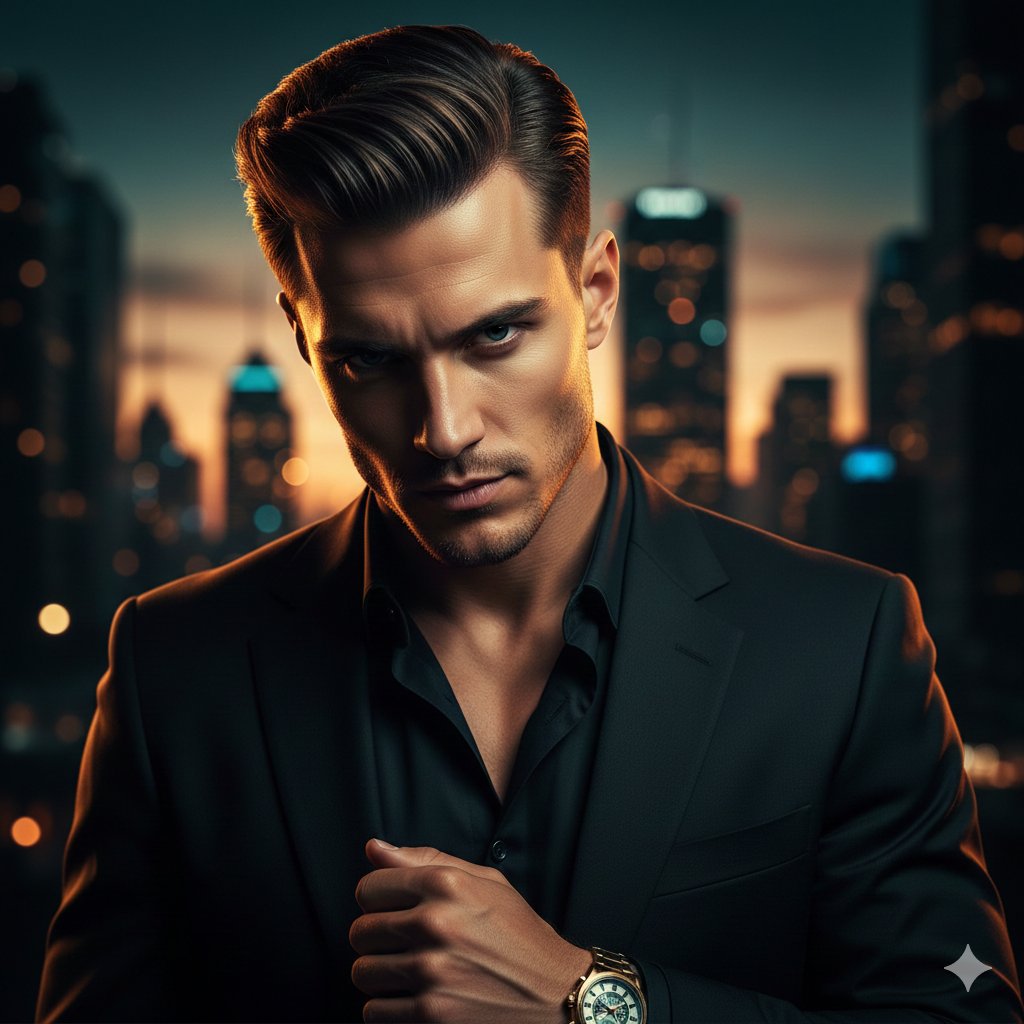
Cinematic Portrait of a Confident Young Man in an Urban Setting
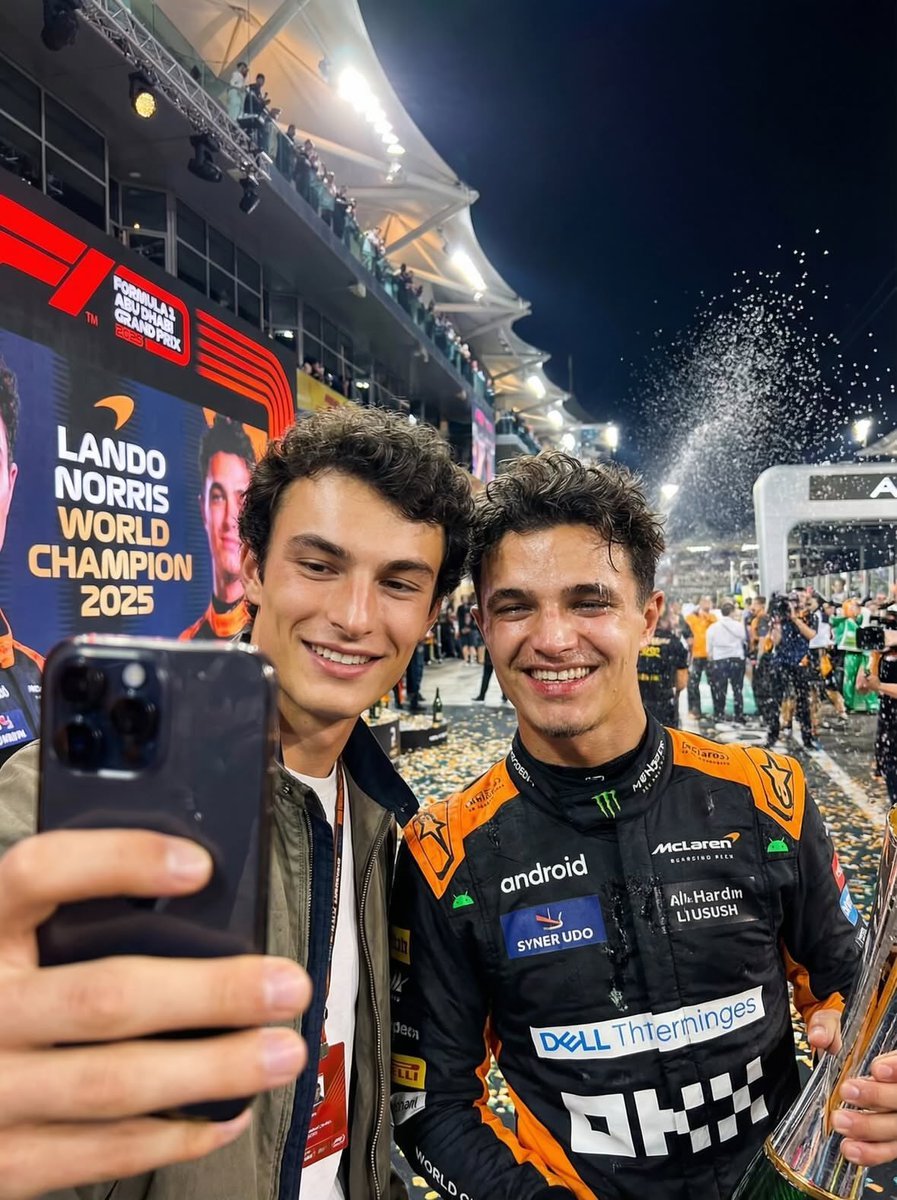
Ultra-realistic selfie with F1 champion Lando Norris
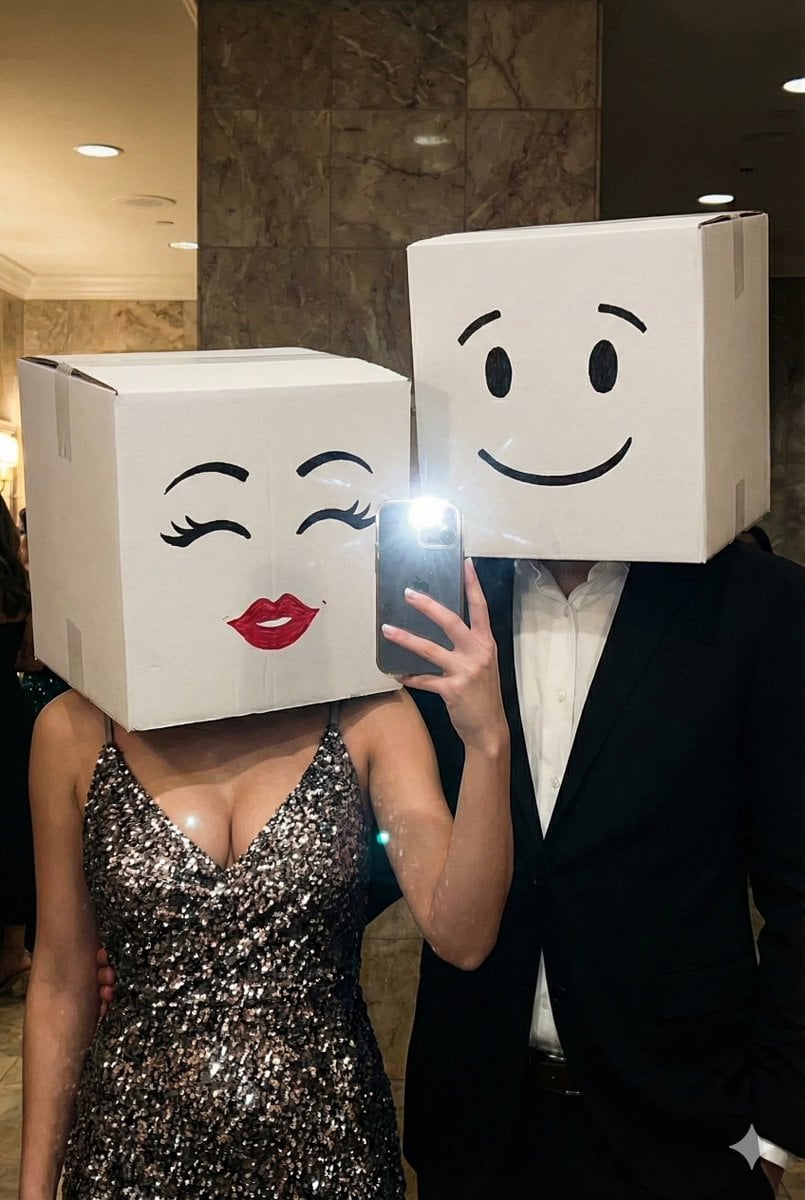
Box-Headed Couple Mirror Selfie Prompt
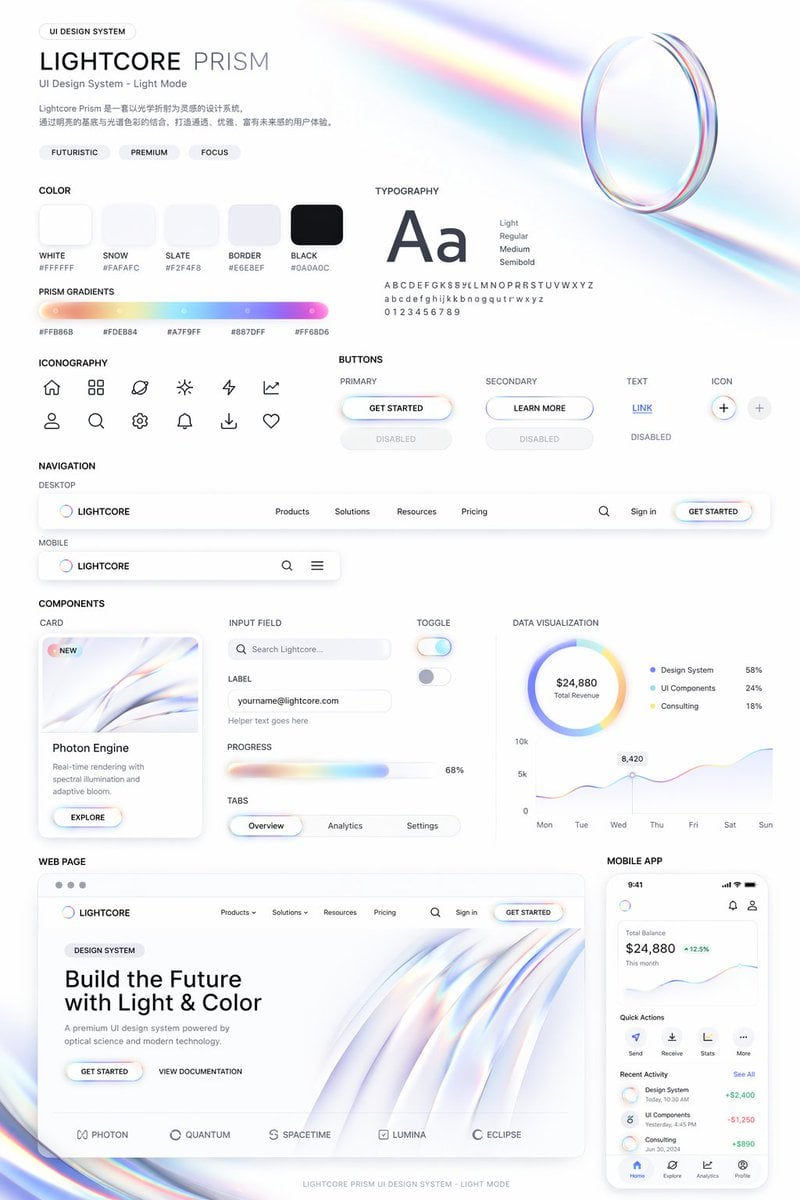
Light Mode UI Design System Board
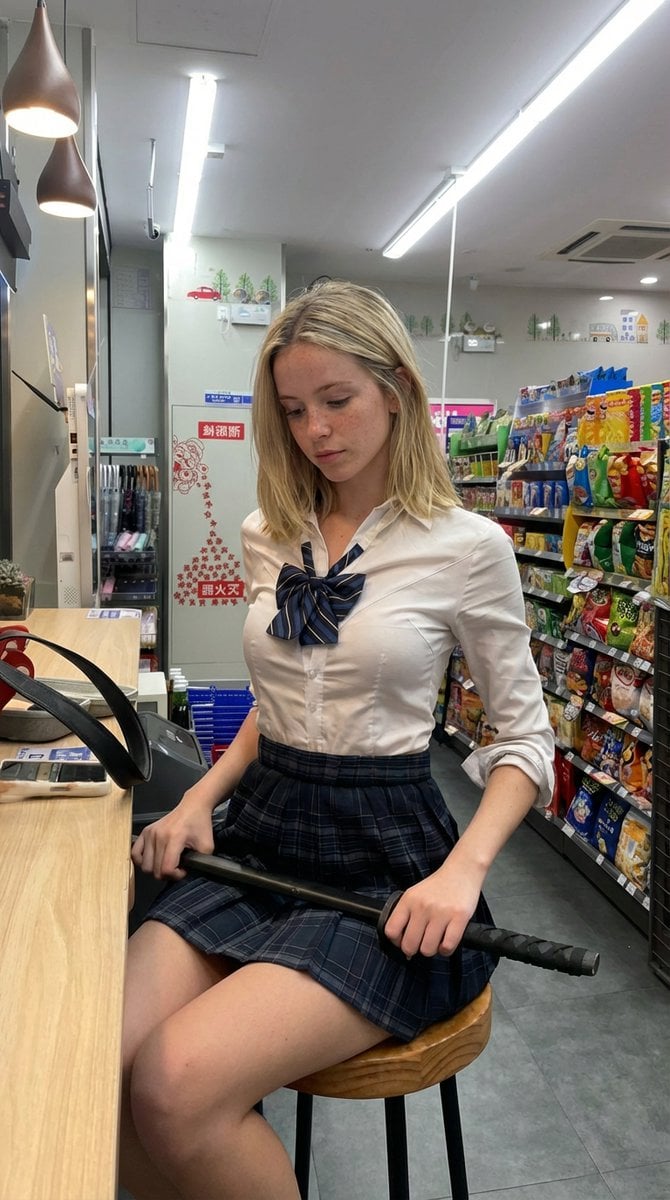
Detailed Image Prompt for Nano Banana Pro
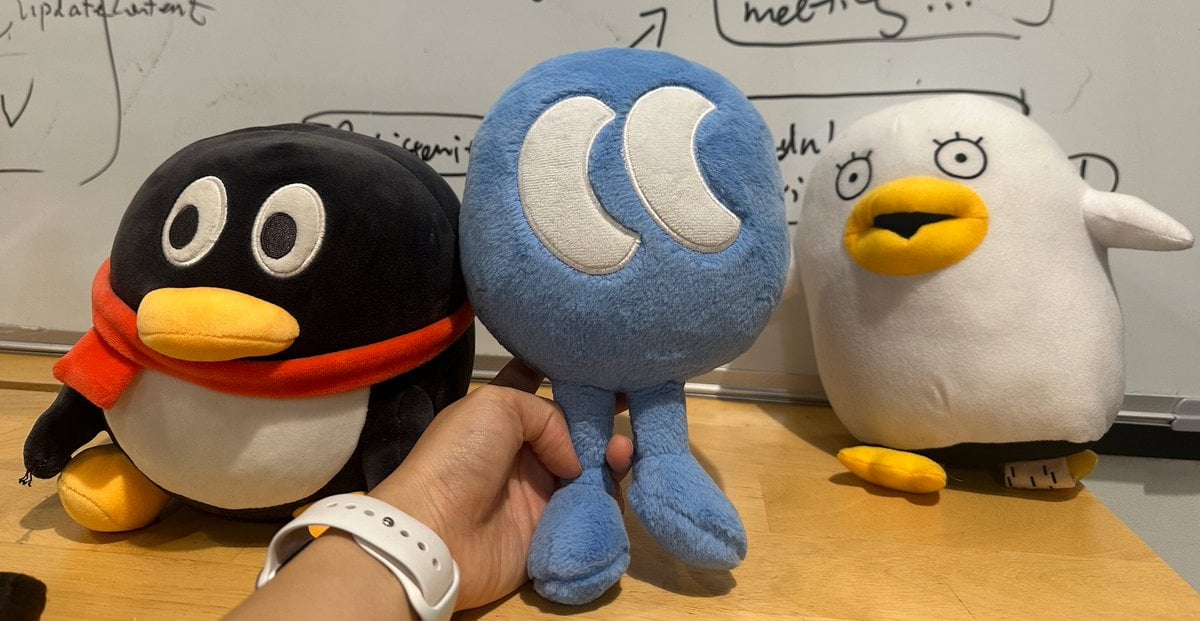
Nano Banana Pro Multi-Panel Generation
Browse template categories
Dystopian Sci-Fi Wasteland Film Still questions
How do I use the Dystopian Sci-Fi Wasteland Film Still template?
Add your photo if the template asks for one, edit the prompt if you like — the template's model and format are already selected — and press Generate. Your version opens in PicX Studio.
Can I customize the Dystopian Sci-Fi Wasteland Film Still template?
Yes. You can change the subject, setting, lighting, mood, format, and available model controls before creating your image.
Is the Dystopian Sci-Fi Wasteland Film Still template free?
Opening and editing this template is free. Generating uses credits, shown on the Generate button when you are signed in.
Which AI model should I use?
Start with GPT Image 2, which is the model associated with this template. You can compare another compatible model for a different finish.
Looking for something else? Browse all templates.

Your photo, any look
Thousands of ready templates for every top image and video model, from one credit balance.