
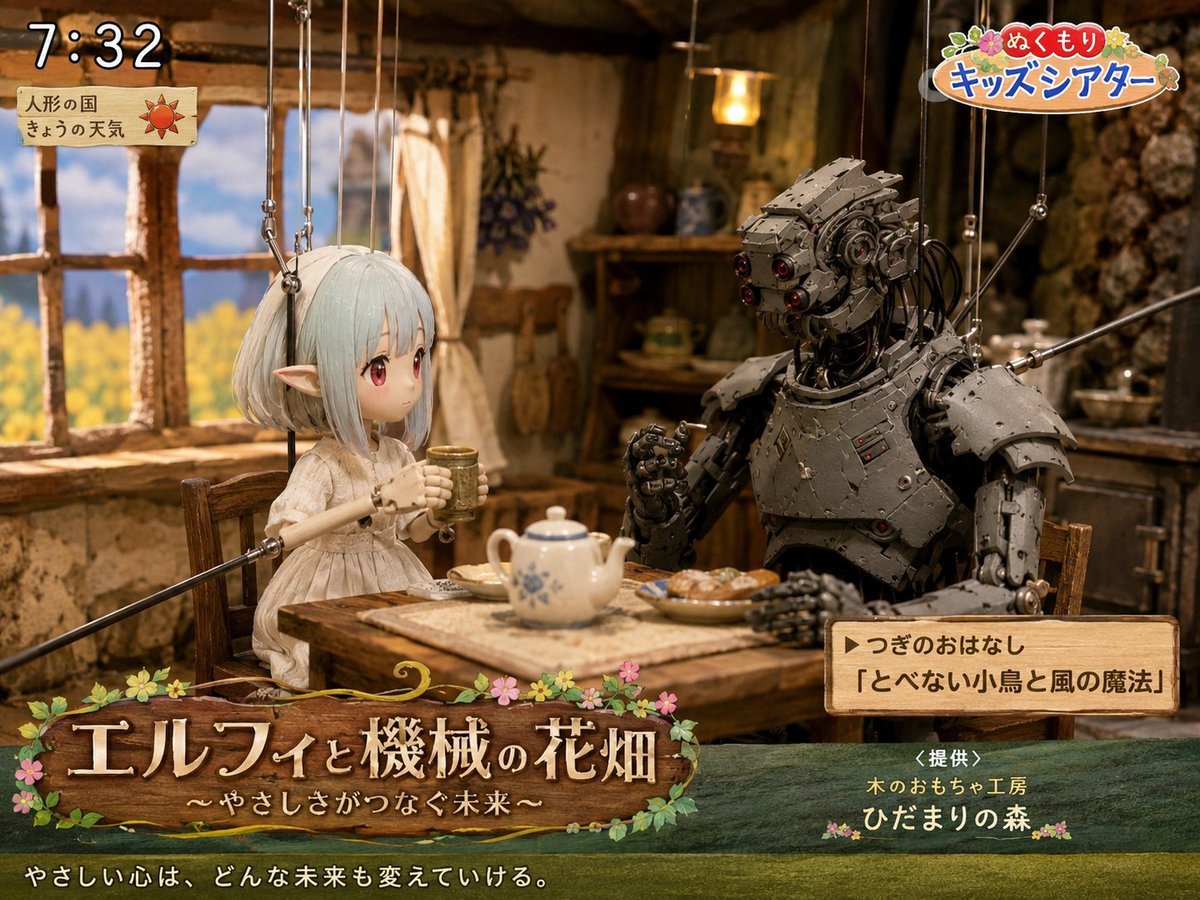
Elf and Robot Puppet Theater Still
A detailed prompt for generating a nostalgic Japanese children's TV puppet-theater still with an elf, a robot, cozy cottage set, and broadcast overlays.
- Prompt included
- Model and format preset
- Free template
The prompt behind this image
Copy the exact prompt behind Elf and Robot Puppet Theater Still, or open it in the studio and make it yours.
Goal: Create a cozy Japanese children's TV theater still showing a puppet-style fantasy scene titled {argument name="show title" default="エルフィと機械の花畑"}, with a gentle storybook atmosphere and visible broadcast graphics. Canvas: 4:3 landscape frame, warm cinematic lighting, shallow depth of field, detailed handcrafted miniature set. Main scene: Inside a rustic cottage kitchen with clay-plaster walls, exposed wood beams, a wooden window on the left looking out to a bright yellow flower field and blue sky, shelves and hanging herbs in the background, and a small wooden table in the foreground. Two marionette characters sit at the table drinking tea: 1) a delicate elf girl puppet on the left with pale mint-white bobbed hair, long pointed ears, a simple cream linen dress, slim wooden puppet arms, and visible suspension strings attached above; her face area is softly blurred/obscured as if anonymized, 2) a large humanoid robot puppet on the right made of dark riveted metal plates, exposed cables, red lens eyes, bulky shoulder armor, articulated hands, and visible marionette rods/strings. The elf holds a small cup with both hands; the robot raises one hand as if speaking. On the table include exactly 4 visible food and tea items: a white teapot with blue floral pattern, one small cup in the elf's hands, one plate of pastries, and a rectangular cloth or tray under the teapot. Broadcast overlay layout: Add exactly 5 graphic/text areas: 1) top-left digital clock reading {argument name="broadcast time" default="7:32"} in large white outlined numerals, 2) below it a small parchment weather card with Japanese text 「人形の国」 and 「きょうの天気」 plus a red sun icon, 3) top-right colorful logo reading {argument name="program logo" default="ぬくもり キッズシアター"} with flowers and rounded playful lettering, 4) bottom-left large wooden signboard title with flowers and vines reading 「エルフィと機械の花畑」 and subtitle 「〜やさしさがつなぐ未来〜」, 5) lower-right wooden next-story box reading 「▶つぎのおはなし」 and 「『とべない小鳥と風の魔法』」. Additional bottom text: Across the very bottom, add the white Japanese tagline {argument name="tagline" default="やさしい心は、どんな未来も変えていける。"}. Near the lower-right above the bottom edge, add sponsor text 「<提供>」, 「木のおもちゃ工房」, and 「ひだまりの森」 with small flower decorations. Visual style: Hyper-detailed stop-motion puppetry mixed with fantasy miniature photography, warm amber interior light, nostalgic NHK-style children's morning program, polished gpt-image-2 realism, tactile wood, cloth, metal, and paper textures. Keep all marionette strings visible and delicate. Use soft bloom around the window and cozy shadows in the cottage. Constraints: Use exactly 2 seated characters, exactly 5 broadcast graphic/text areas, and exactly 4 table items as listed. Keep the scene wholesome and gentle, no extra logos beyond the described fake TV graphics, no modern appliances, no watermark.
How to use Elf and Robot Puppet Theater Still in 3 steps
- 1Upload ImagePNG, JPG or paste
Add your photo
Upload the photo the template builds on. The prompt, model and format are already set.
- 2…a portrait of your subject in softgolden-hour light, 85mm…
Personalize
Edit the subject and creative details for your destination.
- 3Generate
Generate
Press Generate — your image is created in PicX Studio, so you can compare it with the original and refine one variable at a time.
More like this
Templates with the same subject, style or setup. Open one to see its prompt.
Stop Motion Robot Workshop

Stop Motion Finale Fireworks

Stop Motion Garden Maze

Stop Motion Rooftop Concert

Stop Motion Bicycle Coast
Stop Motion Castle Gate

Stop Motion Kitchen Chaos

Stop Motion Carnival Ride
Stop Motion Rainy Bus Stop

Stop Motion Space Dock
Stop Motion Cafe Morning
Stop Motion Mountain Summit
Make it yours
Elf and Robot Puppet Theater Still works as-is. These are the safest ways to change it without losing the look.
Change one field
Copy a single group, rewrite it, and generate again so you can see what that field is doing.
Keep the frame, change the subject
Hold the composition and light of Elf and Robot Puppet Theater Still, then swap wardrobe, props or the person for a new take.
| If the result… | Why | Fix |
|---|---|---|
| The result drifts from the preview | Too many fields changed at once. | Reuse Elf and Robot Puppet Theater Still as-is first, then change one group — subject, light, or setting. |
| The model over-stylizes the scene | The prose prompt leaves finish and camera underspecified. | Add one camera or lighting sentence and stay on GPT Image 2. |
More GPT Image 2 templates
Other prompts made for GPT Image 2.

Six VTuber Japanese Logo Sheet

Realistic Portrait of Woman and Deer

The Vista Modular Condo Poster

AI Model Routing Comparison Infographic

2.5D Anime Art Board

Isometric Productivity Desk Scene

New York Double Exposure Poster

Four-Panel AI Landscape Comparison

Japanese Tatami Lifestyle Magazine Cover

NESCAFÉ Coffee Map Poster
More image prompts
Fresh picks from across the catalog.
Premium Masculine Editorial Portrait
K-pop Idols Sleeping on a Train JSON Prompt
Static Motion Editorial
Dreamy Garden Princess Portrait

Masterpiece Anime Fantasy Girl
Surreal upside-down face portrait
Miniature Pet on Palm Prompt for Image Generation
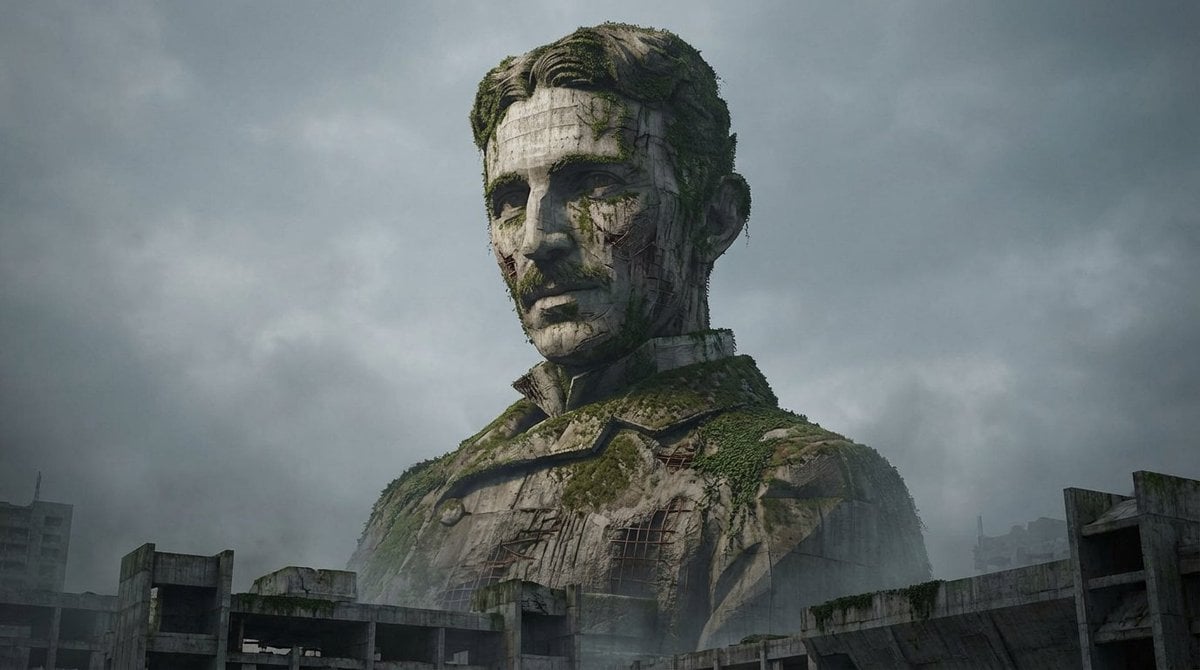
Brutalist Architecture Morphing Prompt
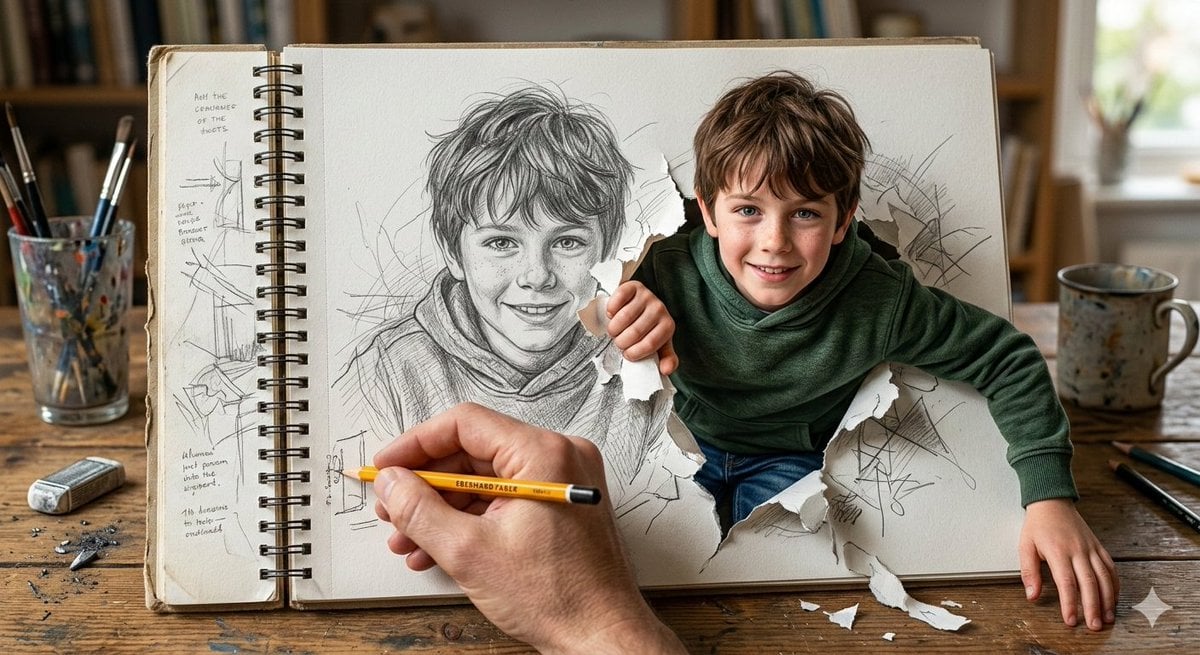
Cinematic 3D Illustration of a Boy Emerging from a Sketchbook
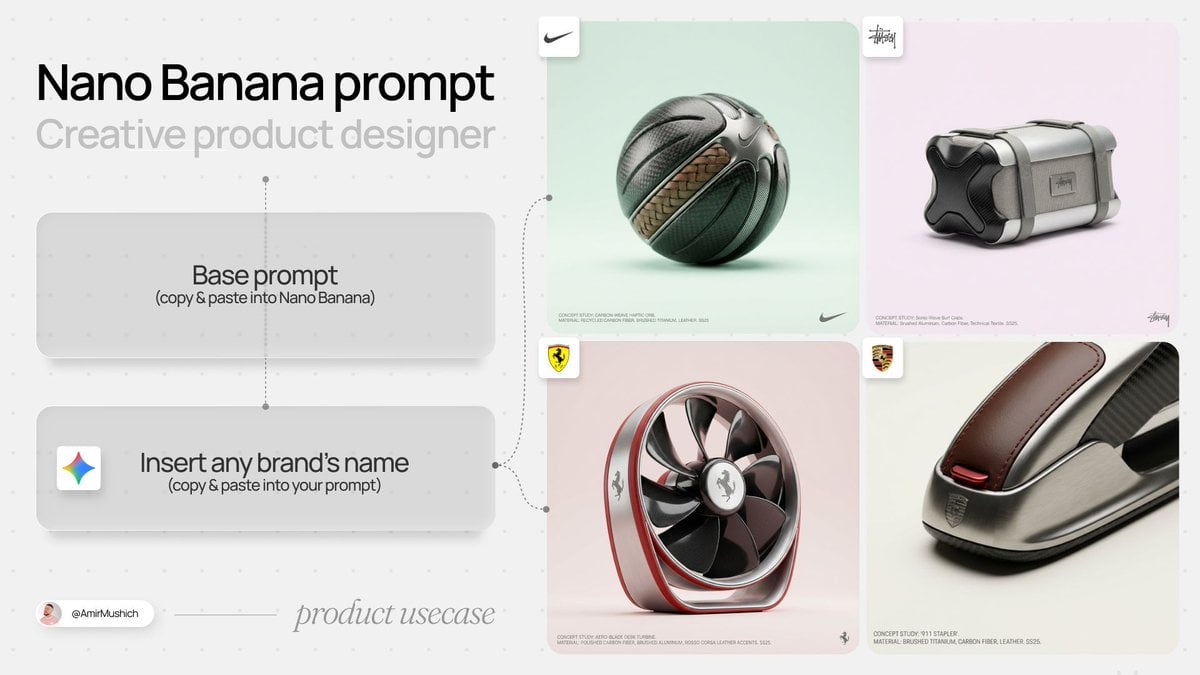
High-End Concept Art Magazine Editorial Prompt
Browse template categories
Elf and Robot Puppet Theater Still questions
How do I use the Elf and Robot Puppet Theater Still template?
Add your photo if the template asks for one, edit the prompt if you like — the template's model and format are already selected — and press Generate. Your version opens in PicX Studio.
Can I customize the Elf and Robot Puppet Theater Still template?
Yes. You can change the subject, setting, lighting, mood, format, and available model controls before creating your image.
Is the Elf and Robot Puppet Theater Still template free?
Opening and editing this template is free. Generating uses credits, shown on the Generate button when you are signed in.
Which AI model should I use?
Start with GPT Image 2, which is the model associated with this template. You can compare another compatible model for a different finish.
Looking for something else? Browse all templates.

Your photo, any look
Thousands of ready templates for every top image and video model, from one credit balance.