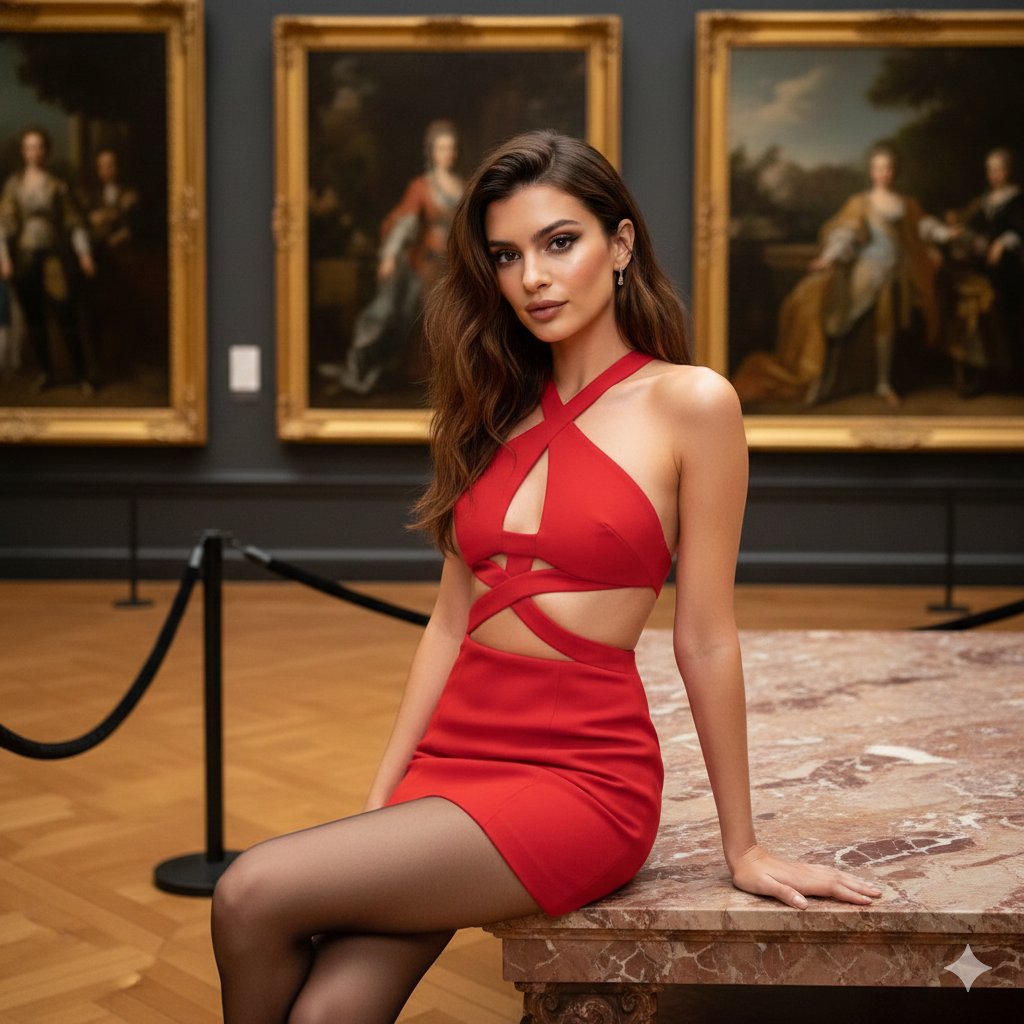
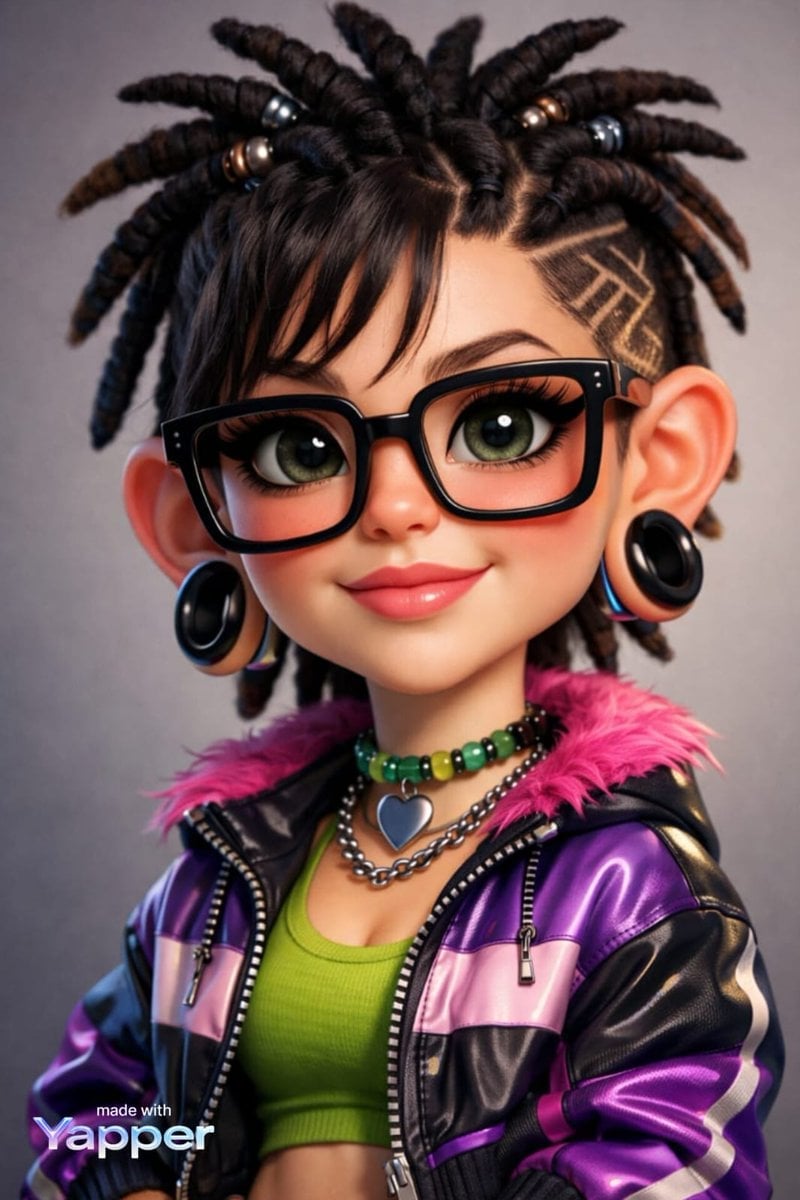
How do I use the My Hero Academia Scenes with Dogs and Cats template?
Edit the prompt in the box under the preview — the template's model and format are already selected — and press Generate. Your version appears right on this page.
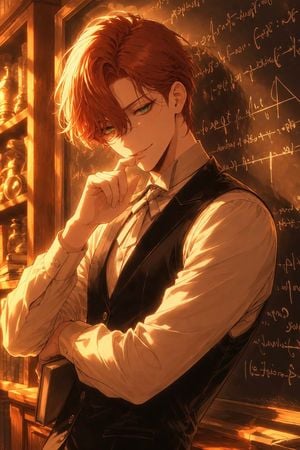
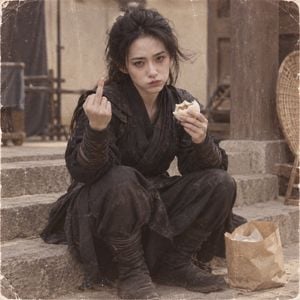
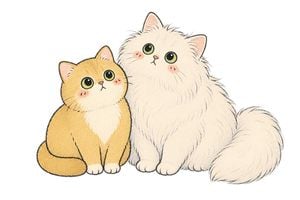
A fun prompt for recreating iconic anime battle scenes from My Hero Academia using animals like dogs and cats as the main characters.

This template uses your photo — add one with the + button.
{argument name="作品名" default="ヒロアカ"}のシーンを{argument name="動物1" default="猫"}と{argument name="動物2" default="犬"}で再現して
{argument name="作品名" default="ヒロアカ"}のシーンを{argument name="動物1" default="猫"}と{argument name="動物2" default="犬"}で再現して
My Hero Academia Scenes with Dogs and Cats needs input media to work. Open it in the studio and these load alongside the prompt — pick whichever ones your chosen model can take.
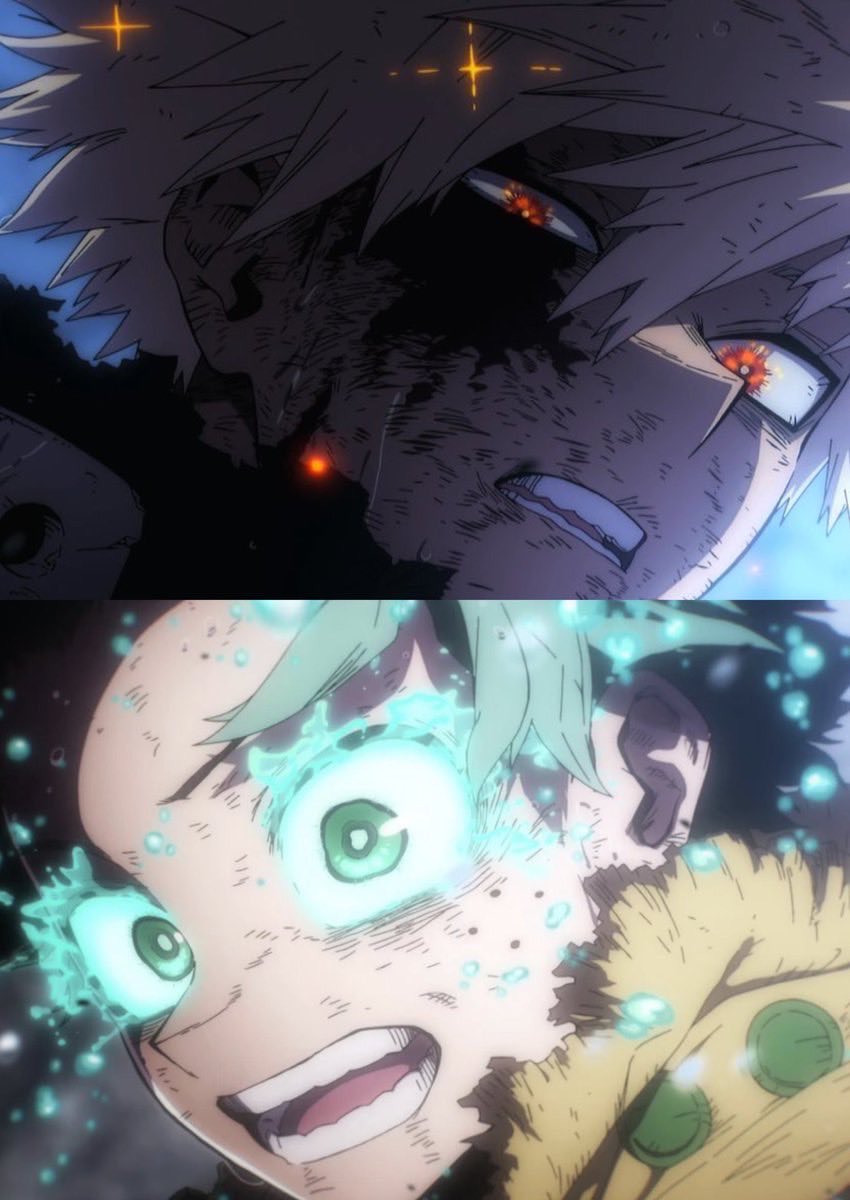
Edit the prompt in the box under the preview — the template's model and format are already selected — and press Generate. Your version appears right on this page.
Yes. You can change the subject, setting, lighting, mood, format, and available model controls before creating your image.
Opening and editing this template is free. Generating uses credits, shown on the Generate button when you are signed in.
Start with GPT Image 2, which is the model associated with this template. You can compare another compatible model for a different finish.
Follow a topic to a crawlable collection of related PicX Studio templates.