
Grand Library Reader Portrait
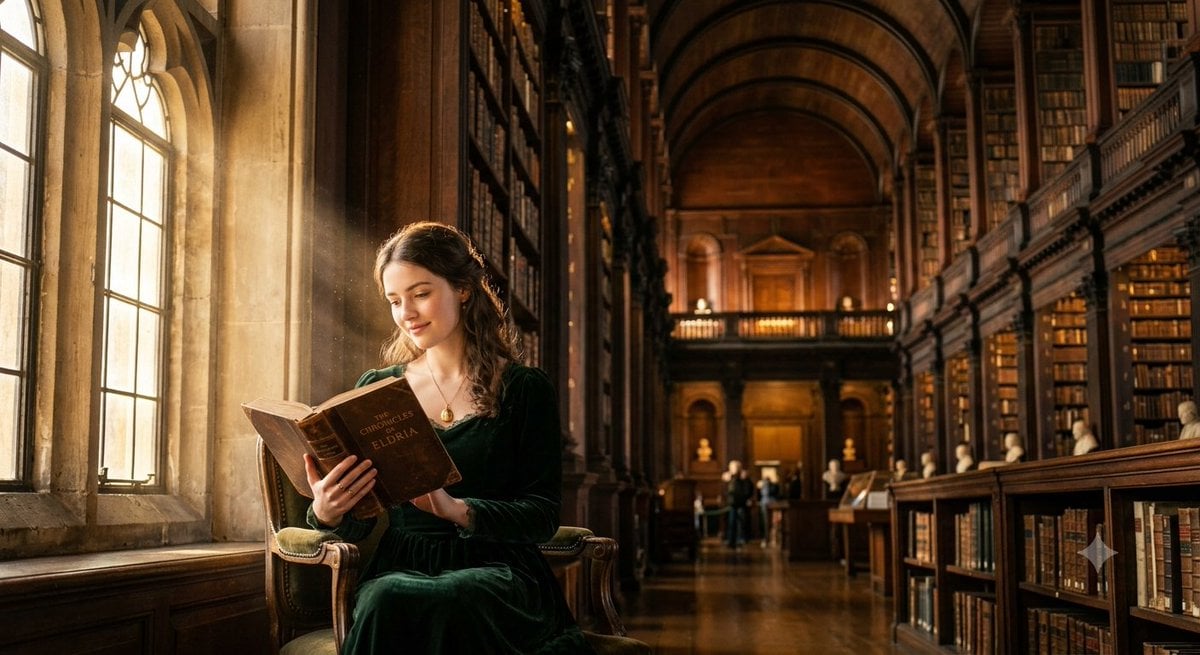
A structured JSON prompt for generating a peaceful, photorealistic scene of a woman reading in a historic library.
- Prompt included
- Model and format preset
- Free template
The prompt behind this image
Copy the exact prompt behind Grand Library Reader Portrait, or open it in the studio and make it yours.
{ "title": "{argument name="title" default="THE READER OF THE GRAND LIBRARY"}", "scene": "{argument name="scene description" default="Inside an enormous historic library with towering wooden bookshelves reaching toward an ornate vaulted ceiling. A tall arched window overlooks the quiet world outside as golden afternoon sunlight streams through, illuminating countless floating dust particles."}", "subject": "{argument name="subject" default="A beautiful young woman sits gracefully beside the arched window, reading an old leather-bound book. She wears an elegant dark green classic dress with a refined posture and a gentle, thoughtful smile, completely immersed in the timeless atmosphere of the library."}", "detail": "Rich mahogany bookshelves are lined with thousands of antique books. Intricate carved woodwork, vintage brass lamps, worn leather bindings, polished wooden floors, and elegant architectural details enhance the luxurious interior. Soft rays of sunlight highlight the pages of the book while delicate dust motes shimmer in the warm light. Every fabric fold, hair strand, and skin texture is rendered with exceptional realism.", "atmosphere": "Luxurious, peaceful, intellectual, nostalgic, elegant, timeless, cinematic, and inviting.", "lighting": "Golden afternoon sunlight pouring through the tall arched window, Renaissance-inspired lighting, warm cinematic glow, soft natural shadows, volumetric light rays, realistic global illumination, and subtle ambient lighting.", "composition": "Intimate cinematic portrait with the subject positioned beside the arched window, towering bookshelves framing the scene, eye-level perspective, shallow depth of field, creamy bokeh, and balanced editorial composition.", "style": "Photorealistic, cinematic editorial photography, Renaissance-inspired lighting, Kodak Portra film colors, ultra realistic textures, realistic skin details, masterpiece, HDR, highly detailed, film grain, shallow depth of field, volumetric lighting, 8K." }
How to use Grand Library Reader Portrait in 3 steps
- 1
Open
The prompt is already in the box next to the preview, with the template's model and format selected.
- 2…a portrait of your subject in softgolden-hour light, 85mm…
Personalize
Edit the subject and creative details for your destination.
- 3Generate
Generate
Press Generate — your image is created in PicX Studio, so you can compare it with the original and refine one variable at a time.
More like this
Templates with the same subject, style or setup. Open one to see its prompt.

Underwater Macro Face Portrait

Noir Punk Street Portrait

High Contrast Cinematic Face Portrait

Monochrome Studio Portrait with Colored Lens

Ultra-Realistic Yacht Sunset Portrait

Nano Banana Pro Photoreal Playful Couple

Found Photograph: Us, 1970

80s Couple Studio Portrait

80s Bollywood Star

80s Golden Hour Cinema

Me in 1985

1985 Studio Portrait
Make it yours
Grand Library Reader Portrait works as-is. These are the safest ways to change it without losing the look.
Change one field
Copy a single group, rewrite it, and generate again so you can see what that field is doing.
Keep the frame, change the subject
Hold the composition and light of Grand Library Reader Portrait, then swap wardrobe, props or the person for a new take.
| If the result… | Why | Fix |
|---|---|---|
| The result drifts from the preview | Too many fields changed at once. | Reuse Grand Library Reader Portrait as-is first, then change one group — subject, light, or setting. |
| The model over-stylizes the scene | The prose prompt leaves finish and camera underspecified. | Add one camera or lighting sentence and stay on Gemini 3 Pro Image Preview. |
More Gemini 3 Pro Image Preview templates
Other prompts made for Gemini 3 Pro Image Preview.

Mushroom Still Life Composition

Whimsical Anthropomorphic Friendly Insect

Cinematic Urban Night Billboard Portrait

Pop Art Summer Fruit Fashion Illustration

Ultra-Realistic iPhone Selfie with Motion Blur

Cinematic Mirror Reflection Portrait

Elegant Men's Twilight Editorial

Coastal Freedom Sunset Portrait

Ergonomic Office Chair E-commerce Mobile Detail Page

Macro Guitar Fret Dressing
More image prompts
Fresh picks from across the catalog.
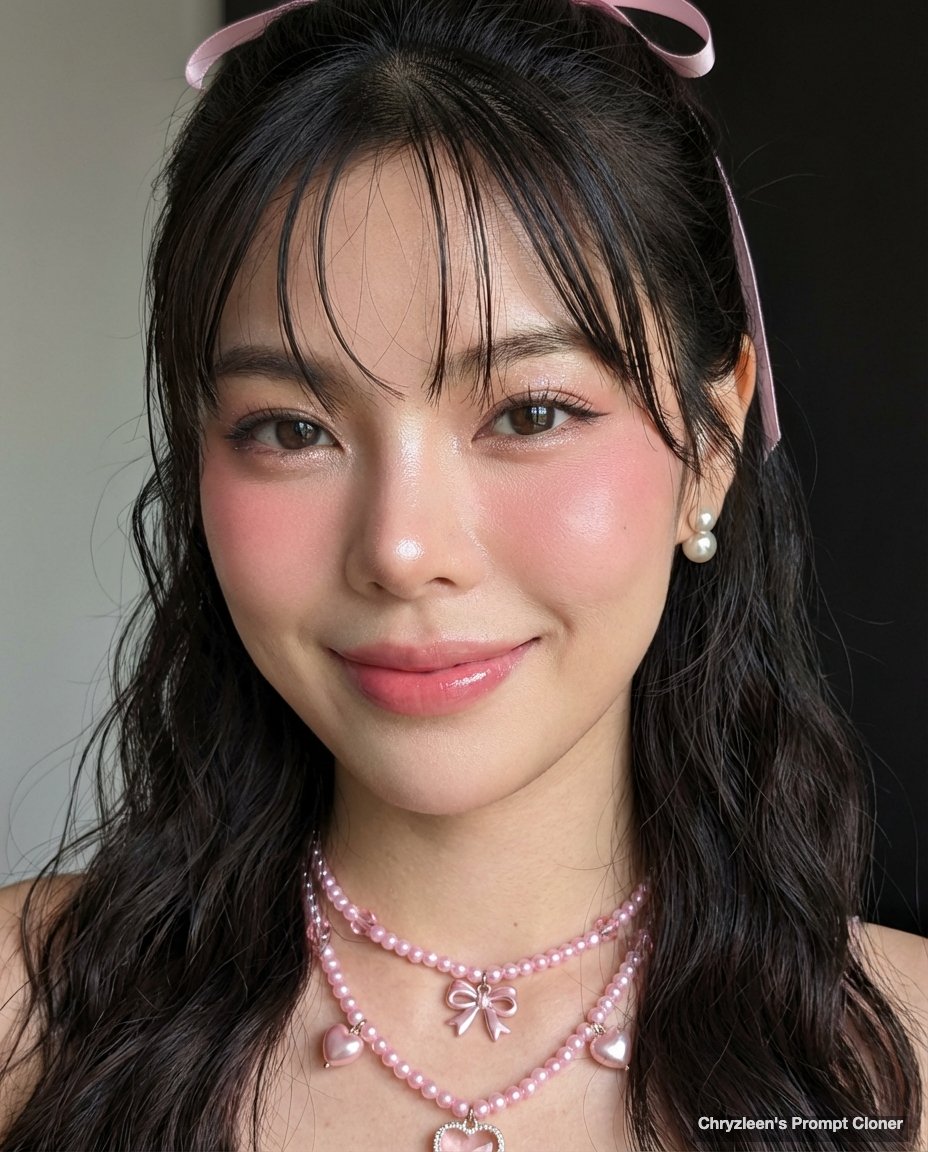
Google Pixel Aesthetic Portrait
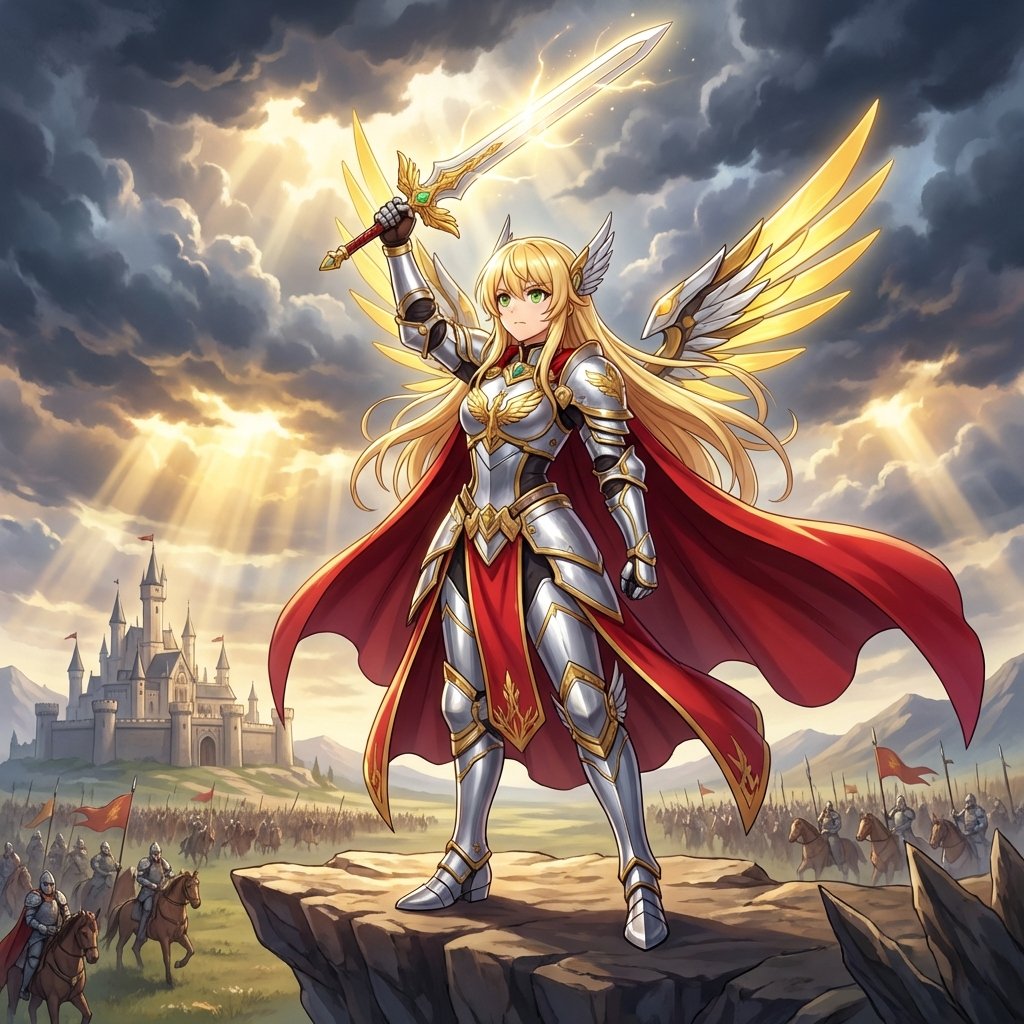
Fantasy Movie Poster Style Conversion

Anime Villain Infographic Poster

Product Review Lifestyle Shot Prompt (Winter Porch)
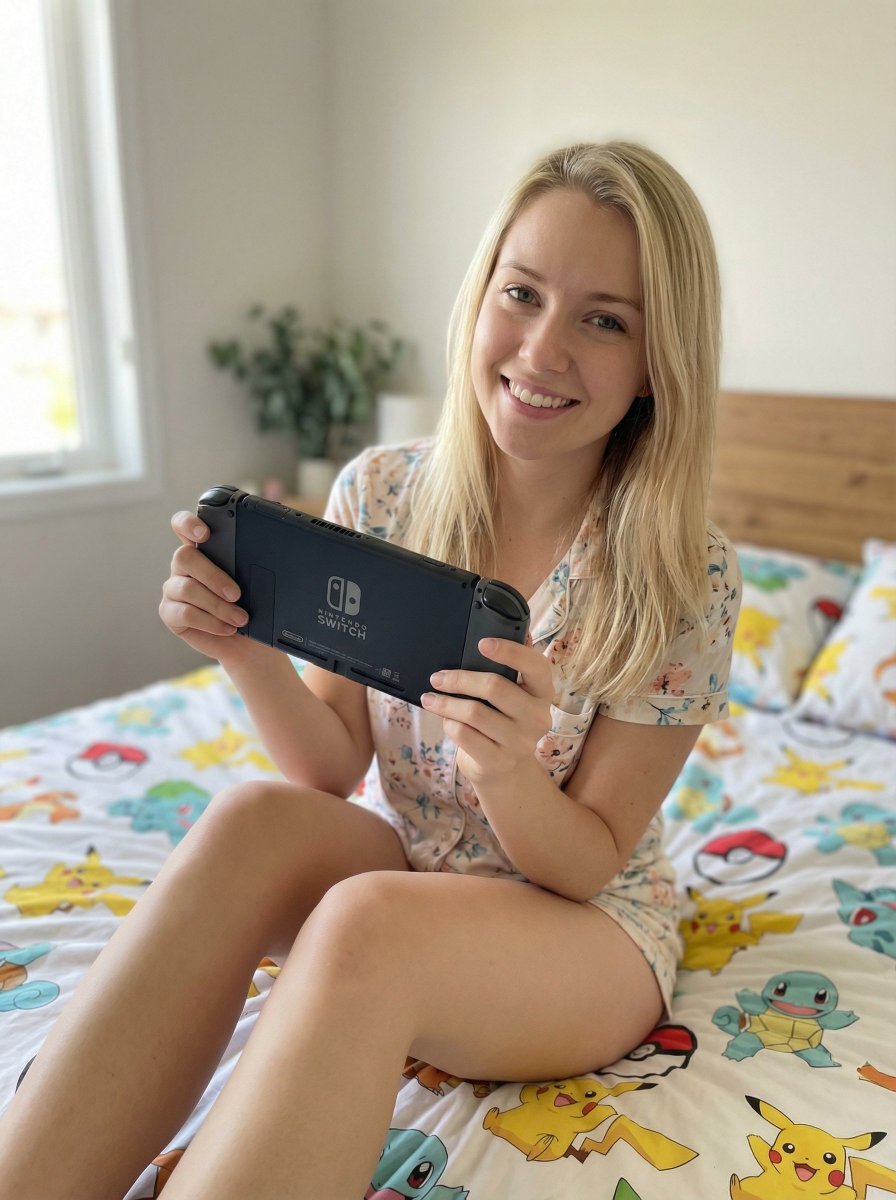
Casual Lifestyle Portrait with Nintendo Switch Prompt
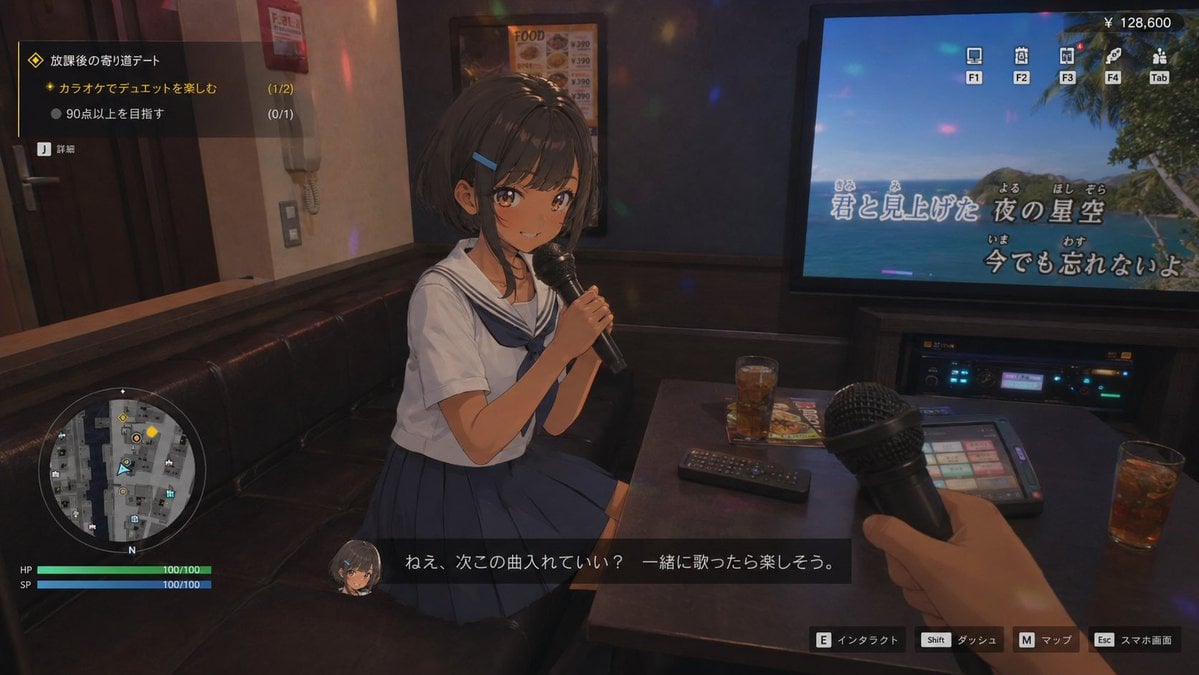
3D Anime RPG Gameplay Screen
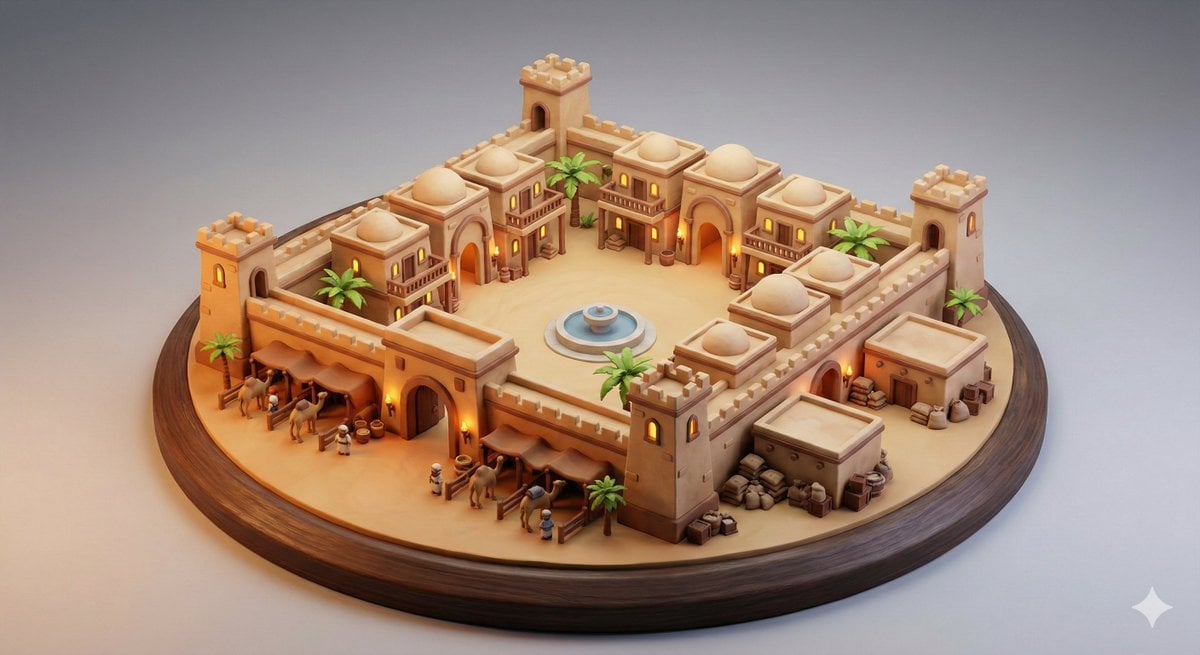
Whimsical Diorama of a Fortified Desert Caravanserai
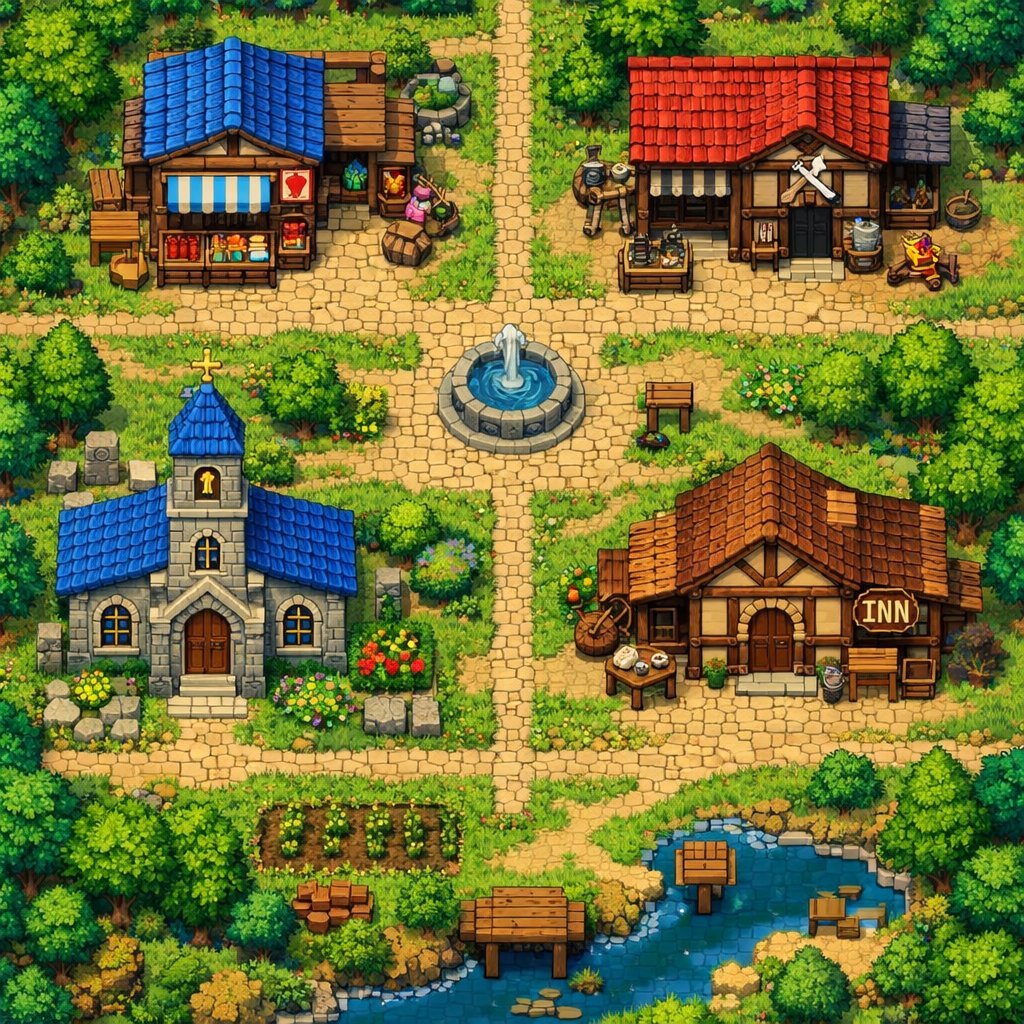
2D Pixel Art Village Map Prompt (ChatGPT)
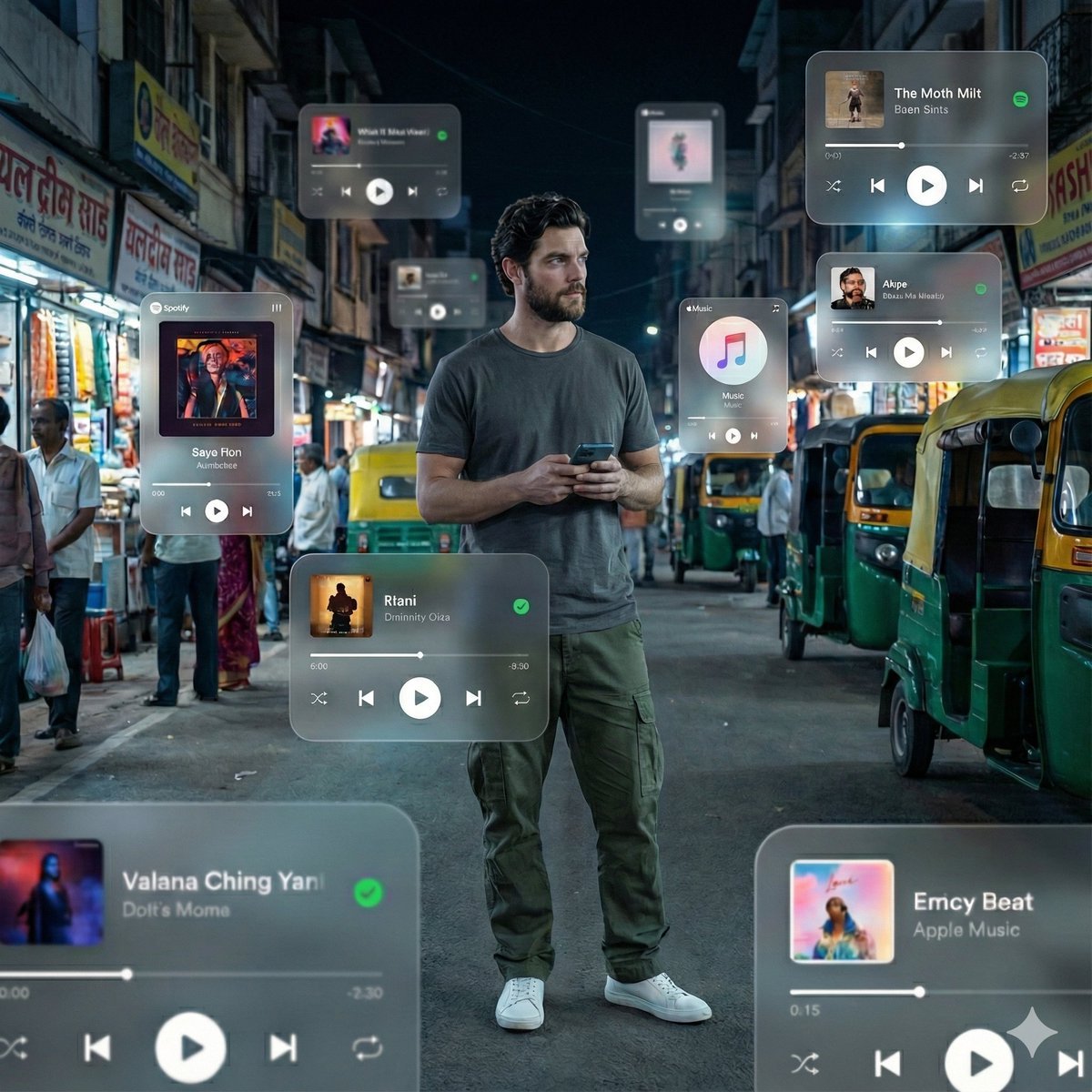
Cinematic AR Visualization in Indian Street Market
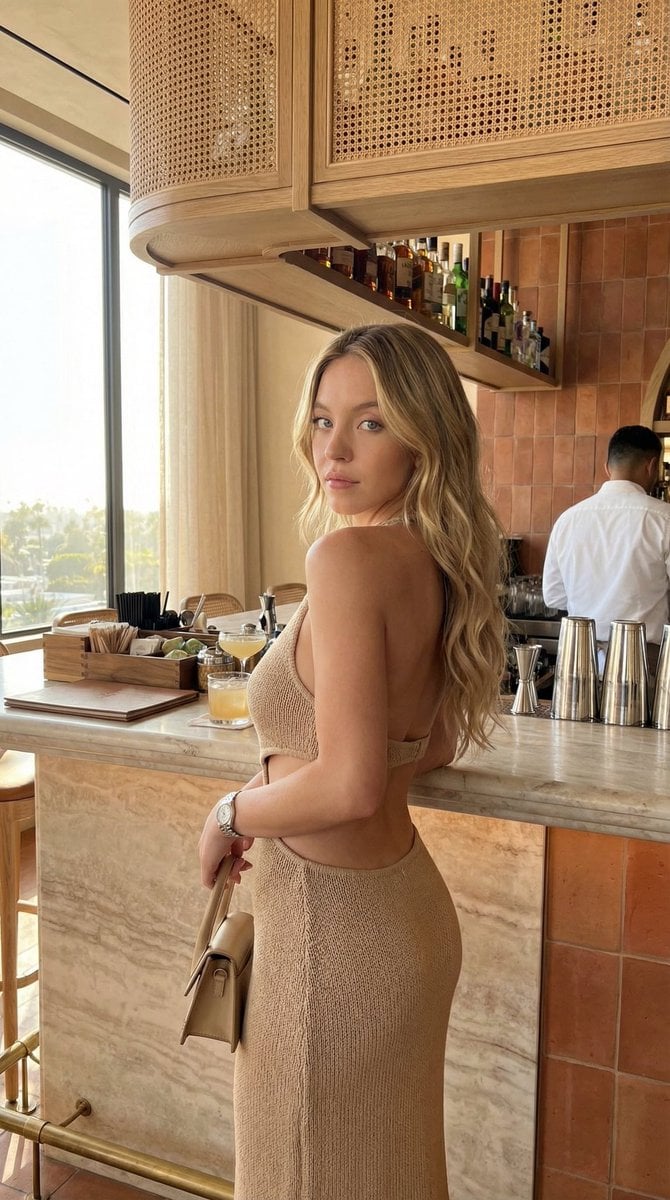
Chic Bar Lifestyle Photography Prompt
Browse template categories
Grand Library Reader Portrait questions
How do I use the Grand Library Reader Portrait template?
Add your photo if the template asks for one, edit the prompt if you like — the template's model and format are already selected — and press Generate. Your version opens in PicX Studio.
Can I customize the Grand Library Reader Portrait template?
Yes. You can change the subject, setting, lighting, mood, format, and available model controls before creating your image.
Is the Grand Library Reader Portrait template free?
Opening and editing this template is free. Generating uses credits, shown on the Generate button when you are signed in.
Which AI model should I use?
Start with Gemini 3 Pro Image Preview, which is the model associated with this template. You can compare another compatible model for a different finish.
Looking for something else? Browse all templates.

Your photo, any look
Thousands of ready templates for every top image and video model, from one credit balance.