
Language Learning Infographic Poster
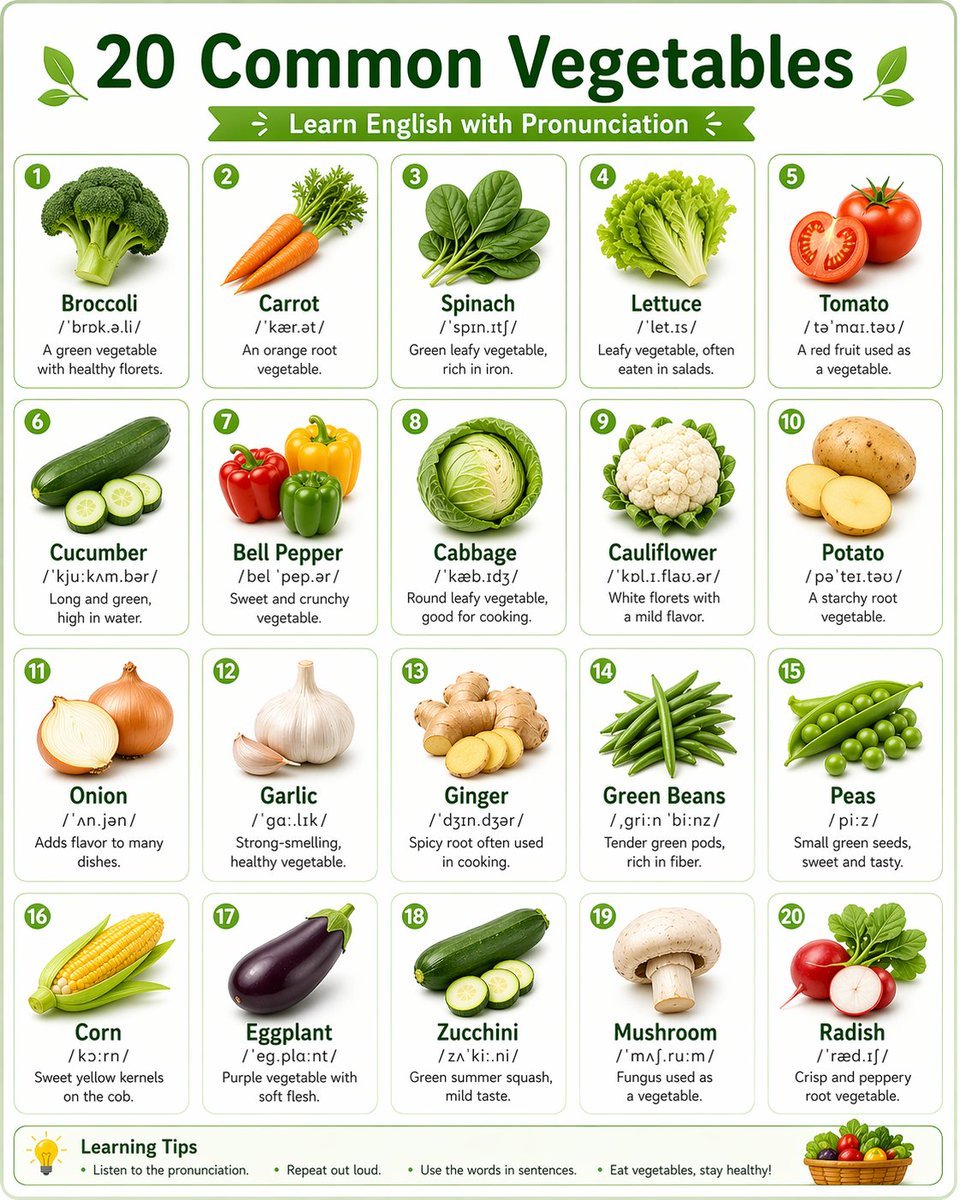
A detailed template for creating clean, educational infographics in a grid layout, suitable for vocabulary learning and social media sharing.
- Prompt included
- Model and format preset
- Free template
The prompt behind this image
Copy the exact prompt behind Language Learning Infographic Poster, or open it in the studio and make it yours.
一张干净的英语学习信息图海报,标题为“{argument name="标题" default="20种常见蔬菜"}”, 采用整齐的网格布局(4x5),每个卡片展示一种蔬菜。 每个卡片包含: - 写实风格的蔬菜图片 - 英文名称(加粗) - 英式或美式音标(IPA) - 简短英文描述 整体风格: 极简设计,白色背景,柔和的绿色和浅色系配色, 卡片式UI设计,圆角边框,排版整齐,视觉平衡, 适合英语初学者学习,类似课堂教学海报 适合社交媒体传播,高分辨率,4K,信息图风格 尺寸:1080×1350
How to use Language Learning Infographic Poster in 3 steps
- 1
Open
The prompt is already in the box next to the preview, with the template's model and format selected.
- 2…a portrait of your subject in softgolden-hour light, 85mm…
Personalize
Edit the subject and creative details for your destination.
- 3Generate
Generate
Press Generate — your image is created in PicX Studio, so you can compare it with the original and refine one variable at a time.
More like this
Templates with the same subject, style or setup. Open one to see its prompt.

Japan Travel Brochure Poster

Gpt2 Infographic Edu Visual Ink Wash Tribute Poster for Chen Uen

Gpt2 Infographic Edu Visual Biomimetic Skyray Aircraft Poster

Cartoon TV Show Poster Pack

Trendy Cafe Drink Promo Poster

Urban Fashion Editorial Collage Streetwear Poster

Premium Fashion Editorial Cover Layout System

Polo Ralph Lauren Luxury American Heritage Fashion Campaign

Monochrome Halftone Editorial Fashion Poster

Retro Mirror Luxury Fashion Campaign Poster

Luxury Fashion Campaign Typography Poster System

Premium Fashion Editorial Campaign Poster System
Make it yours
Language Learning Infographic Poster works as-is. These are the safest ways to change it without losing the look.
Change one field
Copy a single group, rewrite it, and generate again so you can see what that field is doing.
Keep the frame, change the subject
Hold the composition and light of Language Learning Infographic Poster, then swap wardrobe, props or the person for a new take.
| If the result… | Why | Fix |
|---|---|---|
| The result drifts from the preview | Too many fields changed at once. | Reuse Language Learning Infographic Poster as-is first, then change one group — subject, light, or setting. |
| The model over-stylizes the scene | The prose prompt leaves finish and camera underspecified. | Add one camera or lighting sentence and stay on GPT Image 2. |
More GPT Image 2 templates
Other prompts made for GPT Image 2.

Six VTuber Japanese Logo Sheet

Realistic Portrait of Woman and Deer

The Vista Modular Condo Poster

AI Model Routing Comparison Infographic

2.5D Anime Art Board

Isometric Productivity Desk Scene

New York Double Exposure Poster

Four-Panel AI Landscape Comparison

Japanese Tatami Lifestyle Magazine Cover

NESCAFÉ Coffee Map Poster
More image prompts
Fresh picks from across the catalog.

Editorial Profile Portrait in Dramatic Blue Light

Conceptual Fashion Portrait in Spider We

3D Miniature Snow Globe of Pororo

Cinematic Fashion Portrait Prompt

Cozy Japanese AI Partner Persona Poster

Photorealistic Woman Hugging Giant Spoon in Kitchen Prompt

Ultra-Wide Candid Mirror Capture with Bio-Fidelity

Overlay Image with Conspiracy Scribbles

Surreal Commercial Photography: Woman in Giant French Fry Carton
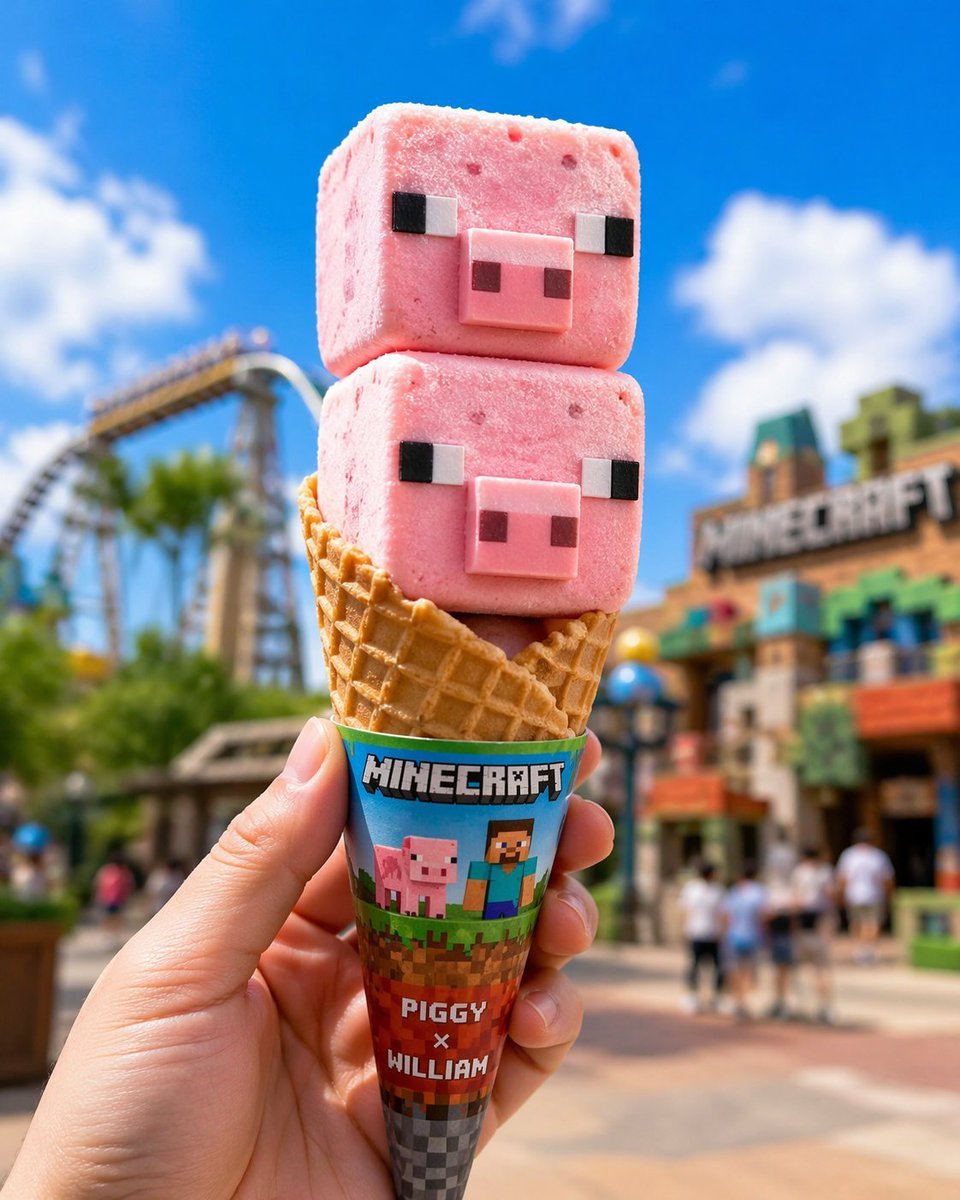
Co-branded IP Ice Cream Design
Browse template categories
Language Learning Infographic Poster questions
How do I use the Language Learning Infographic Poster template?
Add your photo if the template asks for one, edit the prompt if you like — the template's model and format are already selected — and press Generate. Your version opens in PicX Studio.
Can I customize the Language Learning Infographic Poster template?
Yes. You can change the subject, setting, lighting, mood, format, and available model controls before creating your image.
Is the Language Learning Infographic Poster template free?
Opening and editing this template is free. Generating uses credits, shown on the Generate button when you are signed in.
Which AI model should I use?
Start with GPT Image 2, which is the model associated with this template. You can compare another compatible model for a different finish.
Looking for something else? Browse all templates.

Your photo, any look
Thousands of ready templates for every top image and video model, from one credit balance.