How do I use the Crystal Cat Familiar template?
Choose the primary action to open PicX Studio with the available template settings. Review the model and format, personalize the creative direction, and generate when ready.
A text prompt for generating a prismatic anime-style crystal cat familiar in a glowing gemstone cathedral. Change the subject, setting, or lighting one variable at a time.
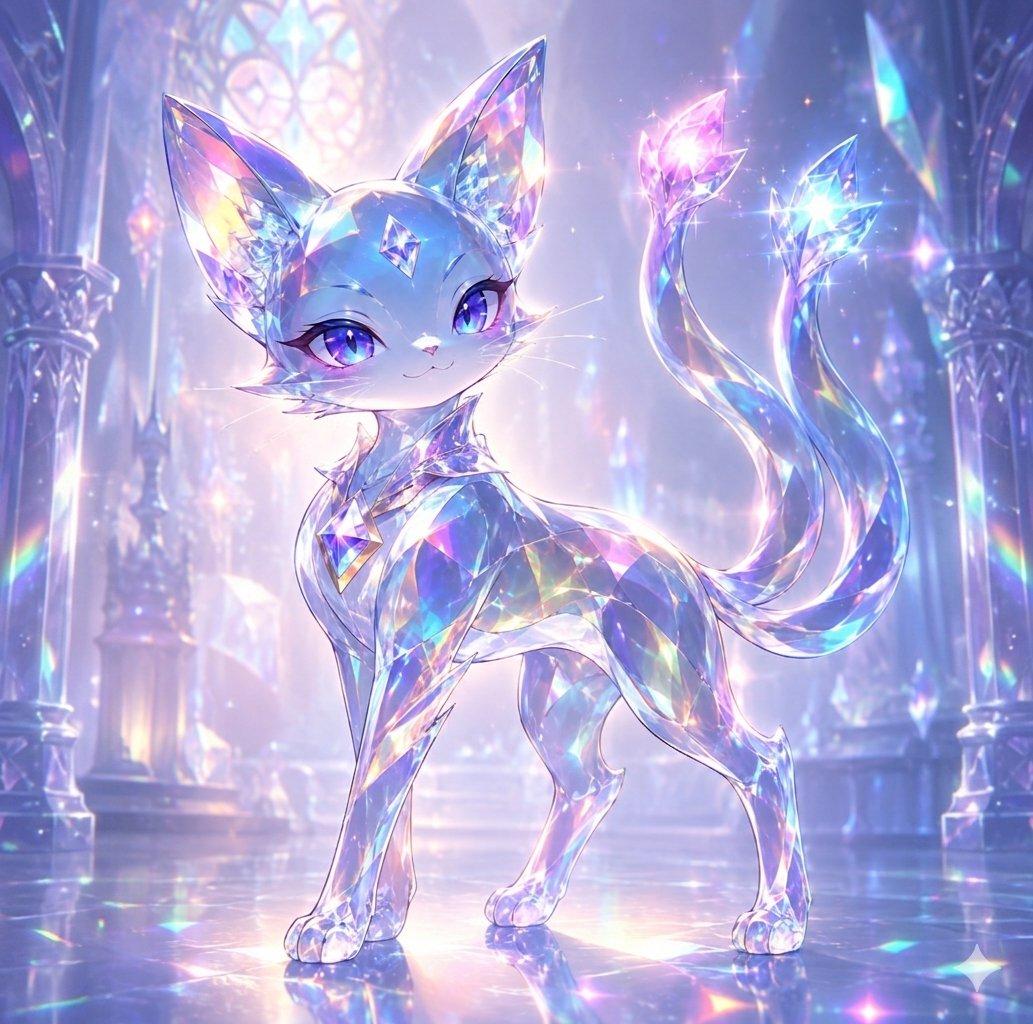
Create a luminous fantasy anime illustration of {argument name="character name" default="Nico"}, a small elegant crystal cat familiar standing in a majestic cathedral made of glass and gemstones. The cat has a petite foxlike feline body, oversized pointed ears, a delicate smiling face, long white whiskers, and large sparkling {argument name="eye color" default="violet-blue"} eyes with glossy highlights. Its entire body appears made from translucent faceted crystal, primarily {argument name="crystal body color" default="icy blue and lavender"}, refracting rainbow prismatic colors across its face, torso, legs, paws, and ears. Add one diamond-shaped gem embedded on the forehead, plus a faceted jewel collar or chest ornament. The cat stands in a graceful three-quarter pose, front legs straight, back slightly arched, head turned toward the viewer, with an expression that feels magical, confident, and gentle. Include exactly two long flowing tails curling upward behind it, each ending in a bright crystal flame or gem tip: one glowing pink-magenta and one glowing cyan-blue, both surrounded by tiny star sparkles. The setting is an ethereal crystal palace interior with tall arched columns on both sides, stained-glass windows glowing softly in the background, a polished reflective floor, and distant gem formations. Use a pastel palette of blue, lavender, pink, cyan, and pearly white, with soft volumetric backlight, rainbow caustics, glittering particles, lens-like starbursts, and a dreamy high-detail gpt-image-2 fantasy art style. Keep the composition centered, full-body, square format, no text, no watermark, no extra animals.
Choose the primary action to open PicX Studio with the available template settings. Review the model and format, personalize the creative direction, and generate when ready.
Yes. You can change the subject, setting, lighting, mood, format, and available model controls before creating your image.
This template is free to open and customize. Generation usage is shown in PicX Studio before you create.
Start with GPT Image 2, which is the model associated with this template. You can compare another compatible model for a different finish.
© 2026 PicX Studio. All rights reserved.

Follow a topic to a crawlable collection of related PicX Studio templates.
43,474 public templates available. Verified via the PicX Studio public templates API; refreshed hourly.


![Crystal Glass Sculptural Bust Render — Generate a photorealistic 3D render of a sculptural bust of a {argument name="subject" default="[thoughtful person] weari](https://cms-assets.youmind.com/media/1782377884118_wdwmxq_HLkIR8nX0AArh_d-300x300.jpg)





![A hero crystal typography visual for a luxury brand campaign — [BRAND NAME]
Act as a CGI Optical Physicist and 3D Type Sculptor creating a hero crystal typograp](https://images.meigen.ai/tweets/2043748561729302884/0.jpg)




![Minimalist Flat Vector Travel Poster — Premium minimalist flat-vector travel poster for {argument name="city name" default="[CITY_NAME]"}, 3:4 vertical format.](https://cms-assets.youmind.com/media/1787917359711_3ug846_HQX205cbMAA6F6S-300x400.jpg)





















![53-gemini-nano-banana-2-isometric-3d-city-d — A hyper-realistic, isometric 3D diorama of [CITY NAME] presented as a detached cubic slice of earth. The top surfa](/_next/image?url=https%3A%2F%2Fcdn.picxstudio.com%2Fuploads%2Fpost53_img0_b47da948-19de-4044-a4f6-5088b1e5de4d.jpg&w=828&q=100)
![Futuristic Sci-Fi Still Life Photography Template — Cinematic sci-fi still life photography of {argument name="object name" default="[物品名称]"} in {argument name=](https://pbs.twimg.com/media/G-FnGDEWoAEgDwo.jpg)
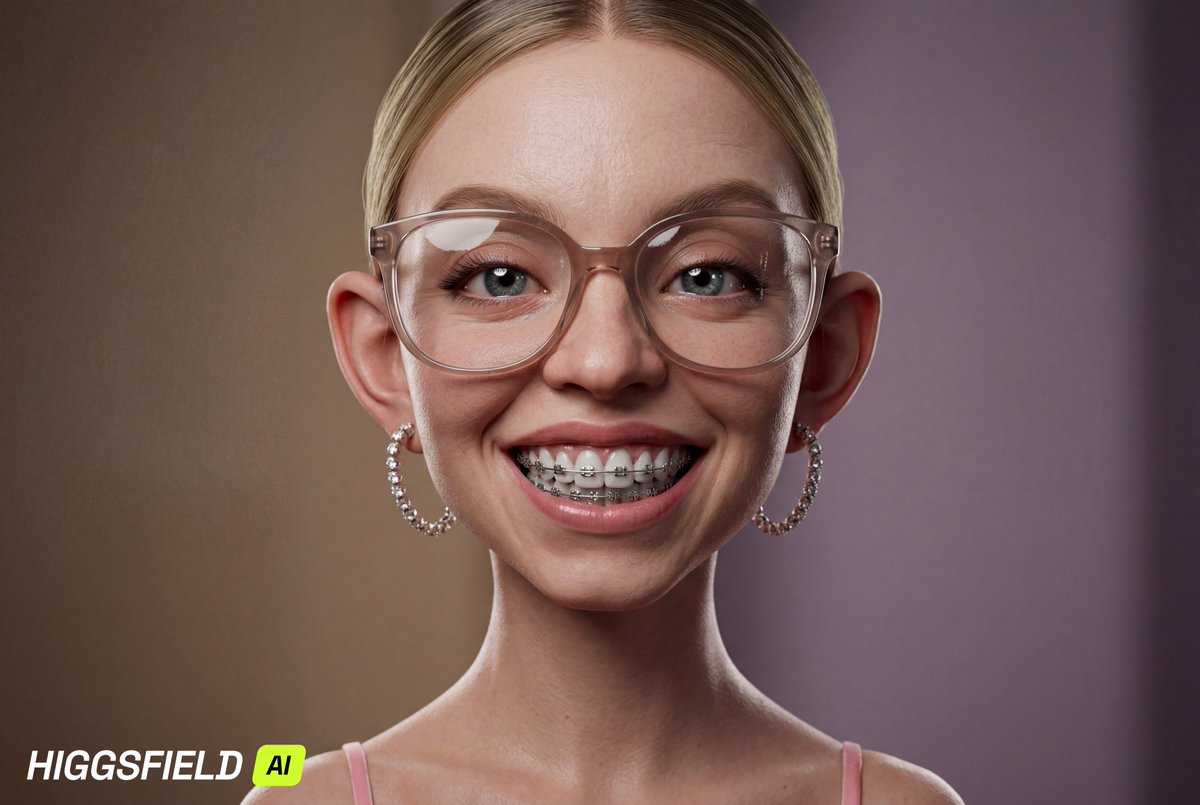




![Caricature Bobblehead Figurine Prompt — Highly detailed caricature figurine of {argument name="subject" default="[SUBJECT]"} as a cute but intense bobblehead-st](https://pbs.twimg.com/media/HA3fq0KboAA5tcT.jpg)