
Fairytale Cottage in an Alpine Valley
This prompt generates a painterly storybook landscape of a charming cottage, stream, bridge, village, and misty mountains, ideal for fantasy illustration or scenic wall art.
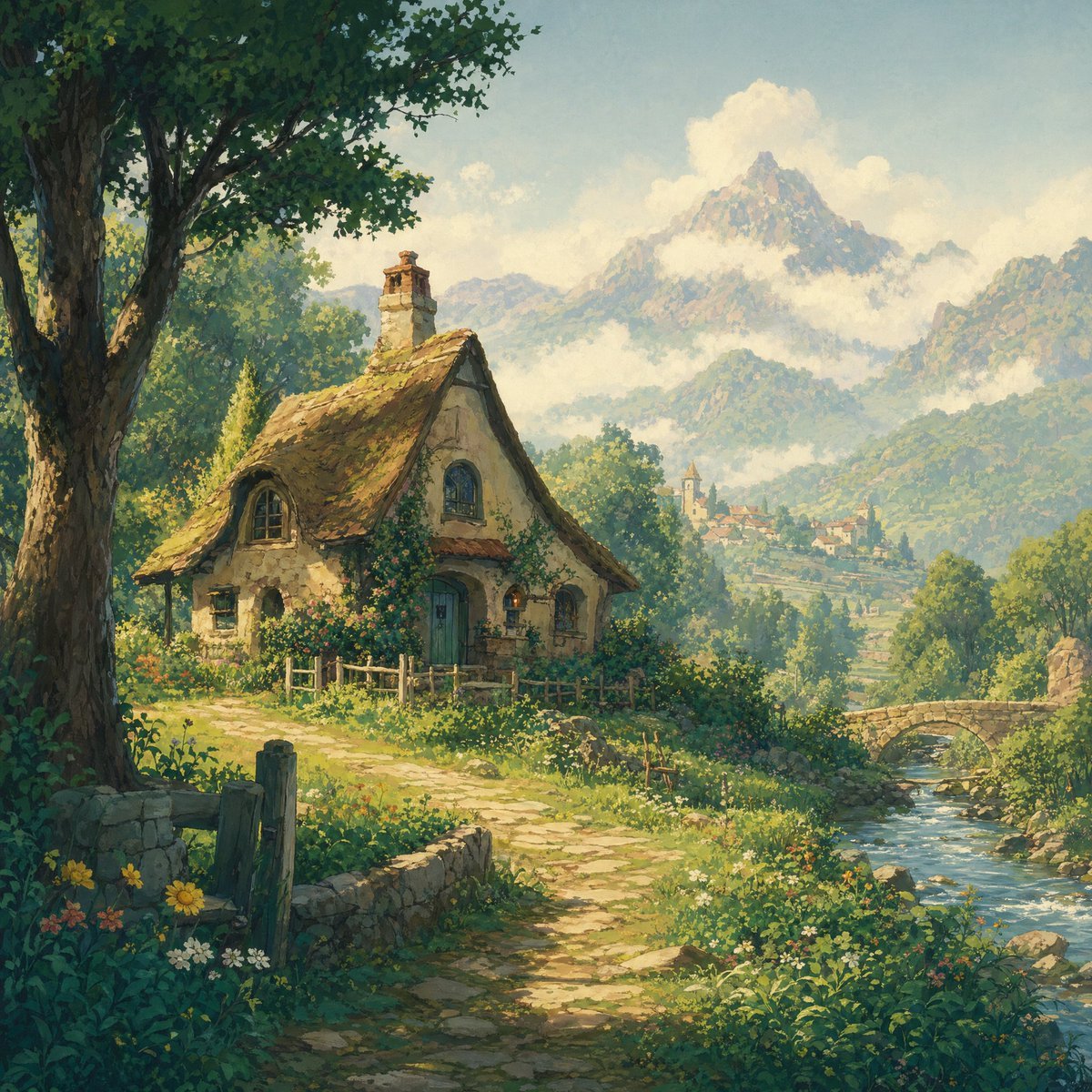
- Prompt included
- Model and format preset
- Free template
The prompt behind this image
Copy the exact prompt behind Fairytale Cottage in an Alpine Valley, or open it in the studio and make it yours.
A dreamy storybook landscape painting of a cozy fairytale cottage in a lush alpine valley, rendered in a soft painterly style with warm sunlight and delicate atmospheric haze. The cottage sits slightly left of center beside a winding stone path, with cream-colored plaster walls, a steep mossy thatched roof, a small chimney, curved dormer windows, a teal-blue front door, and climbing flowers around the walls and fence. A large leafy tree frames the left foreground, casting cool shade over wildflowers, grass, and rough wooden posts. On the right, a clear stream flows through the scene beneath a small old stone bridge. In the middle distance, a tiny hillside village with church-like towers nestles among trees. In the background, tall rugged mountains rise dramatically, their slopes softened by mist and crowned with bright white clouds. Use rich greens, sunlit gold, soft blue-gray mountains, and a tranquil pastoral mood, with highly detailed foliage, textured brushwork, and a whimsical classic fantasy illustration feel.
How to use Fairytale Cottage in an Alpine Valley in 3 steps
- 1Upload ImagePNG, JPG or paste
Add your photo
Upload the photo the template builds on. The prompt, model and format are already set.
- 2…a portrait of your subject in softgolden-hour light, 85mm…
Personalize
Edit the subject and creative details for your destination.
- 3Generate
Generate
Press Generate — your image is created in PicX Studio, so you can compare it with the original and refine one variable at a time.
More like this
Templates with the same subject, style or setup. Open one to see its prompt.

Anime Gingerbread Cottage
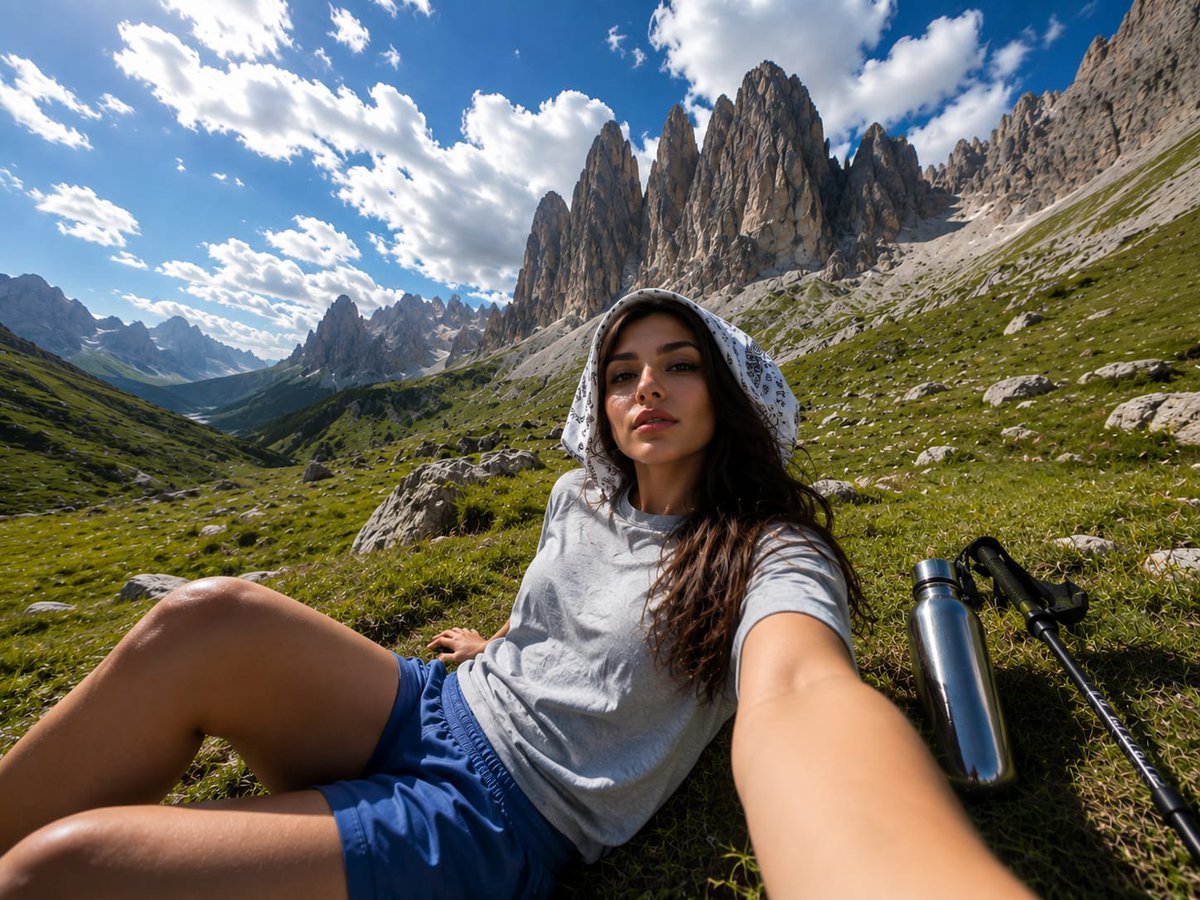
Alpine Valley First-Person POV Portrait

Teen Girl Alpine Lake Mountain View
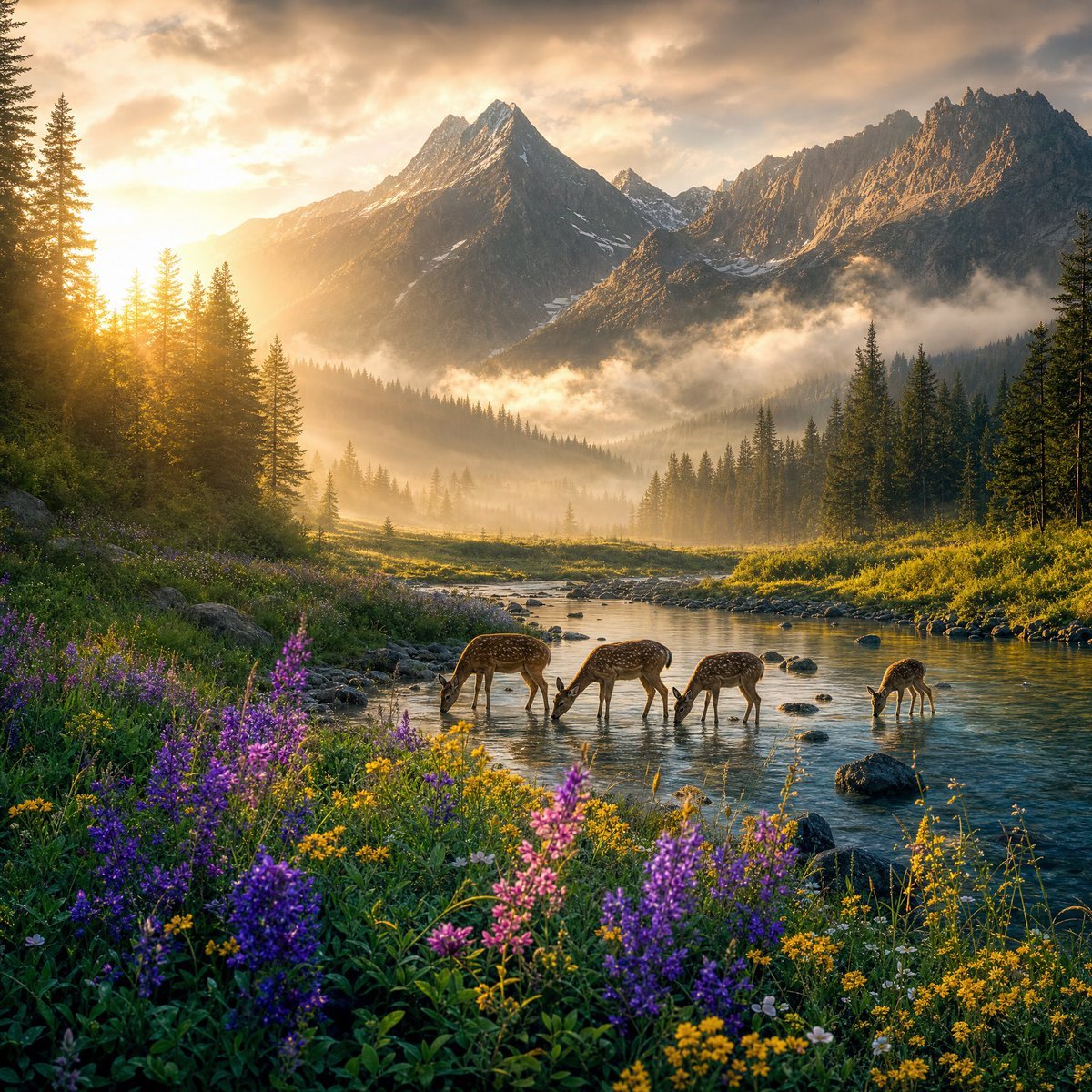
Magical Sunrise Alpine Valley

Anime Happily Ever After Sky

Anime Stained Glass Prayer

Anime White Horse Escape

Anime Golden Spinning Straw

Anime Bean Stalk Climb

Anime Seafoam Transformation

Anime Shoe Fitting Trial

Anime Beast Library Night
Make it yours
Fairytale Cottage in an Alpine Valley works as-is. These are the safest ways to change it without losing the look.
Change one field
Copy a single group, rewrite it, and generate again so you can see what that field is doing.
Keep the frame, change the subject
Hold the composition and light of Fairytale Cottage in an Alpine Valley, then swap wardrobe, props or the person for a new take.
| If the result… | Why | Fix |
|---|---|---|
| The result drifts from the preview | Too many fields changed at once. | Reuse Fairytale Cottage in an Alpine Valley as-is first, then change one group — subject, light, or setting. |
| The model over-stylizes the scene | The prose prompt leaves finish and camera underspecified. | Add one camera or lighting sentence and stay on GPT Image 2. |
More GPT Image 2 templates
Other prompts made for GPT Image 2.

Six VTuber Japanese Logo Sheet

Realistic Portrait of Woman and Deer

The Vista Modular Condo Poster

AI Model Routing Comparison Infographic

2.5D Anime Art Board

Isometric Productivity Desk Scene

New York Double Exposure Poster

Four-Panel AI Landscape Comparison

Japanese Tatami Lifestyle Magazine Cover

NESCAFÉ Coffee Map Poster
More image prompts
Fresh picks from across the catalog.

LLM Prompt for Website Generation
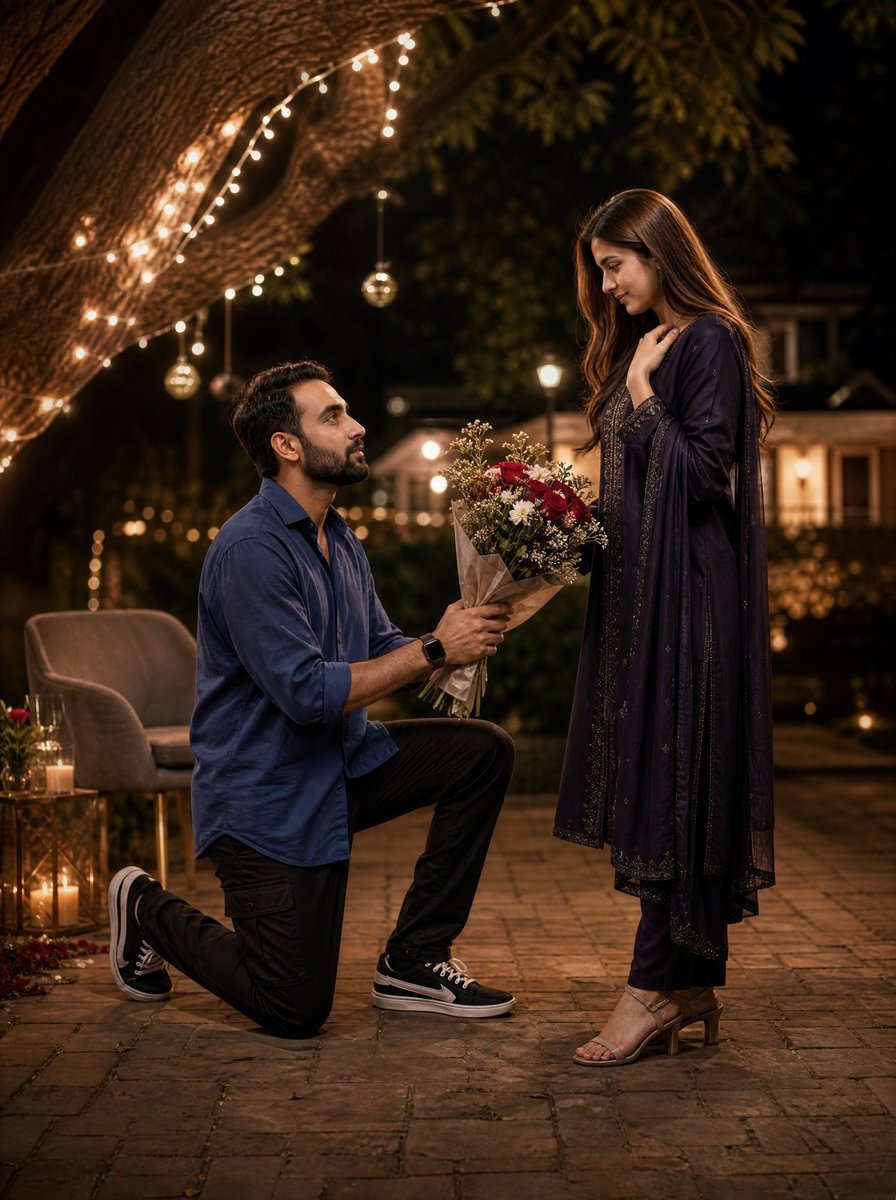
Night Park Proposal Portrait
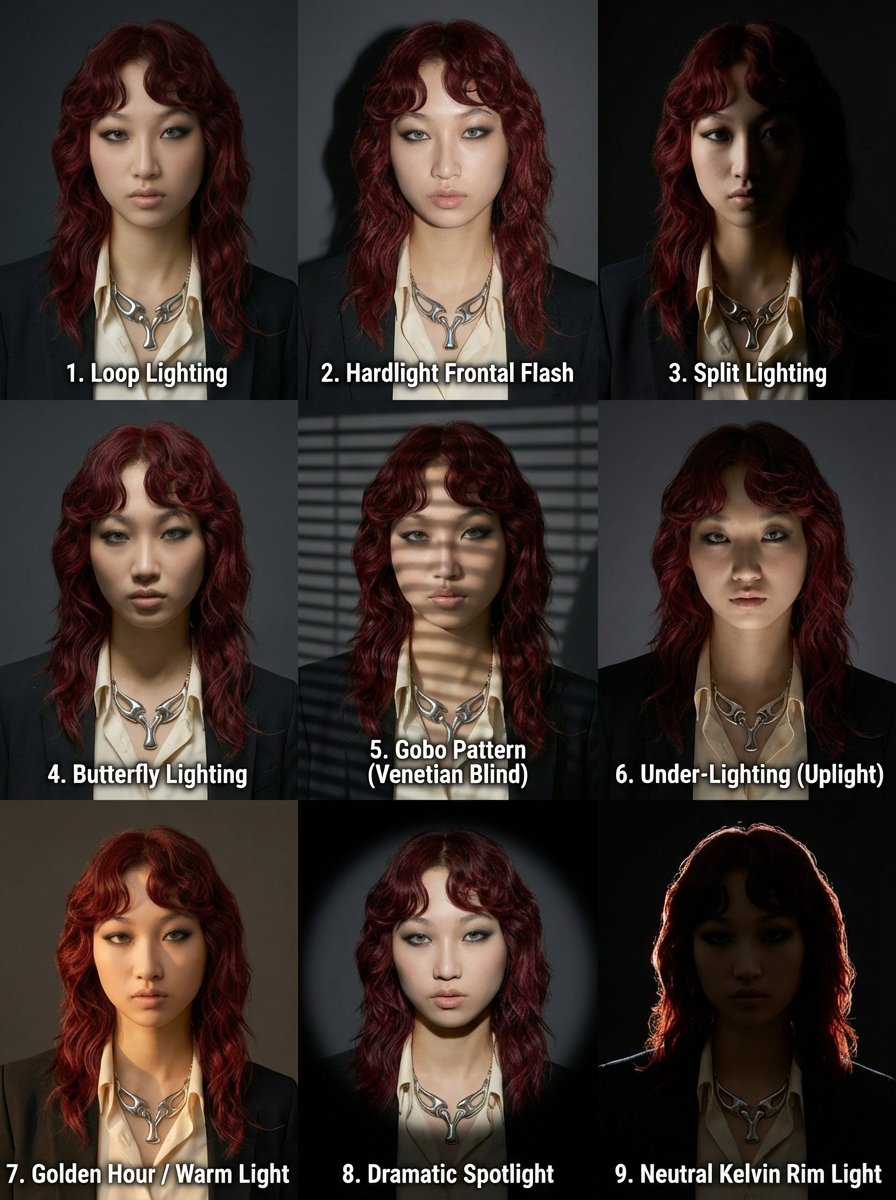
3x3 Grid Prompt for Lighting Cheatsheet
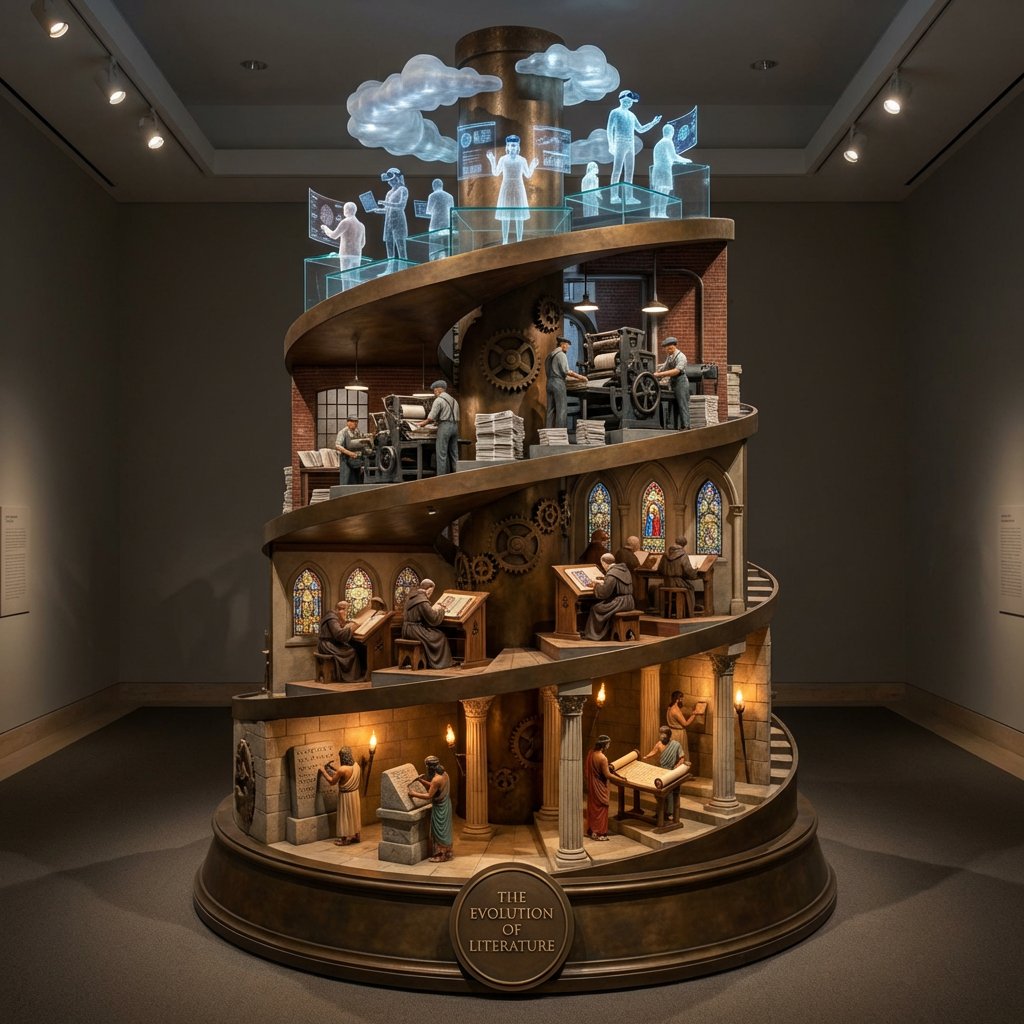
Helical Tower Sculpture Prompt for Visualizing Historical Evolution

Japanese Yoga Mat E-commerce Ad
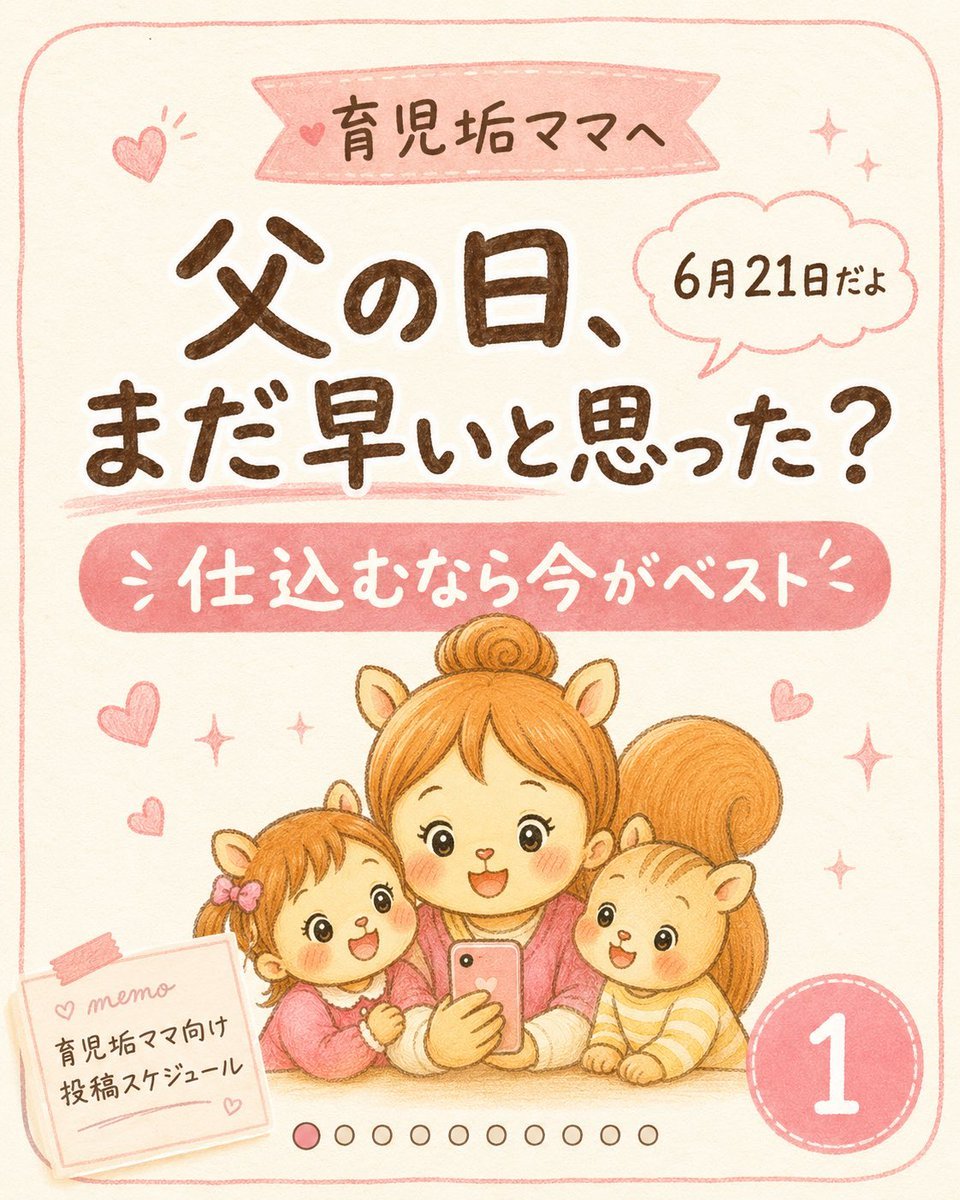
Cute Father’s Day Instagram Cover
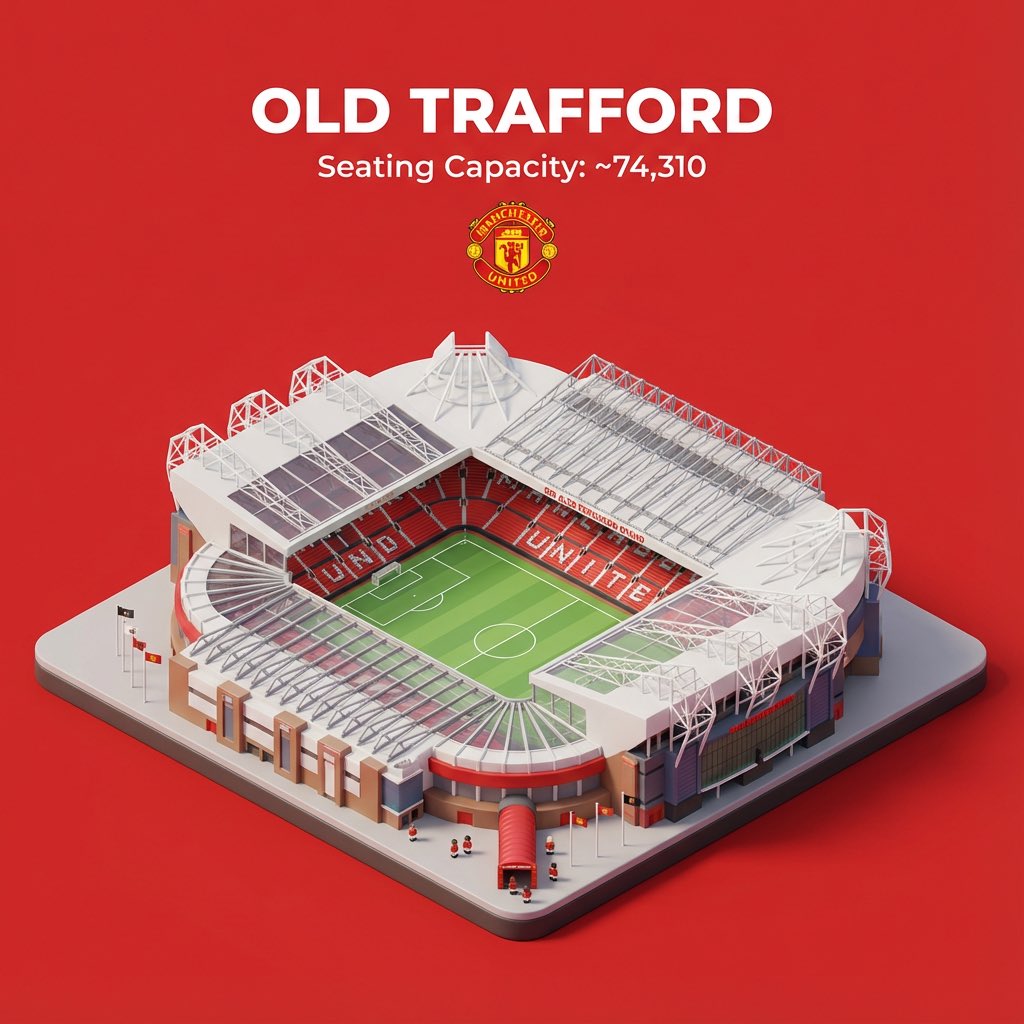
Nano Banana Pro prompt for sports stadium visualization
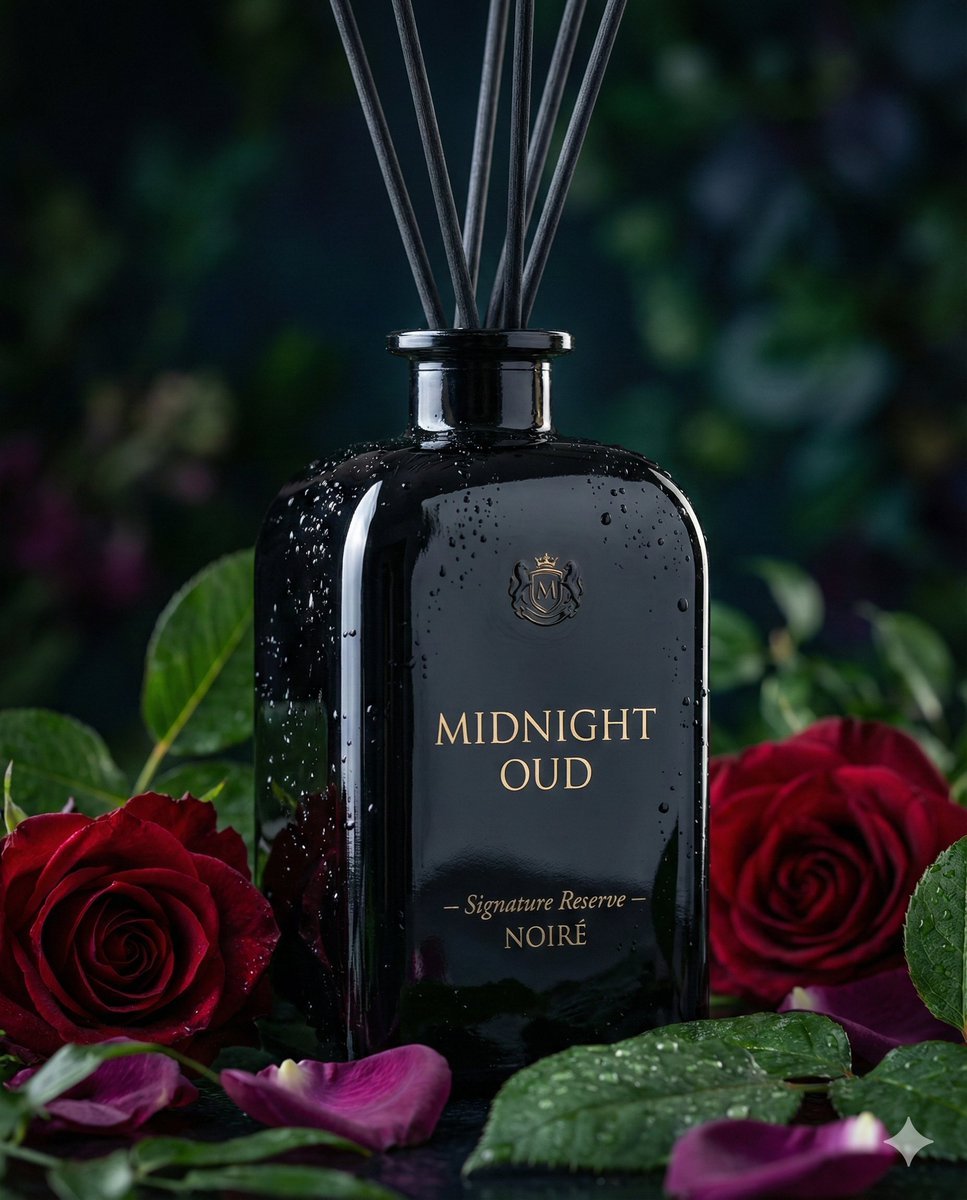
Luxury Reed Diffuser Product Photography Prompt
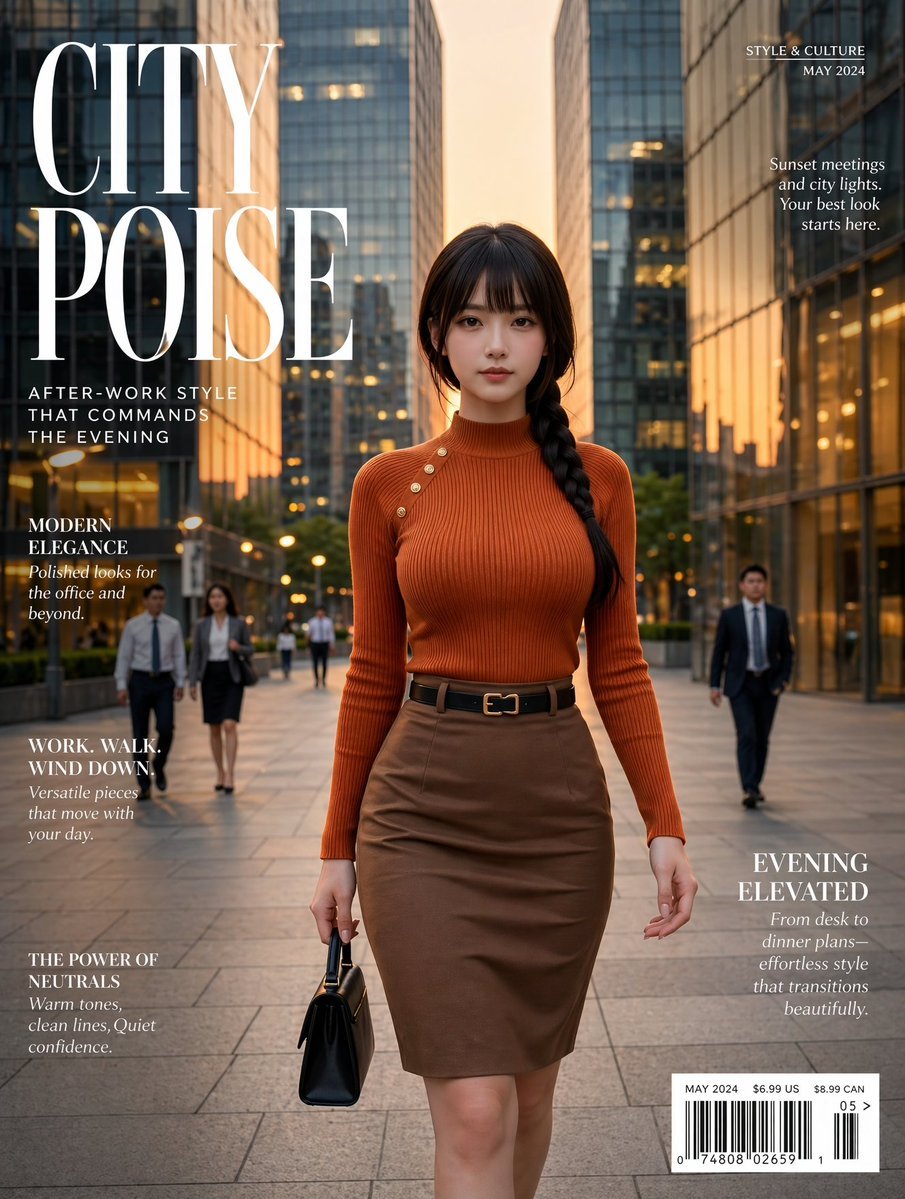
Elegant City Fashion Magazine Cover
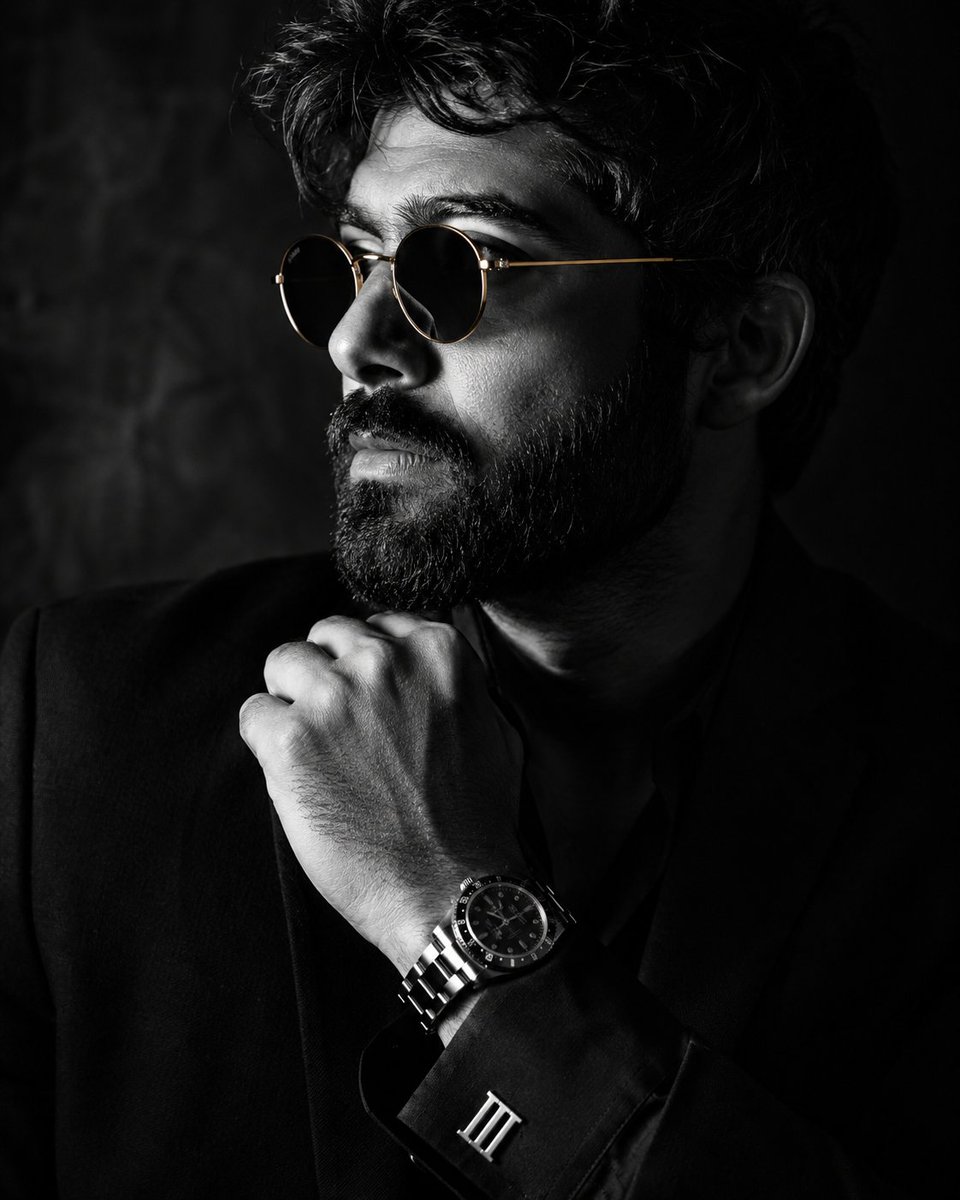
Monochrome Luxury Studio Portrait
Browse template categories
Fairytale Cottage in an Alpine Valley questions
How do I use the Fairytale Cottage in an Alpine Valley template?
Add your photo if the template asks for one, edit the prompt if you like — the template's model and format are already selected — and press Generate. Your version opens in PicX Studio.
Can I customize the Fairytale Cottage in an Alpine Valley template?
Yes. You can change the subject, setting, lighting, mood, format, and available model controls before creating your image.
Is the Fairytale Cottage in an Alpine Valley template free?
Opening and editing this template is free. Generating uses credits, shown on the Generate button when you are signed in.
Which AI model should I use?
Start with GPT Image 2, which is the model associated with this template. You can compare another compatible model for a different finish.
Looking for something else? Browse all templates.

Your photo, any look
Thousands of ready templates for every top image and video model, from one credit balance.