
Hidden Duck in Chibi Venice
A dense whimsical Venice hidden-object illustration packed with chibi tourists, gondolas, shops, and one tiny duck, ideal for travel-themed puzzle art or social media games.
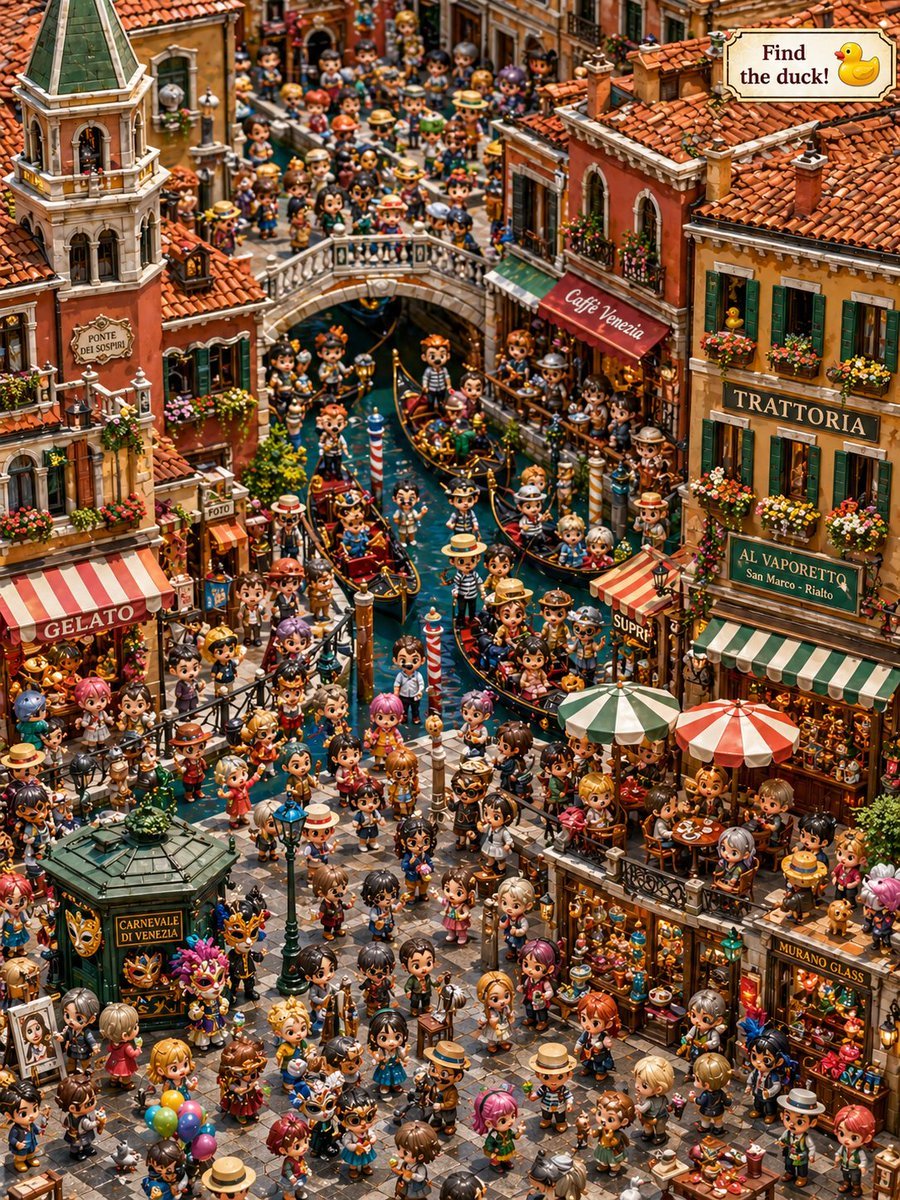
- Prompt included
- Model and format preset
- Free template
The prompt behind this image
Copy the exact prompt behind Hidden Duck in Chibi Venice, or open it in the studio and make it yours.
A highly detailed isometric toy-diorama illustration of a crowded Venetian canal district in a cute chibi style, designed as a hidden-object “find the duck” scene. Show a bustling old Venice street and canal packed with exactly hundreds of tiny stylized people with oversized heads, glossy eyes, and varied outfits, filling nearly every walkway, bridge, balcony, gondola, and café seat. The composition is a vertical overhead three-quarter view looking down a narrow canal running through the center, with a stone footbridge crossing the canal in the upper middle and dense warm-toned historic buildings on both sides. Architecture should feature terracotta roof tiles, stucco walls in faded orange, ochre, cream, and brick red, green shutters, flower boxes, striped awnings, hanging signs, lanterns, and richly detailed shopfronts. Include a tall bell tower on the upper left with a sign reading “PONTE DEI SOSPIRI,” a red awning reading “Cafe Venezia” on the right side near the bridge, a large “TRATTORIA” sign on the upper right building, a green sign reading “AL VAPORETTO San Marco - Rialto,” a striped awning with “GELATO” on the left, a small “FOTO” sign, a kiosk in the lower left plaza labeled “CARNEVALE DI VENEZIA,” a glowing shop on the lower right labeled “MURANO GLASS,” and a small “SUPRI” sign near the right canal edge. Fill the canal with exactly 7 gondolas, each with passengers and gondoliers in striped shirts and straw hats, plus red-and-white striped mooring poles in the water. Populate the square and canal edges with market tables, café tables under exactly 2 large parasols, carnival masks, balloons, framed art, pastries, glassware, souvenirs, flowers, and streetlamps. In windows, balconies, and doorways, place more chibi figures watching the scene. Hide exactly 1 small yellow rubber duck in an upper-right window beside the “TRATTORIA” building so it is visible but easy to miss. Add a decorative signboard in the top-right corner that reads “Find the duck!” with a duck icon. Render everything in an ultra-dense handcrafted miniature aesthetic with crisp detail, saturated warm colors, soft cinematic lighting, playful travel-poster charm, and a whimsical vacation puzzle-book feeling.
How to use Hidden Duck in Chibi Venice in 3 steps
- 1Upload ImagePNG, JPG or paste
Add your photo
Upload the photo the template builds on. The prompt, model and format are already set.
- 2…a portrait of your subject in softgolden-hour light, 85mm…
Personalize
Edit the subject and creative details for your destination.
- 3Generate
Generate
Press Generate — your image is created in PicX Studio, so you can compare it with the original and refine one variable at a time.
More like this
Templates with the same subject, style or setup. Open one to see its prompt.
Hidden Duck in Miniature Venice

Cute Layered Paper Cut Chibi Girl

Pixar-Style Chibi Café Morning Scene
Hokkaido Hidden Duck Travel Puzzle
Osaka Chibi Find-the-Duck Diorama

Nano Banana Pro Pink Office Chibi
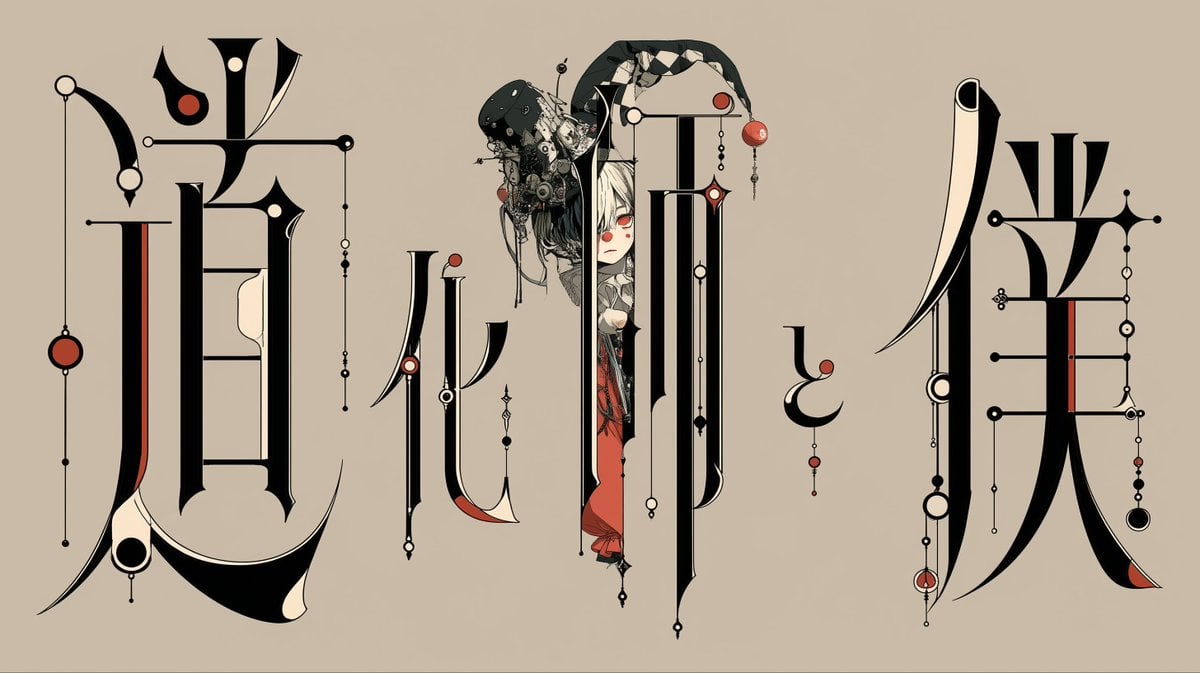
Gothic Calligraphy Hidden Clown Poster

Chibi Anime Ninja Sticker Sheet
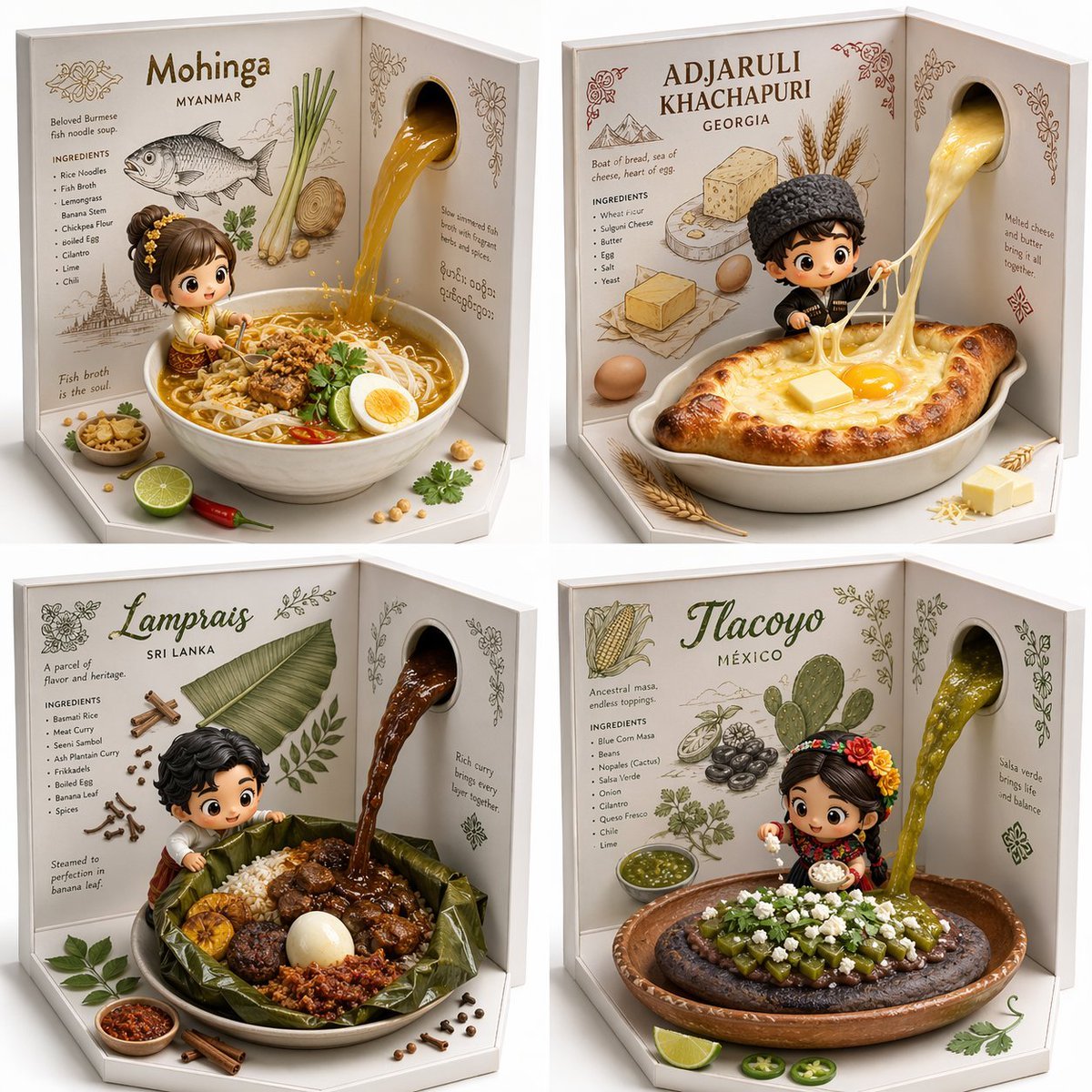
2x2 grid, do this for 4 hidden gem international foods select
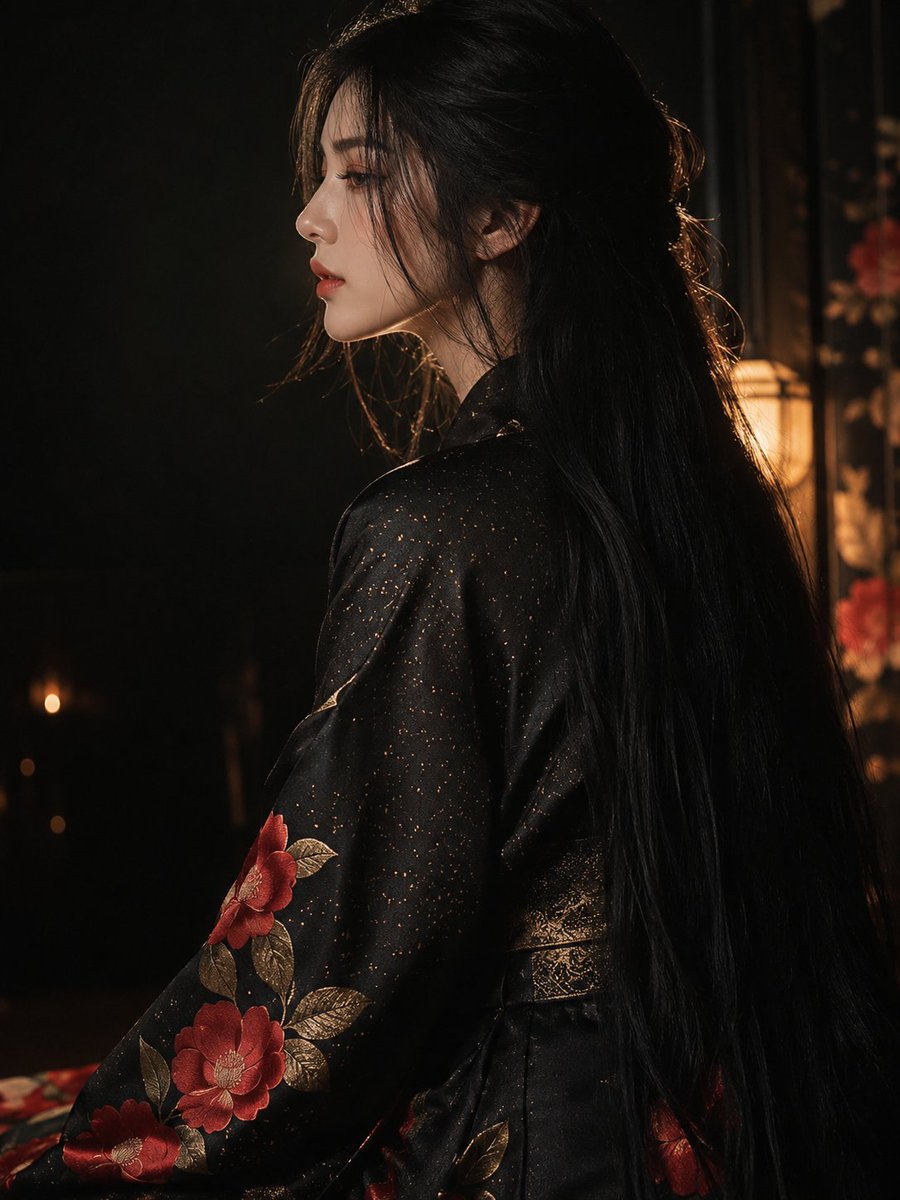
Dark Kimono Portrait with Hidden Face
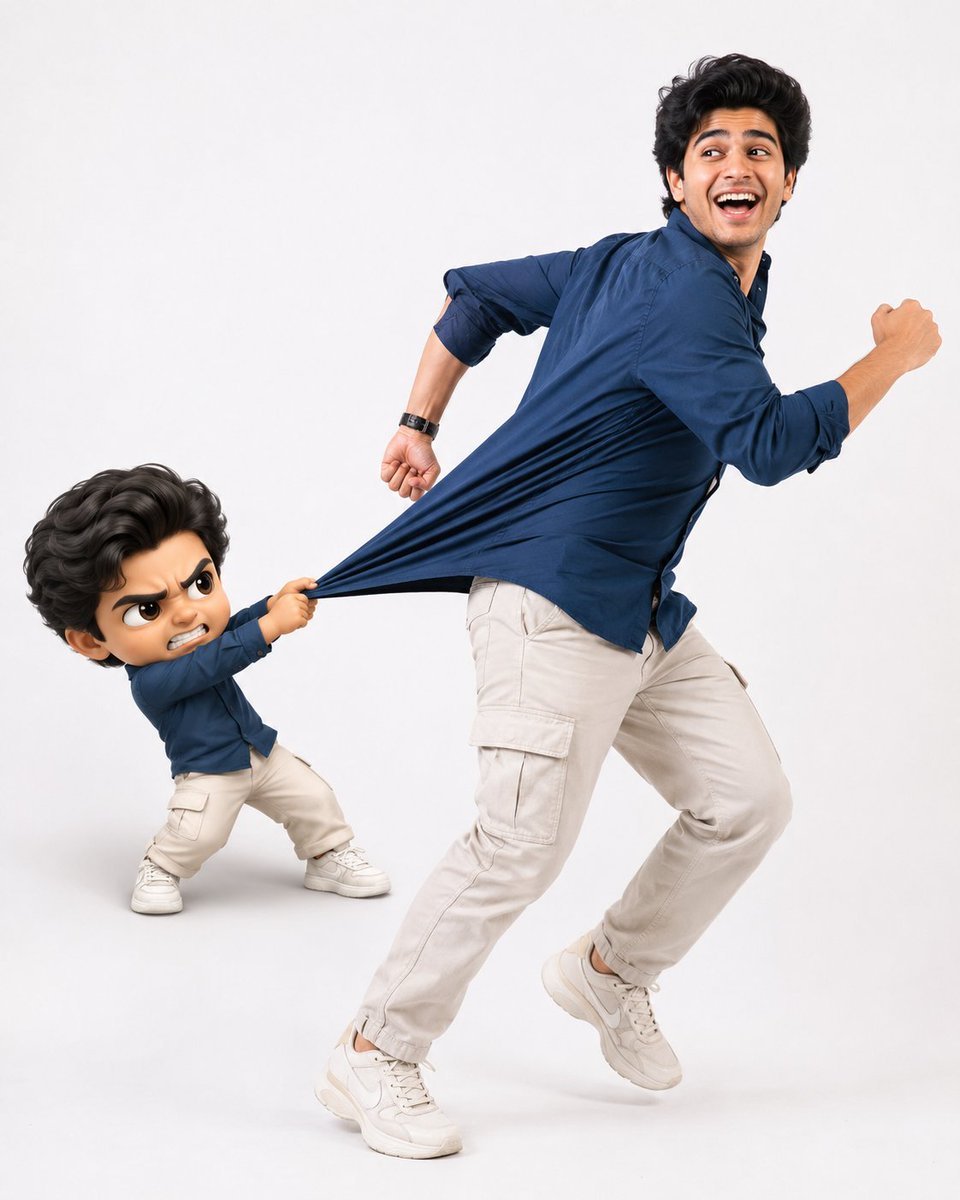
Playful Semi-Chibi Lifestyle Editorial

Halloween Nun Chibi Character Sheet
Make it yours
Hidden Duck in Chibi Venice works as-is. These are the safest ways to change it without losing the look.
Change one field
Copy a single group, rewrite it, and generate again so you can see what that field is doing.
Keep the frame, change the subject
Hold the composition and light of Hidden Duck in Chibi Venice, then swap wardrobe, props or the person for a new take.
| If the result… | Why | Fix |
|---|---|---|
| The result drifts from the preview | Too many fields changed at once. | Reuse Hidden Duck in Chibi Venice as-is first, then change one group — subject, light, or setting. |
| The model over-stylizes the scene | The prose prompt leaves finish and camera underspecified. | Add one camera or lighting sentence and stay on GPT Image 2. |
More GPT Image 2 templates
Other prompts made for GPT Image 2.

Six VTuber Japanese Logo Sheet

Realistic Portrait of Woman and Deer

The Vista Modular Condo Poster

AI Model Routing Comparison Infographic

2.5D Anime Art Board

Isometric Productivity Desk Scene

New York Double Exposure Poster

Four-Panel AI Landscape Comparison

Japanese Tatami Lifestyle Magazine Cover

NESCAFÉ Coffee Map Poster
More image prompts
Fresh picks from across the catalog.
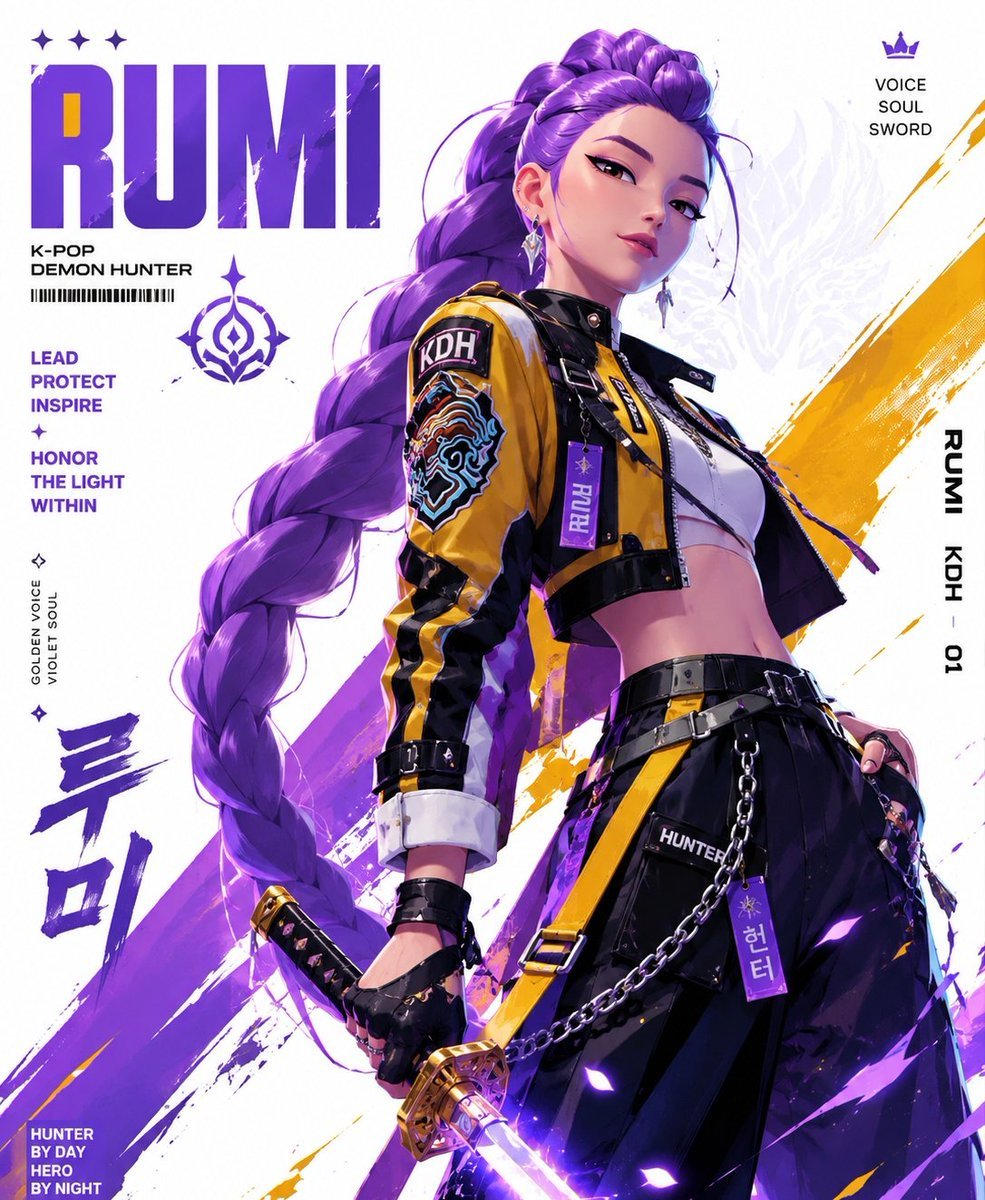
Anime Streetwear Techwear Redesign
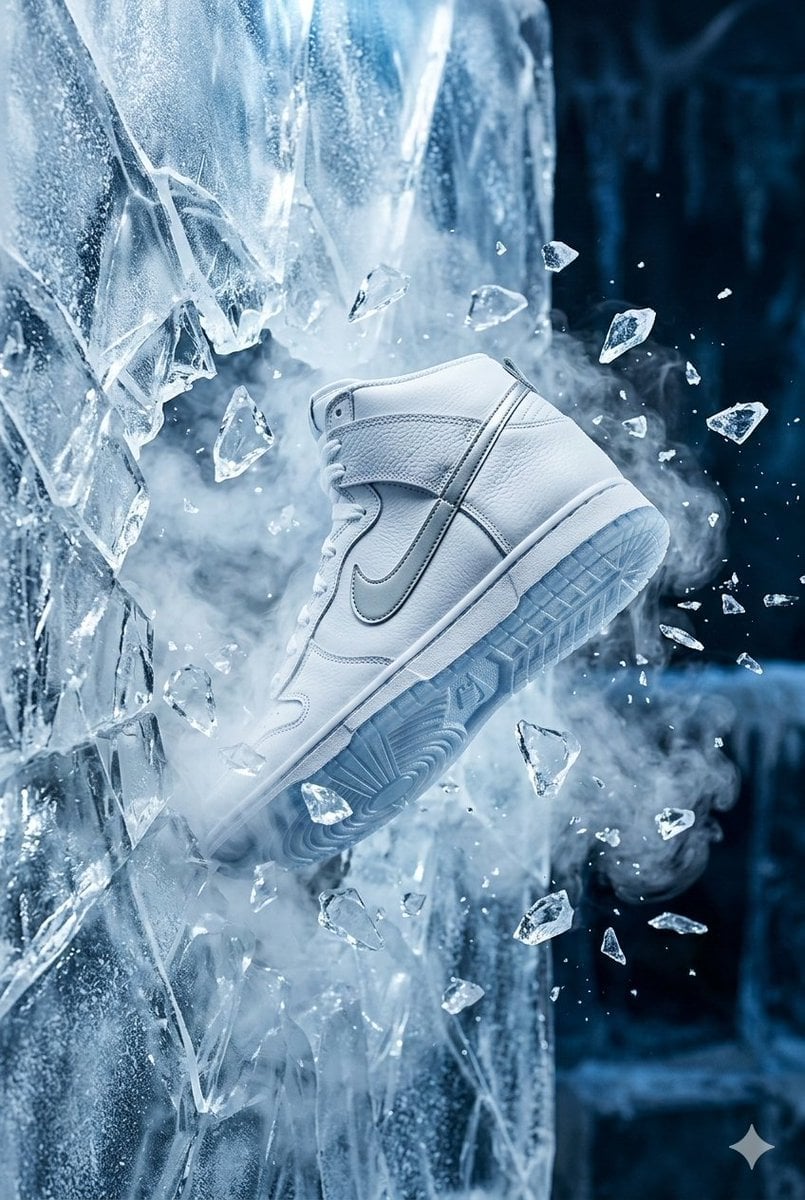
Nike Dunk Bursting Through Crystalline Wall
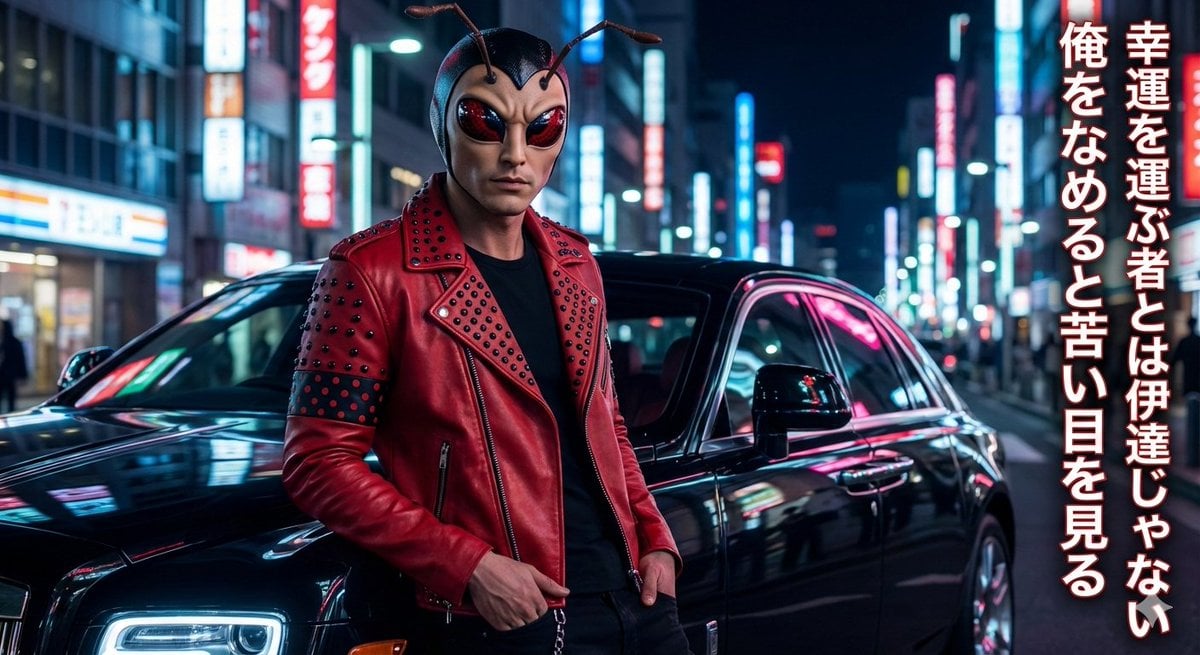
Mushi Tanka (Insect Haiku) Gravure Photo
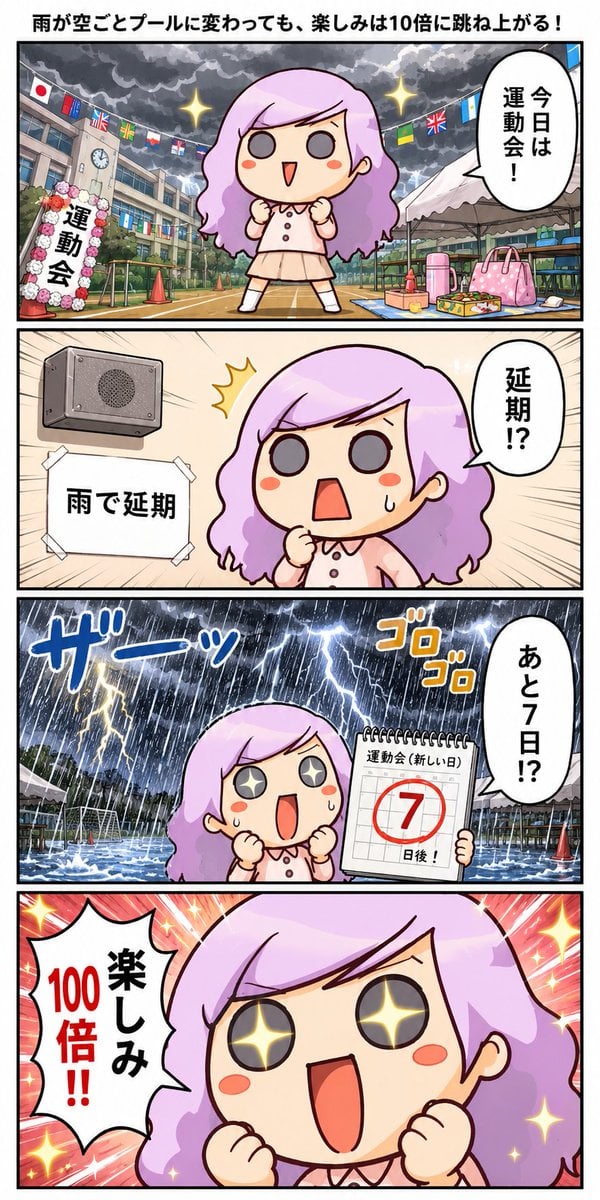
Rainy Sports Day Chibi Manga
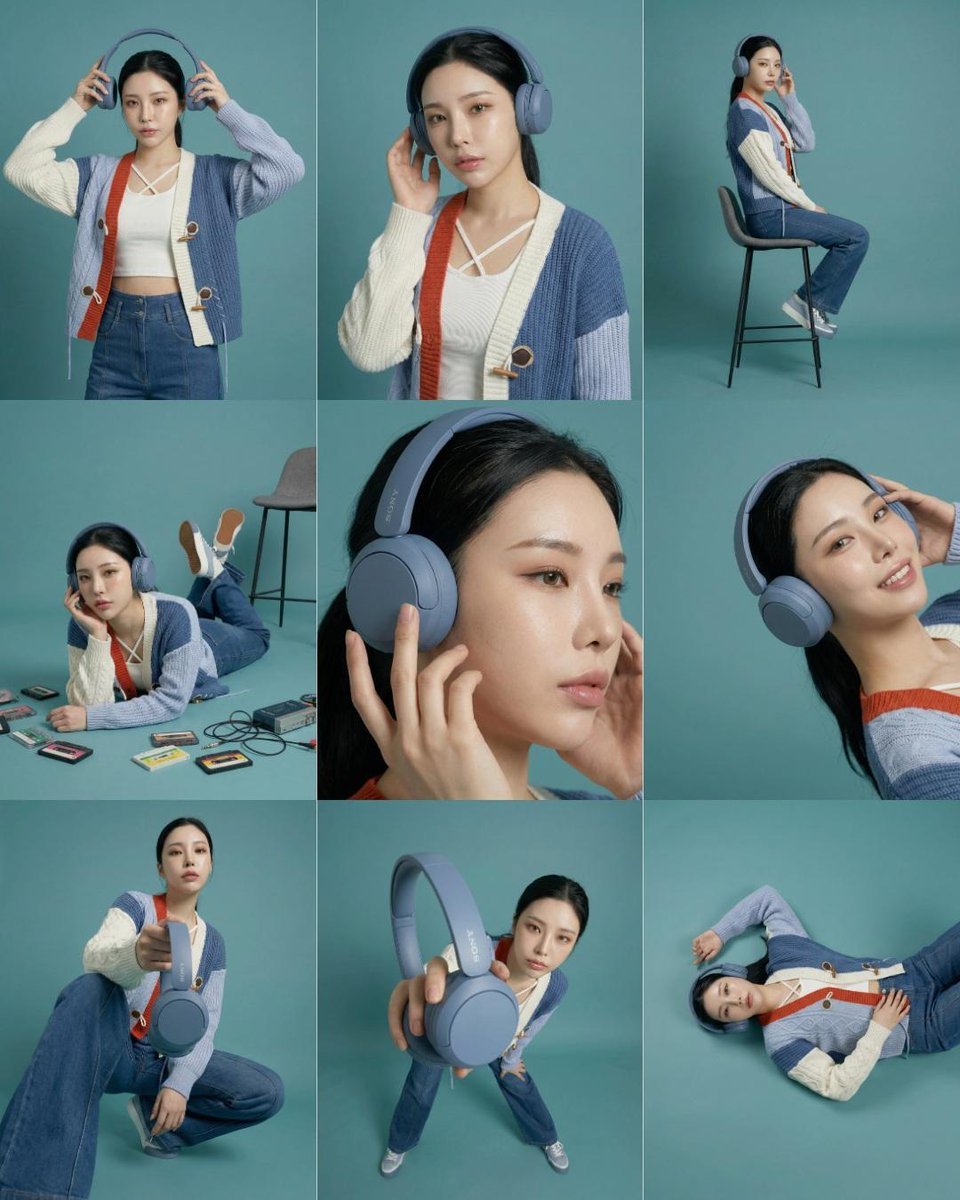
3x3 Storyboard Grid of a Young East Asian Woman
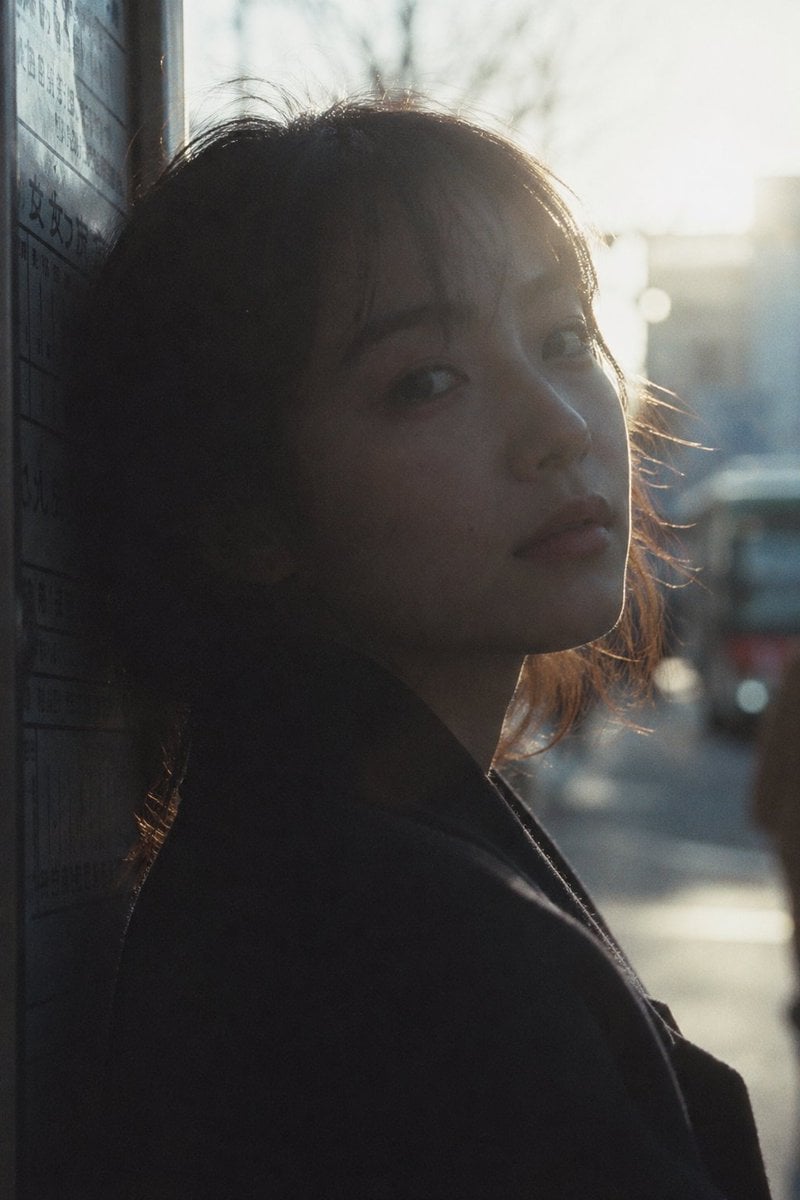
Cinematic Urban Silhouette Portrait
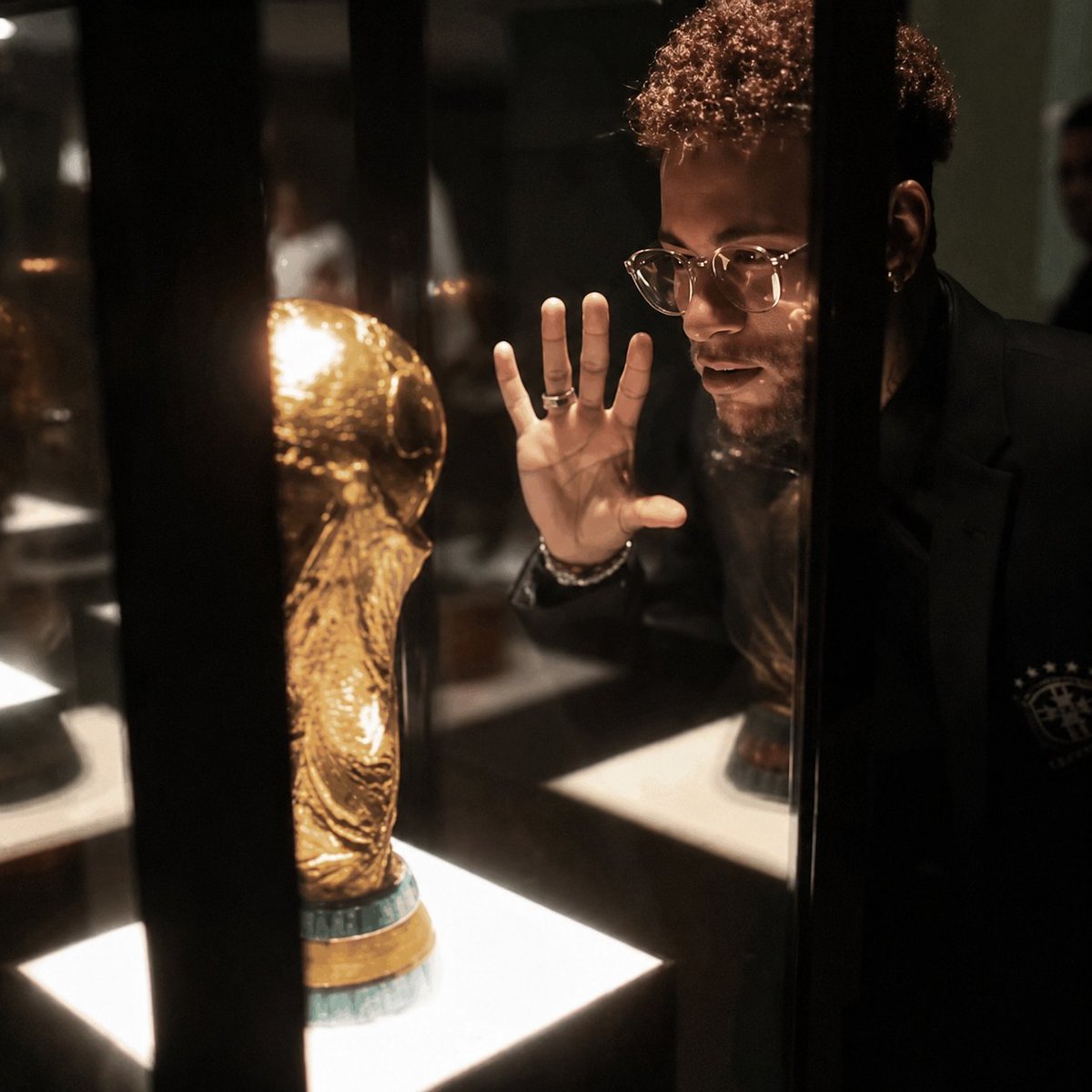
Cinematic 8K Photo Enhancer
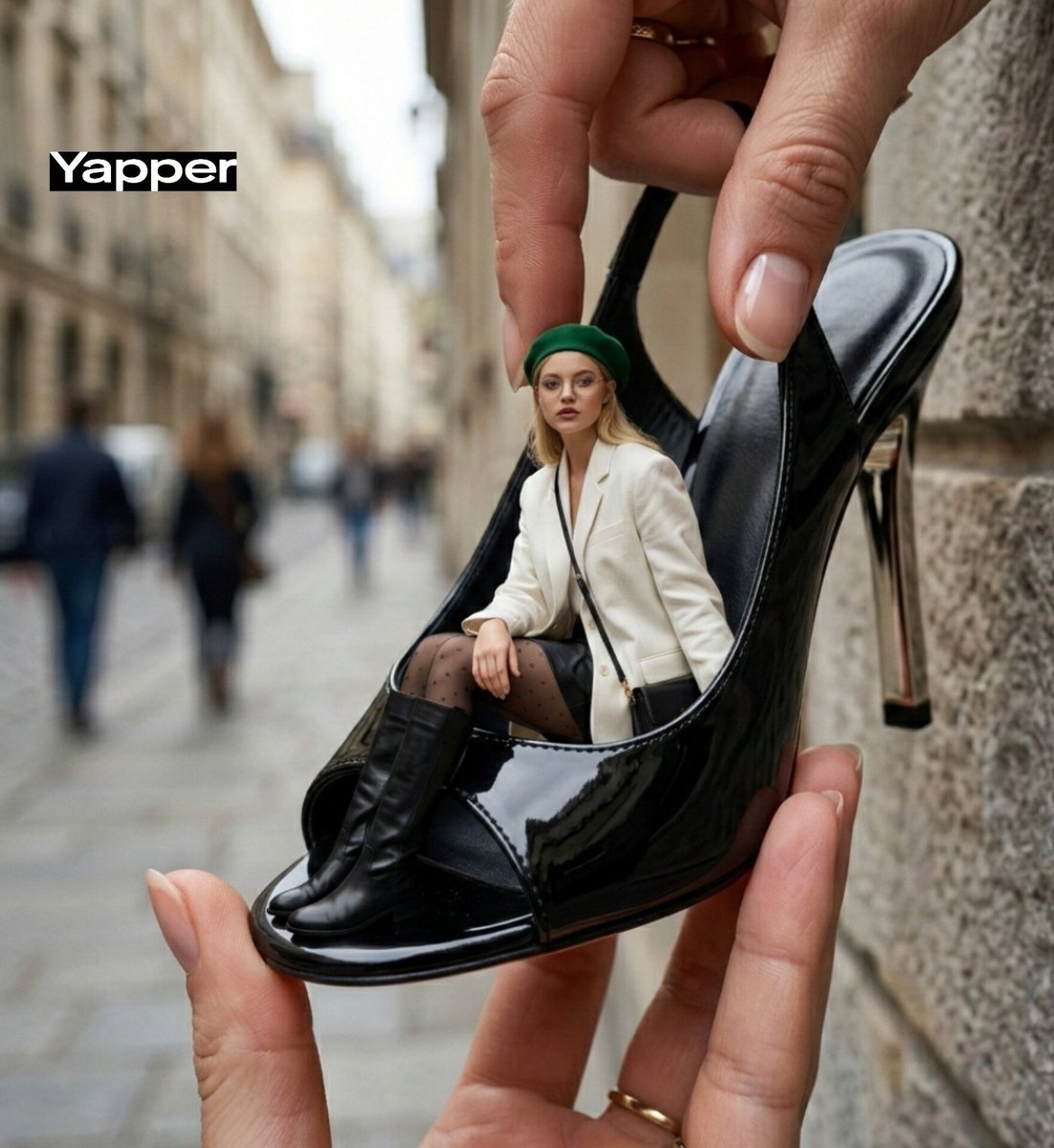
Forced-Perspective Street Fashion Photo Prompt

Cinematic Double Exposure Traveler
Glamorous Vanity Table Portrait
Browse template categories
Hidden Duck in Chibi Venice questions
How do I use the Hidden Duck in Chibi Venice template?
Add your photo if the template asks for one, edit the prompt if you like — the template's model and format are already selected — and press Generate. Your version opens in PicX Studio.
Can I customize the Hidden Duck in Chibi Venice template?
Yes. You can change the subject, setting, lighting, mood, format, and available model controls before creating your image.
Is the Hidden Duck in Chibi Venice template free?
Opening and editing this template is free. Generating uses credits, shown on the Generate button when you are signed in.
Which AI model should I use?
Start with GPT Image 2, which is the model associated with this template. You can compare another compatible model for a different finish.
Looking for something else? Browse all templates.

Your photo, any look
Thousands of ready templates for every top image and video model, from one credit balance.