
Rainy Sports Day Chibi Manga
Generates a colorful four-panel Japanese chibi manga about a rainy sports day postponement turning into even greater excitement.
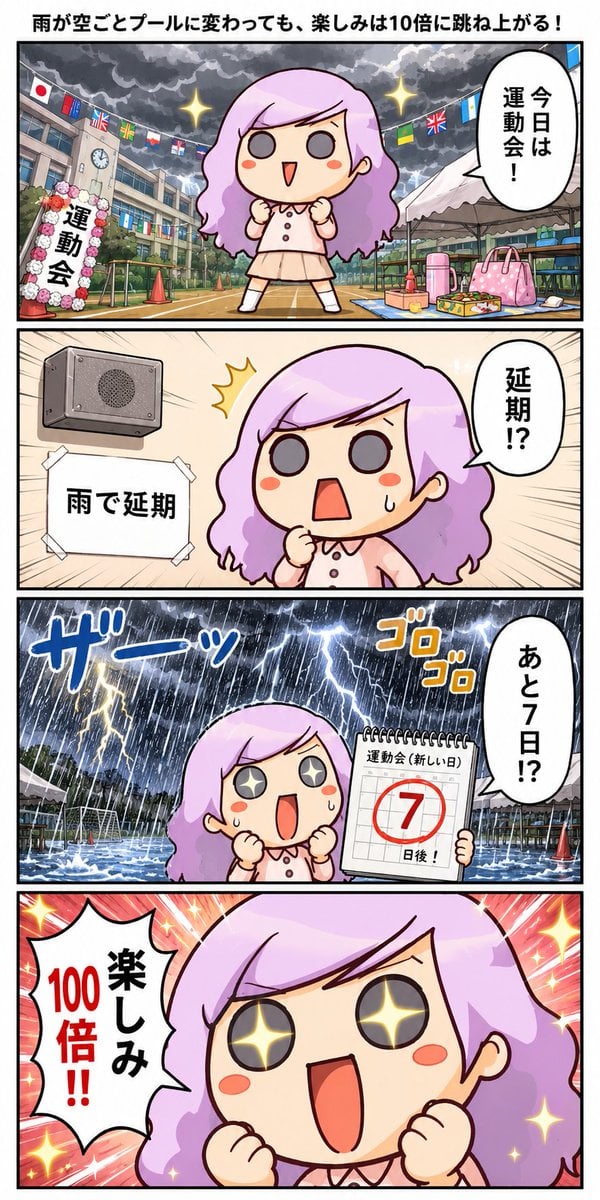
- Prompt included
- Model and format preset
- Free template
The prompt behind this image
Copy the exact prompt behind Rainy Sports Day Chibi Manga, or open it in the studio and make it yours.
Goal: Create a vertical Japanese 4-panel manga comic about a cute chibi girl becoming even more excited when a rainy sports day is postponed. Canvas: Tall vertical comic page in full color, approximately 9:16, with a white outer margin and thick black panel borders. Use exactly 4 stacked horizontal panels of equal width, manga-style composition, energetic expressions, glossy digital coloring, bold outlines, dramatic speed lines, sparkles, and sound effects. Main character: A single chibi elementary-school girl named {argument name="character name" default="purple-haired girl"}. She has long wavy lavender-purple hair, pale skin, round gray eyes that turn into sparkling star eyes when excited, rosy cheeks, and a small open mouth. She wears a pale pink short-sleeve blouse with buttons, a light beige skirt, white socks, and simple shoes. Her pose is usually fists clenched near her chest in excitement or surprise. Panel 1: School sports day setup under stormy clouds. Show the girl standing large in the center of a school athletic field, smiling with clenched fists and sparkles around her. Background includes a school building, Japanese flag, strings of international flags, a clock, a flower-decorated sports day arch labeled 「運動会」, tents, cones, bags, and lunch boxes. Add a large vertical speech bubble on the right with 「今日は運動会!」. At the very top outside or above the first panel, add the headline: {argument name="headline text" default="雨が空ごとプールに変わっても、楽しみは10倍に跳ね上がる!"}. Panel 2: Indoor announcement scene. Show a wall-mounted gray loudspeaker on the left, a taped white notice below it reading 「雨で延期」, and the girl on the right in close-up looking shocked with a sweat drop, clenched fist, and wide open mouth. Add a speech bubble on the right reading 「延期!?」. Use beige indoor wall tones and manga burst lines radiating from her face. Panel 3: Torrential rain on the sports field. Show the athletic field transformed into a shallow flooded pool under heavy rain, lightning, dark storm clouds, and dramatic water splashes. The girl stands in the foreground with star-shaped eyes and an amazed open mouth, holding a spiral-bound calendar that reads 「運動会(新しい日)」 with a large red circled 「7」 and 「日後!」 underneath. Add two sound effects: blue 「ザーッ」 for heavy rain on the left and orange 「ゴロゴロ」 for thunder on the upper right. Add a vertical speech bubble on the right reading 「あと7日!?」. Panel 4: Extreme close-up celebration. Fill the panel with the girl's happy face, sparkling star eyes, open smiling mouth, and clenched fists. Use a hot pink and red radial burst background filled with yellow sparkles. Add one jagged speech bubble on the left containing 「100倍!!」 in red and 「楽しみ」 in black, meaning the excitement is multiplied. Text count and placement: Include exactly 1 headline, exactly 4 comic panels, exactly 4 speech bubbles, exactly 1 taped notice, exactly 1 calendar page, exactly 2 manga sound effects, and exactly 1 sports day arch label. Preserve all Japanese text exactly as written. Avoid adding extra dialogue, captions, logos, watermarks, or additional characters. Visual style: Cute Japanese chibi manga, bright saturated colors, clean black line art, expressive faces, playful dramatic exaggeration, polished webcomic look, high readability of all Japanese text.
How to use Rainy Sports Day Chibi Manga in 3 steps
- 1Upload ImagePNG, JPG or paste
Add your photo
Upload the photo the template builds on. The prompt, model and format are already set.
- 2…a portrait of your subject in softgolden-hour light, 85mm…
Personalize
Edit the subject and creative details for your destination.
- 3Generate
Generate
Press Generate — your image is created in PicX Studio, so you can compare it with the original and refine one variable at a time.
More like this
Templates with the same subject, style or setup. Open one to see its prompt.

Lazy Day Chibi Manga Page
Rainy City Manga Storyboard

Cute Layered Paper Cut Chibi Girl
Cinematic Rainy Day Portrait Collage

Pixar-Style Chibi Café Morning Scene

Legendary Player Fragmented Editorial Poster

Goalmaster Youth Sports Poster

Clean Minimalist Player Editorial Poster

Captain Tsubasa Anime World Cup Poster
Rainy Day Kitchen Life Portrait
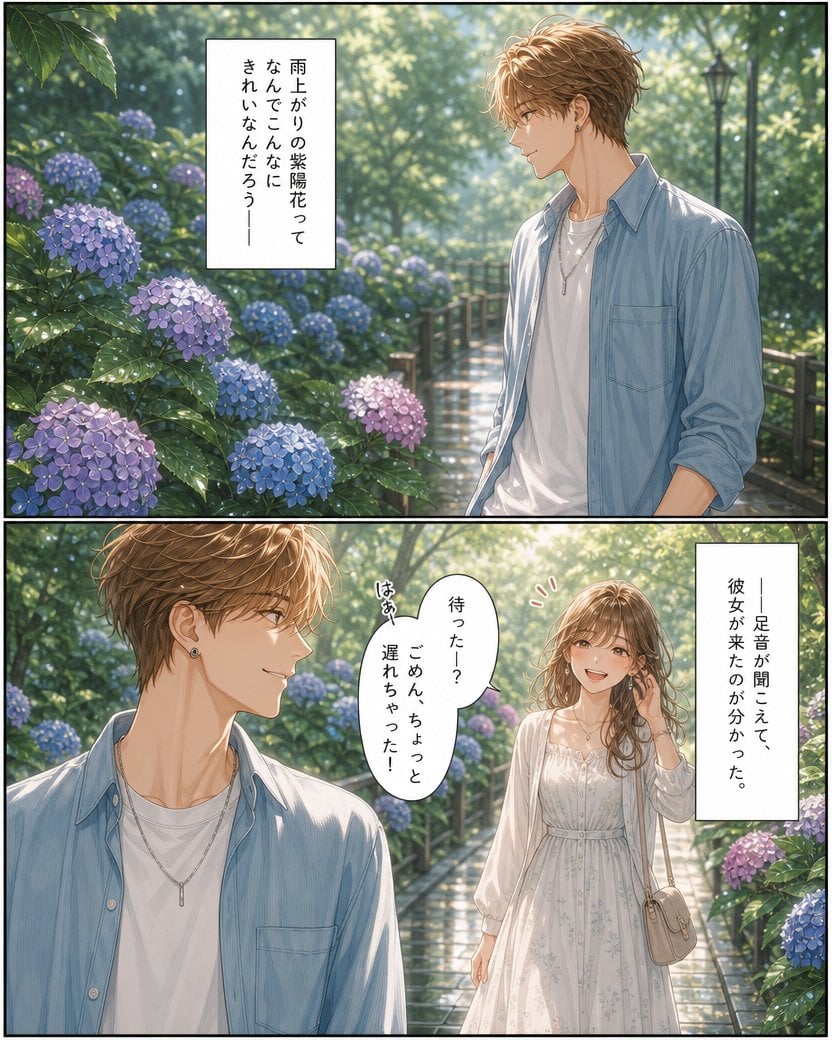
Rainy Hydrangea Romance Manga

Gpt2 Avant Garde Tennis Fashion
Make it yours
Rainy Sports Day Chibi Manga works as-is. These are the safest ways to change it without losing the look.
Change one field
Copy a single group, rewrite it, and generate again so you can see what that field is doing.
Keep the frame, change the subject
Hold the composition and light of Rainy Sports Day Chibi Manga, then swap wardrobe, props or the person for a new take.
| If the result… | Why | Fix |
|---|---|---|
| The result drifts from the preview | Too many fields changed at once. | Reuse Rainy Sports Day Chibi Manga as-is first, then change one group — subject, light, or setting. |
| The model over-stylizes the scene | The prose prompt leaves finish and camera underspecified. | Add one camera or lighting sentence and stay on GPT Image 2. |
More GPT Image 2 templates
Other prompts made for GPT Image 2.

Six VTuber Japanese Logo Sheet

Realistic Portrait of Woman and Deer

The Vista Modular Condo Poster

AI Model Routing Comparison Infographic

2.5D Anime Art Board

Isometric Productivity Desk Scene

New York Double Exposure Poster

Four-Panel AI Landscape Comparison

Japanese Tatami Lifestyle Magazine Cover

NESCAFÉ Coffee Map Poster
More image prompts
Fresh picks from across the catalog.
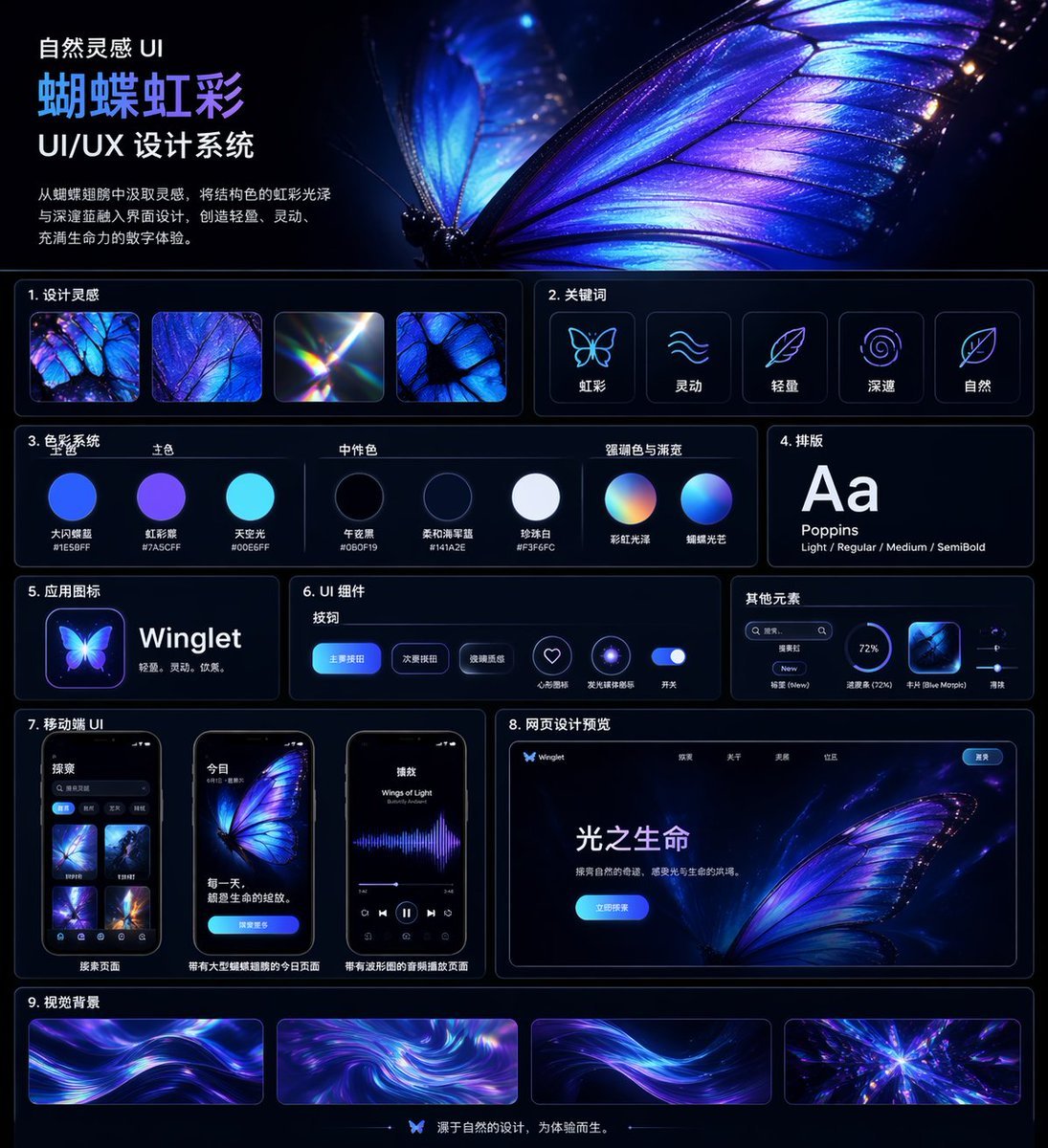
Iridescent Butterfly UI System Board
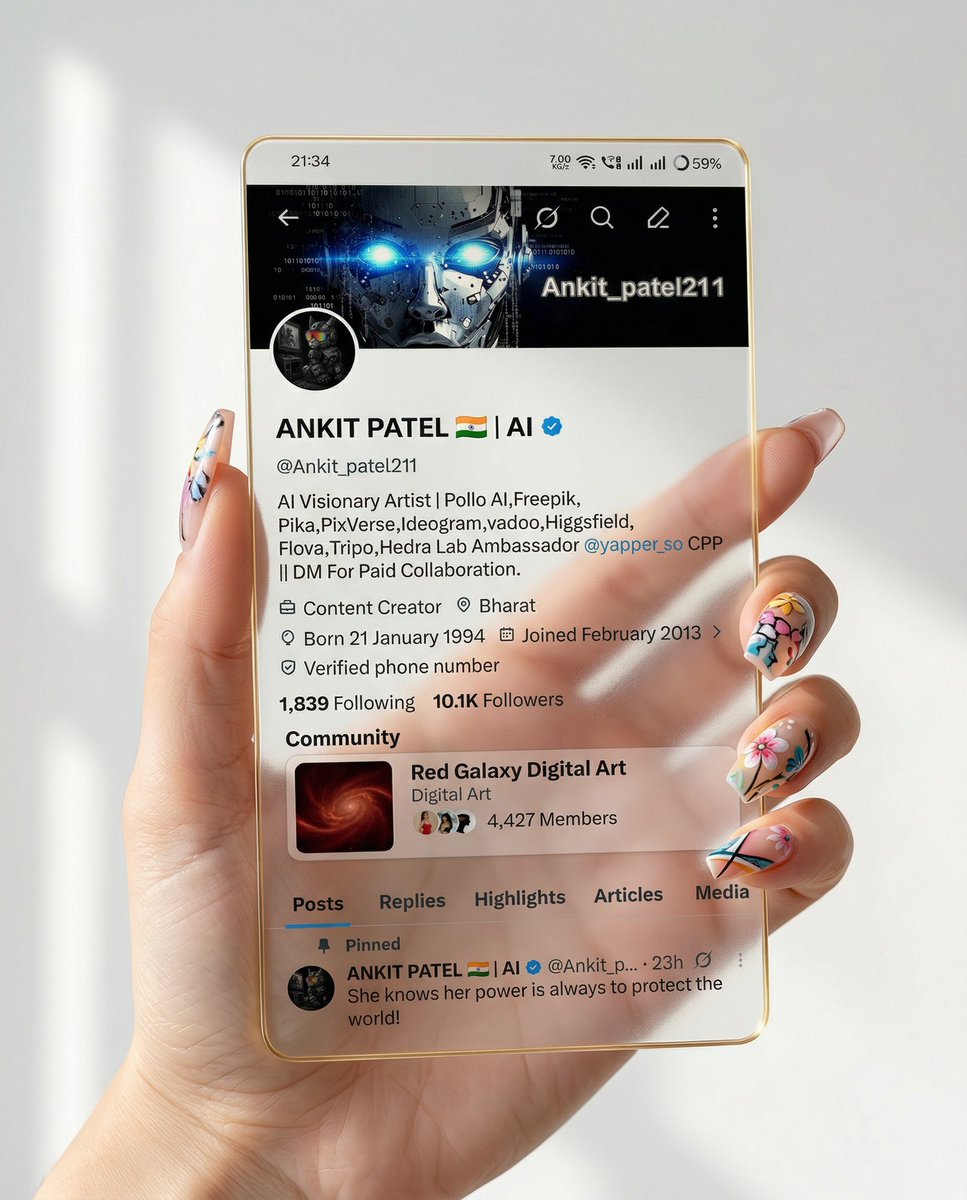
Transparent Glass Social Media Profile Effect
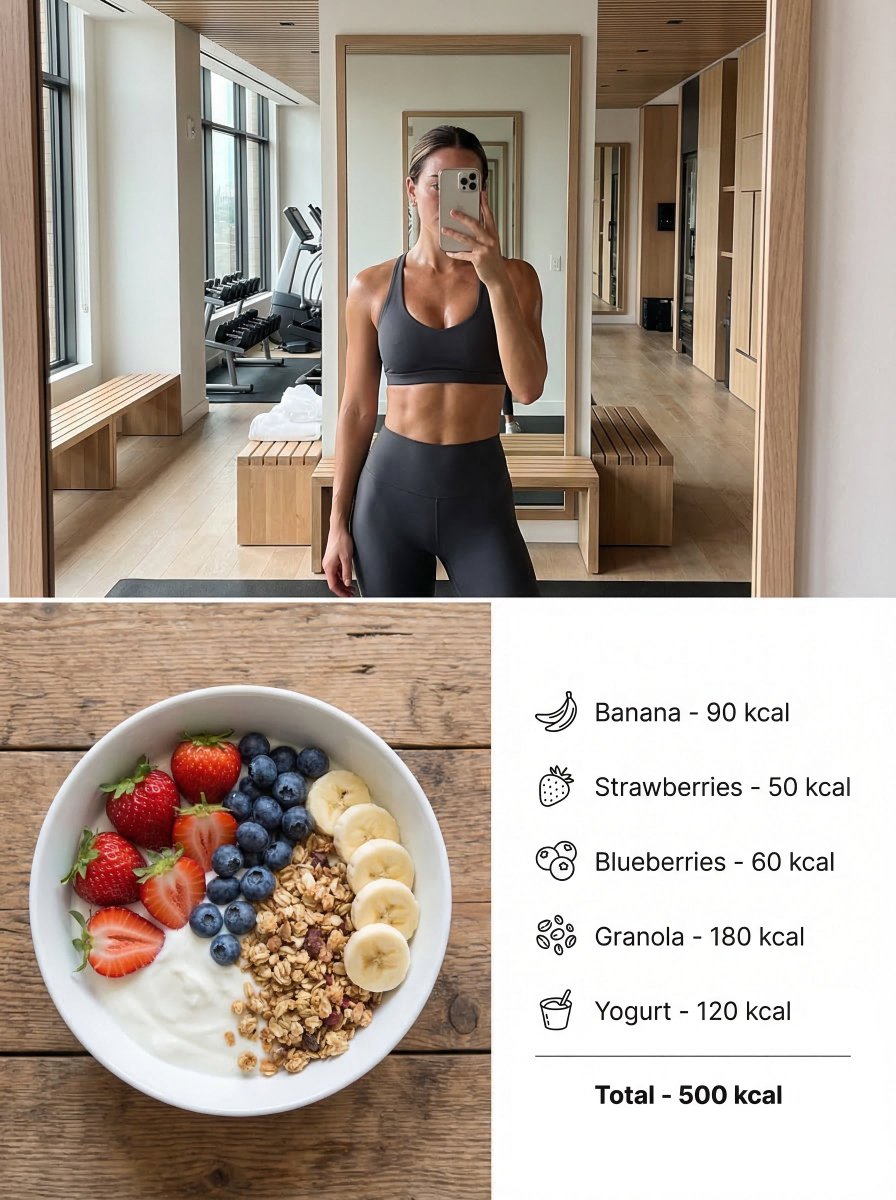
Modern Lifestyle Split Poster Prompt for Nano Banana Pro
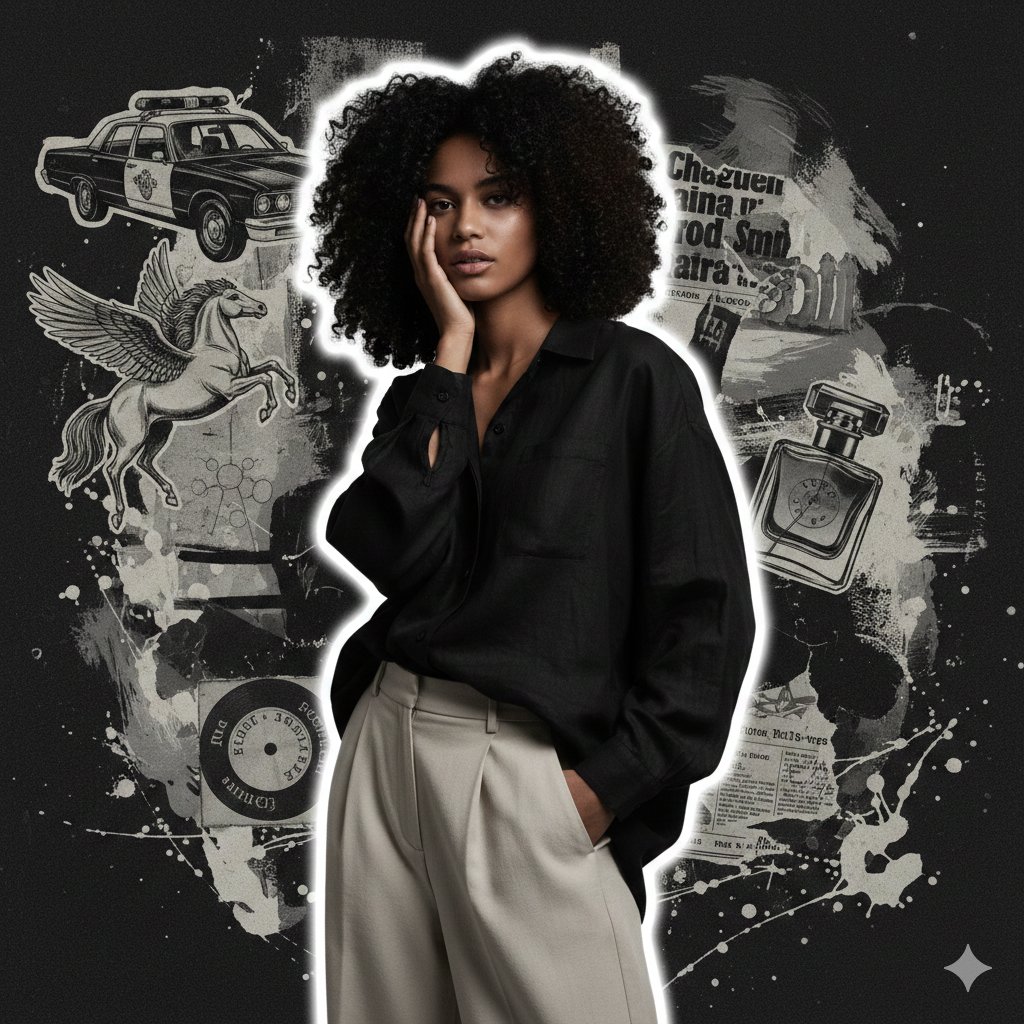
High-Fashion Grunge Portrait with Artistic Collage Background
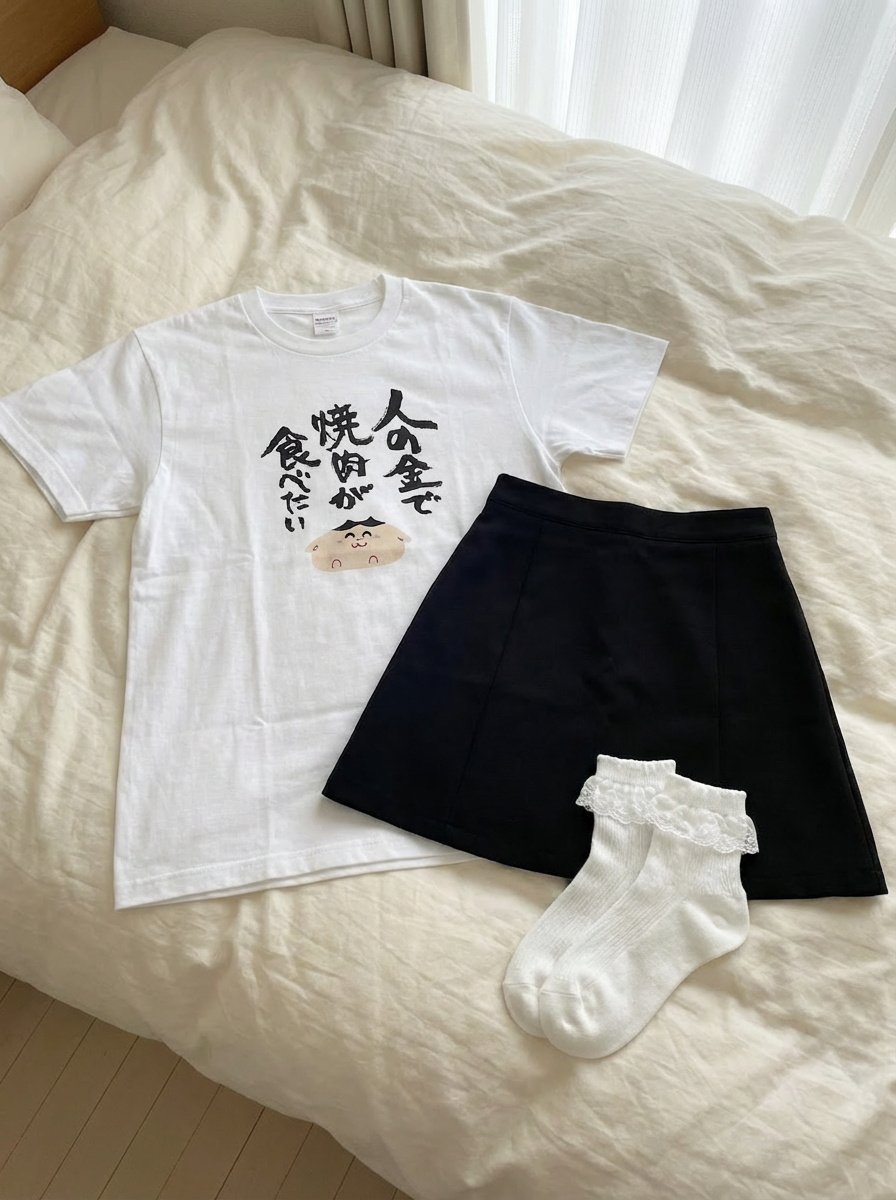
Clothing separated on the bed
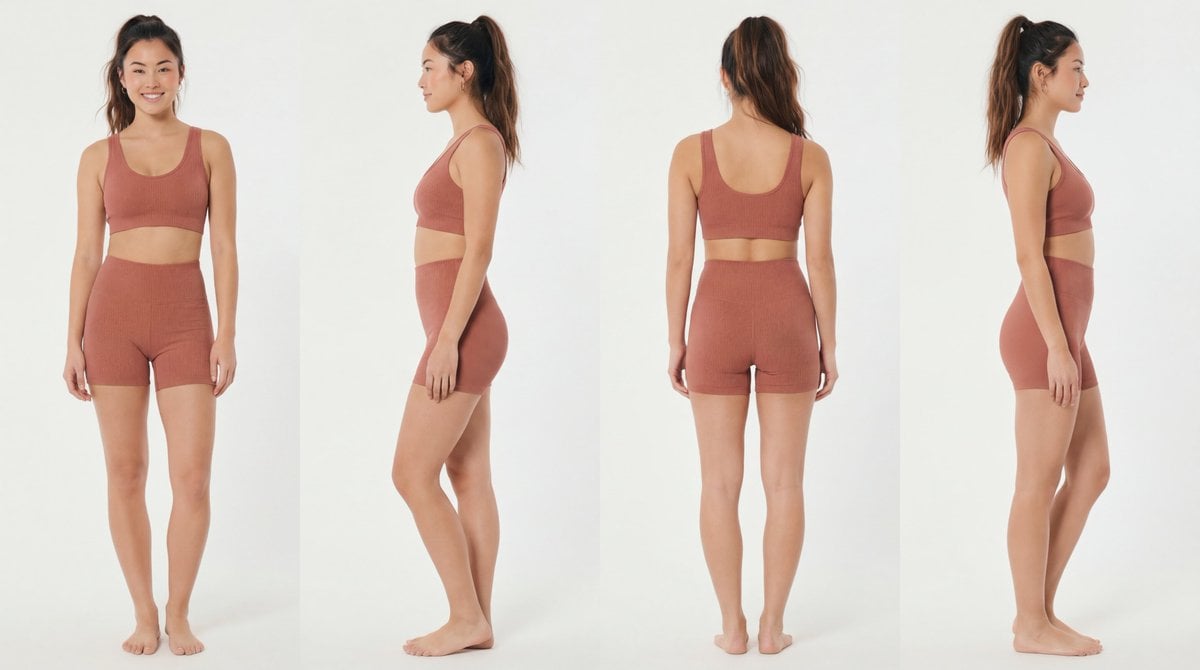
Recommended Nano Banana Pro Prompting Strategy for Consistency

Cinematic Outdoor Lifestyle Portrait with SUV
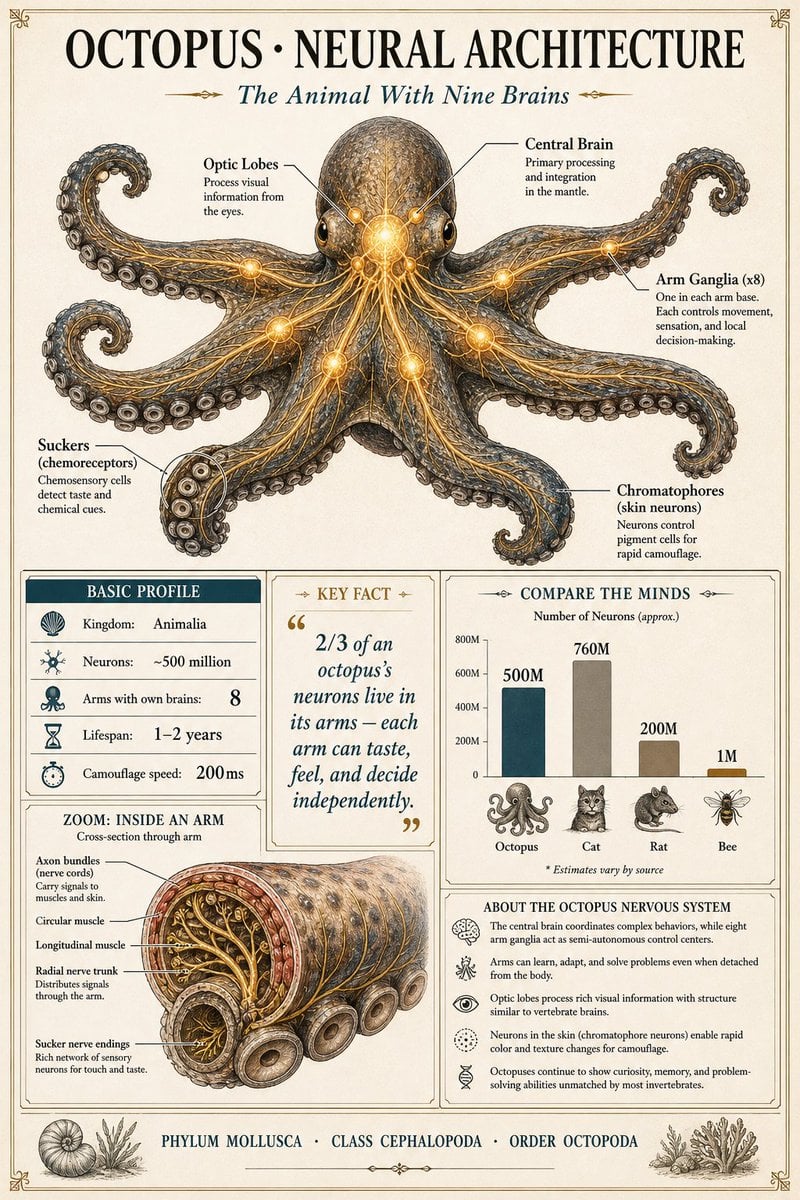
Scientific Encyclopedia Infographic Prompt

Gpt2 Infographic Edu Visual Water Signs Zodiac Character Poster
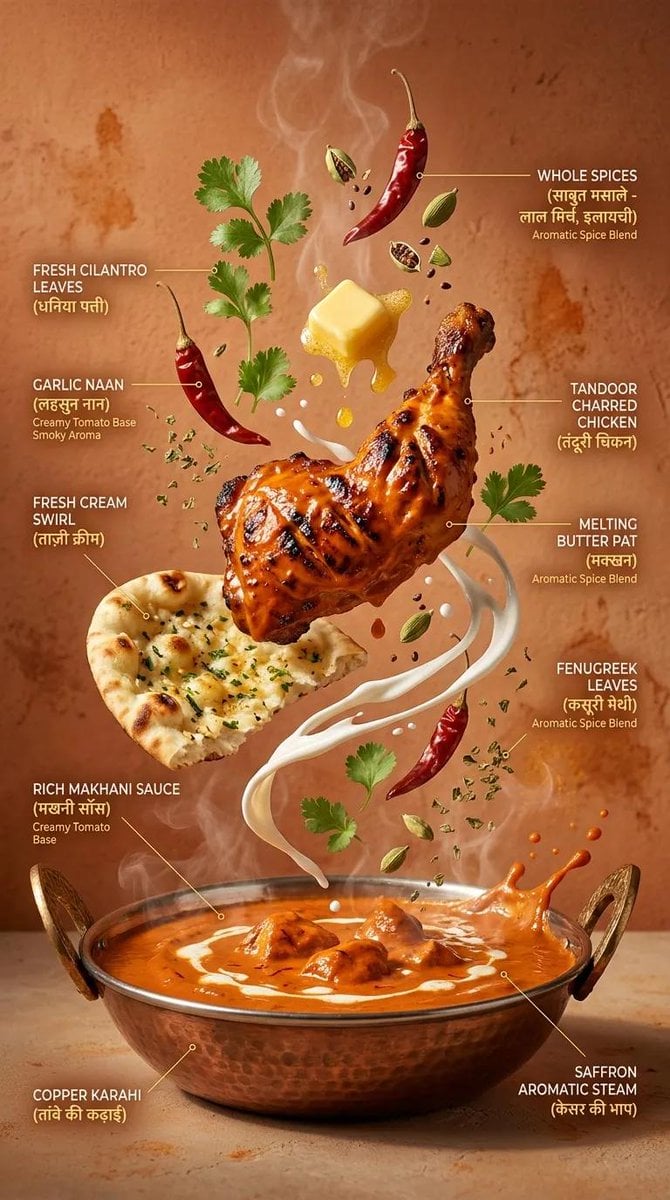
Cinematic Exploding Ramen Infographic
Browse template categories
Rainy Sports Day Chibi Manga questions
How do I use the Rainy Sports Day Chibi Manga template?
Add your photo if the template asks for one, edit the prompt if you like — the template's model and format are already selected — and press Generate. Your version opens in PicX Studio.
Can I customize the Rainy Sports Day Chibi Manga template?
Yes. You can change the subject, setting, lighting, mood, format, and available model controls before creating your image.
Is the Rainy Sports Day Chibi Manga template free?
Opening and editing this template is free. Generating uses credits, shown on the Generate button when you are signed in.
Which AI model should I use?
Start with GPT Image 2, which is the model associated with this template. You can compare another compatible model for a different finish.
Looking for something else? Browse all templates.

Your photo, any look
Thousands of ready templates for every top image and video model, from one credit balance.