How do I use the Cinematic Rainy Day Portrait Collage template?
Edit the prompt in the box under the preview — the template's model and format are already selected — and press Generate. Your version appears right on this page.
A complex cinematic prompt for Nano Banana 2 that creates a multi-layered collage of a subject in a rainy monsoon environment with a motorcycle.

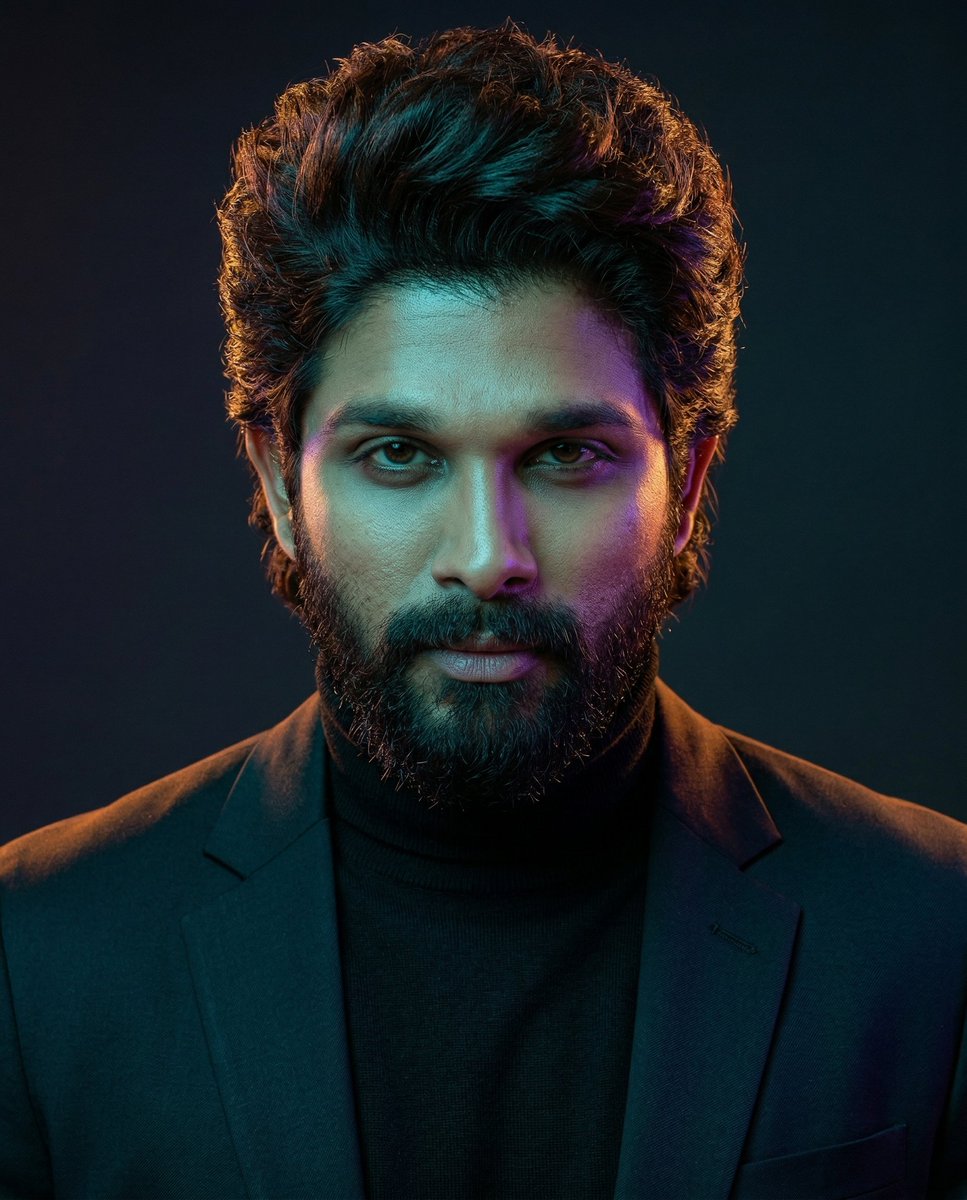
Ultra-realistic cinematic rainy-day portrait collage of a {argument name="subject" default="young man"} on an empty wet roadway during monsoon weather. The composition features three versions of the same man blended into one dramatic scene. A giant close-up portrait dominates the cloudy sky in the background, showing the man gazing upward with a calm, hopeful smile. In the foreground, the man sits casually on the curb beside a {argument name="vehicle" default="sleek black street motorcycle"}, resting his chin on his hand in a thoughtful pose. Another full-body version of him walks confidently down the center of the rain-soaked road with one hand in his pocket. He has {argument name="features" default="short curly black hair, a neatly trimmed beard, expressive eyes"}, and wears a black oversized hoodie, light gray cargo pants, gray-and-white sneakers, and a black smartwatch. Raindrops are visible on his clothing and face. The environment features a deserted tree-lined avenue after rainfall, reflective asphalt, glowing streetlights, dramatic storm clouds, soft mist, wet road reflections, lush green foliage, and subtle bokeh lights in the distance. The motorcycle's headlight casts a warm glow onto the wet pavement. Professional photography, cinematic color grading, ultra-sharp focus, HDR, realistic skin texture, natural lighting, depth of field, volumetric atmosphere, moody monsoon aesthetic, emotional storytelling, highly detailed, 8K resolution, Photoshop-style photo manipulation, Instagram portrait edit, masterpiece quality.
Ultra-realistic cinematic rainy-day portrait collage of a {argument name="subject" default="young man"} on an empty wet roadway during monsoon weather. The composition features three versions of the same man blended into one dramatic scene. A giant close-up portrait dominates the cloudy sky in the background, showing the man gazing upward with a calm, hopeful smile. In the foreground, the man sits casually on the curb beside a {argument name="vehicle" default="sleek black street motorcycle"}, resting his chin on his hand in a thoughtful pose. Another full-body version of him walks confidently down the center of the rain-soaked road with one hand in his pocket. He has {argument name="features" default="short curly black hair, a neatly trimmed beard, expressive eyes"}, and wears a black oversized hoodie, light gray cargo pants, gray-and-white sneakers, and a black smartwatch. Raindrops are visible on his clothing and face. The environment features a deserted tree-lined avenue after rainfall, reflective asphalt, glowing streetlights, dramatic storm clouds, soft mist, wet road reflections, lush green foliage, and subtle bokeh lights in the distance. The motorcycle's headlight casts a warm glow onto the wet pavement. Professional photography, cinematic color grading, ultra-sharp focus, HDR, realistic skin texture, natural lighting, depth of field, volumetric atmosphere, moody monsoon aesthetic, emotional storytelling, highly detailed, 8K resolution, Photoshop-style photo manipulation, Instagram portrait edit, masterpiece quality.
Edit the prompt in the box under the preview — the template's model and format are already selected — and press Generate. Your version appears right on this page.
Yes. You can change the subject, setting, lighting, mood, format, and available model controls before creating your image.
Opening and editing this template is free. Generating uses credits, shown on the Generate button when you are signed in.
Start with Nano Banana 2, which is the model associated with this template. You can compare another compatible model for a different finish.
Follow a topic to a crawlable collection of related PicX Studio templates.