
Paper Tear Flat Illustration Poster
A sophisticated prompt for creating vertical flat illustration posters with a unique paper-tearing effect, revealing a high-density symbolic core through a textured rift.
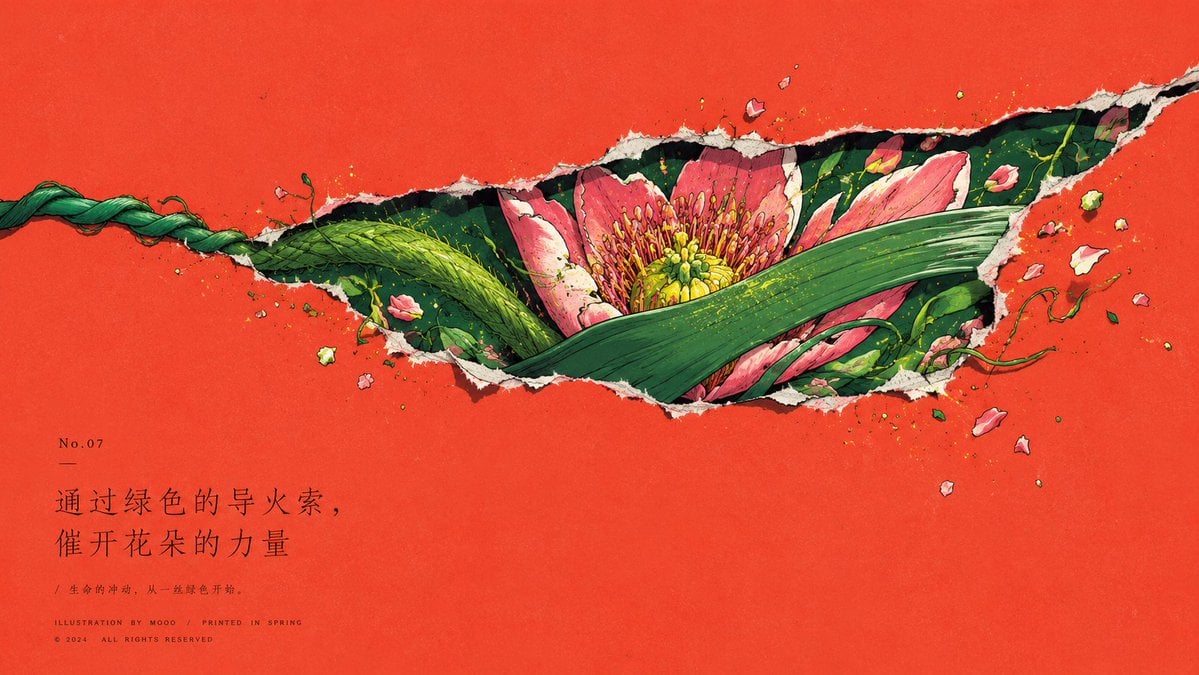
- Prompt included
- Model and format preset
- Free template
The prompt behind this image
Copy the exact prompt behind Paper Tear Flat Illustration Poster, or open it in the studio and make it yours.
以{argument name="主题" default="太阳就站在黑夜的门口"}为核心生成一张竖版平面插画海报,先用一个由主题情绪推导出的高纯度结构色铺满画面,让它像低噪声的彩色纸面一样承担遮挡、空白和呼吸;画面不建立真实景深和完整场景,而把背景处理成一层封闭表皮,表面只有轻微纸纹、扫描颗粒和细小印刷不均。主视觉不要完整陈列在背景前,而是在画面中上部由纸面撕出一道横向延展、略带斜势的不规则裂隙,裂口带白色纸纤维、暗色内缘、尖角毛边和轻微外翻感,像内部世界把纸面撑开。主题只通过被裁切的关键局部、可识别边缘、一个小而强的焦点和高密度碎片从裂隙内部显现;完整轮廓被纸面吞掉,次要信息被遮住,只留下最能说明主题的形体压力、材质触感和象征核心。焦点面积不大,却必须像凝视点一样支配第一眼阅读,被近景遮挡形体半包围;这个遮挡形体由主题语义转化而来,具有手势般的曲线、近距离触觉和横向引导力,覆盖焦点的一部分,让观看带有被拨开、被发现、被保护的阻力。裂隙边缘聚集由主题派生出的细碎形态,它们沿上下边和左右端形成软边界,局部外溢到纸面上,但不平均散开;碎片既是内容,也是裂口结构的一部分,应通过密度、方向和色点把内部世界推向外部空场。色彩保持清楚面积层级:最大面积结构色保持纯净,裂隙内部使用中等面积的主体生命色或材质色,小面积情绪亮点只在边缘碎片和焦点附近闪现,深色锚点压在焦点轮廓、内缘 and 关键遮挡处,最高明度只用于撕纸边、微小高光和材料切口。整体采用手绘平涂色块、清晰蓝黑或深色线描、轻微纸纹、扫描噪点和不均匀印刷颗粒完成,让对象像被纸面遮住后仍能凭局部轮廓、边缘取舍和局部密度被认出。下方或最安静的空白区保留大量纯色呼吸,文字若出现,只作为细致的题名、编号、短句和微型注脚,使用克制的出版物字体气质、细笔画、宽字距和低干扰层级,文字与空白协作,不抢裂隙内部的焦点。整张画面形成纯色空场压住内部世界、裂隙暴露主题秘密的封面感,稳定保留大片安静纸面、中上部破口、高密度内部、单一强焦点、前景遮挡、边缘碎片、暗色锚点和低声文字之间的秩序。背景色:{argument name="背景色" default="暗黑"},比例{argument name="比例" default="16:9 横板"}
How to use Paper Tear Flat Illustration Poster in 3 steps
- 1
Open
The prompt is already in the box next to the preview, with the template's model and format selected.
- 2…a portrait of your subject in softgolden-hour light, 85mm…
Personalize
Edit the subject and creative details for your destination.
- 3Generate
Generate
Press Generate — your image is created in PicX Studio, so you can compare it with the original and refine one variable at a time.
More like this
Templates with the same subject, style or setup. Open one to see its prompt.

Hero Portrait Comic Multi-Panel Poster

Spider-Verse Painterly Portrait Poster

Captain Tsubasa Anime World Cup Poster

Master Paper Cut Illustration — Saudi Arabia Travel Poster in Layered Paper Art

Decorative Folk Flat Paper Cut Illustration

City Posters by Nano Banana Pro

Japan Travel Brochure Poster
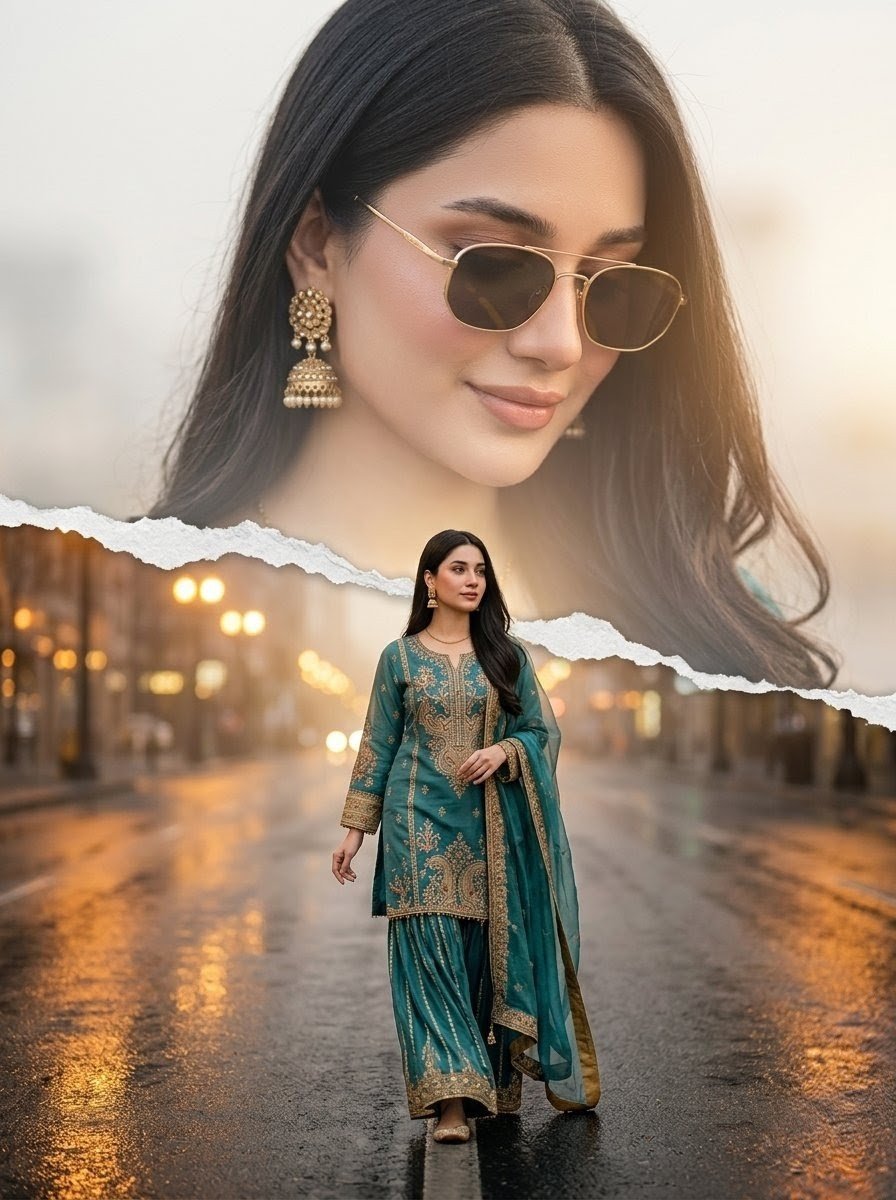
Cinematic Paper-Tear Double Exposure Portrait
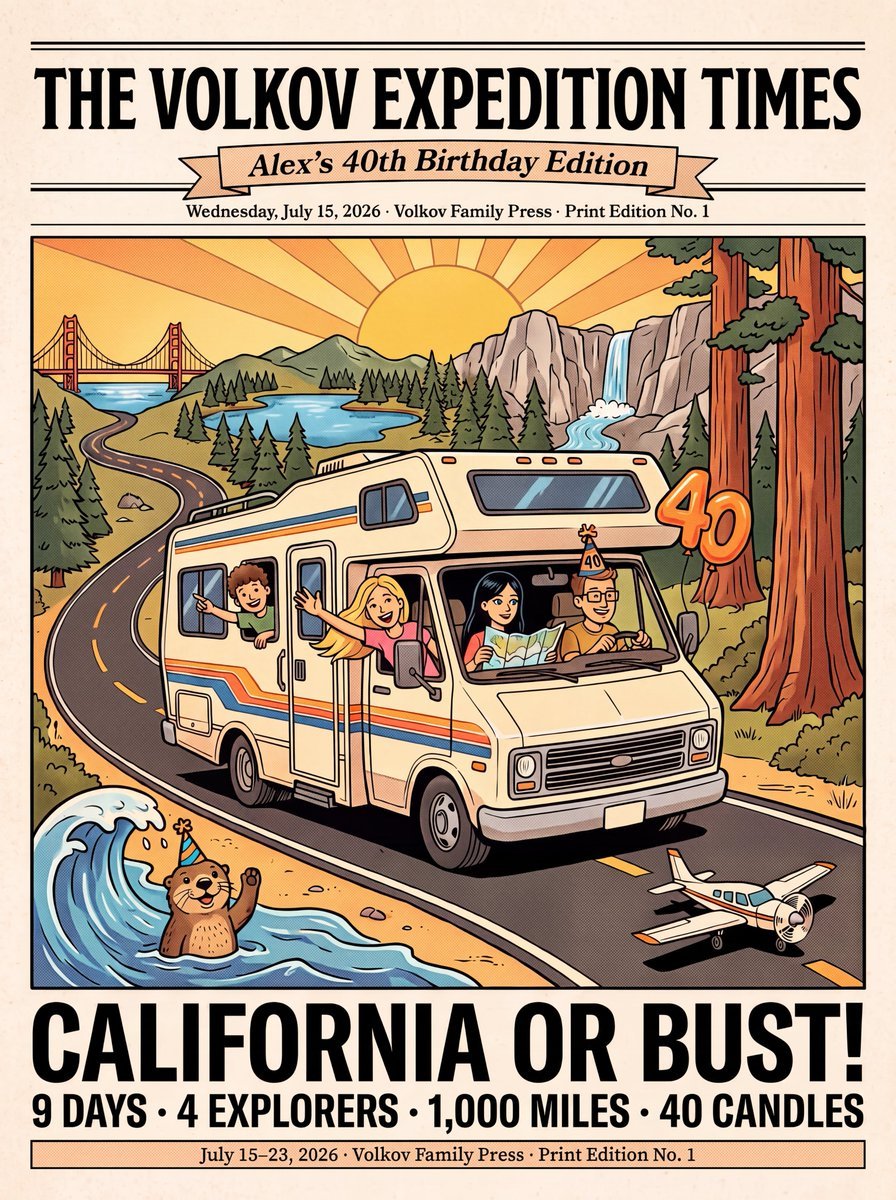
Vintage Family Road Trip Newspaper Poster
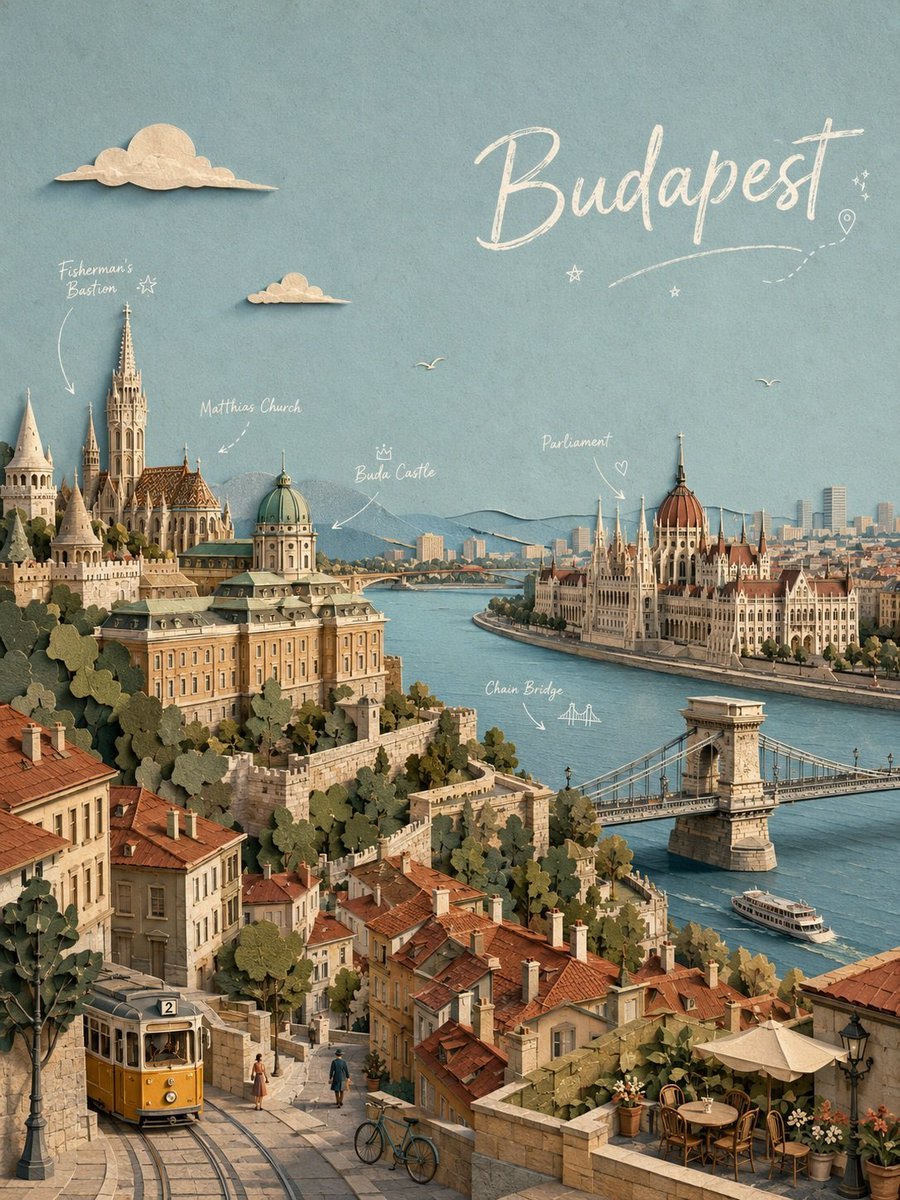
Budapest Paper-Cut Travel Poster

Paper Cut Vintage Travel Poster
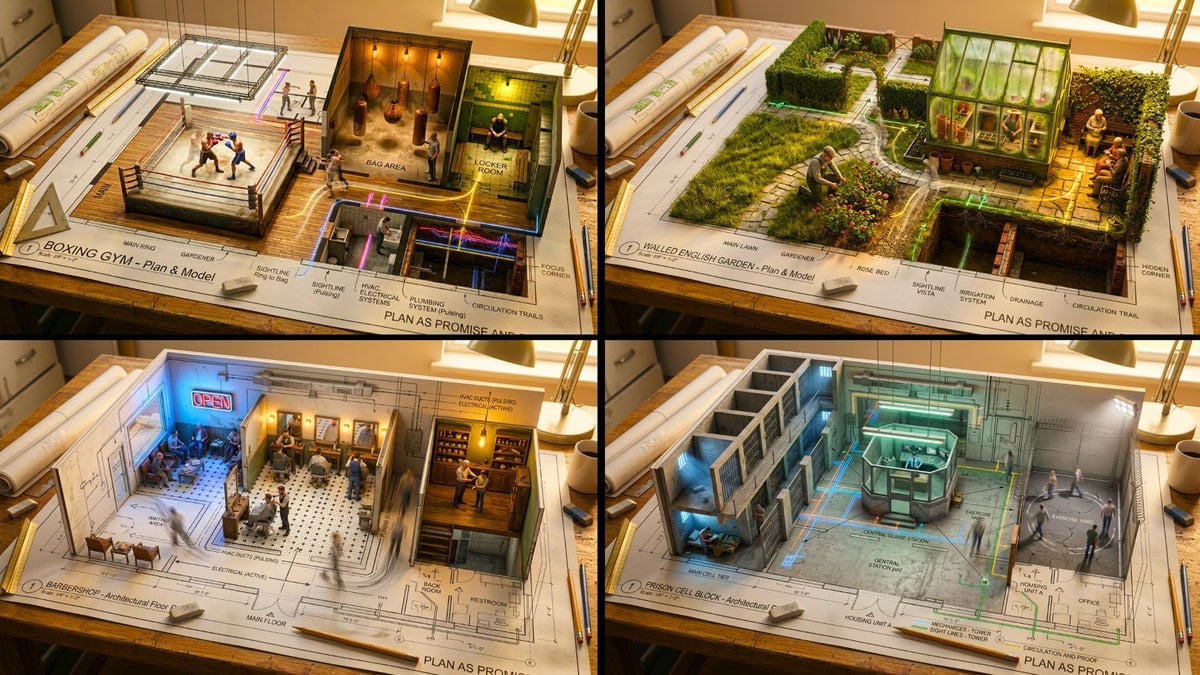
Paper Cut Scientific Illustration
Make it yours
Paper Tear Flat Illustration Poster works as-is. These are the safest ways to change it without losing the look.
Change one field
Copy a single group, rewrite it, and generate again so you can see what that field is doing.
Keep the frame, change the subject
Hold the composition and light of Paper Tear Flat Illustration Poster, then swap wardrobe, props or the person for a new take.
| If the result… | Why | Fix |
|---|---|---|
| The result drifts from the preview | Too many fields changed at once. | Reuse Paper Tear Flat Illustration Poster as-is first, then change one group — subject, light, or setting. |
| The model over-stylizes the scene | The prose prompt leaves finish and camera underspecified. | Add one camera or lighting sentence and stay on GPT Image 2. |
More GPT Image 2 templates
Other prompts made for GPT Image 2.

Six VTuber Japanese Logo Sheet

Realistic Portrait of Woman and Deer

The Vista Modular Condo Poster

AI Model Routing Comparison Infographic

2.5D Anime Art Board

Isometric Productivity Desk Scene

New York Double Exposure Poster

Four-Panel AI Landscape Comparison

Japanese Tatami Lifestyle Magazine Cover

NESCAFÉ Coffee Map Poster
More image prompts
Fresh picks from across the catalog.
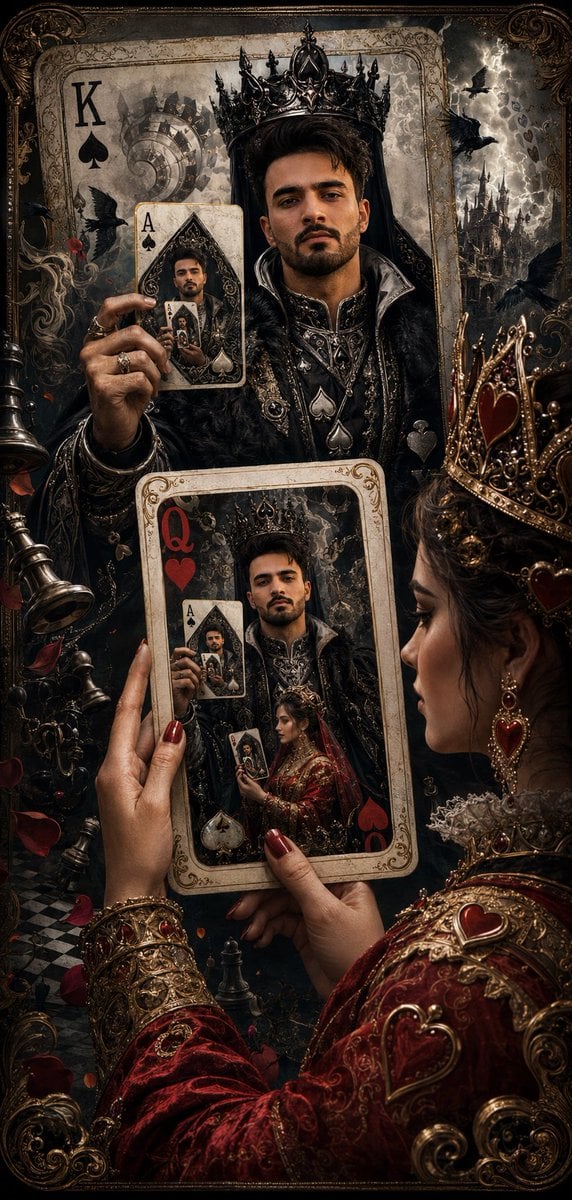
Recursive King of Spades Card

Editorial-Style Marketing Banner for Premium Tech
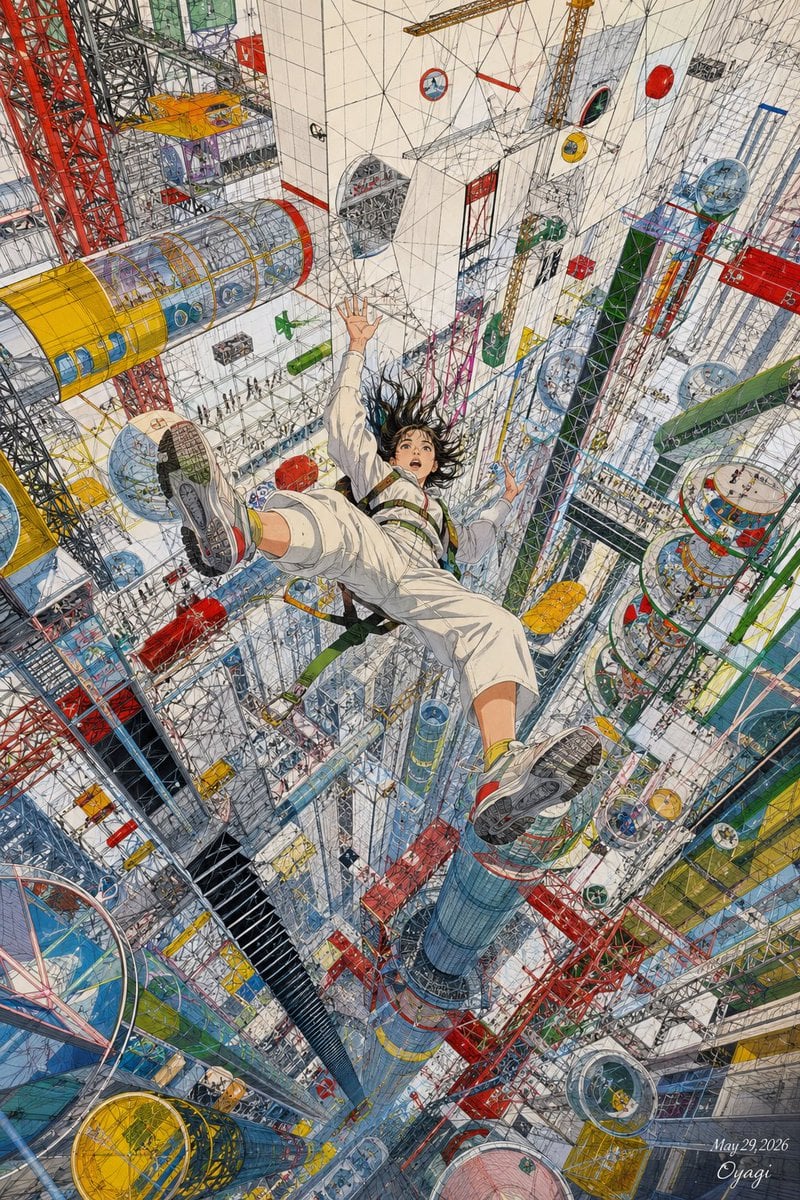
Endless Megastructure Fall
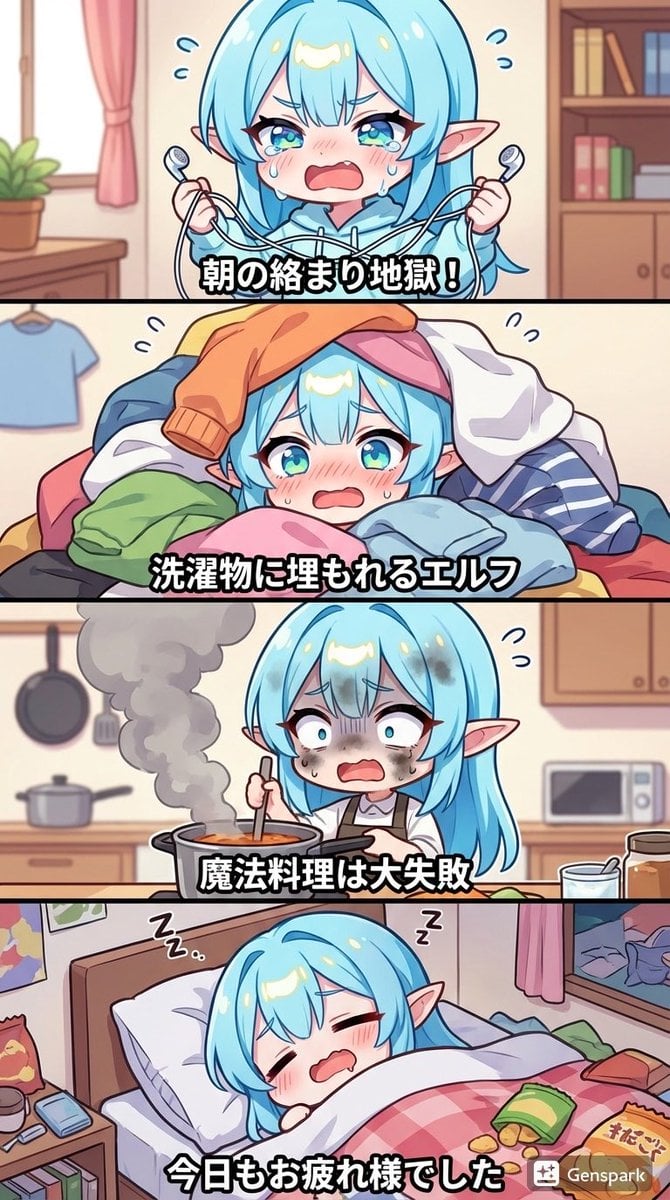
Four-panel comic about a clumsy elf
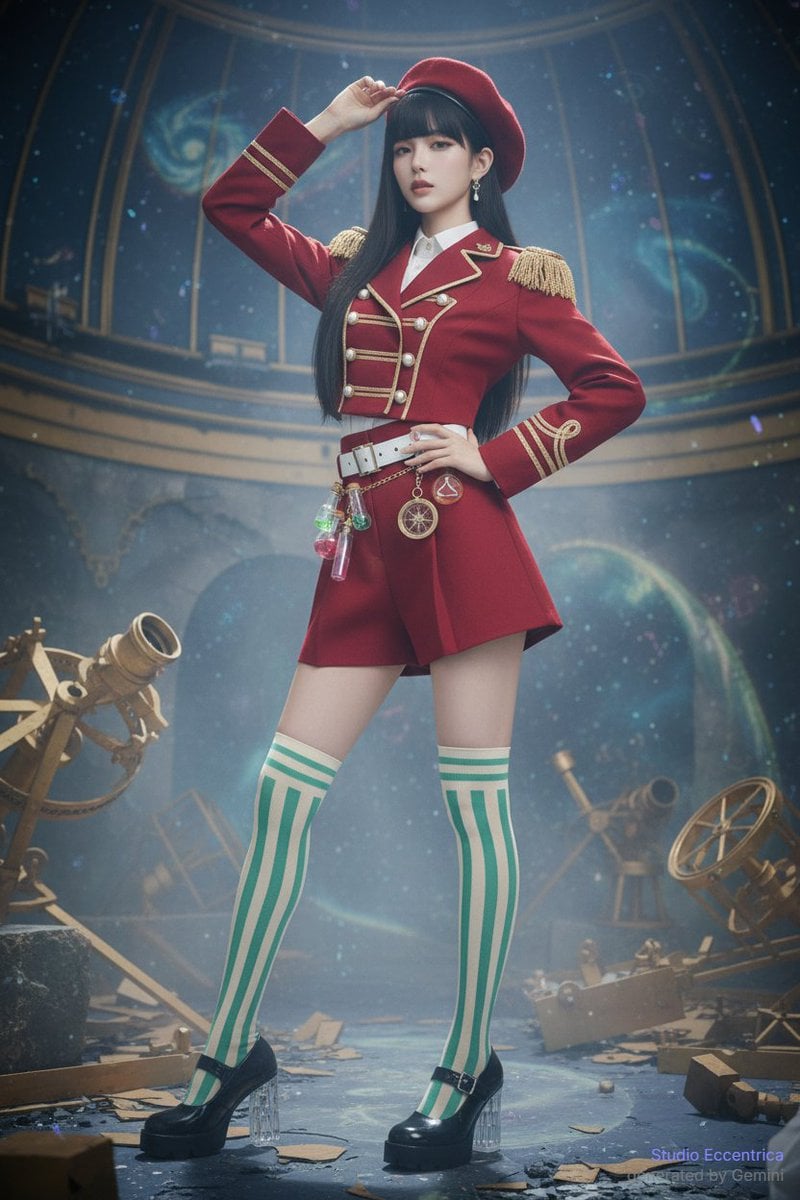
Sharing Reference Models and Outfit Prompts

Medieval Market Girl Portrait
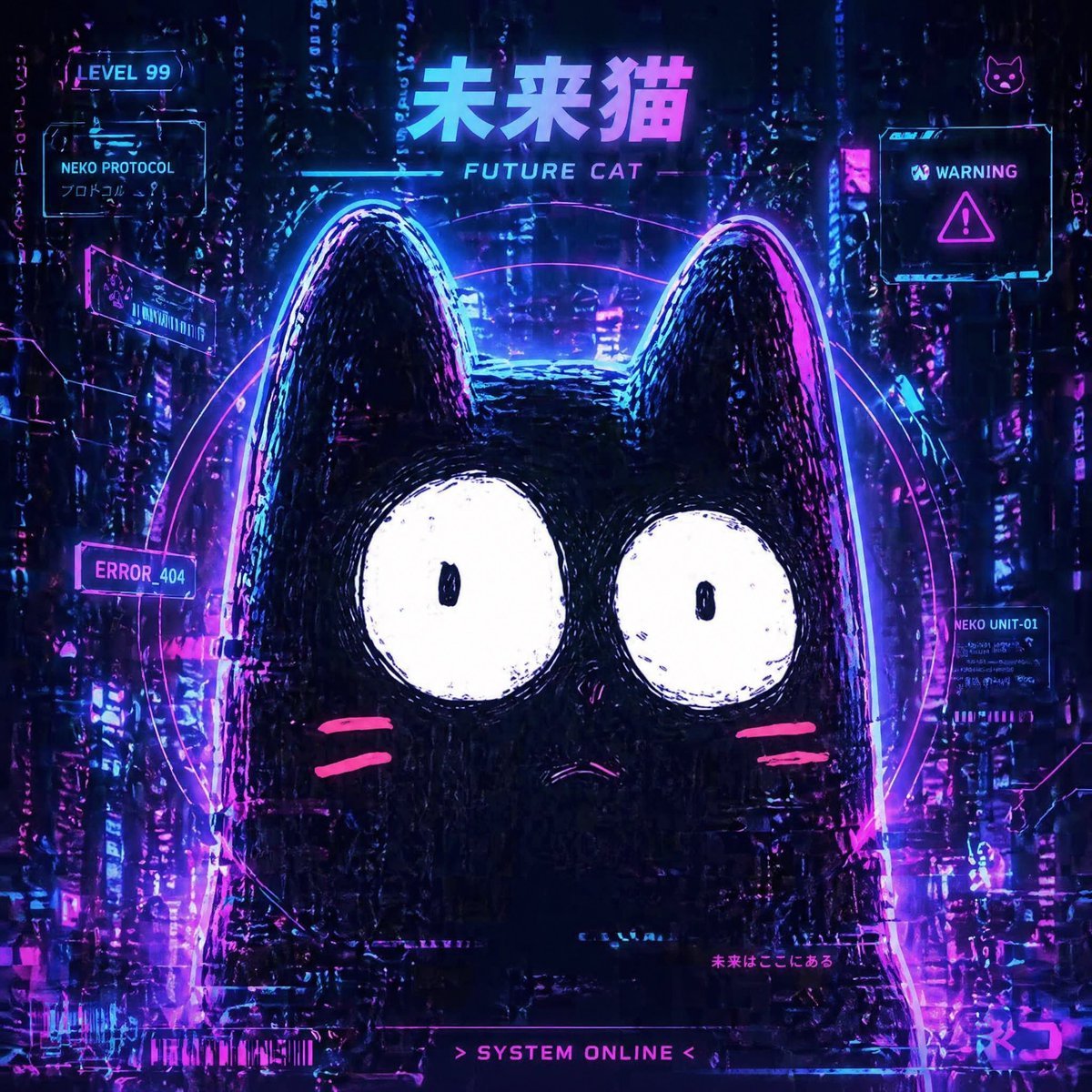
Cyberpunk Future Cat Neon Poster
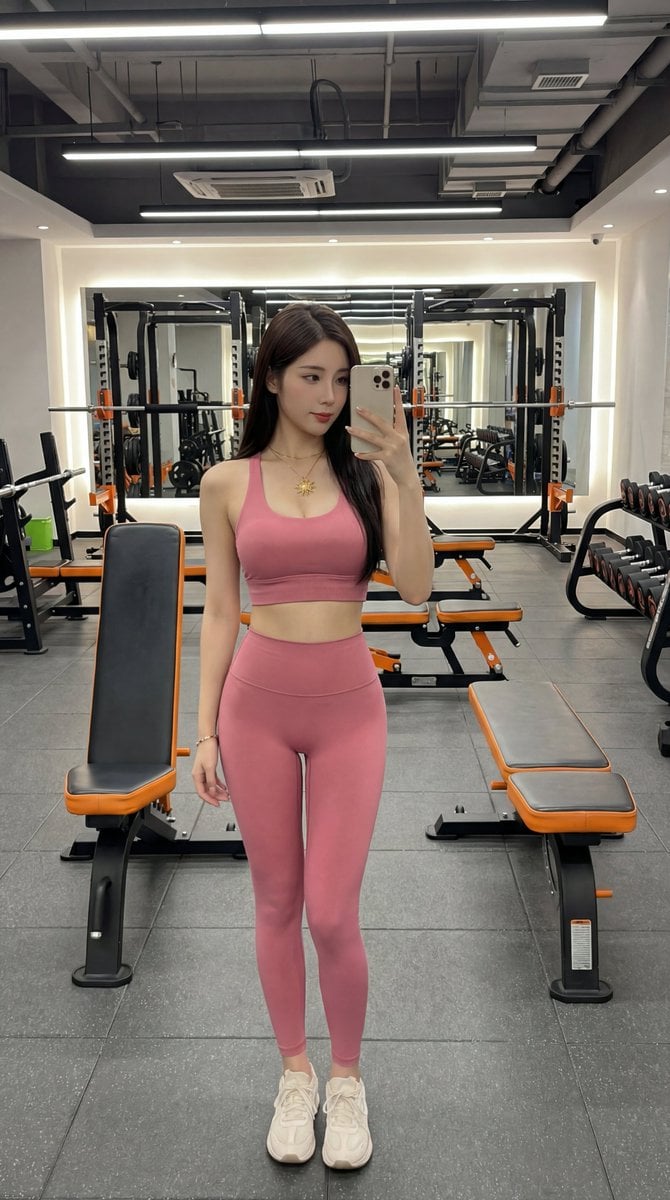
Photorealistic Gym Selfie Portrait with Specific Composition and Color Palette

Vintage Car Lifestyle Portrait with Identity Lock
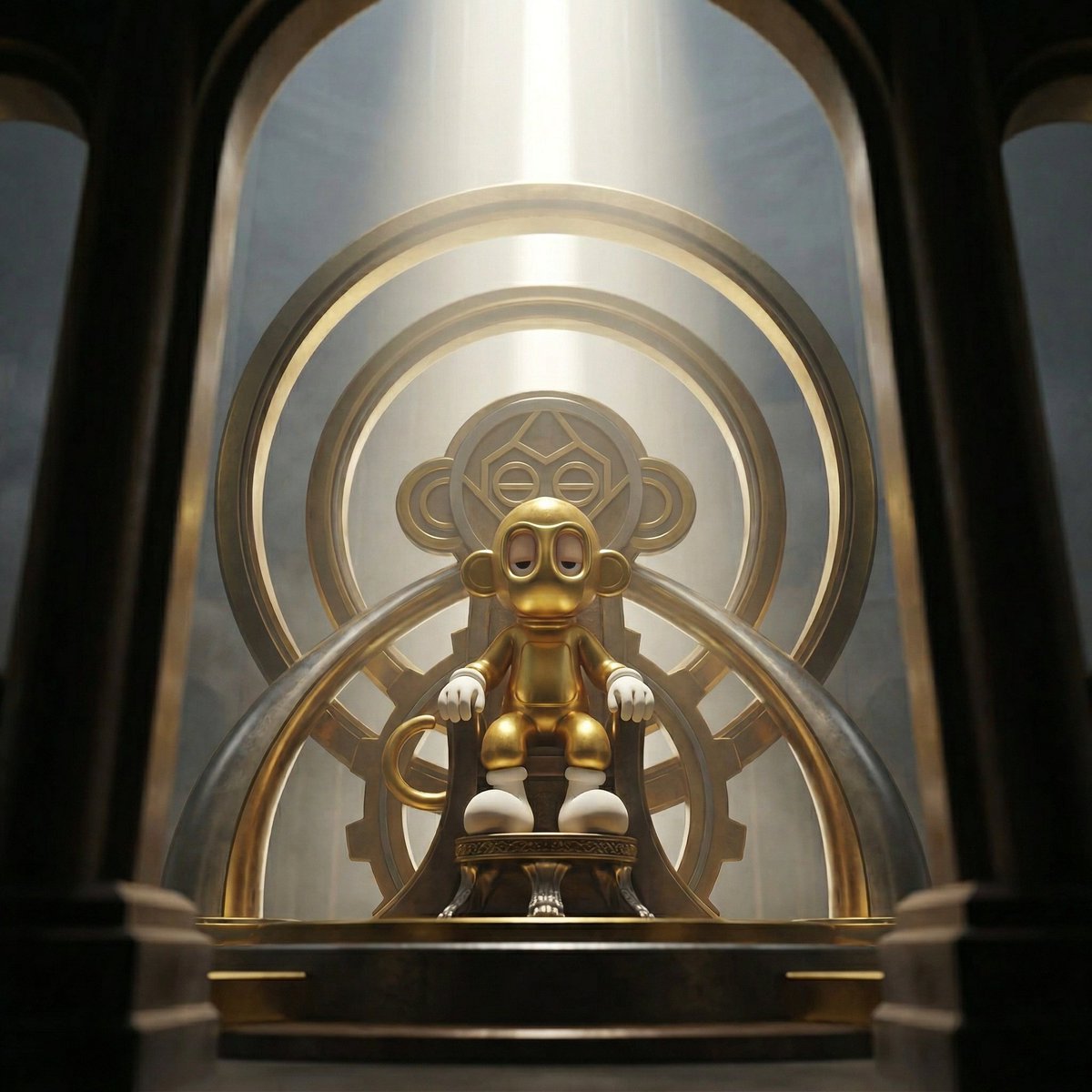
Dominance portrait generation prompt (Gemini - Thinking mode)
Browse template categories
Paper Tear Flat Illustration Poster questions
How do I use the Paper Tear Flat Illustration Poster template?
Add your photo if the template asks for one, edit the prompt if you like — the template's model and format are already selected — and press Generate. Your version opens in PicX Studio.
Can I customize the Paper Tear Flat Illustration Poster template?
Yes. You can change the subject, setting, lighting, mood, format, and available model controls before creating your image.
Is the Paper Tear Flat Illustration Poster template free?
Opening and editing this template is free. Generating uses credits, shown on the Generate button when you are signed in.
Which AI model should I use?
Start with GPT Image 2, which is the model associated with this template. You can compare another compatible model for a different finish.
Looking for something else? Browse all templates.

Your photo, any look
Thousands of ready templates for every top image and video model, from one credit balance.