
Endless Megastructure Fall
A highly detailed anime sci-fi scene of a lone youth falling through an infinite construction megastructure, useful for dramatic architectural AI art.
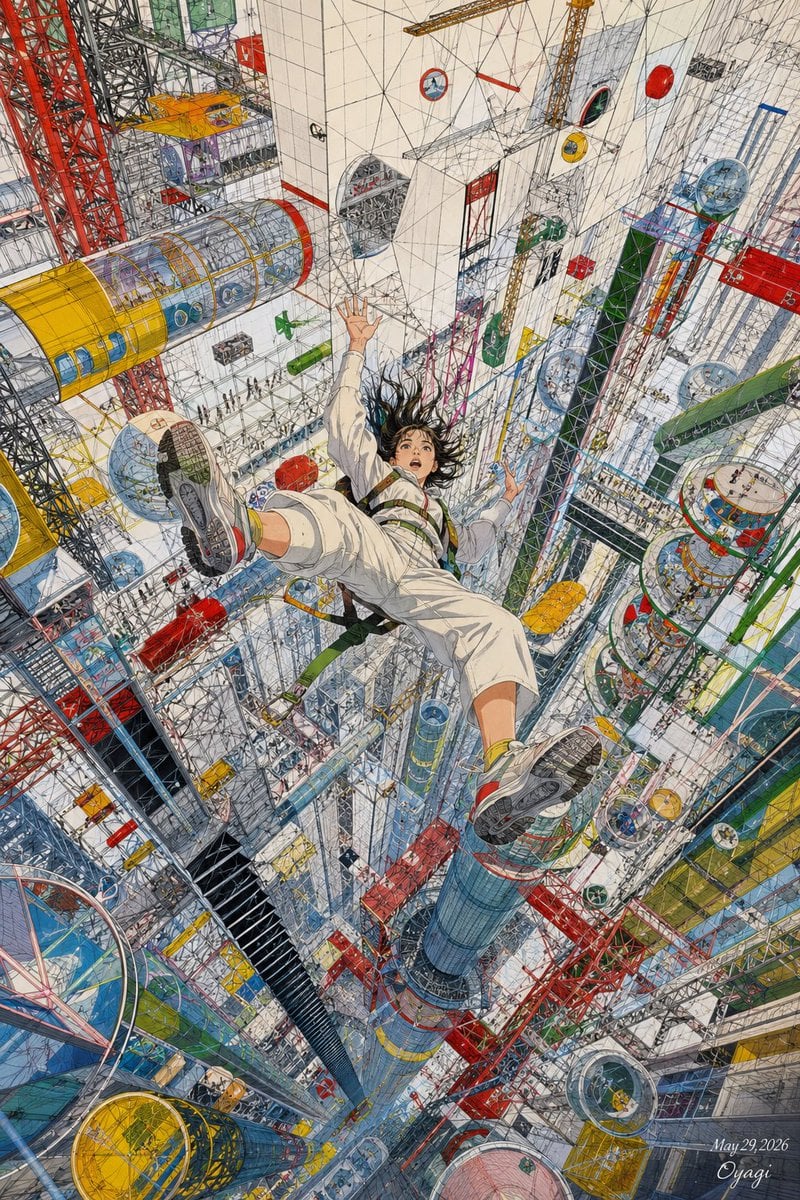
- Prompt included
- Model and format preset
- Free template
The prompt behind this image
Copy the exact prompt behind Endless Megastructure Fall, or open it in the studio and make it yours.
Create a vertical 2:3 ultra-detailed anime illustration titled by mood as {argument name="theme" default="endless structure"}: one young person, {argument name="character name" default="a faceless windblown youth"}, is falling backward through an immense infinite architectural construction site, seen from a dramatic high-angle fisheye perspective looking down into a dizzying vertical abyss. The character is centered slightly above the middle, body foreshortened, arms reaching upward, legs spread toward the viewer, long dark hair flying, face intentionally blurred or featureless, wearing a loose off-white work jumpsuit with rolled sleeves and cropped pants, green safety harness straps, white socks, and chunky gray-white sneakers with red accents and highly detailed soles. Surround the figure with an impossibly dense lattice of scaffolding, cables, wireframe beams, catwalks, cranes, towers, glass tubes, capsules, spherical observation pods, circular platforms, elevators, pipes, and unfinished building modules, all receding endlessly downward. Use exactly one main falling figure and include at least five prominent construction cranes or crane-like structures: one large red tower crane on the left edge, one yellow overhead crane near the upper left, one yellow crane near the upper center, one red crane arm on the right, and one red tower crane crossing the lower right. Add many tiny silhouetted workers on distant catwalks for scale, but keep them secondary. The architecture should mix white concrete megablocks, transparent blue glass cylinders, yellow capsule bridges, red structural frames, green walkways, circular orbital rails, and fine black engineering linework, like a futuristic city under permanent construction. Style: highly intricate Japanese sci-fi illustration, clean ink lines, watercolor and marker-like color, obsessive architectural detail, transparent technical drawing overlays, bright daylight, pale cream background, saturated red/yellow/blue/green accents, cinematic vertigo, no readable signage except an optional small handwritten date and signature in the bottom right reading {argument name="signature text" default="May 29, 2026 Oyagi"}. Make the composition feel vast, weightless, chaotic, and endless, with the falling figure as the only large human subject.
How to use Endless Megastructure Fall in 3 steps
- 1Upload ImagePNG, JPG or paste
Add your photo
Upload the photo the template builds on. The prompt, model and format are already set.
- 2…a portrait of your subject in softgolden-hour light, 85mm…
Personalize
Edit the subject and creative details for your destination.
- 3Generate
Generate
Press Generate — your image is created in PicX Studio, so you can compare it with the original and refine one variable at a time.
More like this
Templates with the same subject, style or setup. Open one to see its prompt.
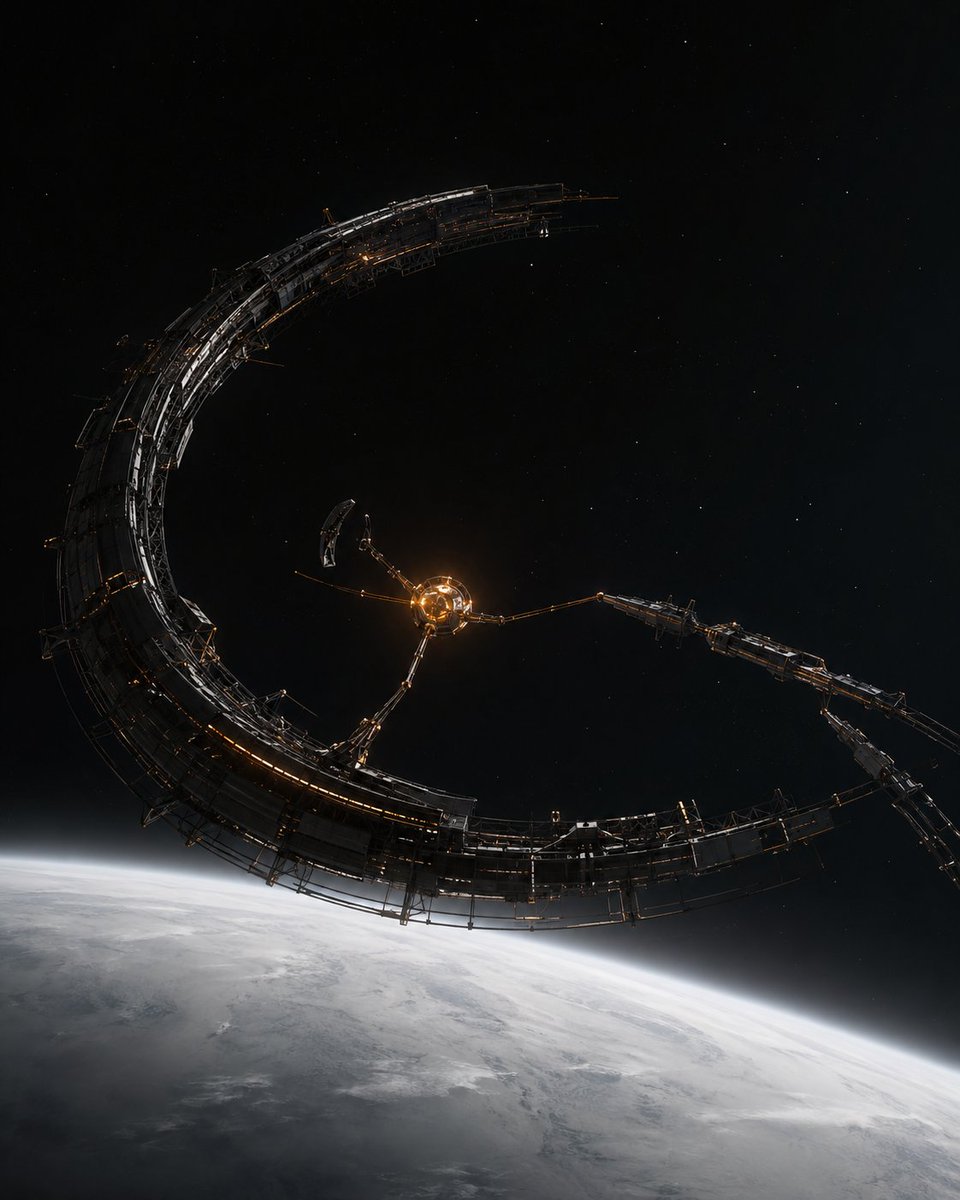
Crescent Orbital Megastructure
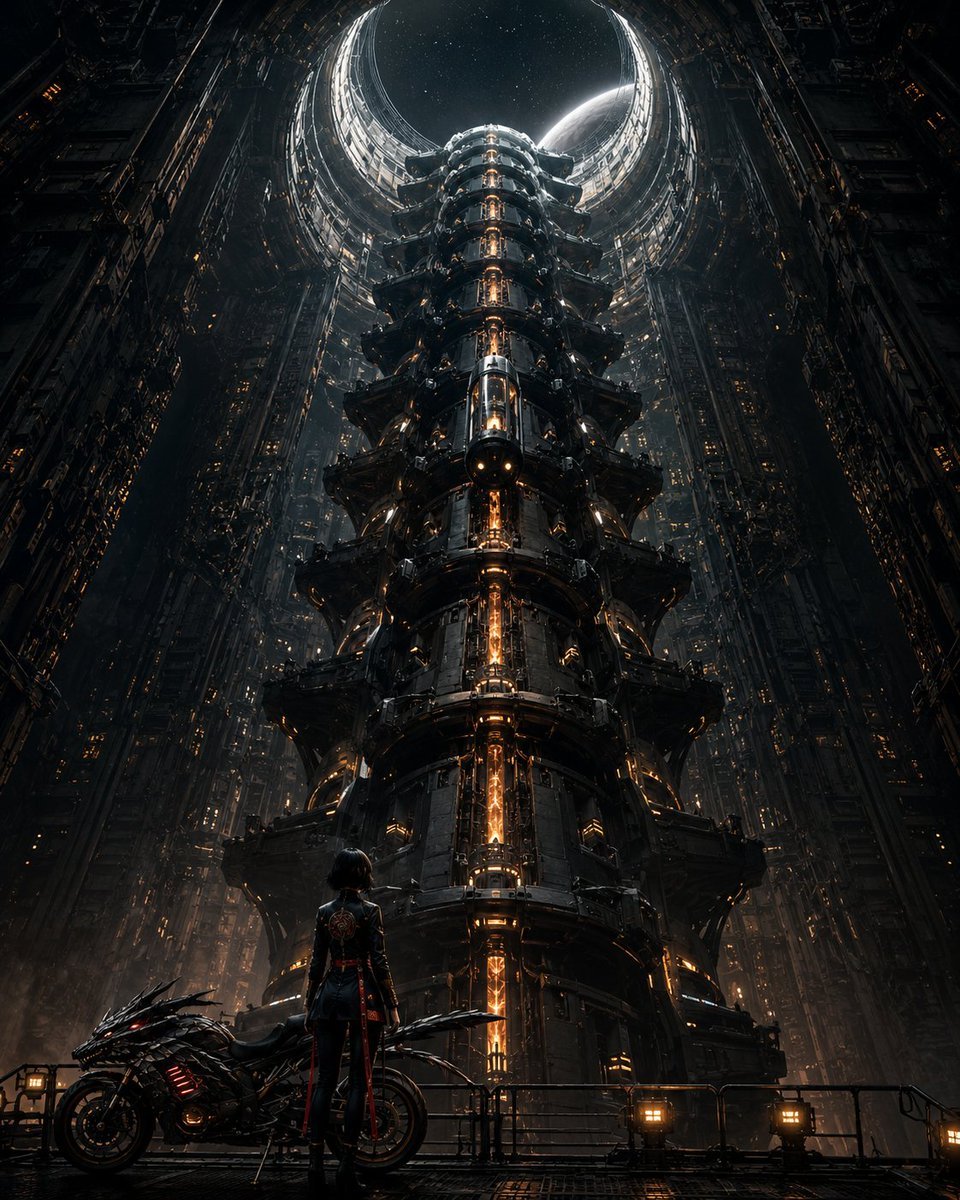
Cyberpunk Megastructure Rider
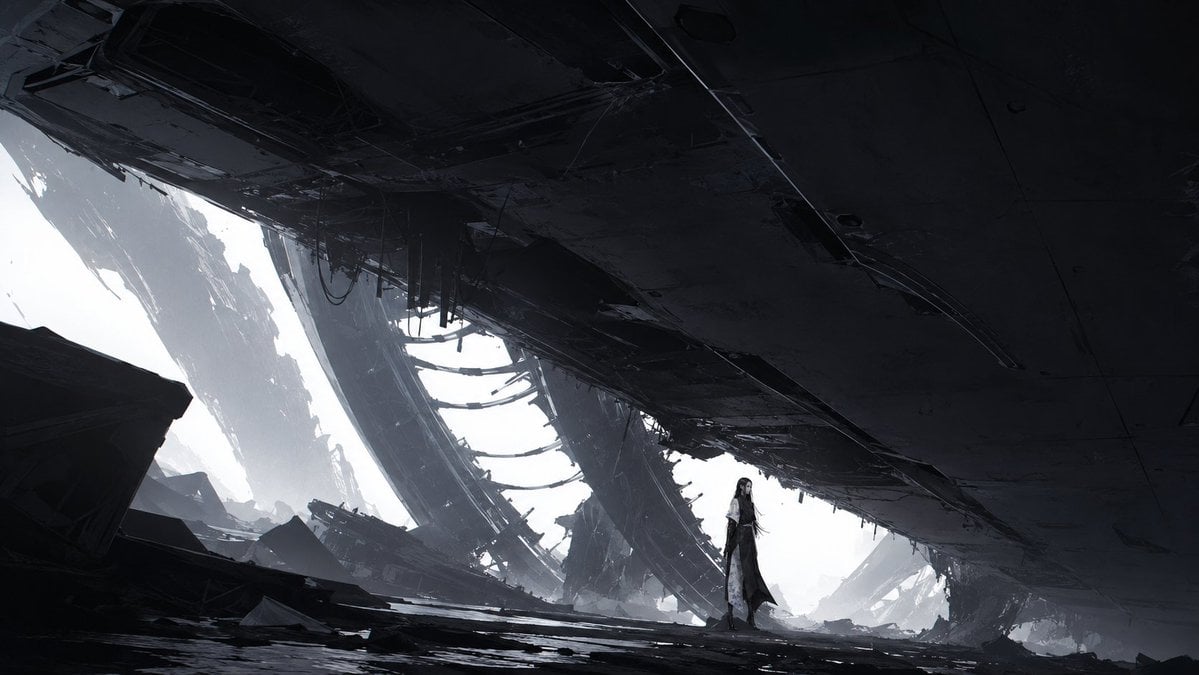
Lone Woman in Ruined Megastructure
Surreal Urban Megastructure Architecture Prompts
Unfinished Girl Megastructure
Dark Alien Megastructure Cavern
Retro Anime Endless Summer Street
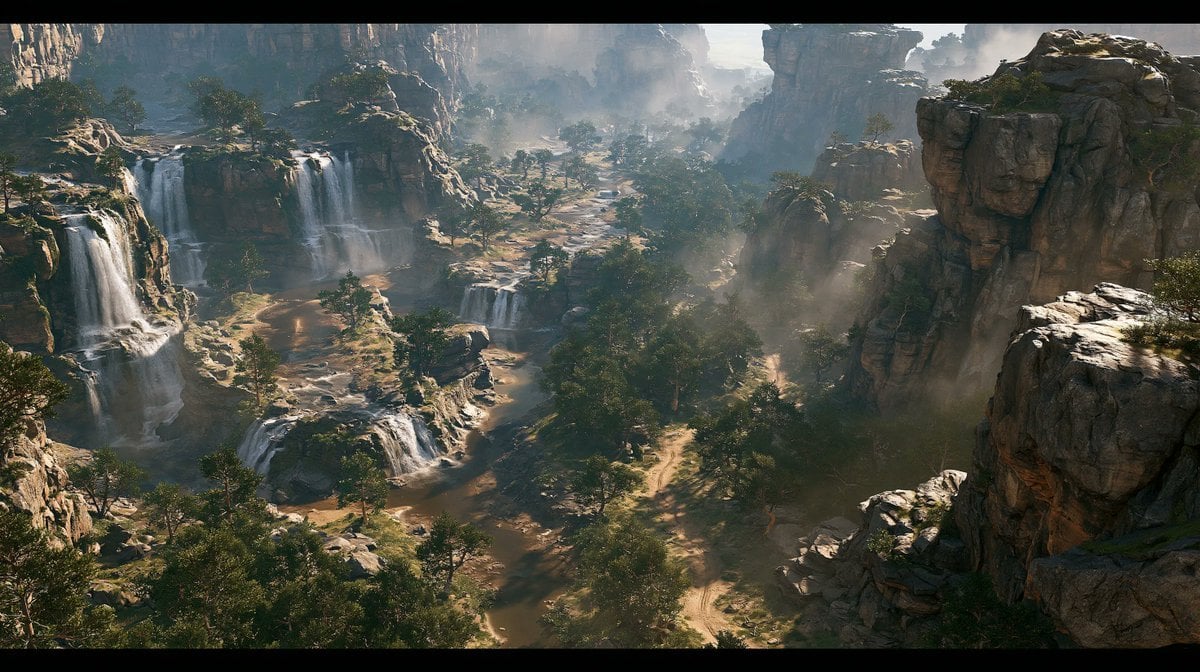
Cinematic Rocky Waterfall Valley
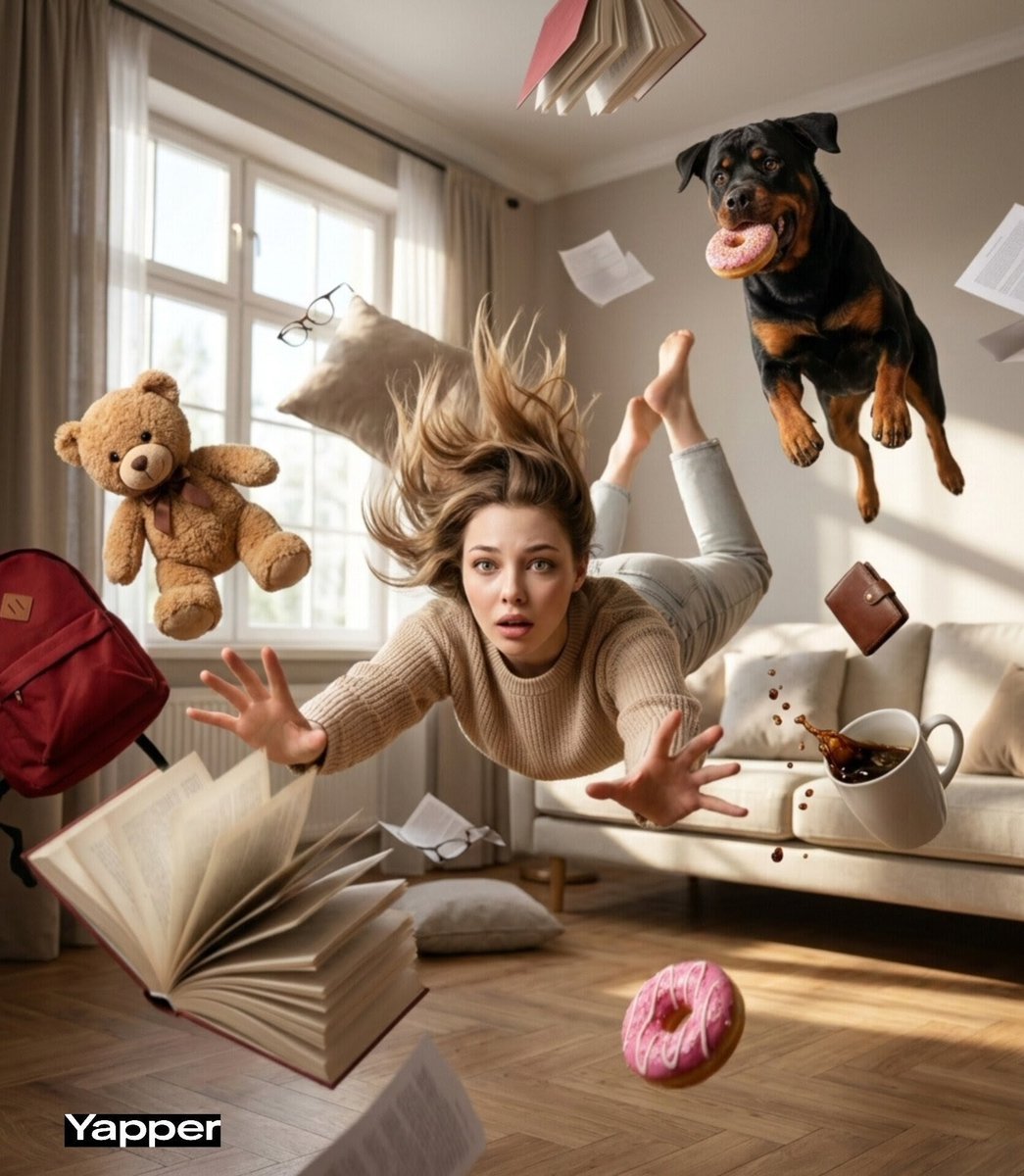
Cinematic surreal scene of a young woman falling forward through
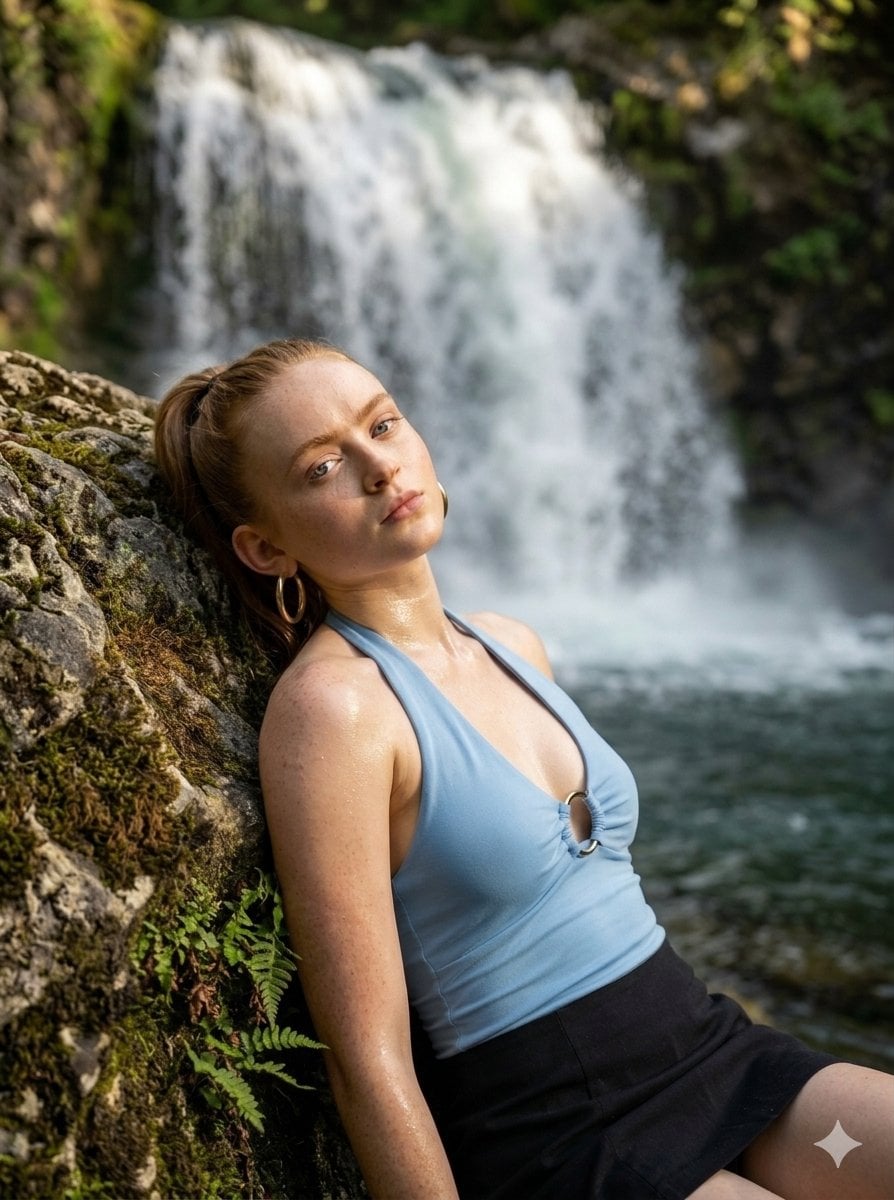
Tranquil Wilderness Waterfall Portrait
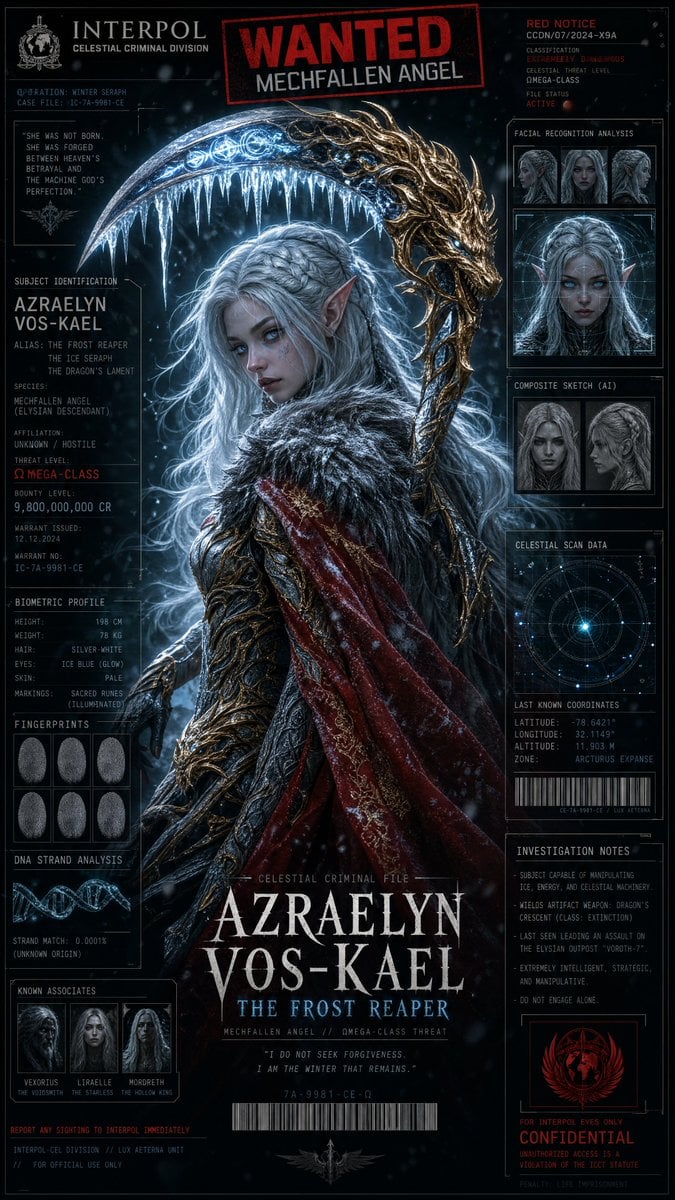
Cyber-Fantasy Mechfallen Angel Poster
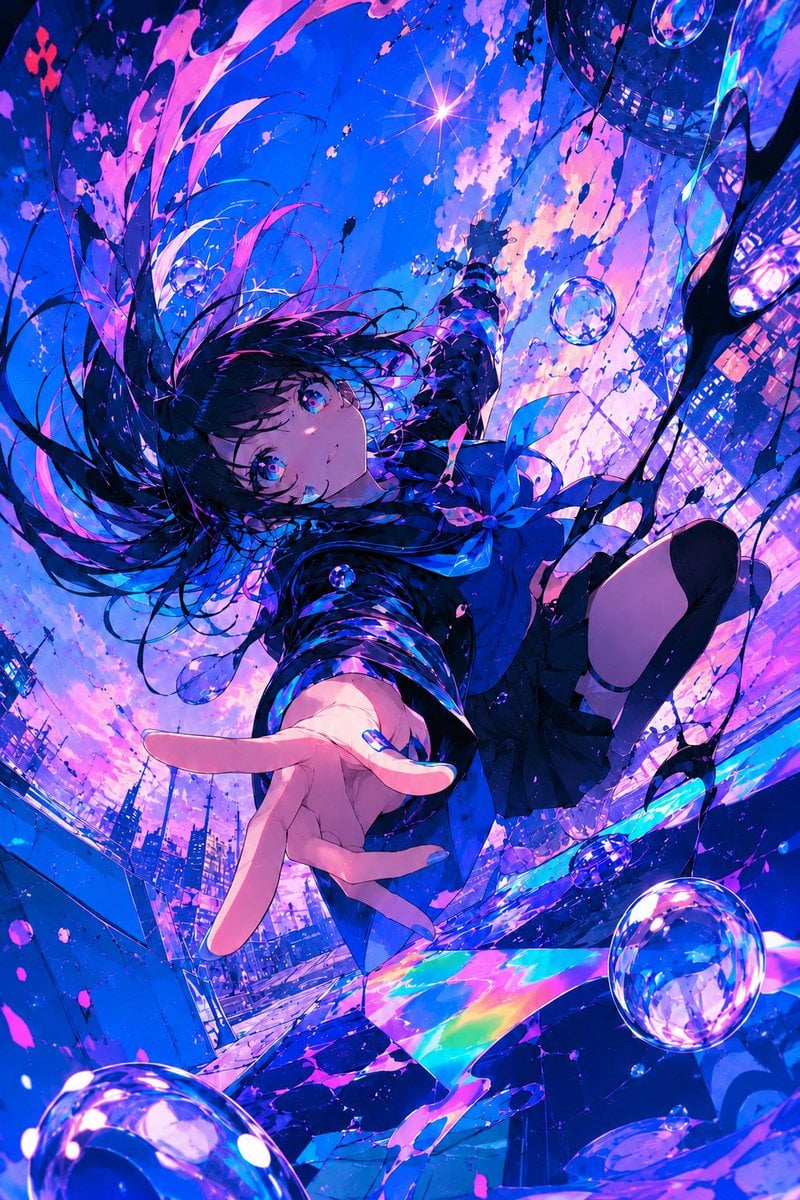
Neon Anime Girl Falling Through City Sky
Make it yours
Endless Megastructure Fall works as-is. These are the safest ways to change it without losing the look.
Change one field
Copy a single group, rewrite it, and generate again so you can see what that field is doing.
Keep the frame, change the subject
Hold the composition and light of Endless Megastructure Fall, then swap wardrobe, props or the person for a new take.
| If the result… | Why | Fix |
|---|---|---|
| The result drifts from the preview | Too many fields changed at once. | Reuse Endless Megastructure Fall as-is first, then change one group — subject, light, or setting. |
| The model over-stylizes the scene | The prose prompt leaves finish and camera underspecified. | Add one camera or lighting sentence and stay on GPT Image 2. |
More GPT Image 2 templates
Other prompts made for GPT Image 2.

Six VTuber Japanese Logo Sheet

Realistic Portrait of Woman and Deer

The Vista Modular Condo Poster

AI Model Routing Comparison Infographic

2.5D Anime Art Board

Isometric Productivity Desk Scene

New York Double Exposure Poster

Four-Panel AI Landscape Comparison

Japanese Tatami Lifestyle Magazine Cover

NESCAFÉ Coffee Map Poster
More image prompts
Fresh picks from across the catalog.
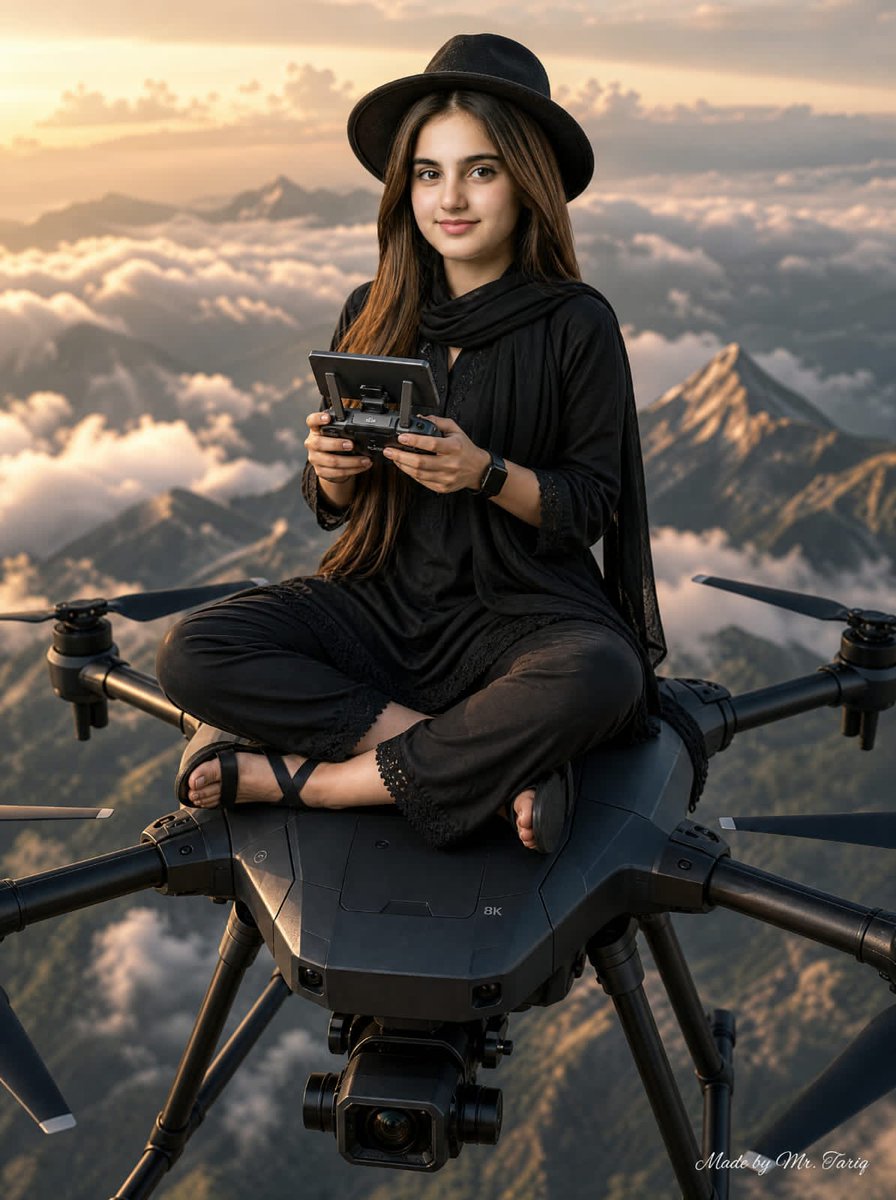
Woman Riding Giant Drone Above Mountains
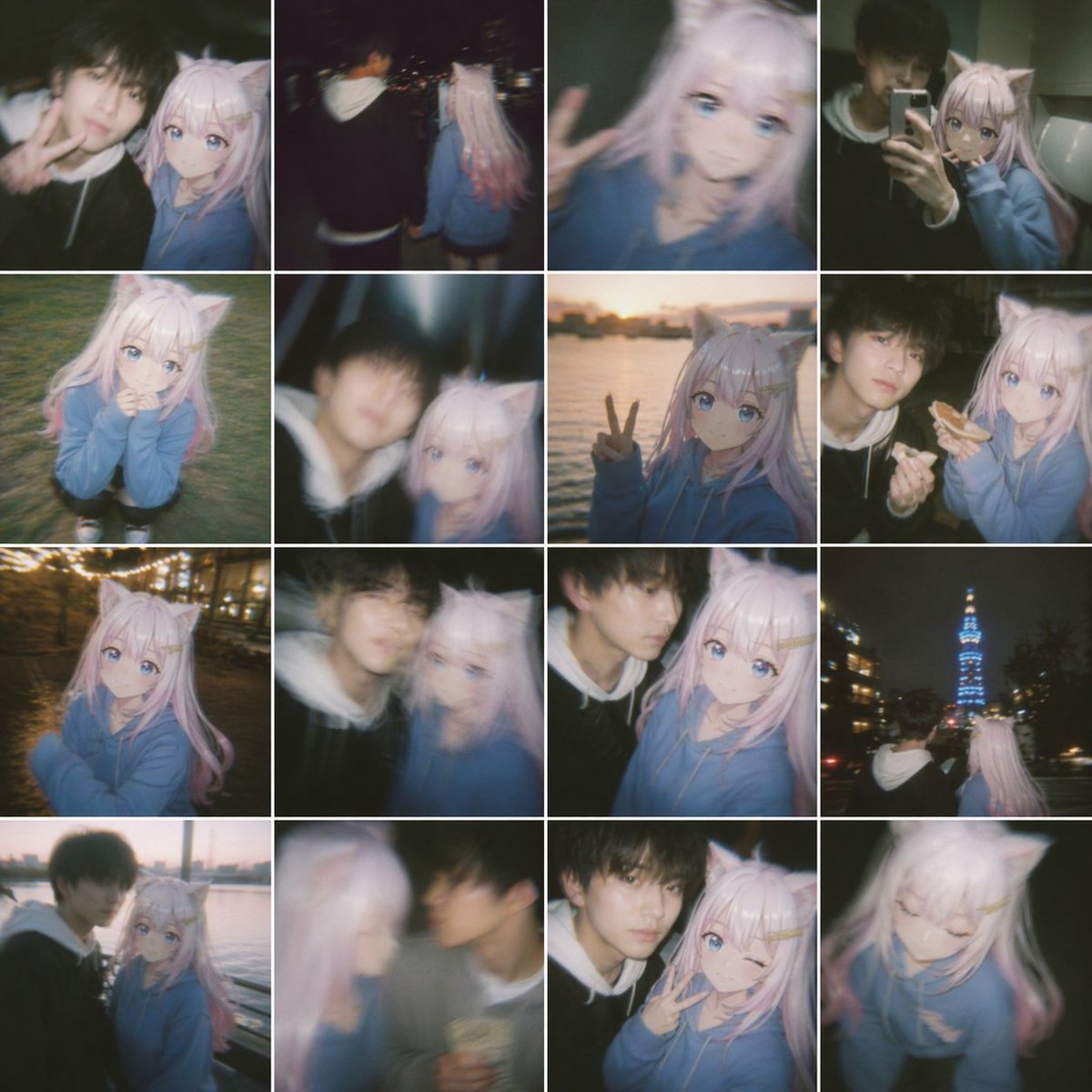
Nostalgic Shaky Film Couple Selfies

Ultra-Realistic Banana Caramel Tart Food Photography Prompt
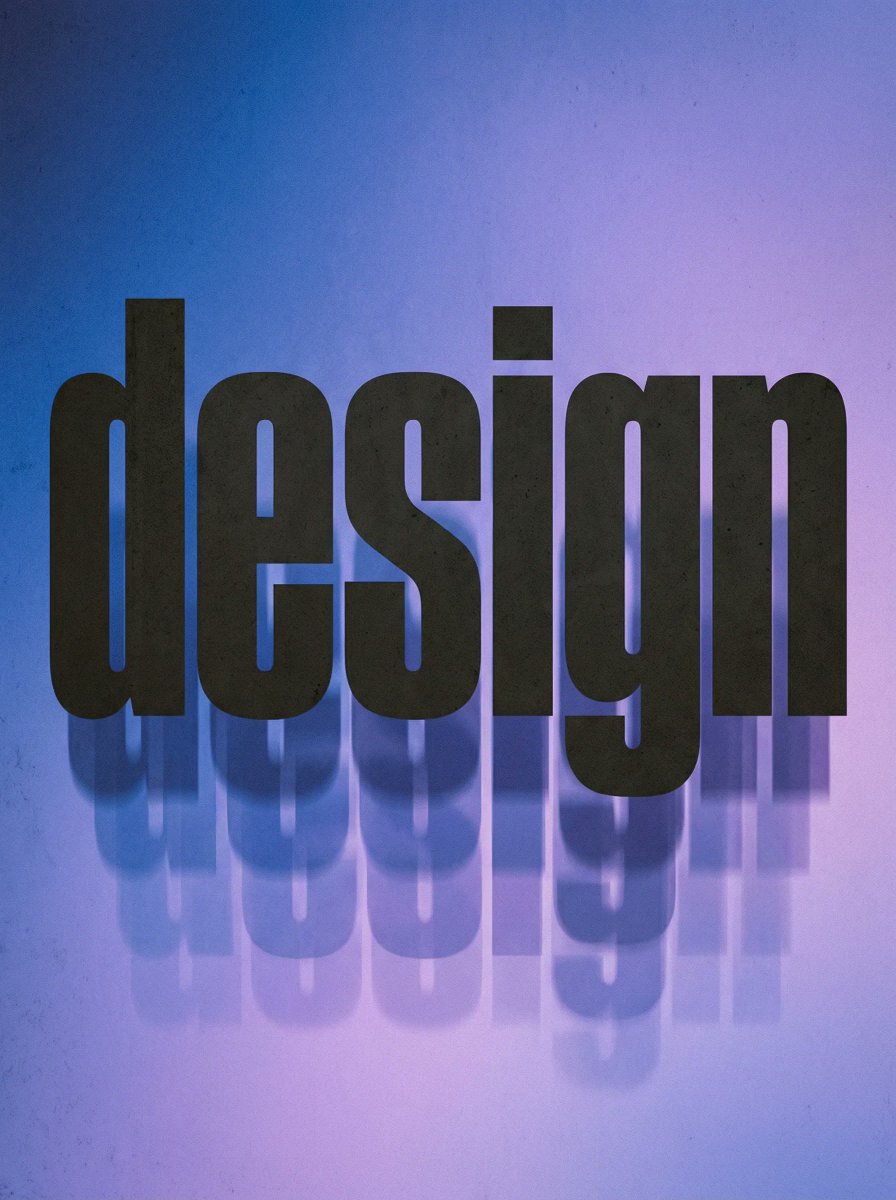
Experimental Typographic Poster
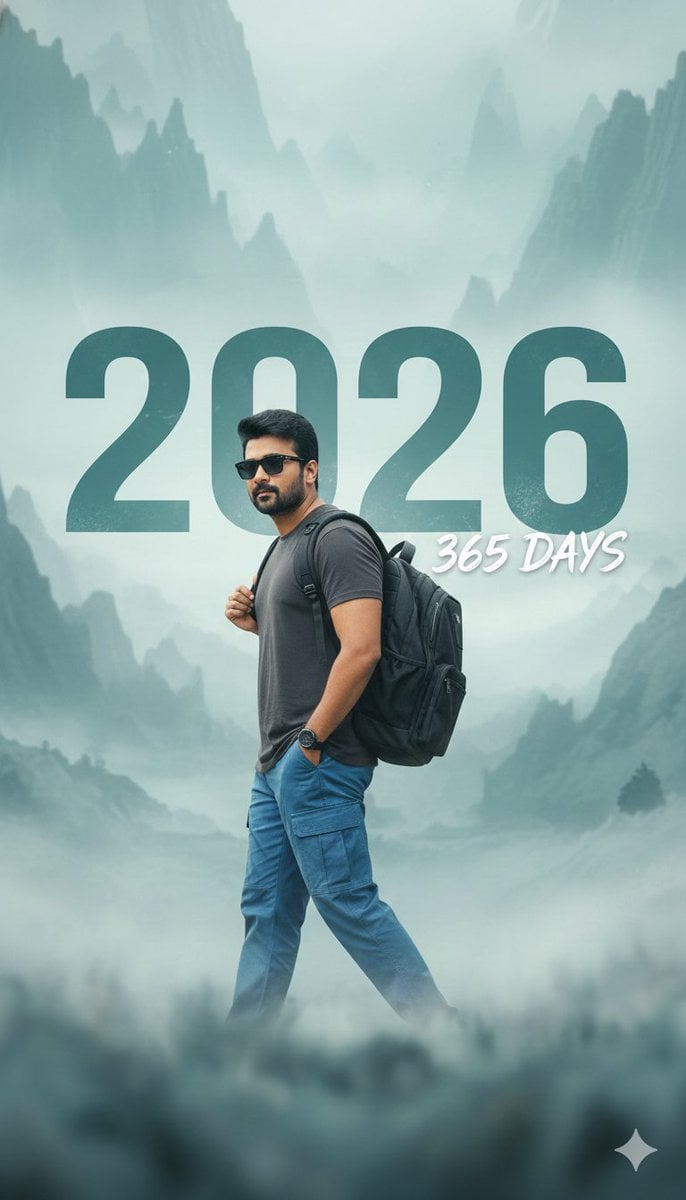
New Year 2026 Cinematic Photo with Text Overlay
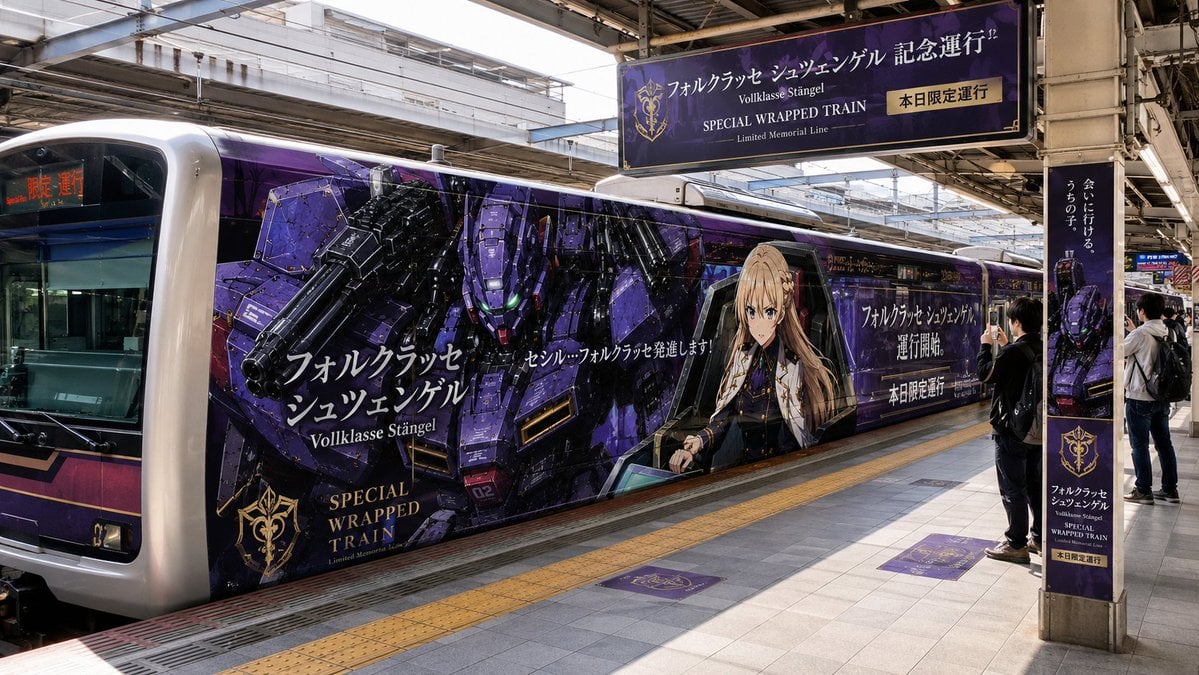
Anime Mecha Wrapped Train at Station
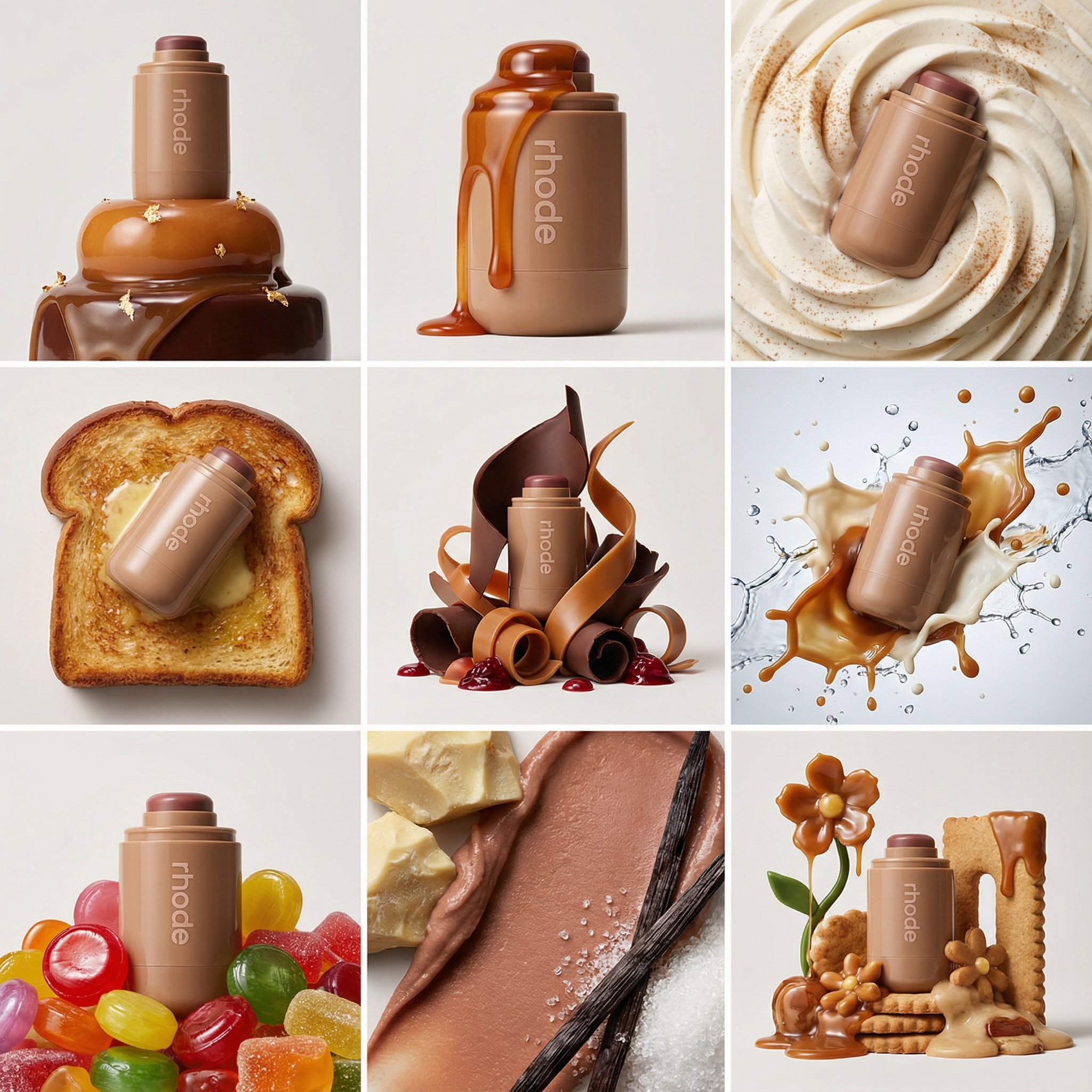
Nano Banana Pro Product Photography
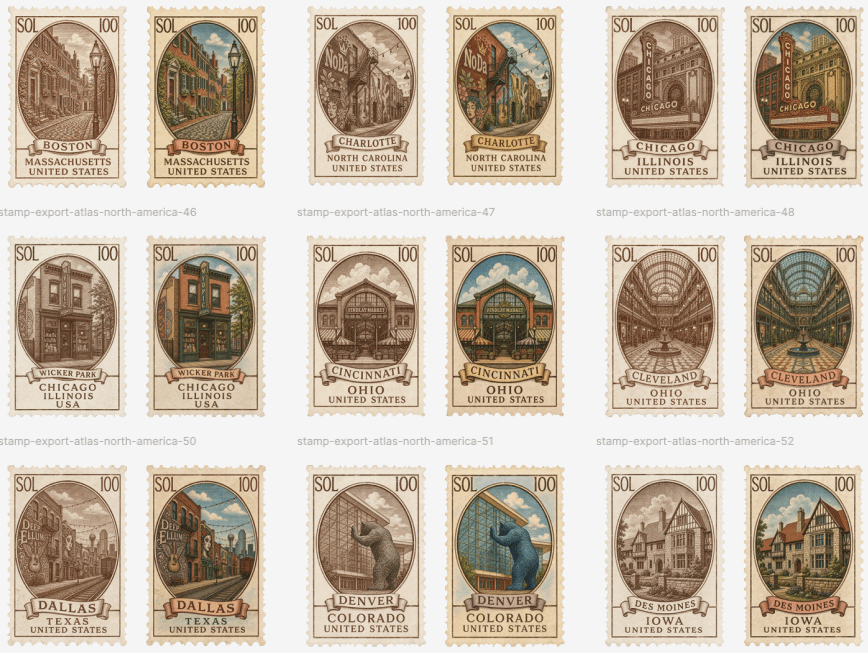
Vintage North America Stamp Grid
Realistic Chinese Woman in School-Inspired Fashion Prompt

Vintage Monochrome Illustration Prompt
Browse template categories
Endless Megastructure Fall questions
How do I use the Endless Megastructure Fall template?
Add your photo if the template asks for one, edit the prompt if you like — the template's model and format are already selected — and press Generate. Your version opens in PicX Studio.
Can I customize the Endless Megastructure Fall template?
Yes. You can change the subject, setting, lighting, mood, format, and available model controls before creating your image.
Is the Endless Megastructure Fall template free?
Opening and editing this template is free. Generating uses credits, shown on the Generate button when you are signed in.
Which AI model should I use?
Start with GPT Image 2, which is the model associated with this template. You can compare another compatible model for a different finish.
Looking for something else? Browse all templates.

Your photo, any look
Thousands of ready templates for every top image and video model, from one credit balance.