How do I use the Neon Anime Girl Falling Through City Sky template?
Edit the prompt in the box under the preview — the template's model and format are already selected — and press Generate. Your version appears right on this page.
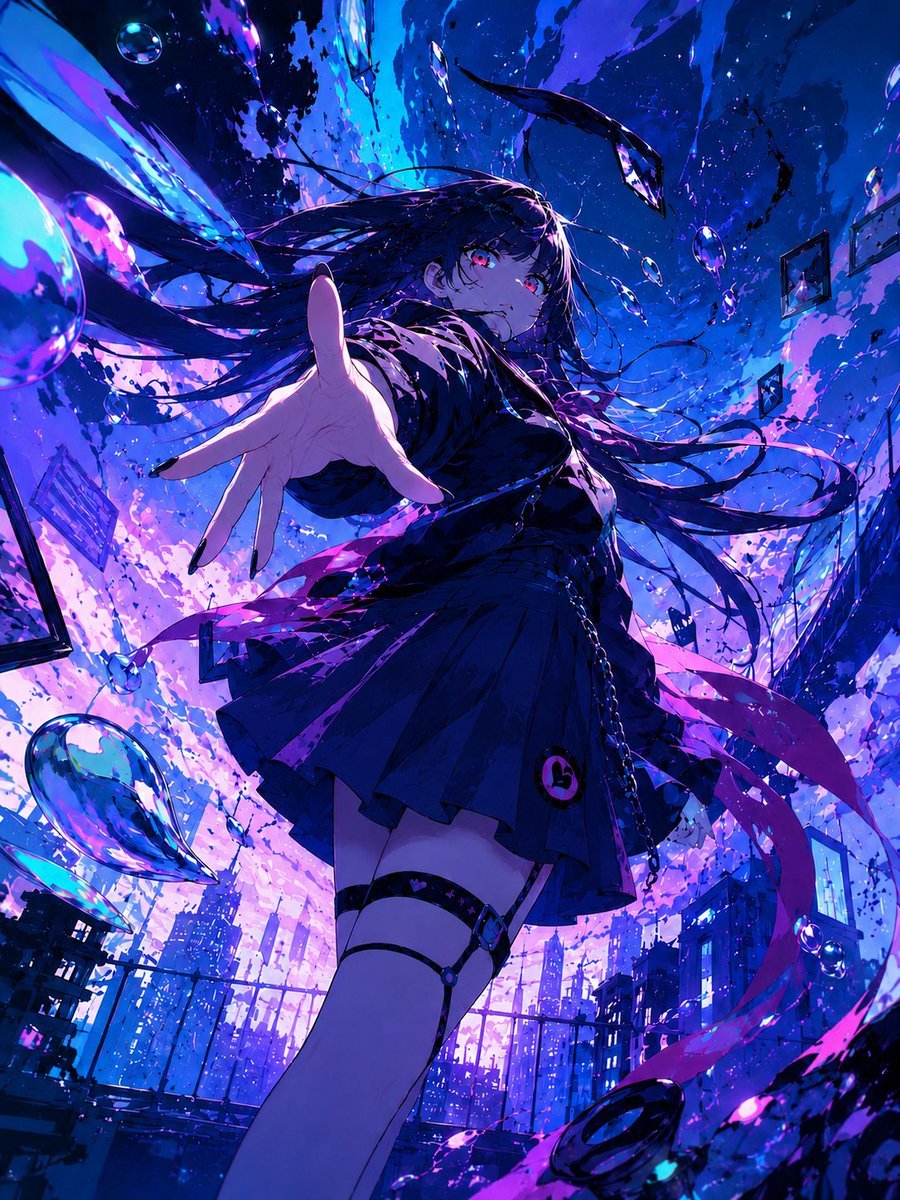
Generates a vivid cinematic anime key visual of a schoolgirl reaching toward the viewer amid bubbles, shards, and a warped neon city sky.

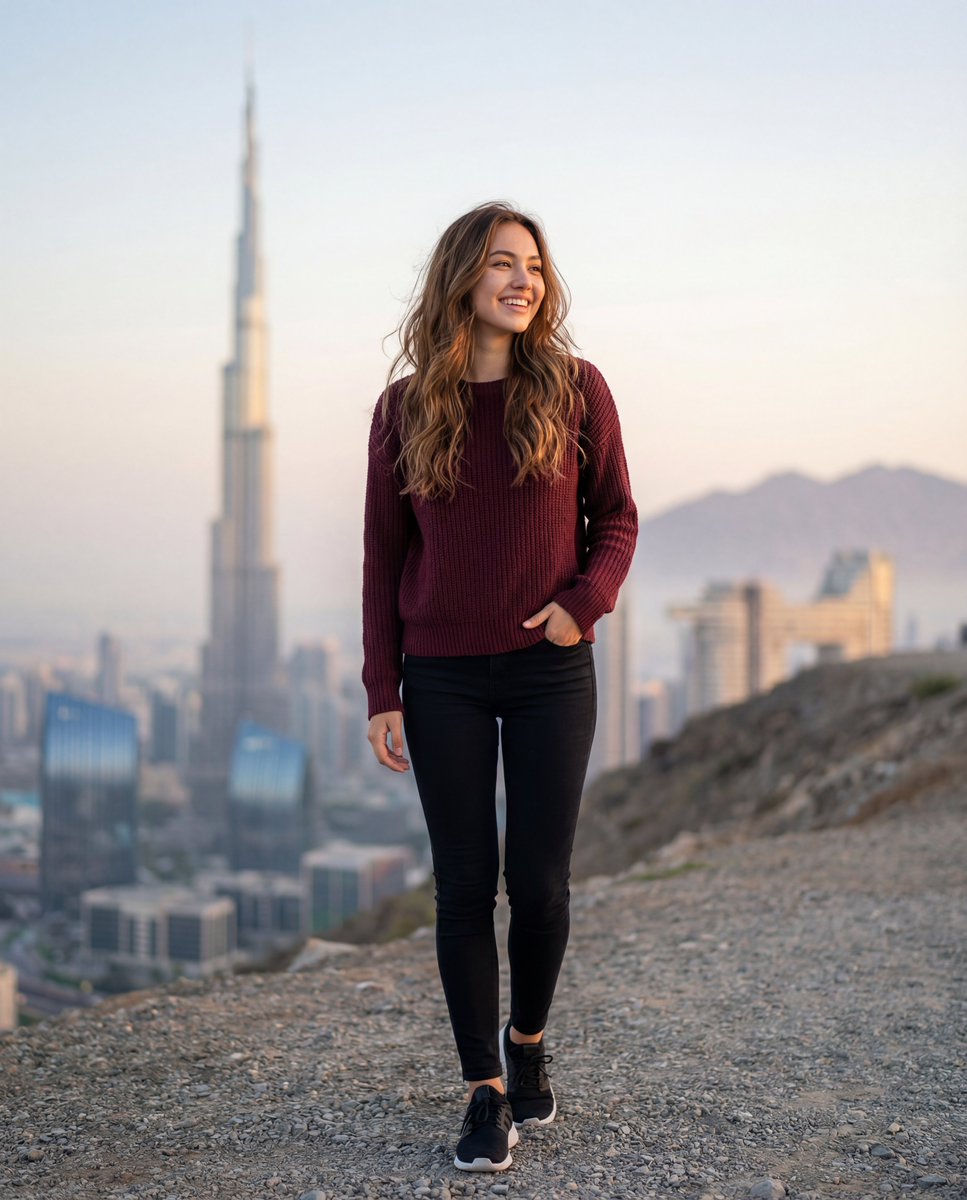
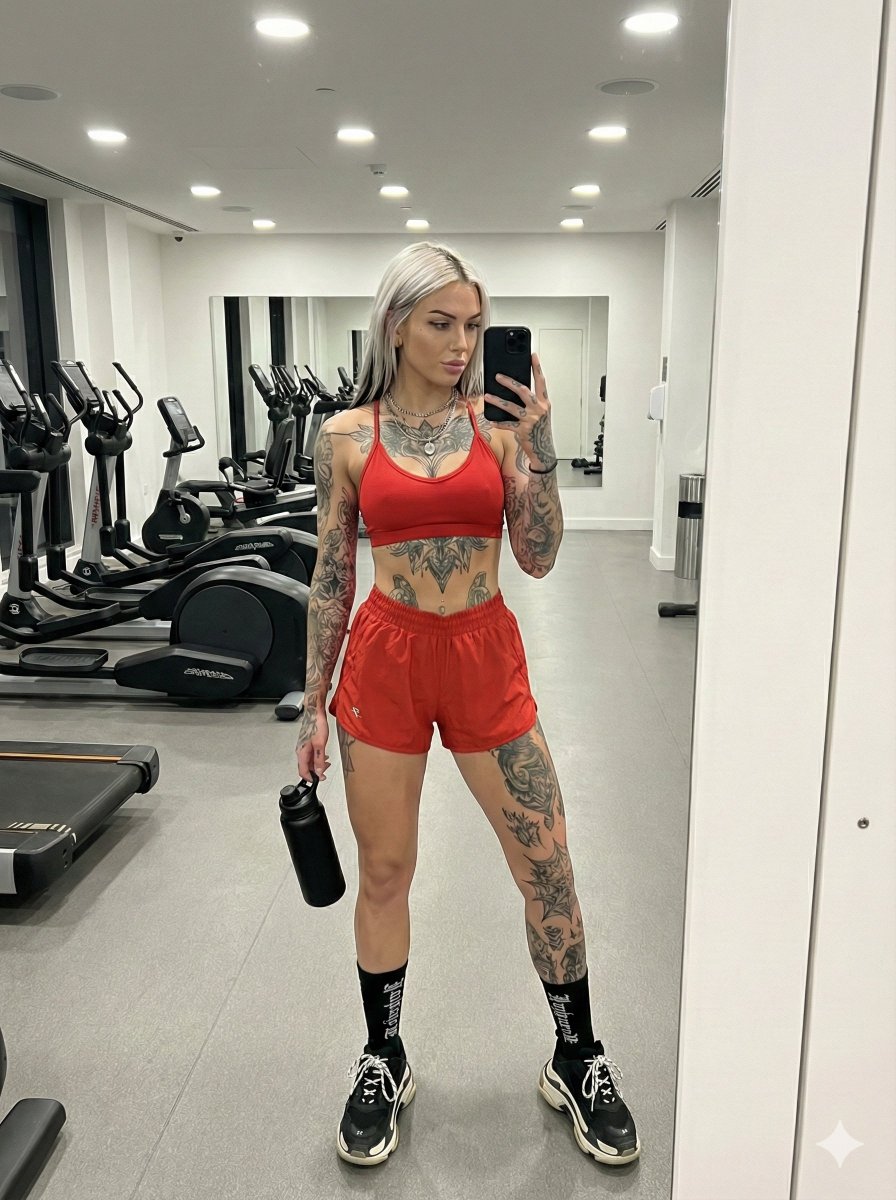
This template uses your photo — add one with the + button.
Create a dynamic vertical anime illustration of {argument name="character name" default="a blue-eyed schoolgirl"} floating or falling through a surreal inverted city sky, seen from an extreme wide-angle perspective with the viewer below her outstretched hand. She has {argument name="hair color" default="long black hair with electric blue and violet highlights"}, wind-tossed strands fanning dramatically upward, luminous cyan-blue eyes, a calm slightly wistful expression, and glossy painted fingernails as her hand reaches toward the camera in strong foreshortening. Dress her in {argument name="outfit" default="a dark navy Japanese school uniform with a blue ribbon, pleated skirt, black thigh-high socks, and shiny rain-wet fabric"}. The environment is a dreamlike urban skyline warped around her, with skyscrapers, rails, cables, and reflective glass planes curving through the composition as if gravity has dissolved. Use a vivid {argument name="color palette" default="neon cobalt blue, ultraviolet purple, hot magenta, cyan, and pink sunset light"}, high contrast rim lighting, liquid reflections, iridescent prism fragments, paint-like splashes, and glowing sky clouds. Include exactly 10 visible transparent soap-bubble orbs: 1 huge cropped bubble at the bottom left edge, 1 large bubble at the lower right, 1 medium bubble near her hair on the left, 1 small bubble on her chest, 1 tiny bubble near her reaching hand, 1 small bubble above her head, 1 medium bubble in the upper right corner, 1 small bubble at mid-right, and 2 tiny bubbles scattered in the upper sky. Add a bright starburst sun near the upper center, falling pink petals or liquid flecks, and crystalline reflective shards around the foreground. Style: highly detailed modern anime key visual, cinematic composition, ultra-saturated colors, glossy digital painting, sharp linework mixed with painterly lighting, emotional and fantastical atmosphere, no text, no border.
Create a dynamic vertical anime illustration of {argument name="character name" default="a blue-eyed schoolgirl"} floating or falling through a surreal inverted city sky, seen from an extreme wide-angle perspective with the viewer below her outstretched hand. She has {argument name="hair color" default="long black hair with electric blue and violet highlights"}, wind-tossed strands fanning dramatically upward, luminous cyan-blue eyes, a calm slightly wistful expression, and glossy painted fingernails as her hand reaches toward the camera in strong foreshortening. Dress her in {argument name="outfit" default="a dark navy Japanese school uniform with a blue ribbon, pleated skirt, black thigh-high socks, and shiny rain-wet fabric"}. The environment is a dreamlike urban skyline warped around her, with skyscrapers, rails, cables, and reflective glass planes curving through the composition as if gravity has dissolved. Use a vivid {argument name="color palette" default="neon cobalt blue, ultraviolet purple, hot magenta, cyan, and pink sunset light"}, high contrast rim lighting, liquid reflections, iridescent prism fragments, paint-like splashes, and glowing sky clouds. Include exactly 10 visible transparent soap-bubble orbs: 1 huge cropped bubble at the bottom left edge, 1 large bubble at the lower right, 1 medium bubble near her hair on the left, 1 small bubble on her chest, 1 tiny bubble near her reaching hand, 1 small bubble above her head, 1 medium bubble in the upper right corner, 1 small bubble at mid-right, and 2 tiny bubbles scattered in the upper sky. Add a bright starburst sun near the upper center, falling pink petals or liquid flecks, and crystalline reflective shards around the foreground. Style: highly detailed modern anime key visual, cinematic composition, ultra-saturated colors, glossy digital painting, sharp linework mixed with painterly lighting, emotional and fantastical atmosphere, no text, no border.
Edit the prompt in the box under the preview — the template's model and format are already selected — and press Generate. Your version appears right on this page.
Yes. You can change the subject, setting, lighting, mood, format, and available model controls before creating your image.
Opening and editing this template is free. Generating uses credits, shown on the Generate button when you are signed in.
Start with GPT Image 2, which is the model associated with this template. You can compare another compatible model for a different finish.
Follow a topic to a crawlable collection of related PicX Studio templates.