
Anime Figurine Falling Into Cup Noodle
A photorealistic humorous tabletop scene of a schoolgirl anime figurine tumbling into an opened instant noodle cup.
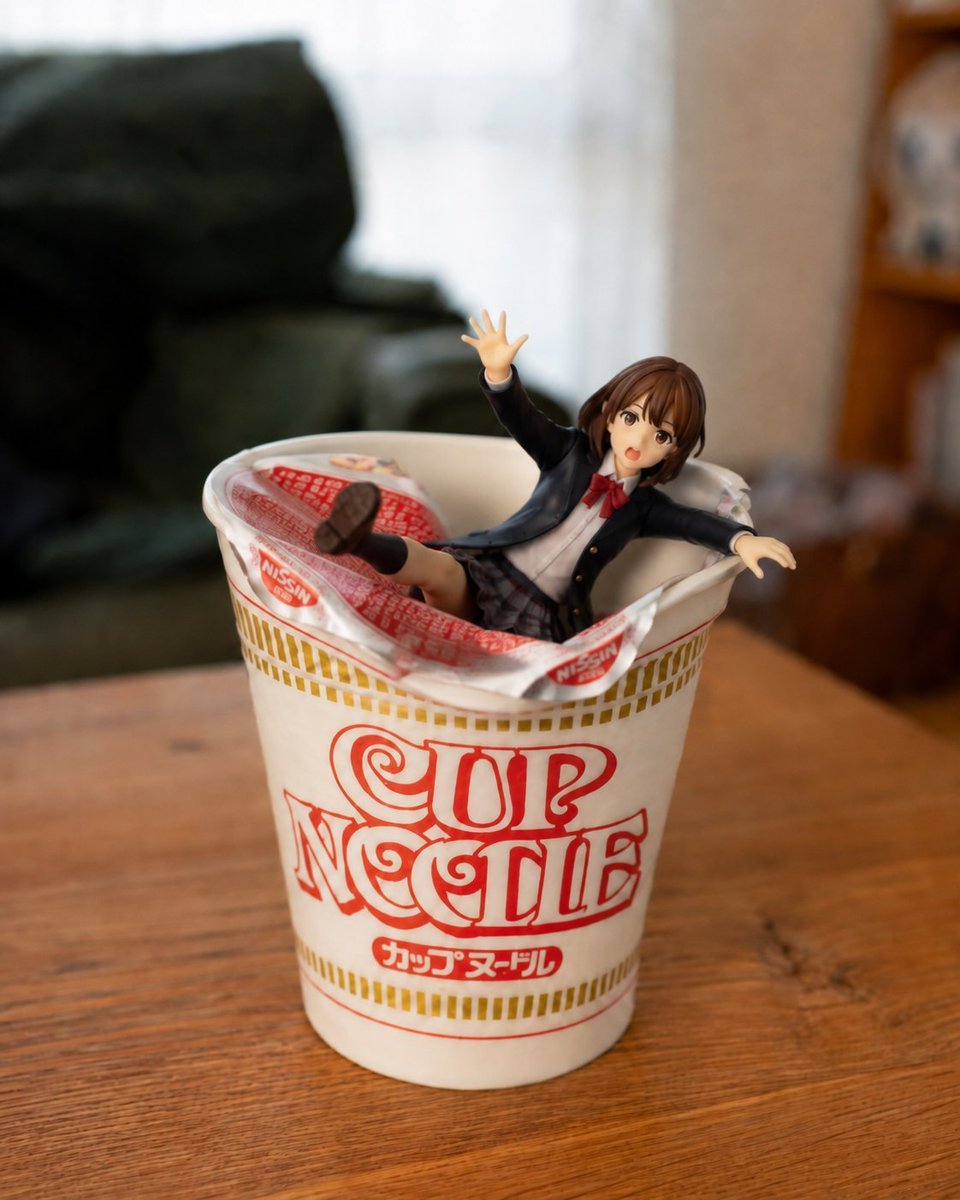
- Prompt included
- Model and format preset
- Free template
The prompt behind this image
Copy the exact prompt behind Anime Figurine Falling Into Cup Noodle, or open it in the studio and make it yours.
Create a photorealistic close-up tabletop scene in a cozy living room: a white instant noodle cup with the red logo text {argument name="cup logo text" default="CUP NOODLE"} and small Japanese lettering on the front sits centered on a warm wooden table. The opened foil lid is peeled back and crumpled around the rim, revealing a small anime schoolgirl figurine that has just fallen into the cup as if she had been holding the lid down a moment ago. Use exactly 1 noodle cup, 1 peeled foil lid, and 1 figurine. The figurine is a cute Japanese-style anime girl with short brown bobbed hair, large brown eyes, an open surprised mouth, and a startled falling pose: one arm raised upward with an open hand, the other arm stretched sideways, one leg kicked up with the shoe sole visible, the other leg partly hidden inside the cup. She wears a black school blazer, white shirt, red bow tie, plaid skirt, dark socks, and brown loafers. Make the cup large in the foreground and the figurine small like a collectible toy, half-submerged among the opened packaging. Use shallow depth of field, soft natural window light, realistic plastic and paper textures, a slightly humorous accidental moment, and a blurred background with a dark green sofa on the left and a wooden shelf on the right. Shoot from a slightly high front angle with realistic lens blur, warm indoor colors, and no extra text beyond the cup packaging.
How to use Anime Figurine Falling Into Cup Noodle in 3 steps
- 1Upload ImagePNG, JPG or paste
Add your photo
Upload the photo the template builds on. The prompt, model and format are already set.
- 2…a portrait of your subject in softgolden-hour light, 85mm…
Personalize
Edit the subject and creative details for your destination.
- 3Generate
Generate
Press Generate — your image is created in PicX Studio, so you can compare it with the original and refine one variable at a time.
More like this
Templates with the same subject, style or setup. Open one to see its prompt.

Captain Tsubasa Anime World Cup Poster
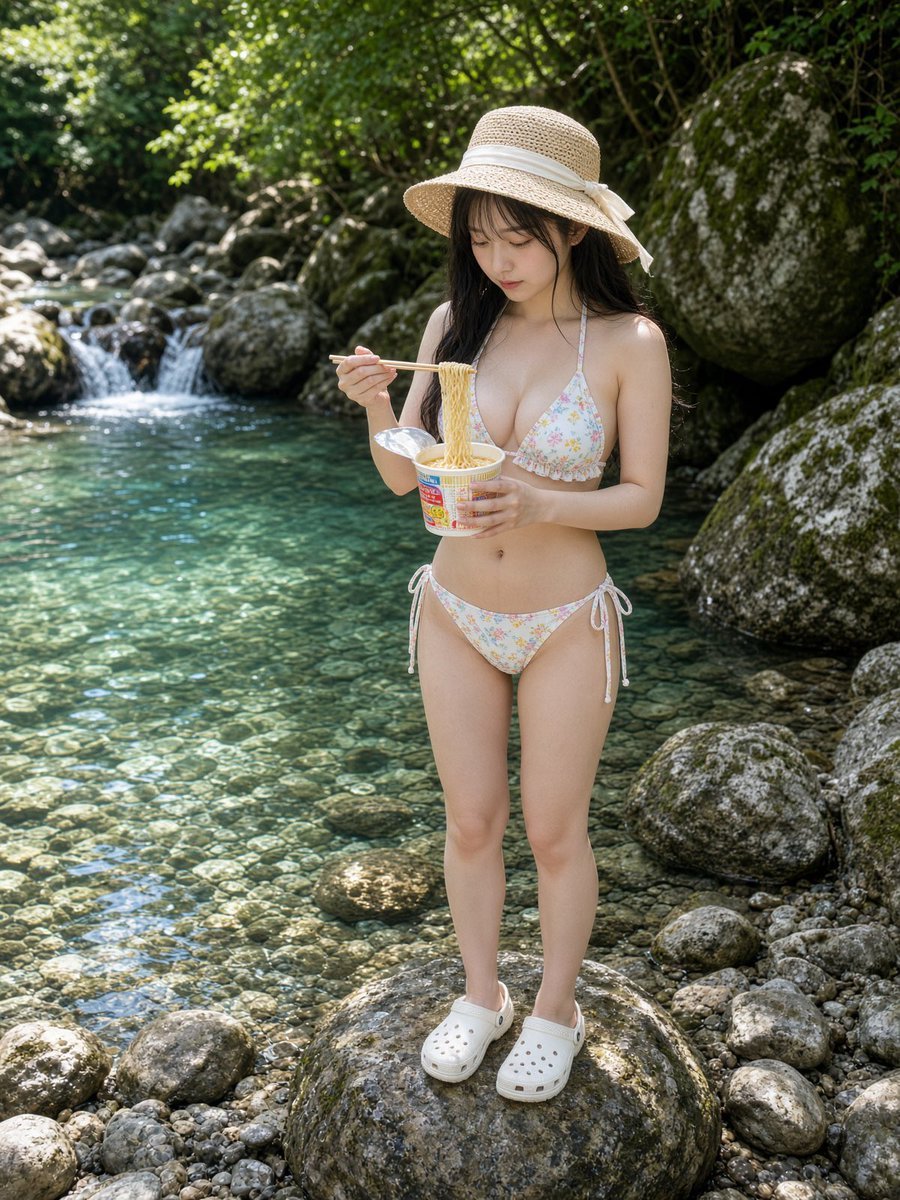
Cup Noodles by a Clear Stream

Felt & Knit 3D Character — Photo-Exact Face, Pixar-Quality Plush Figurine

Cel 2D Finale Fireworks

Cel 2D Garden Maze

Cel 2D Rooftop Concert

Cel 2D Bicycle Coast

Cel 2D Castle Gate

Cel 2D Kitchen Chaos

Cel 2D Carnival Ride

Cel 2D Rainy Bus Stop

Cel 2D Space Dock
Make it yours
Anime Figurine Falling Into Cup Noodle works as-is. These are the safest ways to change it without losing the look.
Change one field
Copy a single group, rewrite it, and generate again so you can see what that field is doing.
Keep the frame, change the subject
Hold the composition and light of Anime Figurine Falling Into Cup Noodle, then swap wardrobe, props or the person for a new take.
| If the result… | Why | Fix |
|---|---|---|
| The result drifts from the preview | Too many fields changed at once. | Reuse Anime Figurine Falling Into Cup Noodle as-is first, then change one group — subject, light, or setting. |
| The model over-stylizes the scene | The prose prompt leaves finish and camera underspecified. | Add one camera or lighting sentence and stay on GPT Image 2. |
More GPT Image 2 templates
Other prompts made for GPT Image 2.

Six VTuber Japanese Logo Sheet

Realistic Portrait of Woman and Deer

The Vista Modular Condo Poster

AI Model Routing Comparison Infographic

2.5D Anime Art Board

Isometric Productivity Desk Scene

New York Double Exposure Poster

Four-Panel AI Landscape Comparison

Japanese Tatami Lifestyle Magazine Cover

NESCAFÉ Coffee Map Poster
More image prompts
Fresh picks from across the catalog.
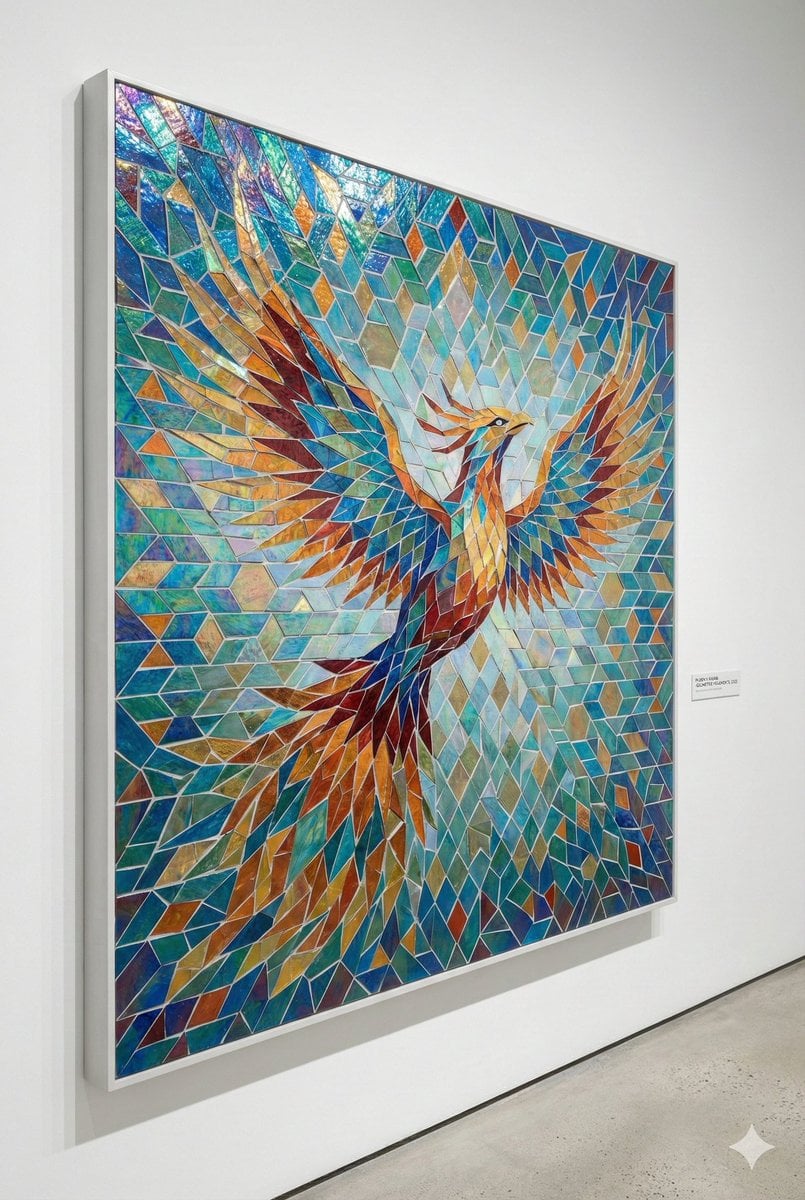
Geometric Mosaic Composition Prompt
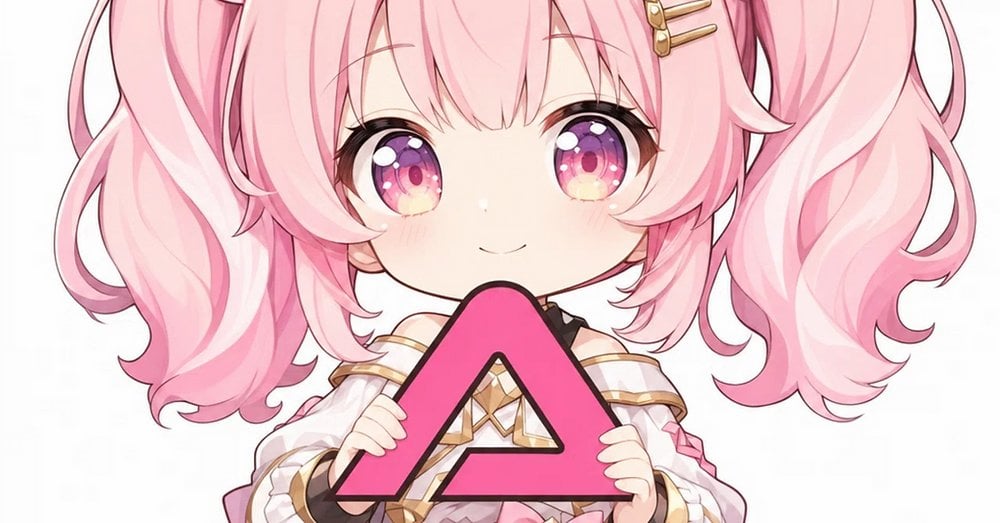
Pink Chibi Mascot Holding Triangle Logo

Vintage Cinematic Travel Poster
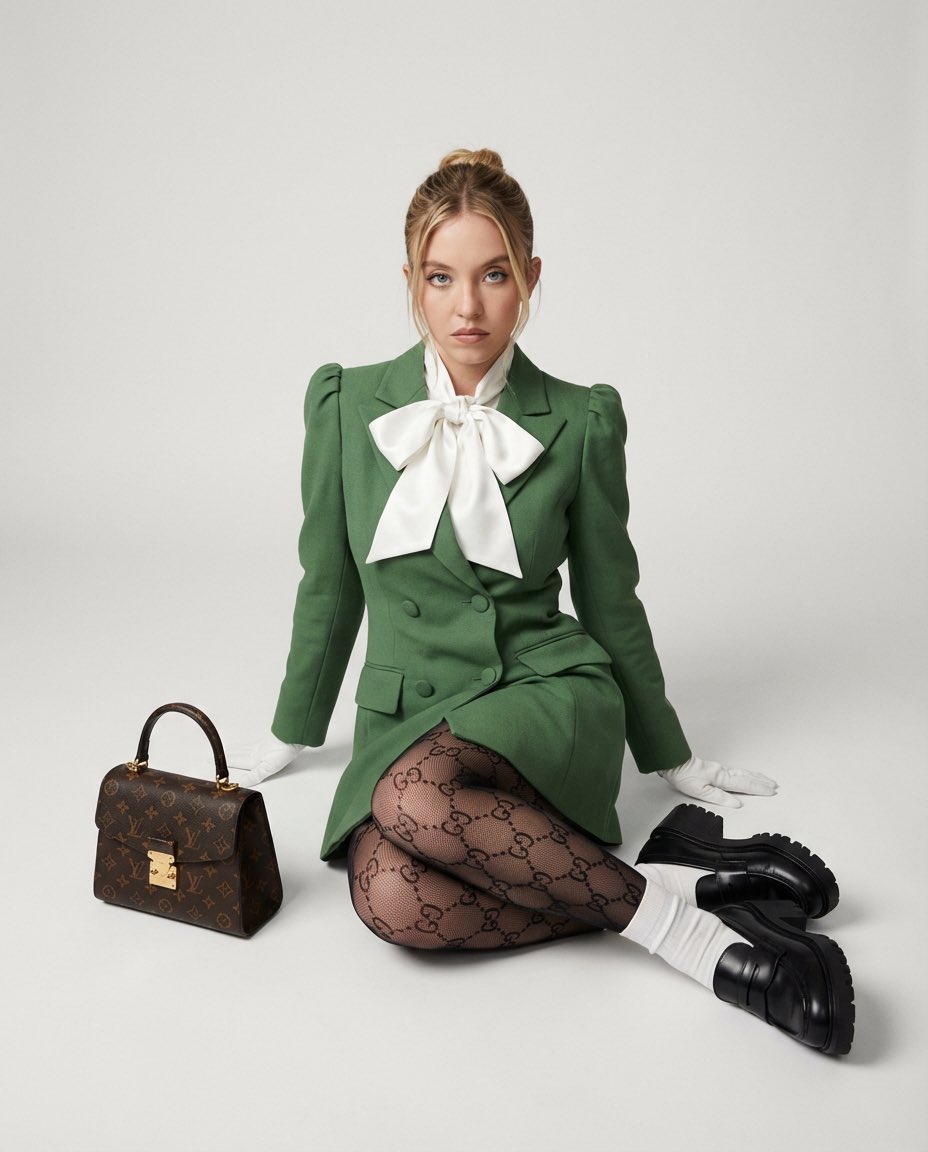
High Fashion Editorial with GG Monogram Tights
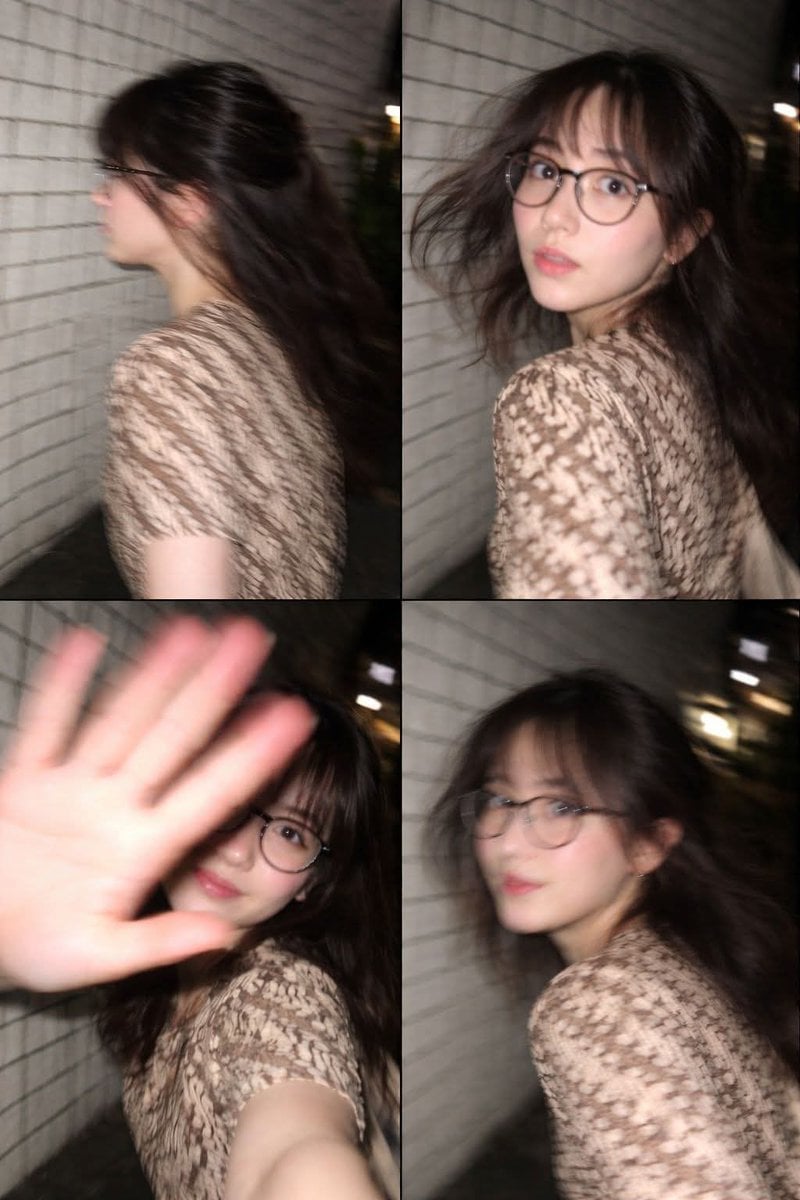
Ultra-Realistic Candid Nighttime Smartphone Photo in Tokyo
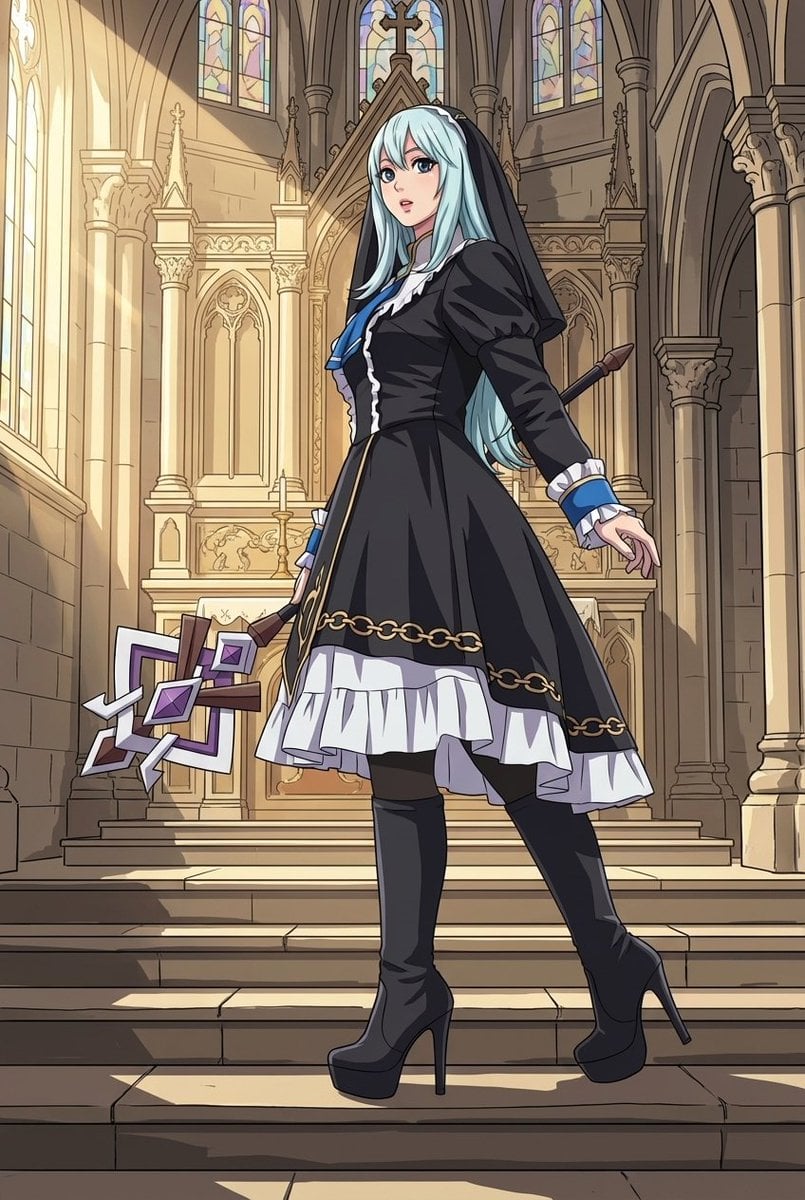
Nano Banana Pro Mixed Style Coloring Study Prompt
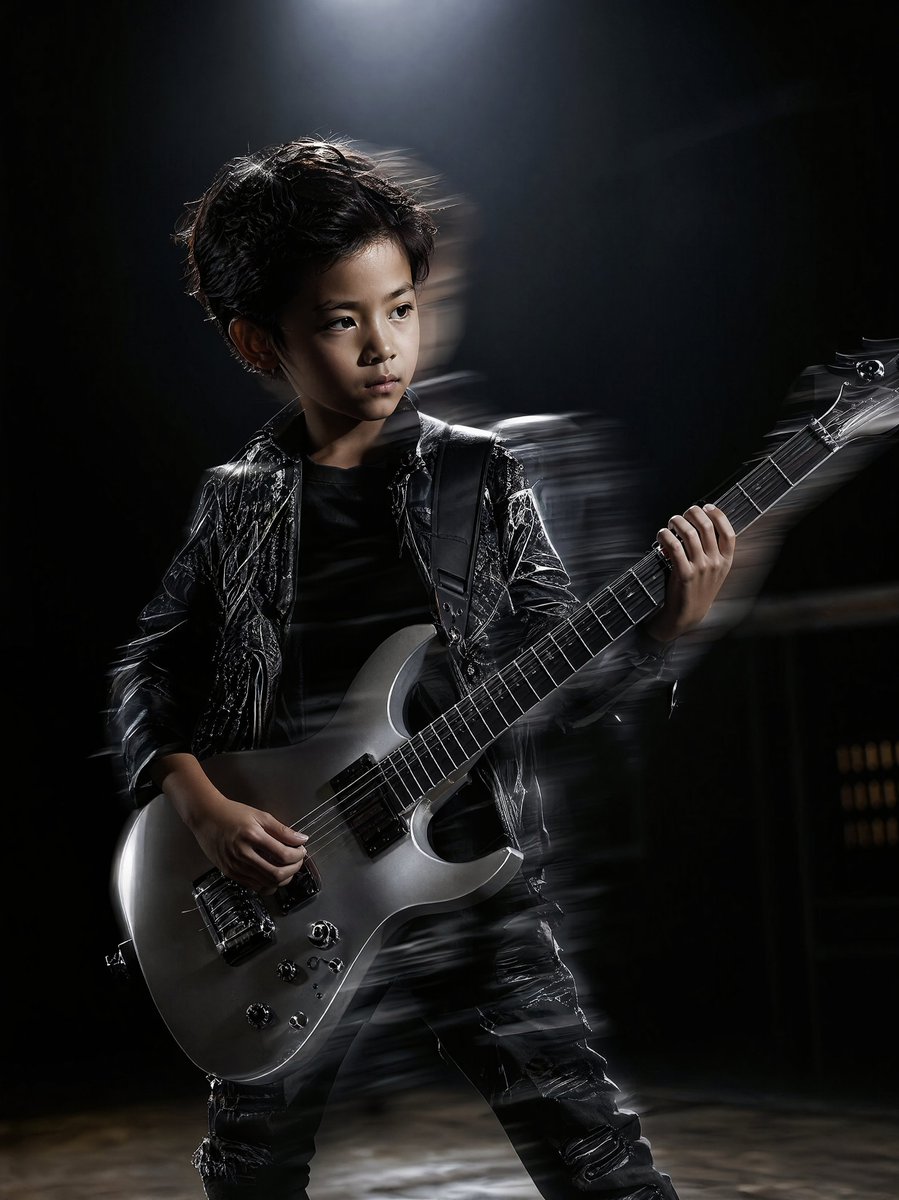
Moody Guitarist Portrait
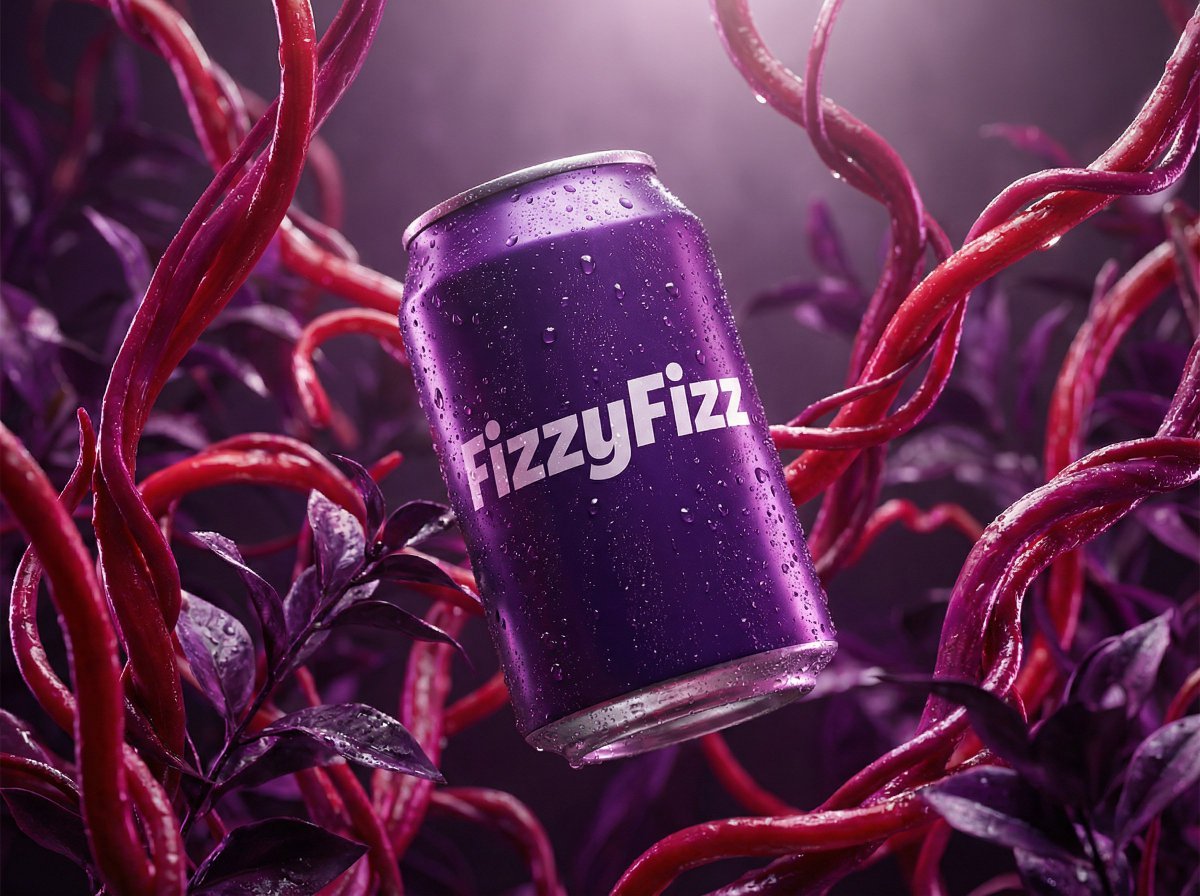
Surreal Product Shot Prompt: Purple Beverage Can with Organic Tendrils
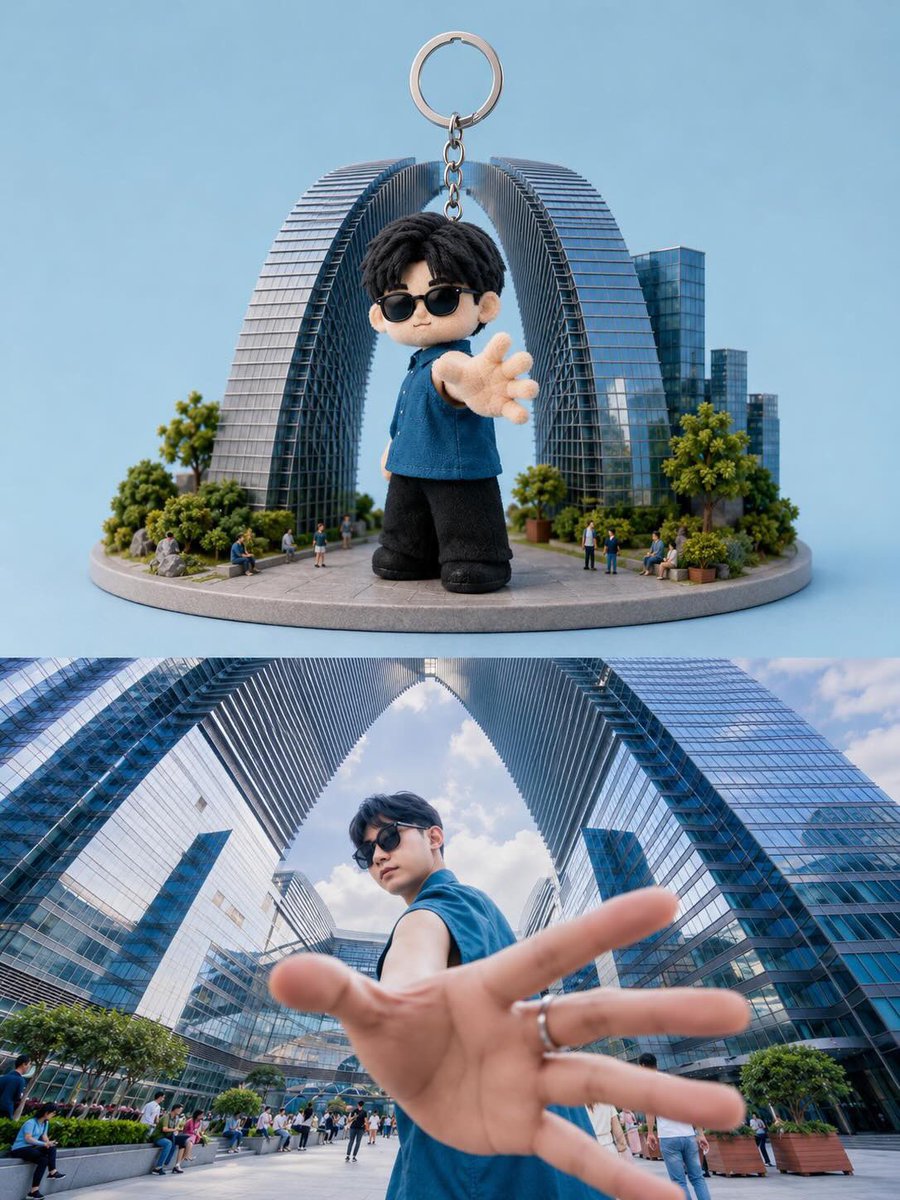
Toy Keychain vs Real Life Comparison
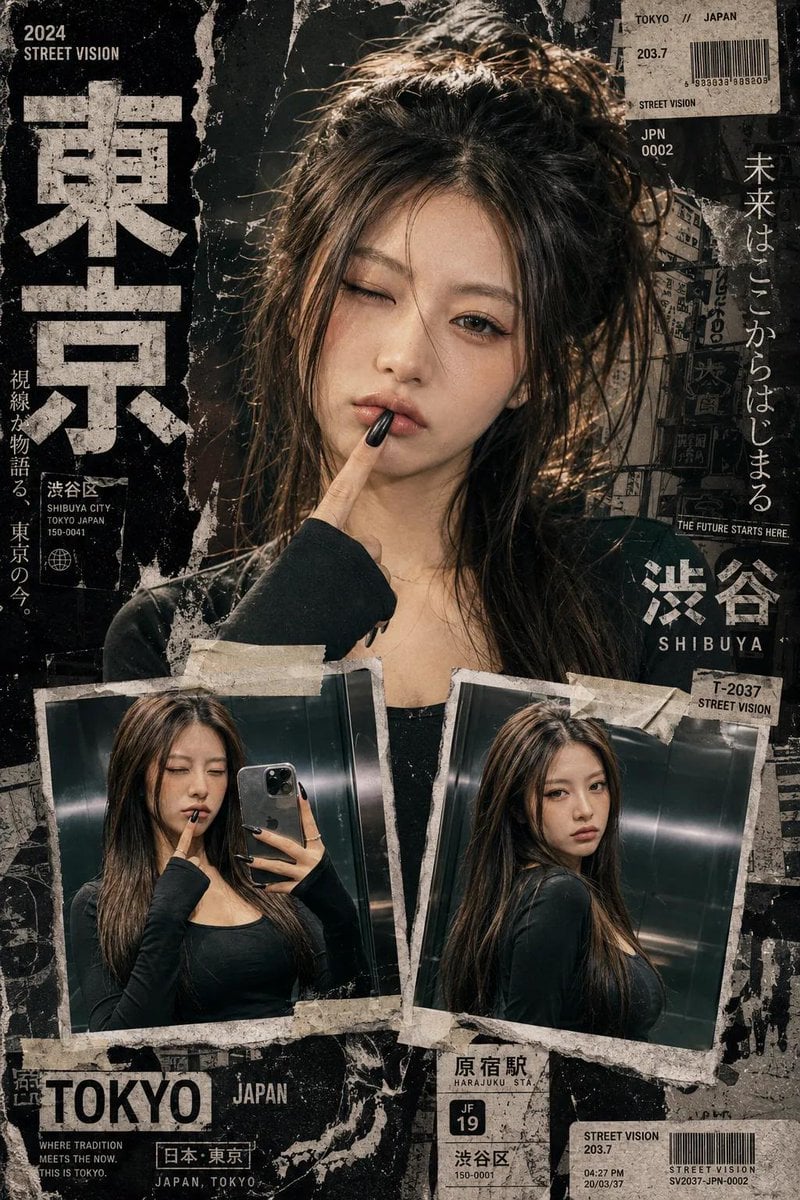
Y2K Japanese Street Editorial Collage
Browse template categories
Anime Figurine Falling Into Cup Noodle questions
How do I use the Anime Figurine Falling Into Cup Noodle template?
Add your photo if the template asks for one, edit the prompt if you like — the template's model and format are already selected — and press Generate. Your version opens in PicX Studio.
Can I customize the Anime Figurine Falling Into Cup Noodle template?
Yes. You can change the subject, setting, lighting, mood, format, and available model controls before creating your image.
Is the Anime Figurine Falling Into Cup Noodle template free?
Opening and editing this template is free. Generating uses credits, shown on the Generate button when you are signed in.
Which AI model should I use?
Start with GPT Image 2, which is the model associated with this template. You can compare another compatible model for a different finish.
Looking for something else? Browse all templates.

Your photo, any look
Thousands of ready templates for every top image and video model, from one credit balance.