
Cute Totoro Puzzle Game UI
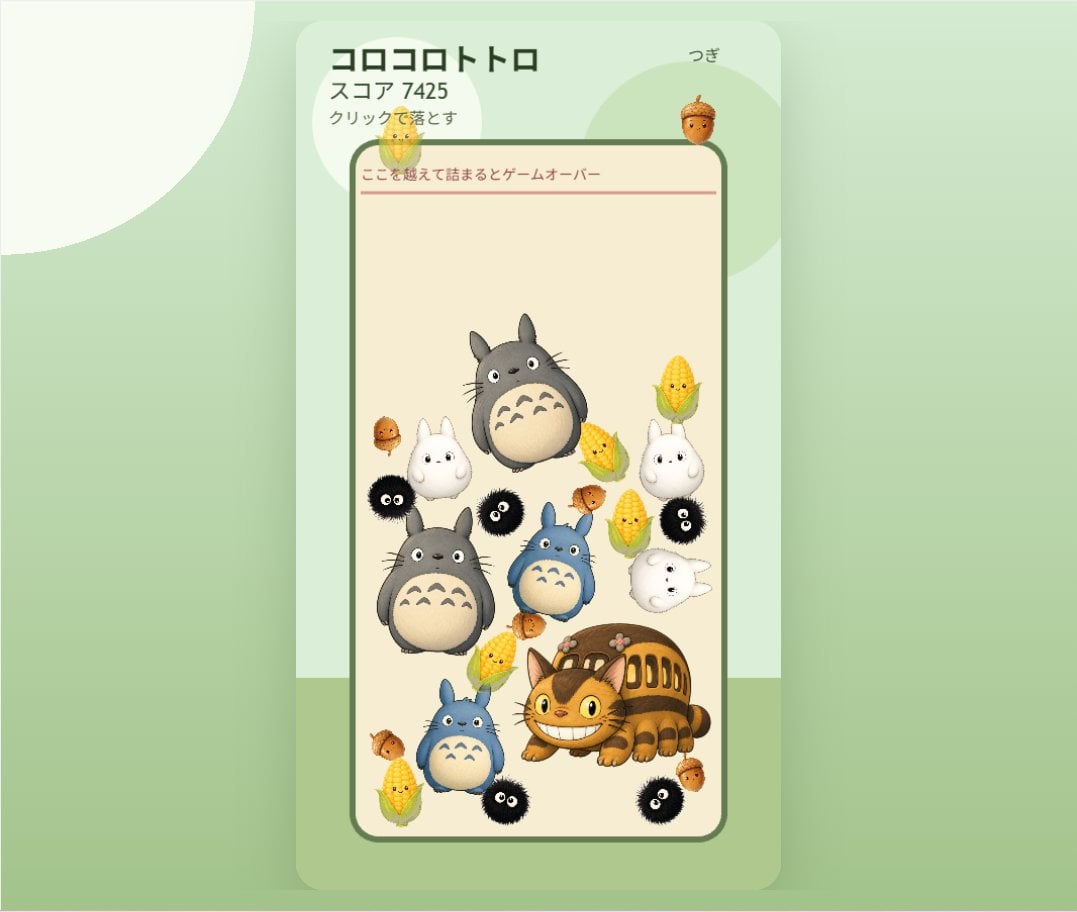
Generates a pastel mobile falling-merge puzzle game mockup with Ghibli-inspired character pieces and Japanese UI labels.
- Prompt included
- Model and format preset
- Free template
The prompt behind this image
Copy the exact prompt behind Cute Totoro Puzzle Game UI, or open it in the studio and make it yours.
- Type
- cute vertical mobile puzzle game screen mockup
- Style
- soft Studio Ghibli-inspired kawaii 3D clay-toy illustration, rounded UI, pastel colors, gentle shadows, clean app screenshot composition
- Canvas › Aspect
- landscape frame containing a centered portrait phone game panel
- Canvas › Background
- pale mint green with large translucent circular shapes and a soft darker green floor band near the bottom
- Ui › Outer Panel
- tall rounded rectangle card in very light mint with subtle drop shadow, centered
- Ui › Header › Position
- top of card
- Ui › Header › Components Count
- 4
- Ui › Header › Components › 0 › Text
- {argument name="game title" default="コロコロトトロ"}
- Ui › Header › Components › 0 › Position
- top left
- Ui › Header › Components › 0 › Style
- bold dark green Japanese sans serif
- Ui › Header › Components › 1 › Text
- {argument name="score text" default="スコア 7425"}
- Ui › Header › Components › 1 › Position
- under title
- Ui › Header › Components › 1 › Style
- smaller dark green
- Ui › Header › Components › 2 › Text
- {argument name="instruction text" default="クリックで落とす"}
- Ui › Header › Components › 2 › Position
- under score
- Ui › Header › Components › 2 › Style
- small dark green
- Ui › Header › Components › 3 › Text
- {argument name="next label" default="つぎ"}
- Ui › Header › Components › 3 › Position
- top right
- Ui › Header › Components › 3 › Style
- small dark green with an acorn preview beneath it
- Ui › Playfield › Position
- center
- Ui › Playfield › Shape
- tall cream-colored rounded rectangle bordered by a thick muted forest-green outline
- Ui › Playfield › Warning Line › Text
- {argument name="game over warning" default="ここを越えて詰まるとゲームオーバー"}
- Ui › Playfield › Warning Line › Position
- near top inside playfield
- Ui › Playfield › Warning Line › Style
- thin red horizontal line with small red Japanese text above it
Raw JSON
{"type":"cute vertical mobile puzzle game screen mockup","style":"soft Studio Ghibli-inspired kawaii 3D clay-toy illustration, rounded UI, pastel colors, gentle shadows, clean app screenshot composition","canvas":{"aspect":"landscape frame containing a centered portrait phone game panel","background":"pale mint green with large translucent circular shapes and a soft darker green floor band near the bottom"},"ui":{"outer_panel":"tall rounded rectangle card in very light mint with subtle drop shadow, centered","header":{"position":"top of card","components_count":4,"components":[{"text":"{argument name=\"game title\" default=\"コロコロトトロ\"}","position":"top left","style":"bold dark green Japanese sans serif"},{"text":"{argument name=\"score text\" default=\"スコア 7425\"}","position":"under title","style":"smaller dark green"},{"text":"{argument name=\"instruction text\" default=\"クリックで落とす\"}","position":"under score","style":"small dark green"},{"text":"{argument name=\"next label\" default=\"つぎ\"}","position":"top right","style":"small dark green with an acorn preview beneath it"}]},"playfield":{"position":"center","shape":"tall cream-colored rounded rectangle bordered by a thick muted forest-green outline","warning_line":{"text":"{argument name=\"game over warning\" default=\"ここを越えて詰まるとゲームオーバー\"}","position":"near top inside playfield","style":"thin red horizontal line with small red Japanese text above it"}}},"game_pieces":{"total_visible_count":25,"counts_by_type":[{"type":"gray Totoro pieces","count":2,"descriptions":["large gray Totoro floating near upper center","large gray Totoro resting mid-left"]},{"type":"blue Totoro pieces","count":2,"descriptions":["small blue Totoro near center","small blue Totoro near lower left"]},{"type":"white small Totoro ghost pieces","count":4,"descriptions":["upright white Totoro at left middle","upright white Totoro at right middle","sideways white Totoro at right center","tiny white Totoro near upper left under the warning line"]},{"type":"Catbus piece","count":1,"descriptions":["large smiling orange Catbus crouched at lower right"]},{"type":"black soot sprite pieces","count":5,"descriptions":["black soot sprite at left middle edge","black soot sprite near center-left","black soot sprite at right middle","black soot sprite near bottom center","black soot sprite at bottom right"]},{"type":"corn cob pieces","count":5,"descriptions":["corn cob at upper right","corn cob at right of center","corn cob near center-left above Catbus","corn cob at bottom left","corn cob near mid-right beside blue Totoro"]},{"type":"acorn pieces","count":6,"descriptions":["large acorn preview above playfield near next label","small acorn at upper left inside playfield","small acorn at left middle","small acorn at center-right","small acorn at lower left edge","small acorn at lower right beside Catbus"]}]},"composition":"The pieces are arranged like a Suika-style falling merge puzzle: round character tokens pile up in the lower two-thirds of the playfield, with open empty space at the top and a red game-over threshold line. Make everything soft, collectible, toy-like, cheerful, and polished, with no realistic harsh edges."}How to use Cute Totoro Puzzle Game UI in 3 steps
- 1Upload ImagePNG, JPG or paste
Add your photo
Upload the photo the template builds on. The prompt, model and format are already set.
- 2…a portrait of your subject in softgolden-hour light, 85mm…
Personalize
Edit the subject and creative details for your destination.
- 3Generate
Generate
Press Generate — your image is created in PicX Studio, so you can compare it with the original and refine one variable at a time.
More like this
Templates with the same subject, style or setup. Open one to see its prompt.

Minecraft Homage Illustrious Style
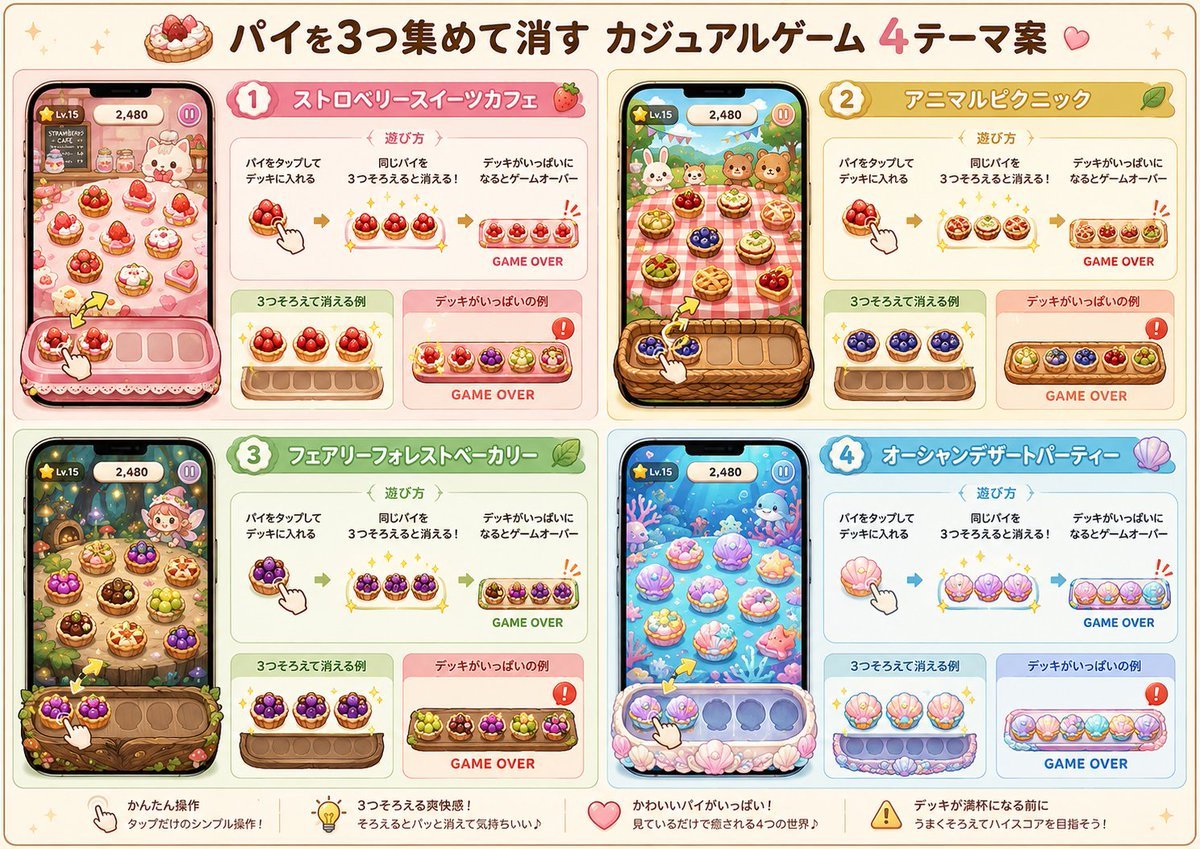
Four Theme Pie Puzzle Game Sheet
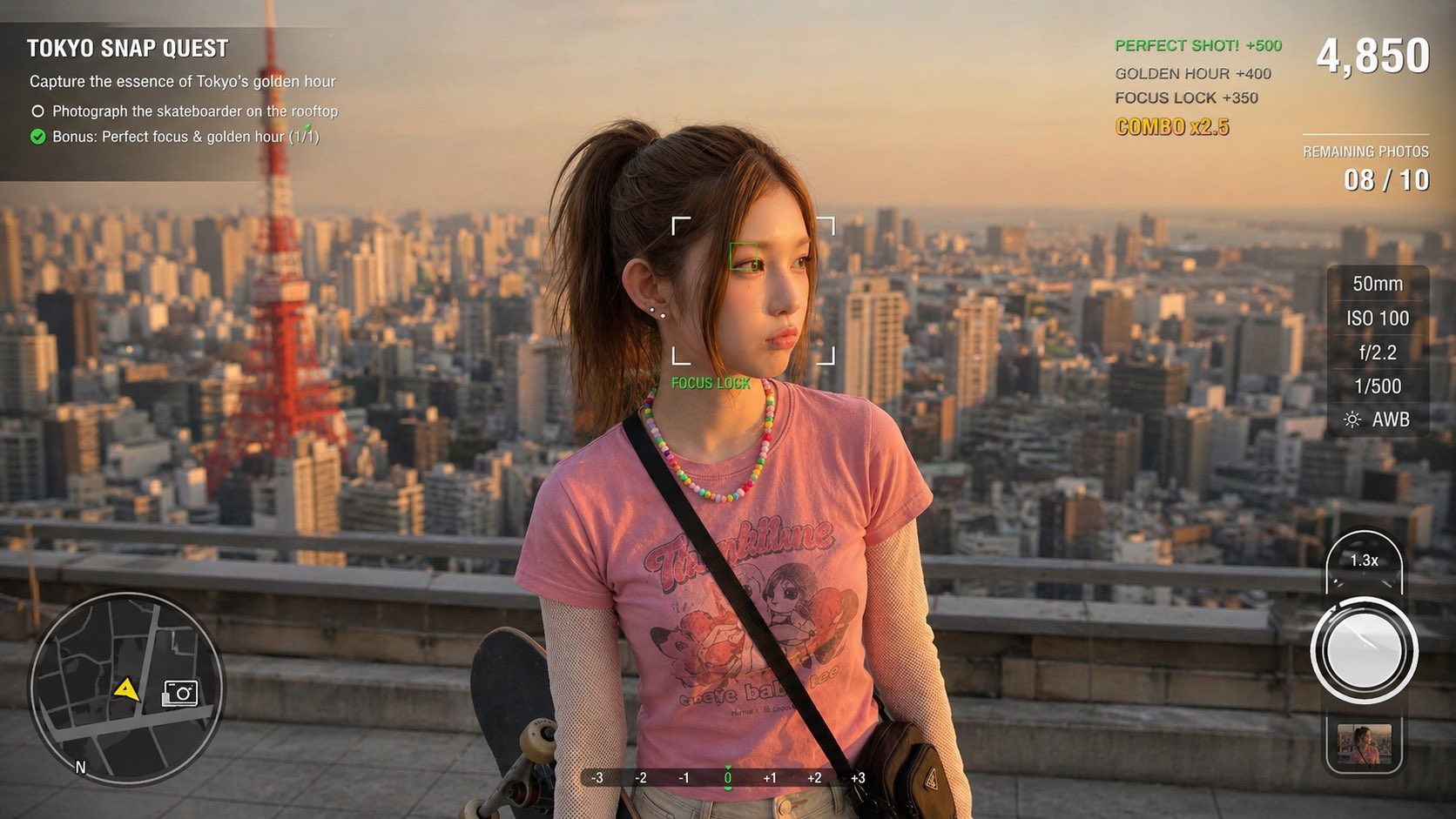
Photography Game Cinematic Capture

Cute Sticker
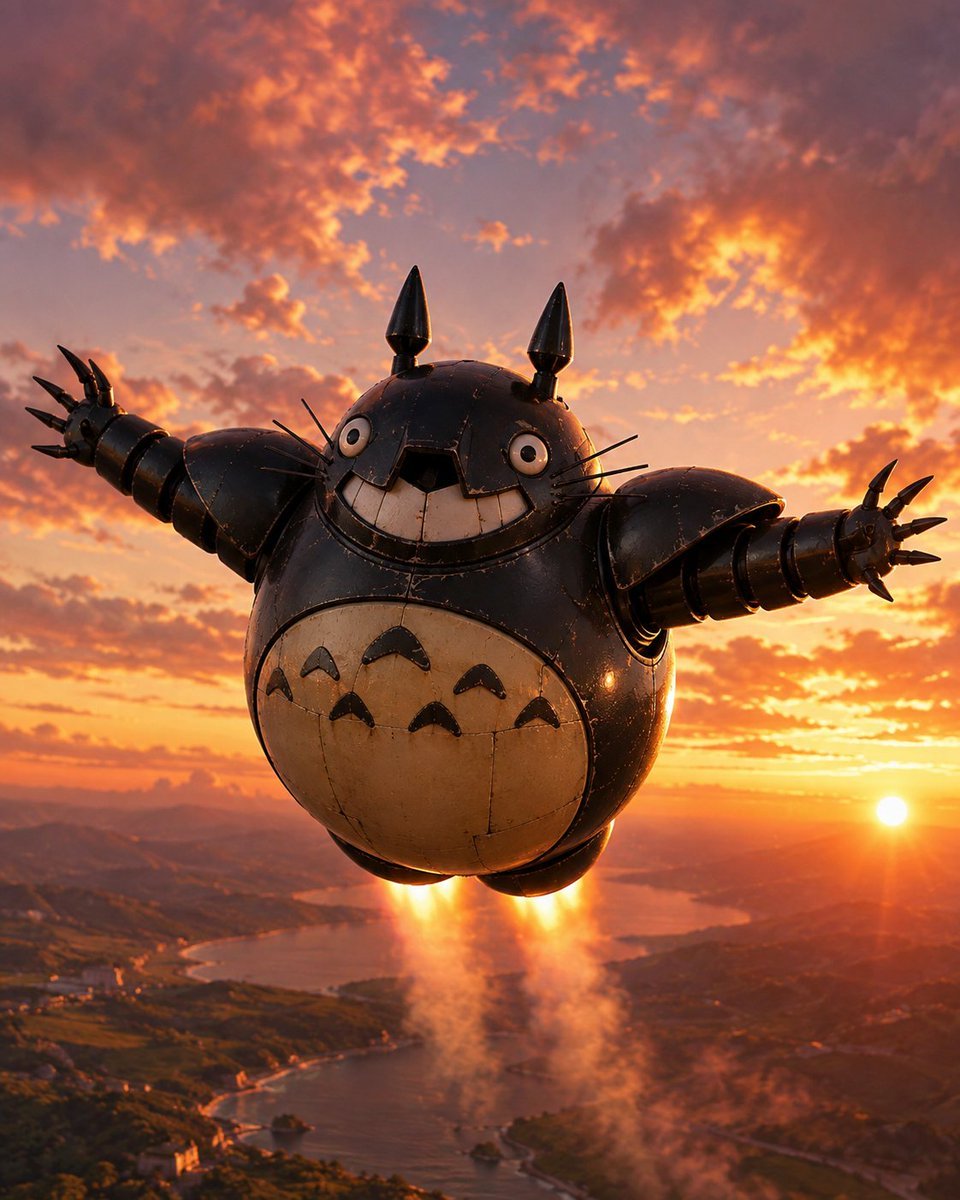
Flying Totorobot at Sunset

Greyscale Puzzle Portrait with Color Accent
Glowing Totoro Robot Figure Diorama
Cute Cat and Doodle Interaction
Luxury Railway Board Game Organizer Poster
Cute Black Toy Poodle Collage

Cute AI Manga Lesson Comic Page
3D Game Character Transformation
Make it yours
Cute Totoro Puzzle Game UI works as-is. These are the safest ways to change it without losing the look.
Swap the setting
Keep the rest of the prompt and replace the location block. The current setting is “pale mint green with large translucent circular shapes and a soft darker green f”.
Change one field
Copy a single group, rewrite it, and generate again so you can see what that field is doing.
Keep the frame, change the subject
Hold the composition and light of Cute Totoro Puzzle Game UI, then swap wardrobe, props or the person for a new take.
| If the result… | Why | Fix |
|---|---|---|
| The result drifts from the preview | Too many fields changed at once. | Reuse Cute Totoro Puzzle Game UI as-is first, then change one group — subject, light, or setting. |
| GPT Image 2 ignores part of the JSON | Some models flatten or skip nested keys. | Keep the same values and paste them as a short paragraph instead. |
More GPT Image 2 templates
Other prompts made for GPT Image 2.

Six VTuber Japanese Logo Sheet

Realistic Portrait of Woman and Deer

The Vista Modular Condo Poster

AI Model Routing Comparison Infographic

2.5D Anime Art Board

Isometric Productivity Desk Scene

New York Double Exposure Poster

Four-Panel AI Landscape Comparison

Japanese Tatami Lifestyle Magazine Cover

NESCAFÉ Coffee Map Poster
More image prompts
Fresh picks from across the catalog.

Abstract Subject Emerging from Ink and Water

Minimalist studio shot of transparent bubble wrap fashion item
Minimal Spring Fashion Editorial Board
Prompt for Visual Storyboard Creation

Old Photo Restoration Prompt

BMW M4 GT4 Motorsport Poster
Dynamic Perspective Flat Vector Illustration
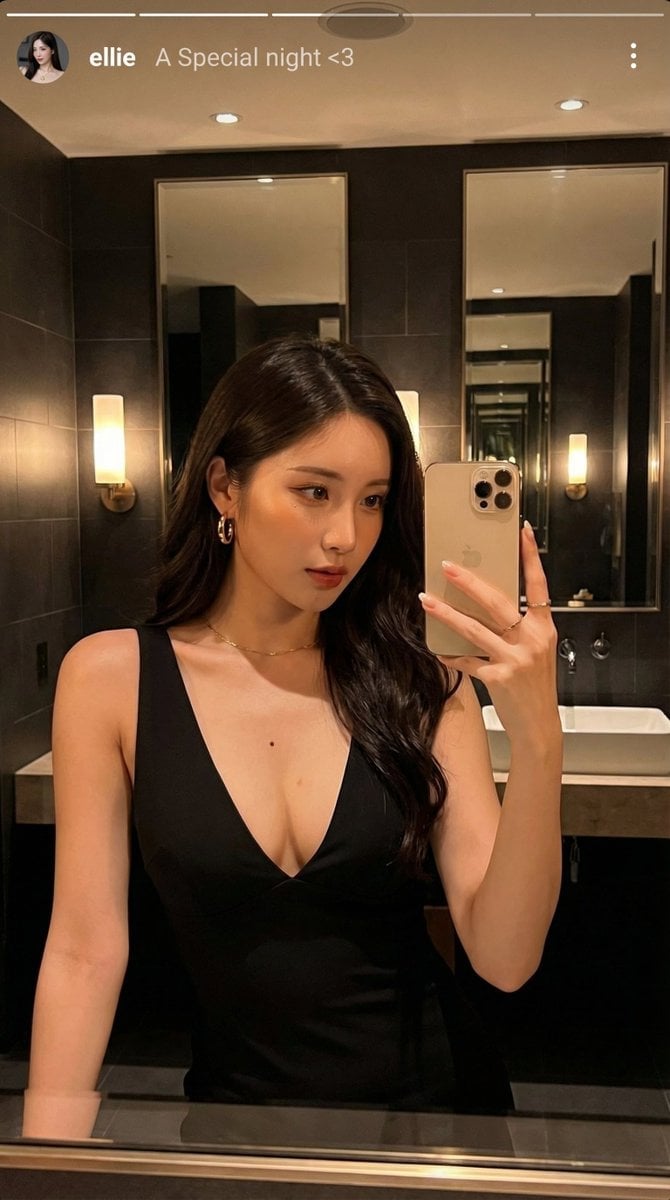
Photorealistic Selfie Prompts (Japanese Restaurant & Bathroom)
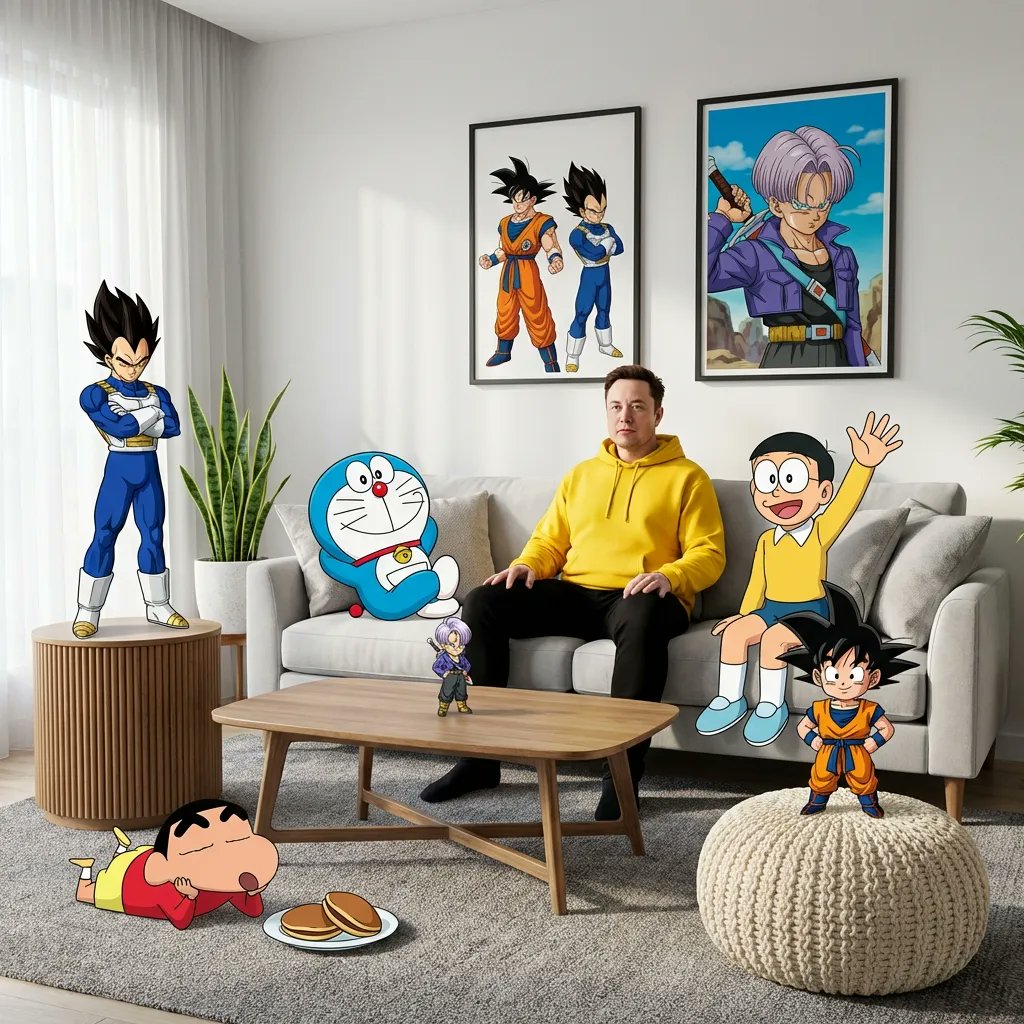
Blending Photorealism and Anime in a Living Room Scene
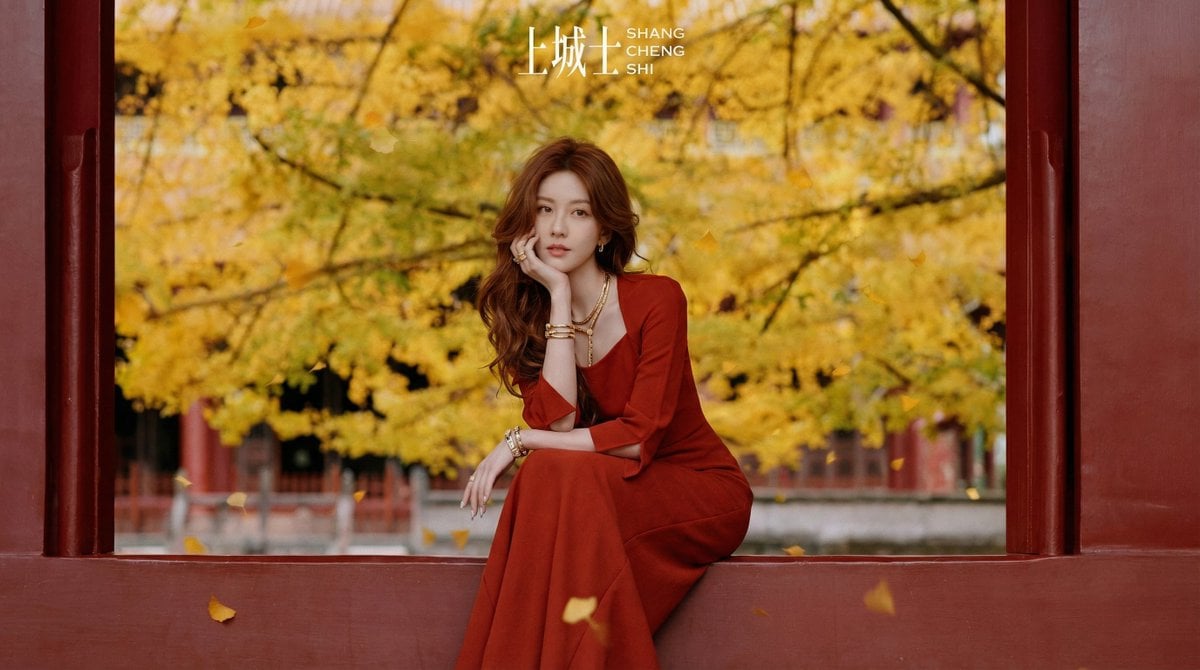
Cinematic Chinese Style Fashion Editorial Prompt
Browse template categories
Cute Totoro Puzzle Game UI questions
How do I use the Cute Totoro Puzzle Game UI template?
Add your photo if the template asks for one, edit the prompt if you like — the template's model and format are already selected — and press Generate. Your version opens in PicX Studio.
Can I customize the Cute Totoro Puzzle Game UI template?
Yes. You can change the subject, setting, lighting, mood, format, and available model controls before creating your image.
Is the Cute Totoro Puzzle Game UI template free?
Opening and editing this template is free. Generating uses credits, shown on the Generate button when you are signed in.
Which AI model should I use?
Start with GPT Image 2, which is the model associated with this template. You can compare another compatible model for a different finish.
Looking for something else? Browse all templates.

Your photo, any look
Thousands of ready templates for every top image and video model, from one credit balance.