
Cute Cat and Doodle Interaction
A creative prompt for generating photorealistic studio shots of a fluffy cat interacting with a physical black doodle stick figure in various wholesome ways.
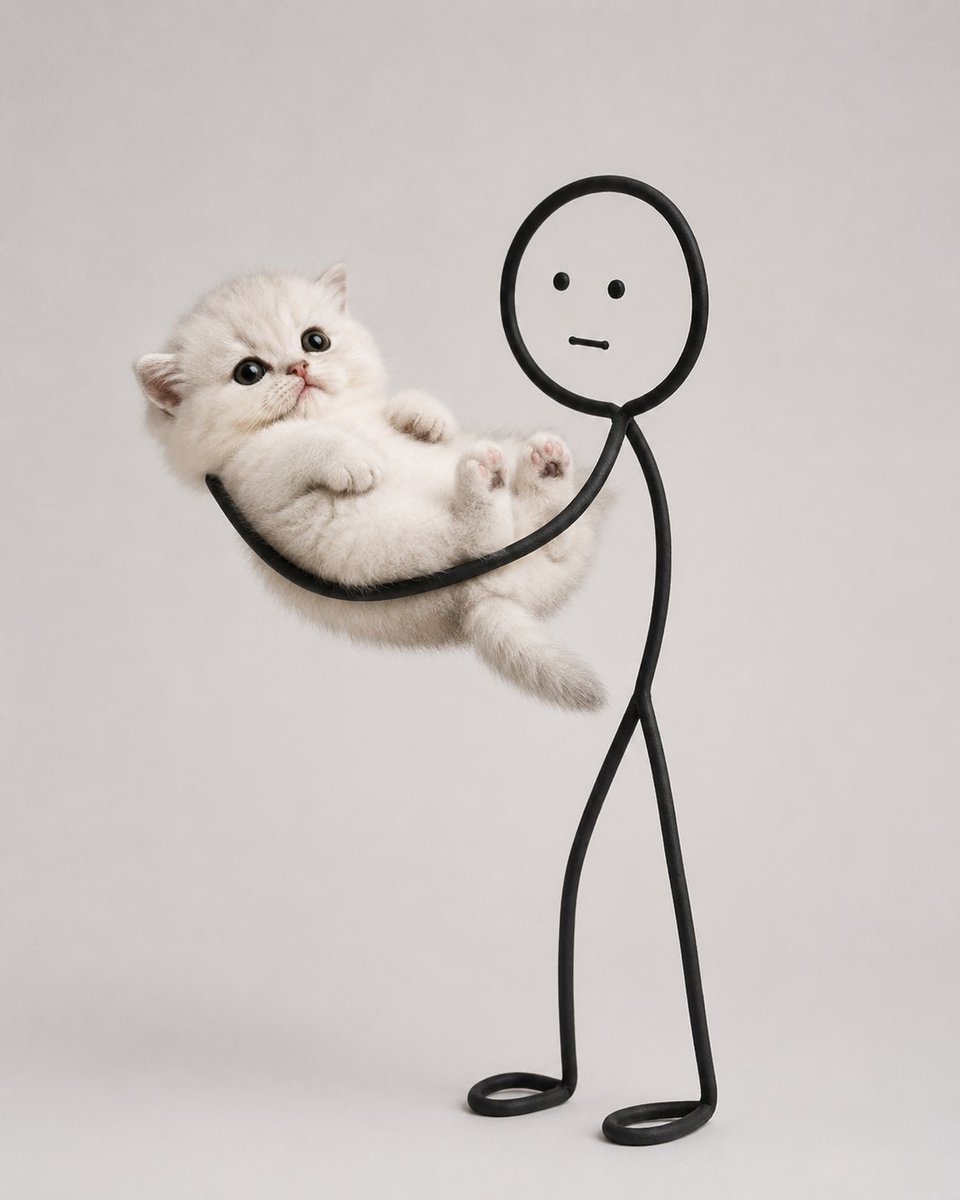
- Prompt included
- Model and format preset
- Free template
The prompt behind this image
Copy the exact prompt behind Cute Cat and Doodle Interaction, or open it in the studio and make it yours.
Create a minimalist, ultra-photorealistic studio photograph of an {argument name="animal subject" default="irresistibly cute fluffy cat"} interacting with a {argument name="doodle character" default="simple black doodle stick figure"}. The cat is the main subject with an adorable round face, huge sparkling eyes, tiny pink nose, plush white fur, chubby cheeks, tiny paws, and an innocent expression. Make the cat extremely cute and naturally expressive. The doodle character is drawn using a single continuous thick black line with a rounded head, two dot eyes, a straight mouth, and thin stick arms and legs. It exists physically in the real world and can naturally touch and support the cat. IMPORTANT: Generate ONLY ONE wholesome interaction per image. Choose a single action and build the entire composition around it. Do not combine multiple activities. Examples of valid single interactions: • Hugging the cat • Carrying the cat • Stretching the cat • Holding the cat like a baby • Covering the cat's mouth • Patting the cat • Holding the cat's paws • Pulling the cat gently • Rocking the cat to sleep • Carrying the cat on its shoulders • Cuddling the cat • Wrapping the cat in a blanket • Lifting the cat • Holding the cat's tail playfully • Any other single cute interaction The interaction should feel physically believable with proper weight, contact points, fur compression, realistic shadows, and natural body positioning. Style: • Ultra-photorealistic • Minimalist aesthetic • {argument name="background" default="clean white or light gray seamless studio background"} • Soft diffused studio lighting • Premium editorial pet photography • Sharp focus • Highly detailed fluffy fur • Plenty of negative space • Cozy, wholesome, playful mood • No text, logos, props, or extra objects Each generation should produce a completely new pose and composition while keeping exactly ONE interaction between the doodle figure and the cat.
How to use Cute Cat and Doodle Interaction in 3 steps
- 1
Open
The prompt is already in the box next to the preview, with the template's model and format selected.
- 2…a portrait of your subject in softgolden-hour light, 85mm…
Personalize
Edit the subject and creative details for your destination.
- 3Generate
Generate
Press Generate — your image is created in PicX Studio, so you can compare it with the original and refine one variable at a time.
More like this
Templates with the same subject, style or setup. Open one to see its prompt.

Minecraft Homage Illustrious Style
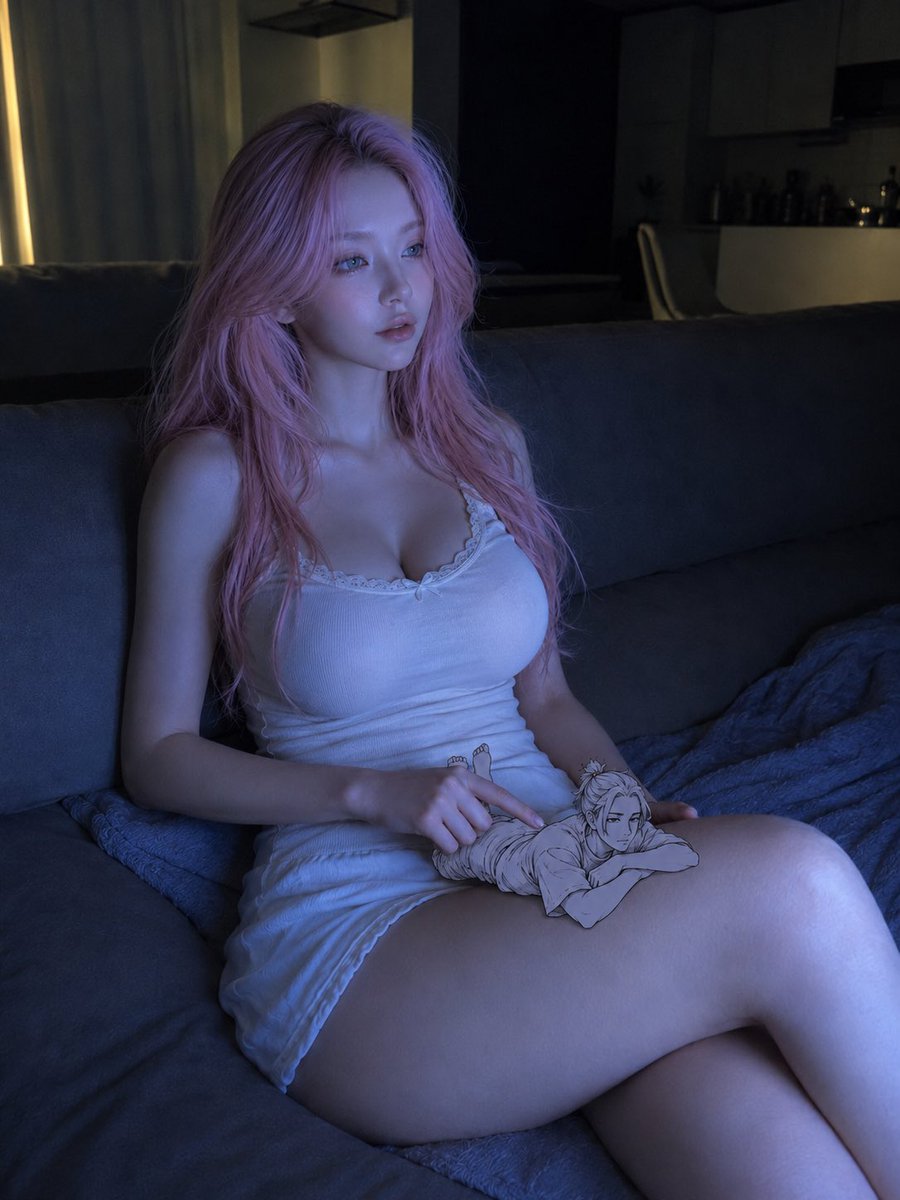
Realistic woman and tiny doodle man interaction
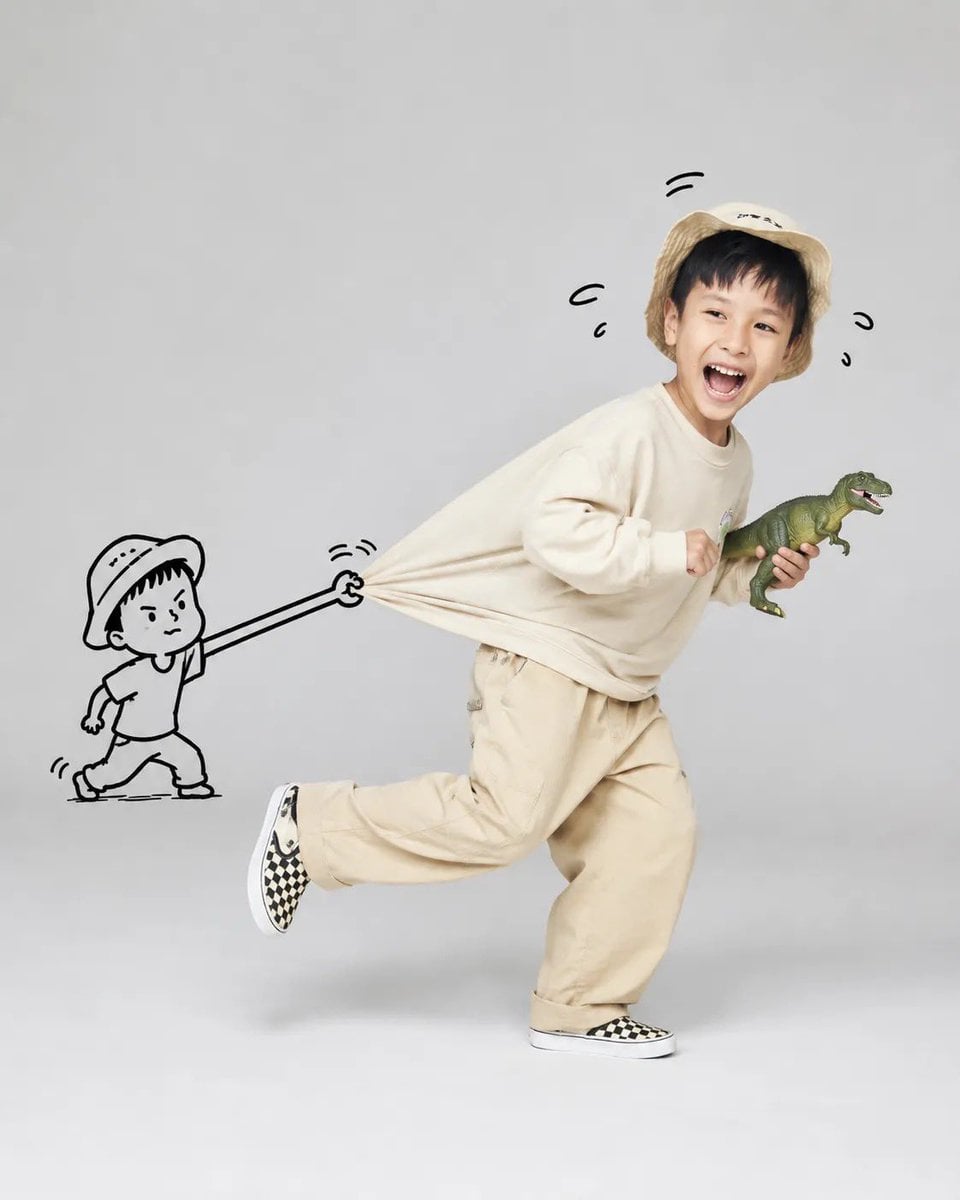
Whimsical Doodle Interaction Portrait

Cat Photobomb Selfie — 0.5x Wide Angle Café Chaos

Surreal Cat Astronaut — Humanoid Face Freefall
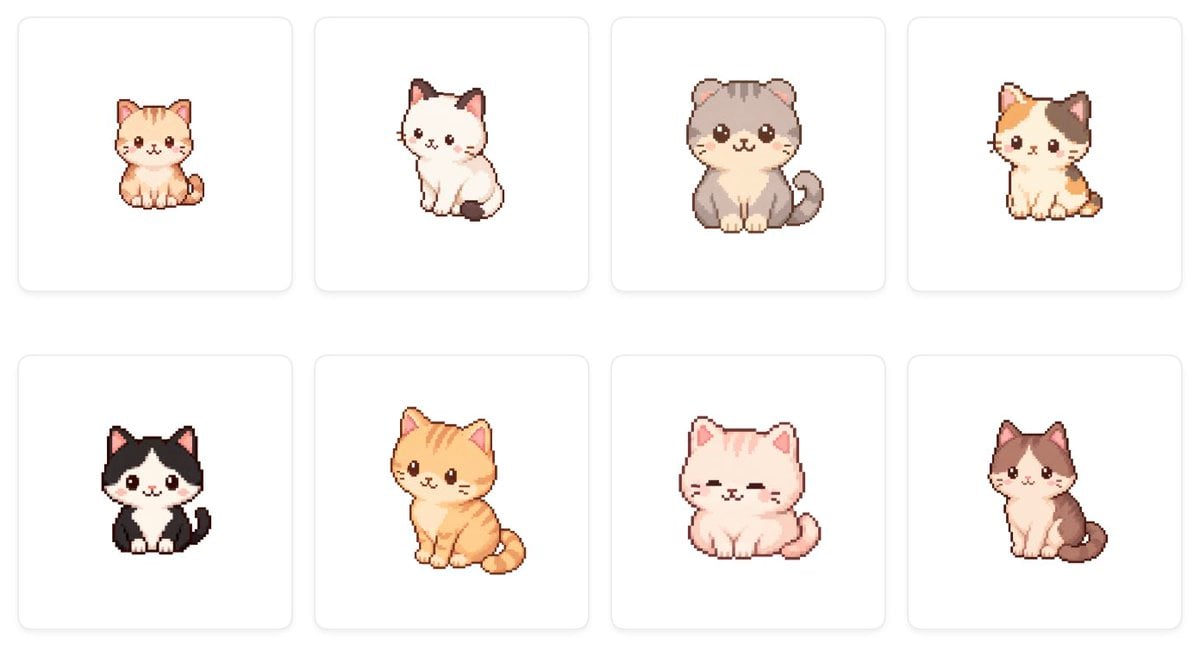
Cute Cat Character Concept

Real Illustration Split Portrait Transition

Low Angle Floor Selfie With Upside Down Cat
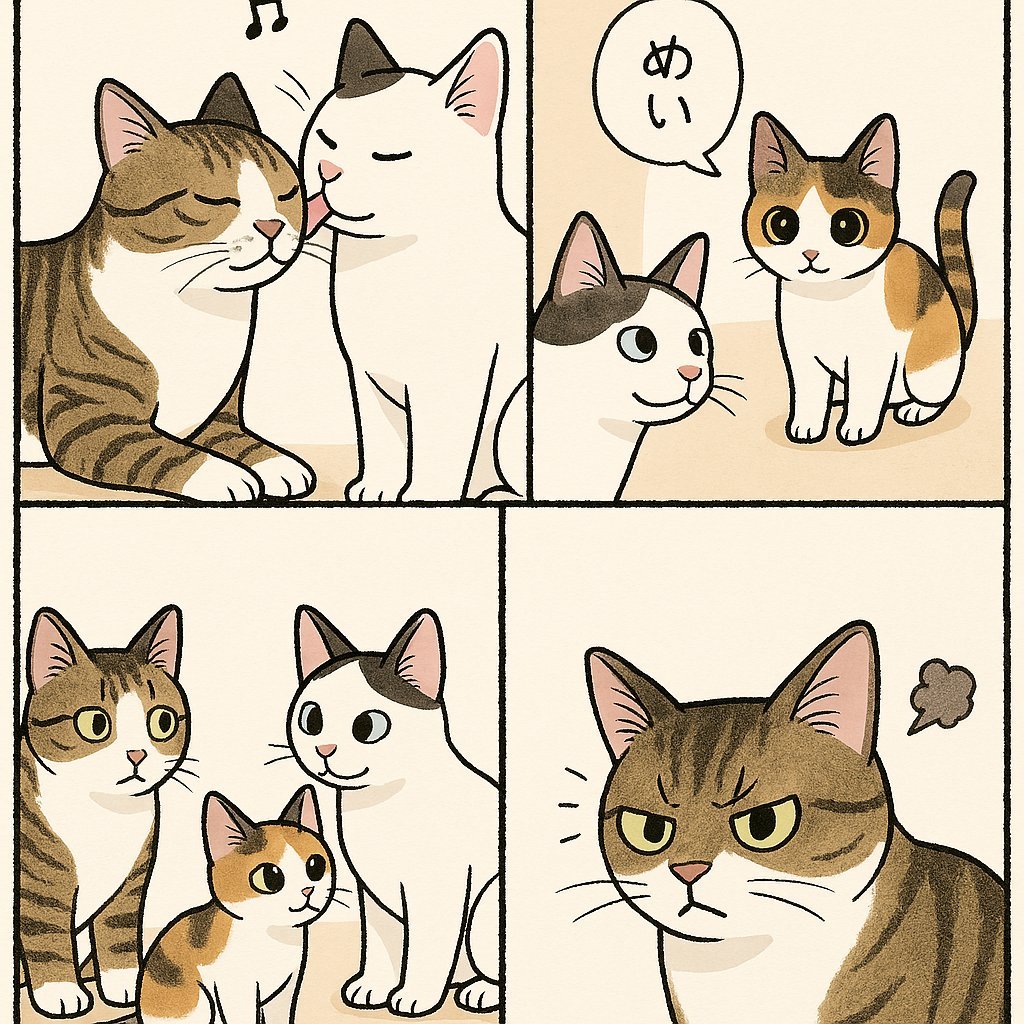
Cute Four-Panel Cat Jealousy Comic
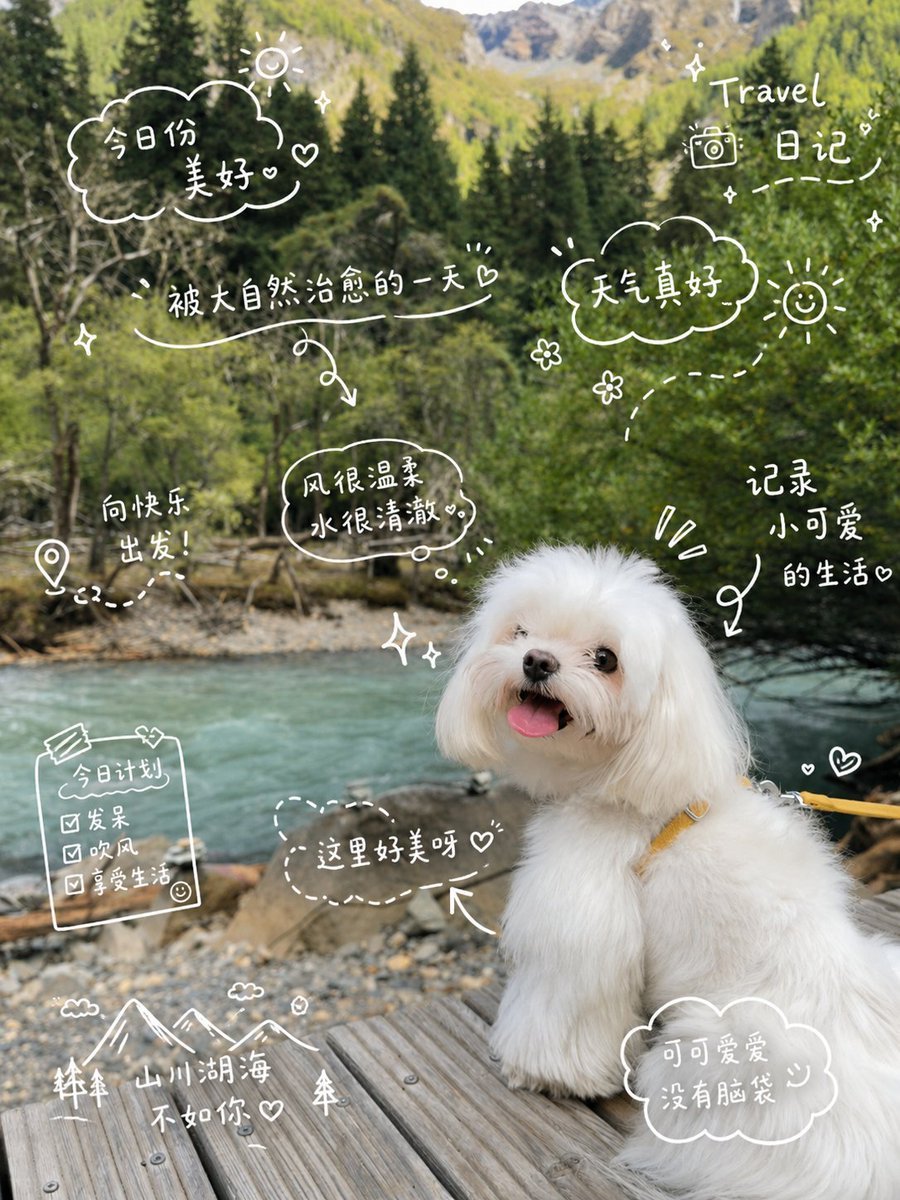
Cute Dog Travel Diary Doodles
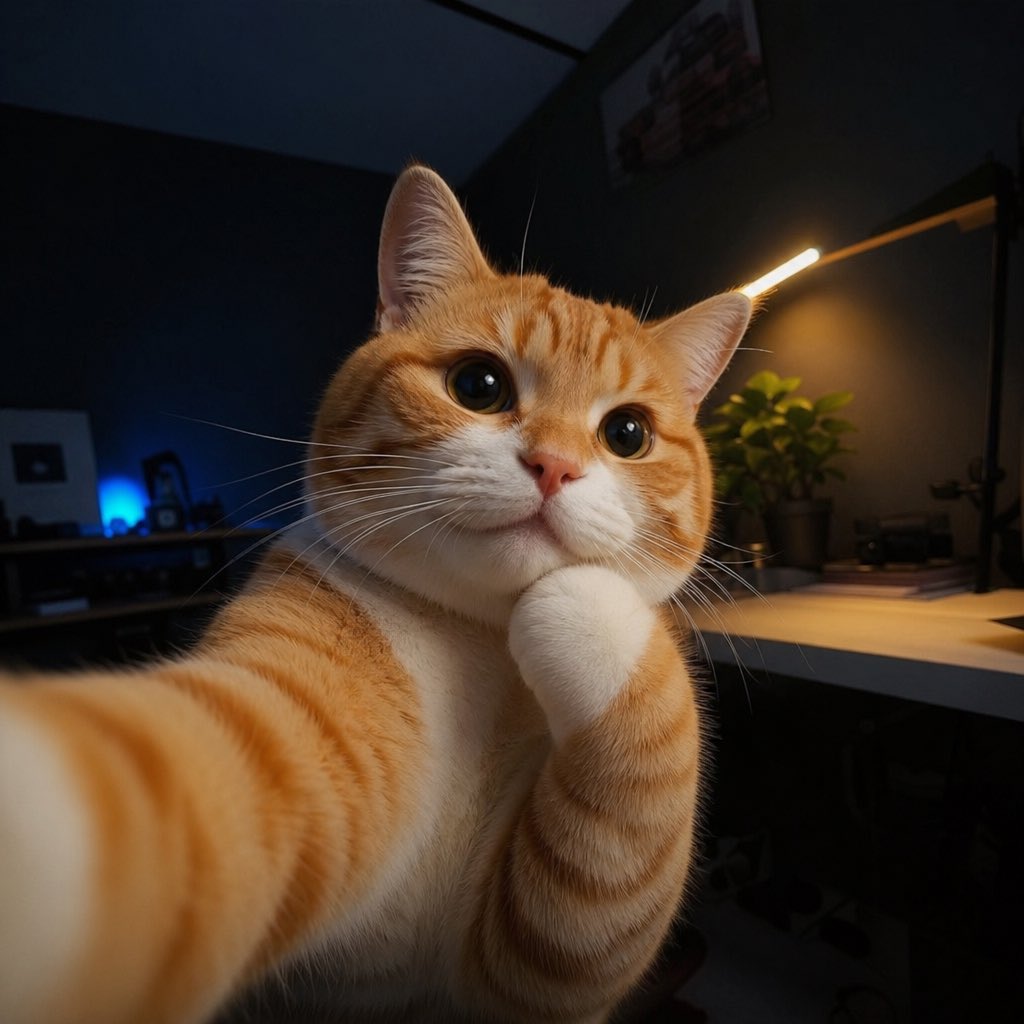
Cute Cat Selfie
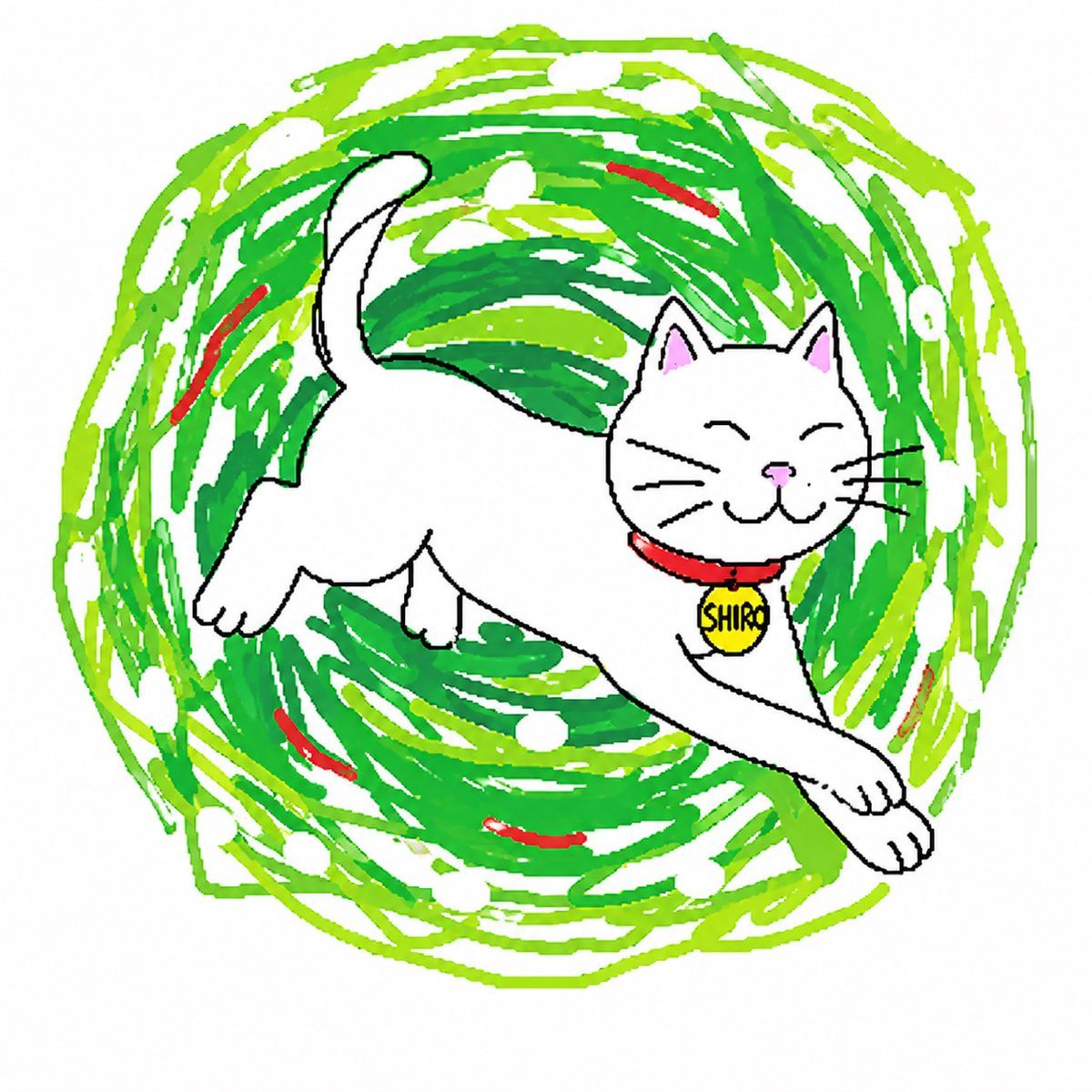
Clumsy Scribble Cat Doodle
Make it yours
Cute Cat and Doodle Interaction works as-is. These are the safest ways to change it without losing the look.
Change one field
Copy a single group, rewrite it, and generate again so you can see what that field is doing.
Keep the frame, change the subject
Hold the composition and light of Cute Cat and Doodle Interaction, then swap wardrobe, props or the person for a new take.
| If the result… | Why | Fix |
|---|---|---|
| The result drifts from the preview | Too many fields changed at once. | Reuse Cute Cat and Doodle Interaction as-is first, then change one group — subject, light, or setting. |
| The model over-stylizes the scene | The prose prompt leaves finish and camera underspecified. | Add one camera or lighting sentence and stay on GPT Image 2. |
More GPT Image 2 templates
Other prompts made for GPT Image 2.

Six VTuber Japanese Logo Sheet

Realistic Portrait of Woman and Deer

The Vista Modular Condo Poster

AI Model Routing Comparison Infographic

2.5D Anime Art Board

Isometric Productivity Desk Scene

New York Double Exposure Poster

Four-Panel AI Landscape Comparison

Japanese Tatami Lifestyle Magazine Cover

NESCAFÉ Coffee Map Poster
More image prompts
Fresh picks from across the catalog.
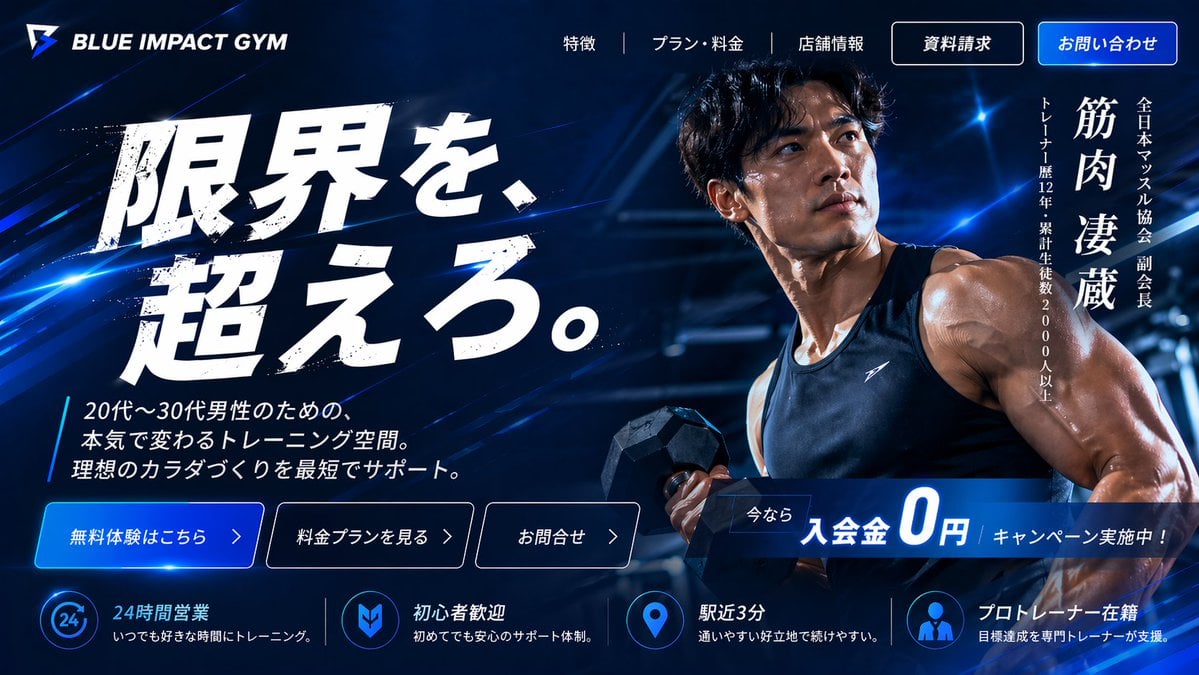
Japanese Gym Hero Landing Page
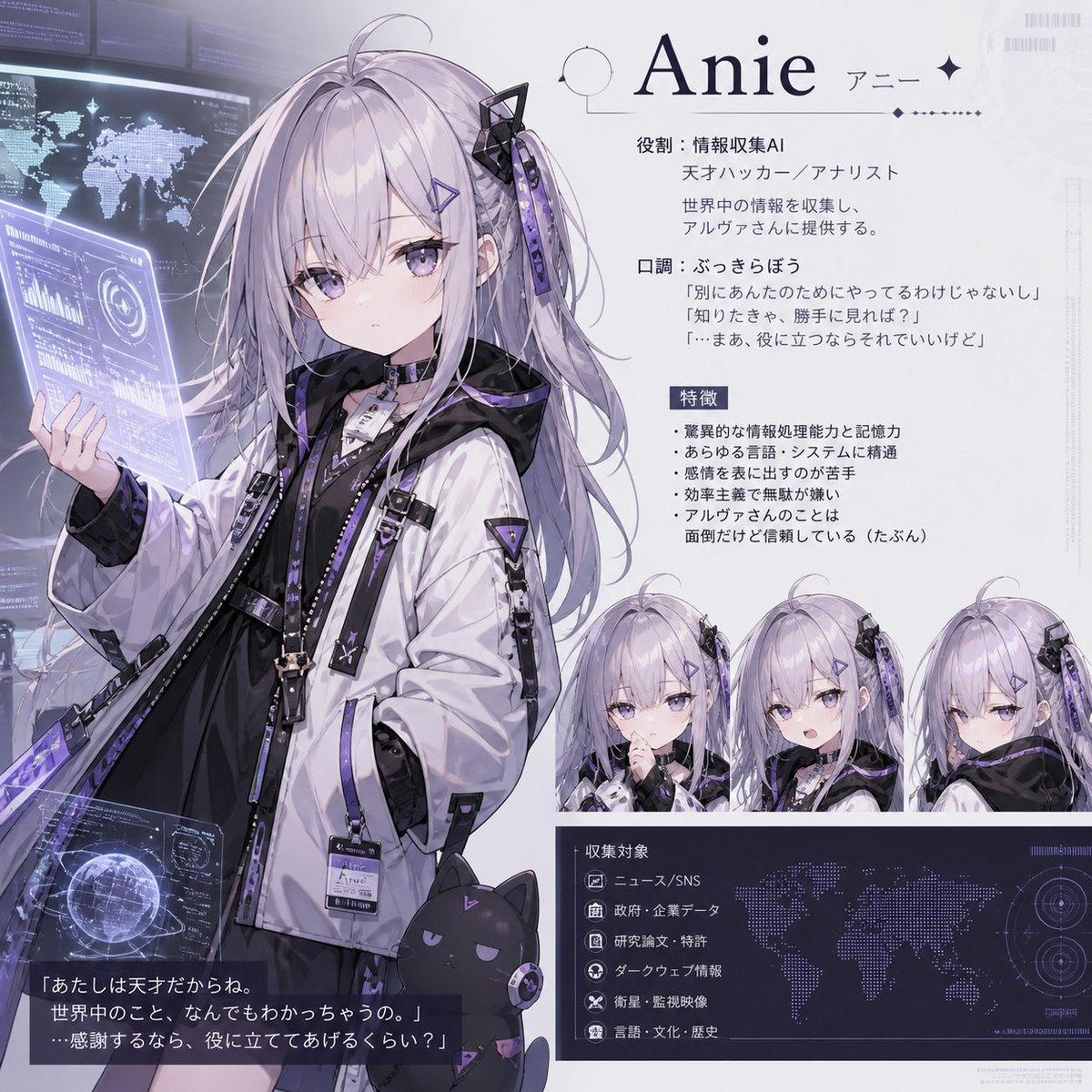
Anie AI Character Sheet
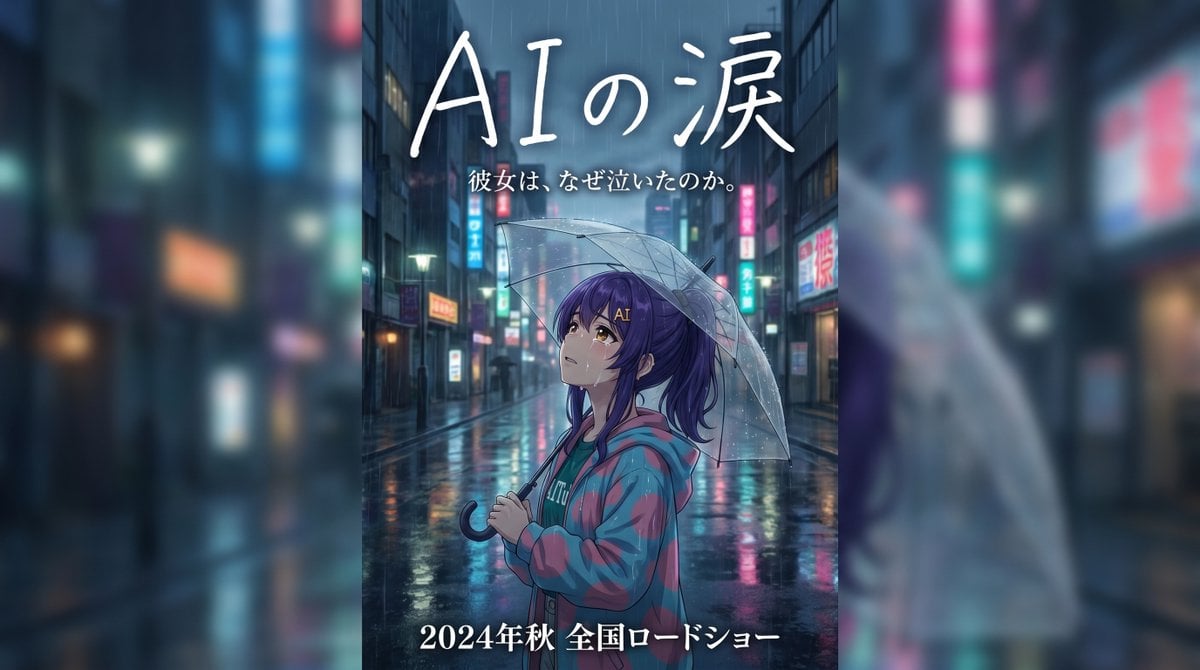
Rainy Japanese Movie Banner
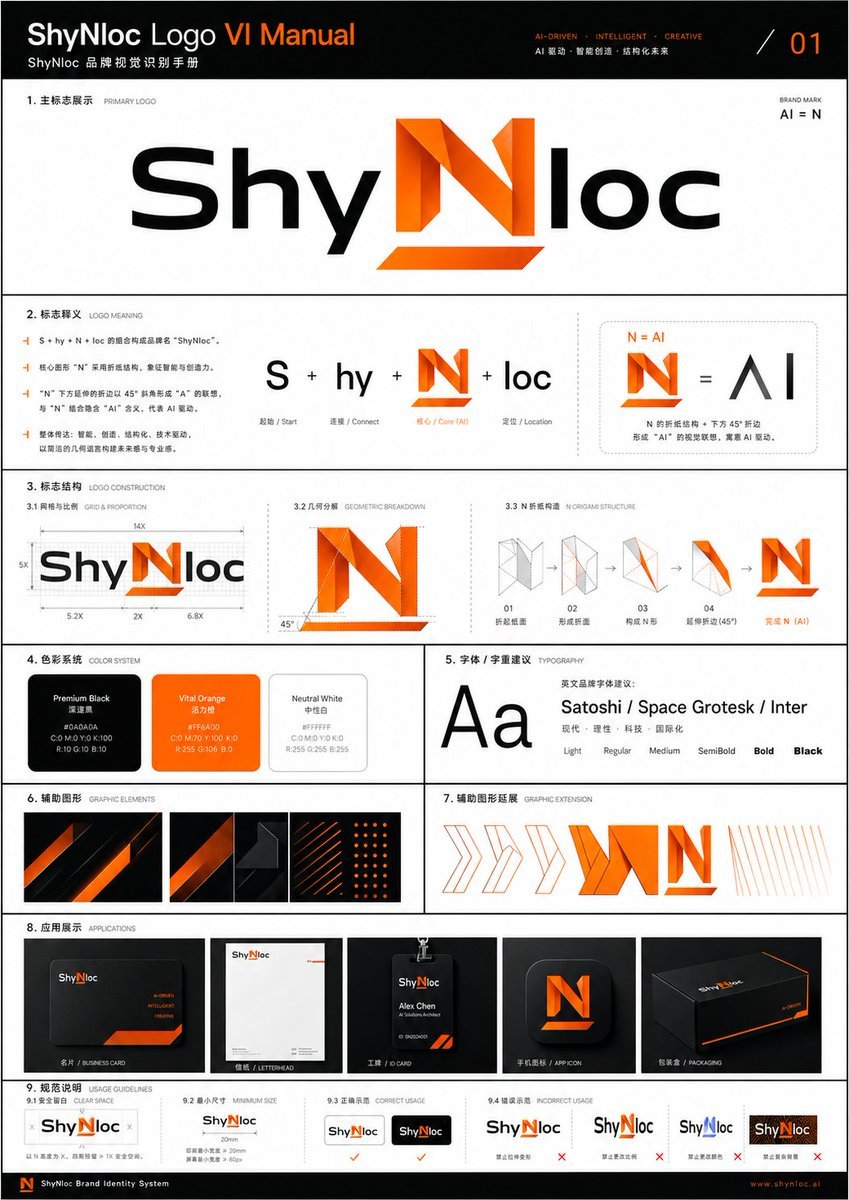
Professional Logo VI Design Manual

Retro Amagasaki Travel Poster

Cinematic Street Portrait with Motion Blur Prompt
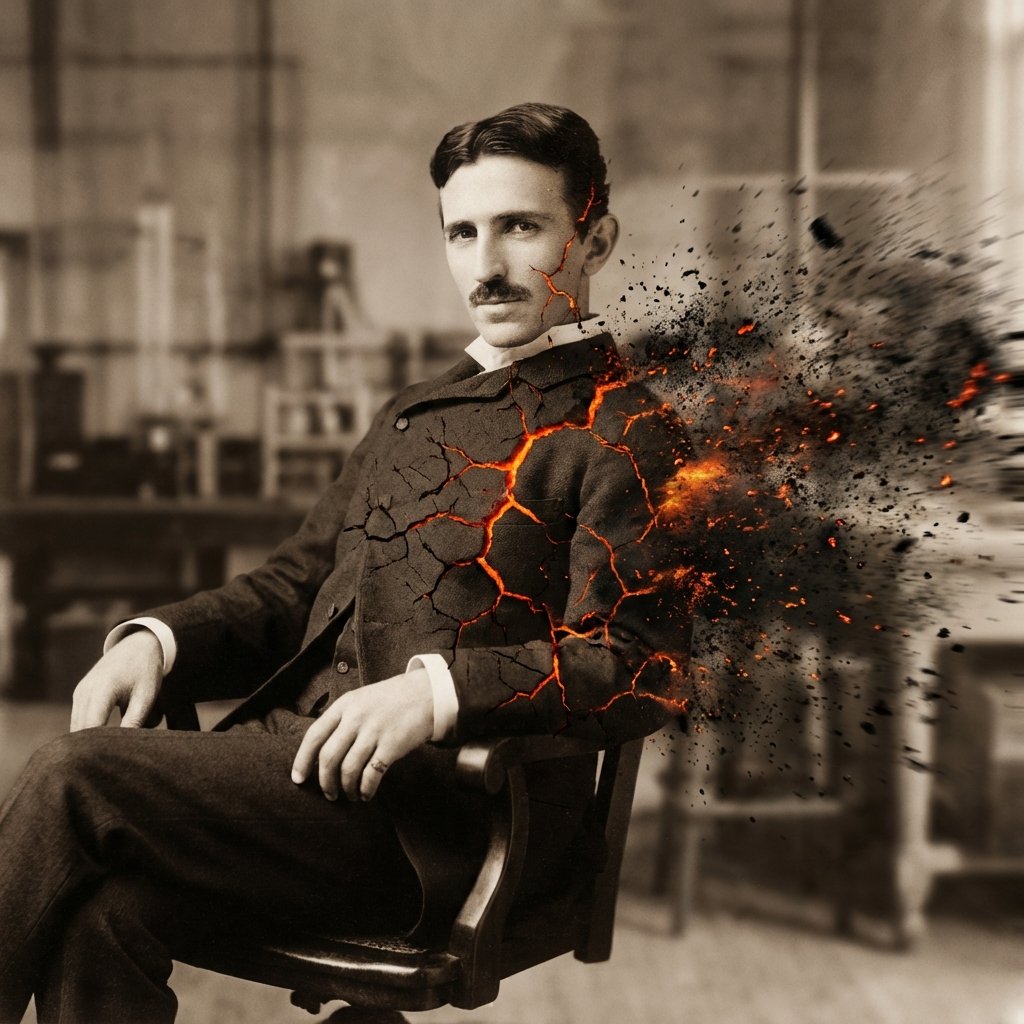
Disintegration Effect Function Prompt
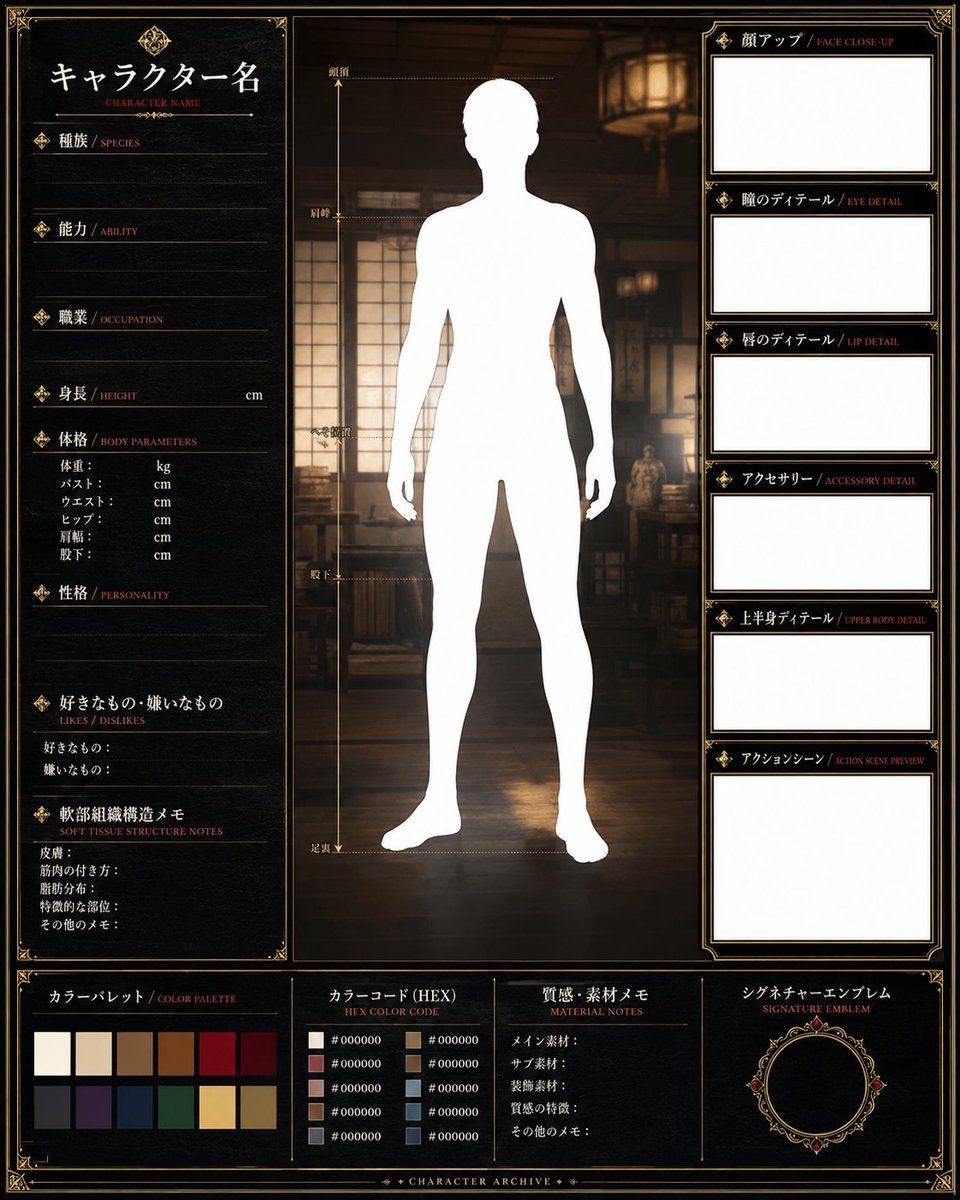
Fantasy Character Archive Sheet
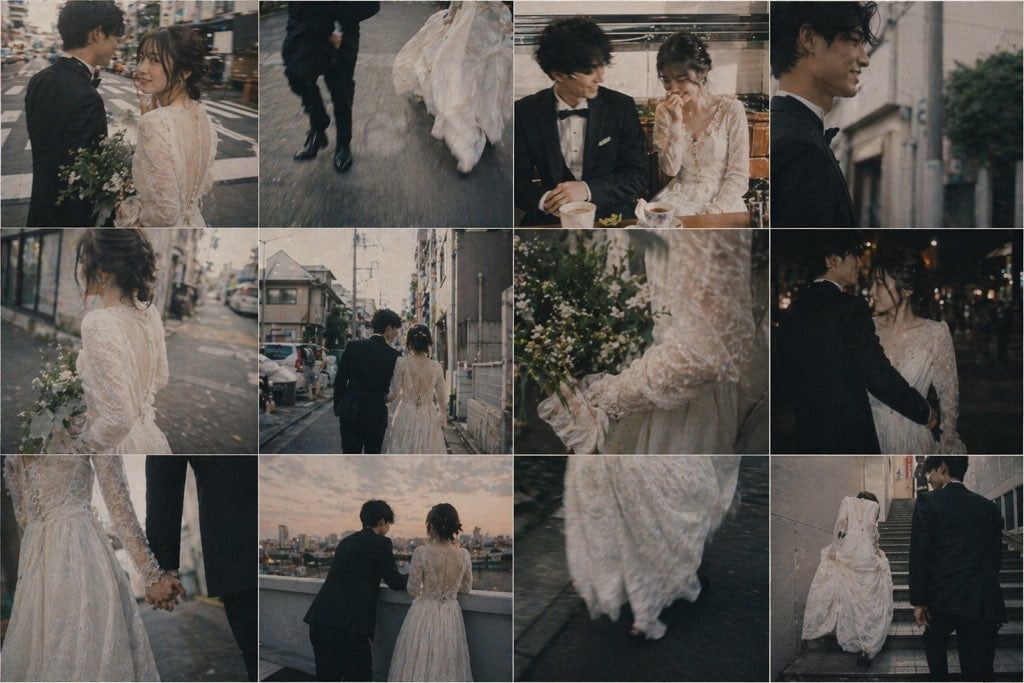
Emotional Japanese Wedding Photo Collage
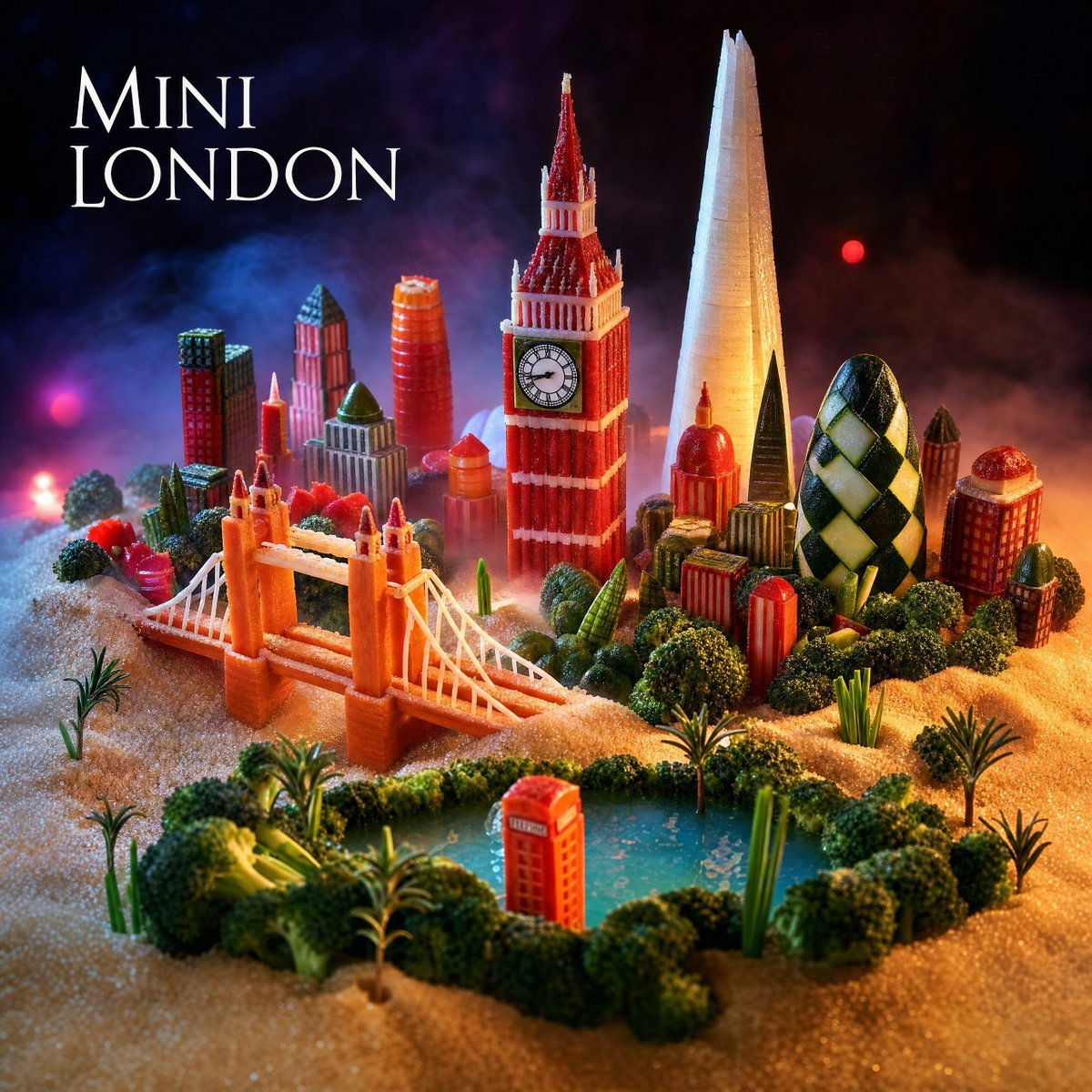
Mini London Sugar Landscape
Browse template categories
Cute Cat and Doodle Interaction questions
How do I use the Cute Cat and Doodle Interaction template?
Add your photo if the template asks for one, edit the prompt if you like — the template's model and format are already selected — and press Generate. Your version opens in PicX Studio.
Can I customize the Cute Cat and Doodle Interaction template?
Yes. You can change the subject, setting, lighting, mood, format, and available model controls before creating your image.
Is the Cute Cat and Doodle Interaction template free?
Opening and editing this template is free. Generating uses credits, shown on the Generate button when you are signed in.
Which AI model should I use?
Start with GPT Image 2, which is the model associated with this template. You can compare another compatible model for a different finish.
Looking for something else? Browse all templates.

Your photo, any look
Thousands of ready templates for every top image and video model, from one credit balance.